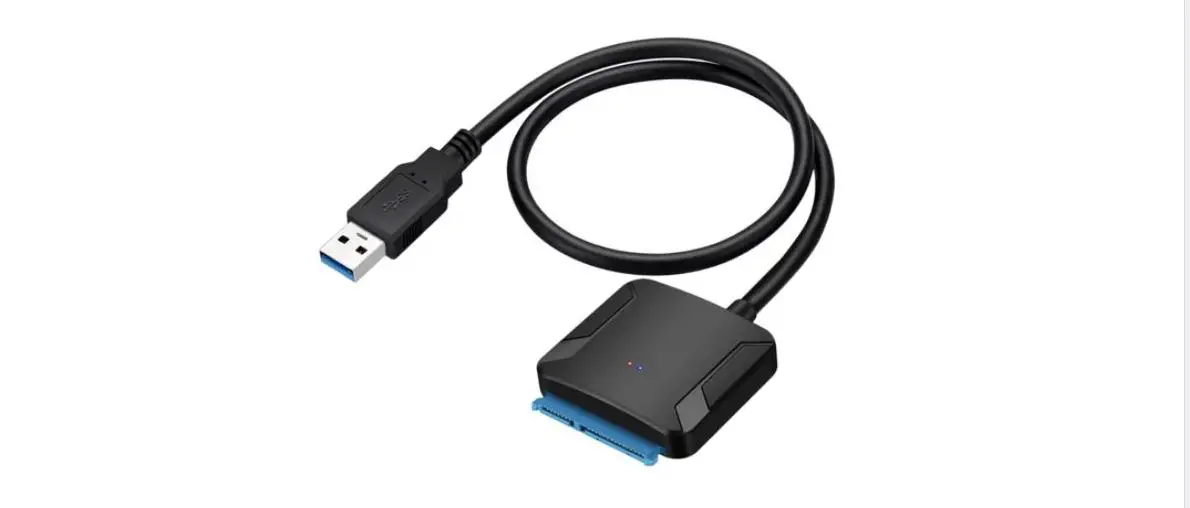
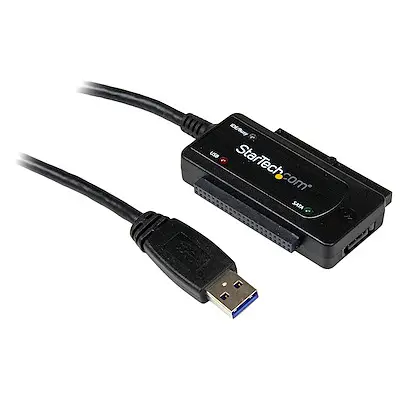
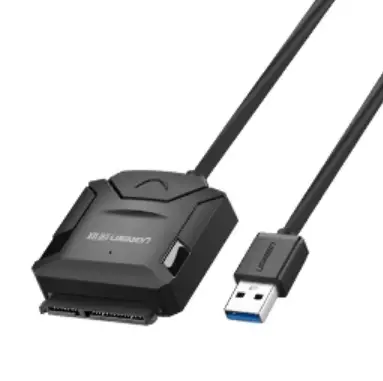
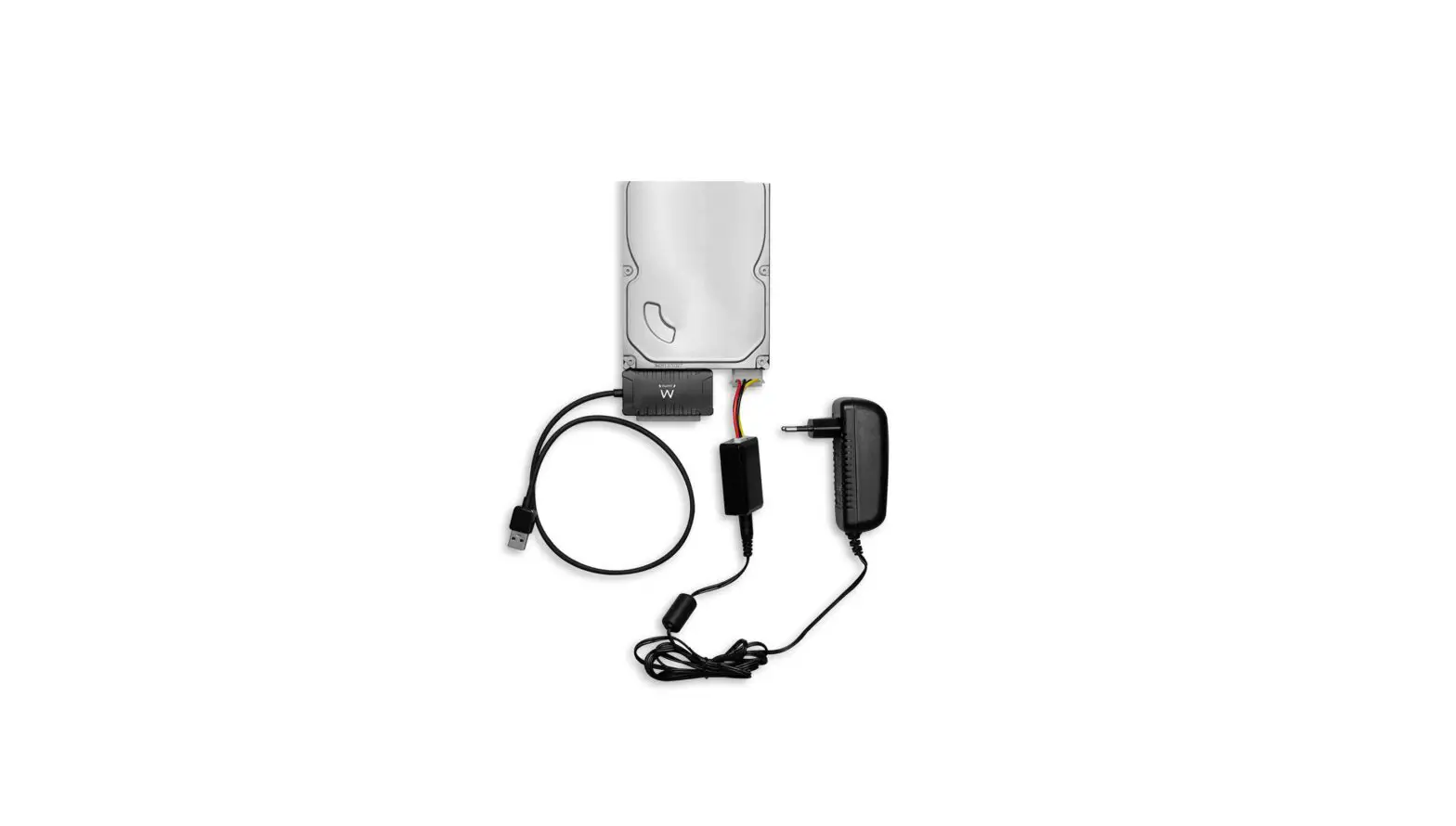
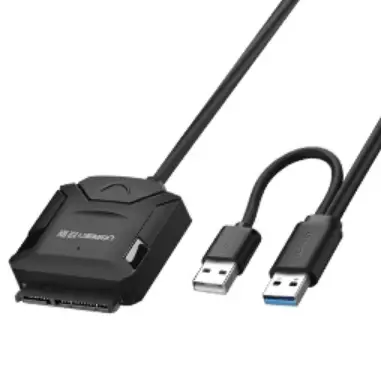
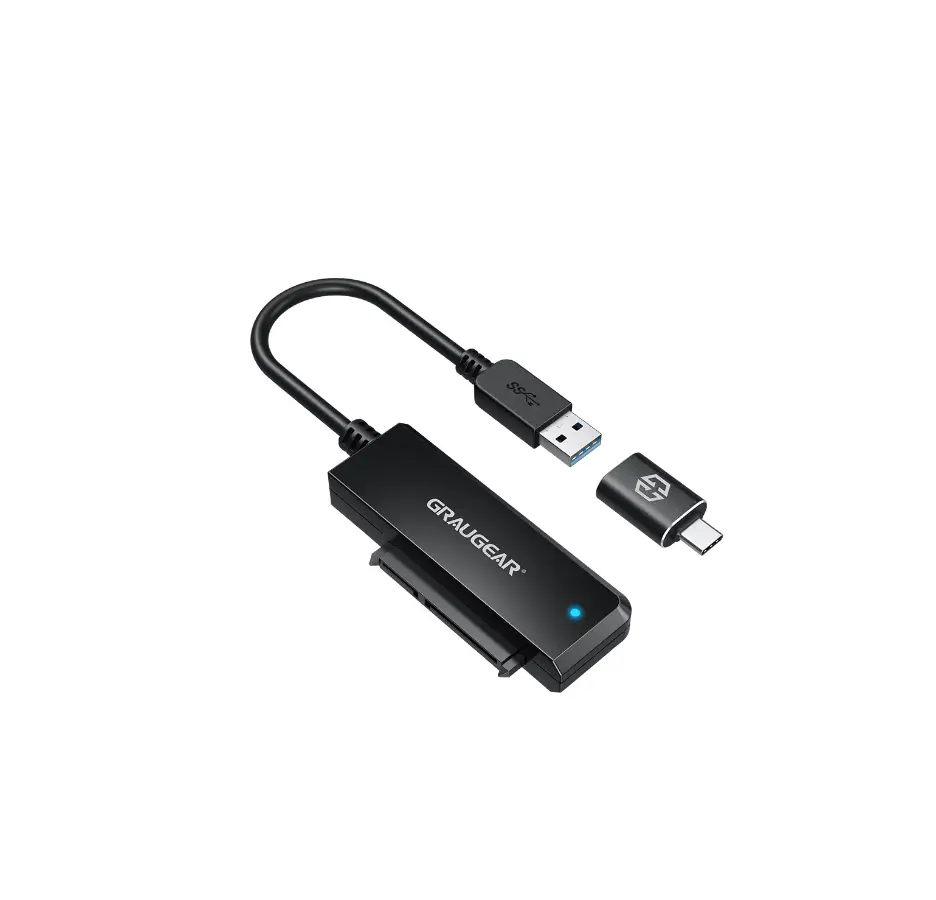
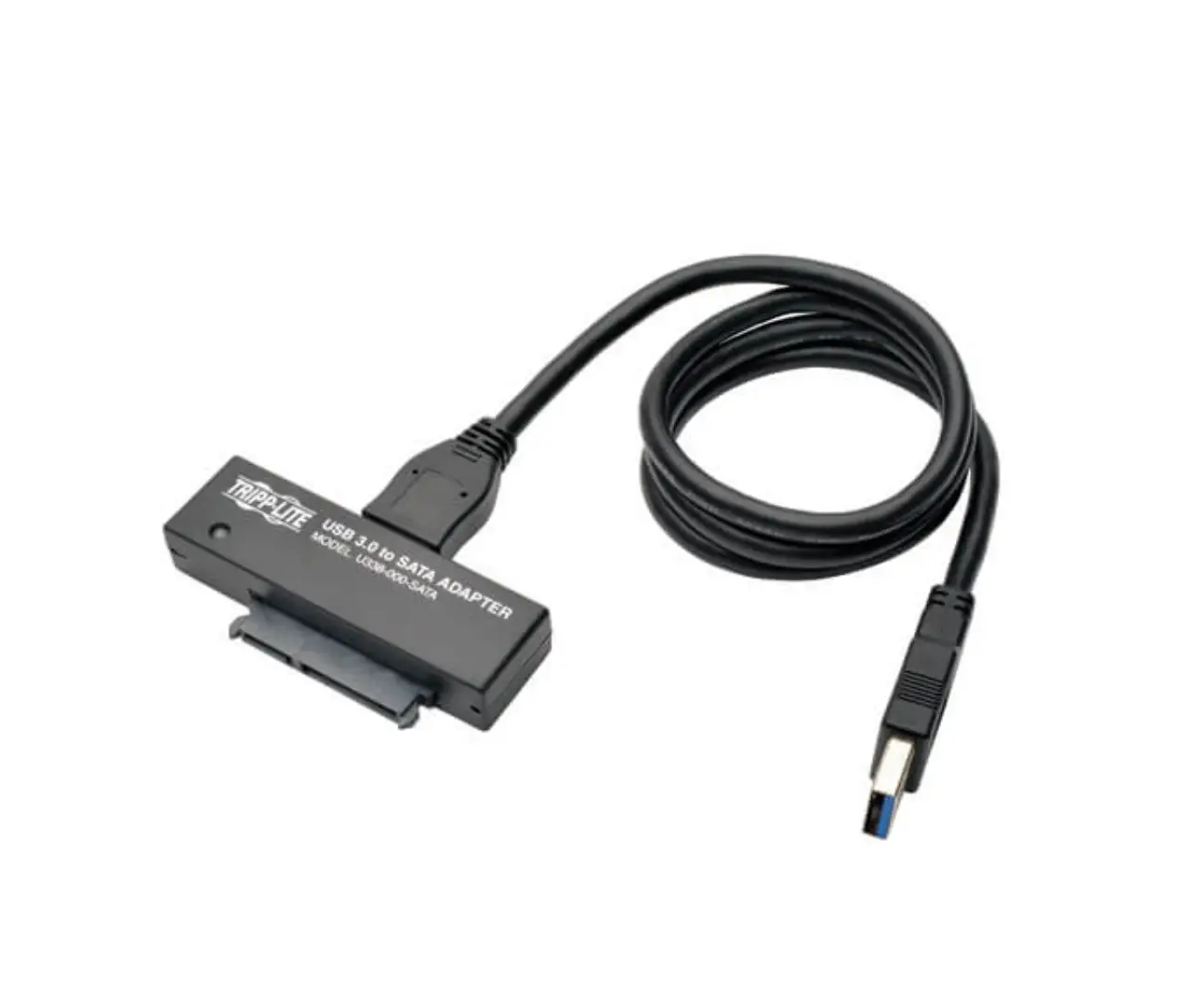
G-2603-AC USB 3.0 Adapter for 2.5 Inch SATA HDD or SSD
Product Information
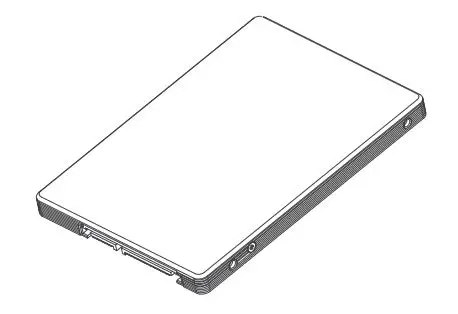
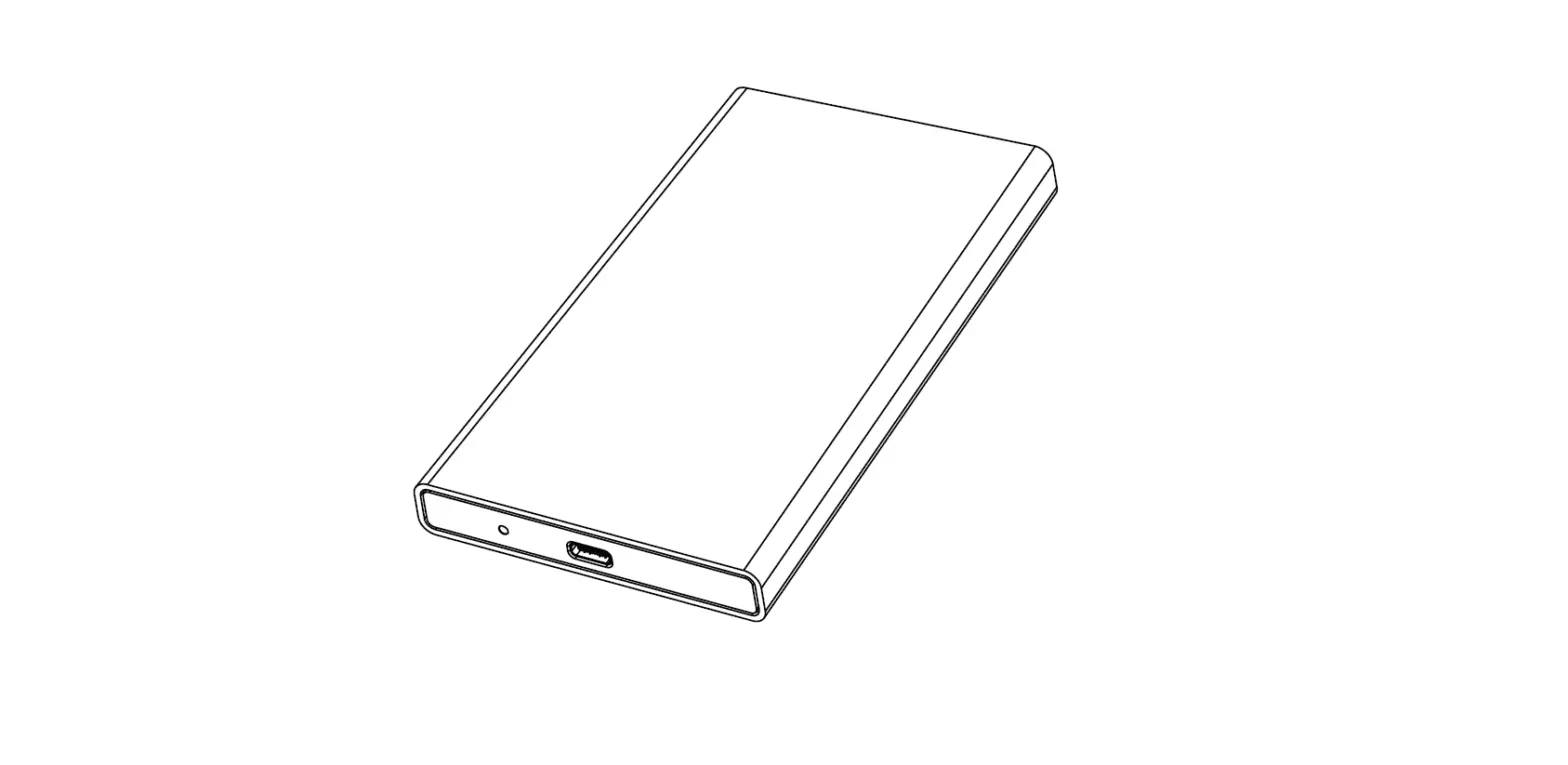
The USB 3.0 Adapter is designed for 2.5 SATA Hard Disk Drives
(HDD) and Solid State Drives (SSD). The product is manufactured by
Graugear (www.graugear.de) and the model number is G-2603-AC. The
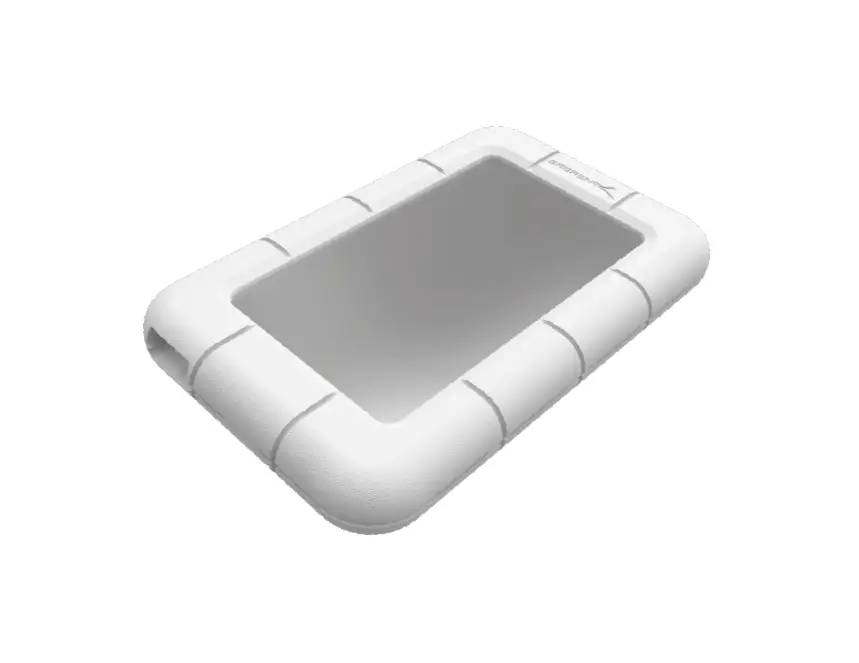
package includes the adapter, a protection box, user manual, and
guarantee card.
Features
- USB 3.0 interface
- Compatible with 2.5 SATA HDD/SSD
- Plug and play operation
- No need to shut down computer to connect or disconnect the
external drive - Requires initialization, partitioning, and formatting before
use
Specification
- Interface: USB 3.0
- HDD/SSD Support: 2.5 SATA
- Dimensions: 70 x 46 x 12 mm
- Weight: 20 g
Product Usage Instructions
Before using the USB 3.0 Adapter, please read the safety
information and follow the instructions carefully to avoid physical
damage, equipment damage, and data loss.
Hard Disk Drive Installation
- Connect the SATA HDD/SSD to the adapter.
- Connect the adapter to your computer using the USB cable.
- Wait for the computer to recognize the new device.
- Initialize, partition, and format the new HDD/SSD using your
computer’s operating system.
Safety Information
It is important to observe the following instructions to avoid
injury, property damage, and data loss:
- Do not disconnect the HDD/SSD while read/write operations are
in progress to avoid data loss. - Do not use damaging cleaning agents that may cause scratches,
color changes, moisture damage or short circuits on the
device. - Do not touch any exposed metal parts of the product or power
supply to avoid injury from electric current and voltage. - Assemble the product carefully to avoid cutting or hand
injuries. - Keep the product away from children and pets to avoid choking
and swallowing hazards.
If you encounter any issues with the product, please check if
the driver software is installed (USB) and if the HDD/SSD is
initialized, partitioned, and formatted. If the issue persists,
contact the manufacturer for assistance.
Windows and the Windows logo are registered trademarks of
Microsoft Corporation. Apple, macOS, MAC, iTunes, and Macintosh are
registered trademarks of Apple Computer.
USB 3.0 Adapter
for 2.5″ SATA HDD / SSD
www.graugear.de
G-2603-AC
Package Contents
G-2603-AC
Protection box
Type-C® Adapter
User Manual
Guarantee Card
Features
·Supports all of 2.5″ SATA HDD/SSD ·Toolless HDD/SSD installation ·USB 3.0 interface, up to 5 Gbit/s ·LED indicator for power and access ·Supports HDD height up to 9.5 mm, ·Incl. Type-C® Adapter and HDD/SSD protection box ·Supports Windows® and MacOS®
Specification
· Internal Interface : SATA · External Interface : USB3.0 Type-A · Support Hard Disk : 2,5″ SATA HDD/SSD · Transfer Speed : 6 Gbit/s ( Theoretic ) · Product material : Plastic · Cable length : 17cm
Hard Disk Drive Installation
Safety information
1
For your own safety and to avoid physical damage as well as damage to property, equipment and loss of data, please observe the following instructions
Warning signs
You will be alerted to an imminently hazardous situation which may result in serious injury or even death!
You will be alerted to a potentially dangerous situation that could result in serious injury, even death!
You will be alerted to a potentially dangerous situation that may result in minor injury!
Your attention is drawn to a possible situation that could result
in property damage and possibly environmental damage and
2
disrupt operations. 1. Dangers due to electric current and voltage!
1. The external HDD/SSD can be connected to or disconnected from the computer via USB cable without shutting down the computer.
2. Please await the end of read/write operations before disconnecting the HDD to avoid data lost.
3. A new HDD/SSD must first be initialised, partitioned and formatted by the operation system to be displayed by the system.
4. If the hard disc isn’t recognised instantly by the operating system please
CHECK
– if the driver software is installed (USB), – if the HDD/SSD is initialised, partitioned and formatted.
· Avoid any contact with electrically conductive parts, there is a danger to life due to electric shock. · Please read the operating instructions before use. · Make sure the product is not energized before opening or working on it. · Please do not remove the contact protection cover under any circumstances. · Avoid contact with live parts. · Do not touch any plug-in connectors with metallic or pointed objects. · Use the product only in designated environments. · If necessary, operate the product only with power supplies that correspond to the nameplate. · Do not expose the product or power supply to moisture and liquid, steam and dust. · Do not make any independent modifications to the product. · Do not connect / use the product during a thunderstorm. · In case of repair, please contact the specialist dealer or GrauGear. 2. Possible dangers during assembly due to sharp-edged components!
Cutting and hand injuries possible during assembly.
· Please read the operating instructions before assembly. · Avoid contact with sharp or pointed objects. · Do not use force during assembly. · Only use suitable tools or supplied accessories and tools. 3. Danger of heat generation due to insufficient ventilation of the
product/power supply! In this case, overheating and/or failure of the product/power supply unit is possible.
· Avoid external heat supply and provide air exchange. · Keep fan outlets and heat sinks free. · Avoid direct sunlight on the product/power supply. · Make sure there is enough environmental space for the product/power supply. · Do not place any objects on the device/power supply. 4. Danger of suffocation! Danger due to small parts and packaging!
Danger to life due to choking and swallowing.
· Please be sure to read the instructions for use. · Keep small parts and accessories safe from children. · Keep and dispose of plastic bags and packaging from children. · Never put small parts and packaging into children’s hands! 5. Possible data loss / data loss during commissioning.
Irrecoverable data loss possible!.
· Please be sure to read the operating instructions. · Use the product only if all specifications and requirements are met. · Always perform a data backup of storage media to be installed. · Always perform a data backup before commissioning. · Always perform a data backup before connecting new hardware. · Only use the accessories supplied with the product. 6. Cleaning of the product.
Damaging cleaning agent – scratches, color changes, moisture damage or short circuit on the device.
· Take the product out of operation before each cleaning. · Do not use aggressive / harsh cleaners. · Make sure that there is no residual moisture in the device after cleaning. · It is best to use an antistatic cloth for cleaning. 7. Disposal of the product – environmental pollution, recycling not possible!
“The adjacent symbol on the product and packaging indicates that this product must not be disposed of with other household waste. If necessary, remove old batteries, rechargeable batteries and lamps before returning the product (if possible without destroying the old device and if it is not to be reused). According to the Waste Electrical and Electronic Equipment (WEEE) Directive, you may not dispose of this product and any batteries/rechargeable batteries it may contain in your normal household waste. If you wish to dispose of this product/batteries, please take them to a suitable disposal point (recycling collection point in your city) or return them to your point of purchase.” If you have any questions, please do not hesitate to contact our support at [email protected] or visit our website www.graugear.de
© Copyright 2021 by CHAB GmbH. All Rights Reserved Ohlstedter Strasse 17, 22949 Ammersbek / Germany Made in China
Windows and the Windows logo are registered trademarks of Microsoft Corporation. Apple, macOS, MAC, iTunes and Macintosh are registered trademarks of Apple Computer.
Verpackungsinhalt
USB 3.0 Adapter
für 2,5″ SATA HDD/SSD
www.graugear.de
G-2603-AC
G-2603-AC
Schutzbox
Type-C® Adapter
Handbuch
Garantiekarte
Hauptmerkmale
·Unterstützt alle 2,5″SATA HDD/SSD ·Werkzeuglose HDD/SSD Installation ·USB 3.0 Schnittstelle, bis zu 5 Gbit/s ·LED Anzeige für in Betrieb und Zugriff ·Unterstützt HDD/SSD mit einer Höhe von bis zu 9,5 mm ·Inkl. Type-C® Adapter und HDD/SSD Schutzbox ·Unterstützt Windows® und MacOS®
Spezifikation
·Interne Schnittstelle: SATA ·Externe Schnittstelle: USB3.0 Type-A ·Unterstützt Festplattenlaufwerk: 2,5″SATA HDD/SSD ·Datenübertragungsrate : 6 Gbit/s ( Theoretisch ) ·Produktmaterial : Kunststoff ·Kabellänge : 17cm
Festplatteninstallation
1
2
1. Die externe HDD/SSD kann mit USB Kabel an einen Computer angeschlossen oder von ihm getrennt werden, ohne dass der Computer heruntergefahren werden muss.
2. Bitte warten Sie bis zum Ende der Lese-/Schreibvorgänge ab, bevor Sie die HDD/SSD vom den Computer abtrennen, um Datenverluste zu vermeiden.
3. Eine neue HDD/SSD muss zuerst initialisiert, partitioniert und formatiert werden. 4. Wenn eine HDD/SSD nicht sofort vom Betriebssystem erkannt wird, bitte
Prüfen
-ob die Treibersoftware installiert ist (USB). -ob die HDD/SSD initialisiert, partitioniert und formatiert ist.
Sicherheitshinweise
Bitte beachten Sie zu Ihrer eigenen Sicherheit und zur Vermeidung von körperlicher Schäden, sowie von Sach-, Geräteschäden und Datenverlust bitte die nachfolgenden Hinweise Warnkennzeichen
Sie werden auf eine unmittelbar gefährliche Situation aufmerksam gemacht, die zu schweren Verletzungen, bis hin zum Tod führen kann! Sie werden auf eine mögliche gefährliche Situation aufmerksam gemacht, die zu schweren Verletzungen, bis hin zum Tod führen kann! Sie werden auf eine mögliche gefährliche Situation aufmerksam gemacht, die zu leichten Verletzungen führen kann! Sie werden auf eine mögliche Situation aufmerksam gemacht, die Sach- und ggf. Umweltschäden verursachen und ggf. den Betriebsablauf stören kann. 1. Gefahren durch elektrischen Strom und Spannung!
· Vermeiden Sie jeglichen Kontakt mit elektrisch leitenden Teilen, es besteht Lebensgefahr durch Stromschlag. · Bitte lesen Sie vor der Verwendung die Betriebsanleitung. · Achten Sie auf Spannungsfreiheit bevor Sie das Produkt öffnen, oder Arbeiten dran vornehmen. · Bitte keinesfalls Kontaktschutzblenden entfernen. · Vermeiden Sie Konatkt mit Spannungsführenden Komponenten. · Berühren Sie keine Steckkonatkte mit metallischen, oder spitzen Gegenständen. · Verwenden Sie das Produkt nur in dafür vorhergesehenen Umgebungen. · Betreiben Sie das Produkt ggf. ausschließlich mit Typenschildkonformen Netzteilen. · Setzen Sie das Produkt , ggf. Netzteil weder Feuchtiglkeit und Flüssigkeit, noch Dampf und Staub. · Nehmen Sie keine eigenständigen Modifikationen am Produkt vor. · Das Produkt nicht während eines Gewitters anschließen / verwenden. · Wenden Sie sich im Reparaturfall an den Fachhändler, oder an GrauGear. 2. Gefahren ggf. während der Montage durch scharfkantige Bauteile!
Schnitt- und Handverletzungen bei ggf. Monatge möglich.
· Bitte lesen Sie vor der Montage die Betriebsanleitung. · Vermeiden Sie Kontakt mit scharfen, oder spitzen Gegenständen. · Wenden Sie bei der Montage keine Gewalt an. · Verwenden Sie nur geeignetes Werkzeug, ggf. mitgeliefertes Zubehör und Werkzeug. 3. Gefahr durch Wärmeentwicklung augrund Mangelhafter Belüftung
des Produktes/Netzteils! Überhitzung und/oder Ausfall des Produktes/Netzteils in diesem Fall möglich.
· Vermeiden Sie externe Wärmezufuhr und sorgen Sie für Luftaustausch. · Halten Sie Lüfterauslässe und passieve Kühlkörper frei. · Vermeiden Sie eine direkte Sonneneinstrahlung auf das Produkt/Netzteil. · Stell Sie sicher das ausreichend Umgebungsluft für das Produkt/Netzteil vorhanden ist. · Stellen Sie keine Gegestände auf dem Gerät/Netzteil ab. 4. Erstickungsgefahr! Gefahren durch Kleinstteile und Verpackung!
Es besteht Lebensgefahr durch Ersticken und Verschlucken.
· Bitte lesen Sie unbedingt die Betriebsanleitung. · Verwahren Sie Kleinteile und Zubehör sicher vor Kindern. · Verwahren und entsorgen Sie Plastiktüten und Verpackung sicher vor Kindern. · Geben Sie Kleinteile und Verpackung nie in Kinderhände! 5. Möglicher Datenverlust / Datenverlust bei der Inbetriebnahme.
Unwiederbringlicher Datenverlust möglich!.
· Bitte lesen Sie unbedingt die Betriebsanleitung. · Verwenden Sie das Produkt nur, wenn alle Spezifikationen und Anforderungen erfüllt sind. · Führen Sie immer eine Datensicherung von zu verbauenden Speichermedien durch. · Führen Sie immer eine Datensicherung vor der Inbetriebnahme durch. · Führen Sie immer eine Datensicherung vor dem Anschluss neuer Hardware durch. · Verwenden Sie ausschließlich das dem Produkt beiligende Zubehör. 6. Reinigung des Produktes.
Schädigendes Reinigungsmittel – Kratzer, Farbveränderungen, Feuchtigkeitsschänden oder Kurzschluss am Gerät.
· Nehmen Sie das Produkt vor jeder Reinung außer Betrieb. · Nehmen Sie keine aggressiven / scharfen Reiniger · Stelle Sie sich das nach einer Reinigung keine Restfeuchte mehr im Gerät vorhanden ist. · Verwenden Sie zur Reinigung am besten ein Antistatiktuch. 7. Entsorgung des Produktes – Umweltverschmutzung,
Wiederverwertung nicht möglich!”
“Das nebenstehende, auf dem Produkt und der Verpackung aufgebrachte Symbol zeigt an, Sie dieses Produkt nicht im Hausmüll entsorgen dürfen. Entnehmen Sie ggf. vor einer Rücksendung (soweit ohne Zerstörung des Altgeräts möglich und sofern keine Wiederverwendung erfolgen soll) alte Batterien, Akkus und Lampen. Lt. der Richtlinie über Elektro- und Elektronik-Altgeräte (WEEE), dürfen Sie dieses Produkt und ggf. darin enthaltene Batterien/Akkus nicht in Ihrem normalen Hausmüll / Gelber Sack entsorgen. Wenn Sie dieses Produkt/Akkus entsorgen möchten, führen Sie es bitte einer geeigneten Entsorgungsstelle (Recycling-Sammelpunkt Ihrer Stadt oder Gemeinde) zu, oder geben bringen Sie es zur Ihrer Verkaufsstelle zurück.” Bei Fragen kontaktieren Sie gerne Support unter [email protected] oder besuchen Sie unsere Internetseite www.graugear.de
EMT25013CGG
© Copyright 2021 by CHAB GmbH. All Rights Reserved Ohlstedter Straße 17, 22949 Ammersbek / Deutschland Made in China
Windows und das Windows-Logo sind eingetragene Warenzeichen der Microsoft Corporation. Apple, mac OS, MAC, iTunes und Macintosh sind eingetragene Marken von Apple Computer.
 GRAUGEAR - USB Enclosures, USB Adapters, USB Hubs, M.2 SSD Cooling and more