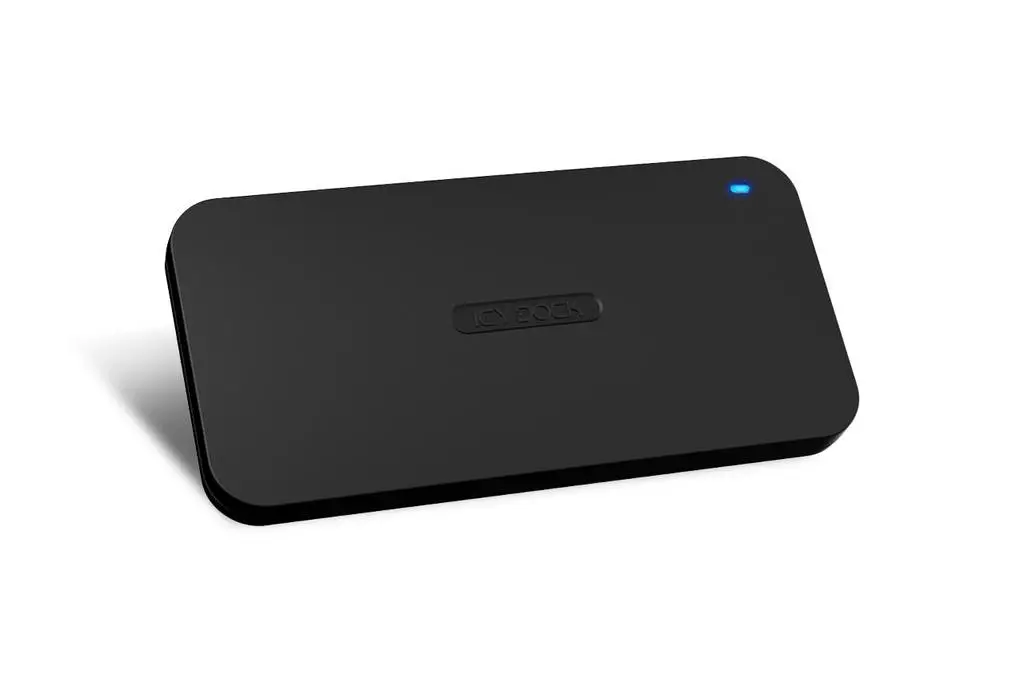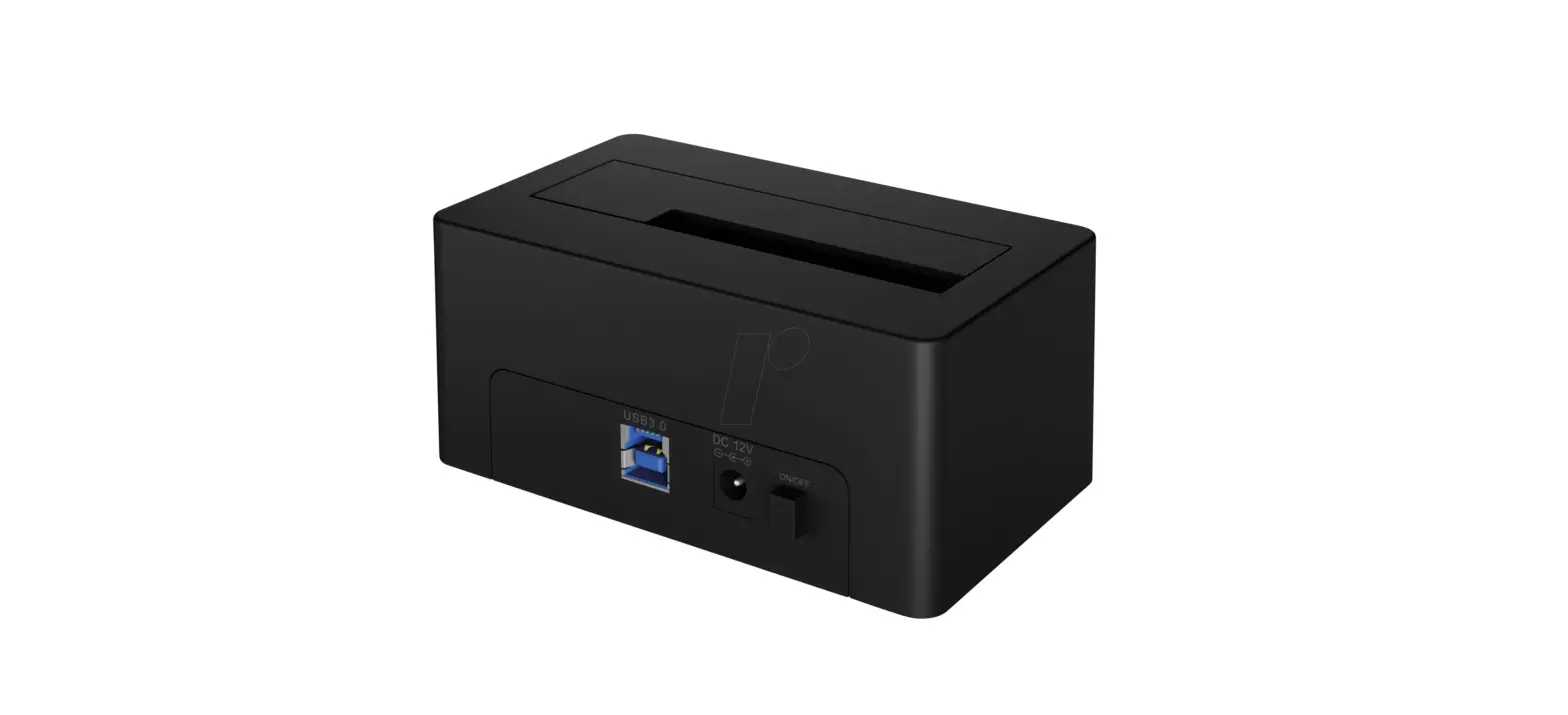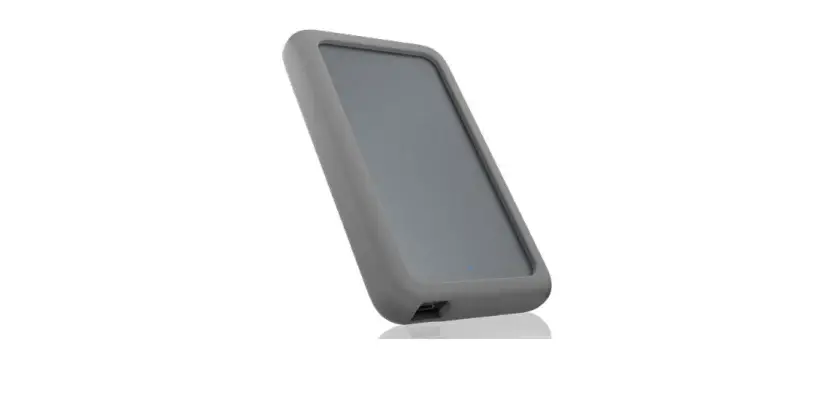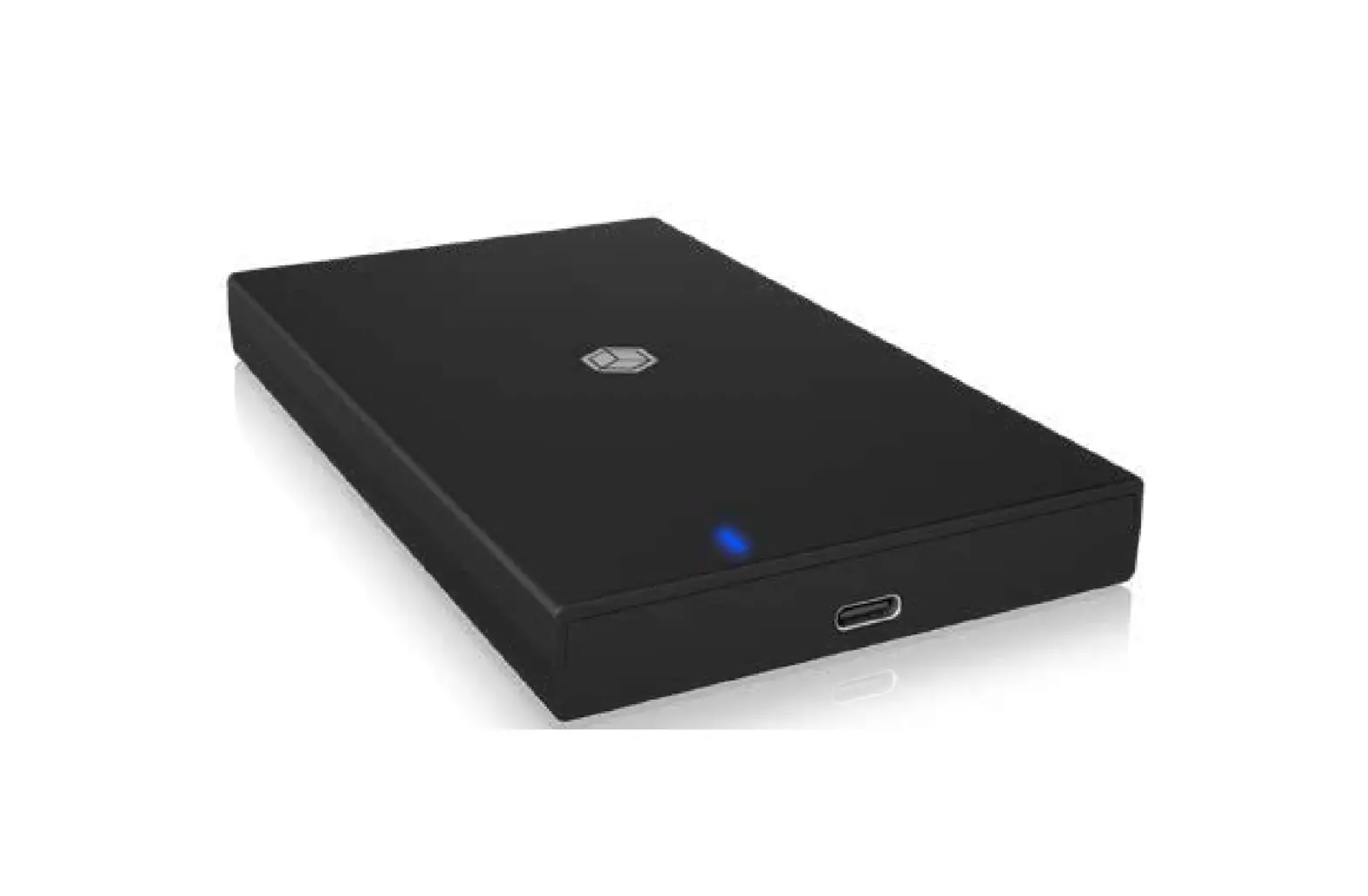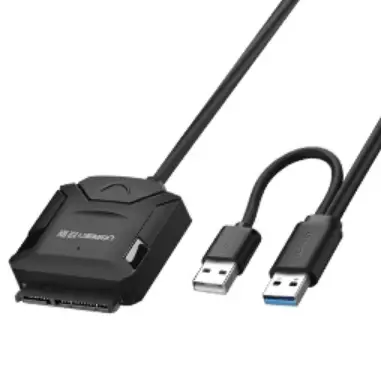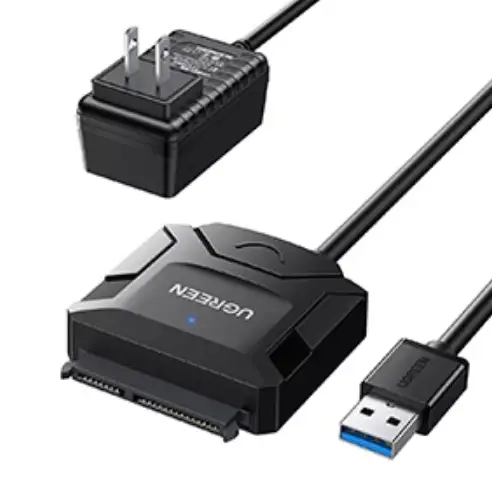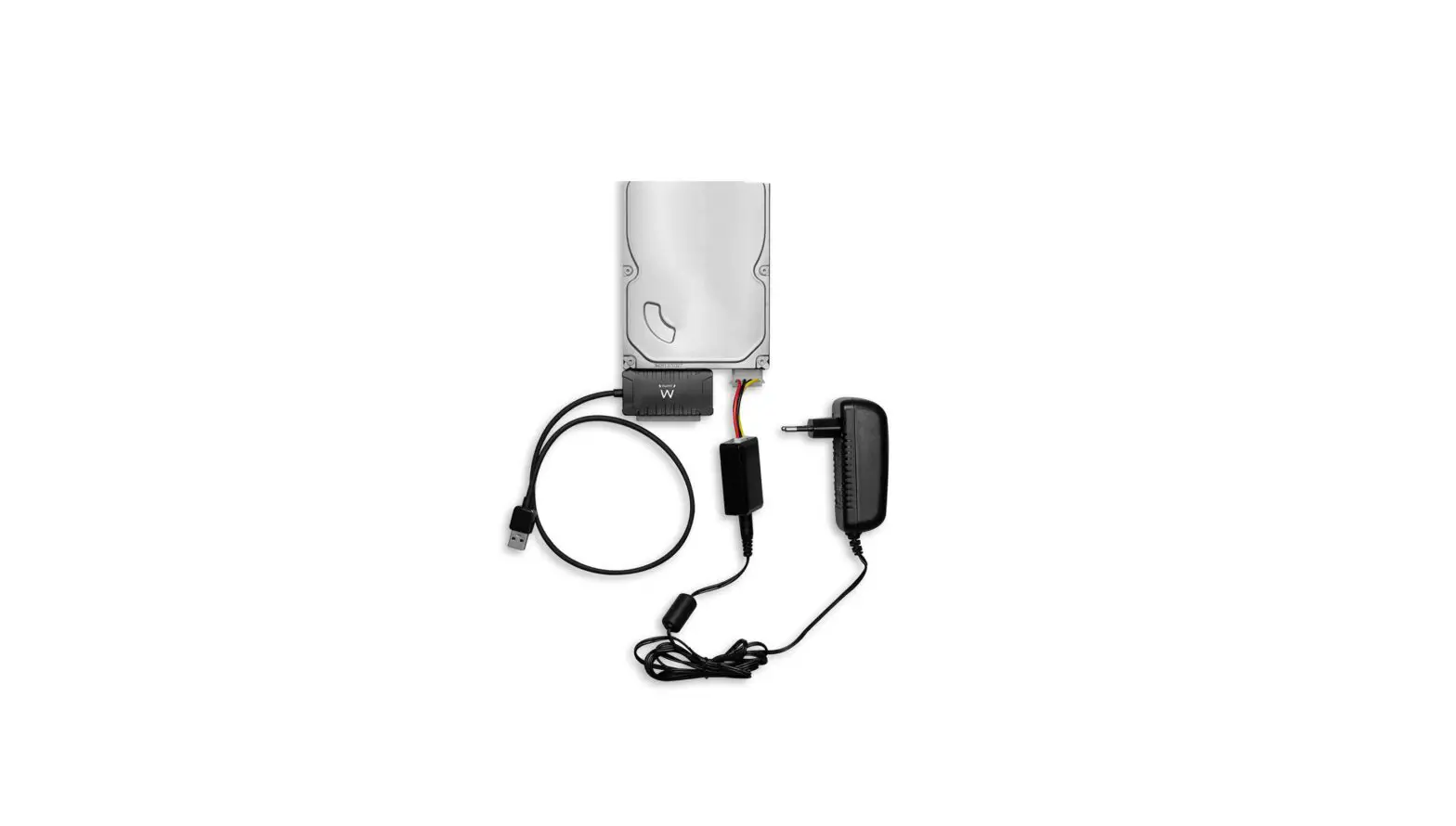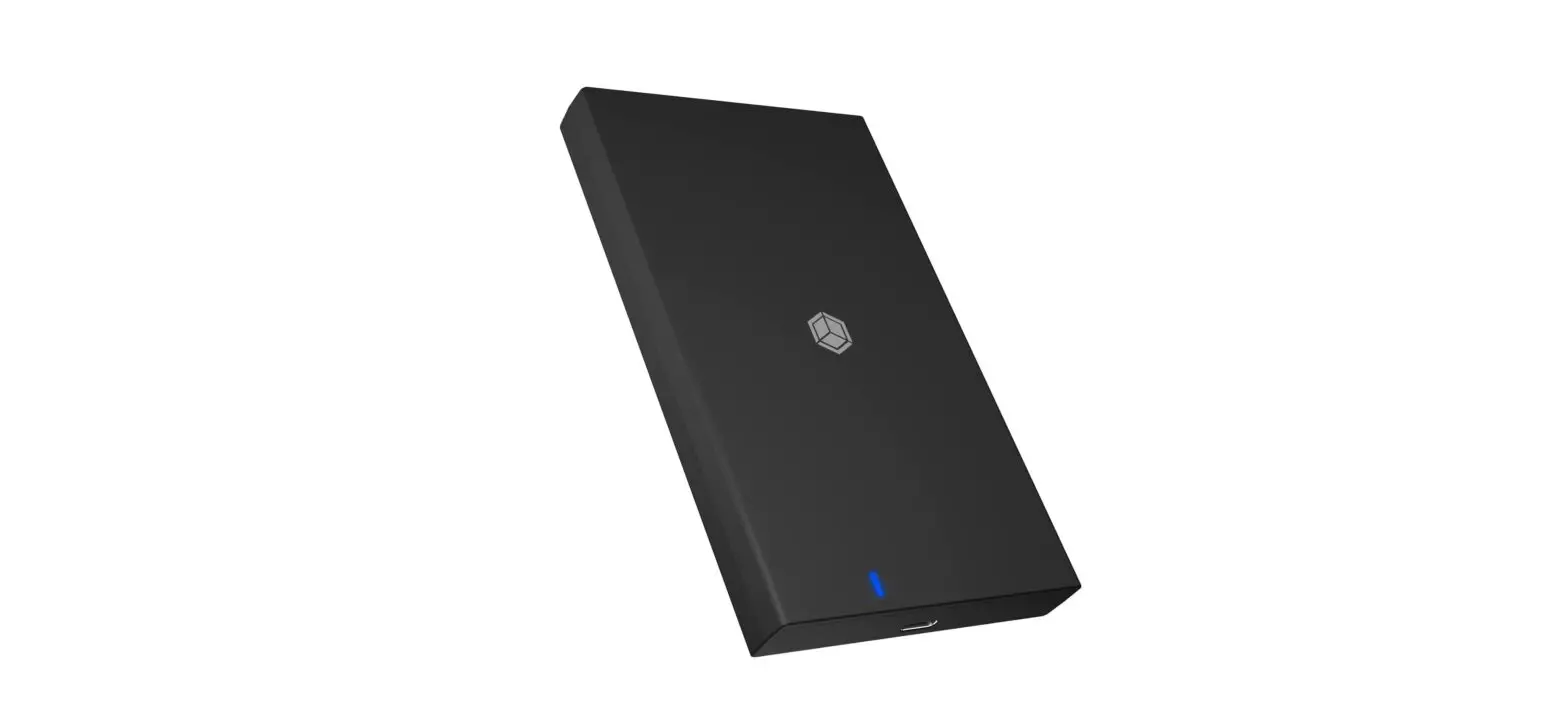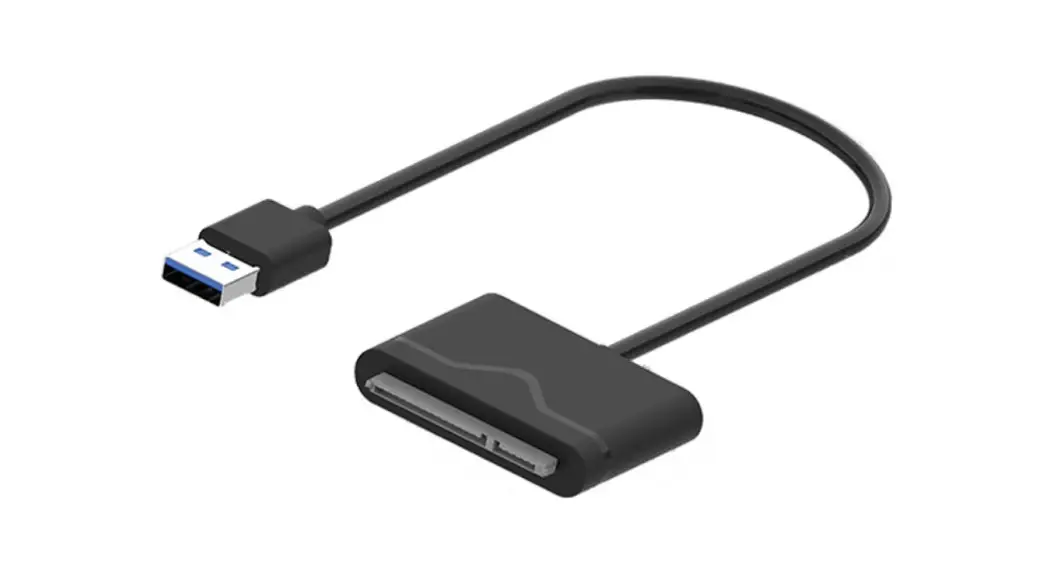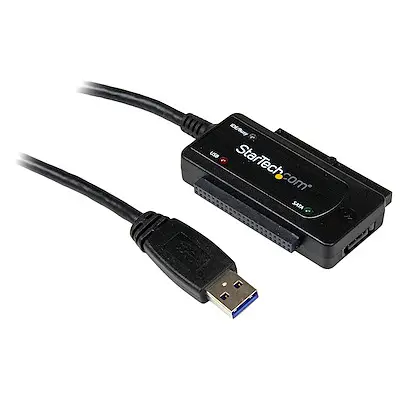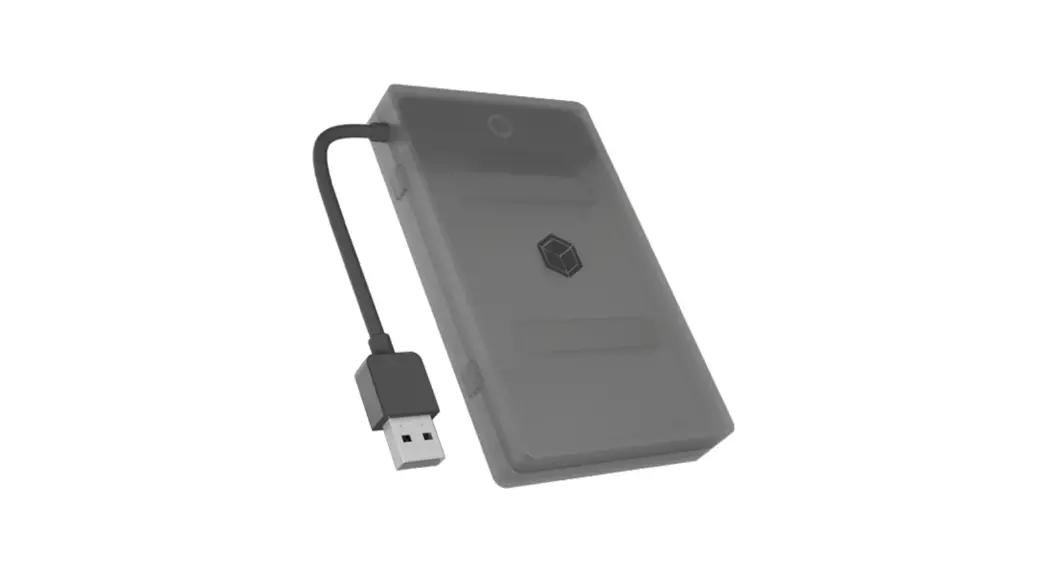
 IB-AC603b-U3 2.5 Inch SATA To USB 3.2 Gen 1 Adapter With Protection Box
User Manual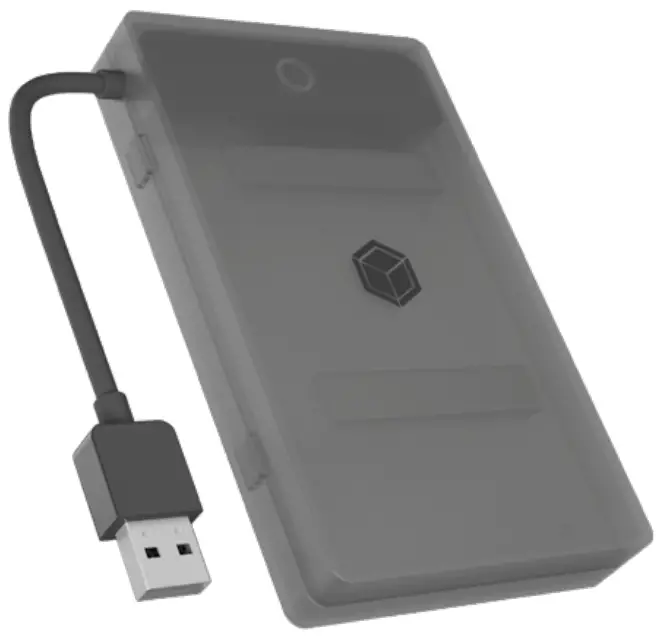 Manual IB-AC603b-U3
2.5″ SATA to USB 3.2 Gen 1 adapter with protection box
Handbuch IB-AC603b-U3
2,5″ SATA zu USB 3.2 Gen 1 Adapter mit Schutzbox.
Package content
1x IB-AC603b-U3 adapter
1x Protection box
4x Spacer (2x 2.5 mm / 2x 5.0 mm)
1x Quick installation guide
System requirements
- One free USB 3.2 Gen 1 Type-A port on your host computer
- For Windows®, macOS®and Chrome OS™
- Supports 2.5″ SATA drive with a height of up to 9.5 mm
Features
- Integrated USB cable
- Toolless drive installation
- USB 3.2 Gen 1 with up to 5 Gbit/s
- For 2.5″ SATA drives with a height of up to 9.5 mm
- For Windows®, macOS ® and Chrome OS ™
Installation
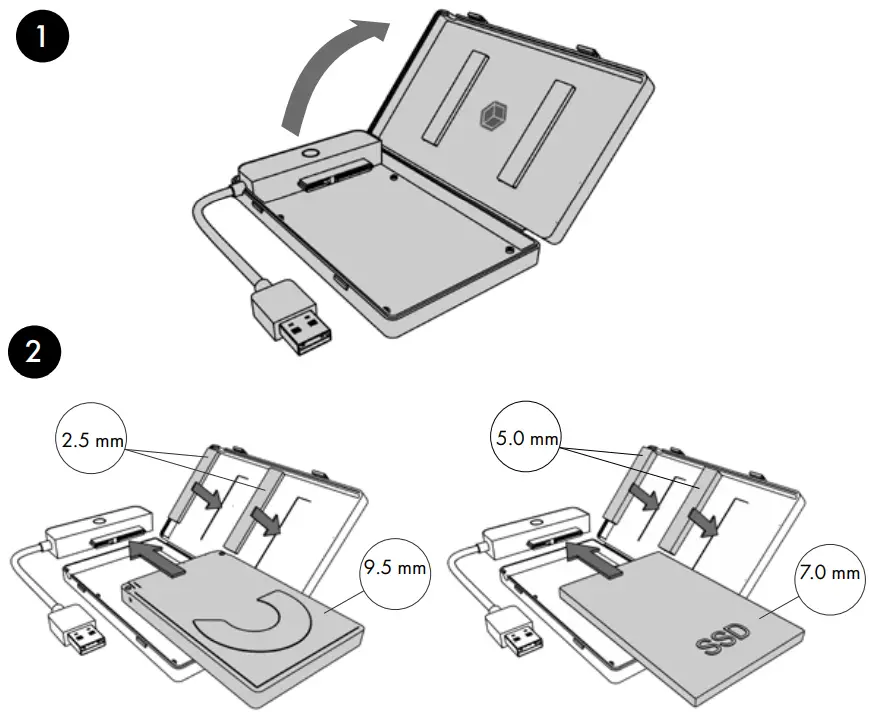
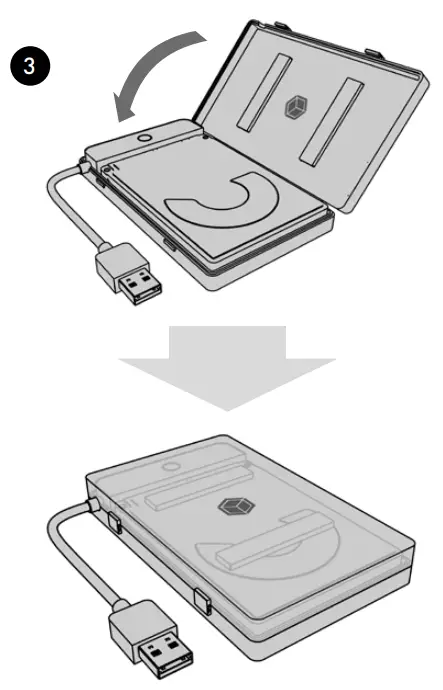
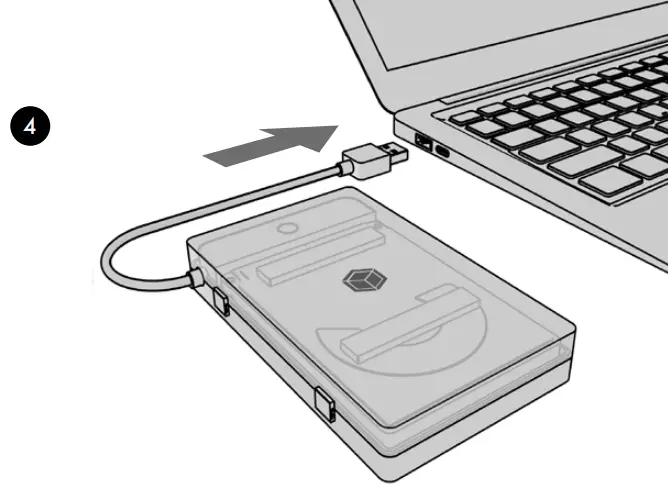 Usage
Usage
ATTENTION: A new HDD/SSD must first be initialized, partitioned and formatted by the operating system to be recognized and displayed by the system. If the hard disc is not recognized instantly by the operating system please check:
- if the driver software is installed and updated (USB)
- if the HDD/SSD is initialized, partitioned and formatted.
ATTENTION: The IB-AC603b-U3 supports HotPlug function (hard disk can be changed during operation of the running computer). Please await write and copy operations to prevent data lost.
- Connect your 2.5″ SATA SSD/HDD to the SATA connector.
- Connect the USB 3.2 Gen 1 Type-A connector to your host computer.
- The SSD/HDD will be recognized by the system and is ready for use.
© Copyright 2022 by RaidSonic Technology GmbH. All Rights Reserved
The information contained in this manual is believed to be accurate and reliable.
RaidSonic Technology GmbH assumes no responsibility for any errors contained in this manual. RaidSonic Technology GmbH reserves the right to make changes in the specifications and/or design of the above mentioned product without prior notice.
The diagrams contained in this manual may also not fully represent the product that you are using and are there for illustration purposes only. RaidSonic Technology GmbH ssumes no re- sponsibility for any differences between the product mentioned in this manual and the product, you may have. Apple and macOS, MAC, iTunes and Macintosh are registered trademarks of Apple Computer Inc. Microsoft, Windows and the Windows logo are registered trademarks of Microsoft Corporation.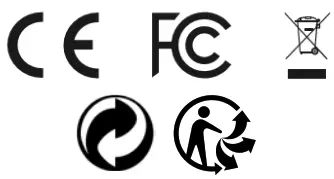
 Info-tri | Ministères Écologie Énergie Territoires