
www.conceptronic.net
[email protected]
Multi Language Quick Guide
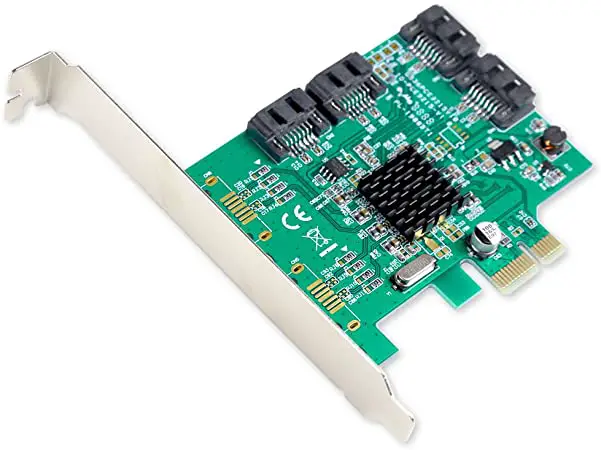
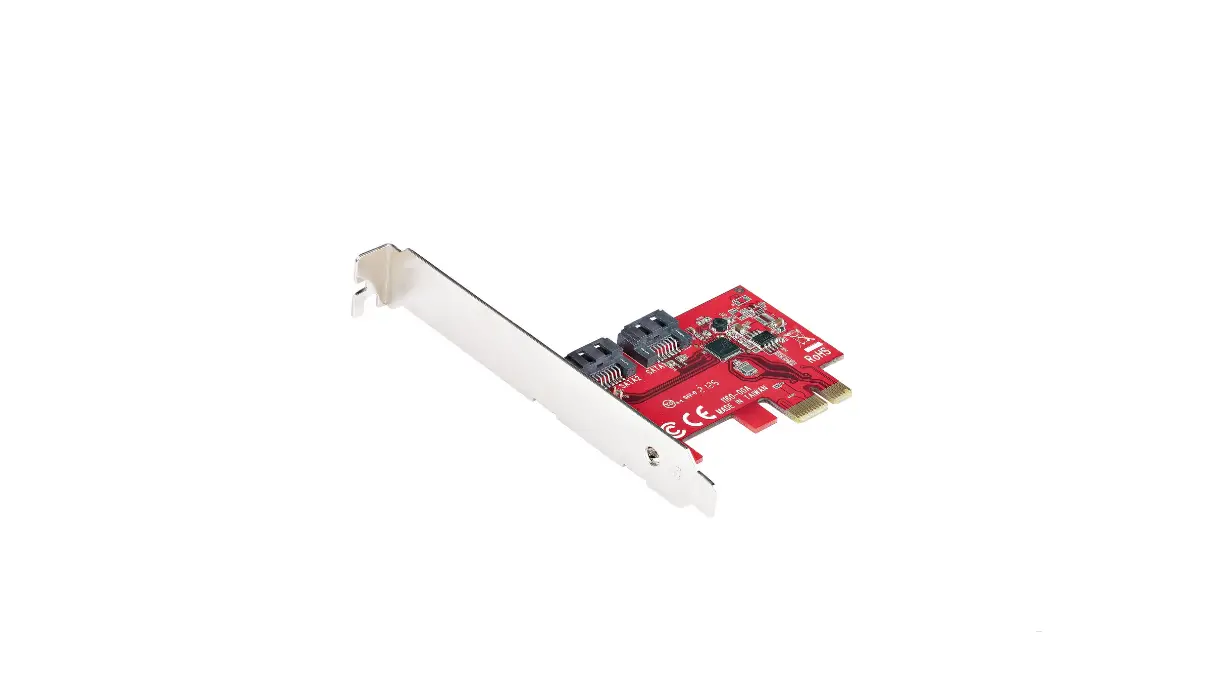
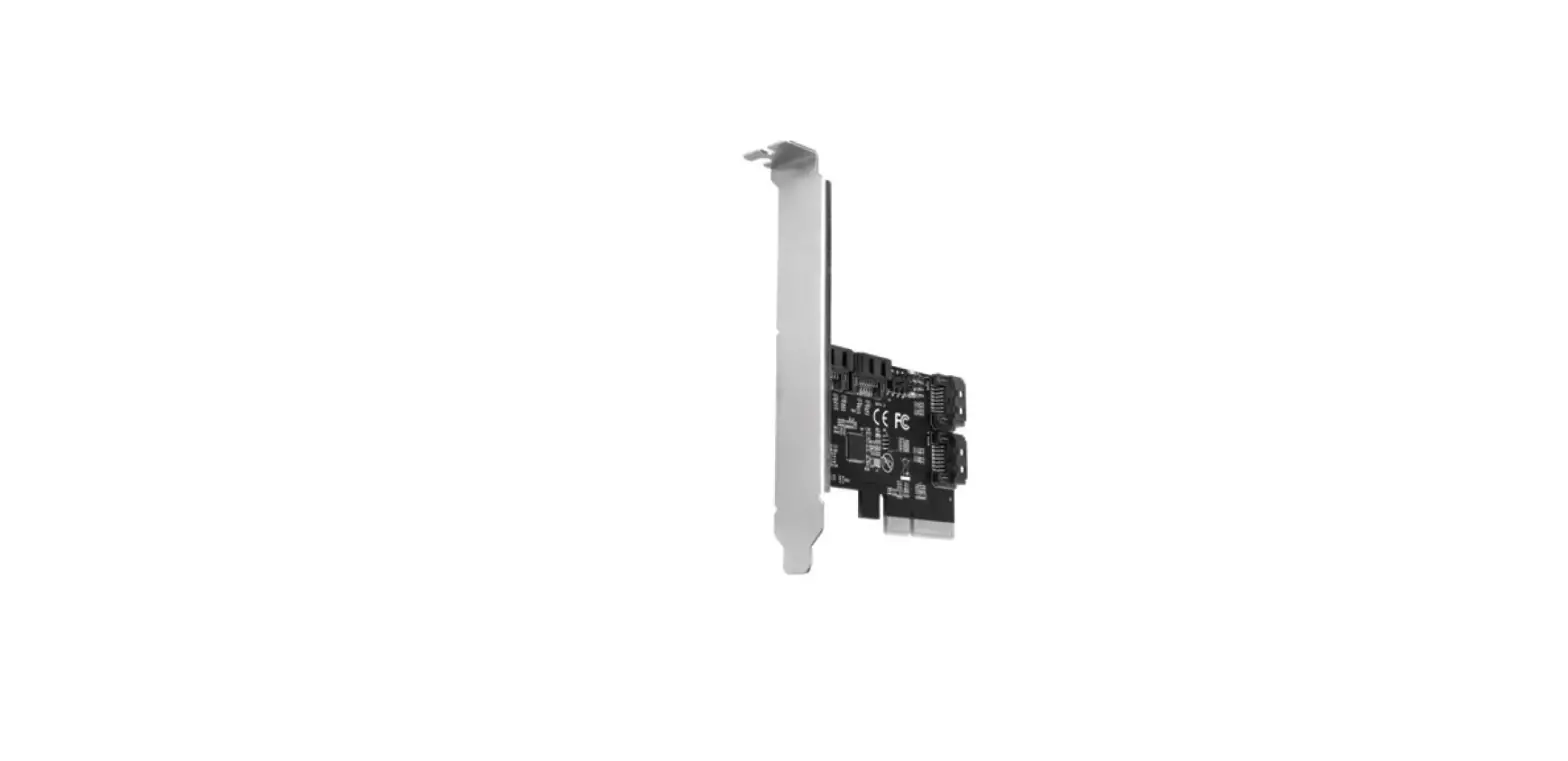
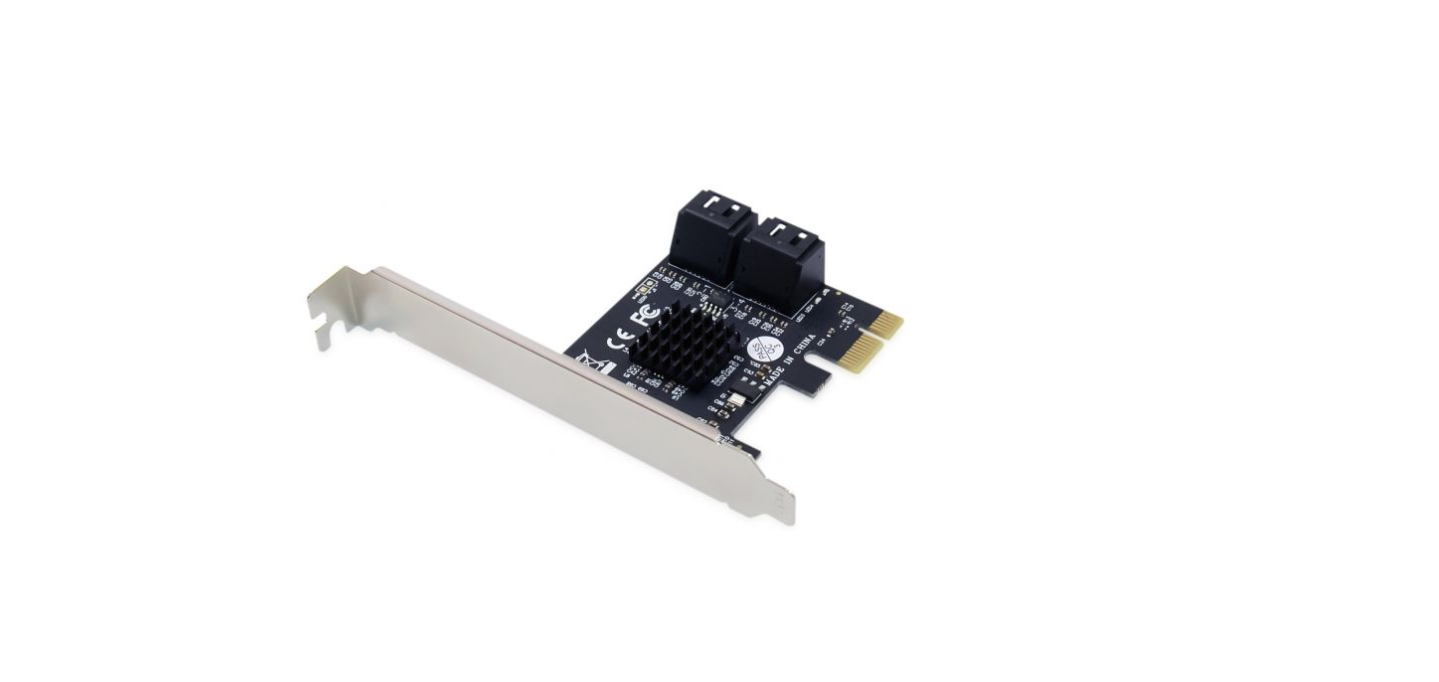
4-Port SATA PCIe Adapter with SATA Cable
EMRICK03G
V2.0
CONCEPTRONIC® is a registered trademark of Digital Data Communications GmbH
© Copyright Digital Data Communications GmbH. All Rights Reserved.
Conceptronic EMRICK03G
Installation & usage
- Turn Off the power to your computer.
- Unplug the power cord and remove your computer’s cover.
- Remove the slot bracket from an available PCIe slot.
- To install the card, carefully align the card’s bus connector with the selected PCIe slot on the motherboard. Push the board down firmly.
- Replace the slot bracket’s holding screw to secure the card.
- Replace the computer cover and reconnect the power cord.
Your computer will show the “New Hardware Wizard” on your screen. You can ignore this “New Hardware Wizard” by clicking “Cancel”.
- Insert the CD-ROM in the optical drive of your computer. The AutoPlay option will be shown automatically. Click on “Run Autorun.exe” to start the autorun menu.
- Select “Install Drivers” and follow the onscreen instructions to install the required driversfor the serial PCIe card.
- When the driver installation is complete, restart your computer to ensure the drivers are correctly loaded.
 Home - Conceptronic