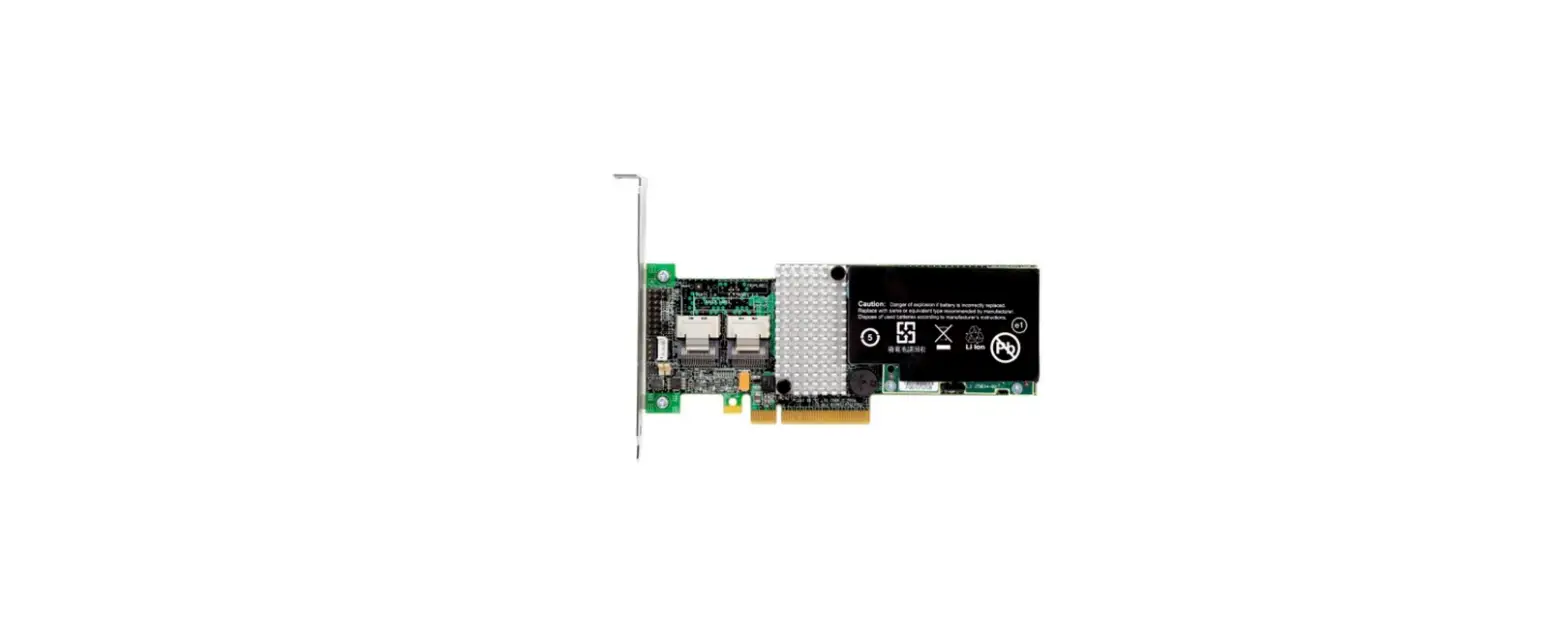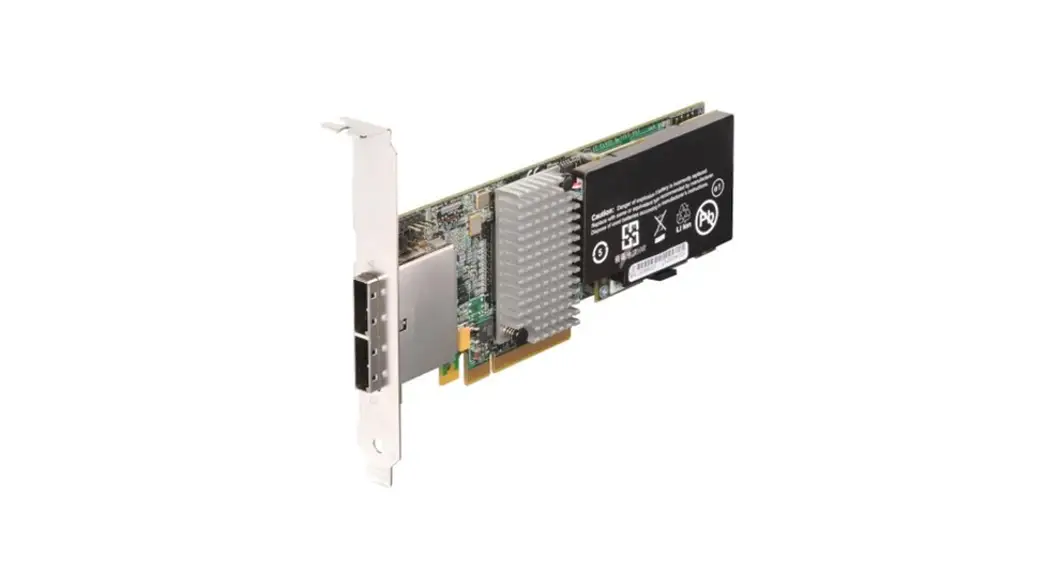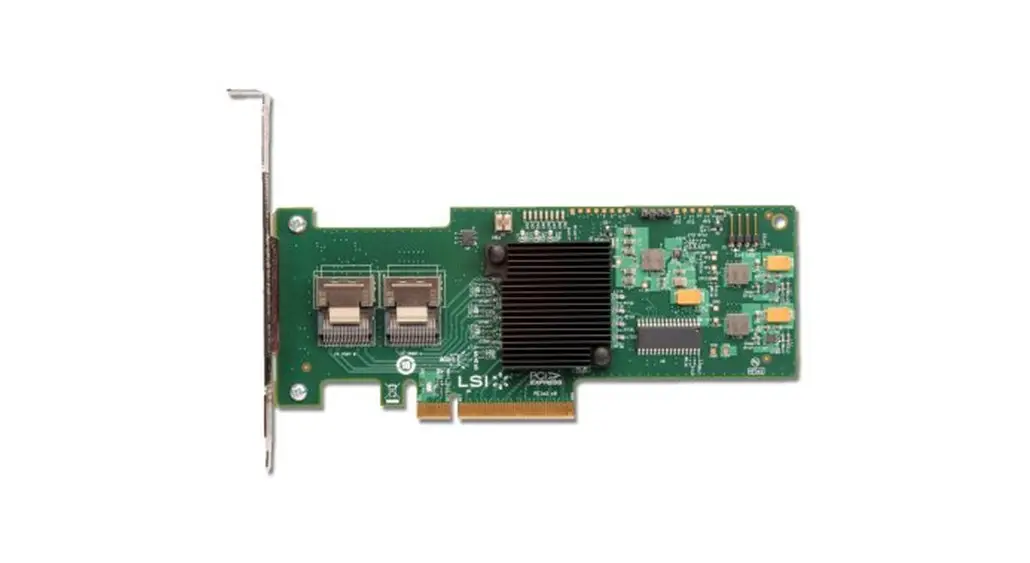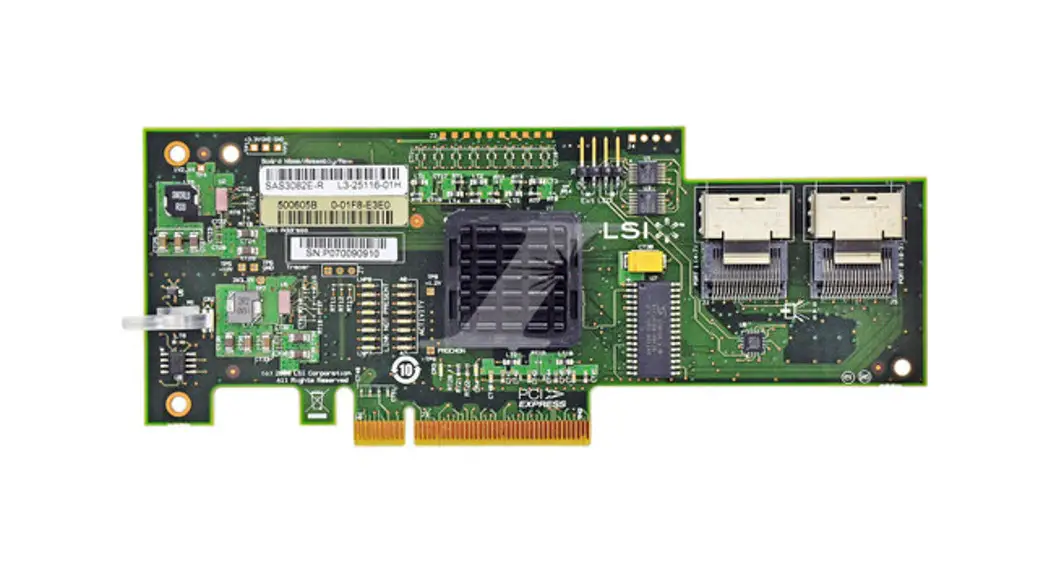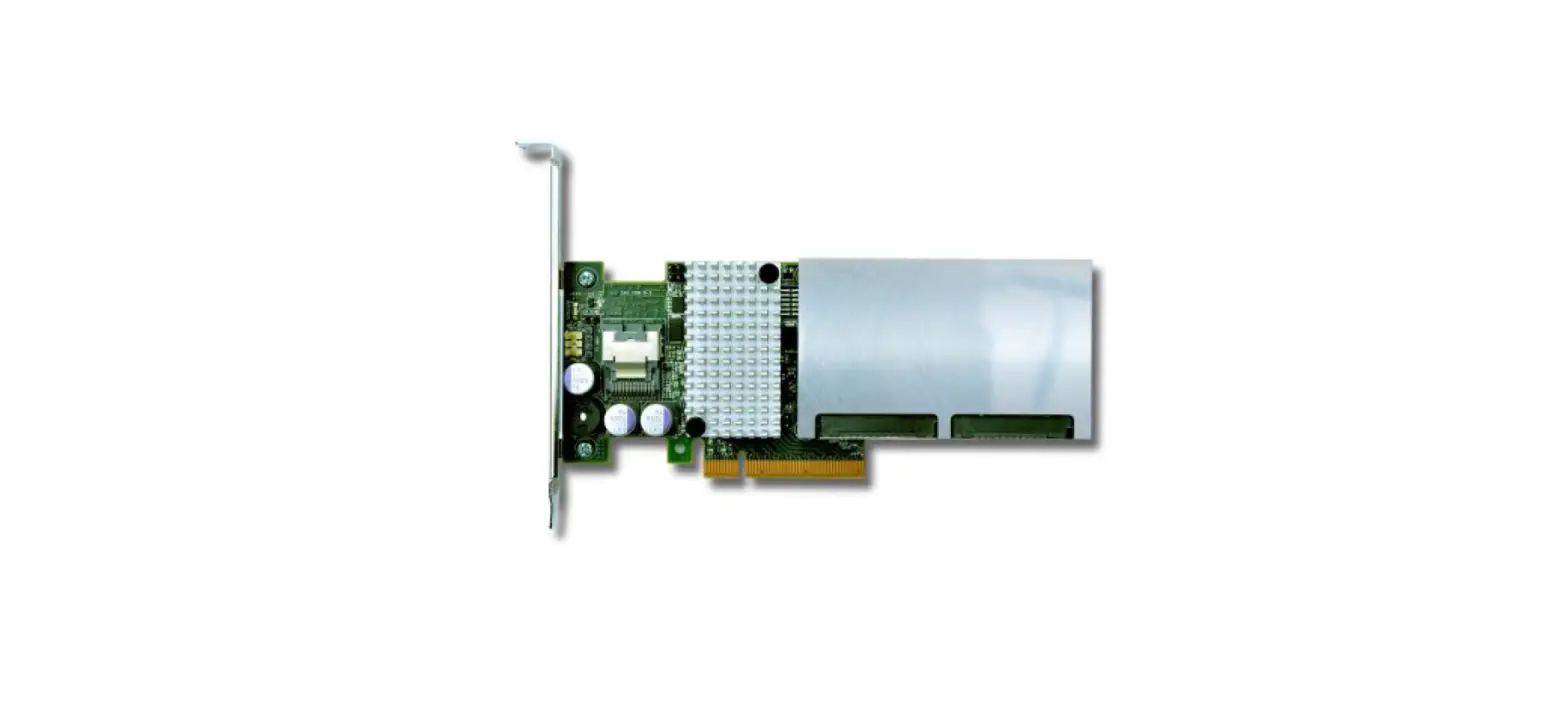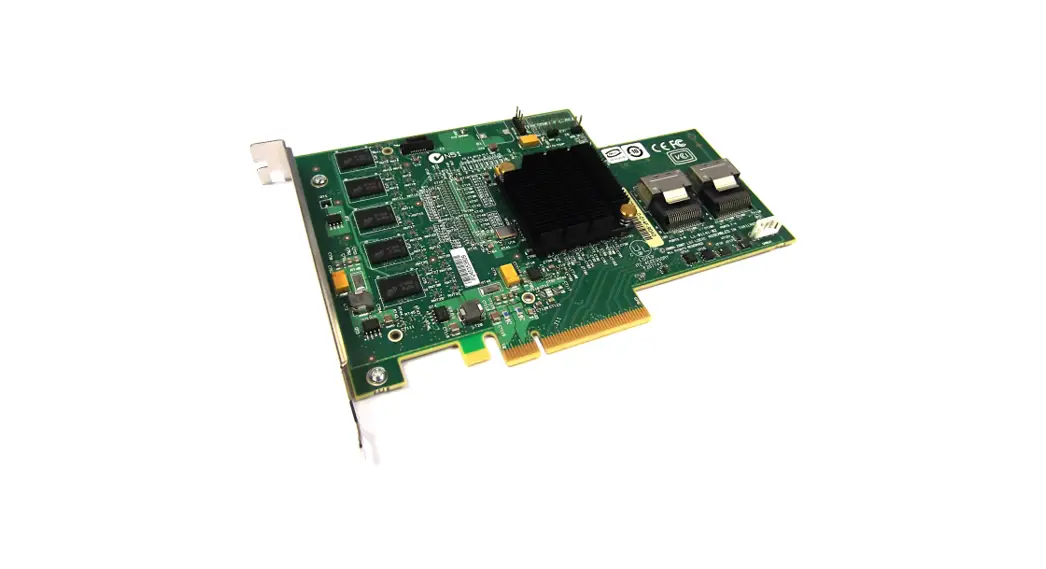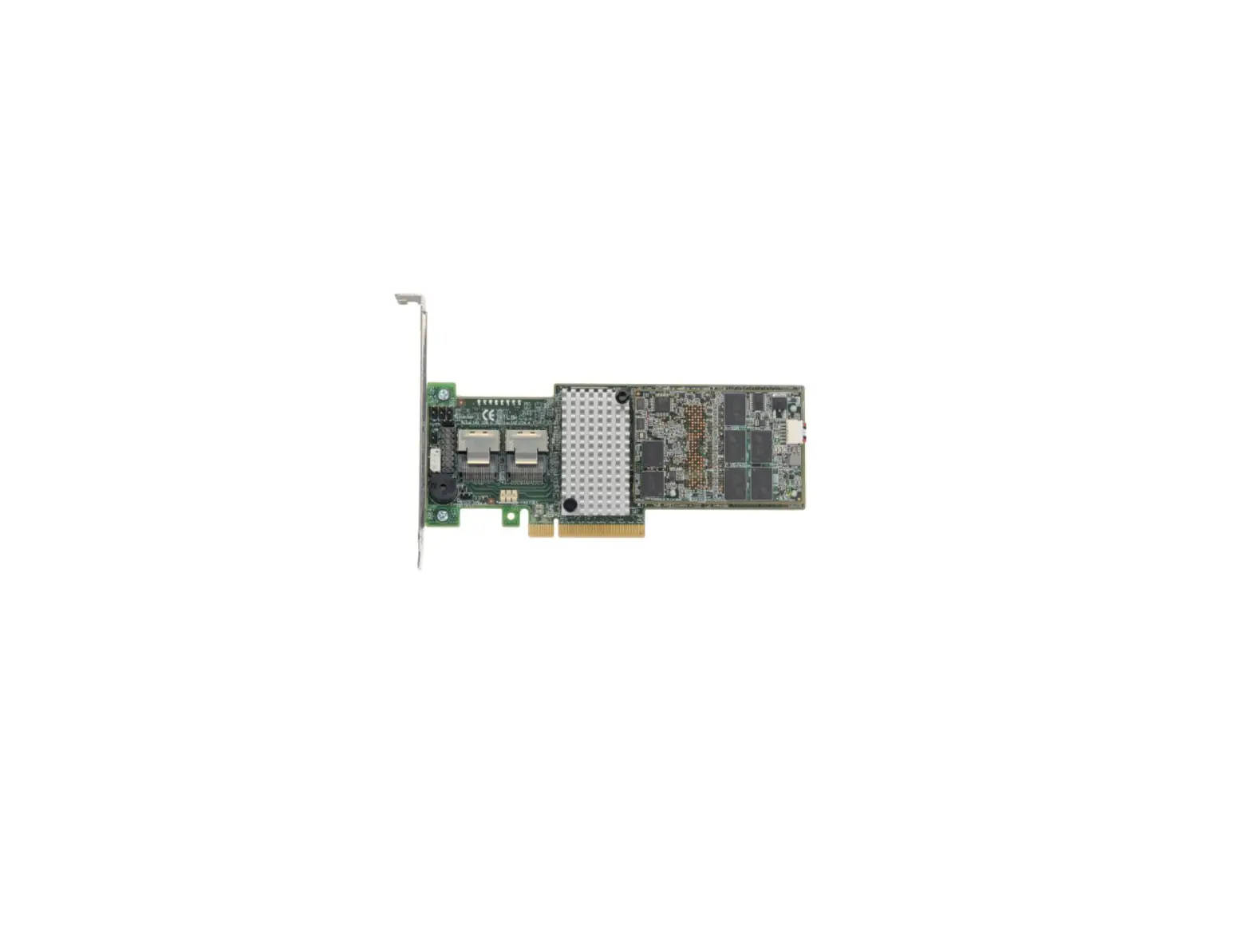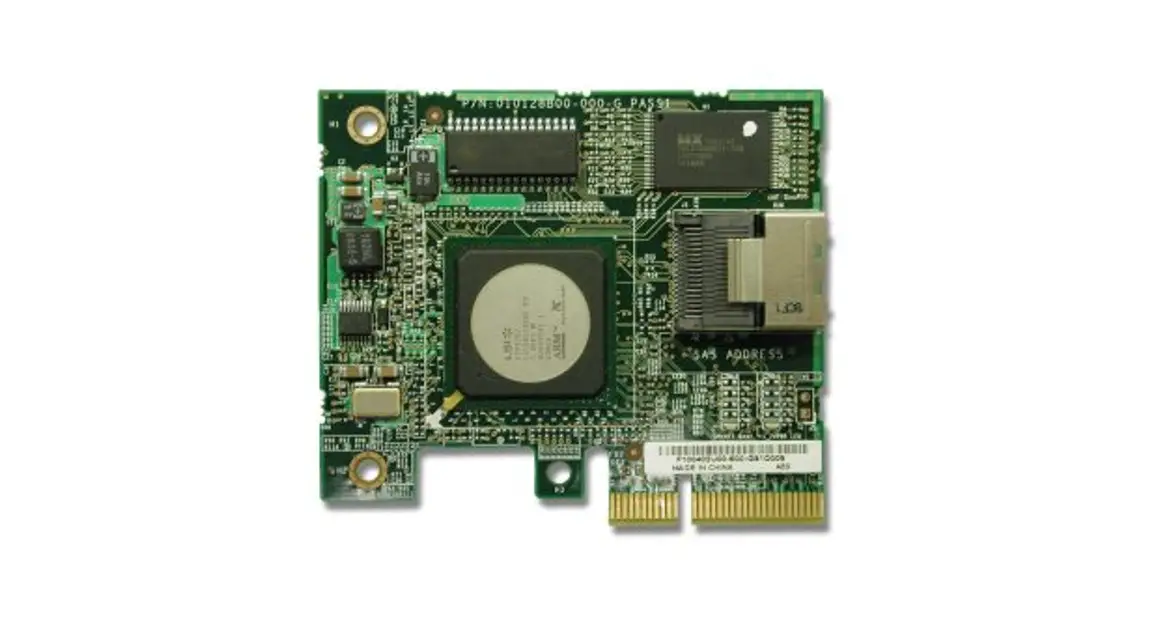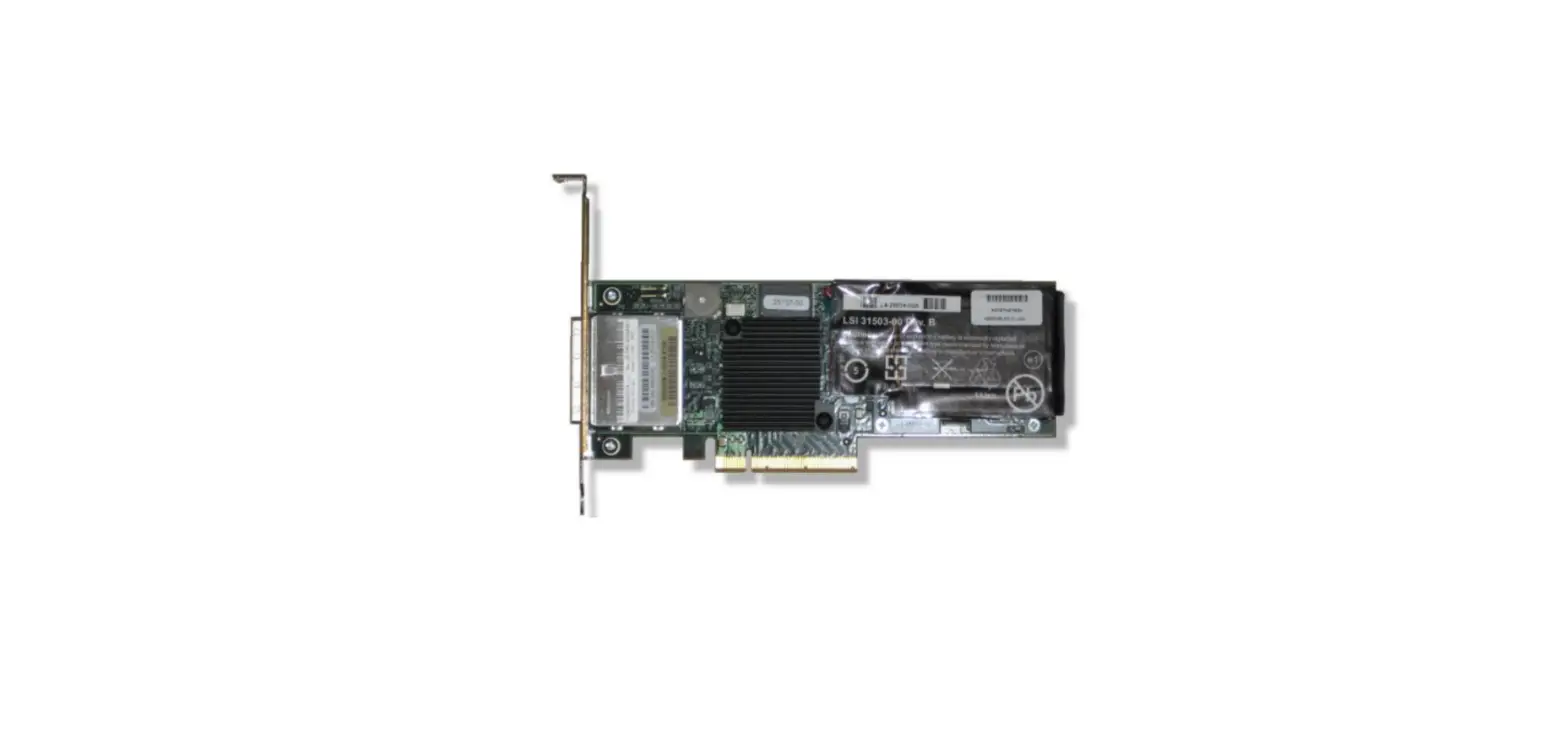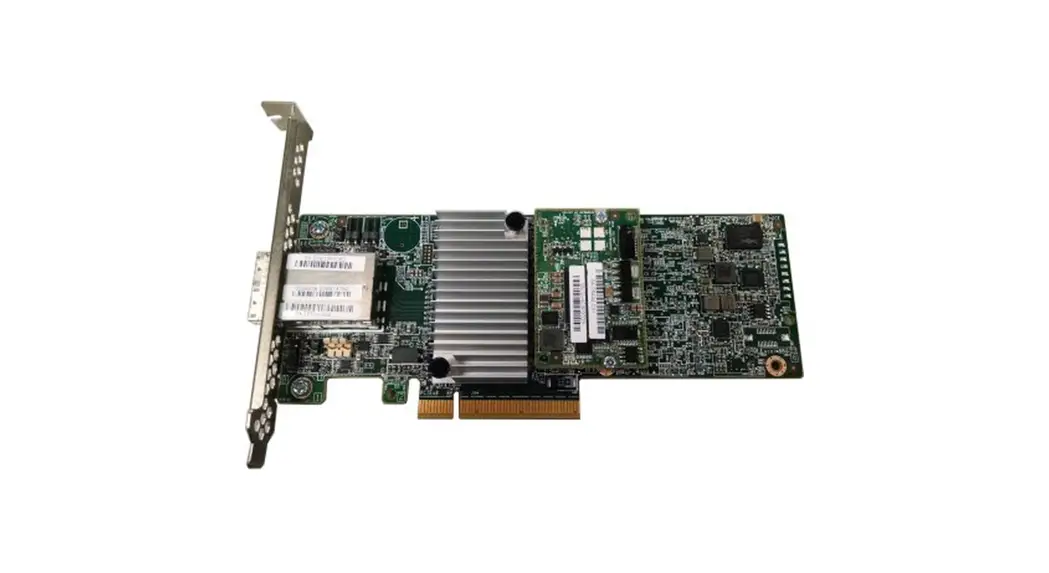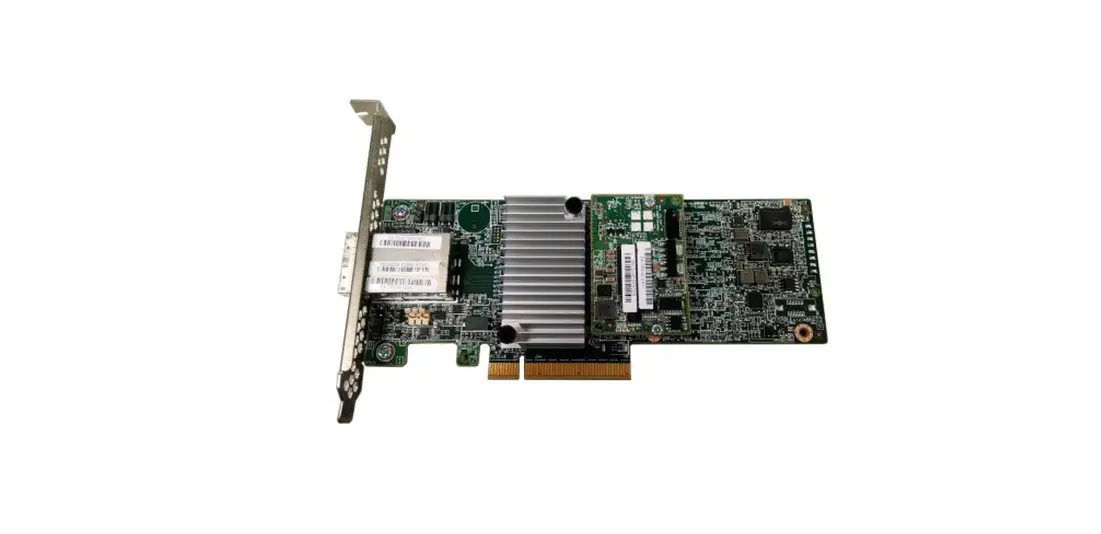

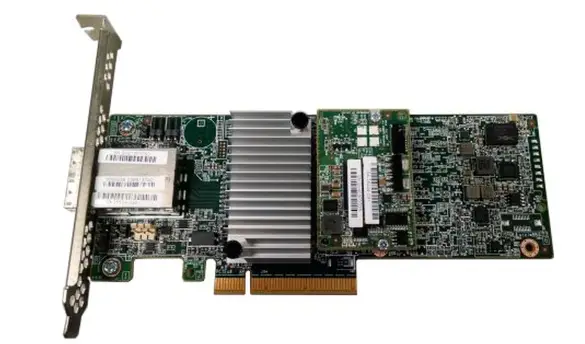
Lenovo ServeRAID C100 Integrated SATA Controllers with Software
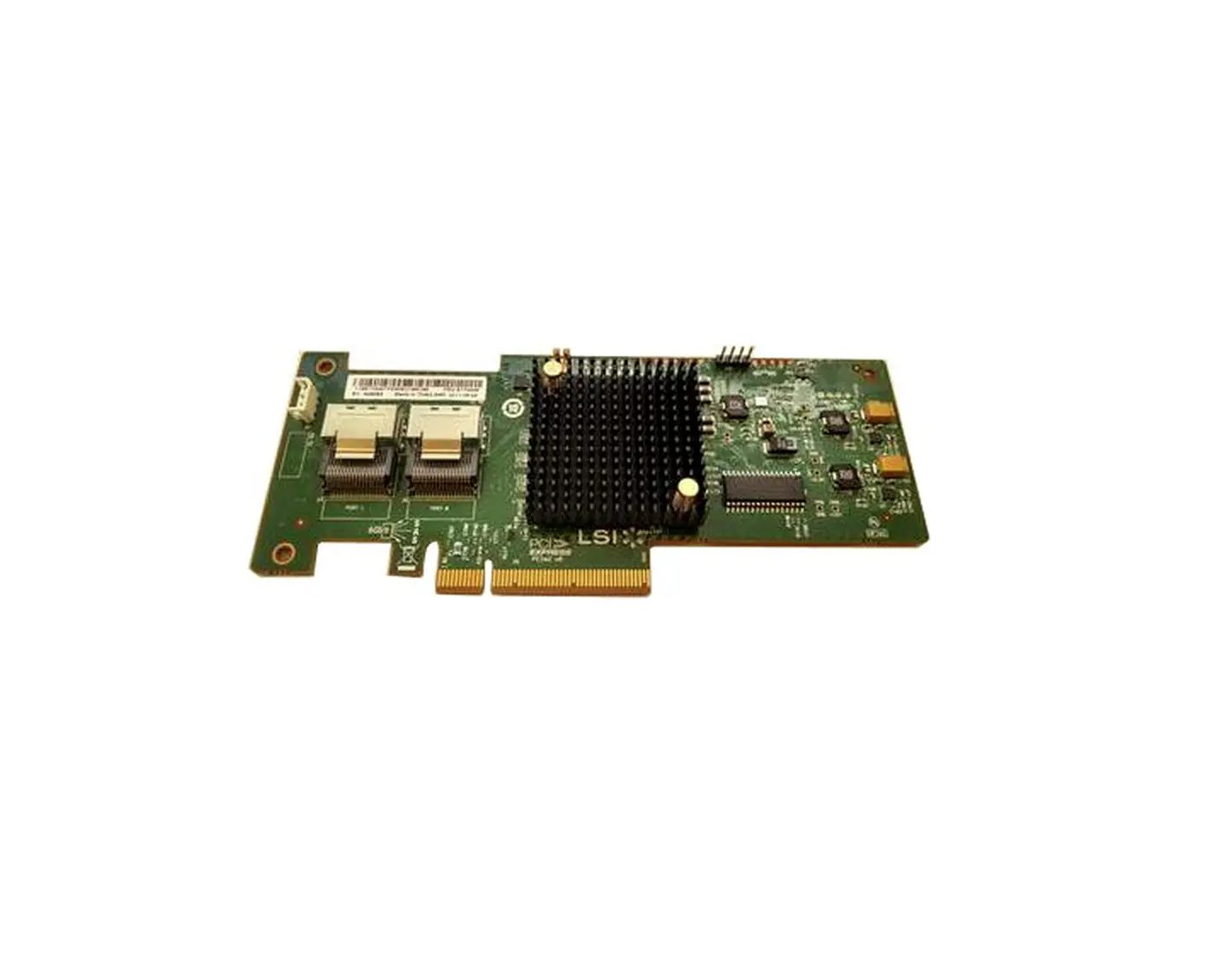
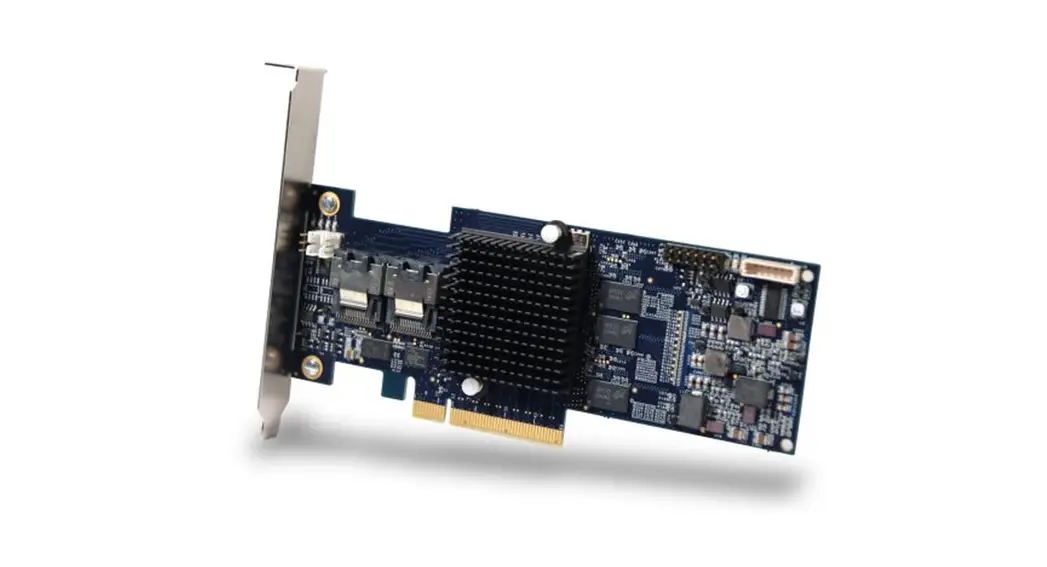
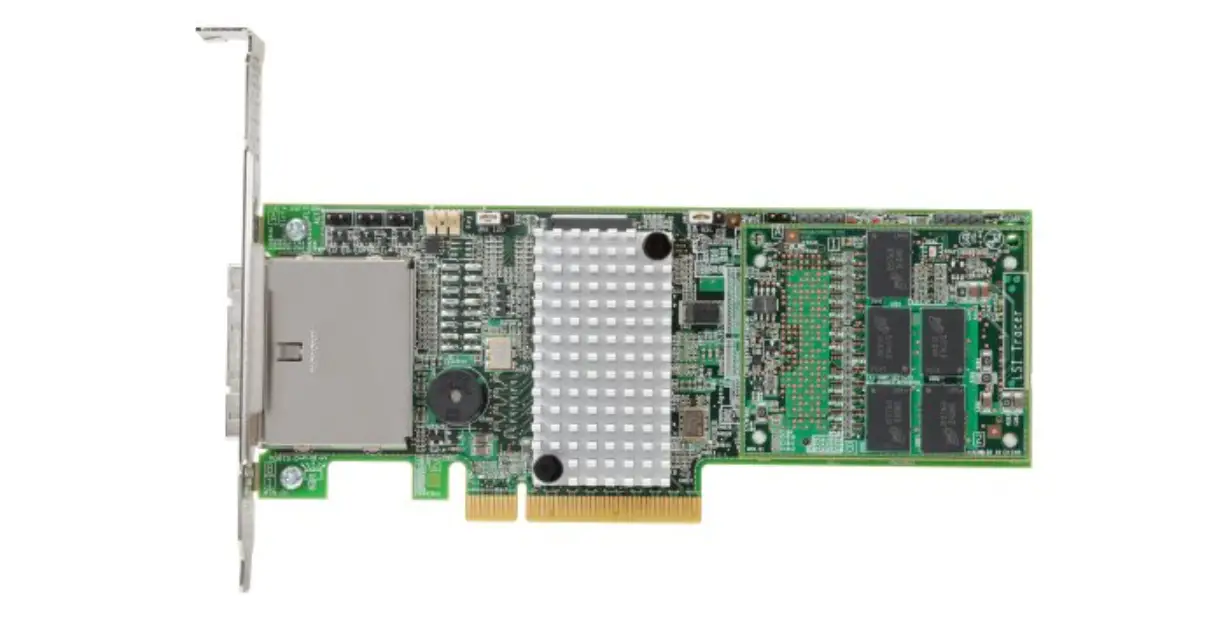
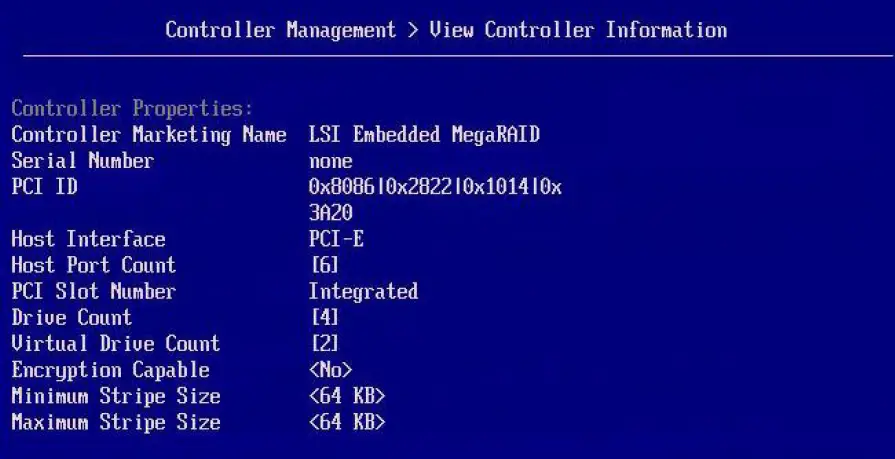
The ServeRAID C100 and ServeRAID C105 have integrated SATA controllers with software RAID capabilities. They are a cost-effective way to provide reliability, performance, and fault-tolerant disk subsystem management to help safeguard your valuable data and enhance availability. Figure 1 shows a screenshot from the configuration utility for ServeRAID C100 and C105 that displays information about the controller.
Did you know?
The ServeRAID C100 and C105 are integral function of the system planar. There is no additional hardware required. They can be enabled and disabled through the system Human Interface Infrastructure (HII) Configuration Utility, which is used to configure controllers, drive groups, and virtual drives, and to perform other configuration tasks in a pre-boot environment. Once enabled, the ServeRAID C100 and C105 take control of all devices that are connected to the planar SATA ports of the server, including the SATA optical drive, if present.
Part number information
The ServeRAID C100 and C105 are integrated SATA controllers that come standard with supported servers and cannot be ordered separately. The following table provides the ordering part numbers and feature codes for the additional options.
Withdrawn: The part numbers listed below are withdrawn from marketing.
Table 1. Ordering part numbers and feature codes
| Description | Part number | Feature code |
| ServeRAID C100 | Onboard | Onboard |
| ServeRAID C105 | Onboard | Onboard |
| ServeRAID C100 Series RAID 5 Upgrade-FoD* | 81Y4406 | A17U |
| 8-Pack ServeRAID C105 Controller Enabler** | 90Y4349 | A2V7 |
- An FoD upgrade for ServeRAID C100 that enables support for RAID 5.
- An FoD upgrade for ServeRAID C105 that enables support for up to eight SATA HDDs.
The 8-pack Enabler and RAID 5 Upgrade option part numbers include the following items:
- Upgrade authorization letter
- Feature Activation Instructions
Features
The ServeRAID C100 and C105 have the following standard features:
- Auto-resume on array rebuild or array reconstruction after loss of system power
- Auto-resume uses non-volatile RAM (NVRAM) to save rebuild progress during a host reboot or power failure to automatically resume from the last checkpoint. Auto-resume ensures that data integrity is maintained throughout the process.
- Fast initialization for quick array setup
- Fast initialization quickly writes zeroes to the first and last sectors of the virtual drive. This function allows you to immediately start writing data to the virtual drive while the initialization is running in the background.
- Consistency check for background data integrity
- Consistency check verifies that all stripes in a virtual disk with a redundant RAID level are consistent. The consistency check will mirror data when an inconsistent stripe is detected for a RAID 1.
- Extensive online configuration options and advanced monitoring and event notification
- Management tools provide convenience for the configuration of logical volumes and alerting when errors have occurred or are about to occur.
- Global Hot Spare support
A hot spare rebuilds data from all virtual disks within the disk group in which it is configured. ServeRAID provides the ability to define a physical disk as a hot spare to replace a failed drive. A global hot spare allows any physical drive to be designated as a hot spare for all drive groups that are defined on the controller. - Human Interface Infrastructure (HII) Configuration Utility for pre-boot array configuration and management HII Configuration Utility is a utility that allows you to configure drive groups and logical drives before installing or booting the operating system.
- MegaRAID Storage Manager management software
MegaRAID Storage Manager is an easy-to-use advanced RAID management application that is used across the entire family of ServeRAID controllers. It allows you to configure, monitor, and maintain drive groups, virtual drives, and advanced features with an intuitive GUI reducing administrative efforts and simplifying troubleshooting.
Technical specifications
The following table lists specifications for the ServeRAID C100 and C105 controllers. Table 2. ServeRAID C100 and C105 specifications
| Specification | C100 (M4 1- socket servers) | C100 (M5 1- socket servers) | C100 (nx360 M4) | C105 (M4 2- socket servers) | C100 (Blade servers) | C105 (Blade servers) |
| Interface type | SATA | SATA | SATA | SATA | SATA | SATA |
| Number of ports | Up to 6* | Up to 6* | 4 | Up to 8** | 2 | 2 |
| Port speed | 3 Gbps | 6 Gbps | 2x 3 Gbps, 2x 6 Gbps | 3 Gbps | 3 Gbps | 3 Gbps |
| Number of physical drives supported# | Up to 4 | Up to 4 | Up to 4 | Up to 8** | Up to 2 | Up to 2 |
| Number of virtual drives supported | Up to 8 | Up to 8 | Up to 8 | Up to 8 | Up to 8 | Up to 8 |
| Virtual drive size support | > 2 TB | > 2 TB | > 2 TB | > 2 TB | > 2 TB | > 2 TB |
| Stripe unit size | 64 KB fixed | 64 KB fixed | 64 KB fixed | 64 KB fixed | 64 KB fixed | 64 KB fixed |
| RAID levels | 0, 1, 10 | 0, 1, 10, 5† | 0, 1, 10 | 0, 1, 10 | 0, 1, 10 | 0, 1, 10 |
| SAS HDD support | No | No | No | No | No | No |
| SATA HDD support | Yes | Yes | Yes | Yes | Yes | Yes |
| SAS SSD support | No | No | No | No | No | No |
| SATA SSD support | No | No | Yes | No | Yes | No |
| Simple-swap support | Yes | Yes | Yes | Yes | Yes | No |
| Hot-swap support | No | No | No | Yes | Yes | Yes |
| Optical drive support | Yes | Yes | No | No | No | No |
| Tape drive support | Yes | Yes | No | No | No | No |
| Internal connector type | Up to six 7-pin L-shape SATA | Up to six 7-pin L-shape SATA | 1x Mini-SAS | 2x Mini-SAS (SFF-8087) x4 | 2x Drive connectors | 2x Drive connectors |
| Supported servers | x3100 M4, x3250 M4 | x3100 M5, x3250 M5 | nx360 M4 | x3300 M4, x3530 M4, x3630 M4 | x222 | HS23E, x220 |
- Up to four ports are used to connect hard drives, and up to two ports are used to connect optical or tape drives (server dependent).
- Eight HDD support requires optional 8-pack Enabler Features on Demand (FoD) upgrade, 90Y4349.
- The maximum number of physical drives supported depends on the server model.
- RAID 5 support requires optional C100 Series RAID 5 FoD upgrade, 81Y4406.
Servers
The following table lists the support information for the ServeRAID C100 and C105 controllers and System x®, iDataPlex®, and NeXtScale servers. Table 3. System x, iDataPlex, and NeXtScale compatibility (Part 1)
| Part number | Description | |||||
| Onboard | ServeRAID C100 | Y | Y | N | N | N |
| Onboard | ServeRAID C105 | N | N | N | N | N |
| 81Y4406 | ServeRAID C100 Series RAID 5 Upgrade | Y | Y | N | N | N |
| 90Y4349 | 8-Pack ServeRAID C105 Controller Enabler | N | N | N | N | N |
Table 3. System x, iDataPlex, and NeXtScale compatibility (Part 2)
| PART NUMBER | DESCRIPTION | |||||||||||
| Onboard | ServeRAID C100 | N | N | N | N | N | N | N | N | N | N | Y |
| Onboard | ServeRAID C105 | N | Y | N | Y | N | N | N | N | N | N | N |
| 81Y4406 | ServeRAID C100 Series RAID 5 Upgrade | N | N | N | N | N | N | N | N | N | N | N |
| 90Y4349 | 8-Pack ServeRAID C105 Controller Enabler | N | Y | N | Y | N | N | N | N | N | N | N |
Table 3. System x, iDataPlex, and NeXtScale compatibility (Part 3)
| PART NUMBER | DESCRIPTION | ||||||||||||
| Onboard | ServeRAID C100 | Y | Y | N | N | N | N | N | N | N | N | N | N |
| Onboard | ServeRAID C105 | N | N | Y | N | Y | N | Y | N | N | N | N | N |
| 81Y4406 | ServeRAID C100 Series RAID 5 Upgrade | N | N | N | N | N | N | N | N | N | N | N | N |
| 90Y4349 | 8-Pack ServeRAID C105 Controller Enabler | N | N | Y | N | Y | N | Y | N | N | N | N | N |
The following table lists the compatibility information for the ServeRAID C100 and C105 controllers and BladeCenter® and Flex System® servers.
Table 4. BladeCenter and Flex System compatibility
| PART NUMBER | DESCRIPTION | |||||||||||||
| Onboard | ServeRAID C100 | N | N | N | N | N | N | N | N | N | Y | N | N | N |
| Onboard | ServeRAID C105 | N | N | N | N | N | Y | N | N | Y | N | N | N | N |
| 81Y4406 | ServeRAID C100 Series RAID 5 Upgrade | N | N | N | N | N | N | N | N | N | N | N | N | N |
| 90Y4349 | 8-Pack ServeRAID C105 Controller Enabler | N | N | N | N | N | N | N | N | N | N | N | N | N |
See ServerProven® for the latest information about the System x servers that support each controller and upgrades: http://www.lenovo.com/us/en/serverproven
Operating systems
The ServeRAID C100 and C105 support the following operating systems:
- Microsoft Windows Server 2012
- Microsoft Windows Server 2008 R2
- Microsoft Windows Server 2008, Enterprise x64 Edition
- Microsoft Windows Server 2008, Enterprise x86 Edition
- Microsoft Windows Server 2008, Standard x64 Edition
- Microsoft Windows Server 2008, Standard x86 Edition
- Microsoft Windows Server 2008, Web x64 Edition
- Microsoft Windows Server 2008, Web x86 Edition
- Microsoft Windows Server 2008 Foundation
- Red Hat Enterprise Linux 6 Server Edition
- Red Hat Enterprise Linux 6 Server x64 Edition
- Red Hat Enterprise Linux 5 Server Edition
- Red Hat Enterprise Linux 5 Server x64 Edition
- SUSE Linux Enterprise Server 11 for AMD64/EM64T
- SUSE Linux Enterprise Server 11 for x86
- SUSE Linux Enterprise Server 10 for AMD64/EM64T
- SUSE Linux Enterprise Server 10 for x86
Notes: Driver availability: No native (in-box) driver exists for Windows and Linux. You must download the drivers separately. Hypervisor support: No support is available for VMware, Hyper-V, Xen, and KVM. See the ServerProven website for the latest information about the specific versions and service levels supported and any other prerequisites: http://www.lenovo.com/us/en/serverproven
Drives
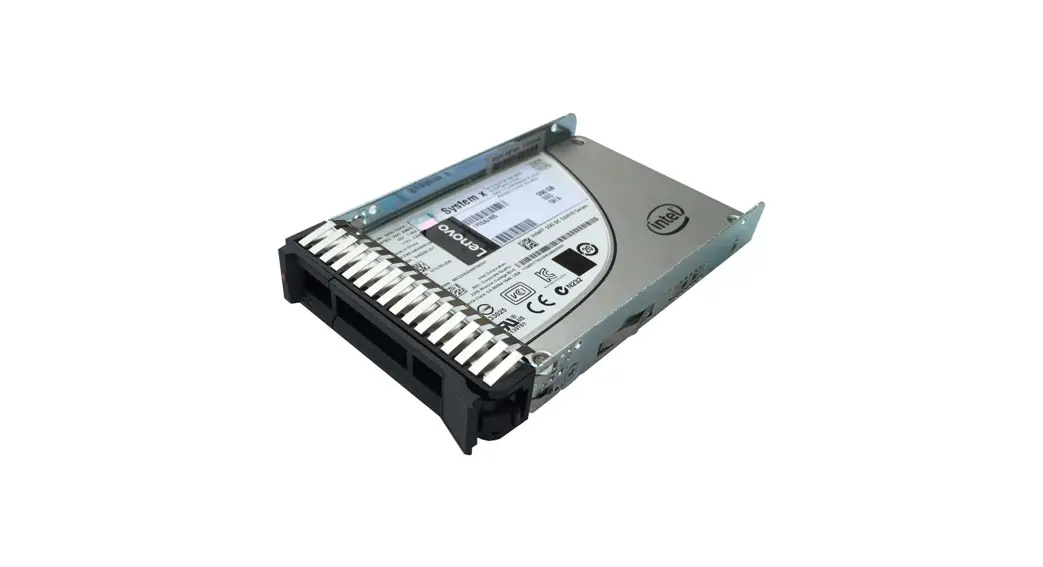
The ServeRAID C100 supports the SATA drives that are supported in the servers listed in Table 3. The maximum number of drives that can be connected to the controller is limited by the maximum number of internal drive bays for a supported server (either two or four). Supported simple-swap (SS) hard disk drives (HDDs) and solid-state drives (SSDs) and the ServeRAID C100-based servers with which they are supported are listed in the following table.
Table 5. ServeRAID C100: Supported drives
| PART NUMBER | DESCRIPTION | ||||||
| 1.8-inch SATA Enterprise SSDs | |||||||
| 00W1120 | 100GB SATA 1.8″ MLC Enterprise SSD | N | N | N | N | Y | Y |
| 49Y6119 | 200GB SATA 1.8″ MLC Enterprise SSD | N | N | N | N | N | Y |
| 1.8-inch SATA Enterprise Value SSDs | |||||||
| 00AJ335 | 120GB SATA 1.8″ MLC Enterprise Value SSD | N | N | N | N | N | Y |
| 00AJ340 | 240GB SATA 1.8″ MLC Enterprise Value SSD | N | N | N | N | N | Y |
| 00AJ345 | 480GB SATA 1.8″ MLC Enterprise Value SSD | N | N | N | N | N | Y |
| 00AJ350 | 800GB SATA 1.8″ MLC Enterprise Value SSD | N | N | N | N | N | Y |
| 00AJ040 | S3500 80GB SATA 1.8″ MLC Enterprise Value SSD | N | N | N | N | N | Y |
| 00AJ045 | S3500 240GB SATA 1.8″ MLC Enterprise Value SSD | N | N | N | N | N | Y |
| 00AJ050 | S3500 400GB SATA 1.8″ MLC Enterprise Value SSD | N | N | N | N | N | Y |
| 00AJ455 | S3500 800GB SATA 1.8″ MLC Enterprise Value SSD | N | N | N | N | N | Y |
| 2.5-inch NL SATA SS HDDs | |||||||
| 81Y9734 | 250GB 7.2K 6Gbps NL SATA 2.5″ SFF SS HDD | N | Y | N | Y | N | N |
| 81Y9738 | 500GB 7.2K 6Gbps NL SATA 2.5″ SFF SS HDD | N | Y | N | Y | N | N |
| 81Y9742 | 1TB 7.2K 6Gbps NL SATA 2.5″ SFF SS HDD | N | Y | N | Y | N | N |
| 2.5-inch NL SATA SS HDDs for x222 | |||||||
| 90Y8974 | 500GB 7.2K 6Gbps SATA 2.5” G2SS HDD | N | N | N | N | N | Y |
| 90Y8979 | 1TB 7.2K 6Gbps SATA 2.5” G2SS HDD | N | N | N | N | N | Y |
| 2.5-inch NL SATA NHS HDDs for NeXtScale | |||||||
| 00AD030 | 250GB 7.2K 6Gbps SATA 2.5″ HDD for NeXtScale | N | N | N | N | Y | N |
| 00AD035 | 500GB 7.2K 6Gbps SATA 2.5″ HDD for NeXtScale | N | N | N | N | Y | N |
| 00AD040 | 1TB 7.2K 6Gbps SATA 2.5″ HDD for NeXtScale | N | N | N | N | Y | N |
| 2.5-inch SATA NHS Enterprise SSDs for x222 | |||||||
| 90Y8994 | 100GB SATA 2.5″ MLC Enterprise SSD for x222 | N | N | N | N | N | Y |
| 00AJ320 | S3700 400GB SATA 2.5″ MLC Enterprise SSD for x222 | N | N | N | N | N | Y |
| 00AJ325 | S3700 800GB SATA 2.5″ MLC Enterprise SSD for x222 | N | N | N | N | N | Y |
| 2.5-inch SATA NHS Enterprise Value SSDs for x222 | |||||||
| 00AJ415 | 120GB SATA 2.5″ MLC Enterprise Value SSD for x222 | N | N | N | N | N | Y |
| 00AJ420 | 240GB SATA 2.5″ MLC Enterprise Value SSD for x222 | N | N | N | N | N | Y |
| 00AJ425 | 480GB SATA 2.5″ MLC Enterprise Value SSD for x222 | N | N | N | N | N | Y |
| PART NUMBER | DESCRIPTION | ||||||
| 00AJ430 | 800GB SATA 2.5″ MLC Enterprise Value SSD for x222 | N | N | N | N | N | Y |
| 00AJ330 | S3500 480GB SATA 2.5″ MLC Enterprise Value SSD for x222 | N | N | N | N | N | Y |
| 2.5-inch SATA NHS Enterprise Value SSDs for NeXtScale | |||||||
| 00FN020 | 120GB SATA 2.5″ MLC Enterprise Value SSD for NeXtScale | N | N | N | N | Y | N |
| 00FN025 | 240GB SATA 2.5″ MLC Enterprise Value SSD for NeXtScale | N | N | N | N | Y | N |
| 00FN030 | 480GB SATA 2.5″ MLC Enterprise Value SSD for NeXtScale | N | N | N | N | Y | N |
| 00FN035 | 800GB SATA 2.5″ MLC Enterprise Value SSD for NeXtScale | N | N | N | N | Y | N |
| 00FN293 | S3500 1.6TB SATA 2.5″ MLC Enterpr. Value SSD for NeXtScale | N | N | N | N | Y | N |
| 3.5-inch NL SATA SS HDDs | |||||||
| 81Y9802 | 500GB 7.2K 6Gbps NL SATA 3.5″ G2SS HDD | Y | Y | N | N | N | N |
| 81Y9806 | 1TB 7.2K 6Gbps NL SATA 3.5″ G2SS HDD | Y | Y | N | N | N | N |
| 00FN118 | 2TB 7.2K 6Gbps NL SATA 3.5″ G2SS 512e HDD | Y | Y | N | N | N | N |
| 81Y9810 | 2TB 7.2K 6Gbps NL SATA 3.5″ G2SS HDD | Y | Y | N | N | N | N |
| 00FN133 | 3TB 7.2K 6Gbps NL SATA 3.5″ G2SS 512e HDD | Y | Y | N | N | N | N |
| 81Y9814 | 3TB 7.2K 6Gbps NL SATA 3.5″ G2SS HDD | Y | Y | N | N | N | N |
| 81Y9778 | 3TB 7.2K 6Gbps NL SATA 3.5″ SS HDD | N | N | Y | Y | N | N |
| 00FN148 | 4TB 7.2K 6Gbps NL SATA 3.5″ G2SS 512e HDD | N | Y | N | N | N | N |
| 49Y6190 | 4TB 7.2K 6Gbps NL SATA 3.5″ SS HDD | N | N | Y | Y | N | N |
| 00FN163 | 5TB 7.2K 6Gbps NL SATA 3.5″ G2SS 512e HDD | N | Y | N | N | N | N |
| 00FN178 | 6TB 7.2K 6Gbps NL SATA 3.5″ G2SS 512e HDD | N | Y | N | N | N | N |
| 3.5-inch NL SATA NHS HDDs for NeXtScale | |||||||
| 00AD005 | 500GB 7.2K 6Gbps SATA 3.5″ HDD for NeXtScale | N | N | N | N | Y | N |
| 00AD010 | 1TB 7.2K 6Gbps SATA 3.5″ HDD for NeXtScale | N | N | N | N | Y | N |
| 00FN123 | 2TB 7.2K 6Gbps NL SATA 3.5″ 512e HDD for NextScale | N | N | N | N | Y | N |
| 00AD015 | 2TB 7.2K 6Gbps SATA 3.5″ HDD for NeXtScale | N | N | N | N | Y | N |
| 00FN138 | 3TB 7.2K 6Gbps NL SATA 3.5″ 512e HDD for NextScale | N | N | N | N | Y | N |
| 00AD020 | 3TB 7.2K 6Gbps SATA 3.5″ HDD for NeXtScale | N | N | N | N | Y | N |
| 00FN153 | 4TB 7.2K 6Gbps NL SATA 3.5″ 512e HDD for NextScale | N | N | N | N | Y | N |
| 00AD025 | 4TB 7.2K 6Gbps SATA 3.5″ HDD for NeXtScale | N | N | N | N | Y | N |
| 00FN168 | 5TB 7.2K 6Gbps NL SATA 3.5″ 512e HDD for NextScale | N | N | N | N | Y | N |
| 00FN183 | 6TB 7.2K 6Gbps NL SATA 3.5″ 512e HDD for NextScale | N | N | N | N | Y | N |
The ServeRAID C105 supports SATA simple-swap and hot-swap hard drives that are supported in the servers listed in Table 3. The maximum number of drives that can be connected to the C105 controller is eight. Supported simple-swap (SS) and hot-swap (HS) SATA HDDs and the ServeRAID C105-based servers with which they are supported are listed in the following table.
Table 6. ServeRAID C105: Supported HDDs
| PART NUMBER | DESCRIPTION | |||||||
| 2.5-inch NL SATA HS HDDs | ||||||||
| 81Y9722 | 250GB 7.2K 6Gbps NL SATA 2.5″ SFF HS HDD | Y | Y | Y | N | N | Y | Y |
| 81Y9726 | 500GB 7.2K 6Gbps NL SATA 2.5″ SFF HS HDD | Y | Y | Y | N | N | Y | Y |
| 81Y9730 | 1TB 7.2K 6Gbps NL SATA 2.5″ SFF HS HDD | Y | Y | Y | N | N | Y | Y |
| 2.5-inch NL SATA HS HDDs | ||||||||
| 81Y9734 | 250GB 7.2K 6Gbps NL SATA 2.5″ SFF SS HDD | N | Y | Y | N | N | N | N |
| 81Y9738 | 500GB 7.2K 6Gbps NL SATA 2.5″ SFF SS HDD | N | Y | Y | N | N | N | N |
| 81Y9742 | 1TB 7.2K 6Gbps NL SATA 2.5″ SFF SS HDD | N | Y | Y | N | N | N | N |
| 3.5-inch NL SATA HS HDDs | ||||||||
| 81Y9786 | 500GB 7.2K 6Gbps NL SATA 3.5″ G2HS HDD | Y | Y | Y | Y | Y | N | N |
| 81Y9790 | 1TB 7.2K 6Gbps NL SATA 3.5″ G2HS HDD | Y | Y | Y | Y | Y | N | N |
| 00FN113 | 2TB 7.2K 6Gbps NL SATA 3.5″ G2HS 512e HDD | Y | Y | Y | Y | Y | N | N |
| 81Y9794 | 2TB 7.2K 6Gbps NL SATA 3.5″ G2HS HDD | Y | Y | Y | Y | Y | N | N |
| 00FN128 | 3TB 7.2K 6Gbps NL SATA 3.5″ G2HS 512e HDD | Y | Y | Y | Y | Y | N | N |
| 81Y9798 | 3TB 7.2K 6Gbps NL SATA 3.5″ G2HS HDD | Y | Y | Y | Y | Y | N | N |
| 00FN143 | 4TB 7.2K 6Gbps NL SATA 3.5″ G2HS 512e HDD | Y | Y | Y | Y | Y | N | N |
| 49Y6002 | 4TB 7.2K 6Gbps NL SATA 3.5″ G2HS HDD | Y | Y | Y | Y | Y | N | N |
| 00FN158 | 5TB 7.2K 6Gbps NL SATA 3.5″ G2HS 512e HDD | Y | Y | Y | Y | Y | N | N |
| 00FN173 | 6TB 7.2K 6Gbps NL SATA 3.5″ G2HS 512e HDD | Y | Y | Y | Y | Y | N | N |
| 3.5-inch NL SATA SS HDDs | ||||||||
| 81Y9802 | 500GB 7.2K 6Gbps NL SATA 3.5″ G2SS HDD | Y | Y | Y | Y | Y | N | N |
| 81Y9806 | 1TB 7.2K 6Gbps NL SATA 3.5″ G2SS HDD | Y | Y | Y | Y | Y | N | N |
| 00FN118 | 2TB 7.2K 6Gbps NL SATA 3.5″ G2SS 512e HDD | Y | Y | Y | Y | Y | N | N |
| 81Y9810 | 2TB 7.2K 6Gbps NL SATA 3.5″ G2SS HDD | Y | Y | Y | Y | Y | N | N |
| 00FN133 | 3TB 7.2K 6Gbps NL SATA 3.5″ G2SS 512e HDD | Y | Y | Y | Y | Y | N | N |
| 81Y9814 | 3TB 7.2K 6Gbps NL SATA 3.5″ G2SS HDD | Y | Y | Y | Y | Y | N | N |
| 00FN148 | 4TB 7.2K 6Gbps NL SATA 3.5″ G2SS 512e HDD | Y | Y | Y | Y | Y | N | N |
| 49Y6012 | 4TB 7.2K 6Gbps NL SATA 3.5″ G2SS HDD | Y | Y | Y | Y | Y | N | N |
| 00FN163 | 5TB 7.2K 6Gbps NL SATA 3.5″ G2SS 512e HDD | Y | Y | Y | Y | Y | N | N |
| PART NUMBER | DESCRIPTION | |||||||
| 00FN178 | 6TB 7.2K 6Gbps NL SATA 3.5″ G2SS 512e HDD | Y | Y | Y | Y | Y | N | N |
Related publications and links
For more information, see the following documents:
User’s Guide for ServeRAID C100 and C105
https://support.lenovo.com/docs/UM103372
ServeRAID software matrix:
https://support.lenovo.com/us/en/documents/serv-raid
Related product families
Product families related to this document are the following: RAID Adapters
Notices
Lenovo may not offer the products, services, or features discussed in this document in all countries. Consult your local Lenovo representative for information on the products and services currently available in your area. Any reference to a Lenovo product, program, or service is not intended to state or imply that only that Lenovo product, program, or service may be used. Any functionally equivalent product, program, or service that does not infringe any Lenovo intellectual property right may be used instead. However, it is the user’s responsibility to evaluate and verify the operation of any other product, program, or service. Lenovo may have patents or pending patent applications covering subject matter described in this document. The furnishing of this document does not give you any license to these patents. You can send license inquiries, in writing, to:
Lenovo (United States), Inc.
8001 Development Drive
Morrisville, NC 27560
U.S.A.
Attention: Lenovo Director of Licensing
LENOVO PROVIDES THIS PUBLICATION ”AS IS” WITHOUT WARRANTY OF ANY KIND, EITHER EXPRESS OR IMPLIED, INCLUDING, BUT NOT LIMITED TO, THE IMPLIED WARRANTIES OF NON-INFRINGEMENT, MERCHANTABILITY OR FITNESS FOR A PARTICULAR PURPOSE. Some jurisdictions do not allow disclaimer of express
or implied warranties in certain transactions, therefore, this statement may not apply to you. This information could include technical inaccuracies or typographical errors. Changes are periodically made to the information herein; these changes will be incorporated in new editions of the publication. Lenovo may make improvements and/or changes in the product(s) and/or the program(s) described in this publication at any time without notice. The products described in this document are not intended for use in implantation or other life support applications where malfunction may result in injury or death to persons. The information contained in this document does not affect or change Lenovo product specifications or warranties. Nothing in this document shall operate as an express or implied license or indemnity under the intellectual property rights of Lenovo or third parties. All information contained in this document was obtained in specific environments and is presented as an illustration. The result obtained in other operating environments may vary. Lenovo may use or distribute any of the information you supply in any way it believes appropriate without incurring any obligation to you.
Any references in this publication to non-Lenovo Web sites are provided for convenience only and do not in any manner serve as an endorsement of those Web sites. The materials at those Web sites are not part of the materials for this Lenovo product, and use of those Web sites is at your own risk. Any performance data contained herein was determined in a controlled environment. Therefore, the result obtained in other operating environments may vary significantly. Some measurements may have been made on development-level systems and there is no guarantee that these measurements will be the same on generally available systems. Furthermore, some measurements may have been estimated through extrapolation. Actual results may vary. Users of this document should verify the applicable data for their specific environment. © Copyright Lenovo 2022. All rights reserved.
This document, TIPS0855, was created or updated on February 10, 2018.
Send us your comments in one of the following ways:
Use the online Contact us review form found at:
https://lenovopress.lenovo.com/TIPS0855
Send your comments in an e-mail to:
[email protected]
This document is available online at https://lenovopress.lenovo.com/TIPS0855.
Trademarks
Lenovo and the Lenovo logo are trademarks or registered trademarks of Lenovo in the United States, other countries, or both. A current list of Lenovo trademarks is available on the Web at
https://www.lenovo.com/us/en/legal/copytrade/.
The following terms are trademarks of Lenovo in the United States, other countries, or both: Lenovo®
- BladeCenter®
- Flex System
- NeXtScale
- ServeRAID
- ServerProven®
- System x®
- iDataPlex®
The following terms are trademarks of other companies: Linux® is the trademark of Linus Torvalds in the U.S. and other countries. Hyper-V®, Microsoft®, Windows Server®, and Windows® are trademarks of Microsoft Corporation in the United States, other countries, or both. Other company, product, or service names may be trademarks or service marks of others.
 Welcome | ServerProven
 RAID Adapters > Lenovo Press
 User's Guide - ServeRAID C100 and C105 - Lenovo Support US