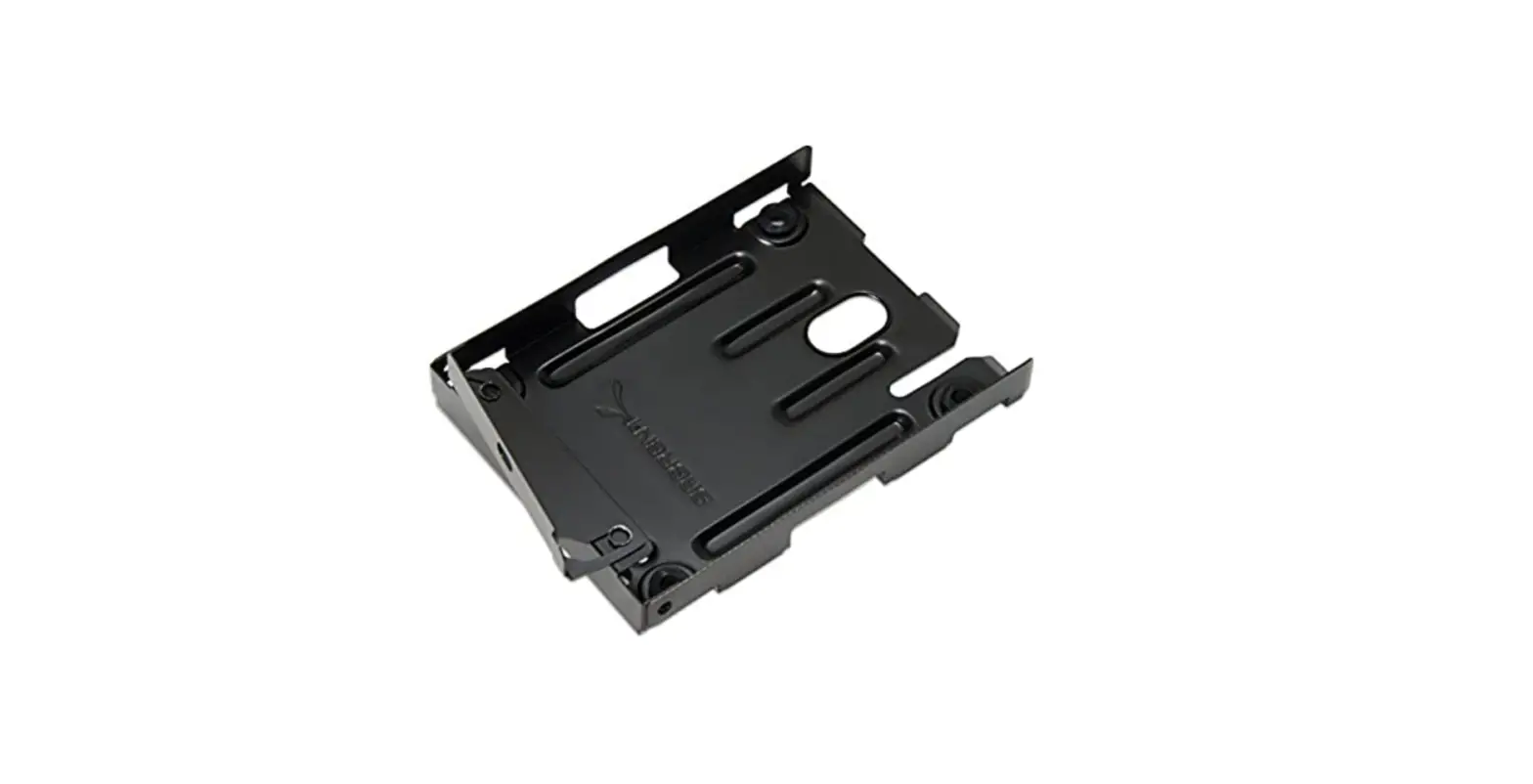
B0837T4M87 Hard Drive Caddy
Product Information
Congratulations on the purchase of your new WORKDONE Hard Drive
Caddy. This product is a non-OEM/non-original accessory part
designed for DELL PowerEdge servers. It allows you to add a small
2.5-inch hard drive to your server’s drive bay.
Compatibility
Before installation, please ensure the following:
- Your DELL PowerEdge server has a 2.5-inch Drive Bay.
- You have checked the DELL PowerEdge model compatibility
sheet. - Your DELL PowerEdge server has a Hot-Plug backplane.
Drive Bay Sizes
The same server model is delivered with two different drive bay
sizes. Verify whether your server model has a smaller 3-inch / 7.7
cm drive bay size for 2.5-inch hard drives. Refer to the Dell
PowerEdge Front Drive Bay sizes table below:
| Server Generation | Measurement of Hard Drive, wide | Measurement of DriveBay, wide |
|---|---|---|
| 2.5 | 2.8-inch / 7 cm | 3-inch / 7.7 cm |
| 3.5 | 4-inch / 10.2 cm | 4.2-inch / 10.7 cm |
Product Usage Instructions
Installing a 2.5 Hard-Drive Into a 2.5 Hard-Drive Carrier
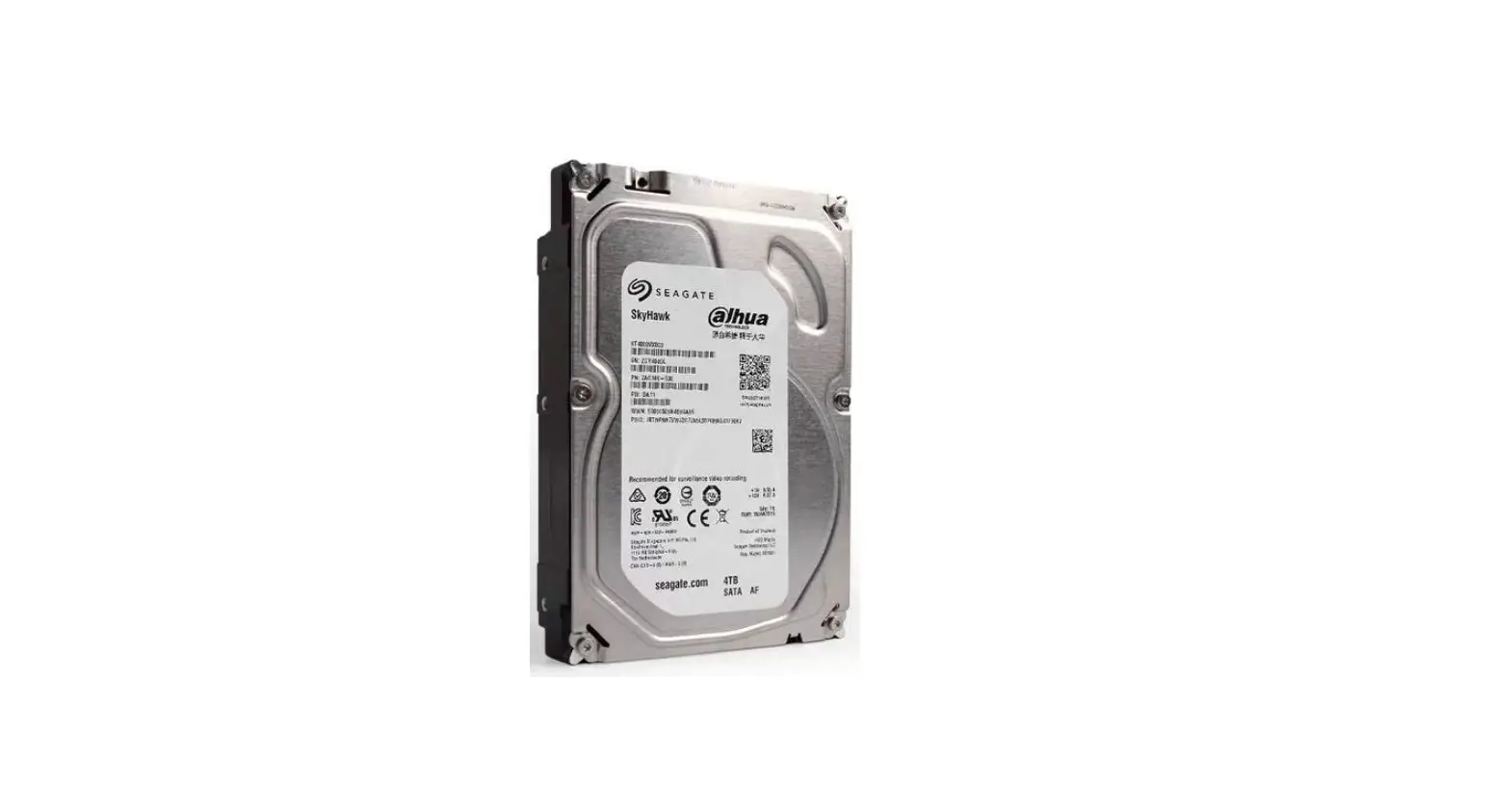
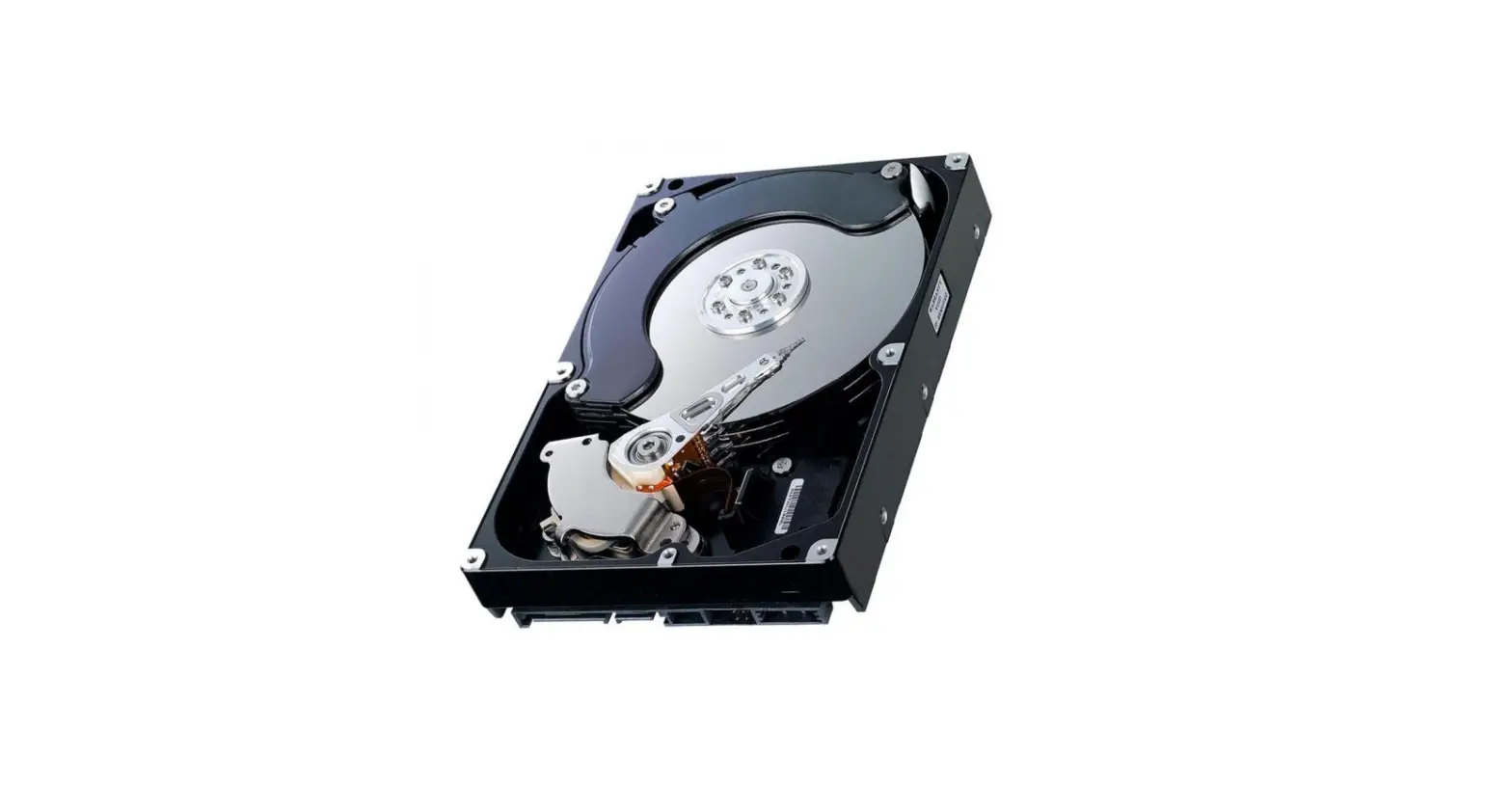
- Insert the hard drive into the carrier with the SATA/SAS
connector end facing the back. - Align the screw holes on the hard drive with the back set of
holes on the carrier. Ensure the back of the hard drive is flush
with the carrier. - Secure the hard drive to the carrier using the provided screws
(4pcs).
Installing a Hot-Swap Hard Drive
- Remove any installed hard-drive blank from the slot.
- Press the release button (1) and open the carrier handle
(2). - Slide the carrier into the slot until it connects with the
backplane. Close the handle (2) to lock the hard drive in
place.
Hard-Drive Indicator Codes
Each hard drive carrier has an activity LED indicator and status
LED indicator. The indicators provide information about the current
status of the hard drive. Refer to the table below for the
drive-status indicator patterns:
| Drive-status indicator pattern | Condition (RAID only) |
|---|---|
| Flashes green twice per second | Identifying drive or preparing for removal |
| Off | Drive ready for insertion or removal |
| Flashes green, amber, and turns off | Predicted drive failure |
| Flashes amber four times per second | Drive failed |
| Flashes green slowly | Drive rebuilding |
| Flashes green for three seconds, amber for three seconds, and turns off after six seconds | Rebuild stopped |
Quick start installation manual
Congratulations on the purchase of your new WORKDONE Hard Drive Caddy.
Our quick guide provides basic installation instructions, and for further information and guidance, visit our support portal.
ENGLISH ESPAÑOL DEUTSCH ITALIANO FRANÇAIS
B0837T4M87
* non-OEM/non-original accessory part
Final checklist before installation:
My DELL
STEP
01
PowerEdge
server has a
2.5-inch Drive
Bay
I have checked
STEP
02
the DELL PowerEdge model
compatibility
sheet
My DELL
STEP
03
PowerEdge
server has
a Hot-Plug
backplane
I want to add a
04 STEP
small 2.5-inch Hard Drive to my
DELL PowerEdge
server
Drive Bay
Page 2 of 32
B0837T4M87
Drive Bay
The same server model is delivered with two different drive bay sizes. Verify whether your server model has a smaller 3-inch / 7.7 cm drive bay size for 2.5-inch hard drives.
Page 3 of 32
B0837T4M87
Dell PowerEdge Front Drive Bay sizes
Server Generation
Measurement of Hard Drive, wide
Measurement of DriveBay, wide
16th14th
2.8-inch / 7 cm
2.9-inch / 7.4 cm
2.5″
13th11th
2.8-inch / 7 cm
3-inch / 7.7 cm
16th14th
4-inch / 10.2 cm
4.2-inch / 10.6 cm
3.5″
13th11th
4-inch / 10.2 cm
4.2-inch / 10.7 cm
Page 4 of 32
B0837T4M87
Installing a 2.5″ Hard-Drive Into a 2.5″ Hard-Drive Carrier
1. Insert the hard drive into the carrier with the SATA/SAS connector end facing the back.
2. Align the screw holes on the hard drive with the back set of holes on the carrier. Ensure the back of the hard drive is flush with the carrier.
3. Secure the hard drive to the carrier using the provided screws (4pcs).
2
1. Hard-drive carrier 2. Hard-drive 3. Screws (4pcs)
3
Installing a Hot-
Swap Hard Drive:
1. Remove any in-
stalled hard-drive
blank from the slot.
2. Press the release
button (1) and open
1
the carrier handle
(2).
3. Slide the carrier
into the slot until it
connects with the
backplane. Close
the handle (2) to
lock the hard drive in 1
place.
Page 5 of 32
2
B0837T4M87
Hard-Drive Indicator Codes
Each hard drive carrier has an activity LED indicator and status LED indicator. The indicators provide information about the current status of the hard drive.
Drive-status indicator pattern Condition (RAID only)
Flashes green twice per second
Identifying drive or preparing for removal
Off
Drive ready for
insertion
or removal
Flashes green, amber, and turns off
Predicted drive failure
Flashes amber four times per Drive failed second
Flashes green slowly
Drive rebuilding
Flashes green for three seconds, amber for three seconds, and turns off after six seconds
Rebuild stopped
Page 6 of 32
B0837T4M87
Manual de instalación rápida
Enhorabuena por la compra de su nuevo soporte para disco duro WORKDONE.
Nuestra guía de inicio rápido proporciona instrucciones básicas de instalación; para más información y orientación visite nuestro portal de servicio.
ESPAÑOL
B0837T4M87
* Piezas no genuinas / Componentes de accesorios no originales
Lista de comprobación final antes de
la instalación:
Alojamiento de la
Mi servidor DELL
PASO
01
PowerEdge
tiene una bahía
unidad de disco
de unidad de
2,5 in
He comprobado
PASO
02
la hoja de compatibilidad de
los modelos DELL
PowerEdge
Mi servidor DELL
PASO
03
PowerEdge está
equipado con
una placa base
Hot-Plug
Quiero añadir un
7 cm
04 PASO
pequeño disco duro de 2,5 in a
mi servidor DELL
PowerEdge
Page 8 of 32
B0837T4M87
Alojamiento de la unidad
El mismo modelo de servidor viene con dos diferentes tamaños de bahía de unidad. Compruebe si su modelo de servidor tiene una bahía de unidad más pequeña de 7,7 cm para discos duros de 2,5 in.
Page 9 of 32
B0837T4M87
Dimensiones del alojamiento frontal de la unidad Dell PowerEdge
Generación Servidor
Dimensión del disco duro, ancho
Dimensión alojamiento de unidad, ancho
16^-14^ 7 cm 2.5″
13^-11^ 7 cm
7,4 cm 7,7 cm
16^-14^ 10,2 cm
10,6 cm
3.5″
13^-11^ 10,2 cm
10,7 cm
Page 10 of 32
B0837T4M87
Installing a 2.5″ Hard-Drive Into a 2.5″ Hard-Drive Carrier
1. Insert the hard drive into the carrier with the SATA/SAS con-
nector end facing the back.
2. Align the screw holes on the hard drive with the back set of
holes on the carrier. Ensure the back of the hard drive is flush with the carrier.
3. Secure the hard drive to the carrier using the provided screws
(4pcs).
7 cm
2
1. Hard-drive carrier
2,5″
2. Hard-drive
3. Screws (4pcs)
3
Installing a Hot-
Swap Hard Drive:
1. Remove any in-
stalled hard-drive
blank from the slot.
2. Press the release
button (1) and open
1
the carrier handle
(2).
3. Slide the carrier
into the slot until it
connects with the
backplane. Close
the handle (2) to
lock the hard drive in 1
place.
Page 11 of 32
7,7 cm
2
B0837T4M87
Códigos Indicadores de la Unidad de Disco Duro
Cada portaunidades dispone de un indicador LED de actividad y otro indicador LED de estado. Los indicadores proporcionan información sobre el estado presente de la unidad de disco duro.
Patrón del indicador de estado del Condición disco (solo RAID)
Luz verde intermitente dos veces por segundo
Identifi cando a la unidad o preparando la unidad para ser expulsada.
Apagado
Unidad lista para ser insertada o removida.
Luz intermitente verde, amarilla, después de lo cual se apaga
Fallo previsto en la unidad
Luz intermitente amarilla cuatro veces por segundo
Unidad fallada.
Luz intermitente verde lenta
Reconstrucción de unidad.
Luz constante verde
Unidad en línea.
Luz intermitente verde por tres segundos, amarilla por tres segundos, después de lo cual se apaga al cabo de los seis segundos
Reconstrucción parada.
Page 12 of 32
B0837T4M87
Schnellstartanleitung
DEUTSCH
Herzlichen Glückwunsch zum Kauf Ihres neuen WORKDONE Hard Drive Caddy.
Unsere Kurzanleitung enthält grundlegende Installationsanweisungen. Weitere Informationen und Anleitungen finden Sie in unserem SupportPortal.
B0837T4M87 * Nicht-OEM / Nicht-Original Zubehörteil
Abschließende Checkliste vor dem Einbau:
SCHRITT
01
Mein DELL PowerEdgeServer hat einen 2,5 ZollLaufwerksschacht
Laufwerksschacht
SCHRITT
02
Ich habe das DELL PowerEdge-Modellkompatibilitätsblatt überprüft
SCHRITT
03 04 SCHRITT
Page 14 of 32
Mein DELL PowerEdgeServer hat eine Hot-PlugBackplane
Ich möchte eine kleine 2,5 ZollFestplatte in meinen DELL PowerEdgeServer einbauen
7 cm
B0837T4M87
Laufwerksschacht
Das gleiche Servermodell wird mit zwei verschiedenen Laufwerksschachtgrößen geliefert. Prüfen Sie, ob Ihr Servermodell über einen kleineren 7,7 cm großen Laufwerksschacht für 2,5 Zoll-Festplatten verfügt.
Page 15 of 32
B0837T4M87
Dell PowerEdge Vordere Laufwerksschachtgrößen
ServerGeneration
Abmessung des Festplattenlaufwerks, Breite
Abmessung des Laufwerksschachts, Breite
16. – 14. 2.5″
13. – 11.
7 cm 7 cm
7,4 cm 7,7 cm
16. – 14. 3.5″
13. – 11.
10,2 cm 10,6 cm 10,2 cm 10,6 cm
Page 16 of 32
B0837T4M87
Einbau einer 2,5″-Festplatte in einen 2,5″-Festplattenträger
1. Setzen Sie die Festplatte mit dem SATA/SAS-Anschlussende
nach hinten in den Träger ein.
2. Richten Sie die Schraubenlöcher der Festplatte an den
hinteren Löchern des Trägers aus. Vergewissern Sie sich,
dass die Rückseite der Festplatte bündig mit dem Träger ist.
3. Befestigen Sie die Festplatte mit den mitgelieferten Schrauben
am Träger (4 Stück).
7 cm
2
1. Festplattenträger 2. Festplatte
2,5″
3. Schrauben (4 Stück)
Einbau einer Hot-
3
Swap-Festplatte:
1. Entfernen Sie alle
installierten Festplat-
tenrohlinge aus dem
Steckplatz.
2. Drücken Sie den Entriegelungsknopf 1
(1) und öffnen Sie den
Trägergriff (2).
3. Schieben Sie den
Träger in den Steck-
platz, bis er mit der
Backplane verbunden
ist. Schließen Sie den Griff (2), um das Lauf- 1
werk zu verriegeln.
Page 17 of 32
7,7 cm
2
B0837T4M87
Festplatten-Anzeigecodes
Jeder Festplattenträger verfügt über eine Aktivitäts-LED und eine Status-LED. Diese Anzeigen geben Auskunft über den aktuellen Status der Festplatte.
Muster der LaufwerksStatusanzeige (nur RAID)
Zustand
Blinkt zweimal pro Sekunde grün
Laufwerk wird identifi ziert oder das Entfernen wird vorbereitet.
Aus
Laufwerk zum Einsetzen
oder zum Entfernen
bereit.
Blinkt grün und gelb, dann schaltet sich aus
Vorhersehbarer Laufwerkfehler.
Blinkt viermal pro Sekunde gelb
Laufwerk ist ausgefallen.
Blinkt langsam grün
Laufwerk Rebuild ist aktiv.
Grünes Dauerlicht
Laufwerk online.
Blinkt drei Sekunden lang grün, dann drei Sekunden lang gelb und schaltet sich nachher aus
der Rebuild wurde gestoppt.
Page 18 of 32
B0837T4M87
Manuale di installazione rapida
Congratulazioni per l’acquisto del tuo nuovo Hard Drive Caddy WORKDONE.
La nostra guida rapida fornisce istruzioni di base per l’installazione; per ulteriori informazioni e indicazioni, visitate il nostro portale di assistenza.
ITALIANO
B0837T4M87 * Parte accessorio non OEM/non originale
Lista di controllo finale prima
dell’installazione:
Alloggiamento
Il Server My
PASSO
01
DELL PowerEdge
ha un
unità disco
alloggiamento per
unità da 2,5 pollici
Ho controllato
PASSO
02
la scheda di compatibilità dei
modelli DELL
PowerEdge
Il mio server
PASSO
03
DELL PowerEdge
è dotato di un
backplane Hot-
Plug
Voglio aggiungere
7 cm
04 PASSO
un piccolo disco rigido da 2,5 pollici
al mio server DELL
PowerEdge
Page 20 of 32
B0837T4M87
Alloggiamento uintà disco
Lo stesso modello di server viene fornito con due dimensioni diverse di alloggiamento dell’unità. Controlla se il tuo modello di server abbia un alloggiamento più piccolo da 7,7 cm per hard drive da 2,5 pollici.
Page 21 of 32
B0837T4M87
Dimensioni alloggiamento anteriore unità Dell PowerEdge
Generazione Misura Hard
Server
Drive, ampia
Misura Alloggiamento Unità, ampia
16^-14^ 7 cm 2.5″
13^-11^ 7 cm
7,4 cm 7,7 cm
16^-14^ 10,2 cm
10,6 cm
3.5″
13^-11^ 10,2 cm
10,7 cm
Page 22 of 32
B0837T4M87
Installazione Hard Drive da 2,5″ in un Supporto per Hard Drive da 2,5″.
1. Inserire il disco rigido nel supporto con l’estremità del connet-
tore SATA/SAS rivolta verso il retro.
2. Allineare i fori per le viti del disco rigido con la serie di fori
posteriori del supporto. Assicurarsi che la parte posteriore del
disco rigido sia in linea con il supporto.
3. Fissare il disco rigido al supporto utilizzando le viti in dotazi-
one. (4pz)
2
7 cm
1. Supporto dell’hard disk 2,5″
2. Hard disk 3. Viti (4 pezzi)
3
Installare un Hard
Drive HotSwap:
1. Rimuovere il disco
rigido vuoto installa-
to dallo slot.
2. Premere il pulsan-
te di rilascio (1) e
1
aprire la maniglia del
supporto (2).
3. Far scorrere il
supporto nello slot
finché non si collega al backplane. Chiu-
dere la maniglia (2)
per bloccare il disco 1 rigido in posizione.
Page 23 of 32
7,7 cm
2
B0837T4M87
Codici dell’indicatore del disco rigido
Ogni supporto del disco rigido ha un indicatore LED di attività e un indicatore LED di stato. Gli indicatori forniscono informazioni sullo stato attuale del disco rigido.
Pattern di indicatore status del Disco (solo RAID) Luce lampeggiante verde due volte al secondo
Off
Luce lampeggiante verde, ambra e poi si spegne Luce lampeggiante ambra quattro volte al secondo Luce lampeggiante lenta verde Verde fi sso Luce lampeggiante verde per tre secondi, ambra per tre secondi, poi si spegne dopo sei secondi
Condizione
Identifi cazione dell’unità o preparazione per la rimozione. Disco pronto per l’inserimento o la rimozione. Previsto guasto del disco.
Disco guasto.
Ricostruzione del disco. Disco online. Ricostruzione interrotta.
Page 24 of 32
B0837T4M87
Manuel d’installation rapide
Nous vous félicitons pour l’achat de votre nouveau boîtier pour disque dur WORKDONE.
Notre guide rapide fournit des instructions d’installation de base, et pour plus d’informations et de conseils, Rendez-vous sur notre portail d’assistance.
FRANÇAIS
B0837T4M87 * Non-oem/pièces d’accessoires non originaux
Liste de contrôle finale avant l’installation :
Mon serveur
ÉTAPE
01
DELL PowerEdge
est équipé est
équipé d’une baie de
disque 2,5 pouce(s).
J’ai vérifié Ia fiche
ÉTAPE
02
de compatibilité pour le modèle
DELL PowerEdge.
Baie de disque
Mon serveur
ÉTAPE
DELL PowerEdge
03
est équipé d’une
carte-mère
enfichable à chaud.
Je souhaite ajouter
7 cm
04 ÉTAPE
un petit disque dur de 2,5 pouces sur
mon serveur DELL
PowerEdge.
Page 26 of 32
B0837T4M87
Baie de disque
Le même modèle de serveur est livré avec deux tailles de baie différentes. Vérifiez si votre modèle de serveur a une taille de baie plus petite de 7,7 cm pour les disques durs de 2,5 pouces.
Page 27 of 32
B0837T4M87
Tailles des baies de disques avant de Dell PowerEdge
Génération du serveur
Dimension du disque dur, en largeur
Dimension de la baie de disque, en largeur
16 ème 14 ème
7 cm
2.5″
13 ème 11 ème
7 cm
7,4 cm 7,7 cm
16 ème 14 ème
10,2 cm
10,6 cm
3.5″
13 ème 11 ème
10,2 cm
10,7 cm
Page 28 of 32
B0837T4M87
Installation d’un disque dur de 2,5 pouces dans un support de disque dur de 2,5 pouces
1. Insérez le disque dur dans le support en orientant l’extrémité
du connecteur SATA/SAS vers l’arrière.
2. Alignez les trous de vis du disque dur avec les trous arrière du
support. Veillez à ce que l’arrière du disque dur soit au même
niveau que le support.
3. Fixez le disque dur au support à l’aide des vis fournies
(4 unités). 2
7 cm
1. Boîtier de disque dur 2. Unité de disque dur
2,5″
3. Vis (4 u.)
Installation d’un dis- 3
que dur enfichable à chaud :
1. Retirez de l’emplace-
ment tout disque dur
vierge qui y est installé.
2. Appuyez sur le bou-
ton de déverrouillage 1 (1) et ouvrez la poignée
du support (2).
3. Faites glisser le sup-
port dans le logement
jusqu’à ce qu’il soit con-
necté à la carte-mère.
Fermez la poignée (2)
pour verrouiller le disque dur en place.
1
Page 29 of 32
7,7 cm
2
B0837T4M87
Codes de l’Indicateur du Disque Dur
Chaque boîtier d’unité de disque dur est équipé d’un indicateur LED d’activité et d’un indicateur LED d’état. Les indicateurs fournissent de l’informations sur l’état présent de l’unité.
Témoin de statut du disque dur État (RAID uniquement)
Clignote en vert deux fois par seconde
En train de reconnaître l’unité ou de préparer l’unité pour son relèvement.
Éteint
Unité prête à être introduite ou relevée.
Clignote en vert, en jaune et puis s’éteint
Défaillance prévue du lecteur.
Clignote en jaune quatre fois par seconde
Lecteur échoué.
Clignote en vert lentement
Reconstruction du lecteur.
Vert fi xe
Lecteur en linge.
Clignote en vert trois secondes,
Reconstruction arrêtée.
en jaune pour trois secondes et fi
nalement s’éteint après six secondes
Page 30 of 32
B0837T4M87
WE CARE WE SUPPORT
your global support portal:
www.workdone.support
Drive Caddy Configurator · Plenty of Downloads · Product PDF Manuals Compatibility Sheets · Drive Bay Size Tables · Dell Server Naming Dell Caddy Part Numbers · Free eBook Download Support Articles · Installation Diagrams
Copyright © 2018-2023 by WORKDONE. All Rights Reserved.