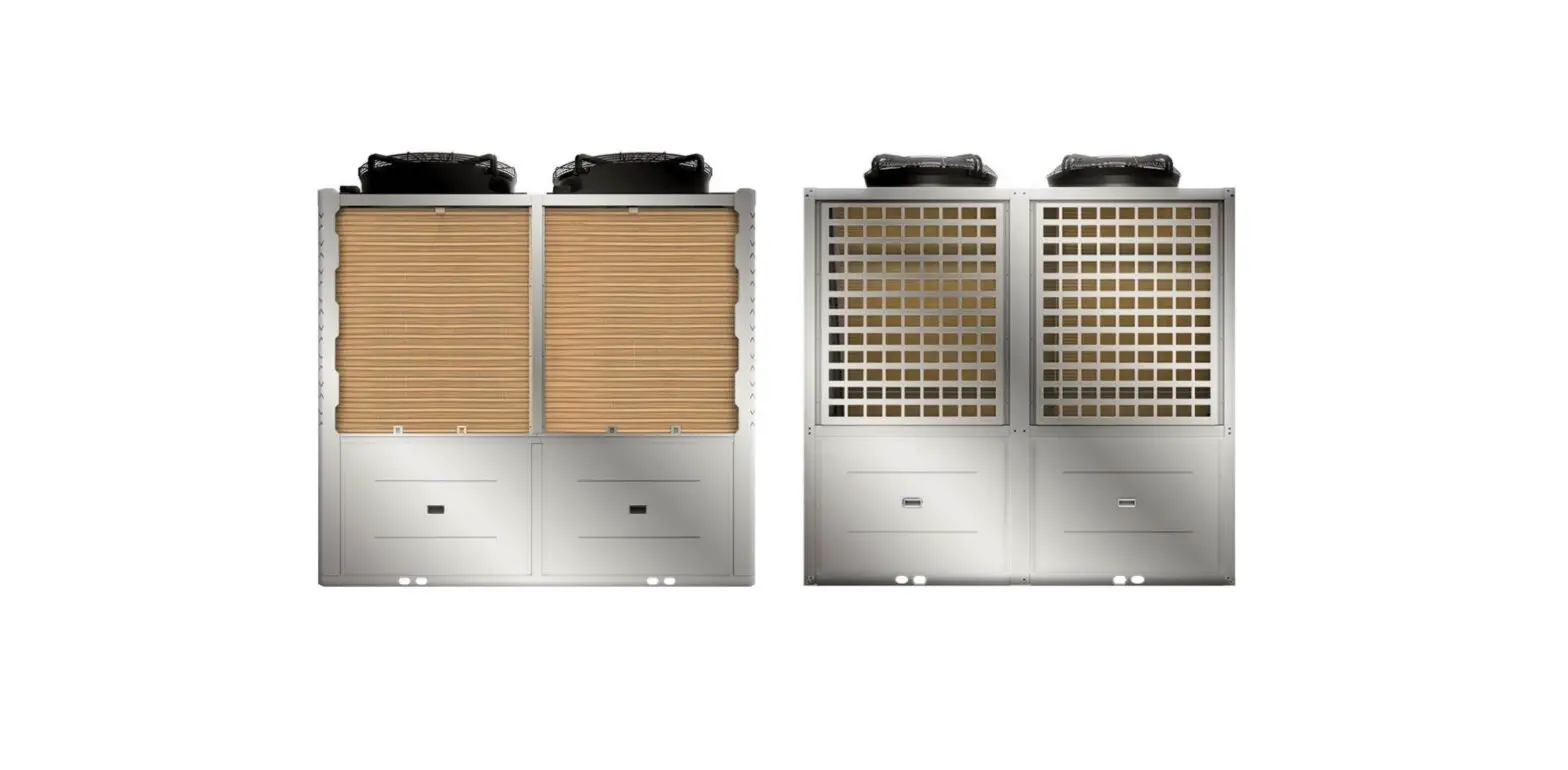
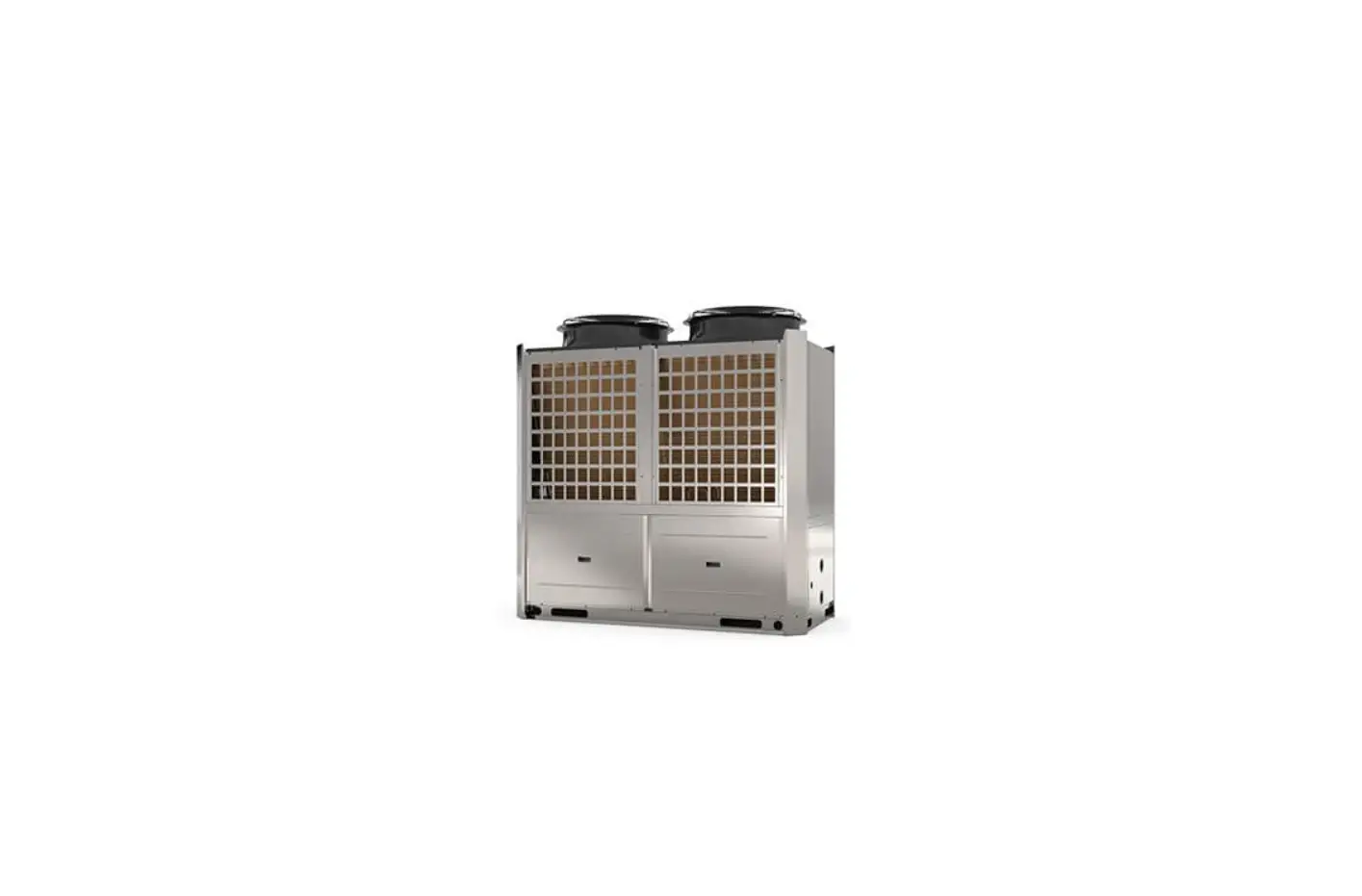
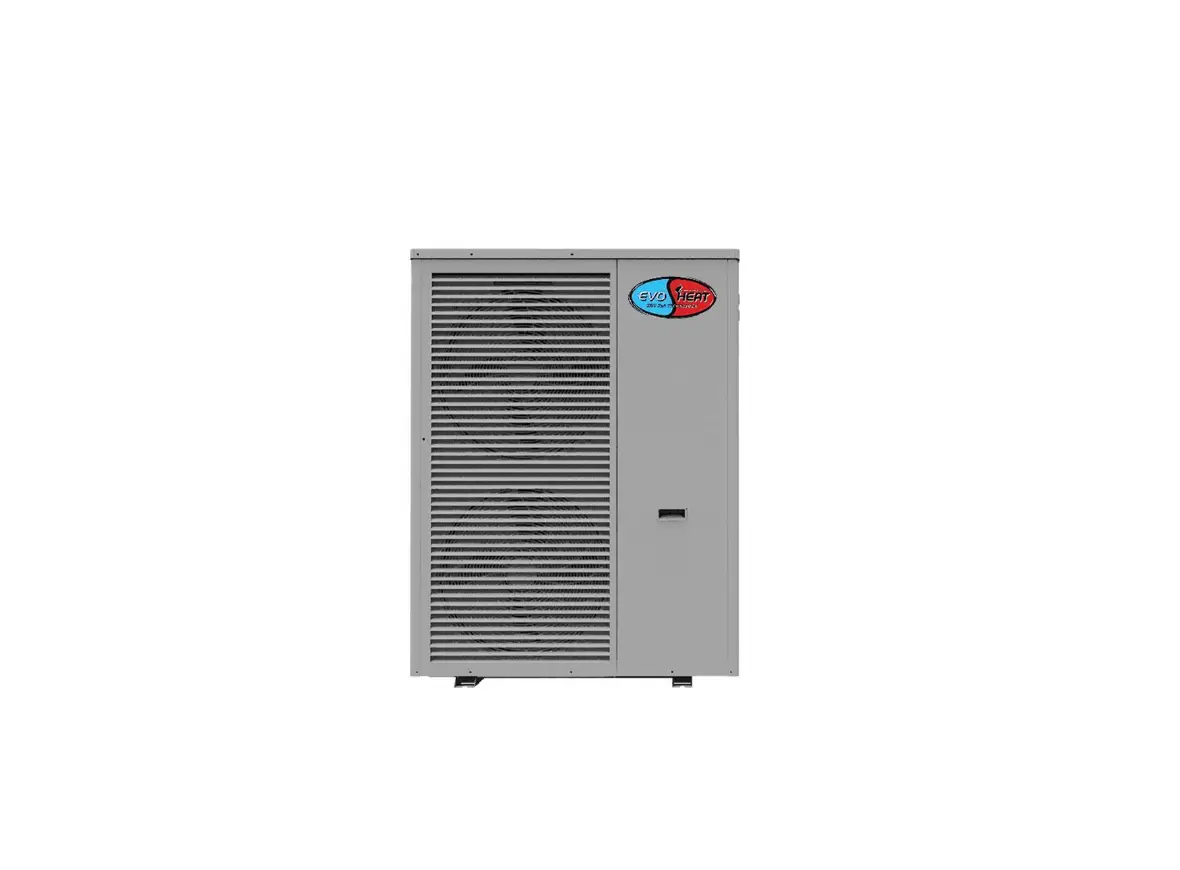
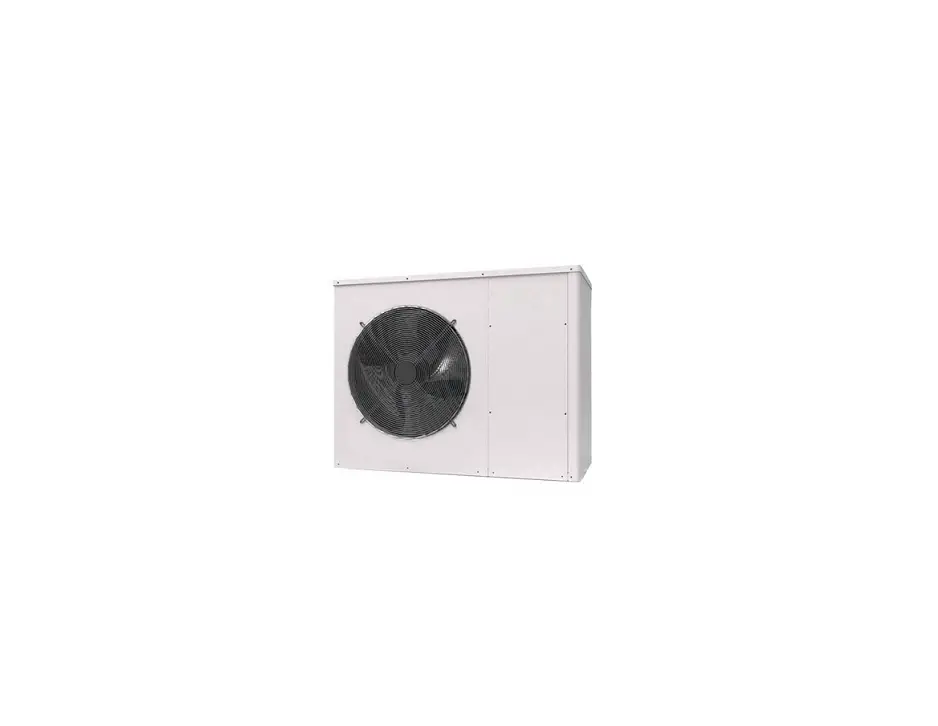
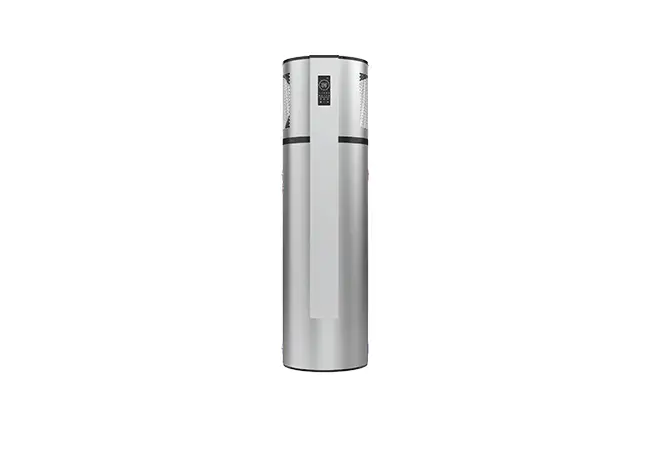
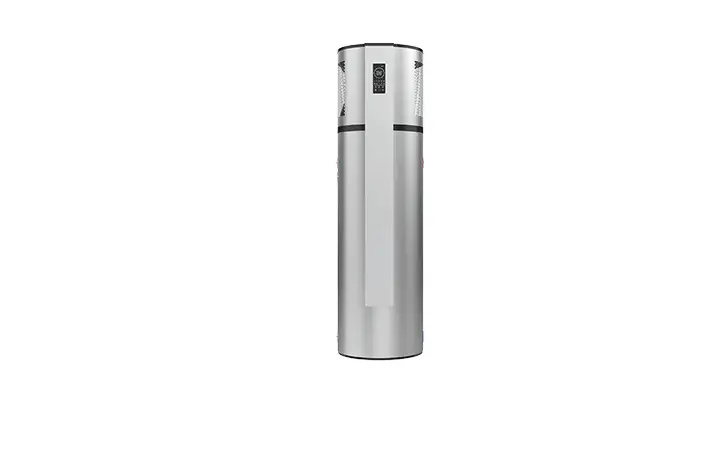
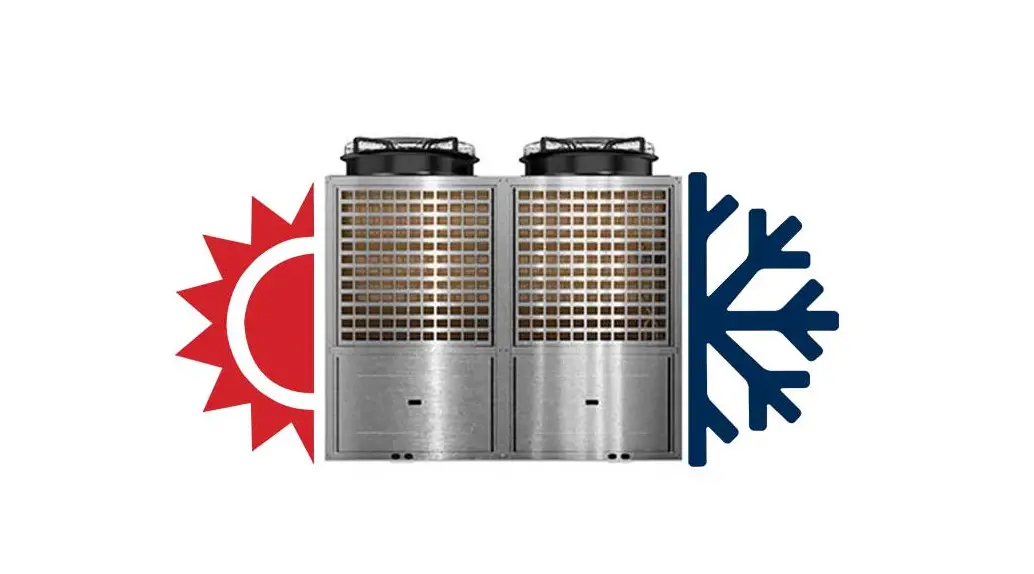
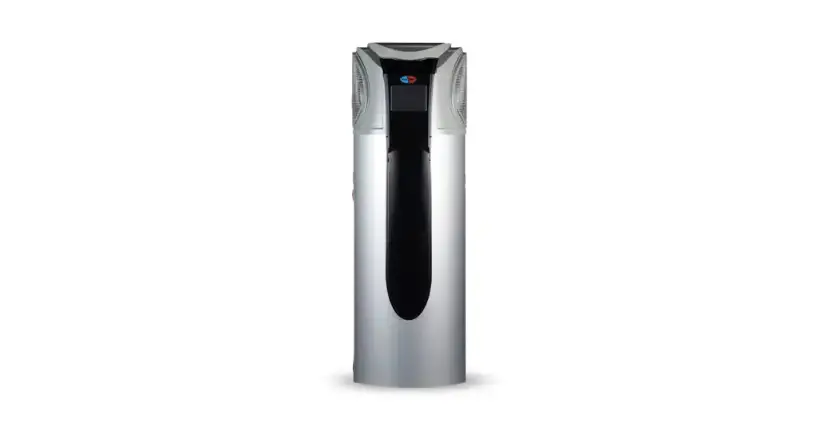
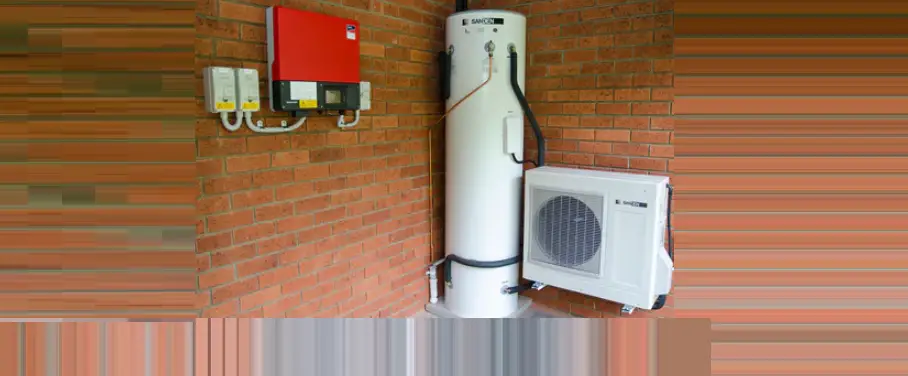
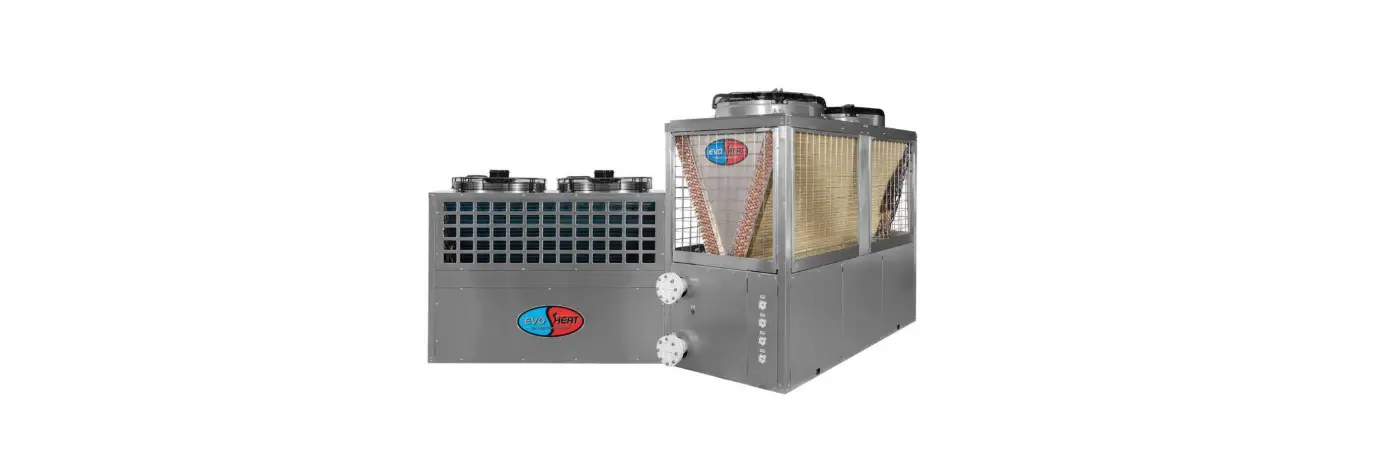
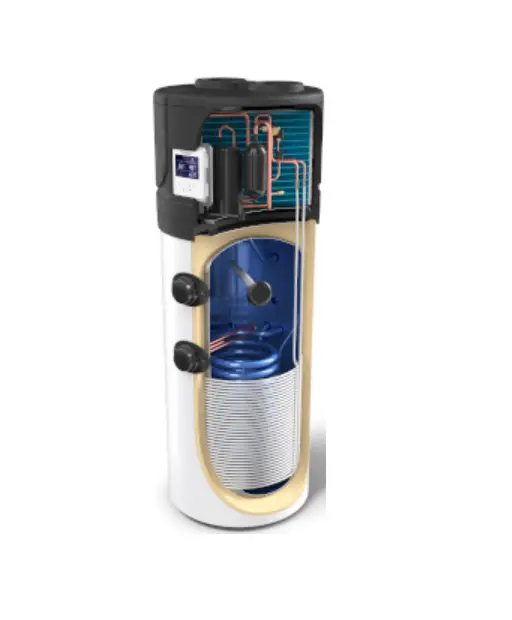
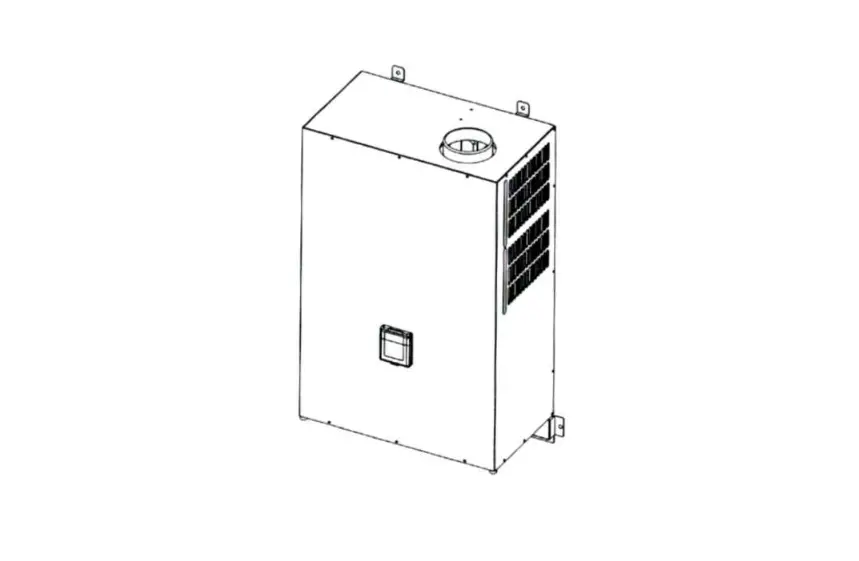
Evo Ultra Commercial Hot Water Heat Pump
Evo Ultra Manual
Product Information:
The Evo Ultra is a water to water heat pump that is the perfect
solution in applications where chillers and cooling towers are
being used for temperature control. When installed in line with the
chiller, the Evo Ultra can capture rejected waste from the chiller
return lines and utilize this heat to provide FREE HOT WATER!
Technical Data:
| Model | Heating Capacity Evaporator Side (kW) | Voltage/Phase | Max. Running Current (A) | Max. Power Input (kW) | Noise (dB(A)) | Compressor Type | Compressor No. | Evaporator Water Flow (m3/h) | Condenser Water Flow (m3/h) | Refrigerant Type | Max. Outlet Water Temp. (°C) | Net Weight (kg) | Net Dimensions (L/W/H) (mm) | |
|---|---|---|---|---|---|---|---|---|---|---|---|---|---|---|
| Evo Ultra 64 | 67.1 | 380-415/3/50 | 50.9 | 4.24 | 58.6 | Copeland Scroll ZW Series | 2 | 19.6 | 3 | R134a | 80 | 1172 | 900 | 1365 |
| Evo Ultra 129 | 134.2 | 380-415/3/50 | 101.9 | 4.24 | 115.6 | Copeland Scroll ZW Series | 4 | 41.7 | 2.77 | R134a | 80 | 1600 | 1130 | 1500 |
| Evo Ultra 240 | 222 | 380-415/3/50 | 160 | 3.7 | 190 | EVI Scroll | 4 | 78.5 | 2.42 | R134a | 80 | 2030 | 1250 | 1610 |
Unit Dimensions:
| Model | Hot Water Outlet DN80 (mm) | Hot Water Inlet DN80 (mm) | Cold Water Inlet DN80 (mm) | Cold Water Outlet DN80 (mm) |
|---|---|---|---|---|
| Evo Ultra 64 | 850 | 850 | 812 | 750 |
| Evo Ultra 129 | 1080 | 1050 | 1000 | 800 |
| Evo Ultra 240 | 1986 | 1490 | 350 | 245 |
Safety Instructions:
Please refer to the Evo Ultra Manual for safety
instructions.
Installation:
4.1 System Installation:
This model can be installed on a concrete base with expansion
bolts or installed on the ground or roof by a steel bracket with
rubber cushion. Make sure that the units are horizontally
placed.
The units should be installed at a place convenient for
installation and maintenance.
The units should install shock-absorbing devices in case of the
shock transferring to the building.
For transit, use four slings longer than 8m when moving the
units and use the lifting holes on the bottom board. Put a cushion
block at the places of contact in case of damage.
4.2 Plumbing:
When connecting the water pipeline, you cannot exchange the user
side pipeline with the heat source side pipeline. The unit’s user
side and heat source side direction should be in accordance with
the direction as marked on the units. Water pipeline resistance out
of the units should be as minimal as possible.
Contact Information:
Email: [email protected]
Phone: 1300 859 933
Website: www.evoheat.com.au
Page 1 Evo Ultra Manual
Contents
1. Introduction……………………………………………………………………………………………………………………………..2 2. Unit Dimensions ………………………………………………………………………………………………………………………3 3. Safety Instructions ……………………………………………………………………………………………………………………4 4. Installation ………………………………………………………………………………………………………………………………5
4.1 System Installation ………………………………………………………………………………………………………………5 4.2 Plumbing……………………………………………………………………………………………………………………………5 4.3 Electrical Connection …………………………………………………………………………………………………………..6 4.4 Initial Start-up……………………………………………………………………………………………………………………..6 5. Operation………………………………………………………………………………………………………………………………..7 5.1 The Controller …………………………………………………………………………………………………………………….7 5.2 Operating Functions…………………………………………………………………………………………………………….7
5.2.1 On/Off………………………………………………………………………………………………………………………….7 5.2.2 Mode Selection……………………………………………………………………………………………………………..7 5.2.3 Setting the Target Temperature……………………………………………………………………………………….7 5.2.4 Locking the Screen ………………………………………………………………………………………………………..7 5.2.5 Setting a Timer ……………………………………………………………………………………………………………..8 5.2.6 Settings ……………………………………………………………………………………………………………………….8 6. Troubleshooting……………………………………………………………………………………………………………………..11 6.1 Fault Table ……………………………………………………………………………………………………………………….11 7. Appendix ………………………………………………………………………………………………………………………………14 7.1 Cable Specifications…………………………………………………………………………………………………………..14 7.2 Wiring Diagram …………………………………………………………………………………………………………………15 8. Maintenance………………………………………………………………………………………………………………………….16 9. Warranty……………………………………………………………………………………………………………………………….17
1300 859 933
www.evoheat.com.au
Page 2 Evo Ultra Manual
1. Introduction
This manual contains information relating to the installation, troubleshooting, operation, and maintenance of this EvoHeat unit. Instructions in this manual must always be followed. Failure to comply with these recommendations will invalidate the warranty. Should you have any questions or require technical support, call the EvoHeat office on 1300 859 933 to speak to our team.
The data and information contained in this manual is correct at the time of publishing and is subject to change without notice. For the most up to date manual, contact EvoHeat directly.
The Evo Ultra is a water to water heat pump that is the perfect solution in applications where chillers and cooling towers are being used for temperature control. When installed in line with the chiller, the Evo Ultra can capture rejected waste from the chiller return lines and utilise this heat to provide FREE HOT WATER!
TECHNICAL DATA
Heating Capacity Evaporator Side
20°C/15°C Cooling Capacity
Condenser Side Power Input 45°C/55°C C.O.P
Heating Capacity Evaporator Side
20°C/15°C Cooling Capacity
Condenser Side Power Input 65°C/75°C C.O.P
Voltage/Phase
Max. Running Current
Max. Power Input
Noise
Compressor Type
Compressor No.
Evaporator Water Flow
Condenser Water Flow
Refrigerant Type
Max. Outlet Water Temp.
Net Weight
Net Dimensions (L/W/H)
kW kW kW
kW
kW
A kW dB(A)
m3/h m3/h
°C kg mm
Evo Ultra 64
Evo Ultra 129
Evo Ultra 240
67.1
134.2
222
50.9
101.9
160
15.8
31.6
59.5
4.24
4.24
3.7
58.6
115.6
190
40
75.6
114.5
19.6
41.7
78.5
3
2.77
2.42
380-415/3/50
380-415/3/50
380-415/3/50
50
90
180
26
46
98
68
69
71
Copeland Scroll ZW Series R134a EVI Scroll
2
4
4
7
20
28
5.1
18.2
38
R134a
R134a
R134a
80
80
80
441
866
1050
1172 / 900 / 1365
1600 / 1130 / 1500
2030 / 1250 / 1610
Heating: Heat source side: water inlet/outlet temperature: 20°C/15°C
User side water inlet/outlet temperature: 65°C/75°C
When the units work between 55-85°C, make sure the low-pressure range is between 0.27-0.65MPa and the evaporating temperature is between 7-30°C. The above data is for reference only, specific data is subject to the product nameplate
1300 859 933
www.evoheat.com.au
2. Unit Dimensions
Page 3 Evo Ultra Manual
EVO ULTRA 64
EVO ULTRA 129
EVO ULTRA 240
Hot Water Outlet DN80
Hot Water Inlet DN80
Cold Water Inlet DN80
Cold Water Outlet DN80
Unit: mm Evo Ultra 64 Evo Ultra 129 Evo Ultra 240
A (L)
B (W)
C (H)
D
E
F
G
H
1172
900
1365
850
850
812
750
680
1600
1130
1500
1080
1050
1000
800
410
2030
1250
1610
1986
1490
350
245
1300 859 933
www.evoheat.com.au
3. Safety Instructions
Page 4 Evo Ultra Manual
Installation, repair, or relocations must only be done by a fully qualified technician. If done incorrectly there is a number of hazards that can occur including fire, electric shock, water leakage and injury. · A circuit breaker must be installed for the unit. · Ensure the unit has a good power connection and earthing to avoid the risk of electrical shocks. · Maintenance and operation must be carried out according to the recommended time and frequencies, as stated in this manual. · The unit must be stored in a room without any continuously operating ignition sources (for example: open flames, an operating gas appliance) · Do not pierce or burn the unit. · If the supply cord is damaged, it must be replaced by a qualified service agent. · This appliance must be installed in accordance with national wiring regulations. · Before obtaining access to terminals all supply circuits must be disconnected. · The unit is equipped with an over-load protection system. After a previous stoppage, the unit will not start for at least 3 minutes. · For unit cleaning or maintenance, switch off and disconnect the power of the unit. · Do not install the unit near flammable gas or spray flammable substances near it. · Ensure the heat pump is installed on a strong and stable platform. · If the supply cord is damaged, it must be replaced. · Use genuine standard spare parts only.
1300 859 933
www.evoheat.com.au
Page 5 Evo Ultra Manual
4. Installation
4.1 System Installation
·
This model can be installed on a concrete base with expansion bolts or installed on the ground or roof by
a steel bracket with rubber cushion. Make sure that the units are horizontally placed.
·
The units should be installed at a place convenient for installation and maintenance.
·
The units should install shock-absorbing devices in case of the shock transferring to the building.
For transit, use four slings longer than 8m when moving the units and use the lifting holes on the bottom board. Put a cushion block at the places of contact in case of damage.
4.2 Plumbing
When connecting the water pipeline, you cannot exchange the user side pipeline with the heat source side pipeline. The unit’s user side and heat source side direction should be in accordance with the direction as marked on the units. Water pipeline resistance out of the units should as minimal as possible.
The pipeline must be clean to prevent jamming. Before packing the insulation layer, a leakage test should be conducted.
Adopt the same diameter water pipe as mentioned in the user guide for inlet and outlet connection pipe out of the units. Ensure that the pipeline is full of water and has fine moisture measures when the unit is at work.
The Expansion water tank should be equipped at the highest part of the water pipeline. The water surface of the expansion water tank should be 0.5m or higher than the highest point of water pipeline.
Choose the insulation water tank with suitable volume according to the units heating and cooling capacity and ensure the insulation of pipeline out of the water tank.
If the units have no water pump equipped, please choose the proper water pump according to the units water flow volume on the user guide, making sure the water flow volume satisfies the units requirement. There should be hose connection equipment between the water pump and units. If the water pump is installed outdoors, there should be water-proof and anti-freezing equipment.
An automatic exhaust air valve should be equipped at the highest point of the water pipeline in case of air detention in the pipe; Drainage valve should be equipped at the lowest point of the water pipeline, so it can be convenient for maintenance and drainage.
A Y-type filter should be installed at the circular water pump inlet port of the user side and heat source side in case that impurities may damage the units. The Y-type filter should be detachable for cleansing and maintenance.
Softened water can be better for circular water.
The connection of the water inlet and outlet should be flexible to reduce vibration.
Drain out the water in the pipeline when you will not use the units for a long time in case of freezing.
Do not change the set return water temperature and water tank insulation temperature.
Thermometer and water pressure gauge should be equipped at the units water inlet and outlet port for checking.
User side water should be tap water and the hardness should be less than 20. If not, install an electric hydro treater at
the tap water side.
1300 859 933
www.evoheat.com.au
Page 6 Evo Ultra Manual
4.3 Electrical Connection
IMPORTANT: Always use a qualified Electrician to perform any electrical work. A licensed electrician must read the information before connecting.
Ensure the power cable and circuit breaker are of a suitable size for the heater being installed. Also check that there is adequate voltage and current available at the heater connection to run the unit.
·
Open the front panel and open the power supply access.
·
The power supply must go through the wire access and be connected to the power supply terminals in the
controlling box. Then connect the 3-signal wire plugs of the wire controller and main controller.
·
If an external water pump is required, please insert the power supply wire into the wire access and
connect it to the water pump terminals.
·
If an additional auxiliary heater is needed to be controlled by the heat pump controller, the relay (or power)
of the aux-heater must be connected to the relevant output of the controller.
4.4 Initial Start-up
Pre-Start Inspection
·
Check the indoor unit, make sure that the pipe connection is done correctly, and the relevant valves are
open.
·
Check the water loop to ensure that the water inside of the expansion tank is filled to an appropriate level,
the water supply is working and that the water loop is full of water & free of trapped air. Make sure there is
good insulation for the water pipe.
·
Check the electrical wiring. Make sure that the power voltage is normal, the screws are fastened, the
wiring is made in line with the diagram and that the earthing is connected.
·
Check that the heat pump includes all the screws and components, and that they are in good order. When
powering the unit on, review the indicator on the controller to see if there is any indication of failure. The
gas gauge can be connected to the check valve to see the high pressure (or low pressure) of the system
during trial running.
Trial Operation
·
Start the heat pump by pressing the ON/OFF key on the controller. Check whether the water pump is
running, if it runs normally there will be 0.2MPa on the water pressure meter.
·
When the water pump has ran for a minute, the compressor will start. Listen for any strange sounds from
the compressor, if an abnormal sound occurs please stop the unit and check the compressor. If the
compressor runs well, please look for the pressure meter of the refrigerant.
·
Check whether the power input and running current is in line with the manual. If not, please stop and
check.
·
Adjust the valved on the water loop to make sure that the hot (cool) water supply to each door is good and
meets the requirements of heating (or cooling).
·
Review whether the outlet water temperature is stable.
·
The parameters of the controller are set by the factory, the user cannot change these themselves.
1300 859 933
www.evoheat.com.au
5. Operation 5.1 The Controller
Page 7 Evo Ultra Manual
Power Setpoint Mode Lock Timer Setting
Display Circle
Turn the unit on or off Set the target temperature Select heating or cooling mode
Lock or unlock the screen
Enter timer setting menu (Temp Timer, Power Timer)
Enter function menu (Status, Parameter, Failures & Time) Target temperature of inlet water Unit’s set date & time Blue: Cooling mode, Red: Heating Mode, Grey: Off
Icons will appear at the top right of the screen indicating certain functions that are enabled, or if there has been an error with the system.
Temp Timer Function Power Timer Mode Screen Lock Failure Alarm (The icon will blink until the failure is resolved)
5.2 Operating Functions
5.2.1 On/Off From the main menu, simply press the `Power’ button to turn the unit on or off. 5.2.2 Mode Selection From the main menu, pressing the `Mode’ button will allow you to select either heating or cooling mode. The status bar (bottom of the screen) will display the unit’s current operating state. The display circle will appear as red for heating, or blue for cooling. If the unit is off, it will simply be grey. 5.2.3 Setting the Target Temperature To adjust the target temperature value, first choose a running mode (heating or cooling), then press the `Setpoint’ button to enter the parameter setting screen. Enter the required parameter according to the effective range which is displayed at the bottom of the screen. 5.2.4 Locking the Screen From the main menu, press the `Lock’ button to lock the controller screen and prevent unauthorised people accessing the controls. When the screen is locked a small lock symbol will appear on the top right of the main menu. To unlock the screen, press the `Lock’ button again and enter the password 22 which will unlock the screen and remove the lock symbol.
1300 859 933
www.evoheat.com.au
5.2.5 Setting a Timer
Page 8 Evo Ultra Manual
After pressing the `Timer button from the main interface, select from Temp Timer or Power Timer.
5.2.5.1 Temperature Timers This function enabled time-sharing temperature control, which is two segments of staggered peak temperature control, and allows the target temperature of two segments of different time periods to be set according to different modes.
Press (23) to select from cooling or heating mode, then enter the start time, ending time and the target temperature setpoint value (24). Press (25) to enable or disable the settings.
5.2.5.2 Power Timer This function allows you to set the opening time of the unit for each day of the week.
Press (26) to select the day of the week, then (27) to select AM or PM, after this press (28) to select the time, and finally select (29) to enable or turn off the setting.
5.2.6 Settings
After pressing the `Setting’ button on the main menu, you can select from a range of functions.
5.2.6.1 Status Press Status (30) to choose from Running Status or Unit Status.
Running Status See below image.
Unit Status Enter the password 22 to inquire the unit status parameter. Press one of the 4 buttons to inquire relevant parameters.
Running Status Screen
[email protected]
1300 859 933
Unit Status Screen
www.evoheat.com.au
Page 9 Evo Ultra Manual
5.2.6.2 Parameters After pressing the parameter button (31) from the settings menu, enter the password 22 to jump to the Installer Parameter interface for inquiring about relevant parameters.
5.2.6.3 Failure When a failure is present, the red failure alarm will be flashing on the main menu. First press `Settings’ then `Failure’ to view the failure records.
Once maintenance has been completed, press the `clear’ button the delete the failure history.
5.2.6.4 Time To change the system’s date & time, click on the input field and enter the correct values. Press `save’ in the top right corner to save the settings.
5.2.6.5 Temperature Curve
Press (34) to view the inlet/outlet temperature curve.
· This curve function records the water inlet outlet temperature. · Temperature data is collected every 5 minutes, and the 12 sets of temperature data are saved every hour.
Timekeeping is made from the latest data saving. If the power is disrupted before all 12 data sets have been collected the data will not be saved. · Only curve for the electricity status is recorded, the outage status will not be saved. · The value of the abscissa indicates the time from the point on the curve to the current time point. The leftmost point on the first page (0 on the abscissa is the latest temperature record). · Temperature curve record is provided with power off memory function; in the case of a disturbed curve recording and display, when the unit is next powered on the wire controller will automatically clear the history curve record and the curve recording function will restore to a normal state.
1300 859 933
www.evoheat.com.au
Page 10 Evo Ultra Manual
5.2.6.6 Electric Heating In the settings menu, the Electric Heating option will display as `OFF Electric Heating’. Make sure that the unit is firstly in heating mode, then press the electric heating button to head to its interface. Click the button to turn it on to activate the electric auxiliary heating mode. Turn off the function my tapping the button again.
5.2.6.8 Display Calibration Enter the Unit status menu in the following order Main Interface Setting Status Unit Status The password it will ask for is: 22 Click the screen in the bottom left corner over 10 times within 4 seconds to bring up the display calibration interface. Click the blank squares to check whether there are bad spots within the screen. Green spots are normal. To exit, click the screen in the bottom right corner.
1300 859 933
www.evoheat.com.au
Page 11 Evo Ultra Manual
6. Troubleshooting
6.1 Fault Table
Protection/failure Communication Fault Wire controller don’t Match mainboard
DC Fan 1 Communication Fault
Syst1: High Pressure Prot. Syst2: High Pressure Prot. Syst1: Low Pressure Prot. Syst2: Low Pressure Prot.
Water Flow Switch Prot.
Electric Heater Overheating Level 1Winter Antifreezing Prot. Level 2 Winter Antifreezing Prot. Syst1: User Side Antifreezing Prot. Syst2: User Side Antifreezing Prot. Water(Out) High Temp Prot. Fan 1 Overload Prot.
Codes
Causes
E08
Abnormal communication between wire controller and the main board
E084
E081 E11 E21 E12 E22
Communication of the speed regulation module 1 with main board is abnormal
The high-voltage switch of the system is disconnected
The high-voltage switch of the system is disconnected
The low-voltage switch of the system is disconnected
The low-voltage switch of the system is disconnected
E032
The water system has little or no water
E04
Electric heating overheat protection switch is disconnected
E19
Excessively low environment temperature
E29
Excessively low environment temperature
E171
The water flow of the system is insufficient
E271 E09 E103
The water flow of the system is insufficient
Excessively high water outlet temperature
Fan 1 thermal overload
Removal methods Inspect whether the wire controller, the main board and the connection are reliable
Check the speed regulation module 1 and the main board to see if connections are normal and reliable. Inspect System 1 voltage switch and refrigerating circuit for any failure Inspect System 2 voltage switch and refrigerating circuit for any failure Inspect System 1 voltage switch and refrigerating circuit for any failure Inspect System 2 voltage switch and refrigerating circuit for any failure Inspect whether the water flow of the water pipe conforms to related requirements and check the water pump for any damages Inspect whether the electric heating is under operation condition of over 150 for a long time
Inspect whether the water flow of the water pipe conforms to related requirements and check the water pump for any blockage Inspect whether the water flow of the water pipe conforms to related requirements and check the water pump for any blockage
Check if fan 1 is running normally
Fan 2 Overload Prot. Syst1: Exhaust Air High Temp Prot. Syst2: Exhaust Air High Temp Prot. Water (In/Out) Temp Excess Diff Prot.
Water(Out) Low Temp Prot.
DC Fan 2 Communication Fault
Fan 1 Overcurrent Speed Limit
E203 P182 P282 E06 E05 E082 E103
Fan 2 thermal overload
System compressor is overloaded
System compressor is overloaded
The water flow of the system is insufficient, the pressure difference of the water system is small Excessively low water outlet temperature Communication of the speed regulation module 2 with main board is abnormal DC Fan 1 running current too large
Check if fan 2 is running normally Inspect whether the operation of System 1 compressor is normal Inspect whether the operation of System 2 compressor is normal Inspect whether the water flow of the water pipe conforms to related requirements and check the water pump for any blockage
Check the speed regulation module 2 and the main board and if their connections are normal and reliable.
Check if fan 1 is running normally
Fan 2 Overcurrent Speed Limit Syst1: High Pressure Prot. 3+ Syst2: High Pressure Prot. 3+ Syst1: Low Pressure Prot. 3+ Syst2: Low Pressure Prot. 3+
E203 E11 E21 E12 E22
DC Fan 2 running current too large
The high-voltage switch of the system is disconnected The high-voltage switch of the system is disconnected The low-voltage switch of the system is disconnected The low-voltage switch of the system is disconnected
Check if fan 2 is running normally
Inspect System 1 voltage switch and refrigerating circuit for any failure Inspect System 2 voltage switch and refrigerating circuit for any failure Inspect System 1 voltage switch and refrigerating circuit for any failure Inspect System 2 voltage switch and refrigerating circuit for any failure
1300 859 933
www.evoheat.com.au
Page 12 Evo Ultra Manual
Protection/fault
Water Flow Switch Prot. 3+
Electric Heater Overheating 3+
Syst1: User Side Antifreezing Prot. 3+
Syst2: User Side Antifreezing Prot. 3+
Water(Out) High Temp Prot. 3+ Syst1: Exhaust Air High Temp Prot. 3+ Syst2: Exhaust Air High Temp Prot. 3+
Water (In/Out) Temp Excess Diff Prot. 3+
Water(Out) Low Temp Prot. 3+
Fan 1 Fault Prot. Fan 2 Fault Prot.
Water (In) Sensor Fault
Water (Out) Sensor Fault
Syst1: Coil Sensor Fault
A.T. Sensor Fault
Syst1: Suction Temp Sensor Fault Syst1: Antifreezing Temp Sensor 1 Fault Syst2:Coil Sensor Fault Syst1: Antifreezing Temp Sensor 2 Fault Syst2: Antifreezing Temp Sensor 2 Fault Syst1: EVI(In) Temp Sensor Fault Syst1: EVI(Out) Temp Sensor Fault Syst1: Exhaust Air Temp Sensor Fault Syst1: Low Pressure Sensor Fault
Syst2: Suction Temp Sensor Fault Syst2: Antifreezing Temp Sensor 1 Fault Syst1: High Pressure Sensor Fault Syst2: High Pressure Sensor Fault
Codes E032 E04 E171
E271 E09 P182 P282
E06
E05 E012 E022 P01 P02 P15 P04 P17 P191 P25 P192 P292 P101 P102 P181 PP11 P27 P291 PP12 PP22
Causes
The water system has no or only few water
Electric heating overheat protection switch is disconnected
The water flow of the system is insufficient
The water flow of the system is insufficient
Excessively high water outlet temperature The system compressor is overloaded
The system compressor is overloaded The water flow of the system is insufficient, the pressure difference of the water system is small Excessively low water outlet temperature
DC Fan 1 fault
DC Fan 2 fault
Temperature sensor open or short circuited Temperature sensor open or short circuited Temperature sensor open or short circuited Temperature sensor open or short circuited Temperature sensor open or short circuited Temperature sensor open or short circuited Temperature sensor open or short circuited Temperature sensor open or short circuited
Temperature sensor open or short circuited Temperature sensor open or short circuited Temperature sensor open or short circuited
Temperature sensor open or short circuited The sensor is open or short circuited Temperature sensor open or short circuited Temperature sensor open or short circuited
The sensor is open or short circuited
The sensor is open or short circuited
Removal methods
Inspect whether the water flow of the water pipe conforms to related requirements and check the water pump for any damages Inspect whether the electric heating is under operation condition of over 150 for a long time Inspect whether the water flow of the water pipe conforms to related requirements and check the water pump for any blockage Inspect whether the water flow of the water pipe conforms to related requirements and check the water pump for any blockage
Inspect whether the operation of System 1 compressor is normal Inspect whether the operation of System 2 compressor is normal
Inspect whether the water flow of the water pipe conforms to related requirements and check the water pump for any blockage
Check if fan 1 is running normally
Check if fan 2 is running normally
Check and replace inlet water temperature sensor
Check and replace outlet water temperature sensor
Check and replace the system 1 coil 1 temperature sensor
Check and replace the ambient temperature sensor
Check and replace the system 1 suction temperature sensor Check and replace the system 1 antifreeze 1 temperature sensor Check and replace the system 2 coil 1 temperature sensor Check and replace the system 1 antifreeze 2 temperature sensor Check and replace the system 2 antifreeze 2 temperature sensor Check and replace the system 1 EVI inlet temperature sensor Check and replace the system 1 EVI outlet temperature sensor Check and replace the system 1 exhaust temperature sensor
Check and replace system 1 low pressure sensor
Check and replace the system 2 suction temperature sensor Check and replace the system 2 antifreeze 1 temperature sensor Check and replace the system 1 high pressure sensor Check and replace the system 2 high pressure sensor
1300 859 933
www.evoheat.com.au
Page 13 Evo Ultra Manual
Protection/fault Syst2: Exhaust Air Temp Sensor Fault Syst2: Low Pressure Sensor Fault Syst2: EVI(In) Temp Sensor Fault Syst2: EVI(Out) Temp Sensor Fault Low A.T. Power-Off Prot. Syst1: Coil Temp Sensor Fault 2 Syst2: Coil Temp Sensor Fault 2 Syst1: Comp. Overcurrent Prot. Syst2: Comp. Overcurrent Prot. Syst1: Comp. Overcurrent Prot. 3+ Syst2: Comp. Overcurrent Prot. 3+ Syst1: Comp. Start Fault Syst2: Comp. Start Fault Syst1: Comp. Stop Fault Syst2: Comp. Stop Fault Power Down Memory
Codes
Causes
P281 PP21 P201 P202
TP P154 P254 E101 E201 E101 E201 E132
The temperature sensor is open or short circuited
The sensor is open or short circuited
The temperature sensor is open or short circuited The temperature sensor is open or short circuited
Excessively low environment temperature
The temperature sensor is open or short circuited The temperature sensor is open or short circuited System 1 compressor running current too large System 2 compressor running current is too large System 1 compressor running current is too large System 2 compressor running current is too large
System 1 compressor failed to start
E232 E133
System 2 compressor failed to start System 1 compressor failed to stop
E233 System 2 compressor failed to stop
EE1 Loss of power when power on
Removal methods Check and replace the system 2 exhaust temperature sensor Check and replace System 2 lowvoltage sensor Check and replace System 2 EVI inlet temperature sensor Check and replace System 2 EVI outlet temperature sensor
Check and replace the system 1 coil 2 temperature sensor Check and replace the system 2 coil 2 temperature sensor Check if the current is too high Check if the current is too high Check if the current is too high Check if the current is too high
Automatic recovery after 3 minutes of power on
1300 859 933
www.evoheat.com.au
7. Appendix
7.1 Cable Specifications
Nameplate maximum current No more than 10A 10~16A 16~25A 25~32A 32~40A 40~63A 63~75A 75~101A 101~123A 123~148A 148~186A 186~224A
Single Phase Unit
Phase line Earth Line MCB
2 x 1.5mm2 1.5mm2
20A
2 x 2.5mm2 2.5mm2
32A
2 x 4mm2
4mm2
40A
2 x 6mm2
6mm2
40A
2 x 10mm2
10mm2
63A
2 x 16mm2
16mm2
80A
2 x 25mm2
25mm2
100A
2 x 25mm2
25mm2
125A
2 x 35mm2
35mm2
160A
2 x 50mm2
50mm2
225A
2 x 70mm2
70mm2
250A
2 x 95mm2
95mm2
280A
Page 14 Evo Ultra Manual
Creepage Protector Signal Line
30mA less than 0.1 sec n x 0.5mm2
Nameplate maximum current No more than 10A 10~16A 16~25A 25~32A 32~40A 40~63A 63~75A 75~101A 101~123A 123~148A 148~186A 186~224A
Phase line 3 x 1.5mm2 3 x 2.5mm2 3 x 4mm2 3 x 6mm2 3 x 10mm2 3 x 16mm2 3 x 25mm2 3 x 25mm2 3 x 35mm2 3 x 50mm2 2 x 70mm2 2 x 95mm2
Three Phase Unit
Earth Line MCB
1.5mm2
20A
2.5mm2
32A
4mm2
40A
6mm2
40A
10mm2
63A
10mm2
80A
16mm2
100A
16mm2
125A
16mm2
160A
25mm2
225A
35mm2
250A
50mm2
280A
Creepage Protector Signal Line 30mA less than 0.1 sec n x 0.5mm2
If the unit is installed outdoors, use a UV resistant cable.
The above specification is for reference only. For specific wire and breaker models please check the corresponding factory standard and actual installation requirement
1300 859 933
www.evoheat.com.au
7.2 Wiring Diagram
Page 15 Evo Ultra Manual
1300 859 933
www.evoheat.com.au
8. Maintenance
Page 16 Evo Ultra Manual
DO I NEED TO GET MY UNIT SERVICED?
It is recommended that you get your EvoHeat unit serviced once a year by your local certified air conditioning or refrigeration technician. If your unit is located in a coastal area, more frequent maintenance may be necessary. During the service, they will check the operational pressures of the refrigeration system and give the unit and fins a good clean to ensure maximum performance.
DO WE HAVE RECOMMENDED SERVICE
AGENTS?
EvoHeat have a large database of recommended service agents. Please contact EvoHeat tech support on 1300 859 933 for your local service agent details.
SHOULD I CHECK MY UNIT REGULARLY?
We recommend you check your unit regularly to avoid potential issues and damage to your heat pump.
Check the water inlet/outlets often for leaks. You should avoid the condition of no water or air entering into the system, as this will influence unit’s performance and reliability.
You should clear the pool/spa filter regularly to avoid damage to the unit as a result of the dirty of clogged filter.
WHAT SHOULD I BE CHECKING REGULARLY?
The area around the unit should be dry, clean and well ventilated. Make sure there is nothing blocking the airflow of the heater e.g. Leaf litter.
Discharge all water in the water pump and water system, so that freezing of the water in the pump or water system does not occur. You should discharge the water at the bottom of water pump if the unit will not be used for an extended period. You should check the unit thoroughly and fill the system with water fully before using it for the first time after a period of time.
Check the power supply and cable connection often, should the unit begin to operate abnormally, switch it off and contact the qualified technician
1300 859 933
www.evoheat.com.au
9. Warranty
Refer to the EvoHeat website for warranty details
·
Australia: https://evoheat.com.au/warranty-terms/
·
South East Asia: http://evoheat.com.sg/warranty/
Page 17 Evo Ultra Manual
1. Warranty terms are from date of purchase.
2. This warranty excludes any defect or injury caused by or resulting from misuse, abuse, neglect, accidental damage, improper voltage, vermin infestation, incompetent installation, any fault not attributable to faulty manufacture or parts, any modifications which affect the reliability or performance of the unit.
3. This warranty does not cover the following:
a. Natural Disasters (hail, lightening, flood, fire etc.) b. Rust or damage to paintwork caused by a corrosive atmosphere c. When serviced by an unauthorized person without the permission of Evo Industries d. When a unit is installed by an unqualified person e. Where a unit is incorrectly installed f. When failure occurs due to improper or faulty installation g. Failure due to improper maintenance (refer Operating Instructions) h. `No Fault Found’ service calls where the perceived problem is explained within the operation
instructions. i. Costs associated with delivery, handling, freighting, or damage to the product in transit.
4. If warranty service is required, you should:
a. contact Evo Industries Australia on 1300 859 933 or via our Contact page on our web site b. provide a copy of your receipt as proof of purchase c. have completed the online Warranty Registration Form
5. Onsite technical service is available within the normal operating area of your Evo Authorised Service Agents. Service outside this area will incur a traveling fee.
6. Unless otherwise specified to the purchaser, the benefits conferred by this express warranty and additional to all other conditions, warranties, rights and remedies expressed or implied by the Trade Practices Act 1974 and similar consumer protection provisions contained in legislation of the States and Territories and all other obligations and liabilities on the part of the manufacturer or supplier and nothing contained herein shall restrict or modify such rights, remedies, obligations or liabilities.
REGISTER YOUR WARRANTY
EvoHeat highly recommend customers complete their warranty details online to ensure efficient warranty claim processing.
To register your warranty, scan our QR Code or head to our website and fill in the Warranty Registration Form: https://evoheat.com.au/warranty-registration/
1300 859 933
www.evoheat.com.au
 Warranty terms - EvoHeat
 Heat Pump | Pool Heating | Commercial and Domestic Heat Pump | EvoHeat
 Warranty Registration - Evoheat