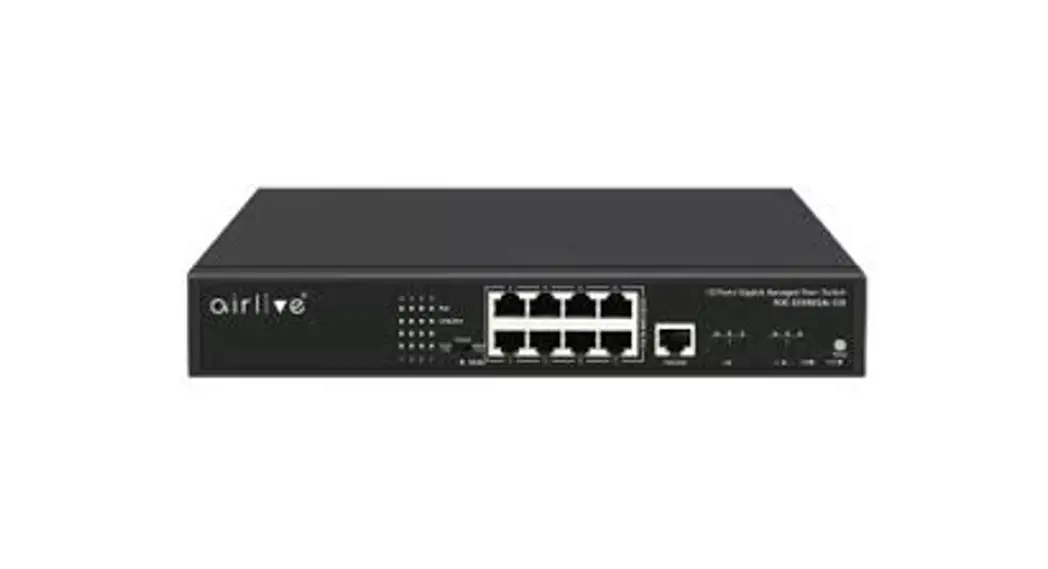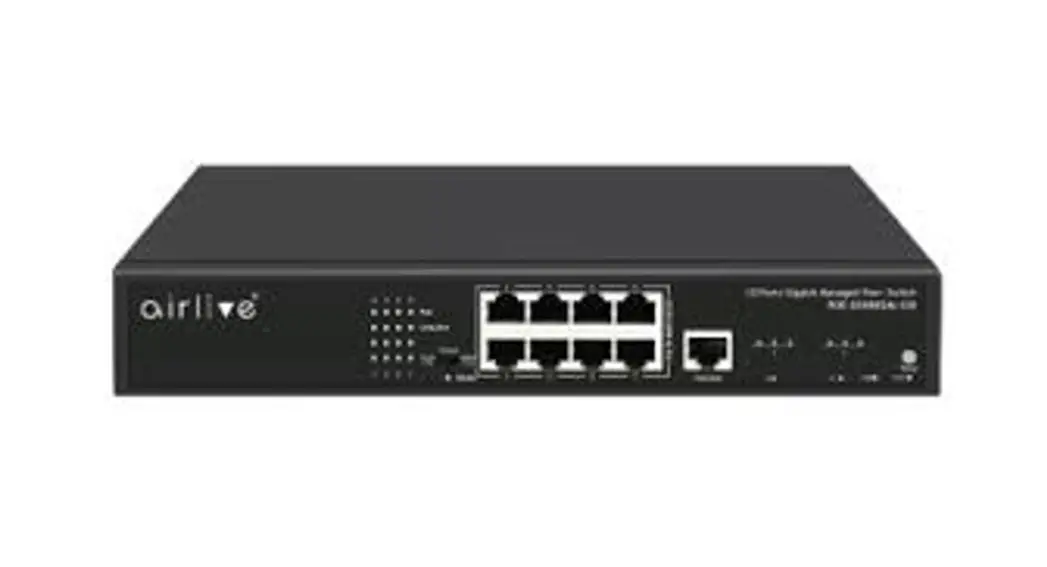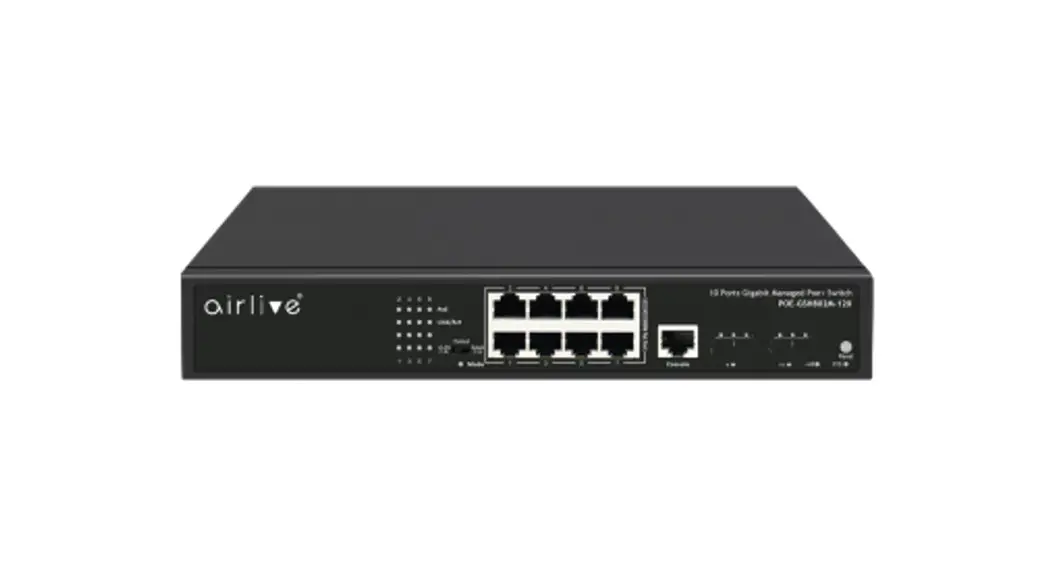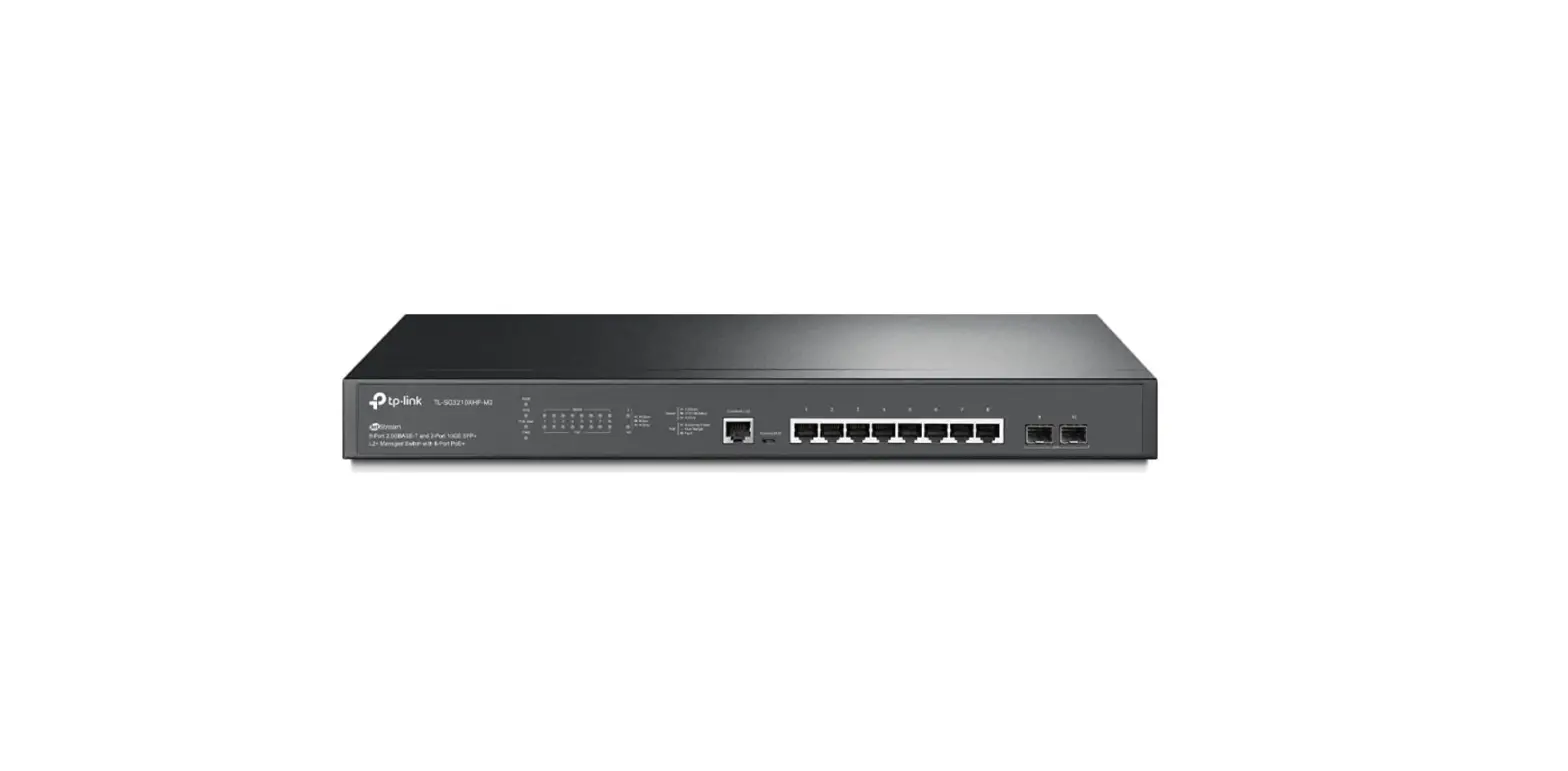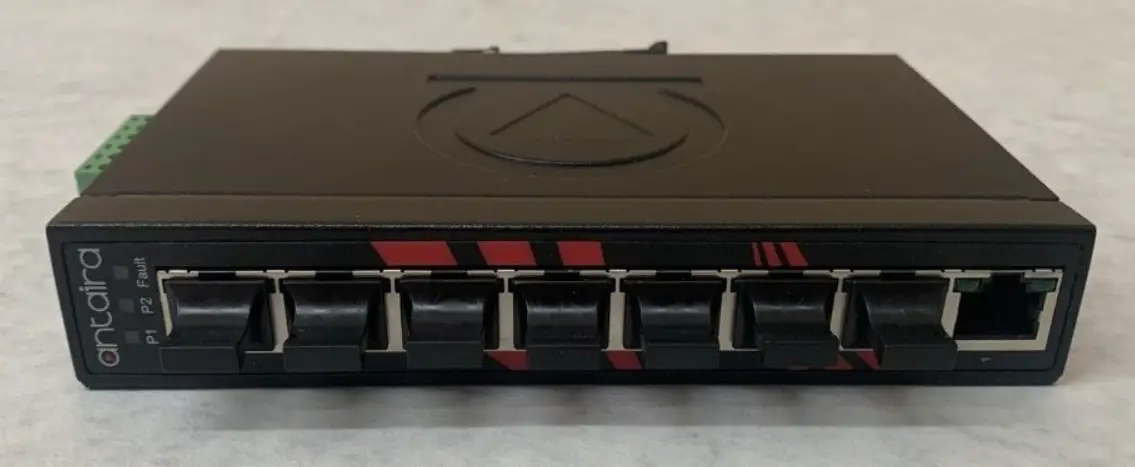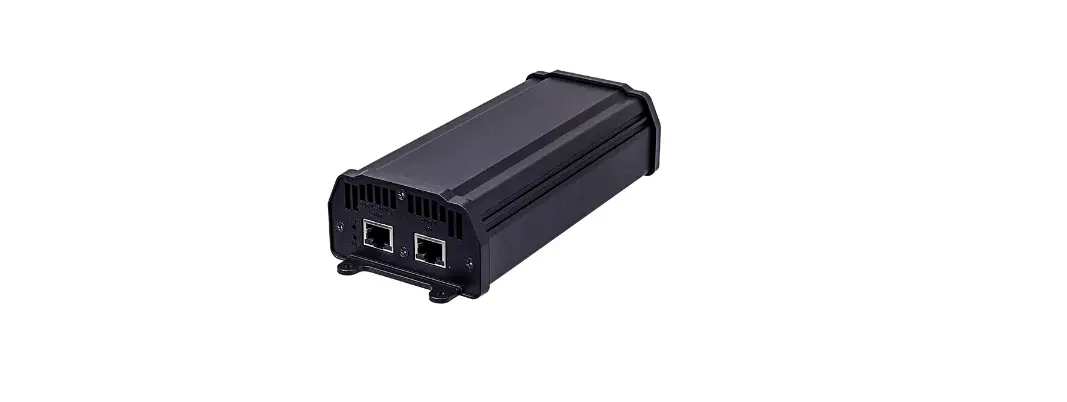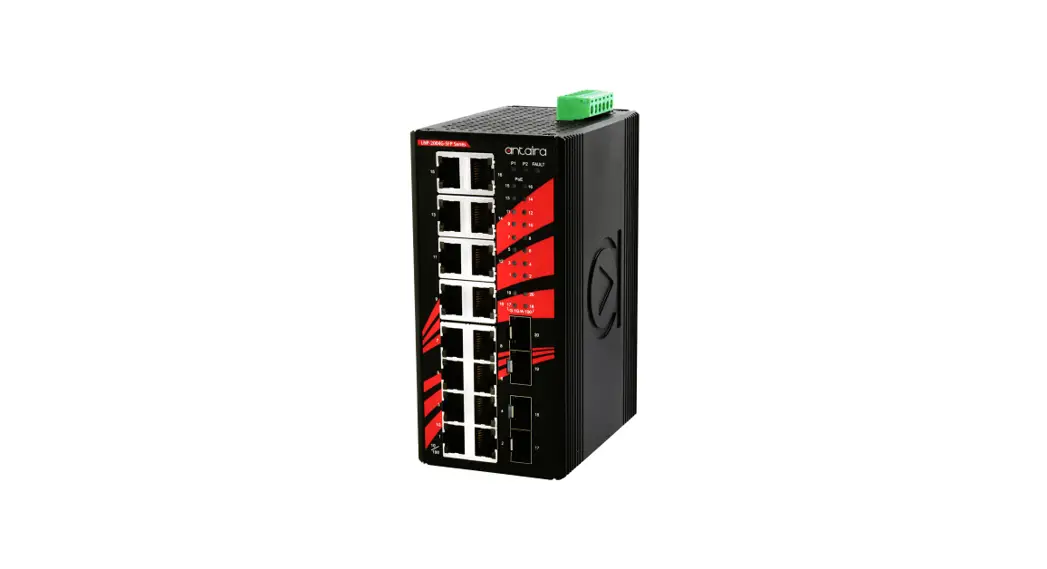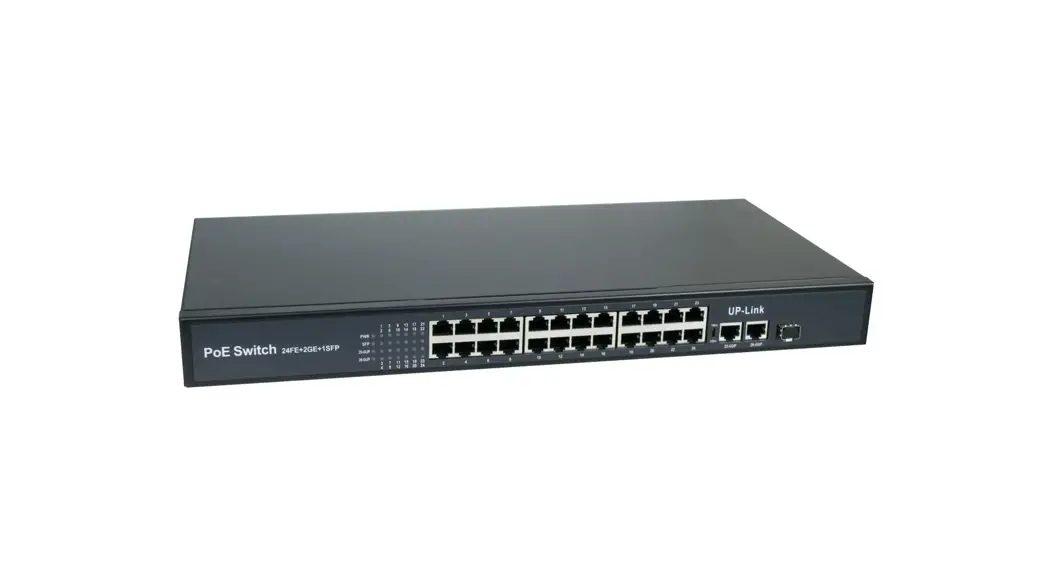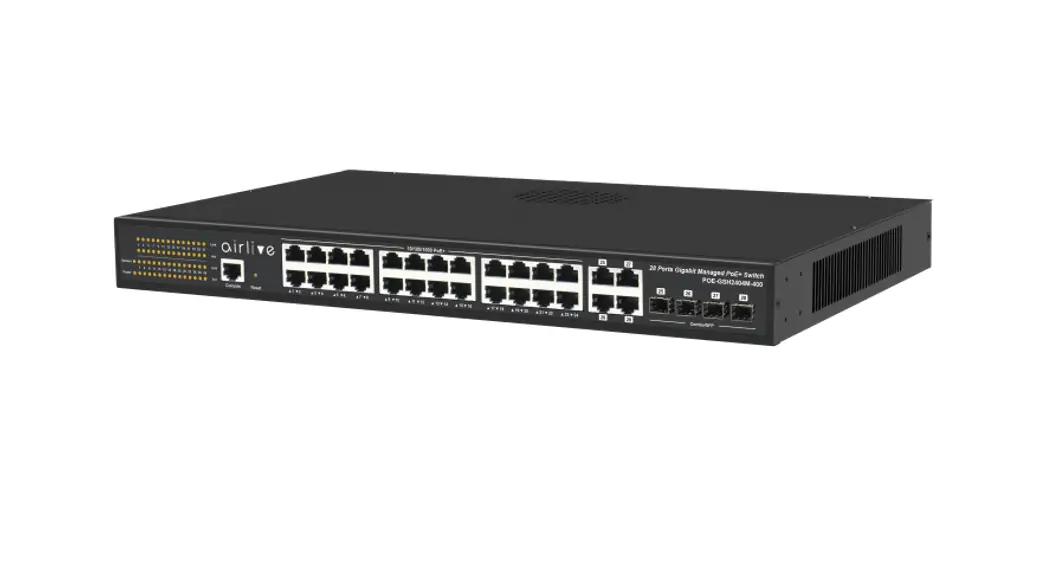

POE-GSH2404M-400
400W Managed Gigabit PoE+ switch
Quick Installation Guide
Login your Switch
Default IP address: 192.168.2.1
Default ID: admin
Default password: admin
Connect to PC
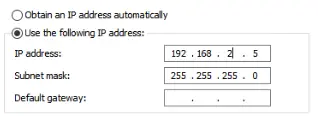
Please make sure your PC connects to Switch. And setup pc IP address same domain with switch
General
You can get ID settings assigned automatically if your network supports its capability. Otherwise, you need to ask your network administrator for the appropriate P settings.
Go to Internet
Open your web browser and type
http://192.168.2.1
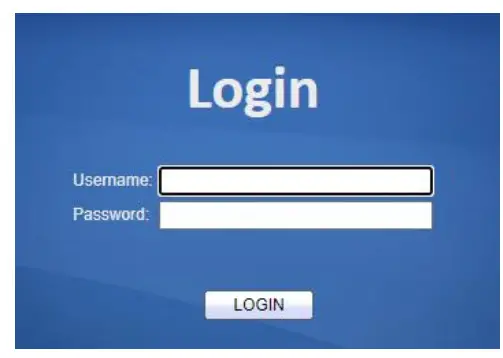
Login
Login in to web UI and type
ID: admin
Password: admin
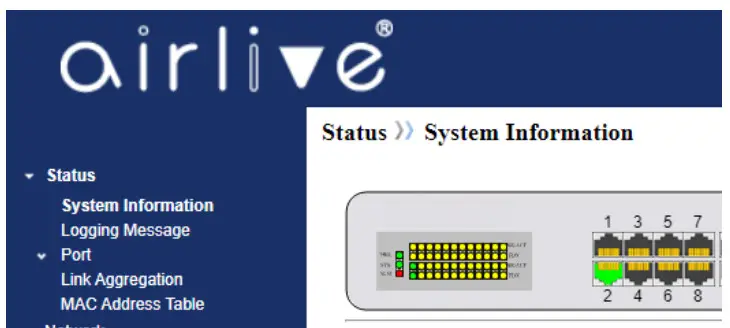
Go to website for more information.

https://www.airlive.com/product/POE-GSH2404M-400-Managed-400W-Gigabit-PoE+-switch