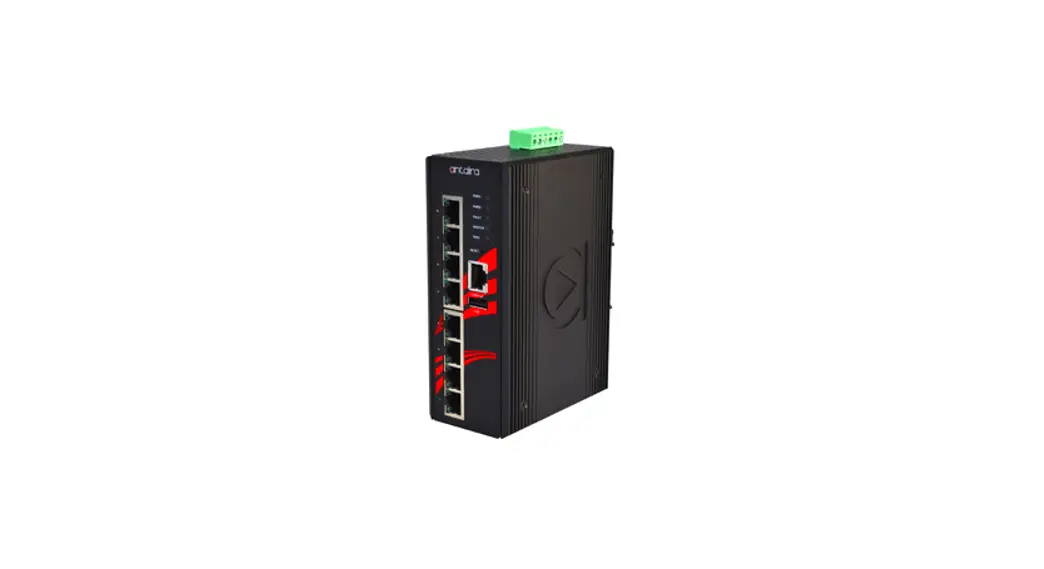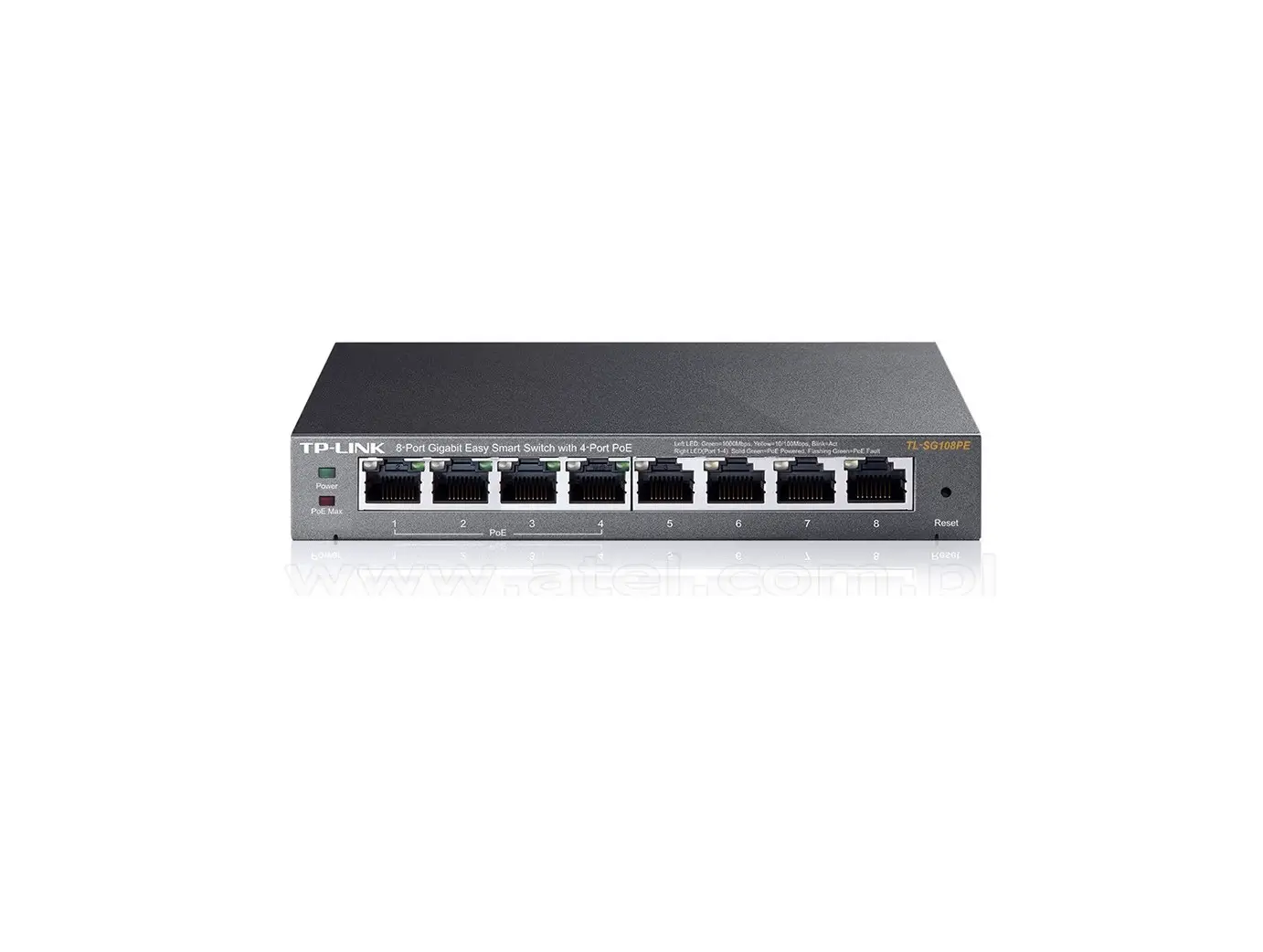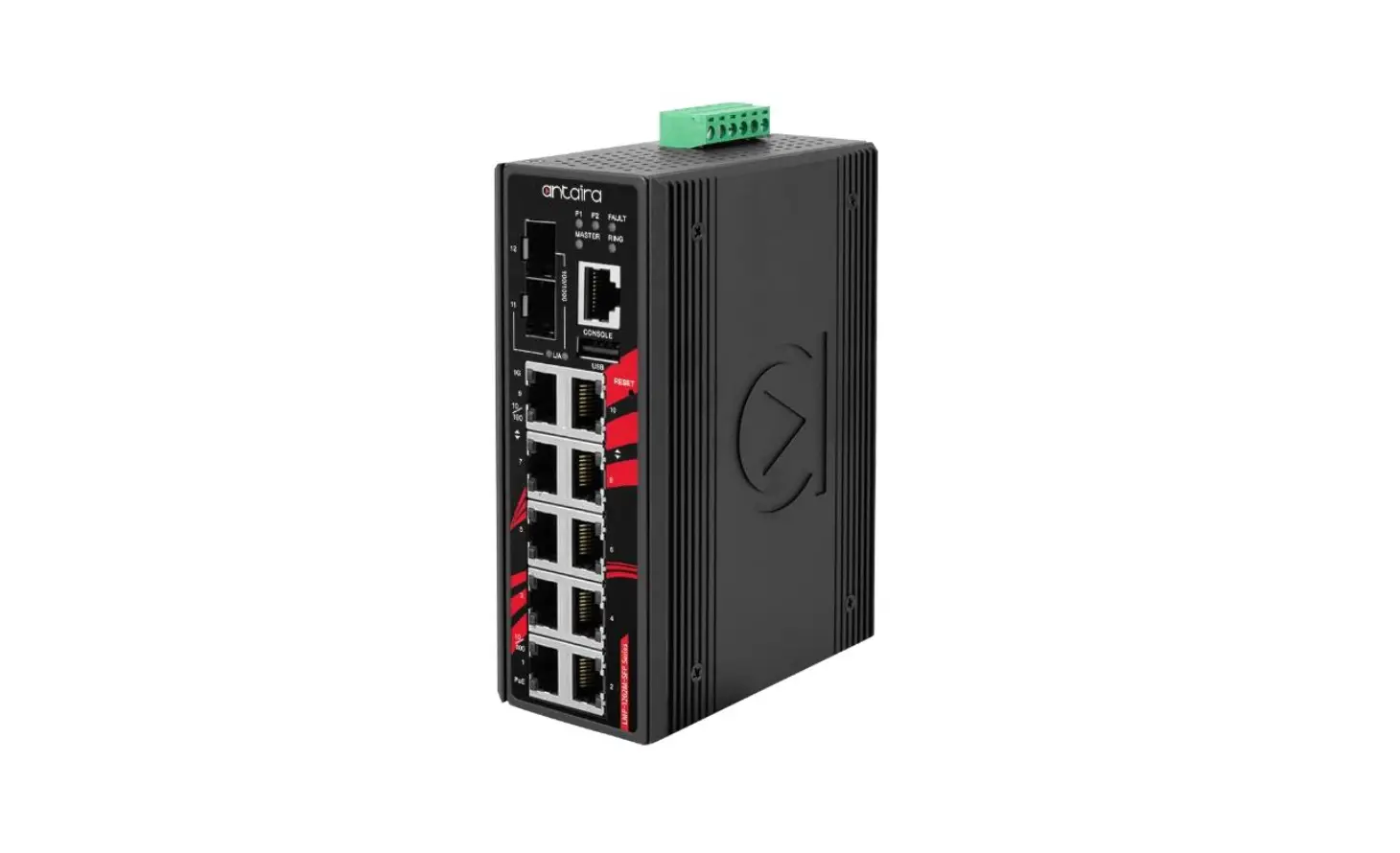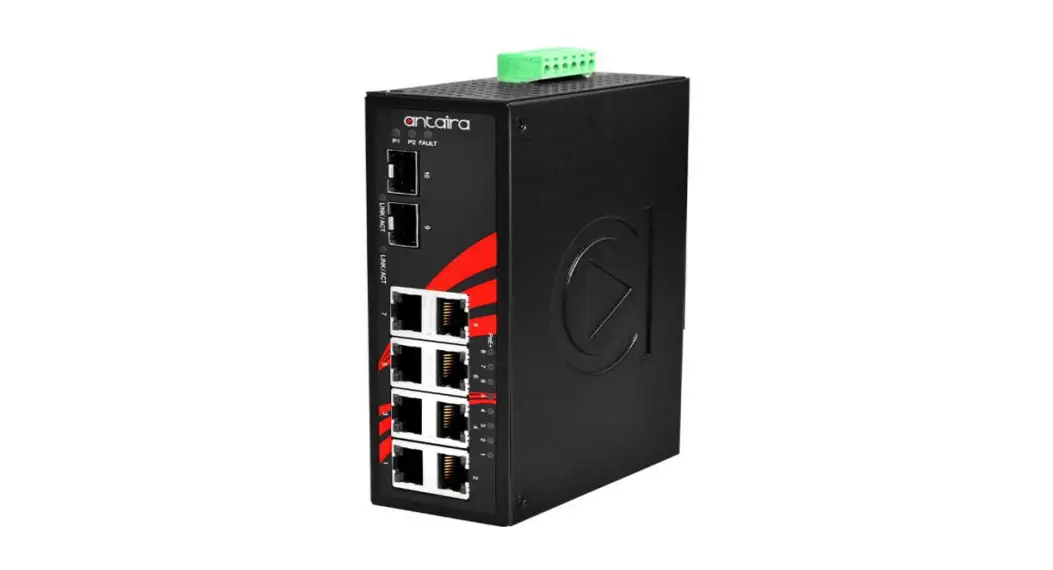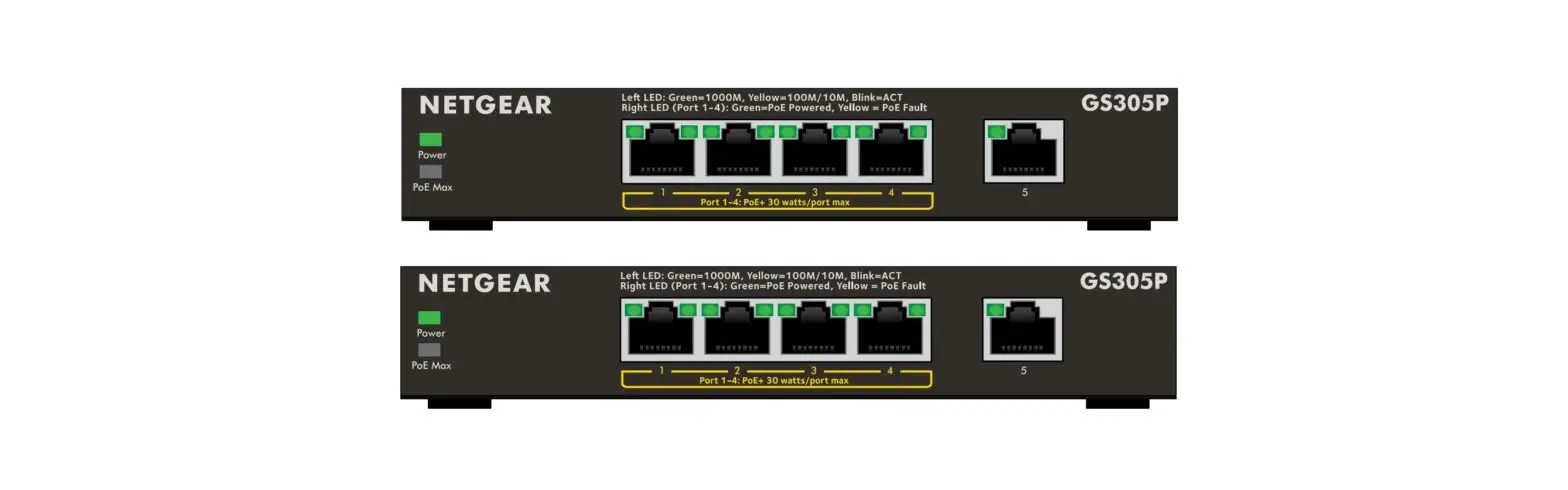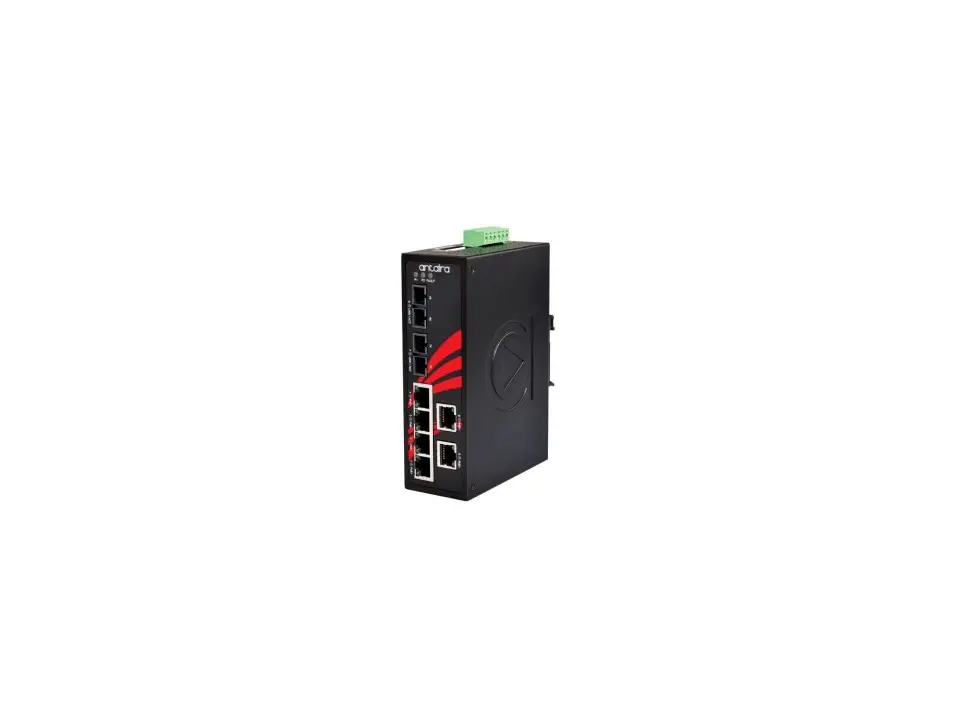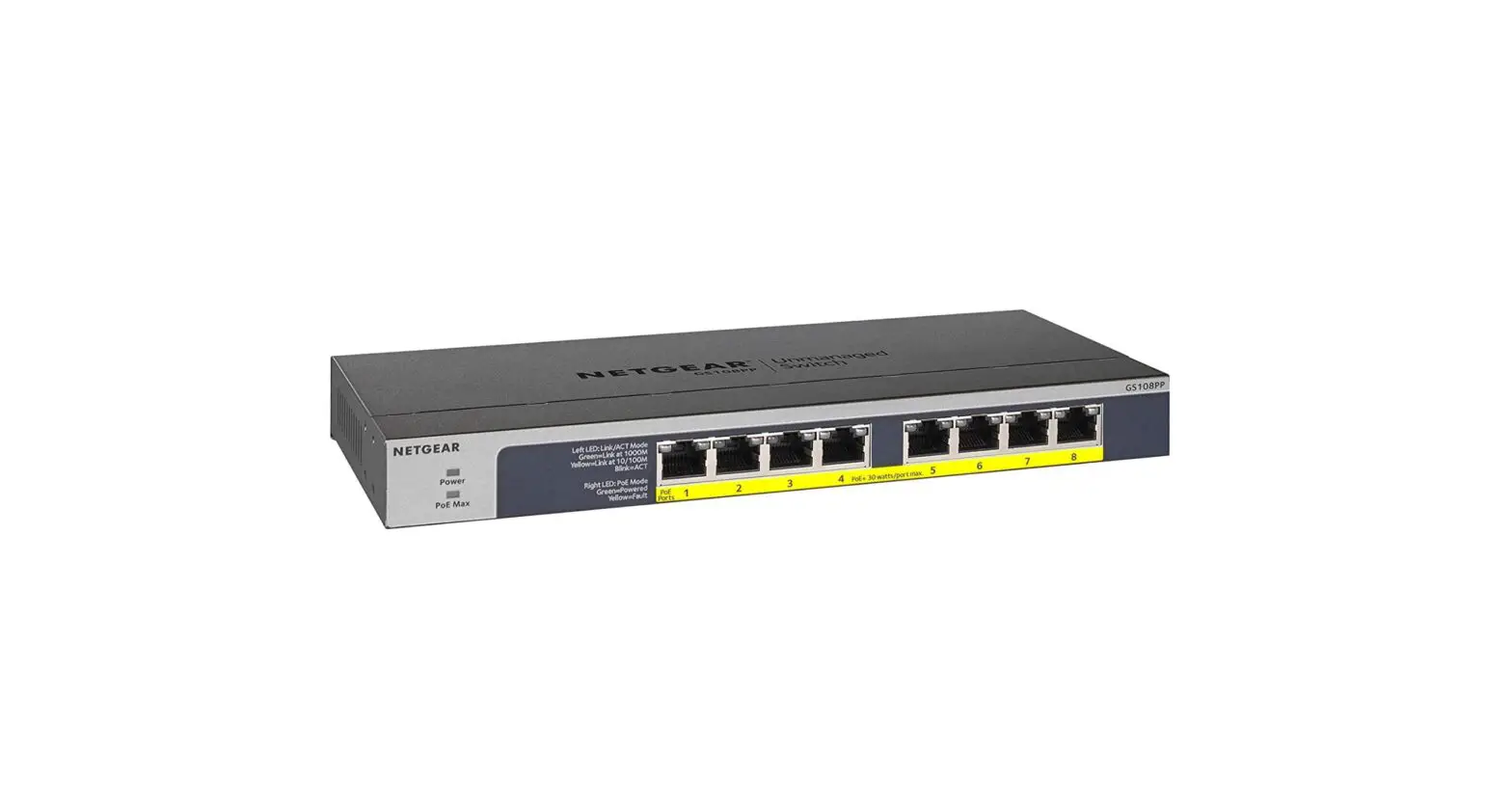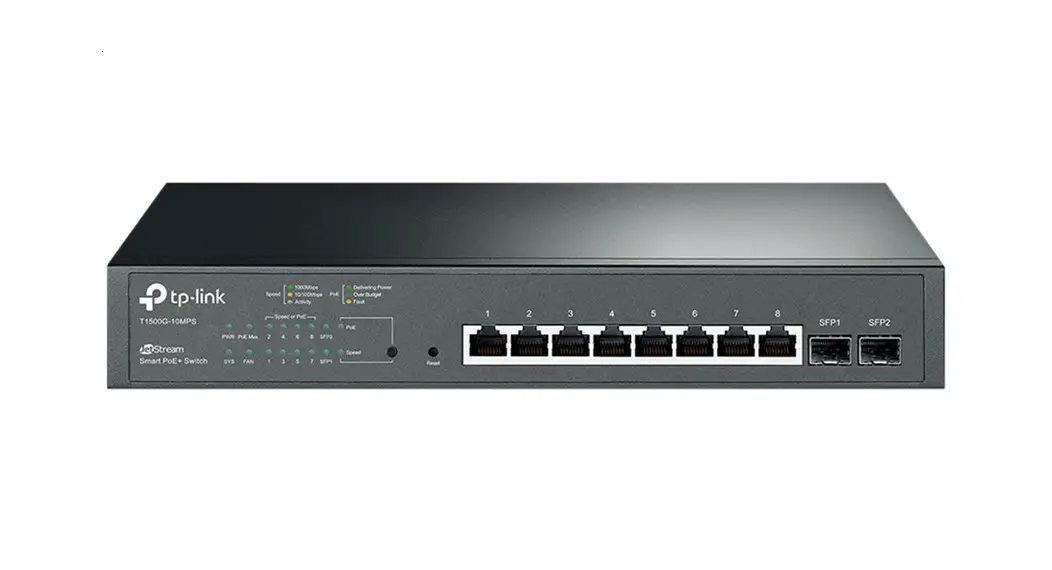

AETEK C51-082-30-130 Managed Smart Gigabit Ethernet PoE+ Switch
Product Information
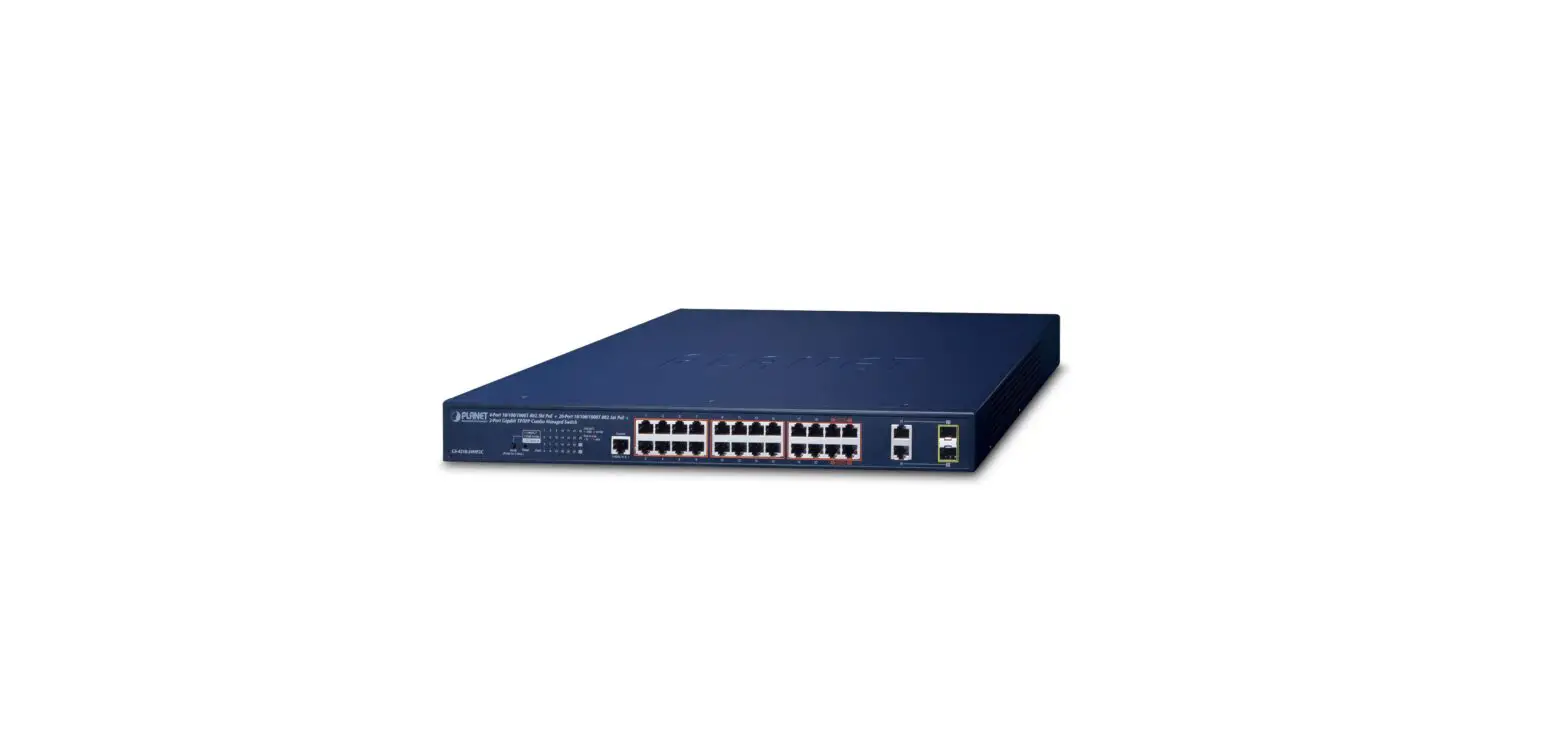
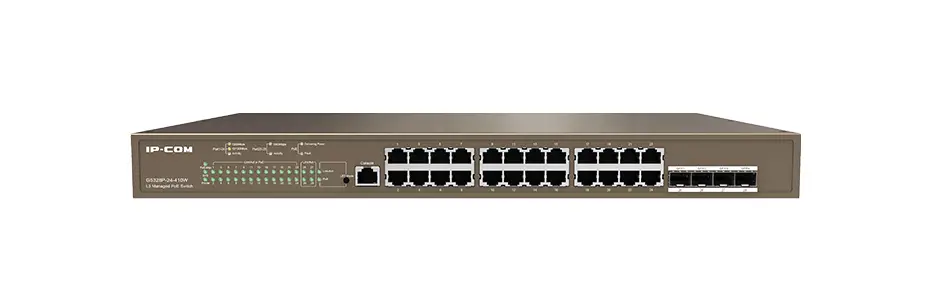
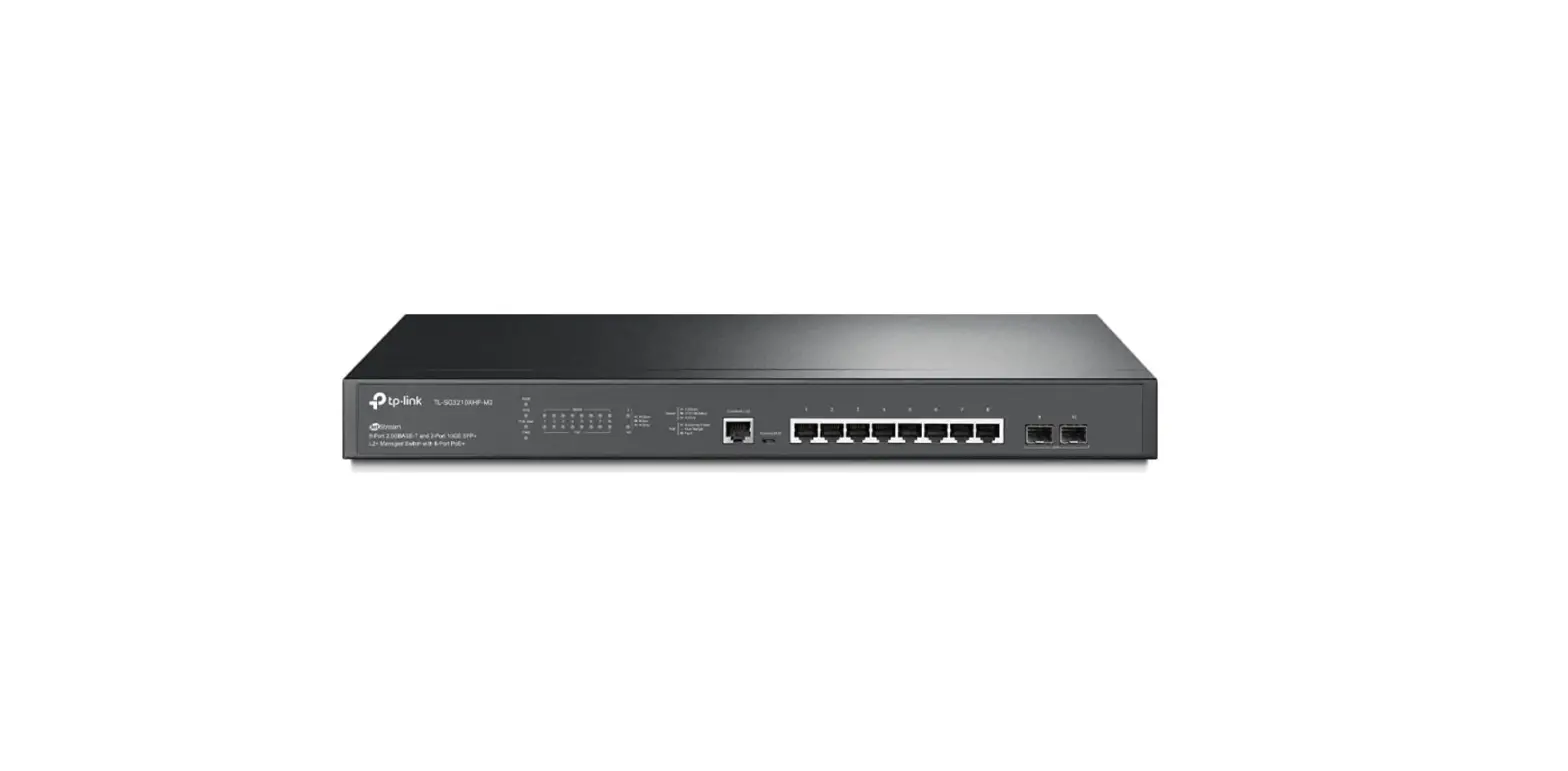
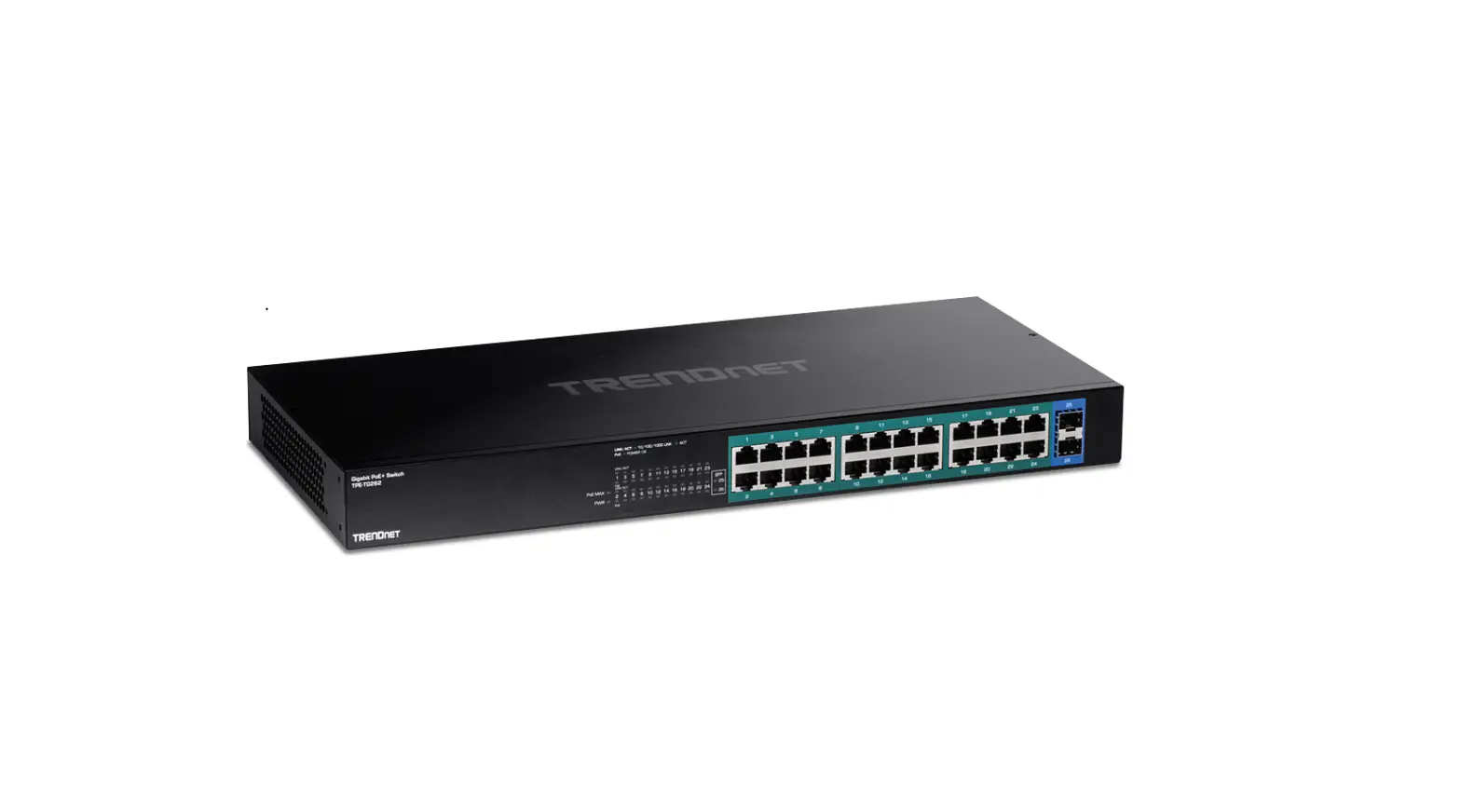
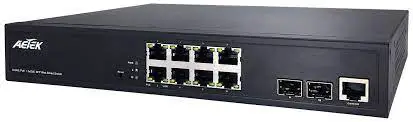
The C51 Series is a range of L2 Smart PoE switches designed to provide power to PoE devices. The switches are available in 8, 16, and 24 port options with 10/100/1000BaseT capabilities. The switches are capable of providing up to 15.4/30W (54V max. per port) power to PoE devices and have a total power budget of 130/250/370 Watts. The switch comes with either 2x GbE SFP or 2xGbE RJ45 + 2xGbE SFP ports.
Package Contents
- 1x PoE switch
- 2x rack mount ears
- 1x Quick Installation Guide
- 1x power cord (type by the shipped-to area)
| * 1x PoE switch | * 1x Quick Installation Guide |
| * 2x rack mount ears | * 1x power cord (type by the shipped-to area) |
Installation
- Install the PoE switch in a ventilated and dry place that is free of electromagnetic source, vibration, moisture, and dust.
- Make sure the ventilation openings on the switch are not blocked.
- Use CAT5 or 5e UTP/STP cables.
The AC input varies depending on the specific C51 model:
- C51-082-30-130 AC input (100~240V/AC, 50~60Hz, 3A)
- C51-164-30-250 AC input (100~240V/AC, 50~60Hz, 3.29A)
- C51-244-30-370 AC input (100~240V/AC, 50~60Hz, 4.97A)
Usage
- Connect the PoE switch to a power source using the provided power cord.
- Connect Ethernet devices to the switch using CAT5 or 5e UTP/STP cables.
- Configure the switch using the default IP address, subnet mask, user name, and password:
- IP Address: 192.168.1.1
- Subnet Mask: 255.255.255.0
- User name: admin
- Password: admin
- Use the LED definitions to monitor the switch status:
- Power LED: lights up when the switch is connected to a power source.
- LAN Port LED: indicates the port is enabled and link established with a device at the 1000Mbps or 100Mbps speed.
- PoE LED: indicates the PoE powered device (PD) is connected and the port supplies power successfully.
- Reset Button: can be used to restart or restore default settings.
INTRODUCTION
The C51 Series is a 8/16/24 port 10/100/1000BaseT L2 Smart PoE Switch capable of feeding 15.4/30W (54V max. per port) power to Power over Ethernet (PoE) devices. It comes with 2x GbE SFP or 2xGbE RJ45 + 2xGbE SFP port. The switch is capable of a total of 130/250/370 Watts power budget.
IMPORTANT
- Install the PoE switch in a ventilated and dry place that is free of electromagnetic source, vibration, moisture, and dust.
- Make sure the ventilation openings on the switch are not blocked.
- Use CAT5 or 5e UTP/STP cables.
- C51-082-30-130 AC input (100~240V/AC, 50~60Hz, 3A)
- C51-164-30-250 AC input (100~240V/AC, 50~60Hz, 3.29A)
- C51-244-30-370 AC input (100~240V/AC, 50~60Hz, 4.97A)
CONNECTION
C51-244-30-370 CONNECTION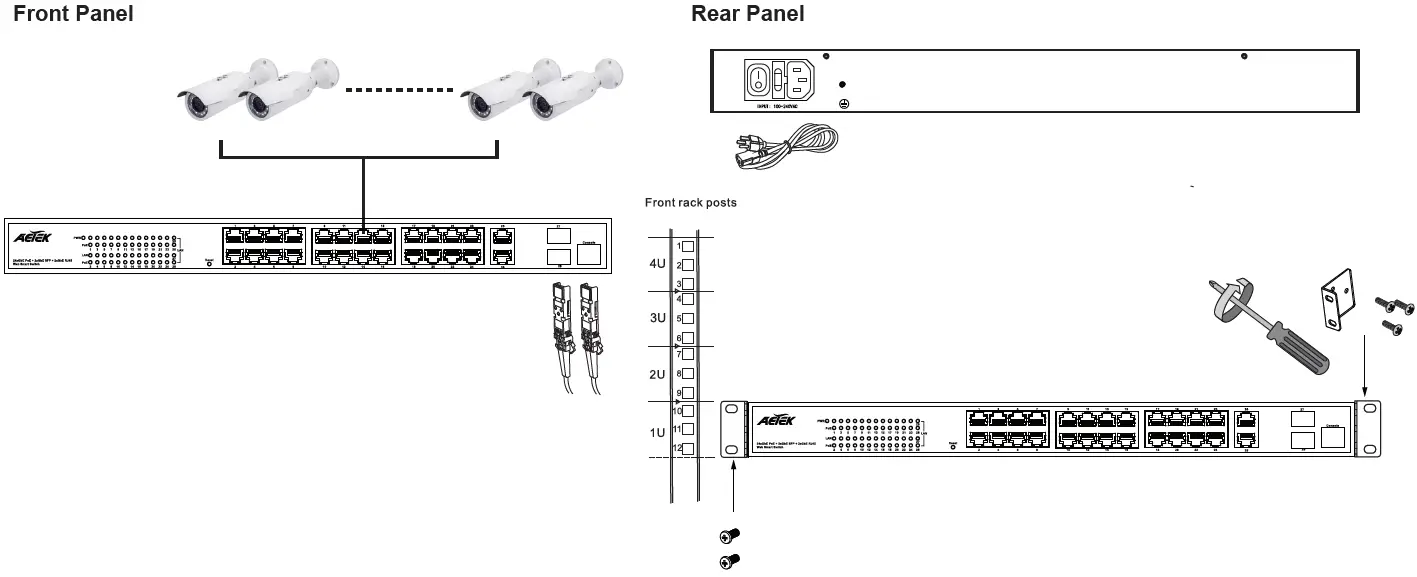 C51-164-30-250 CONNECTION
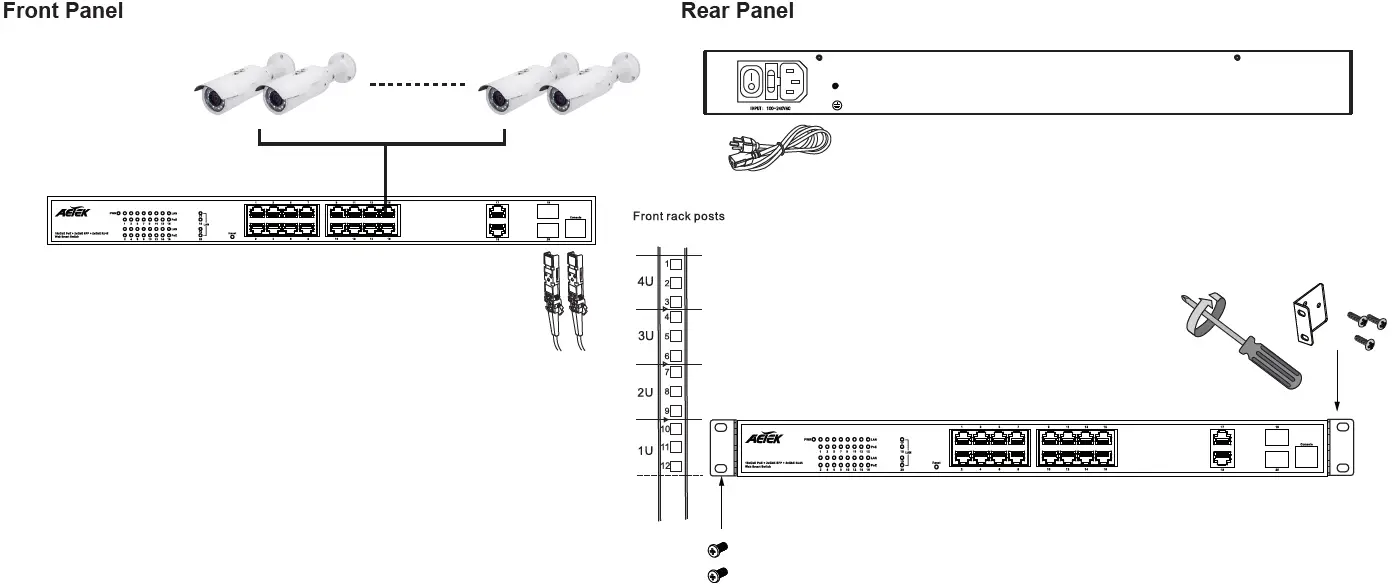 C51-082-30-130 CONNECTION
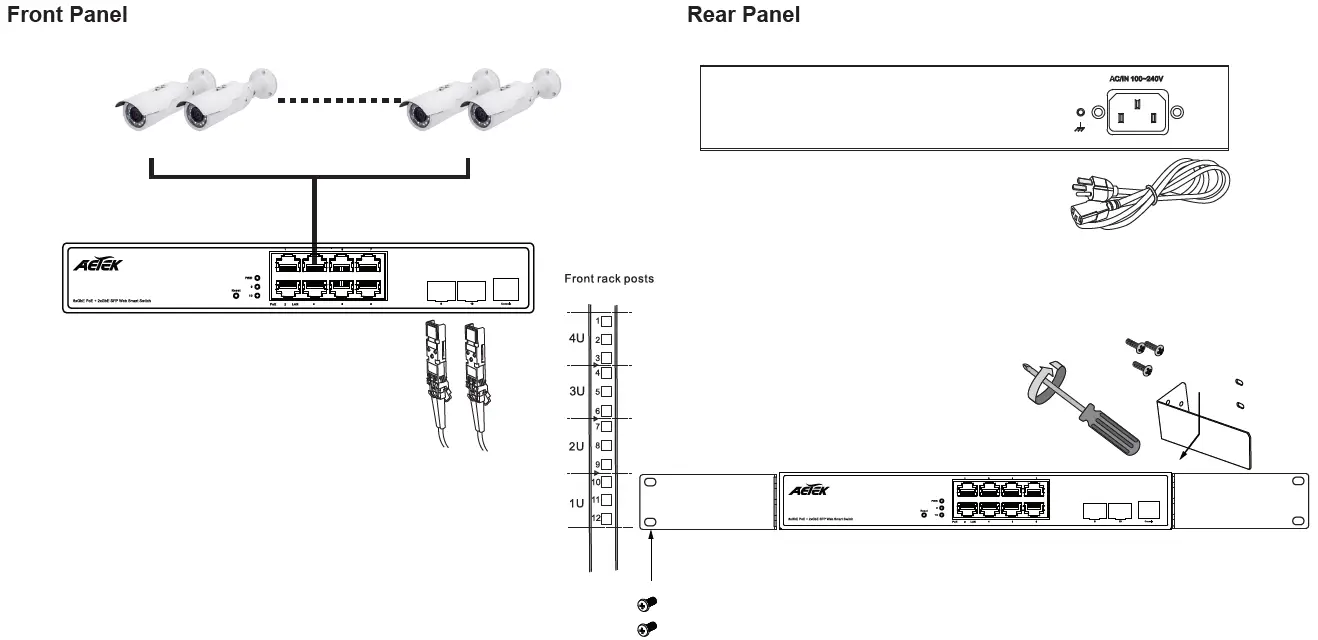 DEFAULTS
| IP Address | 192.168.1.1 |
| Subnet Mask | 255.255.255.0 |
| User name | admin |
| Password | admin |
LED DEFINITIONS
| Power | Green ON | The Power LED lights up when the switch is connected to a power source. |
| LAN | Green ON | Port is enabled and link established with a device at the 1000Mbps speed. |
| Grren Blinking | Port is transmitting and receiving data at the 1000Mbps speed. | |
| Amber ON | Port is enabled and link established with a device at the 100Mbps speed. | |
| Amber Blinking | Port is transmitting and receiving data at the 100Mbps speed. | |
| PoE | Green ON | Indicates the PoE powered device (PD) is connected and the port supplies power successfully. |
| Light Off | Indicates no powered device (PD) connected. |
Reset Button
| Task | Press time | Port Status LED Behavior |
| Restart | 2 ~ 7 seconds | All LEDs are OFF |
| Restore default | 7 ~ 12 seconds | All LEDs stay ON |
All specifications are subject to change without notice. Copyright 2020 AETEK INC. All rights reserved.
CONTACT
- AETEK INC.
- Address: 10F, No.168, Lien-Cheng Rd., Chung-Ho, New Taipei City, 235, Taiwan, R.O.C.
- T: +886-2-82452822
- W: www.aetektec.com
- E: [email protected]
 AETEK
AETEK