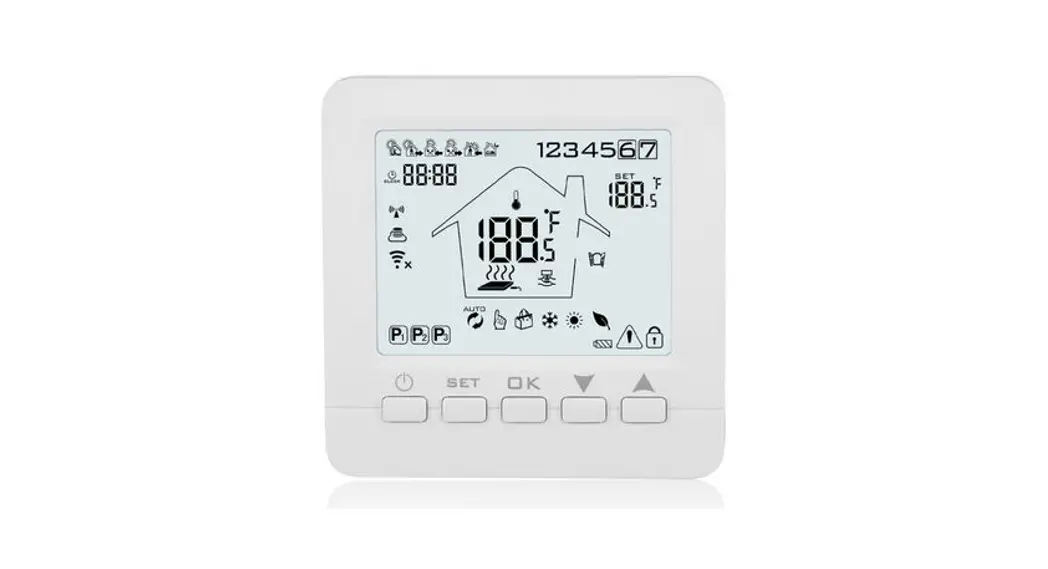
C16 WiFi Floor Heating Thermostat
Product Information
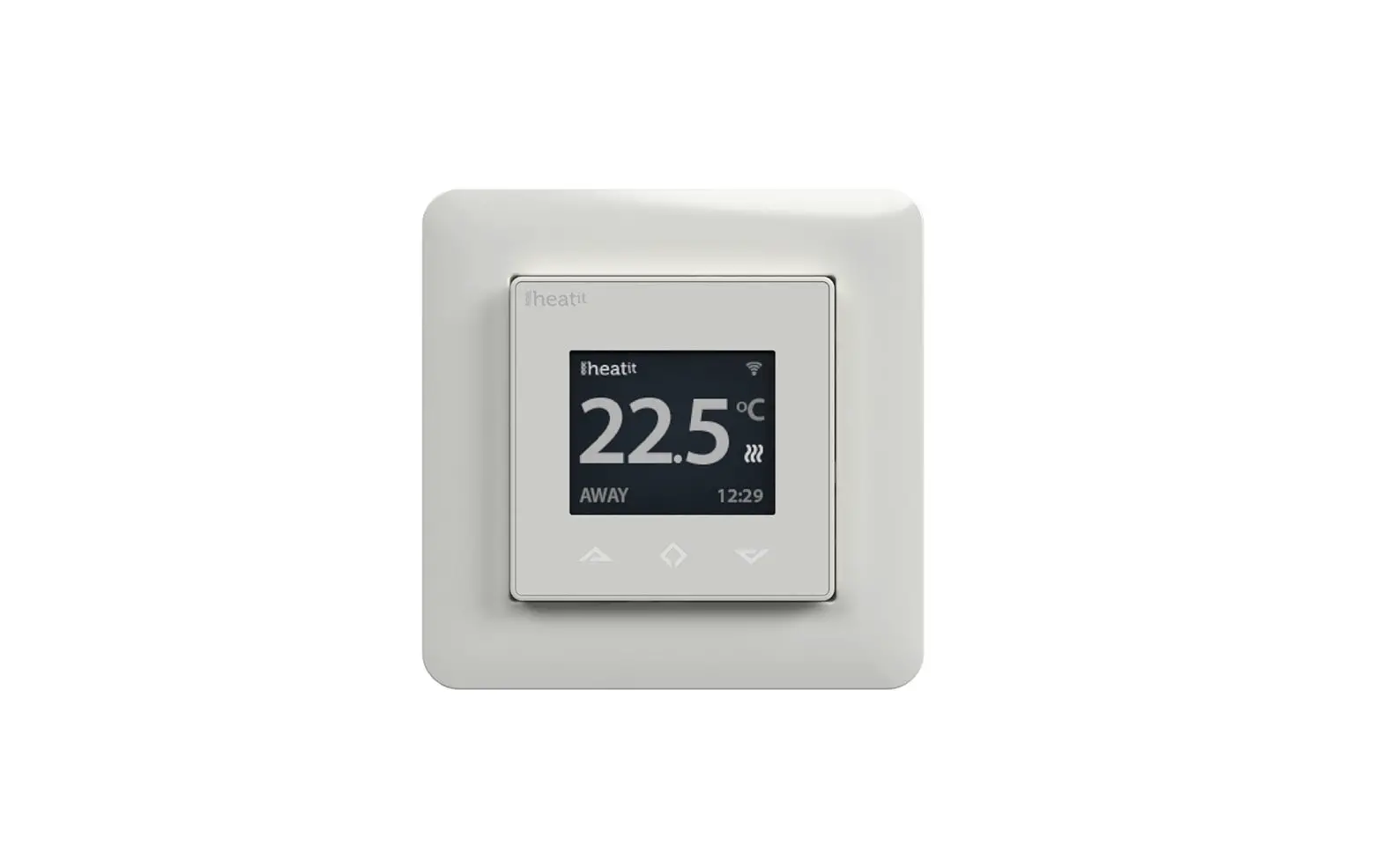
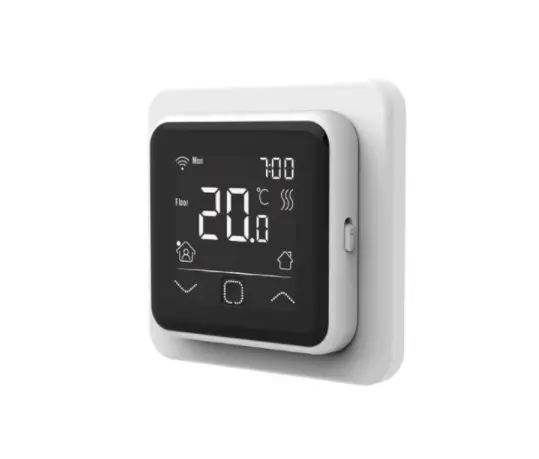
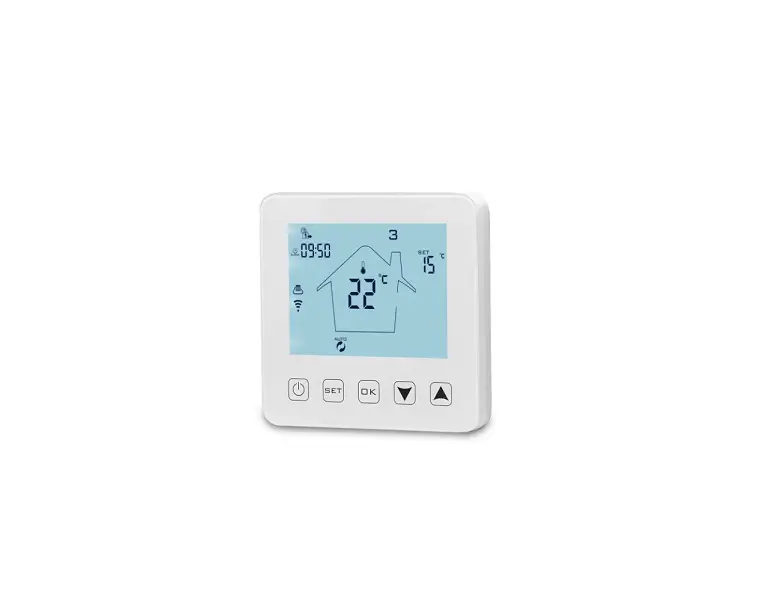
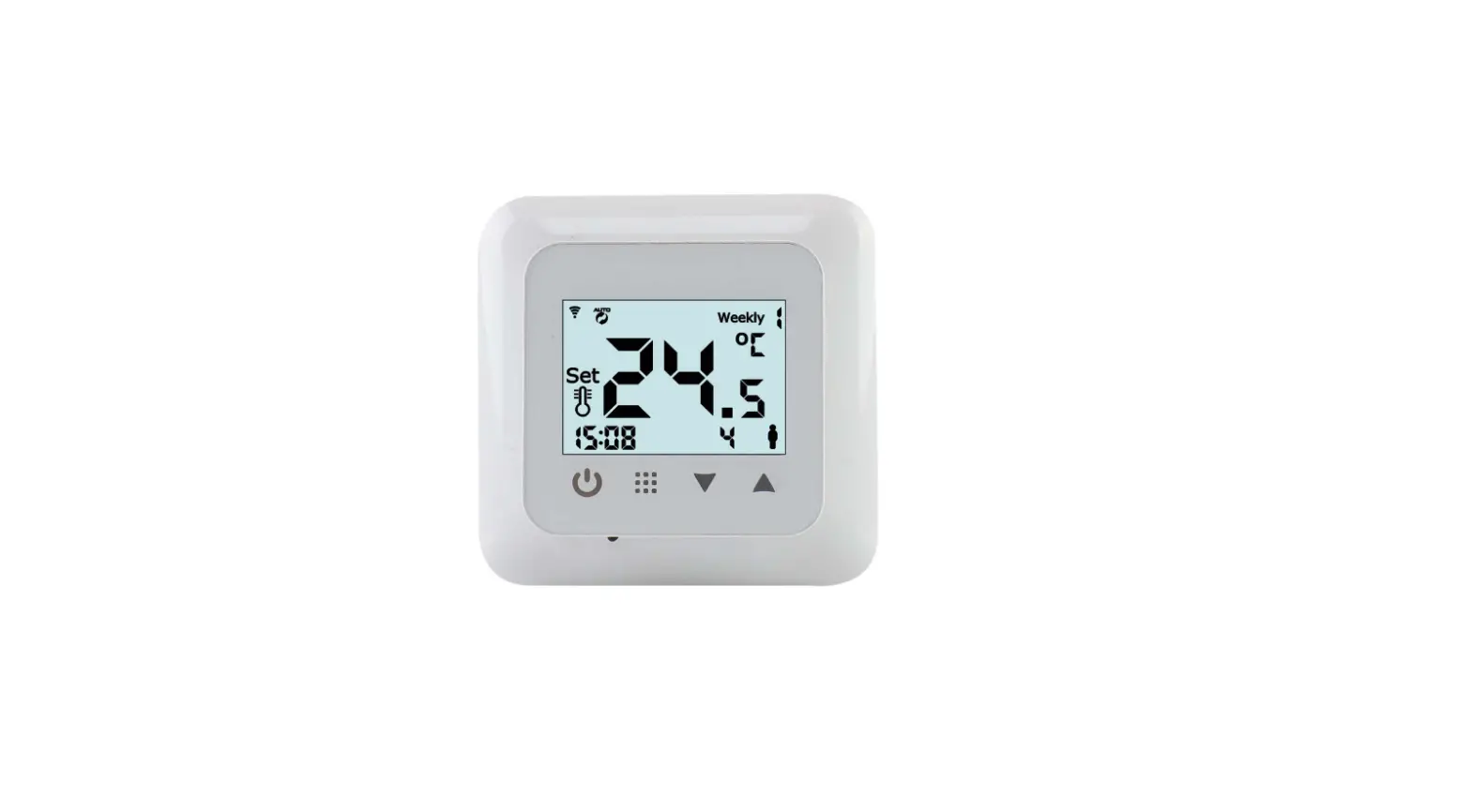
The C16 Controller is a programmable device that allows users to
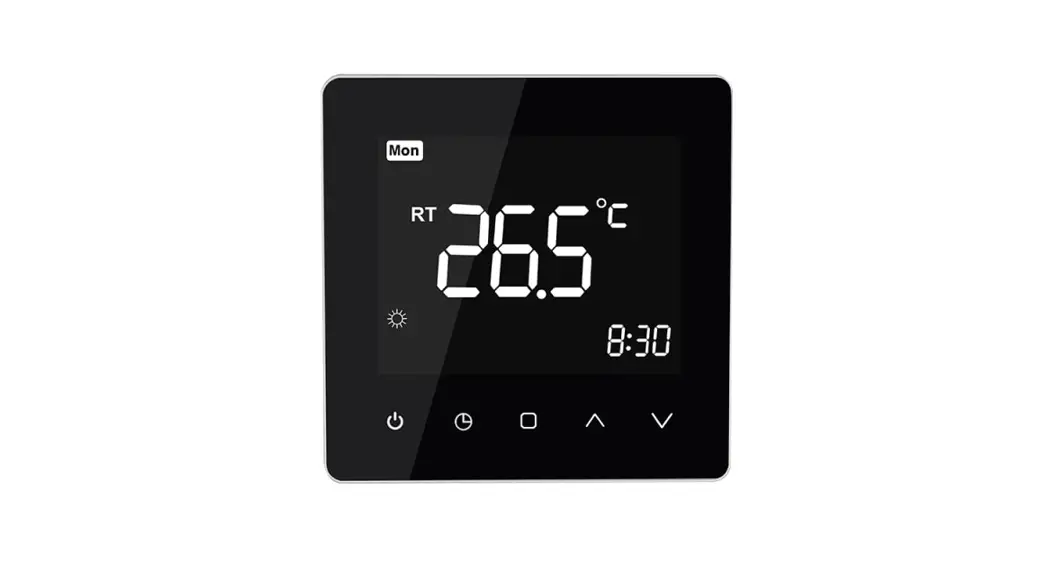
control various functions and settings. It features a square button
and an up arrow for navigation, as well as an LCD screen that
displays relevant information. The controller is designed to be
user-friendly and efficient in managing schedules and
programming.
Product Usage Instructions
To program the Controller, follow the steps below:
Section A: Initial Setup
- Press and hold the square button for three seconds until the
display appears. - Press the up arrow until the top right corner displays
“SER’.” - Press the square button once.
- Continue pressing the square button until the top left corner
displays “5.” - Ensure that the top right corner displays “00,” then press the
square button until you reach the home screen.
Section B: Returning to Home Screen
To return to the home screen at any time, press the square
button until you reach it.
Section C: Programming the Controller Unit
Note: Before starting the programming section, refer to the
schedule displayed in Section 1 of the guide.
- Press and hold the square button for three seconds.
- Press the up arrow until the top right corner displays
“EVE.” - Press the square button once.
- Use the up arrow to select the day of the week you want to
program. - Once on the desired day, press the square button once.
- The first screen will display a house type symbol in the bottom
left-hand corner, representing different time periods. Refer to the
schedule in Section 1 for further details.
By following these instructions, you can effectively program and
utilize the C16 Controller for your desired purposes.
C16 Guide For programming the Controller
The C16 will follow the Schedule below as this is the default parameters. SECTION 1 -WAKE (PERIOD 1 START TIME): when it will switch on in the morning and what temperature it will heat up to -LEAVE (PERIOD 1 END TIME): When it will turn off and what temperature it maintains at, (We recommend for it to stay a temperature that is 5 degrees lower than the temperature set for when it is heating) -BACK (PERIOD 2 START TIME): When it will turn back on for the afternoon -SLEEP (PERIOD 2 END TIME): When it will turn off (We recommend for it to stay a temperature that is 5 degrees lower than the temperature set for when it is heating)
If you want to set it so you can set Each day individually then please follow Steps A1 If you want to set it so you can program Monday Friday as one time and then Saturday and Sunday as different day, please follow Steps B1.
A STEPS A1) Press and Hold the square Button for three seconds (this should appear)
A2) Press the Up arrow until in the top right it says `SER’ A3) Press the Square Button ONCE A4) Press the square Button until it says “5” in the top left A5) Make Sure in the top right it says “00” then press the square button until you’re at the home screen.
B STEPS B1) Follow steps A1 A4 B2) Press the up button ONCE, in the top right it will say ’01’
B3) Press the square button until you’re at the home screen.
C STEPS -> PROGRAMMING OF CONTROLLER UNIT BEFORE STARTING THIS PROGRAMMING SECION PLEASE REVIEW THE TOP SECTION WHICH ATTACHED IS THE SCHEDULE. WHEN PROGRAMMING THE SCHEDULE WILL FOLLOW THE PATTERN DISPLAYED IN SECTION 1(AT BEGINNING OF GUIDE) C1) Press and HOLD the square button for three seconds C2) Press the Up arrow until in the top right it says “EVE”
C3) Press the square button ONCE C4) Press the up arrow to select the day of the week you want to program C5) When on the day you want to program press the square button ONCE
C6) The first screen will show a House type symbol (please look at schedule in SECTION1, the symbols shown represent the different time periods) in the bottom left-hand corner as an example can be seen below
C7) With following the schedule at the top choose the relevant period you want to change by pressing the UP or DOWN arrow C8) Press the Square Button Once C9) Press the Up arrow or Down arrow until you select the desired hour then press the square button ONCE C10) Press the Up or Down arrow until you select it to the correct Minutes and then press the square button ONCE C11) Press the Up or Down arrow until you select the temperature you want to heat it up to C12) Repeat steps C7 C11 for the rest of the different periods and this will follow the schedule shown in SECTION 1 C13) When you have completed setting the times, then press the UP arrow until END is highlighted and flashing and press the square button ONCE. C14) This will now implement and will follow the programmed times