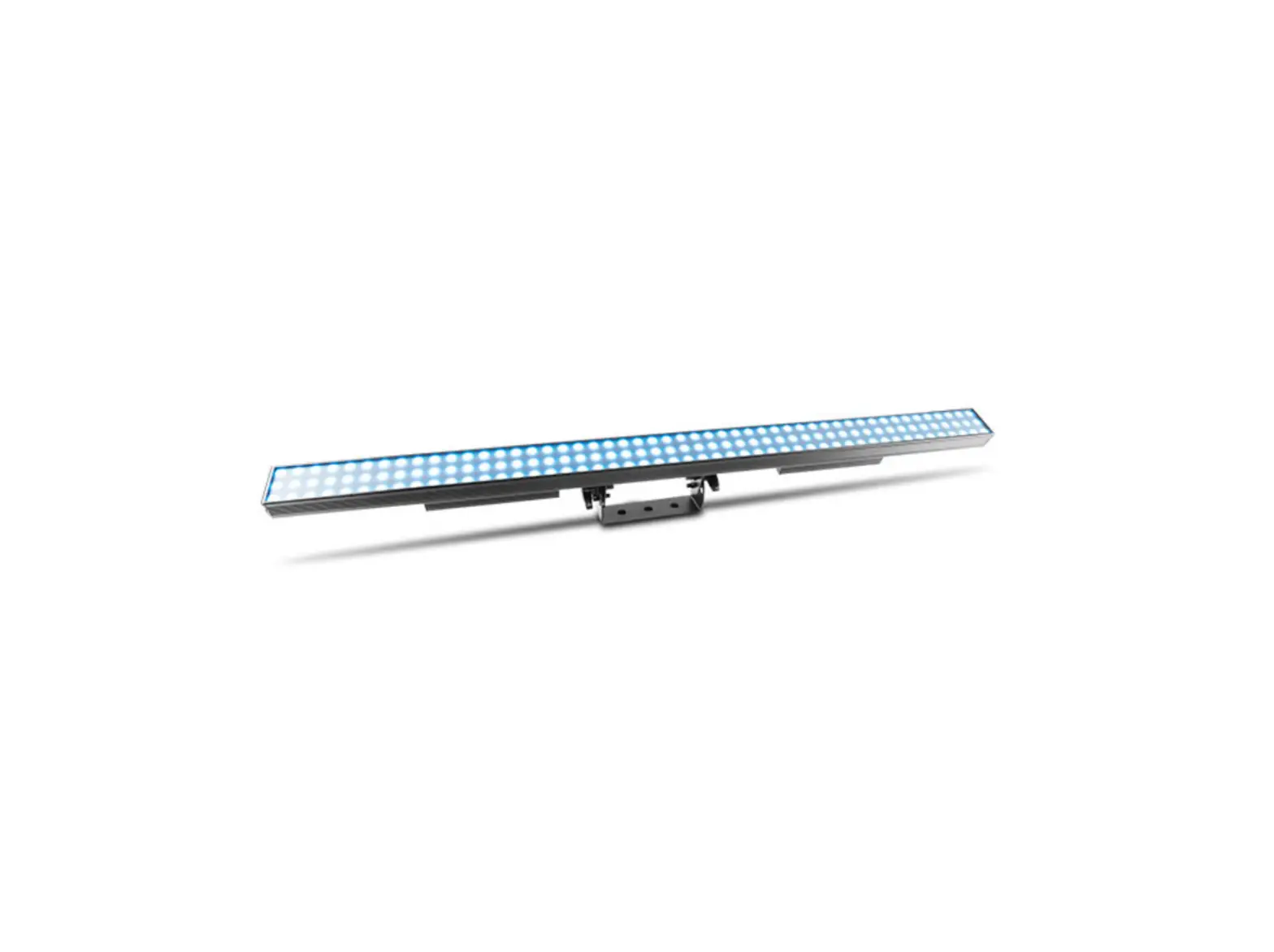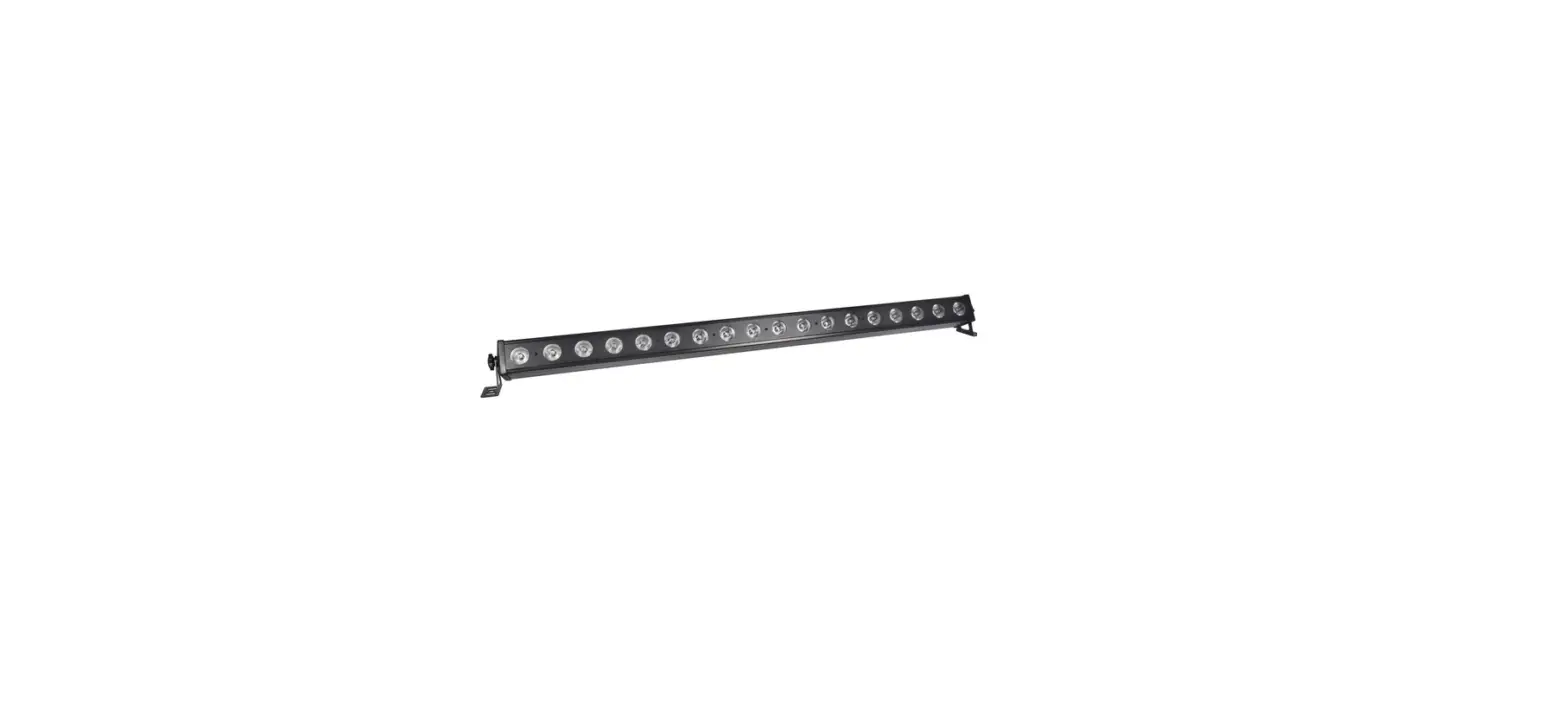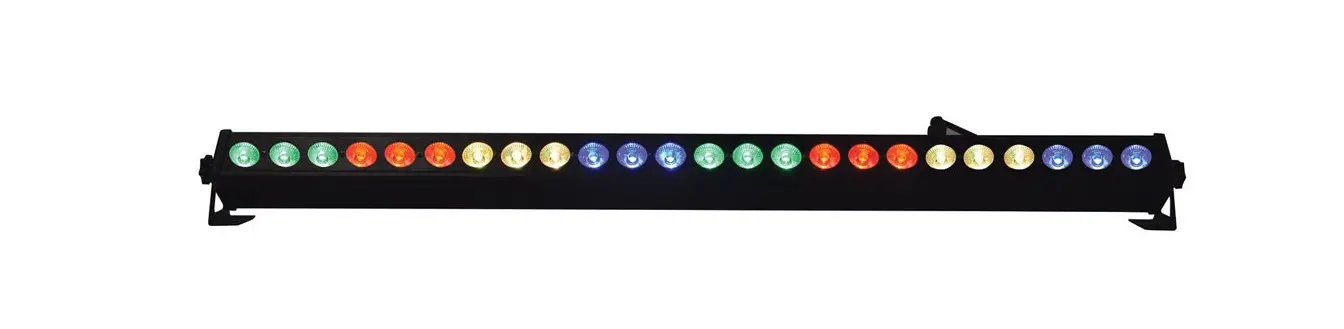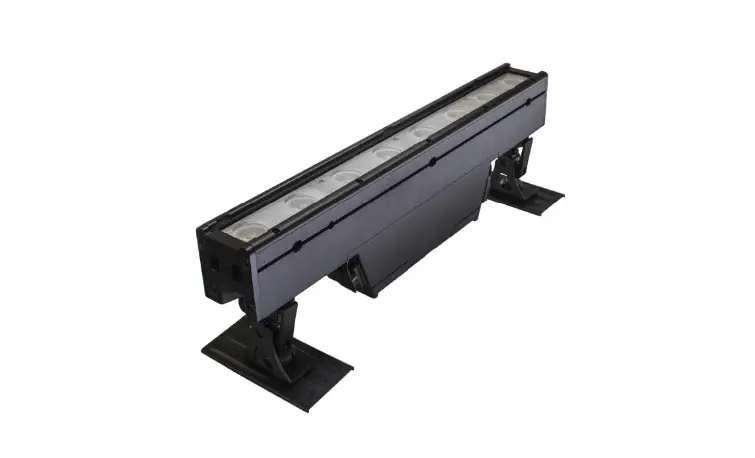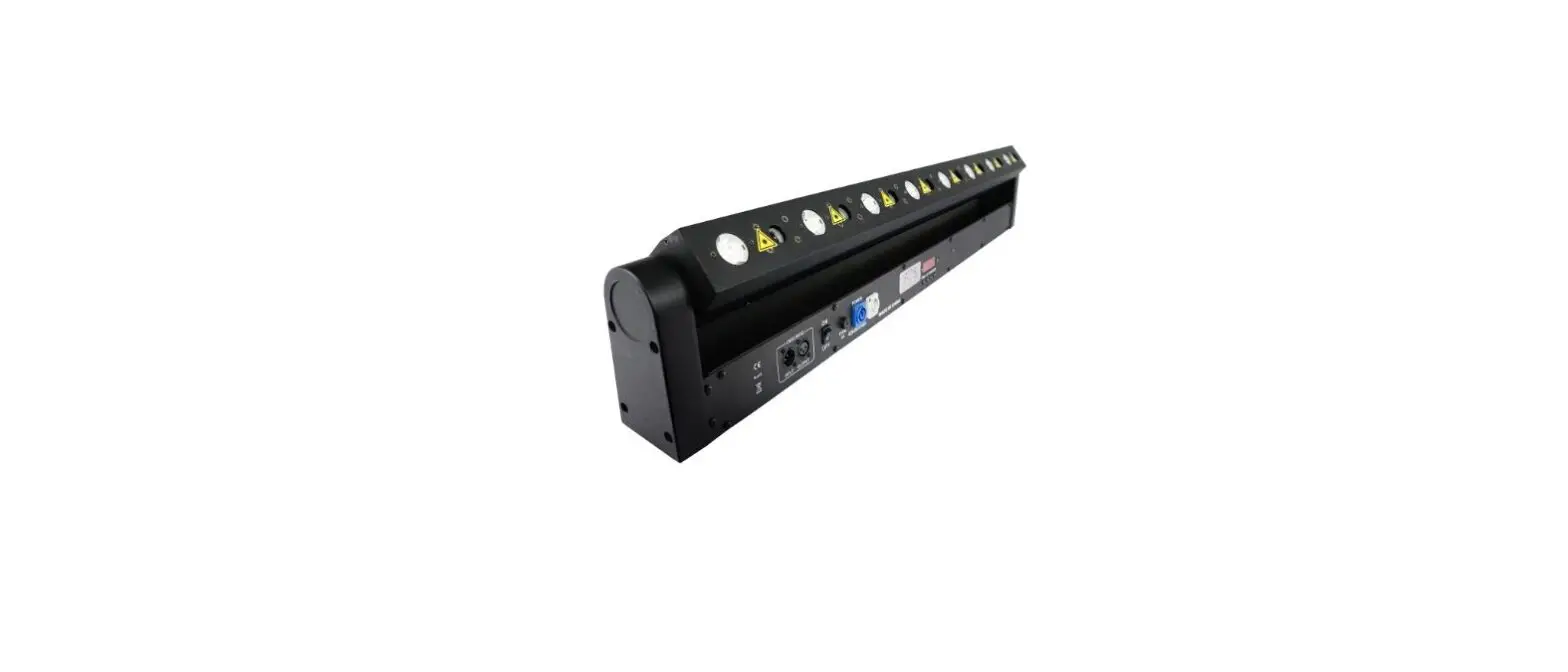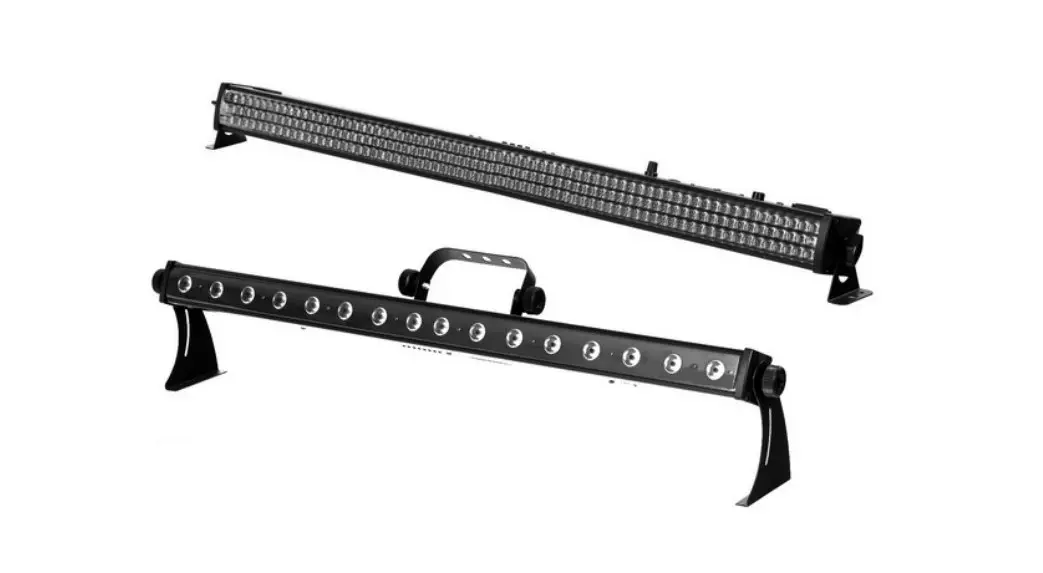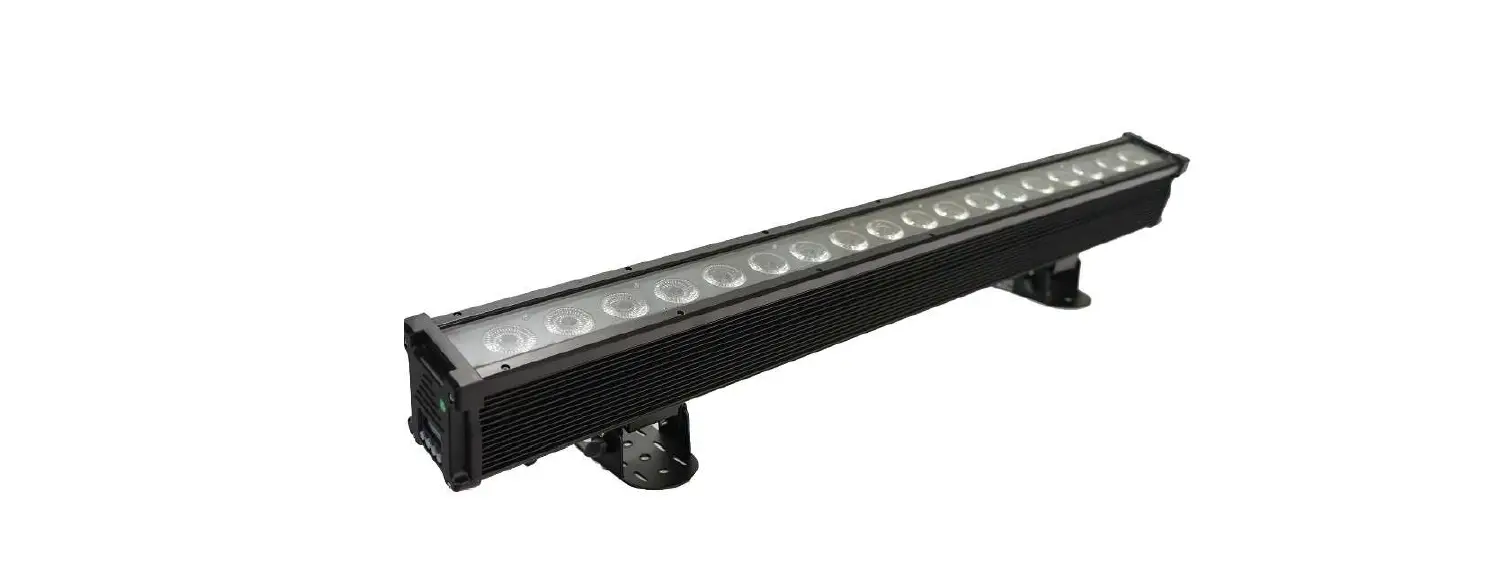

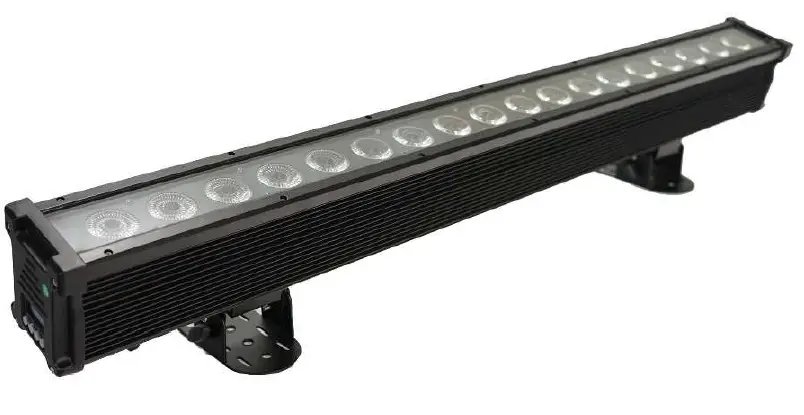
FOS technologies PIXEL BAR 18 Showtec Pixel Bar 18 Q4 Tour LED
Caution!
Be careful with your operations. With a dangerous voltage you can suffer a dangerous electric shock when touching the wires! Keep this device away from rain and moisture!Make sure it is grounded when using it! Unplug mains lead before opening the housing! For your own safety, please read this user manual carefully before you initial start-up.
Introduction
Thank you for having chosen this Item. You will see you acquired a powerful and versatile device. Unpack your item. Before you initial start-up, please make sure that there is no damage caused by transportation. Should there be any, consult your dealer and do not use the device.
Safety instructions
This device has left our premises in absolutely perfect condition. In order to maintain this condition and to ensure a safe operation, it is absolutely necessary for the user to follow the safety instructions and warning notes written in this user manual. Always disconnect from the mains, when the device is not in use or before cleaning it. Keep away children and amateurs from the device! There are no serviceable parts inside the device.
Specifications
- Voltage: AC100V-240V/ 50-60HZ
- LED:18*12W RGBWA 5IN1
- Beam Angle: 40°
- LED Lifespan: 50000hours
- Control System: DMX512,Auto Mode,Master-slave Mode,Sound active
- DMX Channel: 10/28/90/100ch
- DMX Signal Cable: 3 XLR connector build-in PRO,Master/Slave control strobe,program for choosing color,color changing 256 high gray grade,0-100%dimmer
- IP Rate:IP65
- product size:105×10×19CM
- packing size:108×15×27CM
- N.W:7.55Kg
- G.W:8.0KG
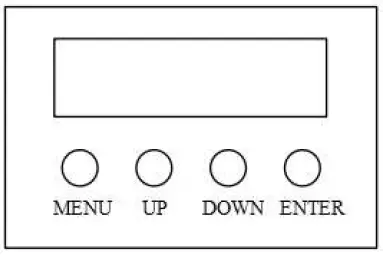
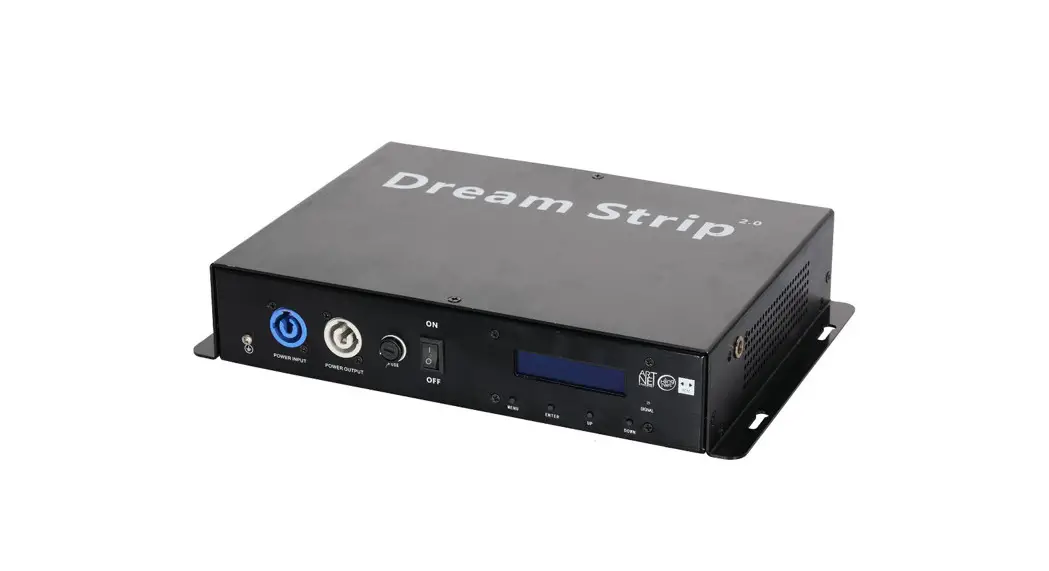
- [MENU] Main menu to select or return to the previous menu
- [UP] Menu selection or parameter increase
- [DOWN] Menu selection or parameter decrease
- [ENTER] OK / enter or select sub menu
Control Panel
| No. | Show | Function |
| 1 | A001 | DMX address,(001—512)up/down to change the value |
| 2 | 28ch/10ch/100h/90h | 29ch/11ch/119ch/108ch choose,up/down to choose |
| 3 | CC00 | Color jump effect,(01—99)up/down to change the value |
| 4 | Ed00 | Color gradient& pulse change,(01—99)up/down to change the value |
| 5 | Er00 | Color running effect ,(01—99)up/down to change the speed |
| 6 | Po00 | Color running effect 2 ,(01—99)up/down to change the speed |
| 7 | tr00 | Running effect,(00—8)up/down to change the effect |
| 8 | tU00 | Running effect, (00—8)up/down to change the effect |
| 9 | BE50 | Sound Active running B/C to change the speed The sensitivity |
| 10 | R200 | Red Dimming,(000—255)From dark to brightness |
| 11 | G200 | Green Dimming, (000—255)From dark to brightness |
| 12 | B200 | Blue Dimming,(000—255)From dark to brightness |
| 13 | W200 | White Dimming,(000—255)From dark to brightness |
| 14 | Y200 | Amber Dimming,(000—255)From dark to brightness |
| 15 | ID00 | ID,(01—14)B/C to change the value (to set running effect) |
Channel and Function List
10 Channels Mode:
| CH NO. | Function | Instruction |
| CH1 | Dimmer | RGBWA Total Dimming, From dark to brightness |
| CH2 | Strobe | RGBWA Strobe, From dark to brightness |
| 0–25:No effect | ||
| 26–35:No effect | ||
| 36–45: Color flowing jump change (Can get running flowing effect | ||
| by ID stagger,controlled by CH1-CH6) | ||
| 46–55:Color flowing gradient change (Can get running flowing | ||
| effect by ID stagger,controlled by CH1-CH6) | ||
| 56–65: Color choose,(controlled by CH1) | ||
| 66–75: Jump change,(controlled by CH1) | ||
| 76–85: Gradient&Pulse change,(controlled by CH1) | ||
| 86–95: Running effect 1(control the running brightness by CH1) | ||
| CH3 | Function choose 1 | 96-105: Running effect 2(control the running brightness by CH1) |
| ………………. | ||
| 146–155:Running effect7(control the running brightness by CH1) | ||
| 156–165:Running effect8 (control the running brightness by CH1,CH6- | ||
| 11) | ||
| ……………… | ||
| 236–245:Running effect15, (control the running brightness | ||
| byCH1,CH6-11) | ||
| 246–255:Sound Active, (control the running brightness by CH1,CH6- | ||
| 11) | ||
| 0–30: No effect | ||
| 31–45:Running effect1, controlled the basic brightness by CH1,CH6- | ||
| CH11 | ||
| 46–60:Running effect 2, controlled the basic brightness by CH1,CH6- | ||
| Function choose 2 | CH11 | |
| CH4 | …………….. | |
| 240–255:Running effect 15, controlled the basic brightness by | ||
| CH1,CH6-CH11 | ||
| Function choose 3 | Flowing effect (0–127:Left side flowing effect;128–255:Right side flowing effect | |
| CH5 | Function speed | Function speed, From slow to fast |
| CH6 | R | Red Dimming, From dark to brightness |
| CH7 | G | Green Dimming, From dark to brightness |
| CH8 | B | Blue Dimming, From dark to brightness |
| CH9 | W | White Dimming, From dark to brightness |
| CH10 | A | Amber Dimming, From dark to brightness |
28 Channels Mode:
| CH NO. | Function | Instruction |
| CH1 | Dimmer | RGBWA Total Dimming, From dark to brightness |
| CH2 | Strobe | RGBWA Strobe, From dark to brightness |
| 0–25:No effect | ||
| 26–35:No effect | ||
| 36–45: Color flowing jump change (Can get running flowing | ||
| effect by ID stagger,controlled by CH1-CH6) | ||
| 46–55:Color flowing gradient change (Can get running | ||
| flowing effect by ID stagger,controlled by CH1-CH6) | ||
| 56–65: Color choose,(controlled by CH1) | ||
| 66–75: Jump change,(controlled by CH1) | ||
| 76–85: Gradient&Pulse change,(controlled by CH1) | ||
| 86–95: Running effect 1(control the running brightness by | ||
| CH1) | ||
| CH3 | Function choose 1 | 96-105: Running effect 2(control the running brightness by CH1) |
| ………………. | ||
| 146–155:Running effect7(control the running brightness by | ||
| CH1) | ||
| 156–165:Running effect8 (control the running brightness by | ||
| CH1,CH6-11) | ||
| ……………… | ||
| 236–245:Running effect15,(control the running brightness | ||
| byCH1,CH6-11) | ||
| 246–255:Sound Active,(control the running brightness by | ||
| CH1,CH6-11) | ||
| 0–30: No effect | ||
| 31–45:Running effect1, controlled the basic brightness by | ||
| CH1,CH6-CH11 | ||
| 46–60:Running effect 2, controlled the basic brightness by | ||
| Function choose 2 | CH1,CH6-CH11 | |
| CH4 | …………….. | |
| 240–255:Running effect 15,controlled the basic brightness by | ||
| CH1,CH6-CH11 | ||
| Function choose 3 | Flowing effect (0–127:Left side flowing effect;128–255: Right side flowing effect | |
| CH5 | Function speed | Function speed ,From slow to fast |
| CH6 | Red dimmer | Red total dimming from dark to brightness |
| CH7 | Green dimmer | Green total dimming from dark to brightness |
| CH8 | Blue dimmer | Blue total dimming from dark to brightness |
| CH9 | White dimmer | White total dimming from dark to brightness |
| CH10 | Amber dimmer | Amber total dimming from dark to brightness |
| CH11 | LED 1 dimmer | RGBWA Dimmer |
| CH12 | LED 2 dimmer | RGBWA Dimmer |
| ……………………. | …………………………………… | ………………………………………….. |
| CH28 | LED 18dimmer | RGBWA Dimmer |
90 Channels Mode:
| CH NO. | Function | Instruction |
| CH1 | Red 1 dimmer | Red 1 dimming from dark to brightness |
| CH2 | Green 1 dimmer | Green 1 dimming from dark to brightness |
| CH3 | Blue 1 dimmer | Blue 1 dimming from dark to brightness |
| CH4 | White 1 dimmer | White 1 dimming from dark to brightness |
| CH5 | Amber 1 dimmer | Amber 1 dimming from dark to brightness |
| ……………………. | …………………………………… | ………………………………………….. |
| CH90 | Amber 18dimmer | Amber 18 dimming from dark to brightness |
100 Channels Mode:
| CH NO. | Function | Instruction |
| CH1 | Dimmer | RGBWA Total Dimming, From dark to brightness |
| CH2 | Strobe | RGBWA Strobe, From dark to brightness |
| 0–25:No effect | ||
| 26–35:No effect | ||
| 36–45: Color flowing jump change (Can get running flowing | ||
| effect by ID stagger,controlled by CH1-CH6) | ||
| 46–55:Color flowing gradient change (Can get running flowing | ||
| effect by ID stagger,controlled by CH1-CH6) | ||
| 56–65: Color choose,(controlled by CH1) | ||
| 66–75: Jump change,(controlled by CH1) | ||
| 76–85: Gradient&Pulse change,(controlled by CH1) | ||
| 86–95: Running effect 1(control the running brightness by CH1) | ||
| CH3 | Function choose 1 | 96-105: Running effect 2(control the running brightness by CH1) |
| ………………. | ||
| 146–155:Running effect7(control the running brightness by CH1) | ||
| 156–165:Running effect8 (control the running brightness by | ||
| CH1,CH6-11) | ||
| ……………… | ||
| 236–245:Running effect15,(control the running brightness | ||
| byCH1,CH6-11) | ||
| 246–255:Sound Active,(control the running brightness by | ||
| CH1,CH6-11) |
| 0–30: No effect | ||
| 31–45:Running effect1 ,controlled the basic brightness by | ||
| CH1,CH6-CH11 | ||
| 46–60:Running effect 2 ,controlled the basic brightness by | ||
| Function choose 2 | CH1,CH6-CH11 | |
| CH4 | …………….. | |
| 240–255:Running effect 15,controlled the basic brightness by | ||
| CH1,CH6-CH11 | ||
| Function choose 3 | Flowing effect (0–127:Left side flowing effect;128–255:Right side flowing effect | |
| CH5 | Function speed | Function speed ,From slow to fast |
| CH6 | Red dimmer | Red total dimming from dark to brightness |
| CH7 | Green dimmer | Green total dimming from dark to brightness |
| CH8 | Blue dimmer | Blue total dimming from dark to brightness |
| CH9 | White dimmer | White total dimming from dark to brightness |
| CH10 | Amber dimmer | Amber total dimming from dark to brightness |
| CH11 | LED 1 dimmer | RGBWA Dimmer |
| CH12 | LED 2 dimmer | RGBWA Dimmer |
| ……………………. | …………………………………… | ………………………………………….. |
| CH100 | LED 18dimmer | RGBWA Dimmer |