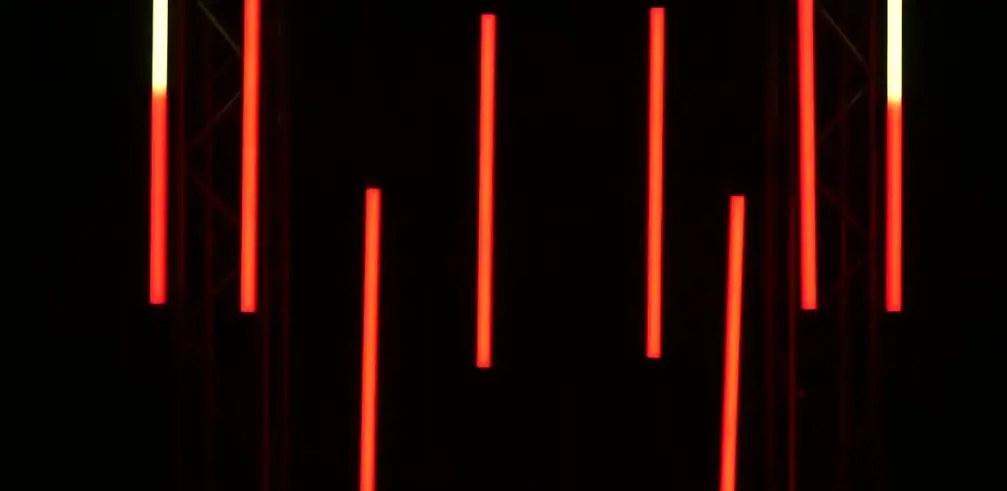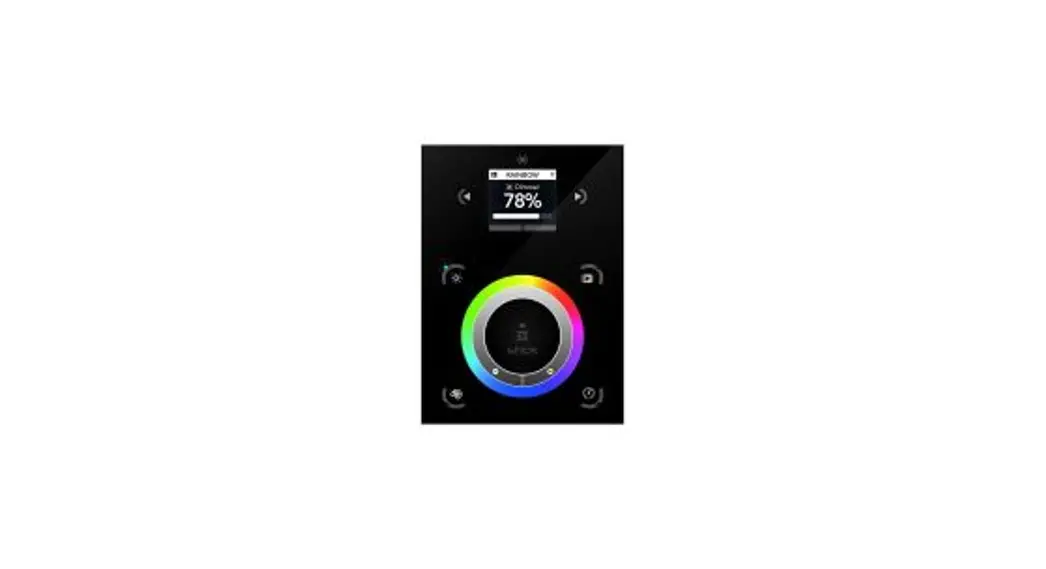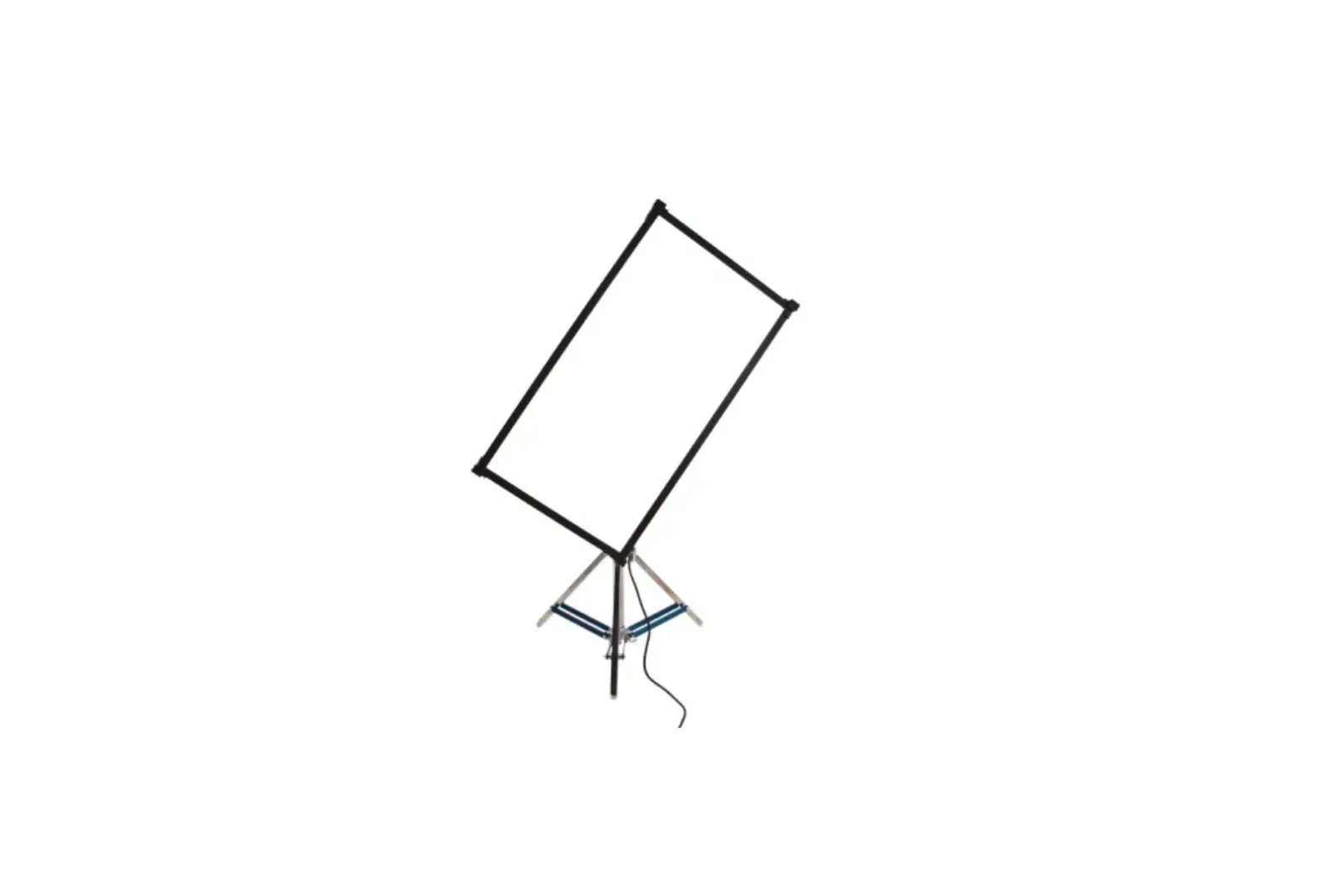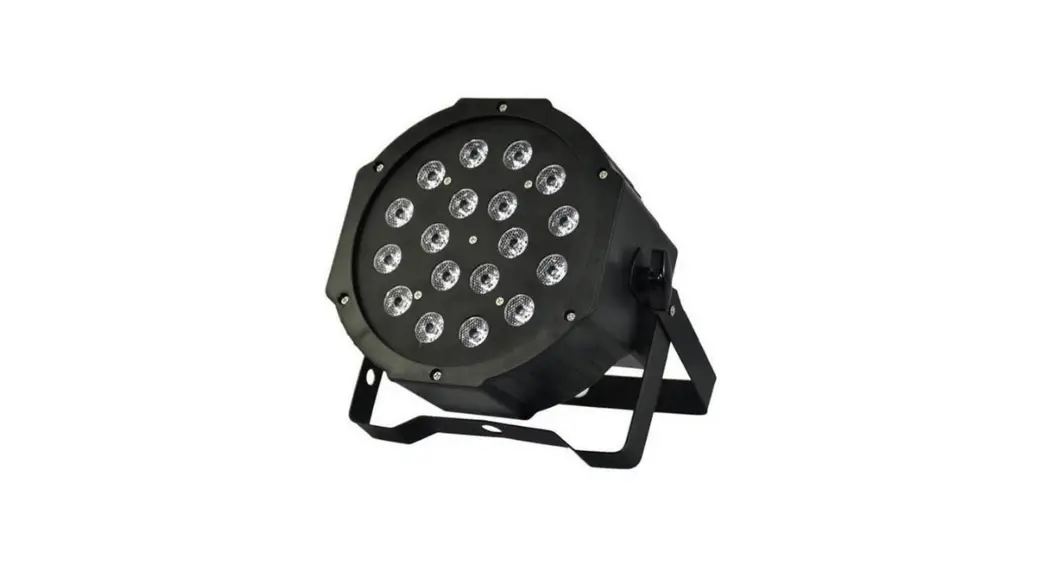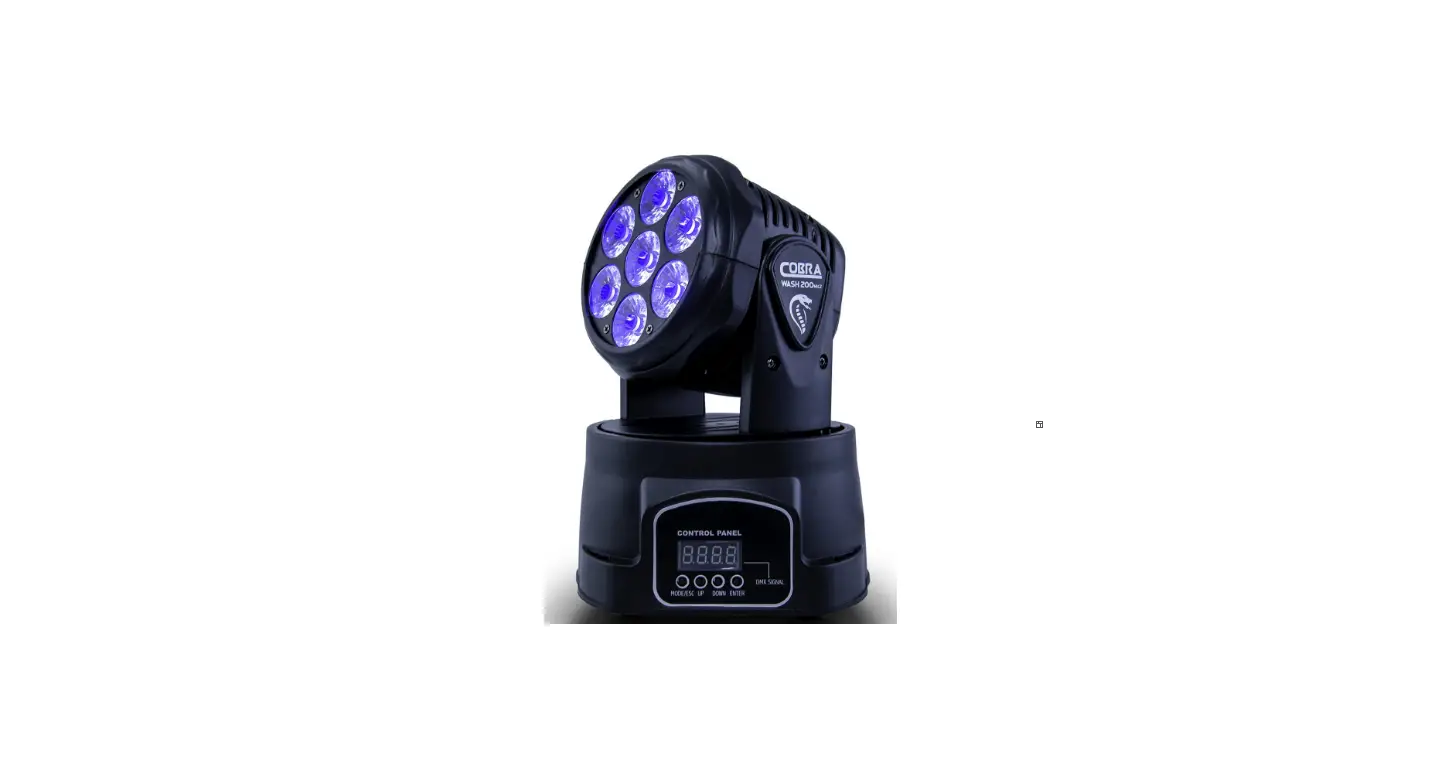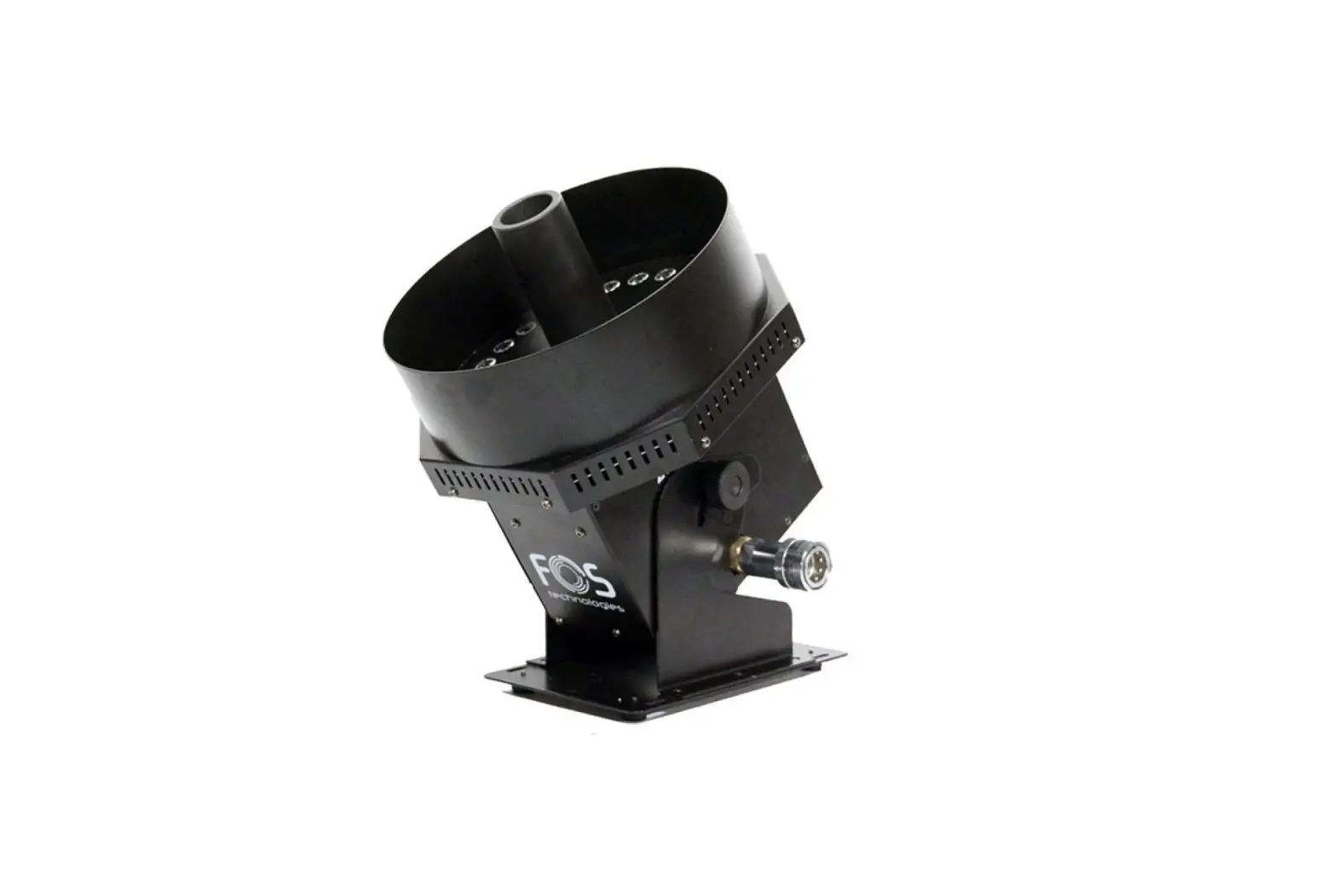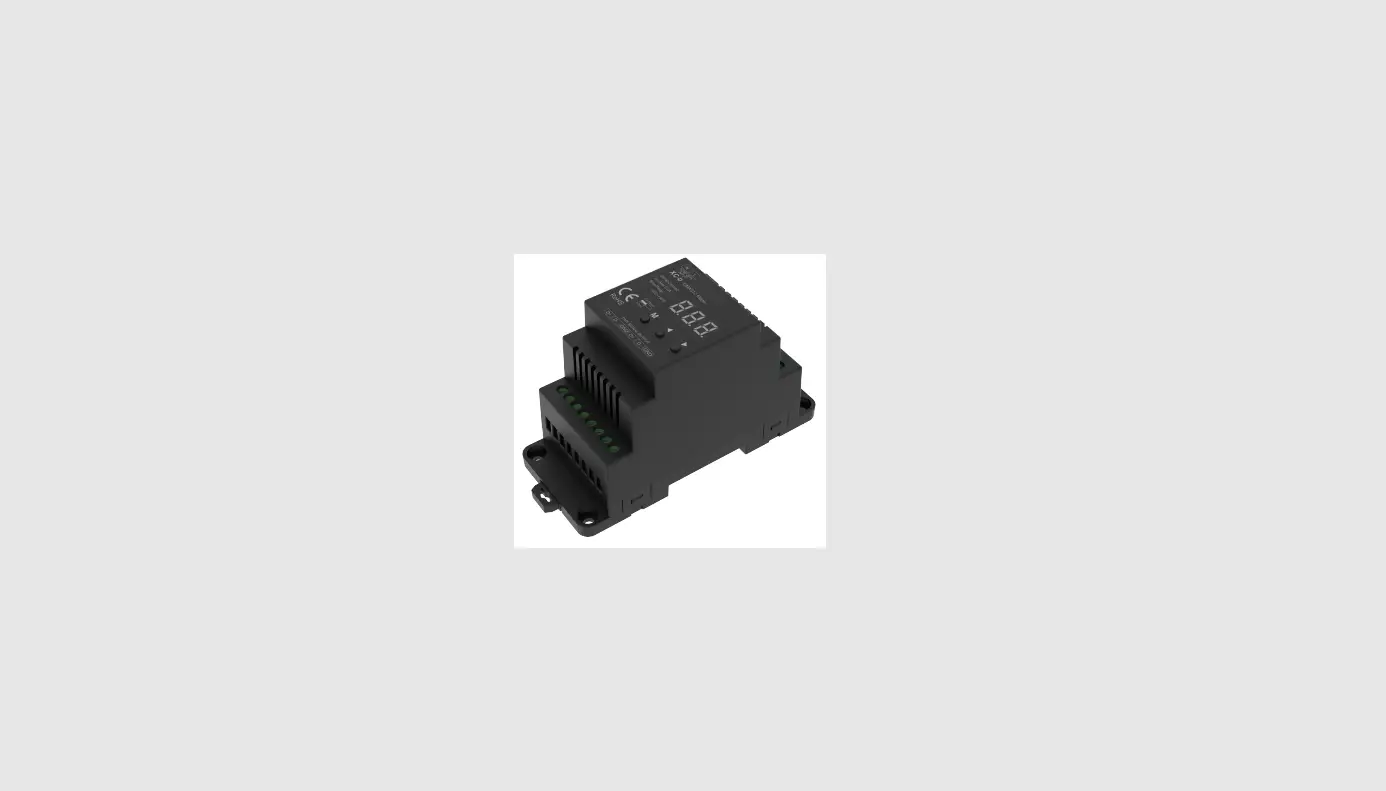
 DMX 512 FOS Pixel Line 80 LED Light
Instruction Manual
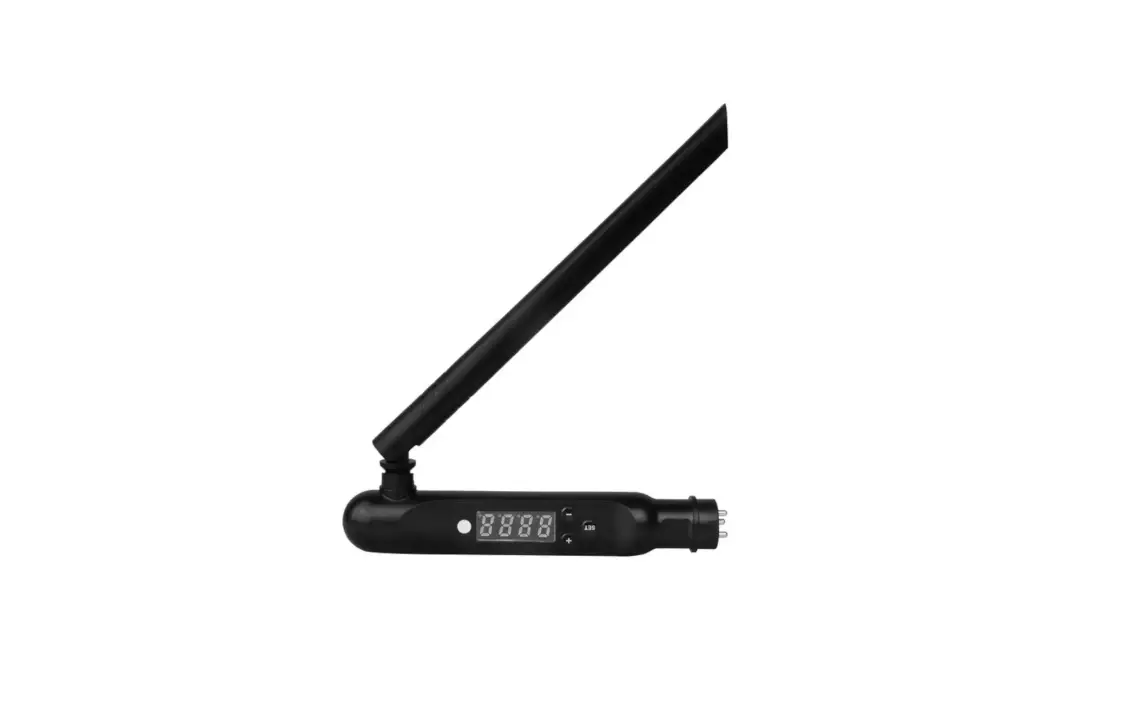
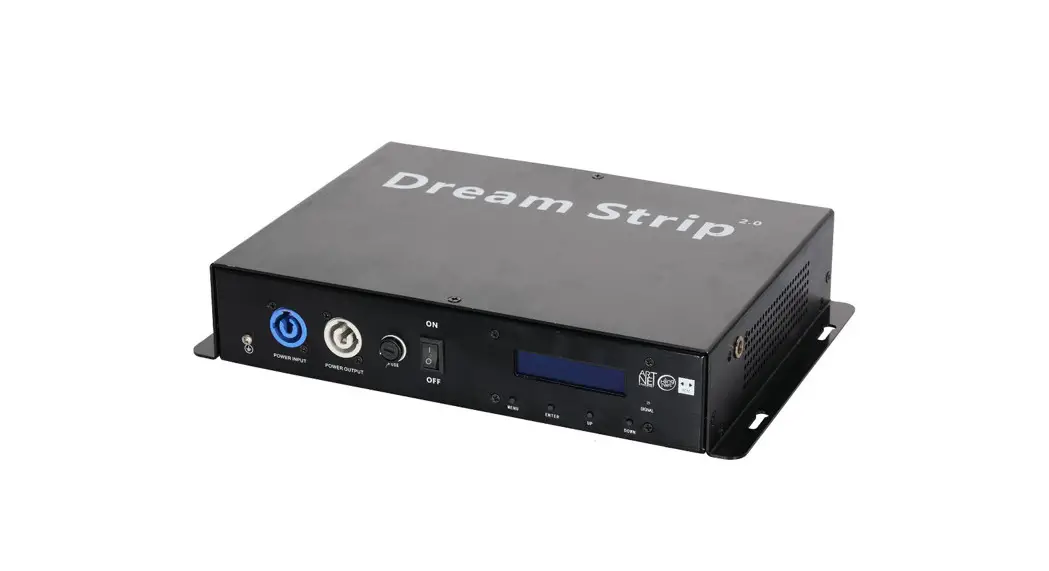
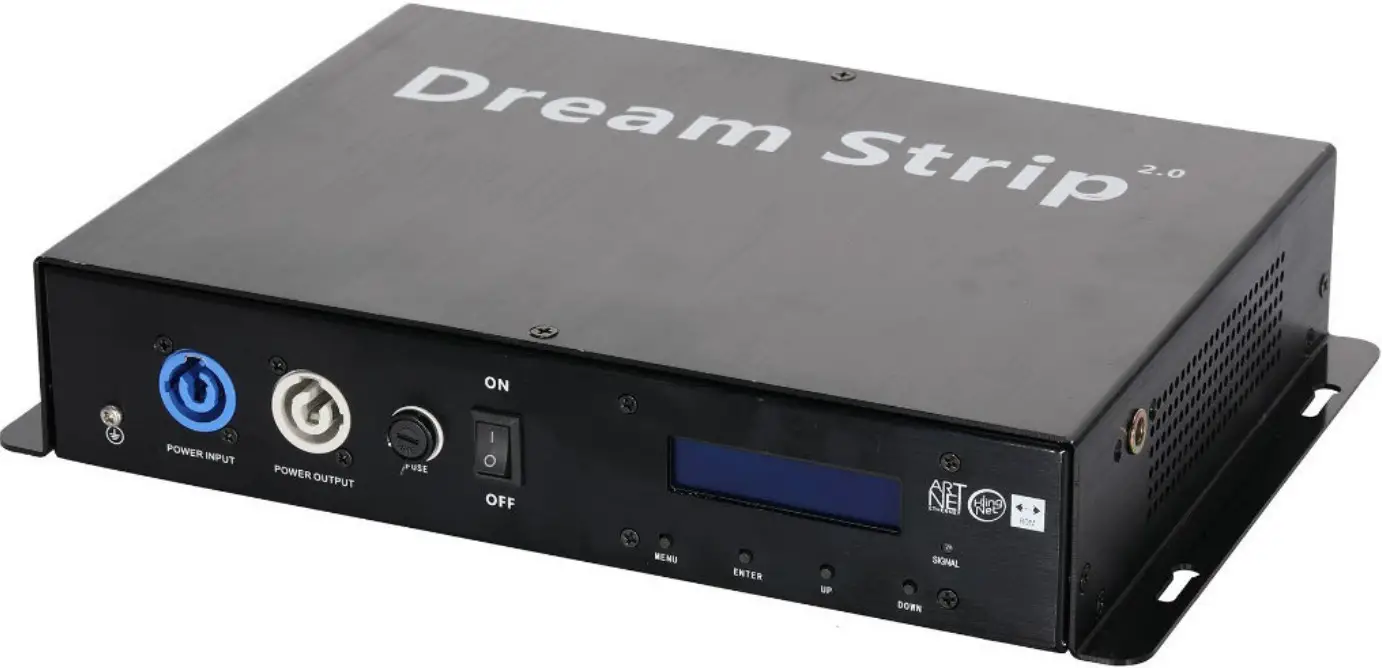
FOS Pixel LINE Driver

Safety Notes: Read all the following Safety Notes before working with this product. These notes include important information about the installation, usage, and maintenance of this product. This icon indicates critical installation, configuration, or operation information. Failure to comply with this information may render the fixture partially or completely inoperative, damage third-party equipment, or cause harm to the user.
 There are no user-serviceable parts in this product. Any reference to servicing in this guide applies only to properly certified technicians. Do not open the housing or attempt any repairs unless you are certified.
 This icon indicates useful, although non-critical information.
- DO NOT open this product. It contains no user-serviceable parts.
- CAUTION: This product’s housing may be hot when lights are operating.
- Mount this product in a location with adequate ventilation, at least 20 in (50 cm) from adjacent surfaces.
- DO NOT leave any flammable material within 50 cm of this product while operating or connected to power.
- This product is for indoor use only! To prevent the risk of fire or shock, do not expose this product to rain or moisture.
- DO NOT connect this product to a dimmer or rheostat.
- ONLY connect this product to a grounded and protected circuit.
- Always make sure you are connecting this product to the proper voltage, as per the Technical Specifications in this guide or on the product’s specification label.
- Do not operate this product if you see damage on the housing, I/O ports, or cables. Have the damaged parts replaced by a certified technician at once?
- Do not cover the ventilation slots when operating to avoid internal overheating.
- The maximum ambient temperature is 104 °F (40 °C). Do not operate this product at a higher temperature.
- In case of a serious operating problem, stop using this product immediately!
What Is Included
Once you receive the product, carefully open the package and make sure all the pieces included are in good condition. The following items should be included in the package:
- Pixel Strip Drive
- 1.5M CAT-5 Net-cable+1.2M Power Cable
- Quick Reference Guide
If there are any missing pieces, please contact the local dealer where you purchased the product.
Installation Procedure
Before installing any product, you should completely read through the guide that was shipped with the product.
- Carefully remove all items from the package and place them on a secure foundation.
- Mount product.
- Install power cable and connect to power.
- Connect the product to the computer/controller via a router.
- Connect Pixel Strip 3.0
Product Overview:
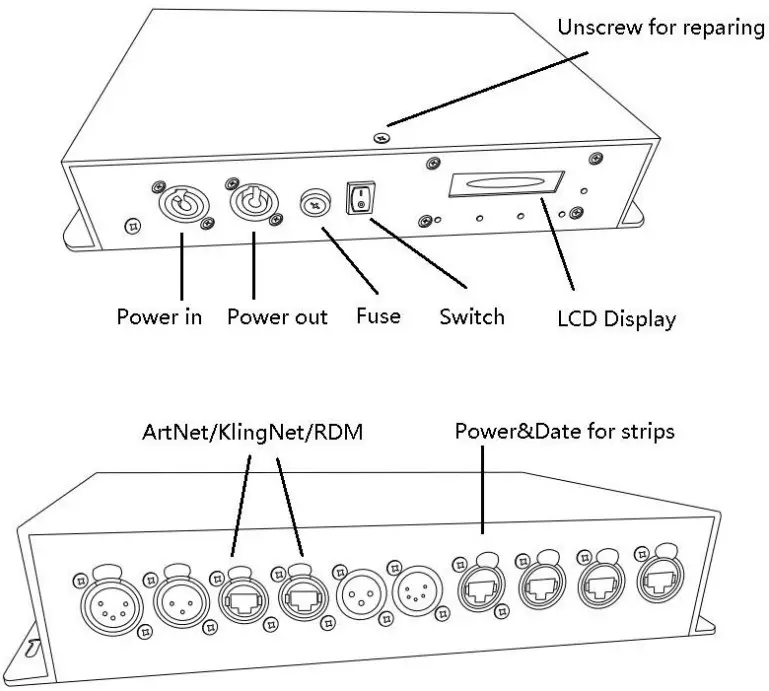
Mounting
The pixel-Strip Drive has four (4) mounting points (one on each corner) with 10mm holes to which you can install screws and mount this product directly to almost any flat surface, truss, or other load-bearing structure in any orientation. The product may also be installed with clamps for hanging on the truss. You must supply your own clamps and make sure the clamps can support the weight of this product.
Mounting Guidelines
We recommend using the following guidelines when mounting this product:
- Make sure to mount this product away from any flammable material as indicated in the Safety Notes section.
- Never mount in places where rain, high humidity, extreme temperature changes, or restricted ventilation may affect the product.
- Before deciding on a location, always make sure there is easy access to the product for maintenance and programming.
- Make sure that the structure or surface onto which you are mounting the product can support the product’s weight (see the Technical Specifications).
- When mounting the product overhead, always use a safety cable. Mount the product securely to a rigging point, such as an elevated platform or a truss.
- When rigging the product onto a truss, you should use a mounting clamp of appropriate weight capacity.
- When mounting the product on the floor, make sure that the product and cables are away from people and vehicles.
Mounting Instructions
Mounting hardware is not included with the product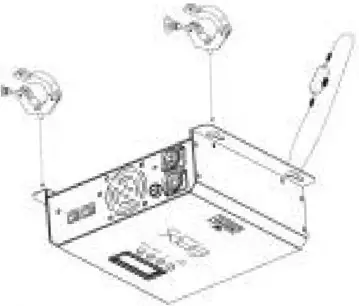
Using Mounting Clamps:
- Attach the clamp to the mounting bracket.
- Attach a safety cable to the product’s safety loop.
- Attach the clamp to the desired structure or surface.
- Attach a safety cable through the mounting points
Signal Connections
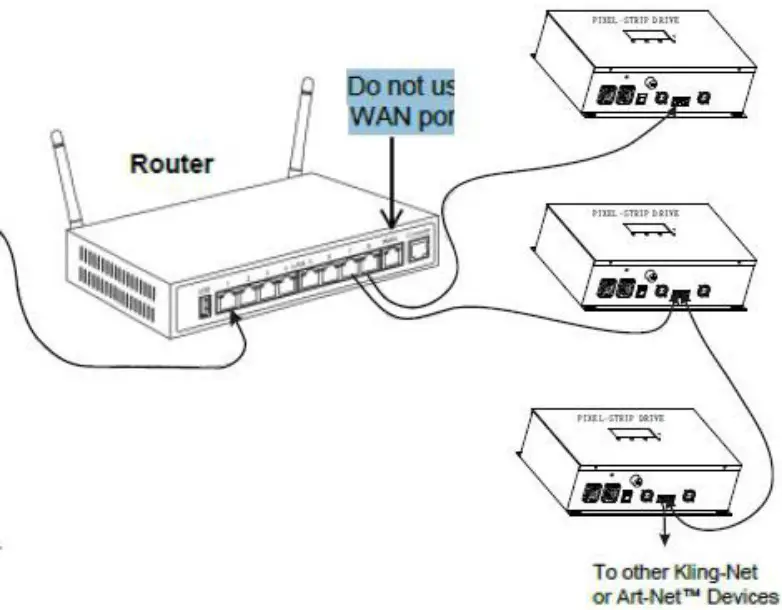
Art-Net™ Connection
Art-Net™ is an Ethernet protocol that uses TCP/IP that transfers large amounts of DMX512 data using an etherCON® RJ45 connection over a large network.
Connecting Pixel Strip Products to the Power Supply:
The Pixel Strip ™Drive uses an RJ45 data connection to link all data ports. You can connect either 4 or Pixel Strips per output on the Pixel Strip Drive The following diagram illustrates how to assemble the data connections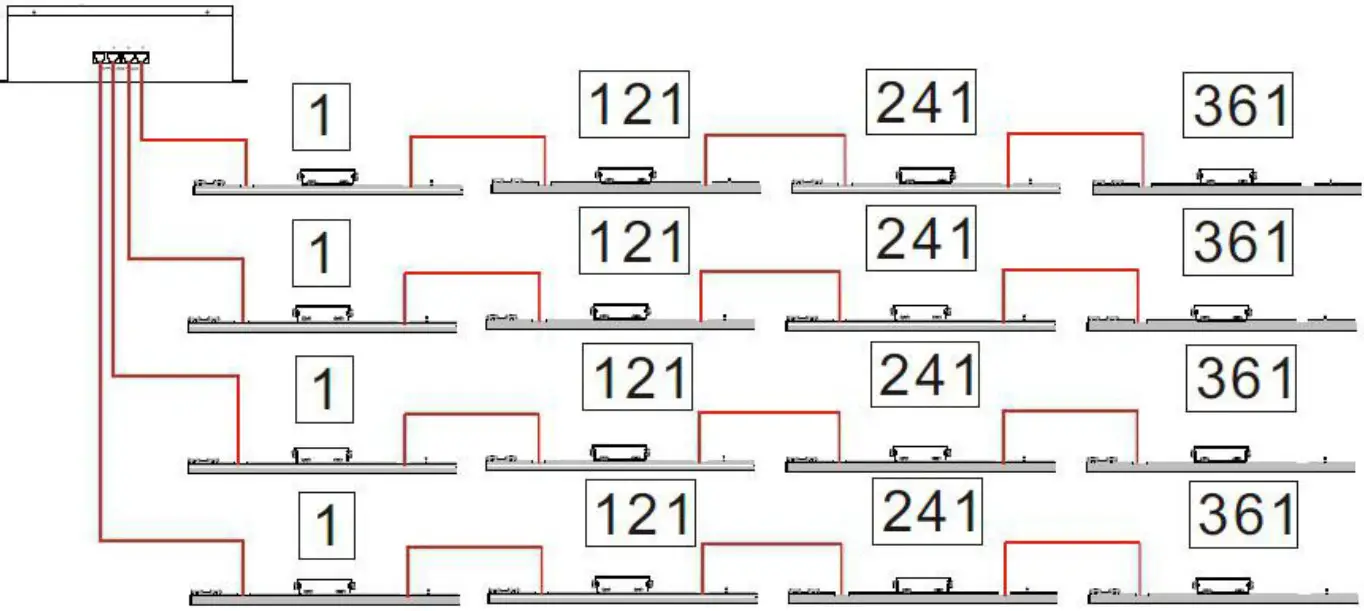
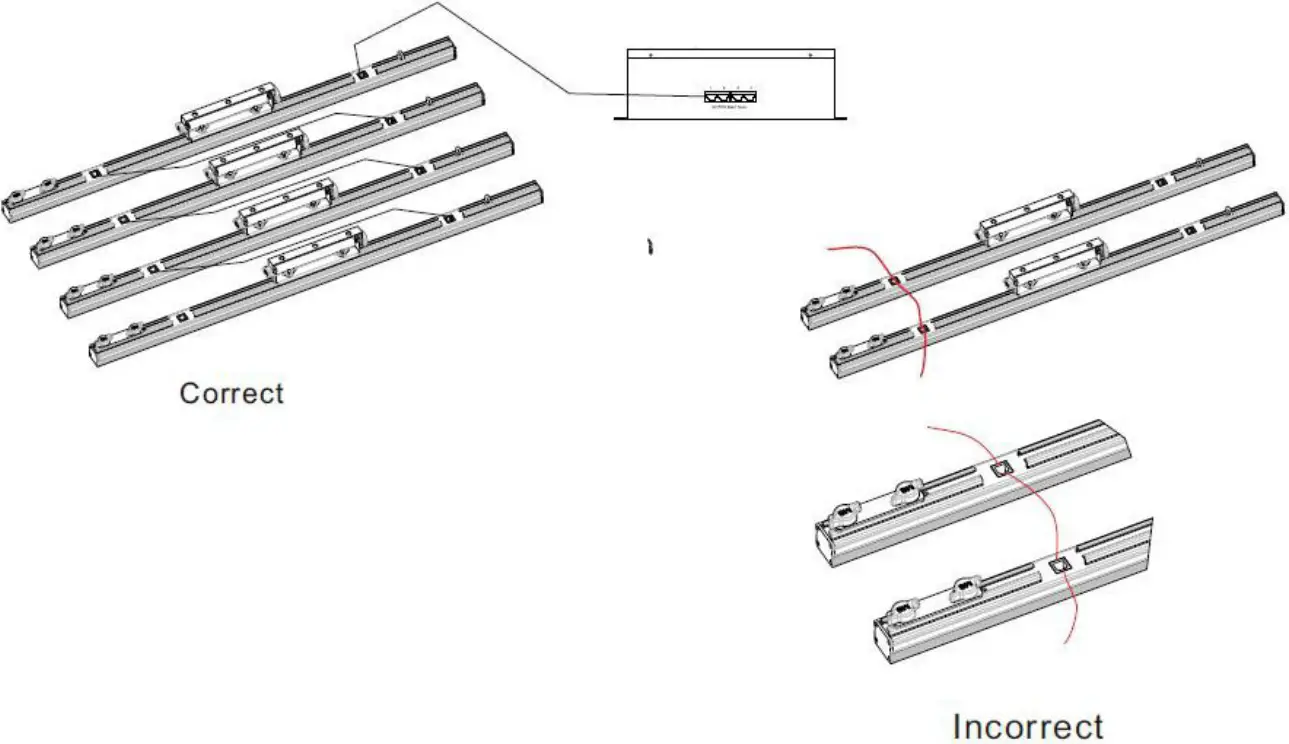 Each port of Drive can support 4Pcs. Pixel Strip. Make sure the total length of the connecting network cables (RJ45) does not exceed 10 meters.
Power Linking
The Drive supports power linking. You can power link up to
- Seven (7) Drive drives at 120 VAC; or
- Eleven (11) Drive drives at 230 VAC
A power input cord is included with the Drive. A power linking cord is not included; however, is available as an option.
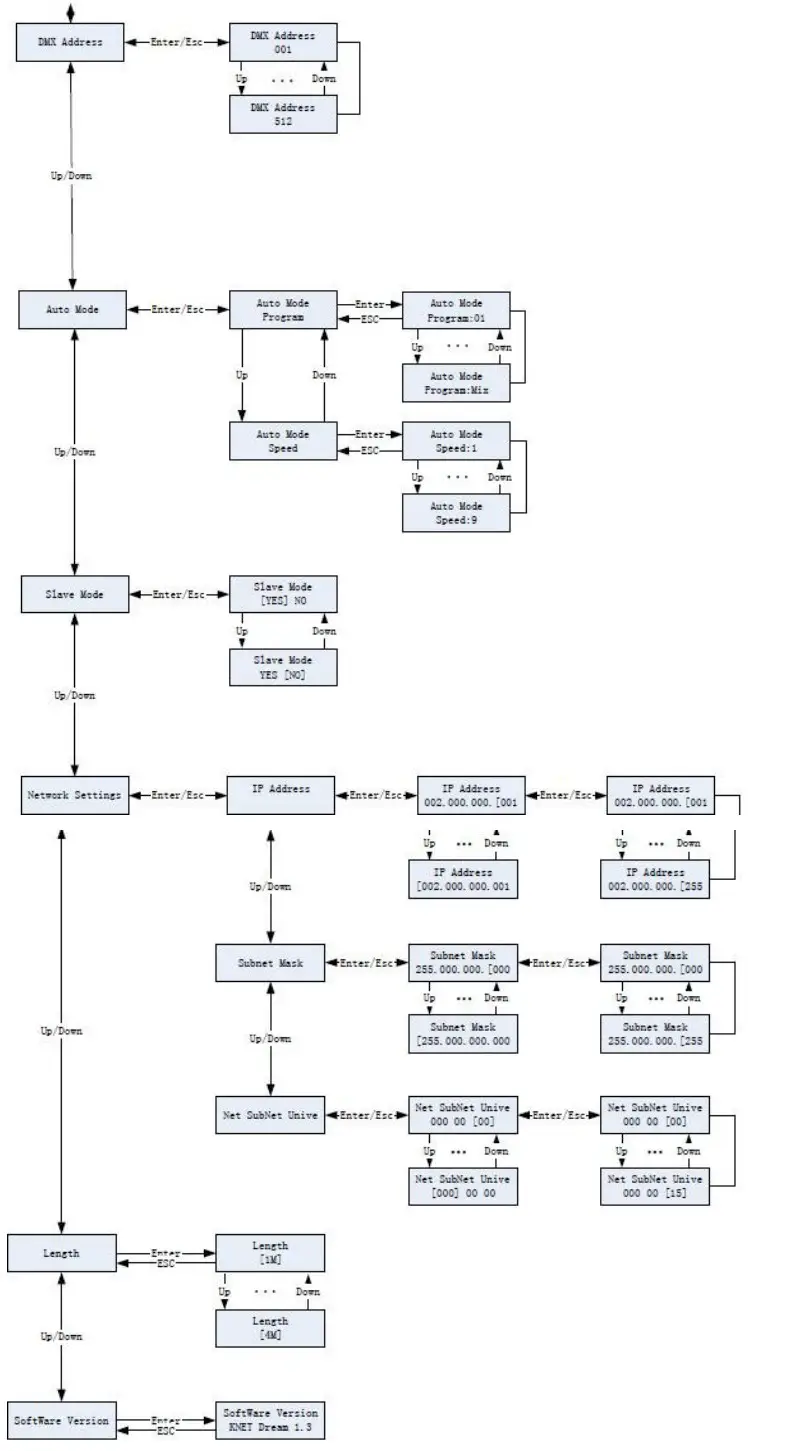
Technical Parameters:
- Size:204x260x88mm
- Power Supplier: Auto-ranging 100v to 240v,50/60Hz
- Output Voltage: 48V
- Consumption: 500W
- Connections: RJ45 for Kling-net & Art-net and DMX
DMX CH Model:
10CH Model:
| Channel | DMX address | Description |
| 1CH | 0-255 | General Dimmer |
| 2CH | 0-255 | Strobe |
| 3CH | 0-255 | Red |
| 4CH | 0-255 | Green |
| 5CH | 0-255 | Blue |
| 6CH | 0-255 | Built-in program 1 (multi-color effect. The last one is auto-running) |
| 7CH | 0-255 | Built-in program 2(single color effect, can be controlled by channel 9. The last one is auto-running) |
| 8CH | 0-255 | Speed for built-in effects |
| 9CH | 0-255 | Color for built-in effects |
| 10CH | 0-255 | Sensitivity of sound control (weak -> strong) |
55CH Model:
| Channel | DMX address | Description |
| 1CH | 0-255 | General Dimmer |
| 2CH | 0-255 | Strobe |
| 3CH | 0-255 | Built-in program 1 (multi-color effect. The last one is auto-running) |
| 4CH | 0-255 | Built-in program 2(single color effect, can be controlled by channel 9. The last one is auto-running. |
| 5CH | 0-255 | Speed for built-in effects |
| 6CH | 0-255 | Color for built-in effects |
| 7CH | 0-255 | Sensitivity of sound control (week -> strong) |
| 8CH | 0-255 | Red for 1. Light of 1. Output |
| 9CH | 0-255 | Green for 1. Light of 1. Output |
| 10CH | 0-255 | Blue for 1. Light of 1. output |
| … | ||
| 55CH | 0-255 | Blue for 4. Light of 4. output |
480CH Model:
8 leds as a group, so there are 10 groups as there are 80pcs leds in one strip.
10groupsx16pcs (One controller) RGB Color=480CH
Pixel-Net Model (For Net-Working protocol, Such as Art-net)
Each 2Leds is a Pixel,80/2=40Pixel per strip, and each port of the Drive Box supports a 4pcs strip,40pixelx4pcsxRGB=480CH.