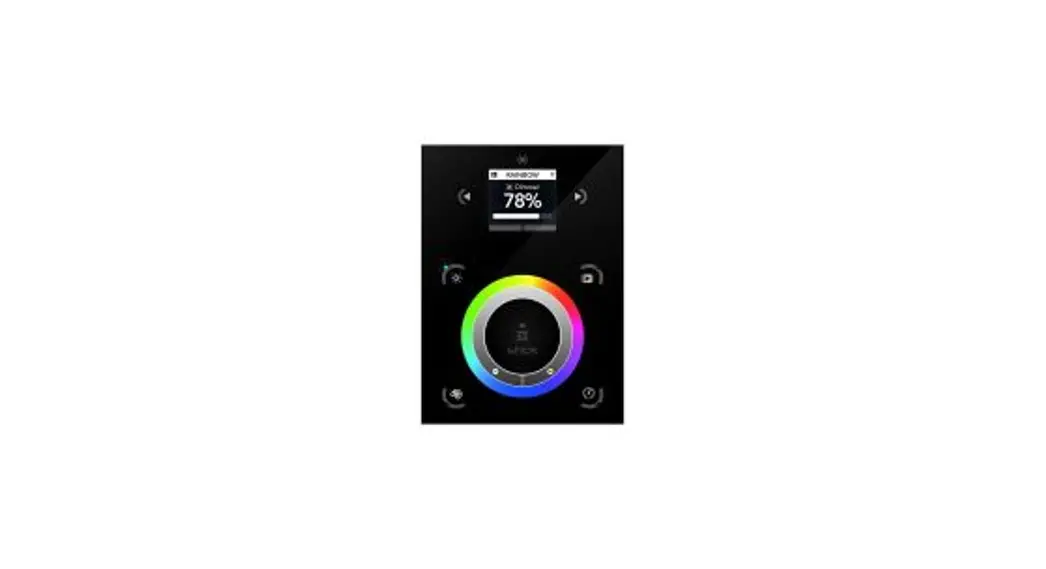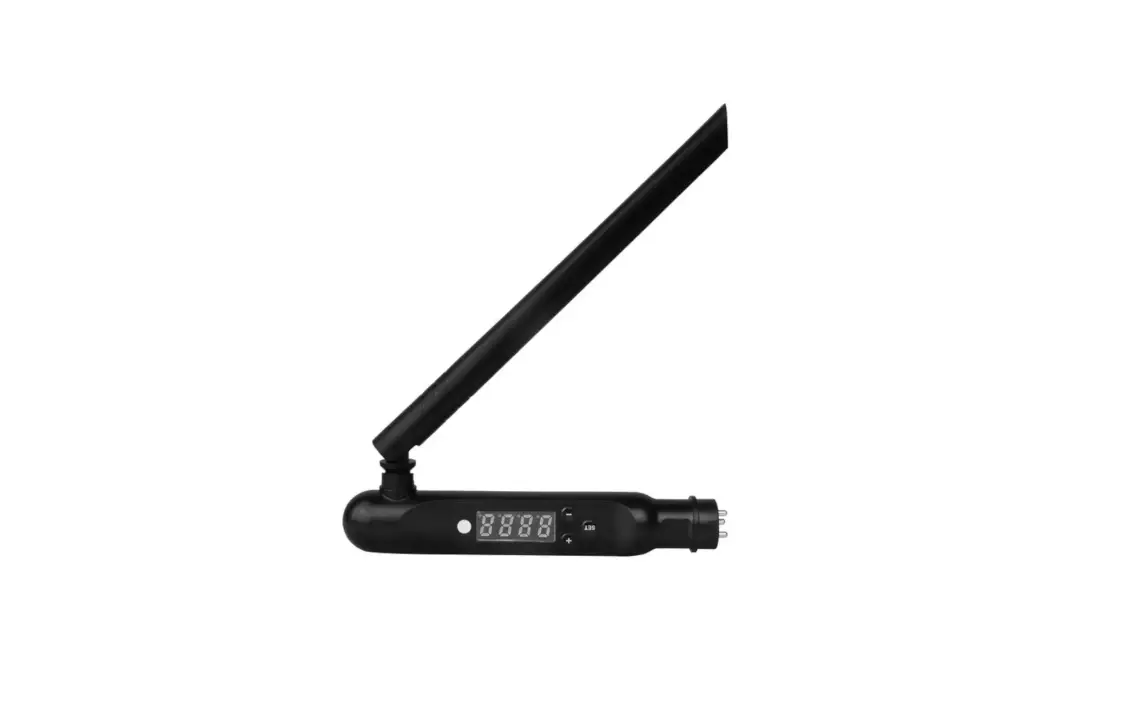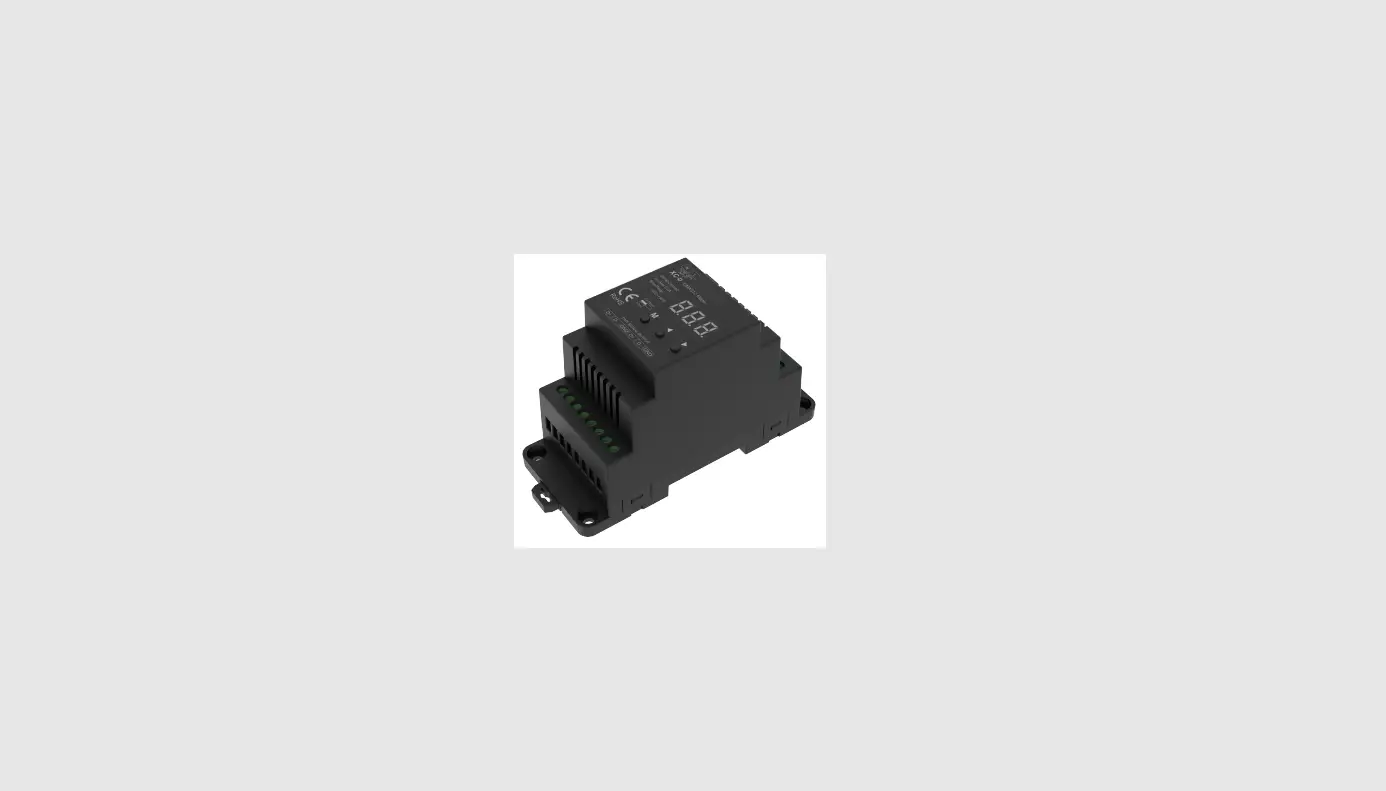

lEDYi Lighting XC-D RF-DMX512 Din Rail led pixel neon strip DMX Master
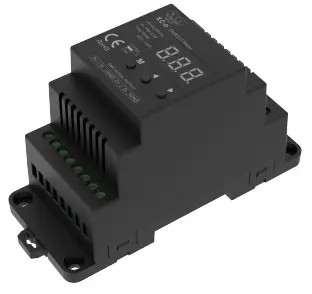
RF-DMX512 Master
Model No: XC-D
- 1-5 Color/1-4-8 Zone/Max 512 channel/Wireless remote control/Stand-alone function/Numeric display/Din Rail

Features
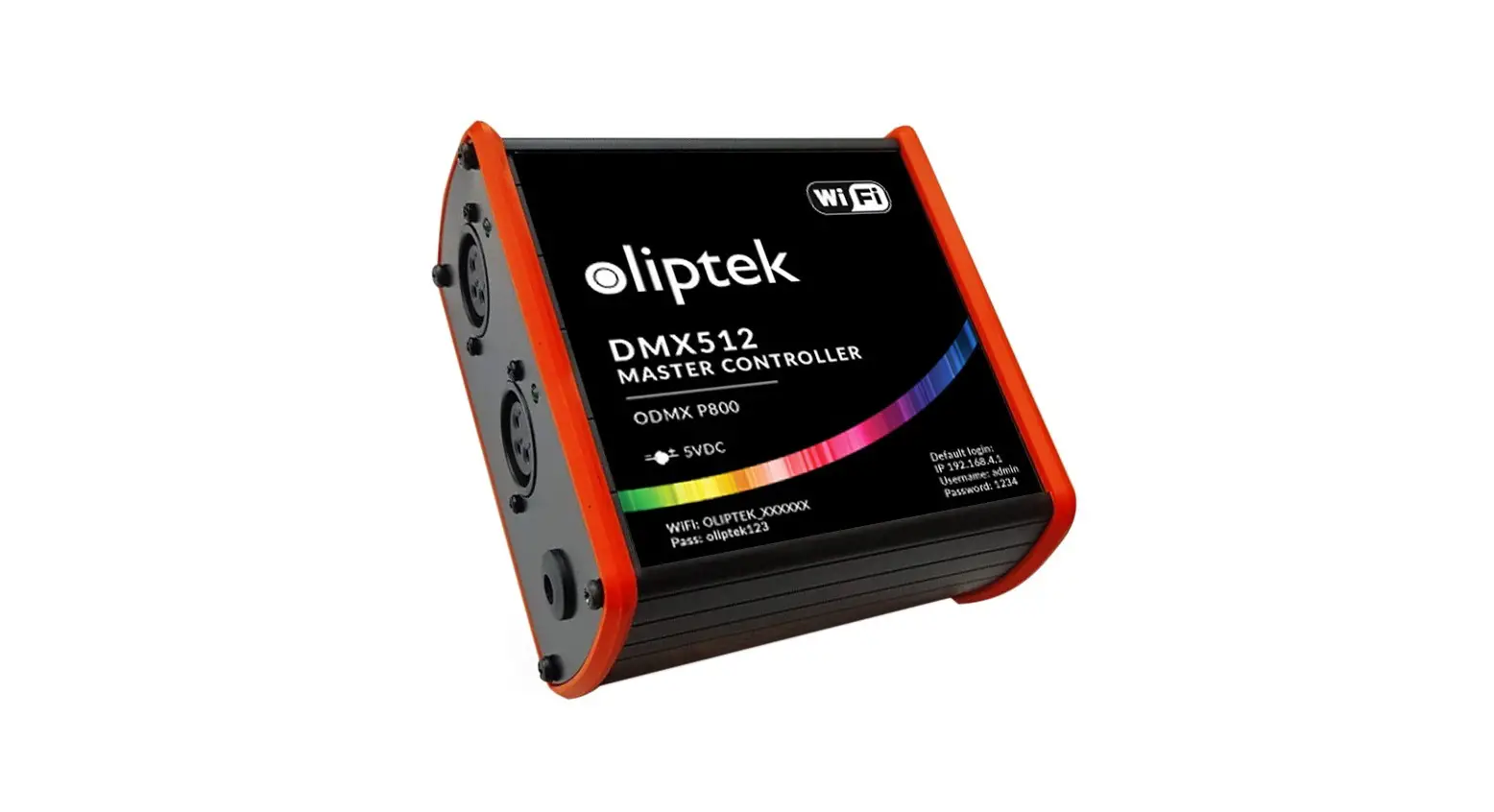
- 1/4/8 zones 1-5 colors DMX512 master with digital display, can work as a stand-alone mode or RF mode.
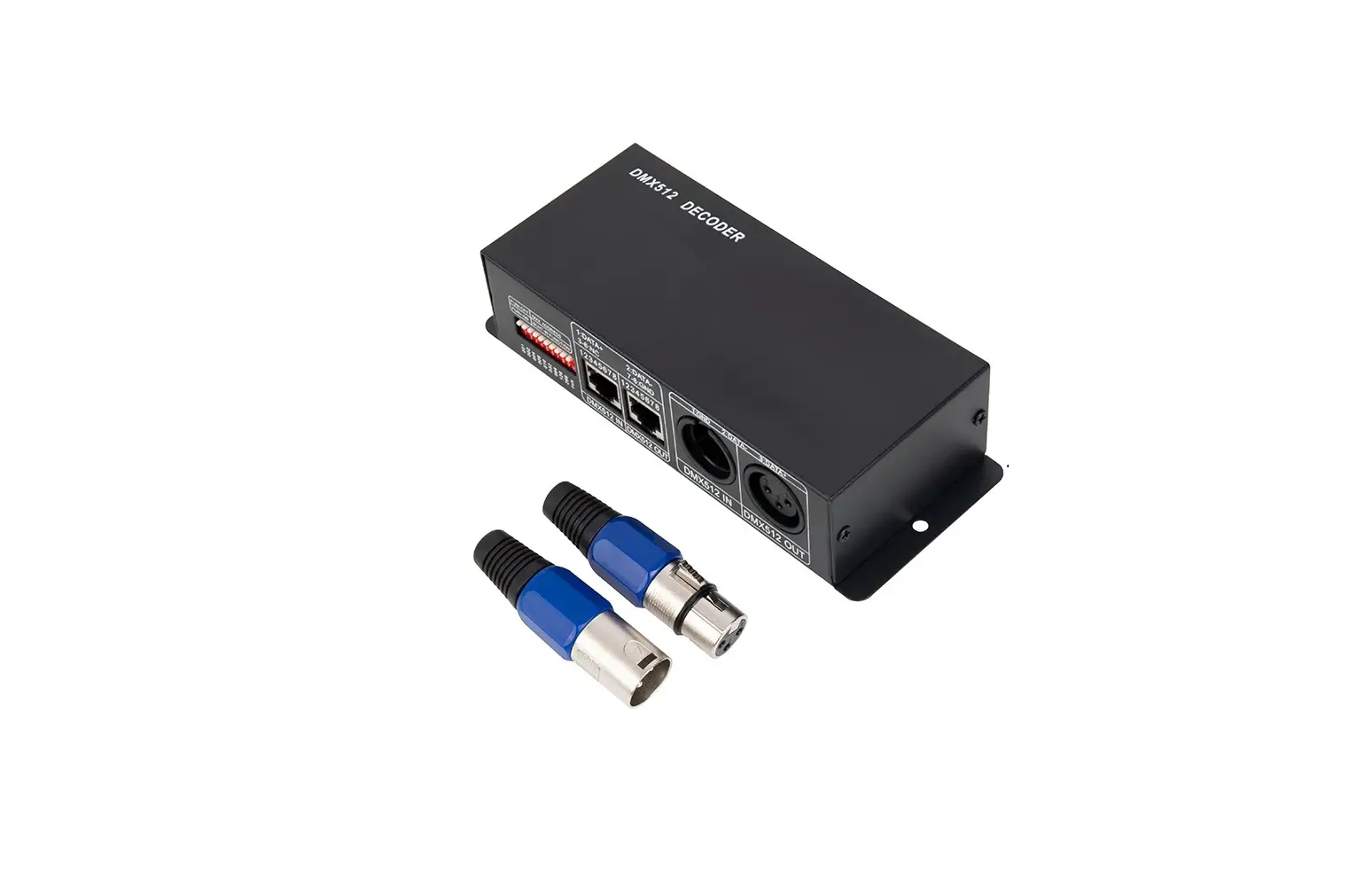
- DMX signal output, comply with standard protocol DMX512, compatible with DMX decoder from any supplier.
- Under stand-alone mode(no need for remote), can be set as 1/4/8 zones single color, dual color, RGB, RGB+W, RGB+CCT light type by key.
- Under RF mode, full compatibility with a variety of 1/4/8 zones single color dimming, dual-color, RGB/RGBW or RGB+CCT remote.
- Digital numeric display, simple to change mode, speed, brightness, or color temperature.
- For RGB type, the built-in 30 modes, include static color, jump, flash or gradual change style.
- For multi-pixel RGB type, built-in 32 modes, include horse-race, chase, flow, trail, or gradual change style.
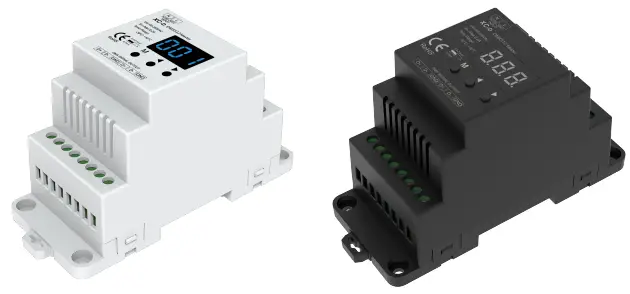
- Available in white or black.
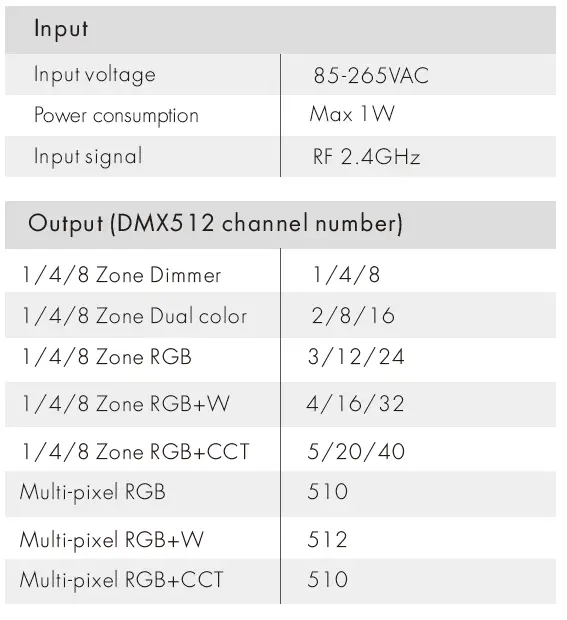
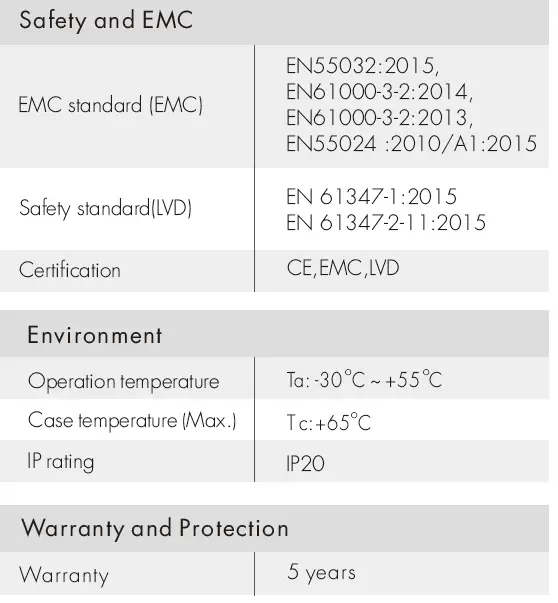
Technical Parameters
Mechanical Structures and Installations
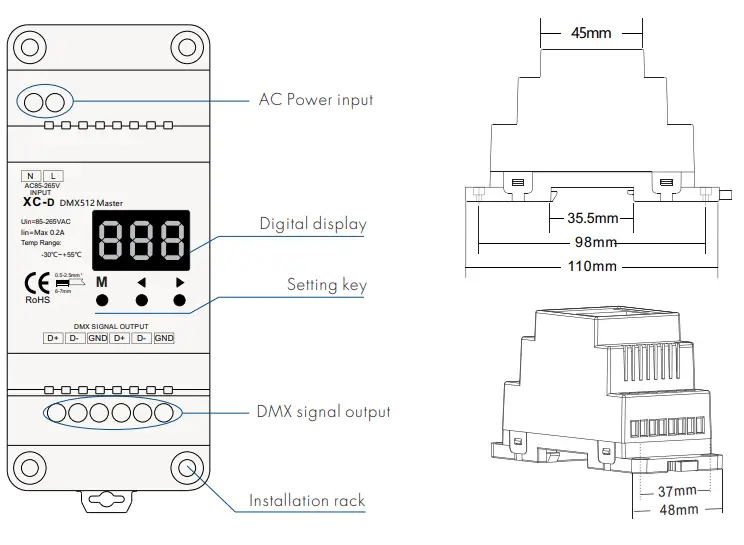
Operation
Light type and another parameter setting
- Long press M and ◀ key for 2s, prepare for setup system parameter: light type, automatic blank screen.
- short press the M key to switch two items.
- Light type: short press ◀ or ▶ key to switch eighteen kinds light type:
- 1 zone dimmer (“1-1“), 4 zone dimmer (“1-4“), 8 zone dimmer (“1-8“),
- 1 zone color temperature (“2-1“) , 4 zone color temperature (“2-4“) ,8 zone color temperature (“2-8“),
- 1 zone RGB (“3-1“), 4 zone RGB (“3-4“), 8 zone RGB (“3-8“), multi-pixel RGB (“3-F“),
- 1 zone RGB+W (“4-1“), 4 zone RGB+W (“4-4“) , 8 zone RGB+W (“4-8“), multi-pixel RGB+W (“4-F“) ,
- 1 zone RGB+CCT (“5-1“), 4 zone RGB+CCT (“5-4“) , 8 zone RGB+CCT (“5-8“), multi-pixel RGB+CCT (“5-F“).
- Automatic blank screen: short press ◀ or ▶ key to switch enable (“bon“) or disable (“boF“) automatic blank screen.
- Long press M key for 2s or timeout 10s, quit system parameter setting.
1 zone dimmer DMX master
- One channel output, realize synchronous dimming.
- Short press M key to switch coarse dimming and fine dimming.
- Coarse dimming: short press ◀ or ▶ key to adjust 10 levels of brightness (b-1, b-9, b-F).
- Fine dimming: short press ◀ or ▶ key to adjust 256 levels of brightness (b01~bFF).
4/8 zone dimmer DMX master
- 4/8 channel output, realize 4/8 channel individual dimming.
- Short press the M key, switch static adjustable mode (P-H) and four dynamic modes (P-1~P-4).
- When running static adjustable mode, can adjust 4/8 channel brightness respectively. Short press M key switch 4/8 channel dimming (100~1FF, 200~2FF, …, 800~8FF), press ◀ or ▶ key adjust each channel brightness.
- When running four dynamic modes, can adjust each mode’s speed and brightness.
- Short press the M key to switch speed and brightness items.
- Press the ◀ or ▶ key adjust dynamic mode speed or brightness.
- Mode speed: 1-10 level speed (S-1, S-9, S-F).
- Mode brightness: 1-10 level brightness (b-1, b-9, b-F).
4/8 zone dimmer dynamic mode list
| No. | Name |
| P-1 | 4/8ch light on and off in sequence |
| P-2 | 4/8ch single light on in sequence |
| P-3 | 4/8ch light fade in and fadeout synchronously |
| P-4 | 4/8ch light fade in and fade out in sequence |
1/4/8 zone dual color temperature DMX master
- 2/8/16 channel output, realize 1/4/8 zone dual color(WW and CW) dimming.
- For 1 zone type, short press the M key to switch color temperature or brightness adjustment.
- Press the ◀ or ▶ key to set up the value of each item.
- Color temperature: 2700-6500K, display “270“~“650“, short press 11 levels, long press 256 levels.
- Brightness: 1-10 level brightness (b-1, b-9, b-F).
- For 4/8 zone type, short press the M key to change zone, display “-X-”, X is zone number. long press M key enter brightness adjustment.
1/4/8 zone RGB/RGB+W/RGB+CCT DMX master
- 3/12/24 channel utput for 1/4/8 zone RGB,
- 4/16/32 channel output for 1/4/8 zone RGB+W,
- 5/20/40 channel output for 1/4/8 zone RGB+CCT.
- Short press the M key, switch static adjustable mode (P-H) and 30 change mode (P01~P30).
- When running static adjustable mode, can adjust 3/4/5 channel brightness respectively. Short press M key switch 3/4/5 channel dimming (100~1FF, 200~2FF, 300~3FF, 400~4FF, 500~5FF), press ◀ or ▶ key to adjust each channel brightness.
- When running 30 change mode, can adjust each mode’s speed and brightness.
- Short press the M key to switch the speed and brightness items.
- Press the ◀ or ▶ key to adjust each mode speed or brightness.
- Mode speed: 1-10 level speed (S-1, S-9, S-F).
- Mode brightness: 1-10 level brightness (b-1, b-9, b-F).
- For 4/8 zone type, short press the M key to change zone, display “-X-”, X is zone number. long press M key enter speed or brightness adjustment.

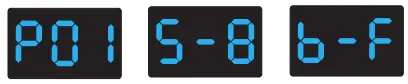
- Mode (PO1-P30
- Speed (8 levels)
- Brightness (10 level, 100%)
RGB change mode list
| No. | Name | No. | Name | No. | Name |
| 1 | Static red | 11 | Green strobe | 21 | Red yellow smooth |
| 2 | Static green | 12 | Blue strobe | 22 | Green cyan smooth |
| 3 | Static blue | 13 | White strobe | 23 | Blue purple smooth |
| 4 | Static yellow | 14 | RGB strobe | 24 | Blue white smooth |
| 5 | Static cyan | 15 | 7 color strobe | 25 | RGB+W smooth |
| 6 | Static purple | 16 | Red fade in and out | 26 | RGBW smooth |
| 7 | Static white | 17 | Green fade in and out | 27 | RGBY smooth |
| 8 | RGB jump | 18 | Blue fade in and out | 28 | Yellow cyan purple smooth |
| 9 | 7 color jump | 19 | White fade in and out | 29 | RGB smooth |
| 10 | Red strobe | 20 | RGBW fade in and out | 30 | 6 color smooth |
Multi-pixel RGB/RGB+W/RGB+CCT DMX master
- 510/512 channel output, realize multi-pixel RGB remove change detect,
- Short press M key, switch static °djust able m°de (P-H) °nd 32 cones made (PO1-P32).
- When run static adjust”be made, can °djust 3/4/5 channel brightness respectively.
- Short press M key switch 3/4/5 ch°nnel dimming (100-1FF, 200-2FF, 300-3FF, 400-4FF, 500-5FF),
- Press
 or
or the key to adjust channel brightness.
- When running 32 change made, I’m “just each m°de speed and brightness.
- Short press M key t switch speed “nd brightness item.
- Press or key to adjust each made speed r brightness.
- Mode speed: 1-10 level speed (S-1, S-9, S-F).
- Mode brightness: 1-10 level brightness (b-1, b-9, b-F).
- Press
 or
or the key to adjust channel brightness.
Multi-pixel RGB change mode list
| No. | Name | No. | Name | No. | Name |
| 1 | Red horse race white ground | 12 | Blue White chase | 23 | Purple oat |
| 2 | Green horse race white ground | 13 | Green Cyan chase | 24 | RGBW oat |
| 3 | Blue horse race white ground | 14 | RGB chase | 25 | Red Yellow oat |
| 4 | Yellow horse race blue ground | 15 | 7 color chase | 26 | Green Cyan oat |
| 5 | Cyan horse race blue ground | 16 | Blue meteor | 27 | Blue Purple oat |
| 6 | Purple horse race blue ground | 17 | Purple meteor | 28 | Blue White oat |
| 7 | 7 color multi horse race | 18 | White meteor | 29 | 6 color oat |
| 8 | 7 color horse race close + open | 19 | 7 color meteor | 30 | 6 color smooth sectionally |
| 9 | 7 color multi horse race close + open | 20 | Red oat | 31 | 7 color jump sectionally |
| 10 | 7 color scan close + open | 21 | Green oat | 32 | 7 color strobe sectionally |
| 11 | 7 color multi-scan close + open | 22 | Blue oat |
Match RF remote
XC-D DMX512 master can match the same zone and light type RF remote optional.
- Match: Long press M and ▶ key for 2s, display RLS, within 5s, press any key of the remote, display RLO, the match is done, then use RF remote to change model number, adjust speed, and brightness.
- Delete: Long press M and ▶ key for 5s, until display RLE, delete all matched remote.
Restore factory default parameter
- Long press ◀ and ▶ key for 2s, restore factory default parameter, display”RES”.
- Factory default parameter: multi-pixel RGB type, disable automatic blank screen.
Light type DMX channel address assignment table
| Light type | Single color | Dual color | RGB | RGB+W | RGB+CCT | |||||||||||||
| 1 Zone | W: | 1 | WW,CW: | 1,2 | R,G,B: | 1,2,3 | R,G,B,W: 1,2,3,4 | R,G,B,WW,CW: 1,2,3,4,5 | ||||||||||
| Zone | W | Zone | WW | CW | Zone | R | G | B | Zone | R | G | B W | Zone | R | G | B | WW CW | |
| 4 Zone | 1 | 1 | 1 | 1 | 2 | 1 | 1 | 2 | 3 | 1 1 2 3 4 | 1 | 1 | 2 | 3 | 4 5 | |||
| 2 | 2 | 2 | 3 | 4 | 2 | 4 | 5 | 6 | 2 5 6 7 8 | 2 | 6 | 7 | 8 | 9 10 | ||||
| 3 | 3 | 3 | 5 | 6 | 3 | 7 | 8 | 9 | 3 9 10 11 12 | 3 | 11 | 12 | 13 | 14 15 | ||||
| 4 | 4 | 4 | 7 | 8 | 4 | 10 | 11 | 12 | 4 13 14 15 16 | 4 | 16 | 17 | 18 | 19 20 | ||||
| Zone | W | Zone | WW CW | Zone | R | G | B | Zone R G B W | Zone | R | G | B | WW CW | |||||
| 1 | 1 | 1 | 1 | 2 | 1 | 1 | 2 | 3 | 1 1 2 3 4 | 1 | 1 | 2 | 3 | 4 5 | ||||
| 2 | 2 | 2 | 3 | 4 | 2 | 4 | 5 | 6 | 2 5 6 7 8 | 2 | 6 | 7 | 8 | 9 10 | ||||
| 3 | 3 | 3 | 5 | 6 | 3 | 7 | 8 | 9 | 3 9 10 11 12 | 3 | 11 | 12 | 13 | 14 15 | ||||
| 8 Zone | 4 | 4 | 4 | 7 | 8 | 4 | 10 | 11 | 12 | 4 13 14 15 16 | 4 | 16 | 17 | 18 | 19 20 | |||
| 5 | 5 | 5 | 9 | 10 | 5 | 13 | 14 | 15 | 5 17 18 19 20 | 5 | 21 | 22 | 23 | 24 25 | ||||
| 6 | 6 | 6 | 11 | 12 | 6 | 16 | 17 | 18 | 6 21 22 23 24 | 6 | 26 | 27 | 28 | 29 30 | ||||
| 7 | 7 | 7 | 13 | 14 | 7 | 19 | 20 | 21 | 7 25 26 27 28 | 7 | 31 | 32 | 33 | 34 35 | ||||
| 8 | 8 | 8 | 15 | 16 | 8 | 22 | 23 | 24 | 8 29 30 31 32 | 8 | 36 | 37 | 38 | 39 40 | ||||
| Pixel | R | G | B | Pixel R G B W | Pixel | R | G | B | WW NW | |||||||||
| 1 | 1 | 2 | 3 | 1 1 2 3 4 | 1 | 1 | 2 | 3 | 4 5 | |||||||||
| Multi-Pixel | 2 | 4 | 5 | 6 | 2 5 6 7 8 | 2 | 6 | 7 | 8 | 9 10 | ||||||||
| 3 | 7 | 8 | 9 | 3 9 10 11 12 | 3 | 11 | 12 | 13 | 14 15 | |||||||||
| ··· | ··· | ··· | ||||||||||||||||
| 170 508 509 510 | 128 509 510 511 512 | 102 | 506 | 507 508 509 510 | ||||||||||||||
Malfunctions analysis & troubleshooting
| Malfunctions | Causes | Troubleshooting |
| No light | 1. No power. 2. Wrong connection or insecurity. | 1. Check the power. 2. Check the connection. |
| Wrong color | 1. DMX decoder first address error. 2. Wrong connection of R/G/B/W wires. | 1. Check the DMX first address. 2. Reconnect R/G/B/W wires. |
| No response from the remote | 1. The battery has no power. 2. Beyond controllable distance. 3. The controller did not match the remote. | 1. Replace the battery. 2. Reduce remote distance. 3. Re-match the remote. |
Safety information
- The product shall be installed and serviced by a qualified person.
- The product is non-waterproof. Please avoid the sun and rain.
- Good heat dissipation will prolong the working life of the controller, Please ensure good ventilation.
- If a fault occurs please return the product to your supplier. Do not attempt to fix this product by yourself.