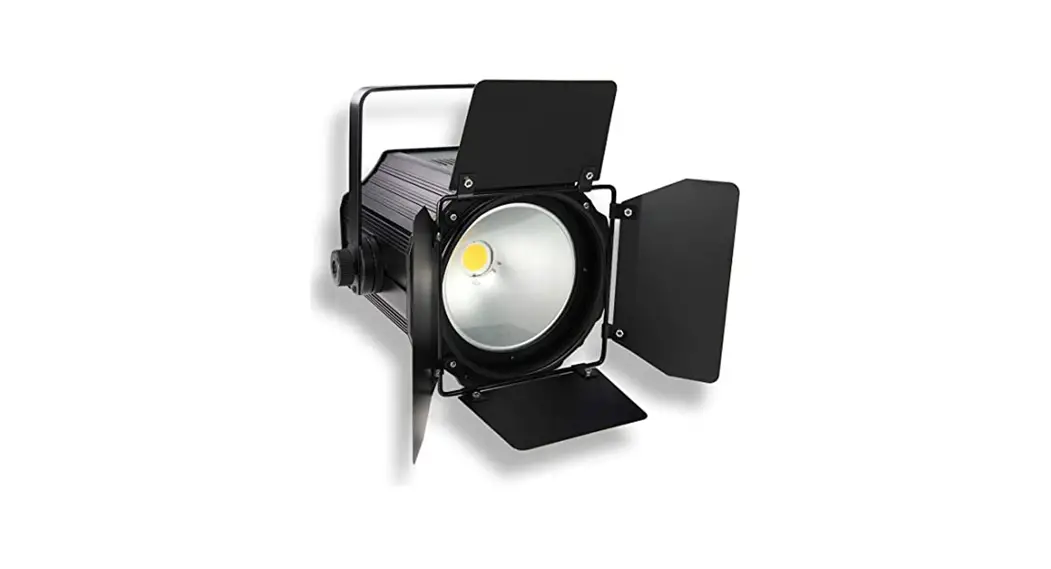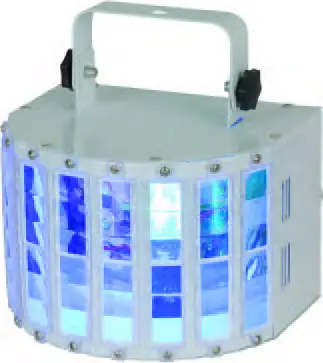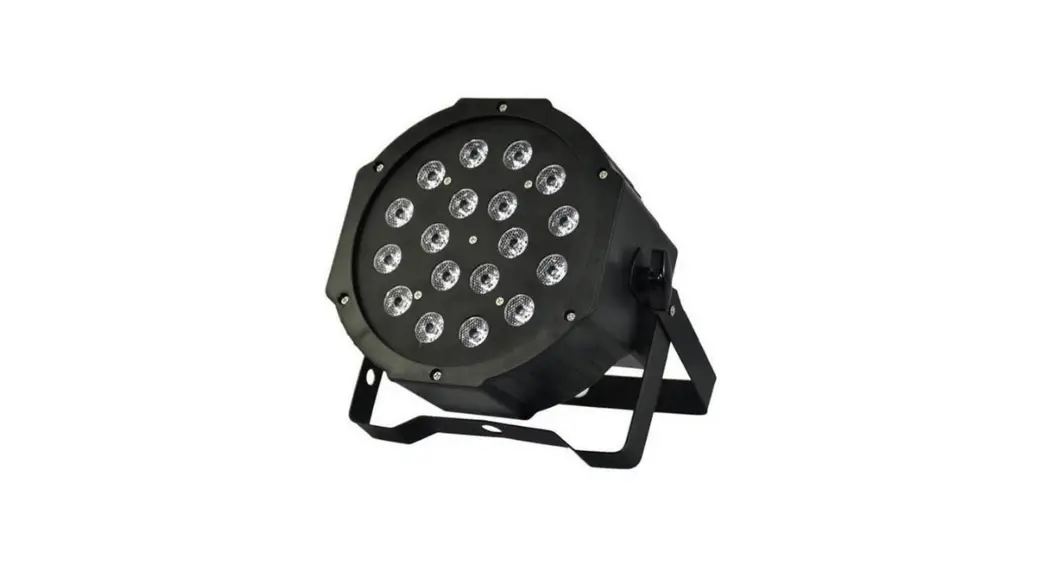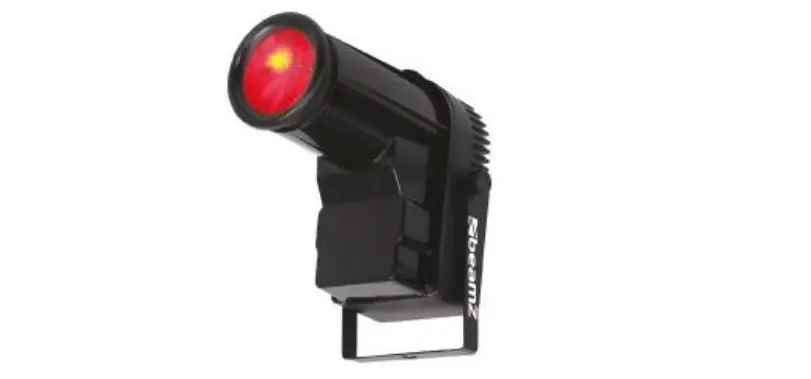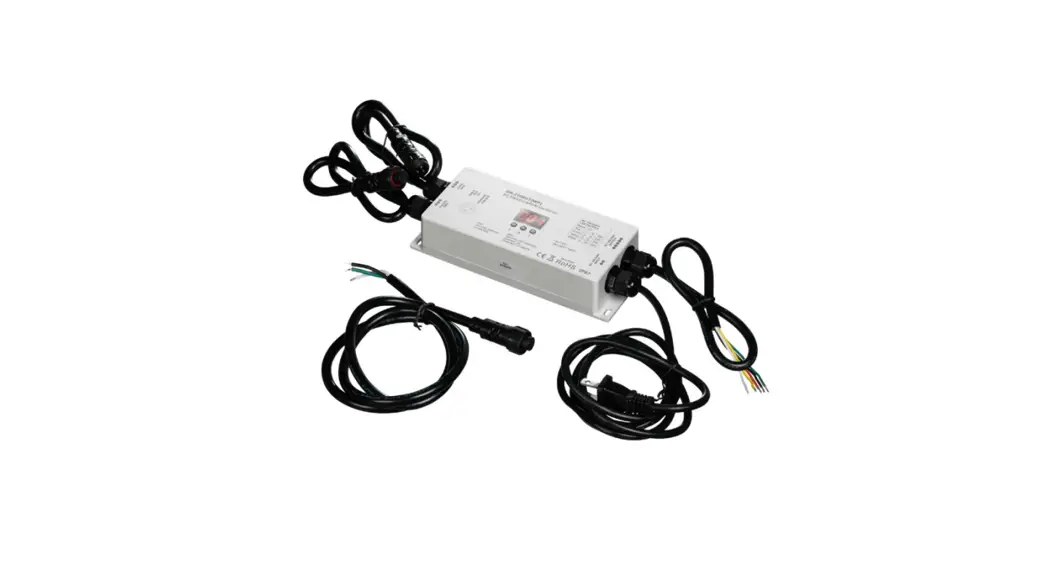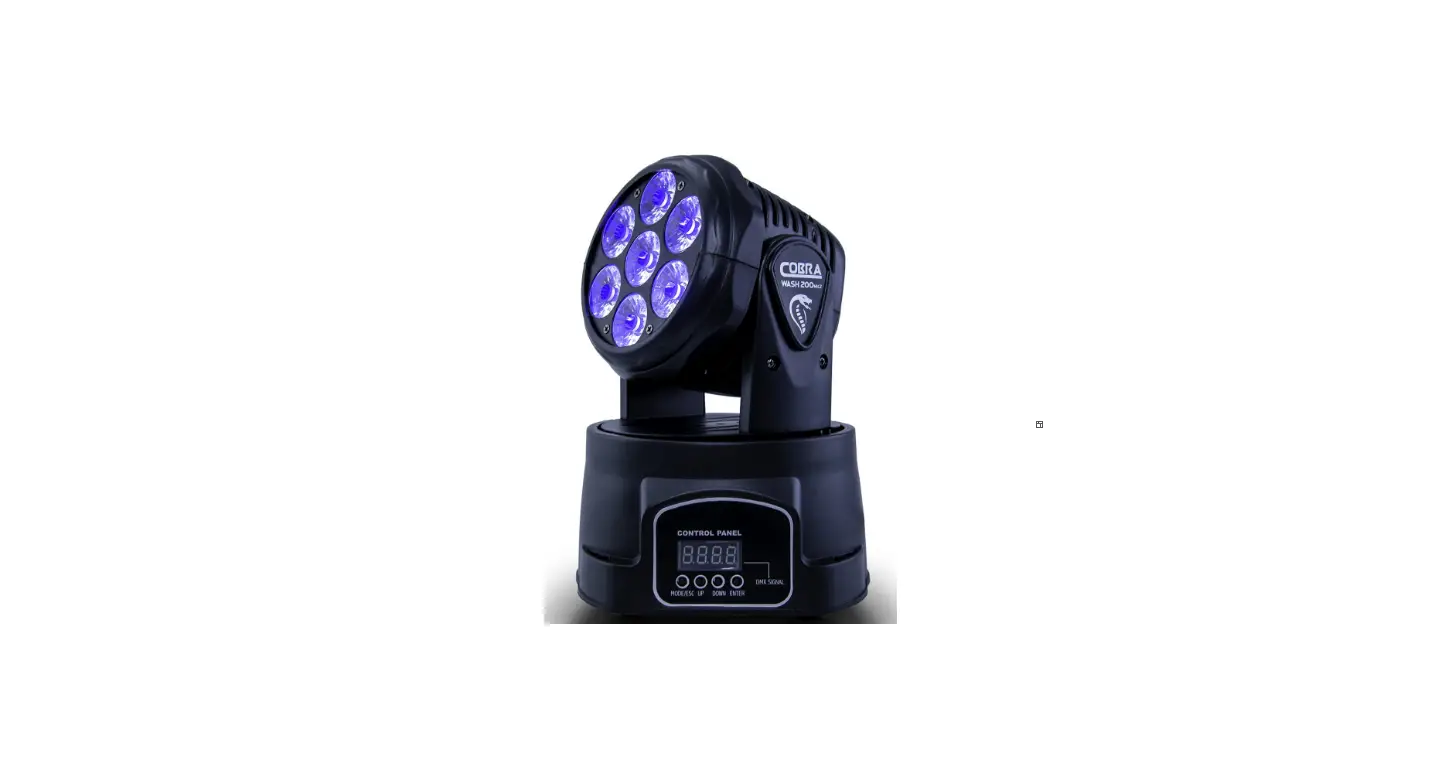

Cobra DMX LED Digital Display PAR Lighting
Diagram
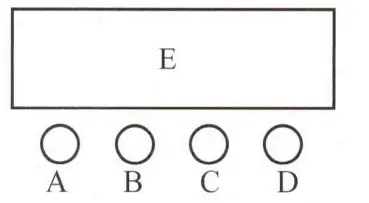
- A. Function Key
- B. UP Key
- C. Down Key
- D. Enter Key
- E. LED Display
Instructions:
Press menu(A), it will cyclically display eight different functional effects. The first two digits on the digital tube represent the current function(see function menu), and the last two digits represent the current function’s address va; ie pr speed. Press B or C keys to modify the parameter values. Press D key to enter and finish the setting.
Operation Instructions
| Number | Description |
| D00 1-D5 l 2 | OMX mode, change numerical value by up and down |
| CC0I-CC64 | Colors selection, select different colors by up and down |
| RB0I-RB-16 | Colors shade, change speed by up and down, the bigger values, the faster |
| PL0I-PL\6 | Colors pulse transform, change speed by up and down, the bigger values, the faster |
| SD0I-SD\6 | Colors transition, change speed by up and down, the bigger values, faster |
| FL0I-FL\6 | stroboflash mode, change speed by up and down, the bigger values, the faster |
| Sound | Sound control mode |
| R000-R255 | Manual set R, Red color brightness setting, change brightness by up and down |
| G000-G225 | Manual set G, Green color brightness setting, change brightness by up and down |
| B000-B225 | Manual set B, Blue color brightness setting, change brightness by up and down |
DMX Control Parameter chart
| Channels | Value | Function |
| CH I | 0-255 | Color brightness control(this change should use together with Ch 2, CH3 or CH 41 |
| CH 2 | 0 | Red light off |
| 1-255 | Red brightness from dark to bright | |
| CH 3 | 0 | Green light off |
| 1-255 | green brightness from dark to bright | |
| CH 4 | 0 | Blue light off |
| 1-255 | Blue brightness form dark to bright | |
| CH 5 | 0-7 | No strobe flash |
| 8-255 | Strobe flash(from slow to fast), the bigger values, the faster | |
|
CH 6 | 0-10 | Manual control(CH I-CHS) |
| 11-60 | Colors selection(colors contorted by GH 7) | |
| 61-110 | Colors shade(colors contorted bv GH?)the biE?:e:er values the faster | |
| 111-160 | Colors pulse transforrn(speed contorted by GH7)the bigger values, the faster | |
| I 61-210 | Color transition(speed contorted by CH?)the bigger values, the faster | |
| 211-255 | Sound control | |
| CH 7 | 0-255 | Colors selection/colors shade(the bigger values, the faster |