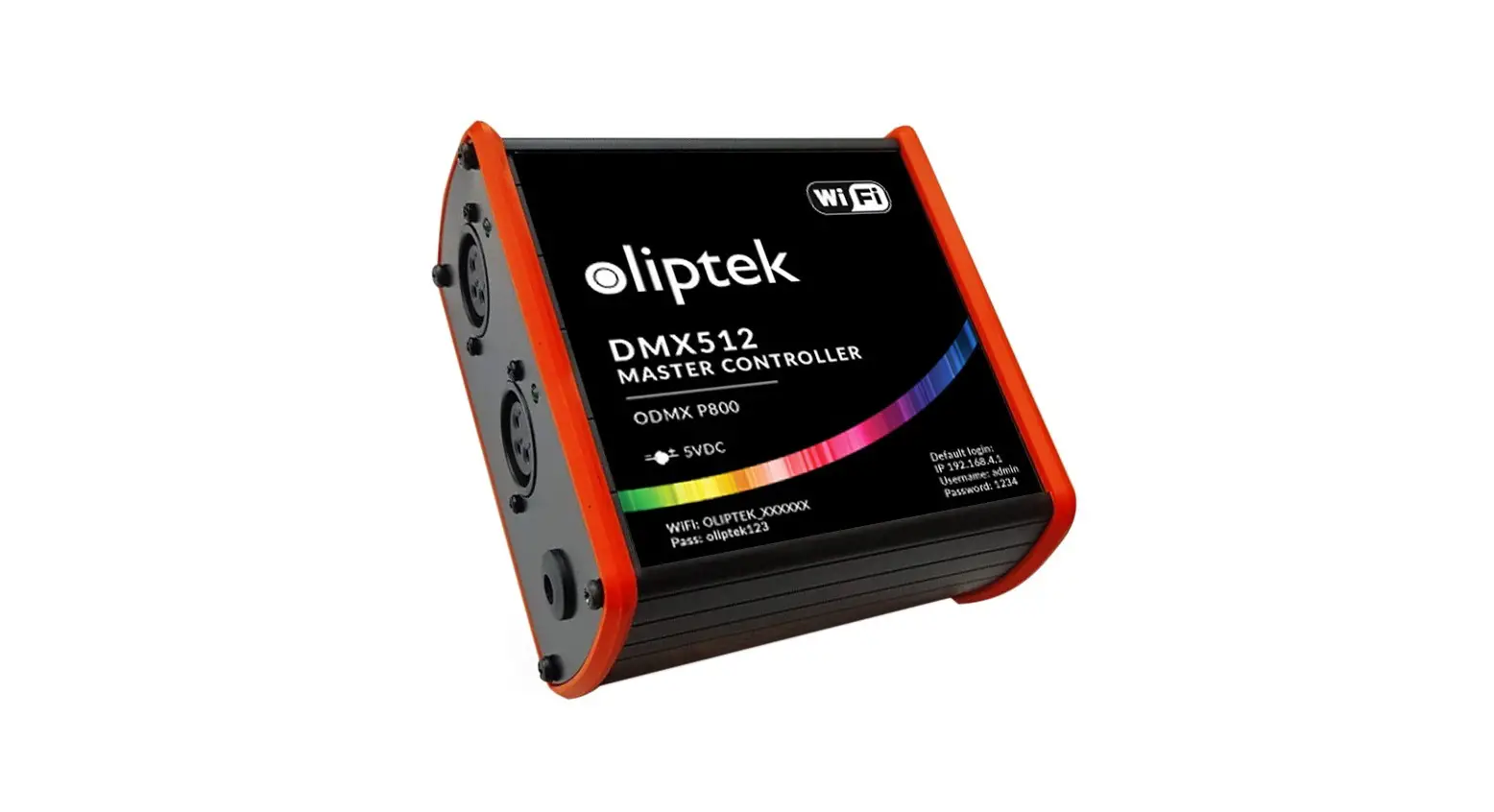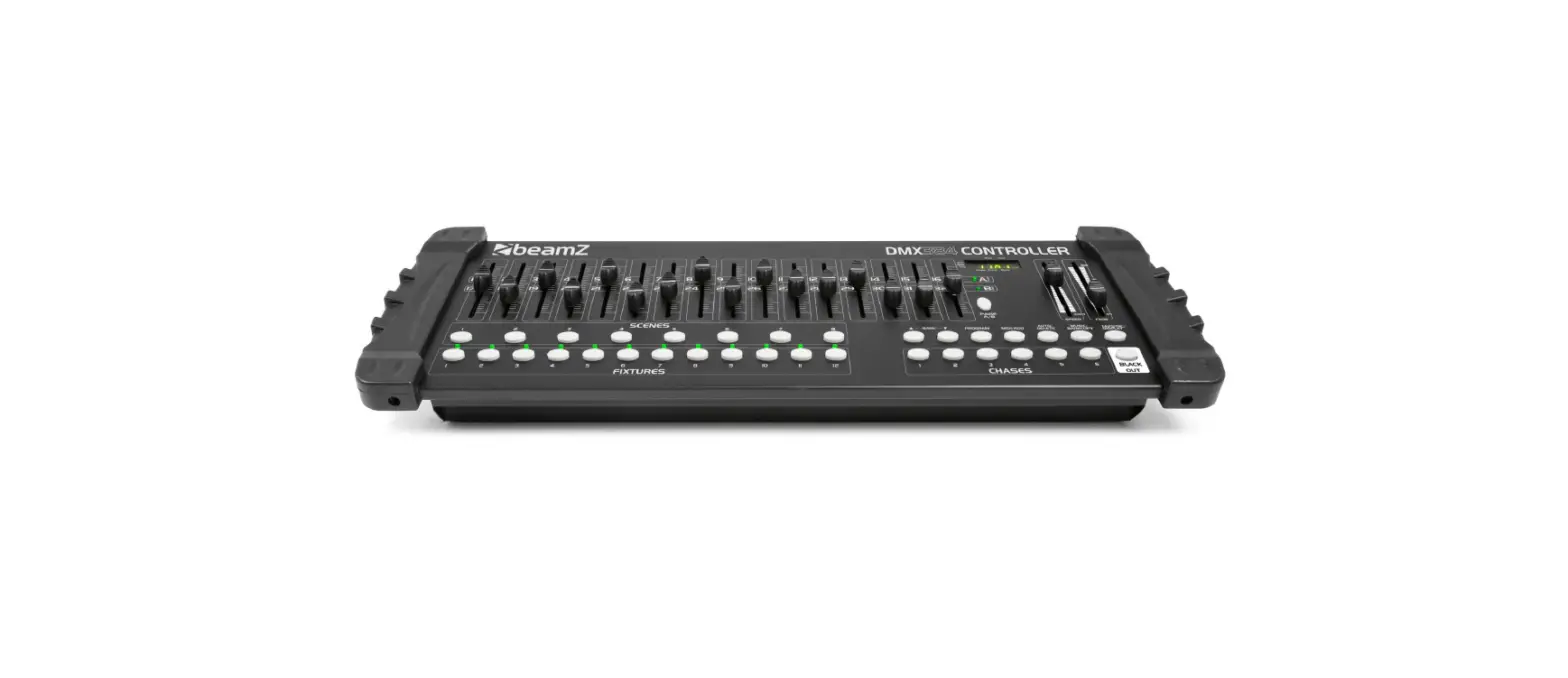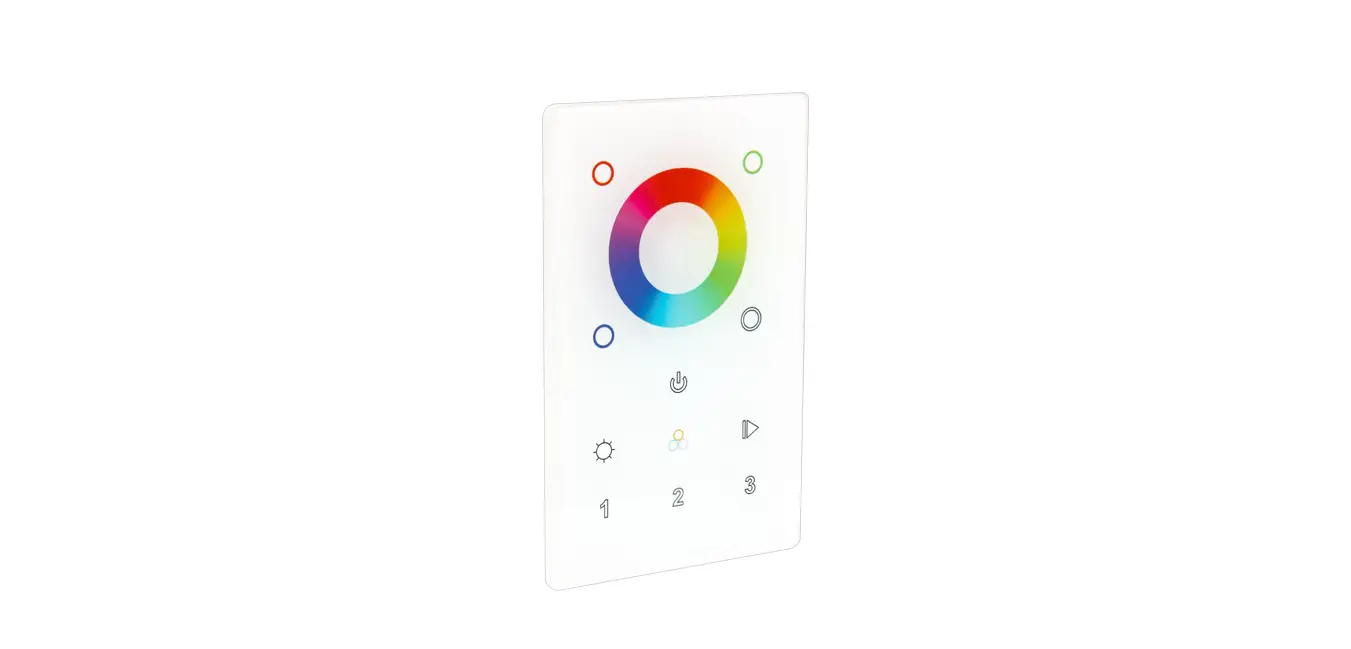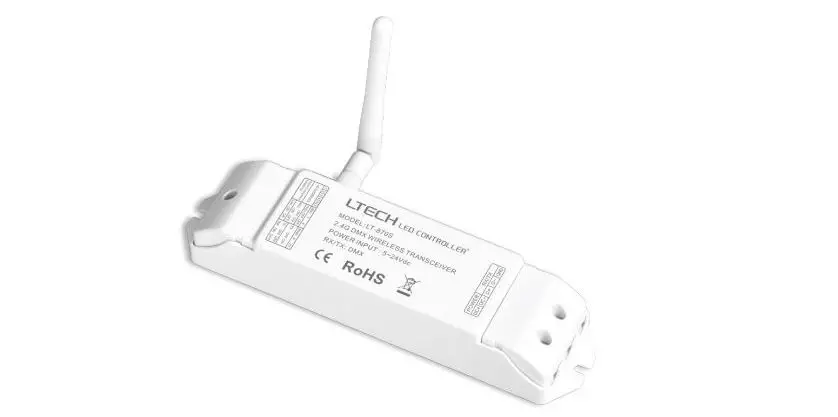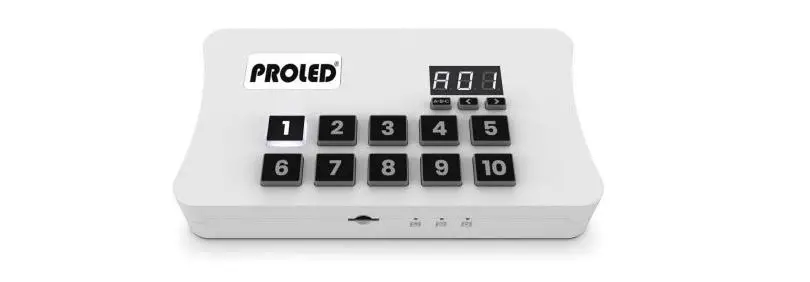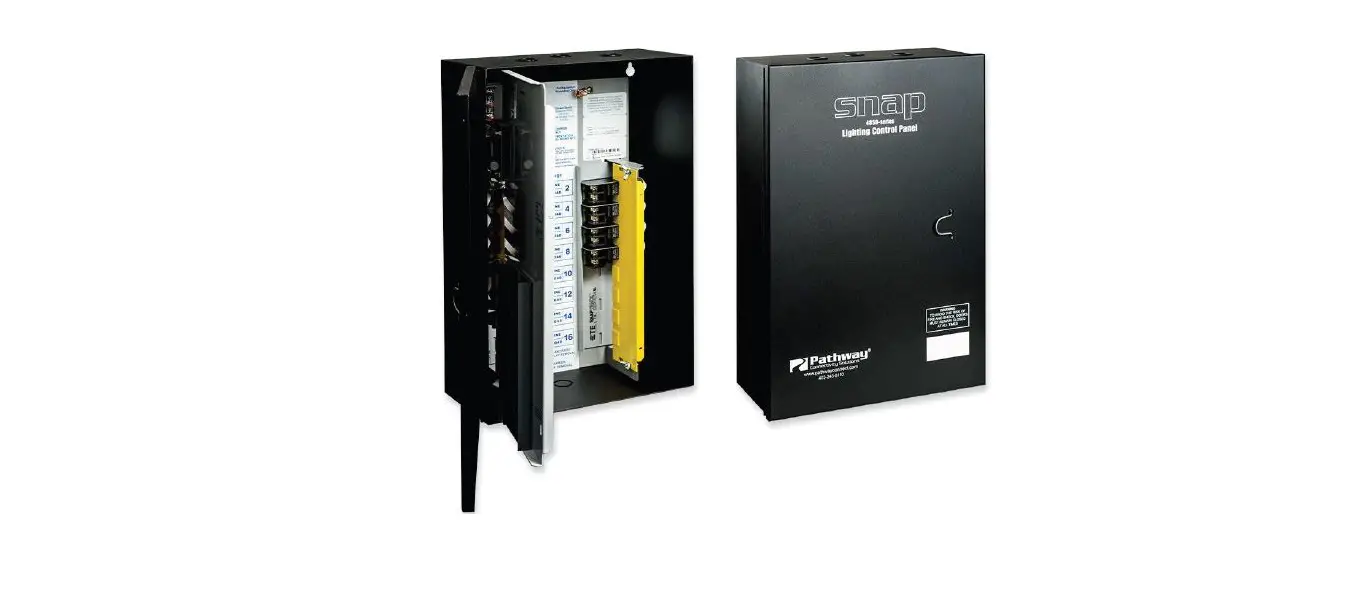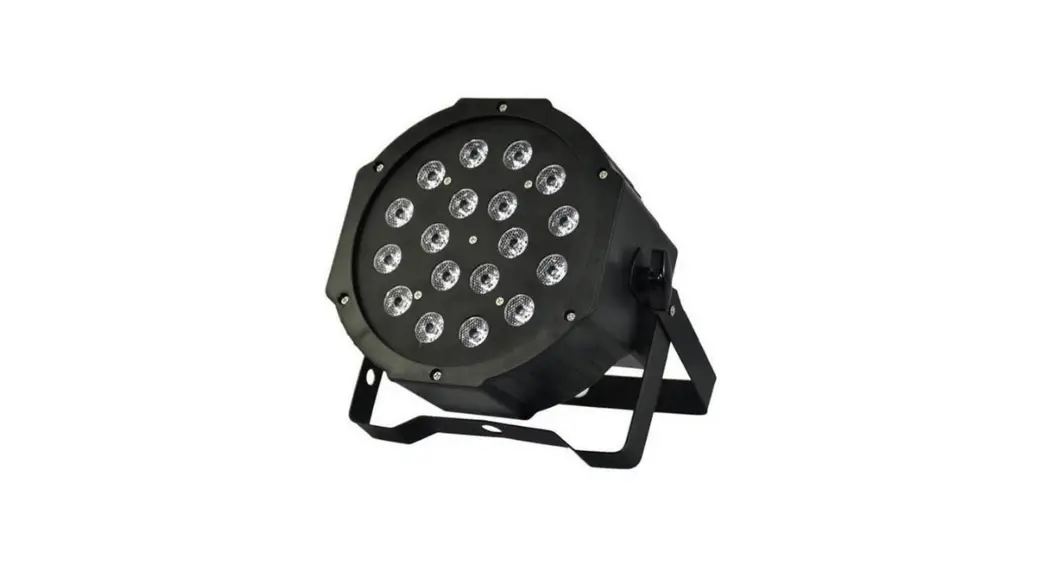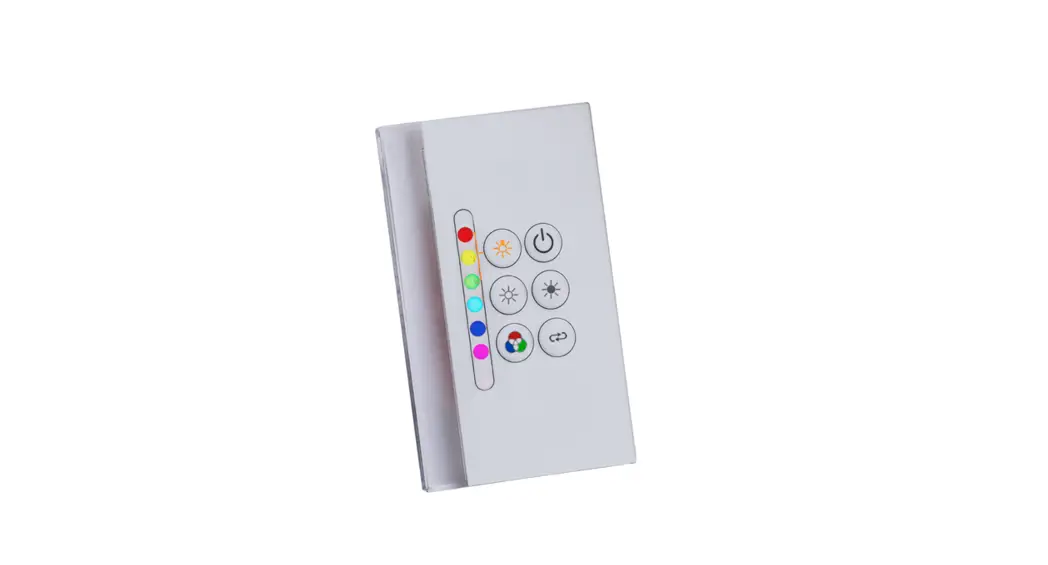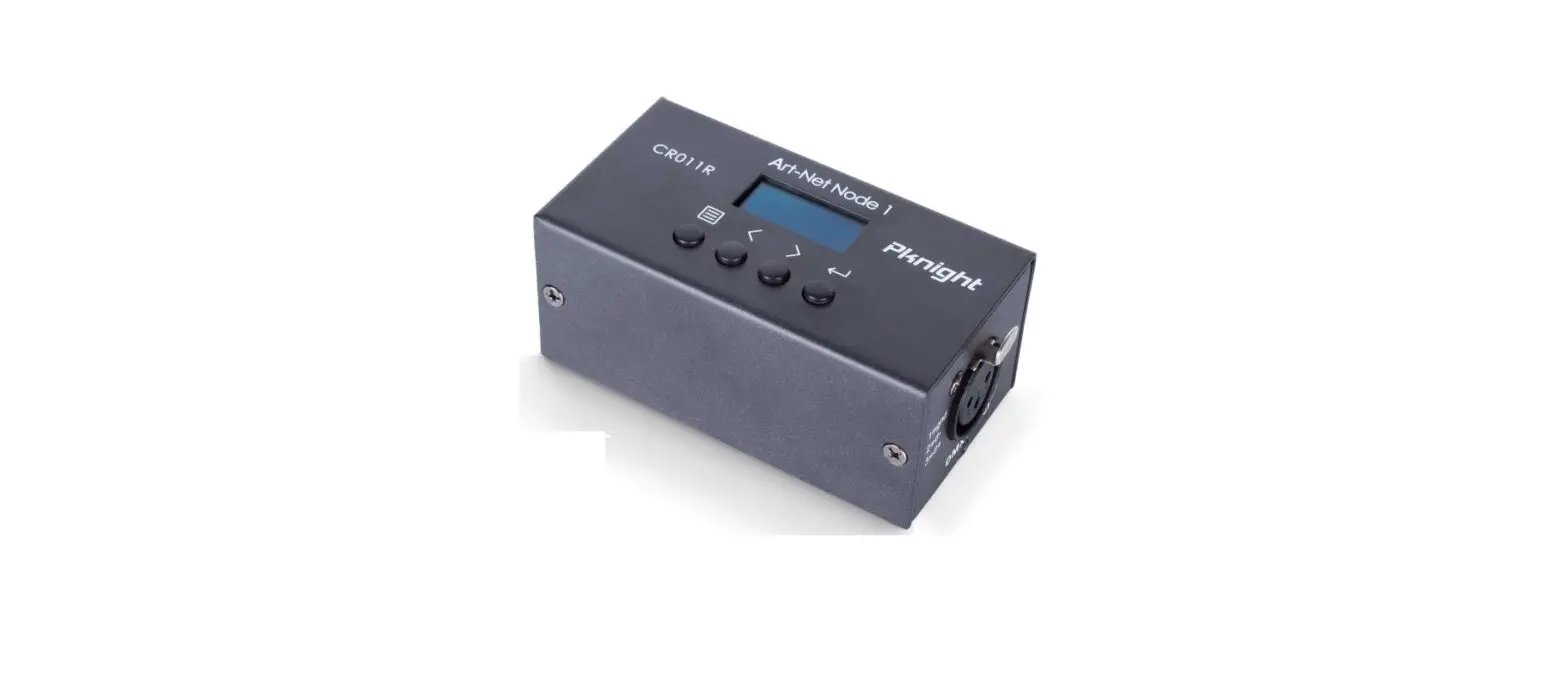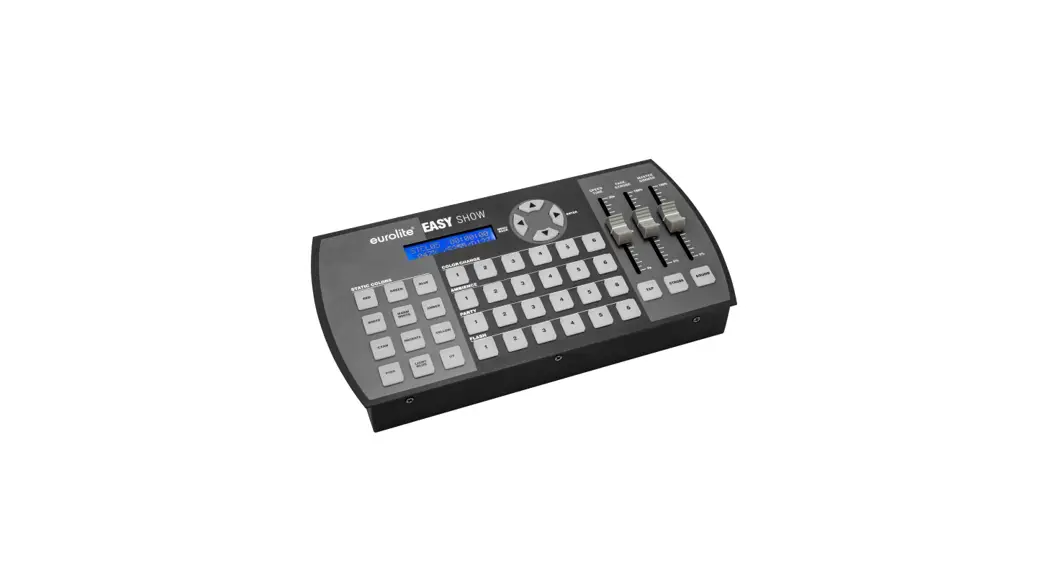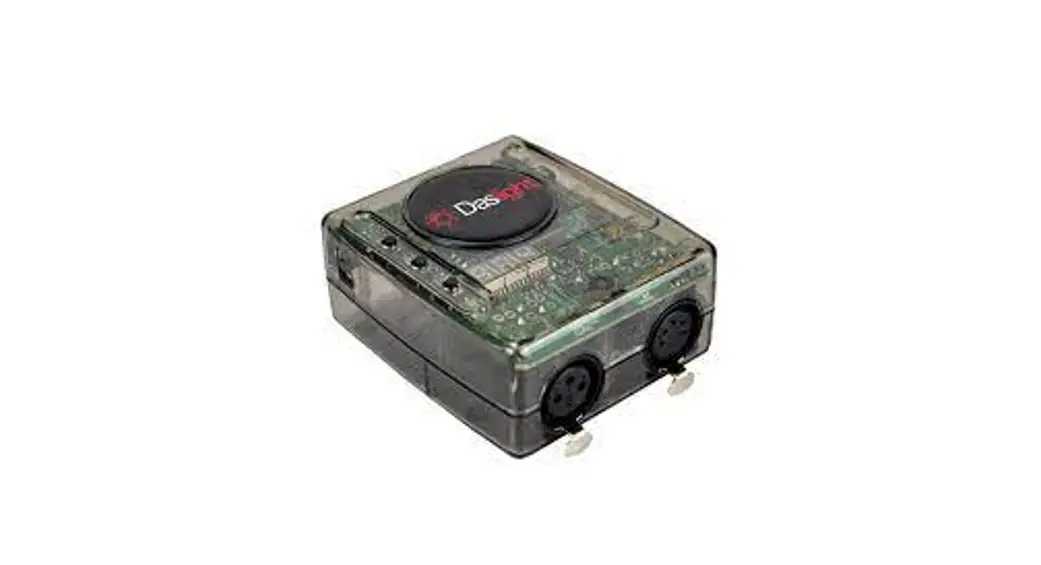
 DSWG512 DMX-Interface Lighting Controller
Owner’s Manual
FEATURES
CE-label according to:
2006/95/EC: EN 50178
2004/108/EC: EN 61000-6-1
EN 61000-6-3
- Auto address allocation
- internal resolution: 16 Bit [65.536 steps]
- Emergency light function [in case of missing DMX signal]
- Support for instant ON/OFF [flash/blackout]
- Upscaling enables to use low-cost Light-Mixing Tools for professional applications
- Customer specific upgrade options due to firmware update capabilities on request
Protocol: DMX-512-A
Supply-Voltage: 12V
Max. Current: 25mA
insulation strength DMX Input: 500V
OPERATING INSTRUCTIONS
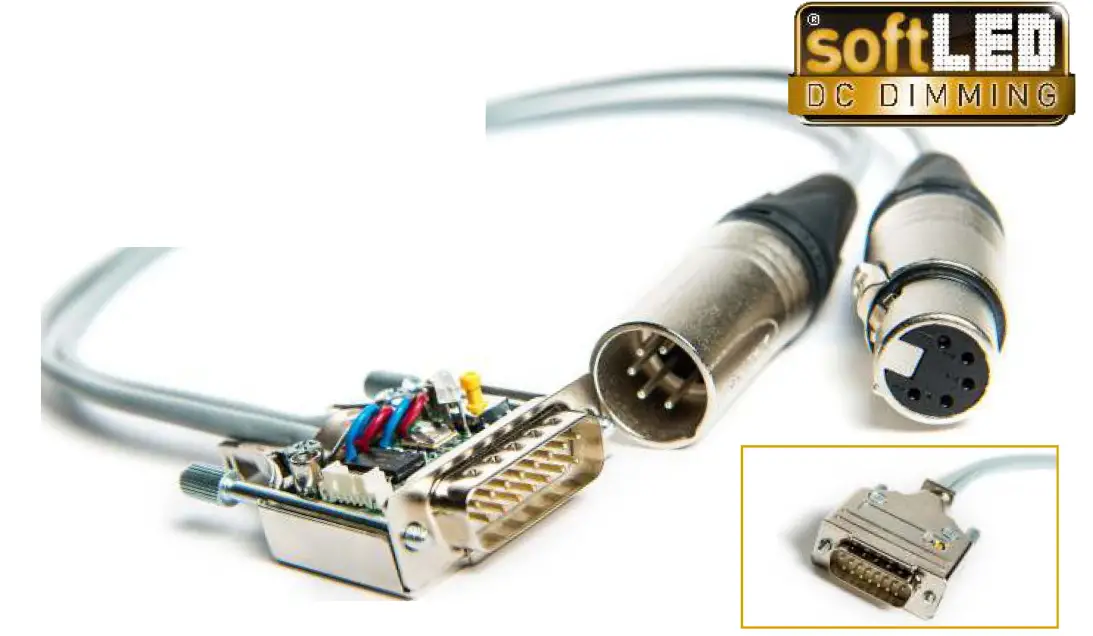
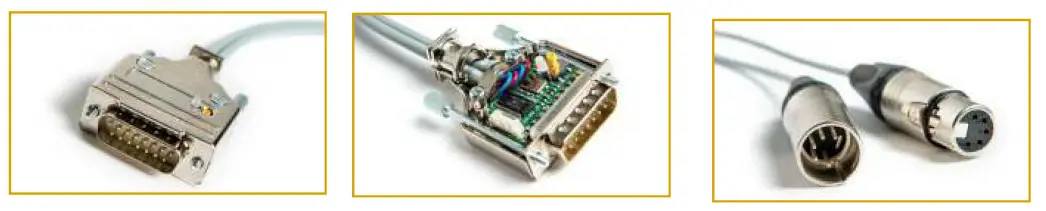
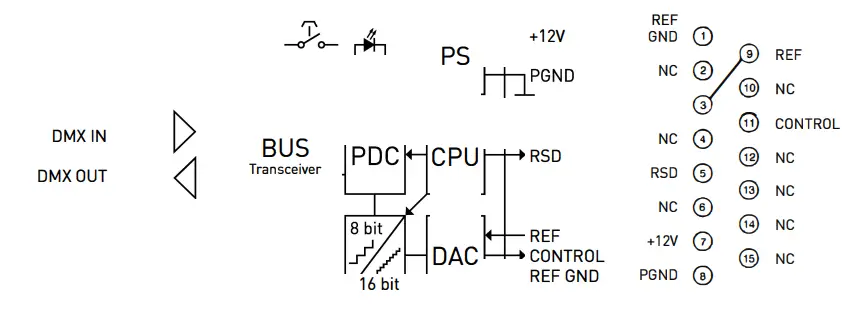
- Connect the interface to the 15-pin SUB-D Connector of the soft-LED Dimming-Driver
- The green colour of the LED indicates the interface is ready for use
- To start the Auto-Address-Algorithm, press the switch-key (located on the upper side] for 5 seconds till the LED switches to red colour. Now the interface is in the programming-mode
- To allocate a specific address just fade the DMX-Channel you want to programm from MIN to MAX position 2 times
- By jumping back to green colour the LED indicates the DMX address was programmed to the interface successfully
- lf you want to programm another address you can repeat these steps as often as you want
Preworks GmbH
Technologiepark 4/1, 8510 Stainz, Austria
+43 3463 82317, [email protected], www.preworks.at
 Home DE - Preworks