TC-09-142 Quick Release My Comfort Cutter
Product Information
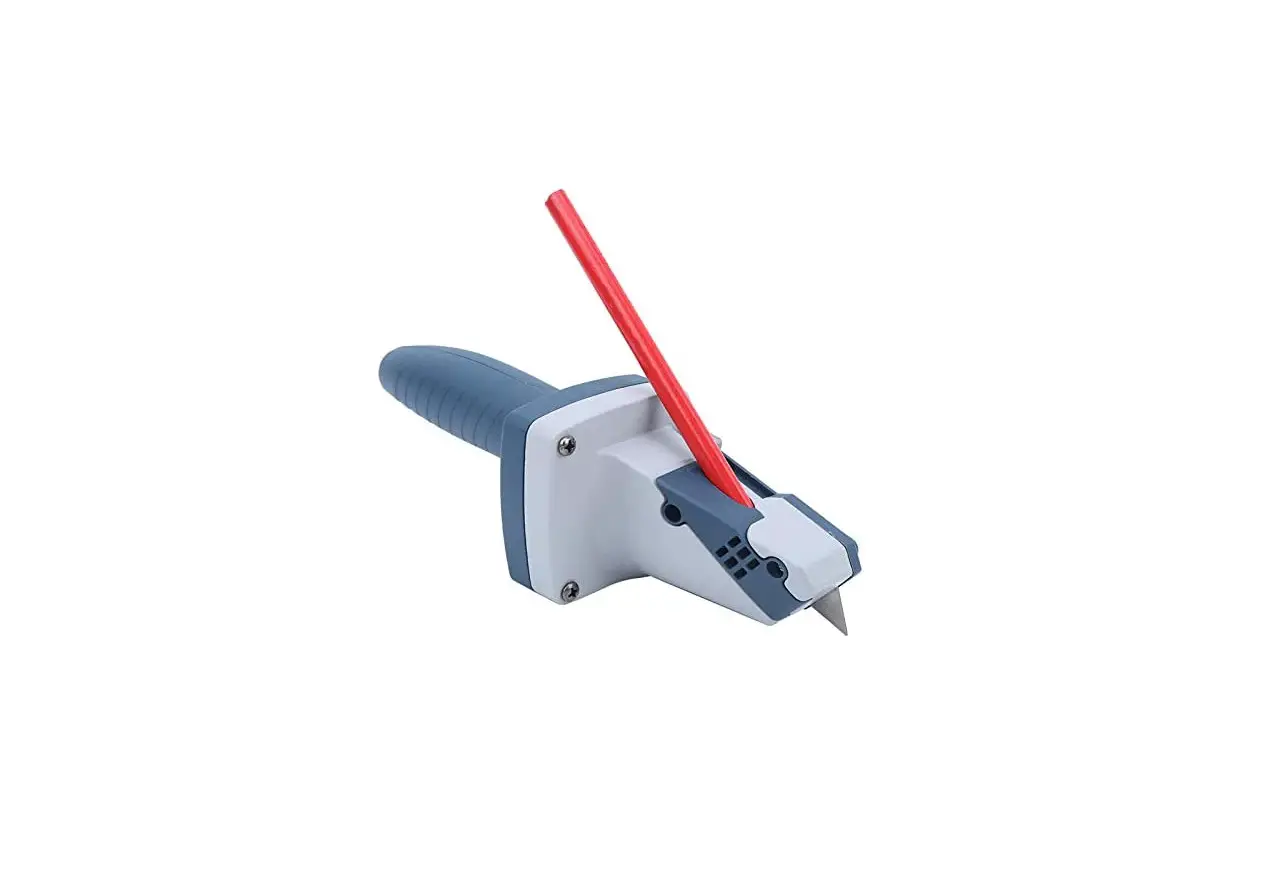
The TrueCut cutter is a tool that pairs with TrueCut rulers to
provide clean and straight cuts. It comes with several components,
including a blade, ruler guide, guide pin, blade guard, release
clasp, and ergo-handle. The blade is a 45mm blade that can be set
up for right or left-handed use with or without the ruler guide.
The ruler guide helps keep the ruler in place while cutting, and
the guide pin holds the fabric securely in place. The blade guard
protects the user from accidental cuts.
Product Usage Instructions
To use the TrueCut cutter, follow these steps:
- Extend the blade guard and pull in the release to drop the
blade and pin. - Place the new blade onto the pin, and press into the handle
until it clicks. - Set up the cutter for right or left-handed use by attaching or
detaching the ruler guide and following the steps for swapping
hands if necessary. - To cut fabric, place the ruler guide on the fabric where you
want to make the cut and hold it in place. Hold the ergo-handle
with your dominant hand and use your other hand to guide the cutter
along the ruler guide. - After cutting, retract the blade guard to cover the blade and
prevent accidental cuts. - When it’s time to change blades, follow steps 1-2 above to
release the old blade and install a new one.
Note: Always use caution when handling sharp objects like blades
and keep out of reach of children.
1
Release OR Release
Pairs with TrueCut rulers for clean, straight
cut s!
Ruler Guide
Blade
Ruler
Guide
Pin
Guide
Pin
Extend the blade guard and pull in the
release to drop the blade and pin.
2 Pin & Blade OR
Guide Pin, Blade, & Ruler Guide
Blade TrueCut Ruler Track
Place the new blade onto the pin, and press into the handle until it clicks.
Can be set up for right or left-handed use, w ith or w ithout the ruler guide.
Release Clasp TC-09-1428
Er go- Handle TC-09-1480
Release Clasp TC-09-1428
Er go- Handle TC-09-1480
Blade Guard TC-05-1207
45 mm Blade TC-08-1102
Ruler Guide TC-05-1258
Guide Pin TC-05-1433
Show n: Right-handed setup using ruler guide.
Blade Guard TC-05-1207
45 mm Blade TC-08-1102 Pin
TC-05-1434
Show n: Left-handed setup without ruler guide.
Swapping Hands Take the steps below to switch between right and left-handed setups.
1
Blade Release
4
Blade
Pin
Pull in the release to drop the blade and pin from the cutter.
2
Guide Slot
Guide Move the release clasp to the other side and
push the guide into the guide slot.
5
Blade Guard
Retract the blade guard to pull it from the handle.
3
Blade Guard
Blade Guard
Flip over the handle. I nsert the lever part of
the blade guard into the handle. Lay it flat and extend the guard to lock it in place.
6 Pin & Blade OR
Guide Pin, Blade, & Ruler Guide
Release Clasp
Push out on the blade release to detach the release clasp from the handle.
Re-install the blade and pin, or blade, ruler guide, and guide pin.
The Grace Company
Version 1.0
Copyright March 3, 2020