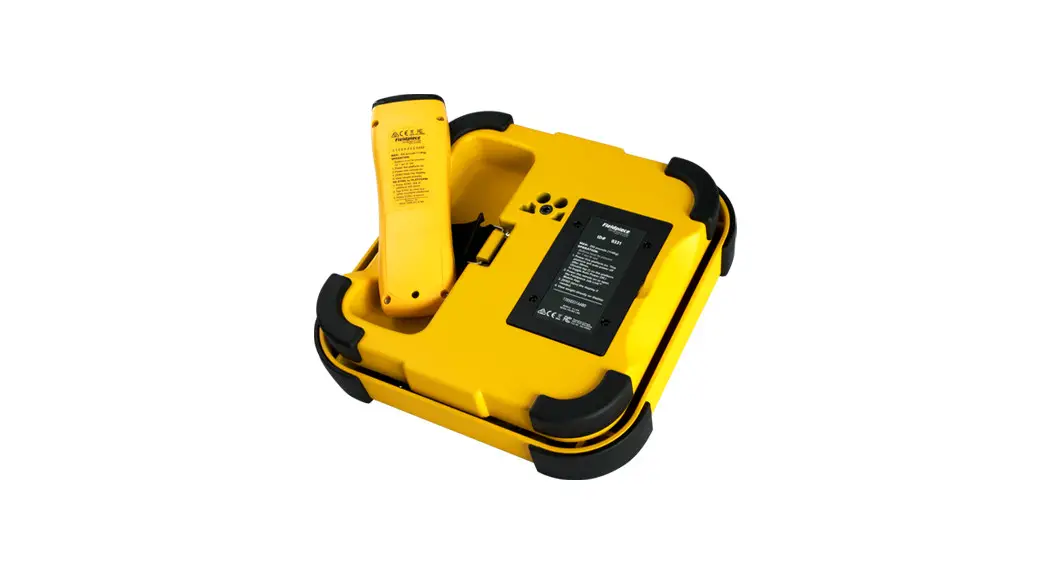
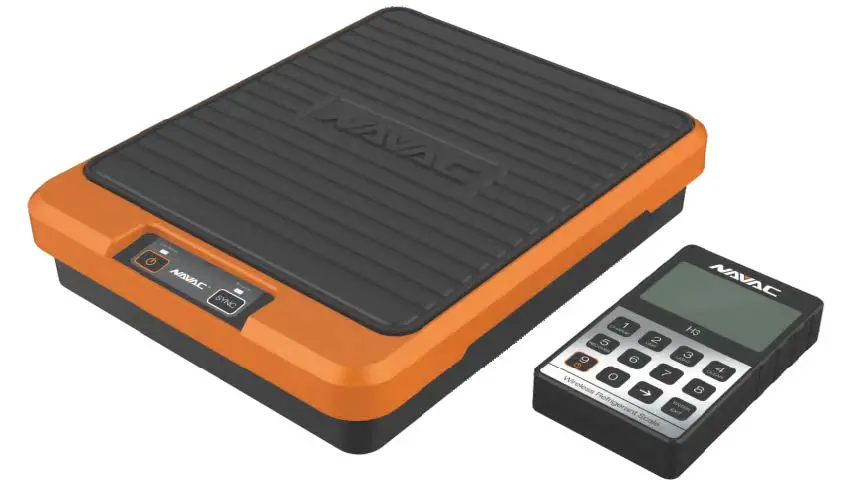
BE COOL B100 Wireless Refrigerant Scale
Product Information
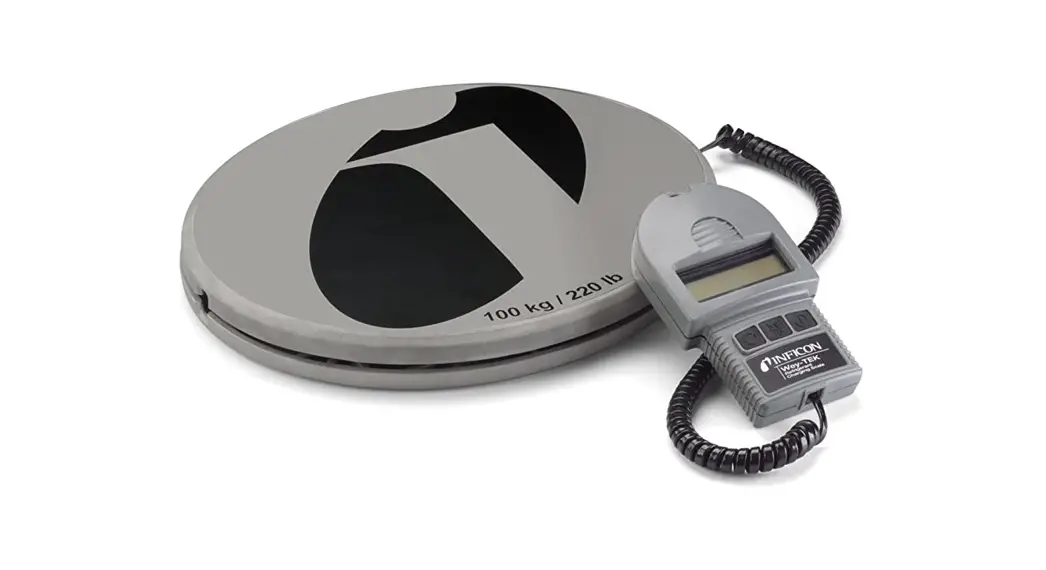
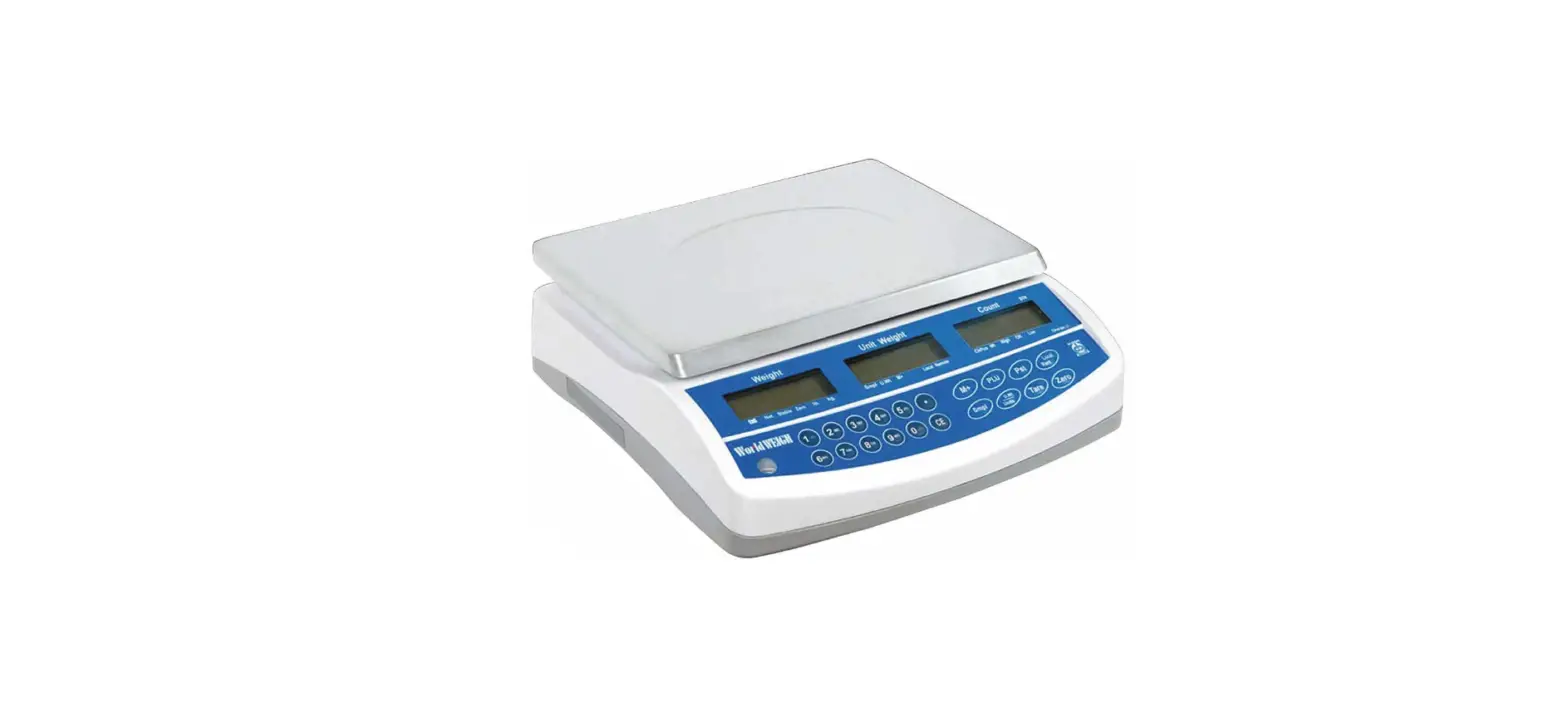
The BE COOL B100 is a wireless scale manufactured by Seitron
S.p.A. It comes with 5 AAA 1.5V batteries for the remote control
and 5 AA 1.5V batteries for the scale. The scale can be connected
to a mobile device through the Seitron BE COOL app available on
Google Play Store (Android), APP Store (Apple), or Huawei
AppGallery. The display shows weight in four different units:
weight, pounds, kilograms, and ounces.
Product Usage Instructions
- Insert the 5 AA 1.5V batteries provided in the compartment of
the scale. - Insert the 5 AAA 1.5V batteries provided in the compartment of
the remote control. - Place the scale on a flat and stable surface and turn it on by
pressing the POWER button. - Turn on the remote control by pressing the POWER button.
- Launch the Seitron BE COOL app on your mobile device and click
on “Search for nearby devices”. - Wait until the Wireless icon appears on the screen indicating
successful communication between the scale and the remote
control. - Press the ZERO button on the remote control to set the weight
to zero. - Place the object to be weighed on the scale and wait for the
STABLE icon to appear on the remote control screen before reading
the weight.
APP MOBILE
Scaricare sul proprio dispositivo mobile l’App Seitron BE
2
1
COOL dal Google Play Store (Android), APP Store (Apple)
o Huawei AppGallery.
3
4
Download to your mobile device the App Seitron BE COOL in
Google Play Store (Android), APP Store (Apple) or Huawei
AppGallery.
5
Téléchargez l’application sur votre appareil mobile Seitron BE
COOL à Google Play Store (Android), APP Store (Apple) o
Huawei AppGallery.
Descargue en su dispositivo móvil la aplicación Seitron BE COOL, disponible en Google Play Store (Android), APP
6
Store (Apple) o Huawei AppGallery.
Avviare l’app appena scaricata e cliccare su “Cerca dispositivi vicini”. Una volta che l’icona del dispositivo sarà apparsa sullo schermo, cliccaci sopra.
Launch the app you just downloaded and click on
“Search for nearby devices.”
8
7
Once the device icon appears on the screen click on it;
Lancez l’application que vous venez de télécharger et cliquez sur “Rechercher des appareils à proximité”. Une fois que l’icône de l’appareil apparaît sur l’écran, cliquez dessus.
Inicie la aplicación que acaba de descargar y haga clic en “Buscar dispositivos cercanos”. Una vez que aparezca el icono del dispositivo en la pantalla, haga clic en él.
Schermata principale: / Main screen: / Écran principal : / Pantalla principal:
1 Spegnimento bilancia – Turning off scale – Arrêt des balances – Apagado de la báscula
2
Torna alla schermata principale – Back to the main screen – Retour à l’écran principal Volver a la pantalla principal
3 Connessione Bluetooth – Bluetooth connection – Connexion Bluetooth – Conexión Bluetooth
4
Indicatore stato carica batterie della bilancia – Scale battery status indicator Indicateur d’état de la batterie de la balance – Indicador del estado de la batería de la báscula
Indicazione del peso rilevato dalla bilancia nell’unità di misura principale
5
Indication of the weight detected by the scale in the main unit of measurement Indication du poids détecté par la balance dans l’unité de mesure principale
Indicación del peso detectado por la báscula en la unidad de medida principal
Indicazione del peso rilevato della bilancia nell’unità di misura secondaria
6
Indication of the detected weight of the scale in the secondary unit of measurement Indication du poids mesuré de la balance dans l’unité de mesure secondaire
Indicación del peso medido por la báscula en la unidad de medida secundaria
7 Selettore unità di misura – Measurement unit – Sélecteur d’unité – Selector de unidades de medida
8 Pulsante di tara (zero) – Tare (zero) button – Bouton de tare (zéro) – Botón de tara (cero)
Seitron S.p.A. a socio unico Via del Commercio, 9/11 – 36065 – MUSSOLENTE (VI) ITALY
Tel. 0424.567842 – [email protected] – www.seitron.com POBD010001SE 039367 050522
Guida Rapida / Quick Guide Guide Rapide / Guía Rápida
BE COOL B100
Bilancia wireless Wireless scale
Balance sans fil Báscula inalámbrica
FUNZIONALITÀ: – Capacità massima: 100kg (220lb), risoluzione: 5g – Unità di misura temperatura: °C, °F – Precisione: ±0.05% rdg+10g – Batterie necessarie (incluse): Telecomando: 5 x AAA 1,5 V
Bilancia: 5 x AA 1,5 V – Durata batterie: Telecomando: 50 ore, Bilancia: 80 ore – Temperatura operativa: -10°C .. 40°C – Temperatura di stoccaggio: -15°C .. 50°C – Intervallo di scostamento temperatura: 5°C/h – Umidità relativa di utilizzo: 50 .. 85% RH – Distanza massima comunicazione BT: Tel.: 5 m App: 10 m – Dimensioni: 271 x 271 x 74 mm – Mobile App: Android 4.4 o superiore; iOS 7.0 o superiore
FUNCTIONALITIES: – Maximum capacity: 100kg (220lb), resolution: 5g – Temperature measurement units: °C, °F – Precision: ±0.05% rdg+10g – Batteries needed (included): Remote control: 5 x AAA 1,5 V
Scale: 5 x AA 1,5 V – Battery life: Remote control: 50 hours, Scale: 80 hours – Operating temperature: -10°C .. 40°C – Storage temperature: -15°C .. 50°C – Temperature deviation range: 5°C/h – Operating relative humidity: 50 .. 85% RH – Maximum BT communication distance: Rem: 5 m App: 10 m – Dimensions: 271 x 271 x 74 mm – Mobile App: Android 4.4 or higher; iOS 7.0 or higher
FONCTIONS : – Capacité maximale : 100kg (220lb), résolution : 5g – Unités de température : °C, °F – Précision : ±0,05% rdg+10g – Piles requises (incluses) : Télécommande : 5 x AAA 1,5 V
Échelle : 5 x AA 1,5 V – Durée de vie des piles : Télécommande : 50 heures Balances : 80 heures – Température de fonctionnement : -10°C … 40°C – Température de stockage : -15°C … 50°C – Plage de déviation de la température : 5°C/h – Humidité relative de fonctionnement 50 .. 85% RH – Distance maximale de communication BT : Tel : 5 m App : 10 m – Dimensions : 271 x 271 x 74 mm – Application mobile : Android 4.4 ou supérieur ; iOS 7.0 ou supérieur
FUNCIONES: – Capacidad máxima: 100kg (220lb), resolución: 5g – Unidades de temperatura: °C, °F – Precisión: ±0,05% rdg+10g – Se necesitan pilas (incluidas): Mando a distancia: 5 x AAA 1,5 V
Escala: 5 x AA 1,5 V – Duración de las pilas: Mando a distancia: 50 horas
Báscula: 80 horas – Temperatura de funcionamiento: -10°C … 40°C – Temperatura de almacenamiento: -15°C .. 50°C – Rango de desviación de temperatura: 5°C/h – Humedad relativa de funcionamiento 50 .. 85% RH – Distancia máxima de comunicación BT: Tél: 5 m App: 10 m – Dimensiones: 271 x 271 x 74 mm – Aplicación móvil: Android 4.4 o superior; iOS 7.0 o superior
Inquadra i codici QR a lato e scarica i manuali completi. Scan the QR codes and download the complete manuals. Encadre le QR code à côté et télécharge le manuel complet. Encuadre el código QR y descargue el manual de uso completo.
MESSA IN FUNZIONE – OPERATION
MISE EN MARCHE – PUESTA EN SERVICIO
Inserire 5 batterie tipo AAA 1,5 V (in dotazione) nell’apposito scompartimento del telecomando.
1
Insert 5 size AAA 1,5 V batteries (supplied) into the remote control compartment. Insérez 5 piles de taille AAA 1,5 V (fournies) dans le compartiment de la télécommande.
Introduzca 5 pilas de tamaño AAA 1,5 V (suministradas) en el compartimento del mando a distancia.
Inserire 5 batterie tipo AA 1,5 V (in dotazione) nell’apposito scompartimento della bilancia.
2
Insert 5 size AA 1,5 V batteries (included) into the scale battery compartment. Insérez 5 piles de taille AA 1,5 V (fournies) dans le compartiment à piles de la balance.
Introduzca 5 pilas de tamaño AA 1,5 V (suministradas) en el compartimento de las pilas de la báscula.
Posizionare la bilancia su una superficie piana e stabile. Premere il pulsante “POWER” per accenderla.
3
Place the scale on a flat and stable surface. Press the “POWER” button to turn it on. Placez la balance sur une surface plane et stable. Appuyez sur le bouton “POWER” pour la mettre en marche.
Coloque la báscula sobre una superficie plana y estable. Pulse el botón “POWER” para encenderla.
Premere il pulsante “POWER” sul telecomando.
4
Press the “POWER” button on the remote control. Appuyez sur le bouton “POWER” de la télécommande.
Pulse el botón “POWER” del mando a distancia.
Aspettare finché sullo schermo non appare l’icona “Wireless”(3) che indica l’avvenuta comunicazione tra
bilancia e telecomando.
Wait until the “Wireless” icon(3) appears on the screen indicating successful communication between the scale
5
and remote control. Attendez que l’icône ” Wireless ” (sans fil) (3) apparaisse à l’écran, indiquant que la communication entre la
balance et la télécommande a réussi.
Espere hasta que aparezca en la pantalla el icono “Wireless” (3): éste indica que la comunicación entre la
báscula y el mando a distancia se ha realizado correctamente.
Selezionare l’unità di misura desiderata premendo il pulsante “UNIT” sul telecomando.
6
Select the desired unit of measurement by pressing the “UNIT” button on the remote control. Sélectionnez l’unité de mesure souhaitée en appuyant sur le bouton “UNIT” de la télécommande.
Seleccione la unidad de medida deseada pulsando el botón “UNIT” del mando a distancia.
Premere il pulsante “ZERO” sul telecomando per fare lo zero del peso sulla bilancia.
7
Press the “ZERO” button on the remote control to zero the weight on the scale. Appuyez sur le bouton “ZERO” de la télécommande pour mettre le poids à zéro sur la balance.
Pulse el botón “ZERO” del mando a distancia para poner a cero el peso de la báscula.
Mettere la bombola di gas refrigerante (o altri oggetti) sulla bilancia e leggere il peso quando sullo schermo
del telecomando viene visualizzata l’icona “STABLE”.
Place the refrigerant gas cylinder (or other objects) on the scale and read the weight when the “STABLE” icon
8
appears on the remote control screen. Placez la bouteille de gaz réfrigérant (ou tout autre objet) sur la balance et lisez le poids lorsque l’icône
” STABLE ” apparaît sur l’écran de la télécommande.
Coloque el cilindro de gas refrigerante (u otro objeto) en la báscula y lea el peso cuando aparezca el icono
“STABLE” en la pantalla del mando a distancia.
ATTENZIONE! L’utilizzo del telecomando è possibile SOLO SE NON è stata connessa l’App alla bilancia. WARNING. Use of the remote control is possible ONLY IF the App has NOT been connected to the scale. ATTENTION ! L’utilisation de la télécommande n’est possible que si l’application n’est pas connectée à la balance. ¡ATENCIÓN! El uso del mando a distancia sólo es posible si la aplicación NO está conectada a la báscula.
DISPLAY – PANTALLA
2
3
1
4
6
5
1
Indicatore stato di carica batterie della bilancia – Scale battery status indicator – Indicateur d’état de la batterie de la balance – Indicador del estado de las baterías de la báscula
2
Indicatore stabilizzazione carico della bilancia – Scale load stabilization indicator – Indicateur de stabilisation de la charge de la balance – Indicador de estabilización de la carga de la báscula
3
Indicatore stato di connessione – Connection status indicator – Indicateur d’état de la connexion – Indicador del estado de la conexión
4
Indicatore stato di carica batterie del telecomando – Remote control battery status indicator – Indicateur d’état de la batterie de la télécommande – Indicador del estado de las baterías del mando a distancia
5 Unità di misura corrente – Current unit of measurement – Unité de mesure actuelle – Unidad de medida actual
6 Peso – Weight – Poids – Peso
PULSANTI – KEYS – BOUTONS – BOTONES
Sul telecomando sono presenti i seguenti pulsanti – The following buttons are available on the remote control – La télécommande comporte les boutons suivants- El mando a distancia dispone de los siguientes botones:
POWER Accensione / spegnimento – Power on /off – Mise en marche/arrêt – Encendido / apagado
ZERO
Tara – Tare – Tare – Tara
UNIT
Unità di misura – Measurement unit – Unités de mesure – Unidades de medida
LAMP
Retroilluminazione telecomando – Remote control backlight – Rétro-éclairage de la télécommande Retroiluminación del mando a distancia
Sulla bilancia sono presenti i seguenti pulsanti – The following buttons are provided on the scale – Les boutons suivants sont fournis sur la balance – La báscula dispone de los siguientes botones:
POWER RADIO
Accensione / spegnimento – Power on / off – Mise en marche / arrêt – Encendido / apagado
Attivazione / disattivazione connessione Bluetooth – Bluetooth connection On / Off – Activation / Désactivation de la connexion Bluetooth – Activación / Desactivación de la conexión Bluetooth
 Seitron: sistemi di termoregolazione, sicurezza e gas