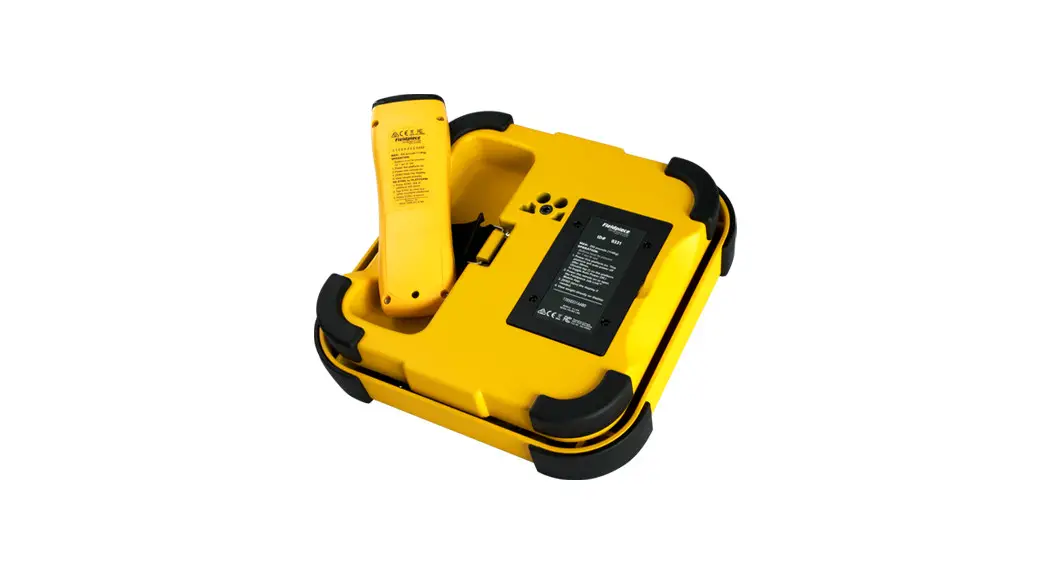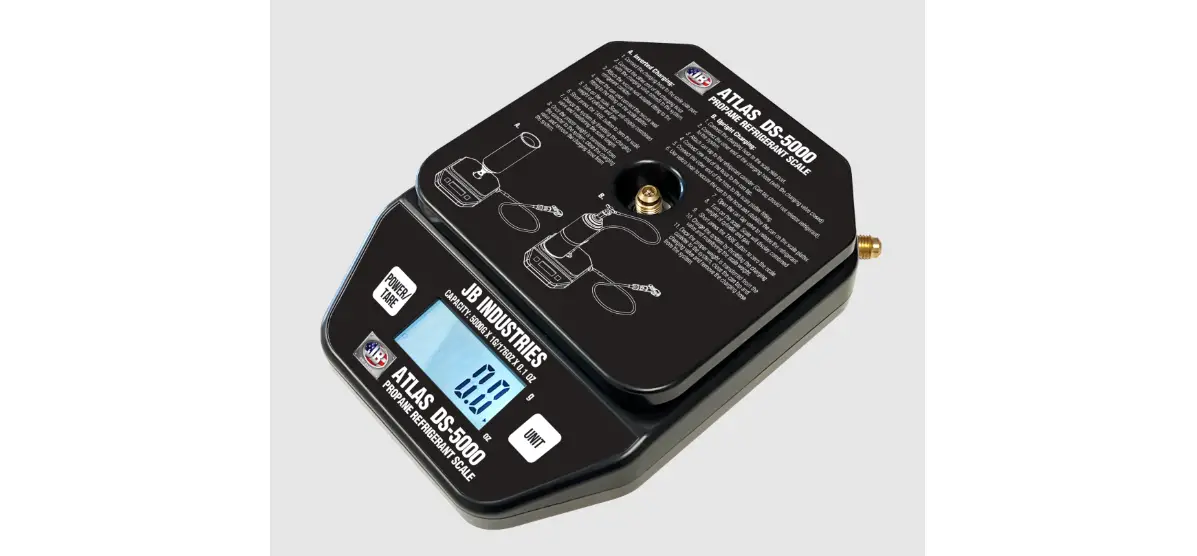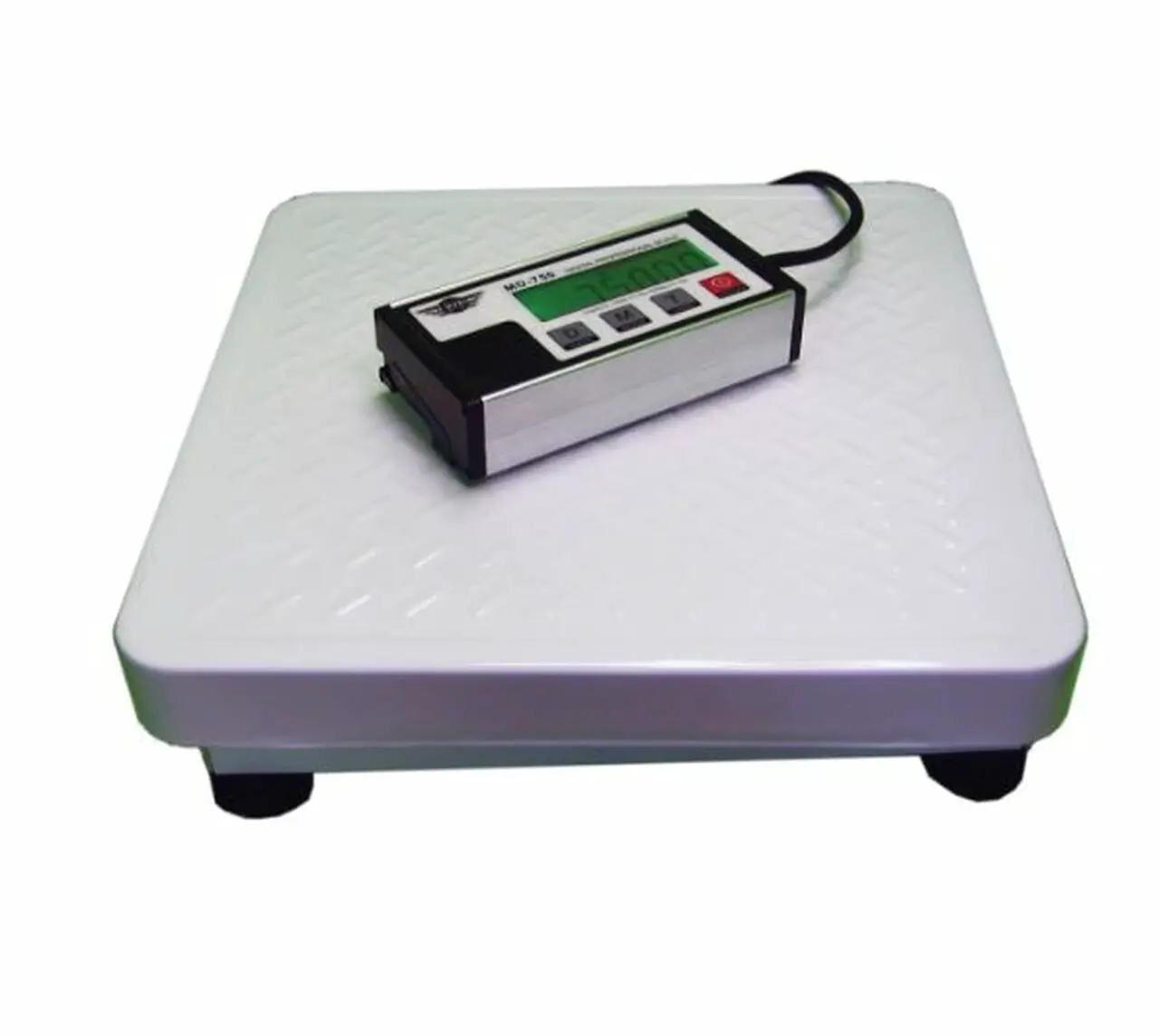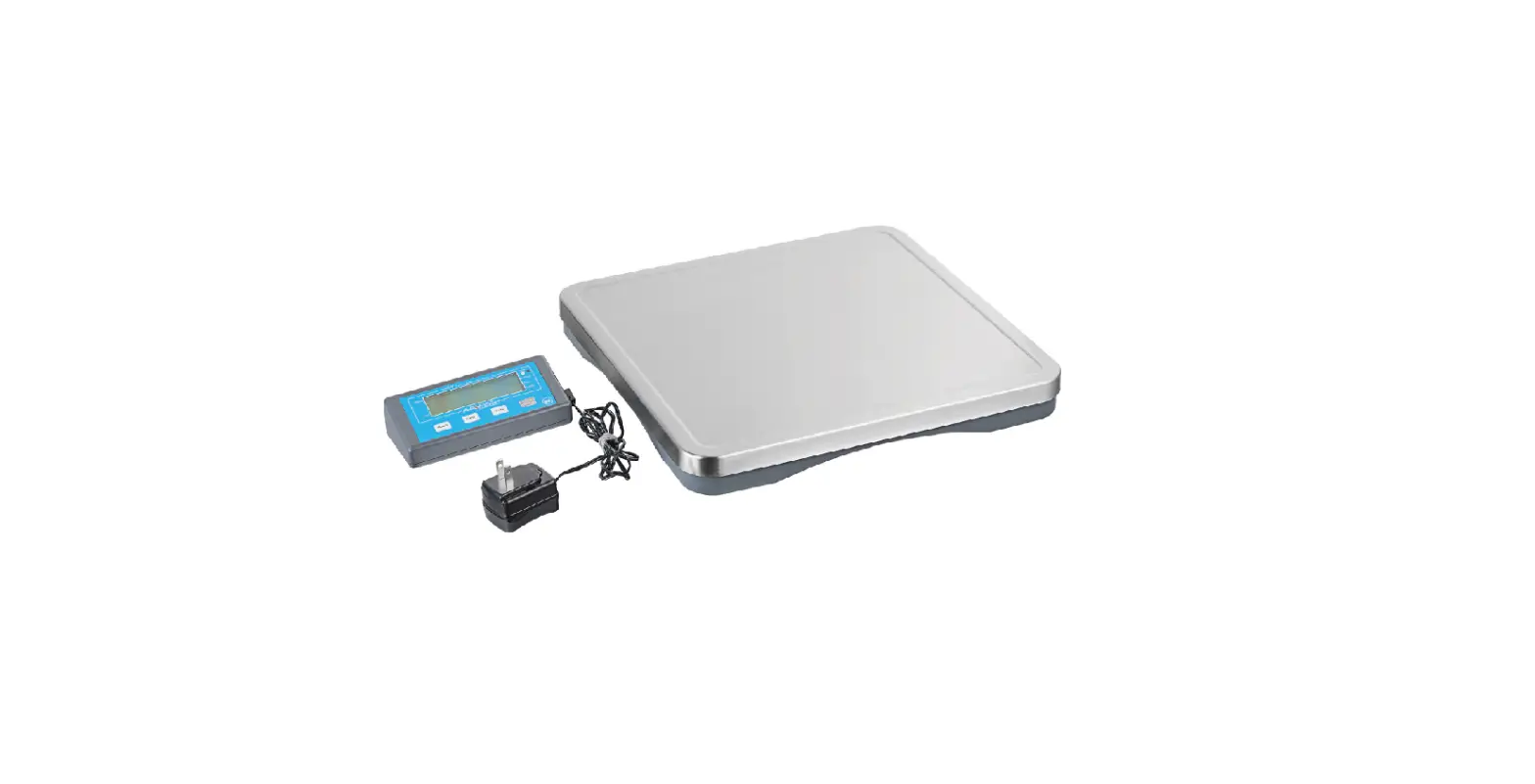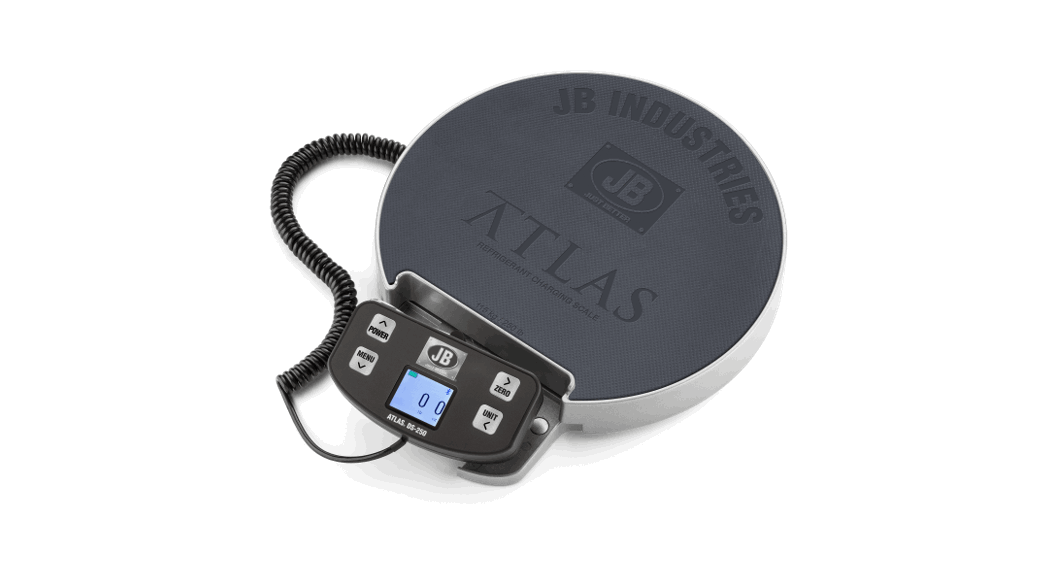
 ATLAS® DS-250
WIRELESS DIGITAL REFRIGERANT
SCALE WITH WIRED HANDSET
User Manual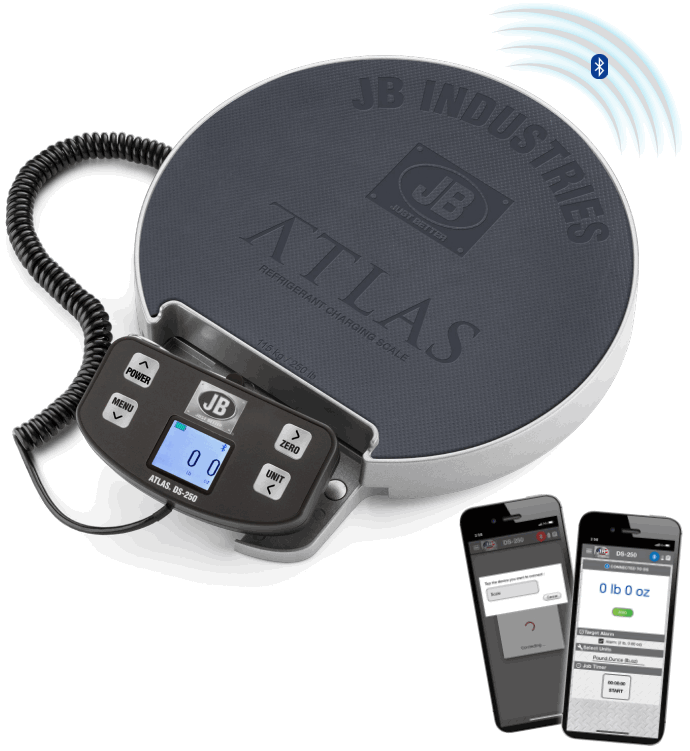
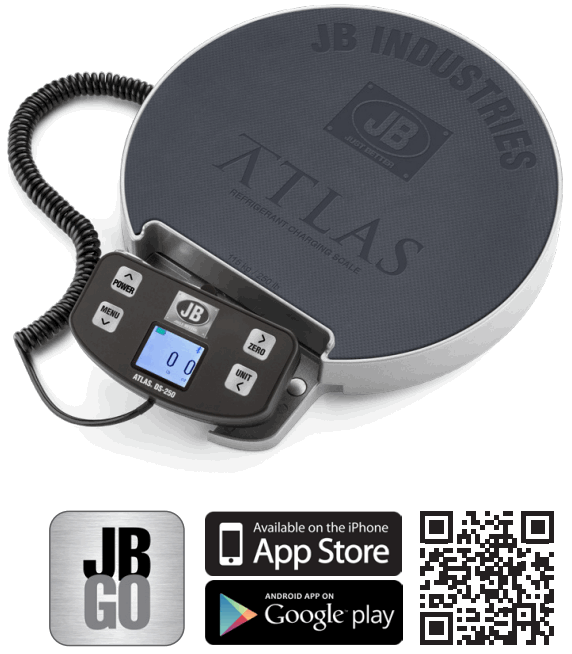
DS-250 Atlas Wireless Digital Refrigerant Scale with Wired Handset
ACCESS DS-250 APP THROUGH JB GO
SPECIFICATIONS
| Capacity | 250lb (115kg) |
| Resolution | 0.25 oz |
| Display units | lb/oz, oz, lb, kg |
| Operating Temperature | +32°F to 122°F (0°C to +50°C) |
| Storage Temperature | +14°F to 140°F (-10°C to +60°C) |
| Humidity | 85% RH @113°F (45°C), non-condensing |
| Power Supply | Four AA batteries (included) |
| Battery Life | Approximately 58 hours |
| Accuracy | Minimum +/- 0.3% of reading +/- 10g |
| Bluetooth® Range | 300ft (92m) |
FEATURES
- Wireless connection to smart devices via DS-250 app available at JB GO
- Wired, full color, LCD display on removable handset
- Job time recording/data logging with email capability
- Wired handset with built-in magnets and hanging hook
- Programmable weight alarms
- Adjustable units of measurement
- Selectable auto shutoff
- Slip-resistant platform and water-resistant design
- Durable, blow molded case
- Safe for use with A2L refrigerants
- 2 year warranty
OPERATING INSTRUCTIONS
System Requirements
• Download and install the free JB DS-250 app
• Min iOS version is 10.0+
• Min Android version is 9.0+
Install Batteries
Remove the battery cover with a Phillips head screwdriver. Insert four AA batteries.
Power Settings
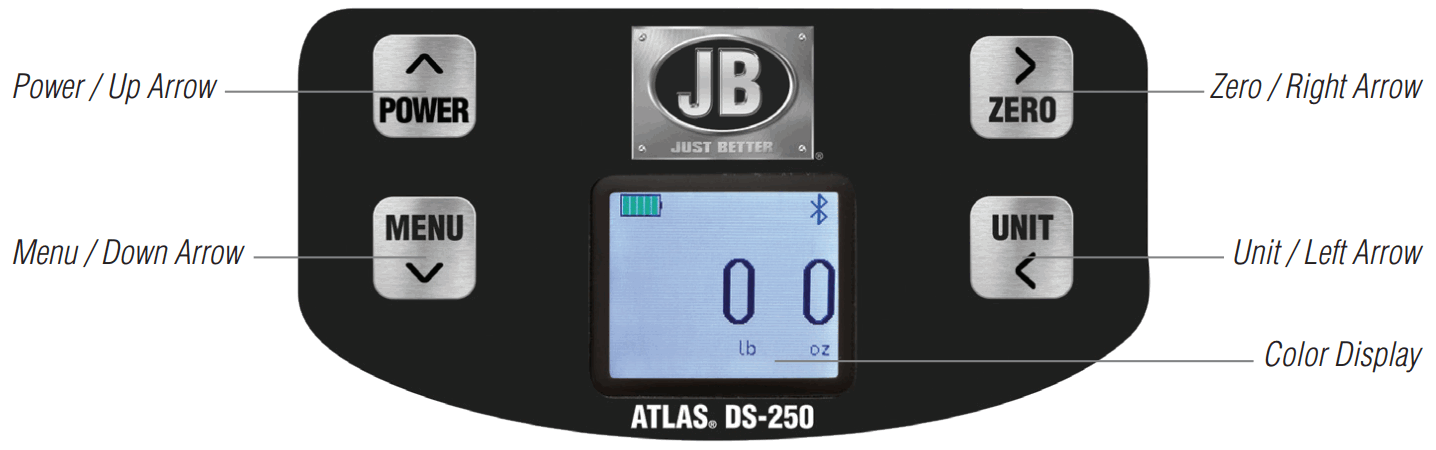
To power on, press the POWER button. The LCD will turn on.
To power off, press and hold the POWER button until the scale powers down.
Note: DS-250 display has an auto-off feature that can be configured by the user. It can shut off the display within 1 hour to save battery power or can keep the display on indefinitely.
Handset Button Layout
CONNECTING SMART DEVICE TO THE WIRELESS SCALE
- Begin with the DS-250 off.
- Power on the smart device and enable Bluetooth settings. Bluetooth must be on to continue.
- Power on the DS-250. The LCD display will turn on and the scale will be ready to connect.
- Open the DS-250 app on the smart device.
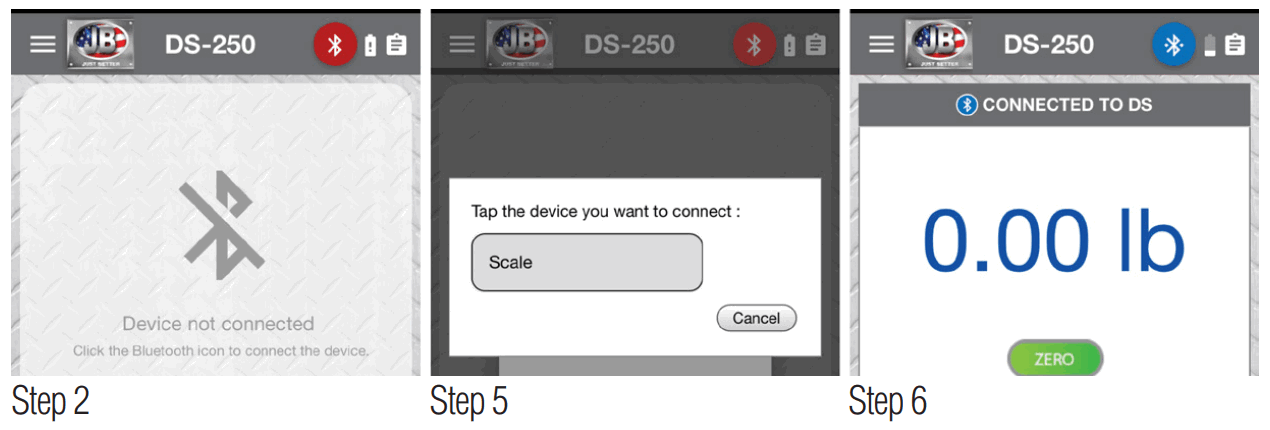
- Select the Bluetooth icon at the upper right of the screen to search for compatible devices. Select “Scale”.
- Once the scale is paired with device, the app will display the weight information.
App Display Images:
TROUBLESHOOTING
If the DS-250 has trouble pairing, make sure the smart device has Bluetooth enabled. If there is still a problem, force quit the app and power cycle the scale. Try to connect again.
SOFTWARE UPDATES
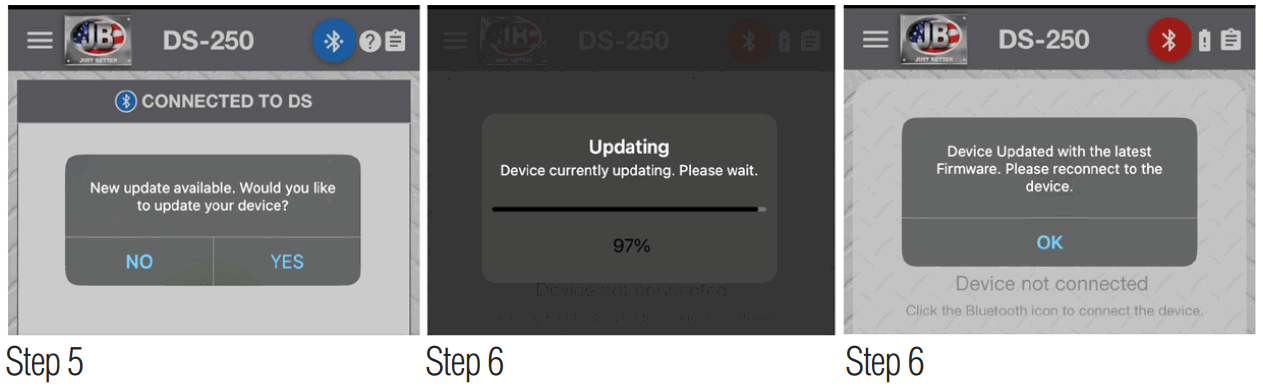
The DS-250 is capable of Over-The-Air (OTA) updates via the app. If a software update is available for the DS-250, the app will prompt the user to update their device. If the user wants to update the DS-250 software via the app, follow the procedure below:
- Turn off the scale.
- Launch the DS-250 app.
- Press and HOLD the power button to turn on the scale. Continue to hold the power button during the update until step 7.
- Connect the smart device to the scale .
- When the prompt asks the user if they want to update, select YES.
- The app will update the scale software and notify the user when it is complete. The scale will automatically turn off.
- Release the power button on the scale
- Press the power button to turn on the scale again.
- Restart the app and re-connect to the scale.
Update Display Images:
RETURN FOR REPAIR
Every effort has been made to provide reliable, superior quality products. However, in the event your instrument requires repair, please contact JB Customer Service Department to obtain a Return Goods Authorization (RGA) number. Ensure that all returned products are packed to avoid any damage in shipment. Paperwork should be placed in a separate plastic bag and should include JB’s assigned RGA number, a description of the problem and any customer assigned repair or purchase order number, if applicable.
Contact Customer Service for RGA number:
800.323.0811 Toll
800.552.5593 Toll Fax
Products should be shipped with freight prepaid to:
JB Industries
RGA#_________
601 N. Farnsworth Ave.
Aurora, IL 60505
WARRANTY
The ATLAS® DS-250 is warrantied against defects in materials and workmanship for 1 year from date of purchase.
JB products are guaranteed when used in accordance with our guidelines and recommendations. Warranty is limited to the repair, replacement, or credit at invoice price, (our option) of products which in our opinion are defective due to workmanship and/or materials. In no case will we allow charges for labor, expense or consequential damage. Repairs performed on items out of warranty will be invoiced on a nominal basis; contact wholesaler for details. Additional product information available online at www.jbind.com.
WARNING: This product can expose you to chemicals including lead which are known to the State of California to cause cancer and birth defects or other reproductive harm. For more information go to www.P65Warnings.ca.gov.
JB INDUSTRIES
ATLAS DS-250 Wireless Scale Operating Manual
630.851.9444
[email protected]
 HVAC Tools Manufacturer | JB Industries, Inc.
 P65Warnings.ca.gov