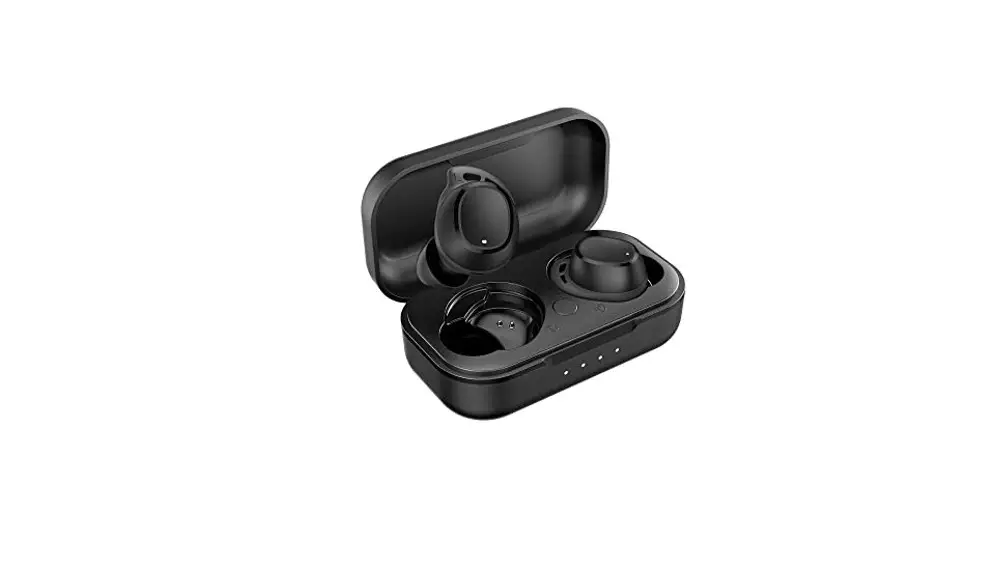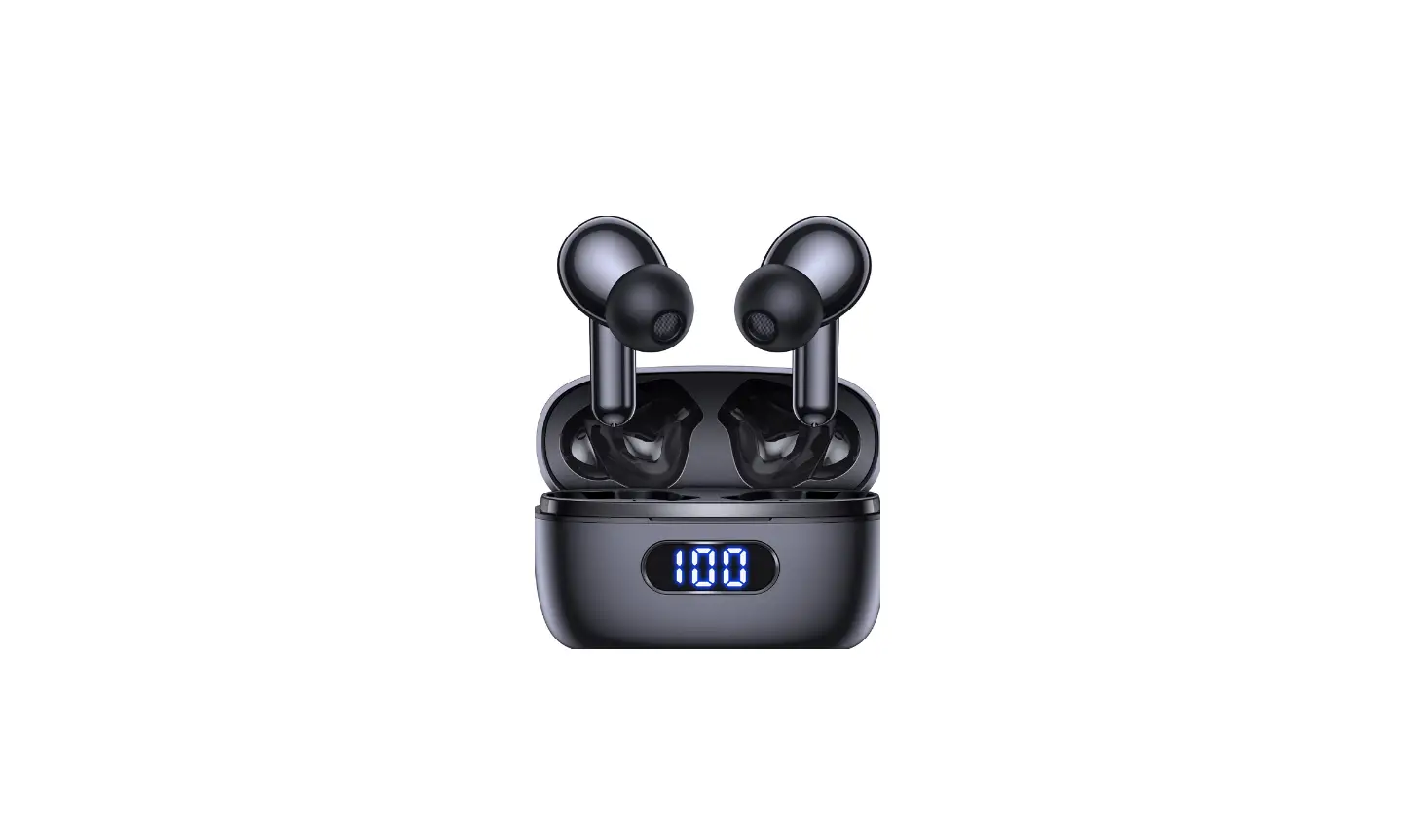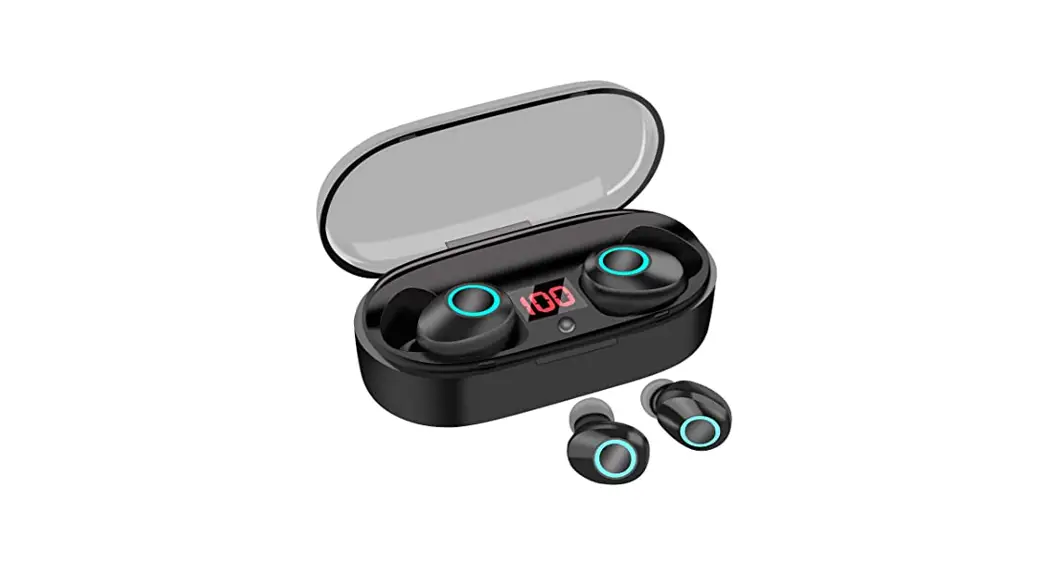
GoEars
Quick Start Guide
What’s in the box?
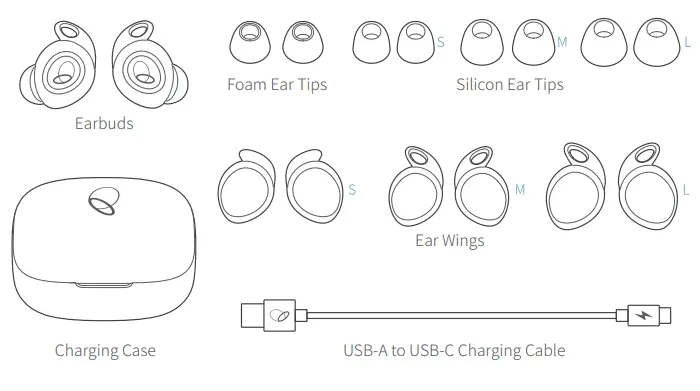
Quick Start Guide
Warranty Card
China RoHs Card
Safety and Compliance Information
- Fit
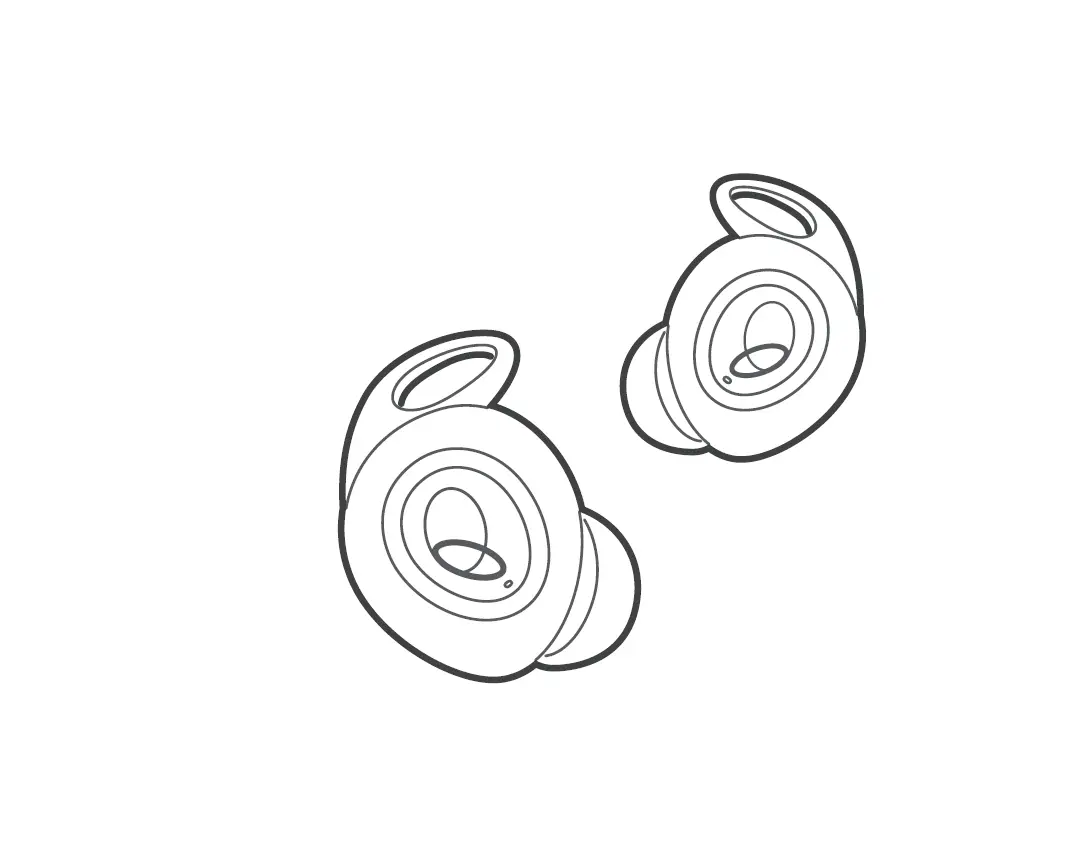
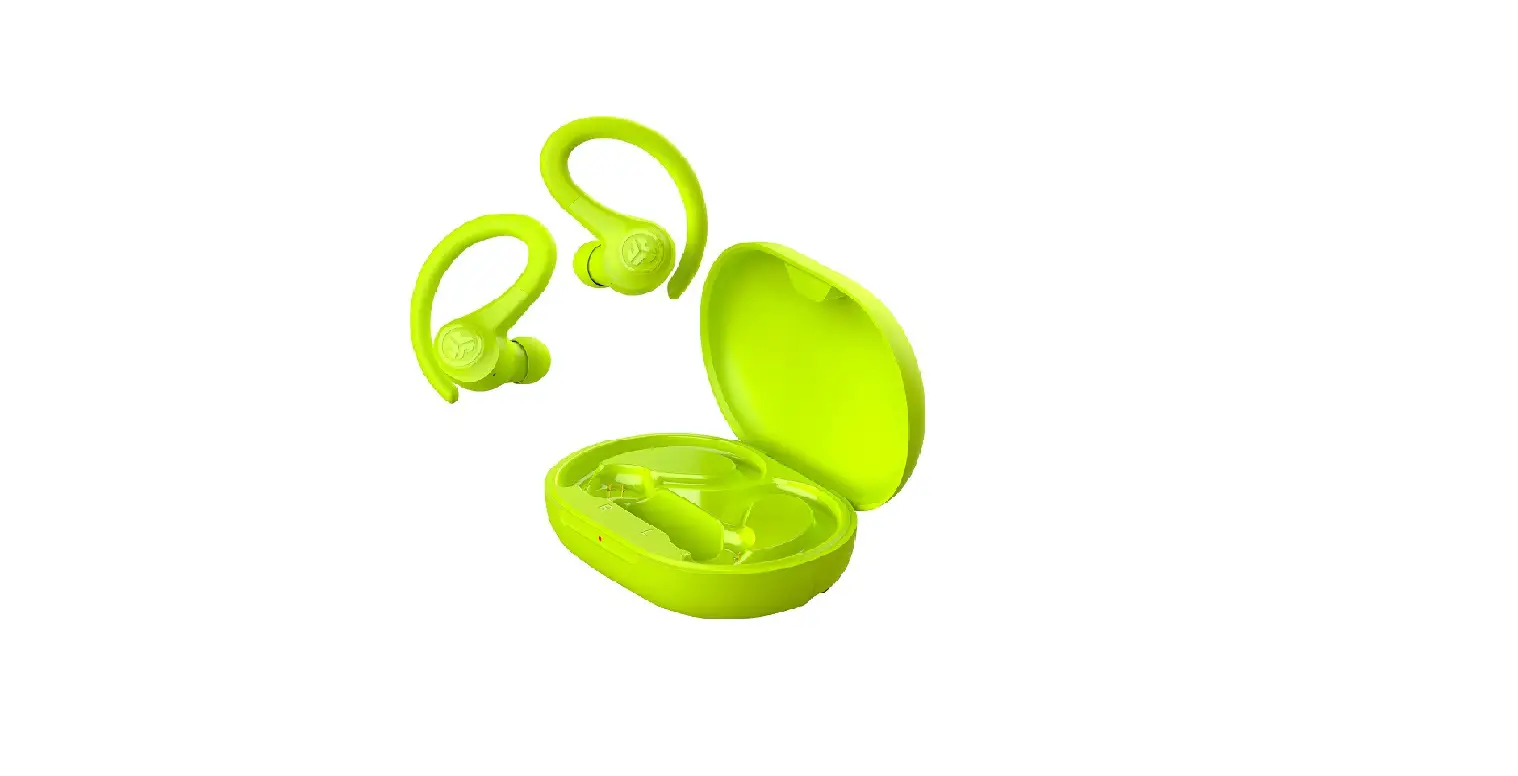
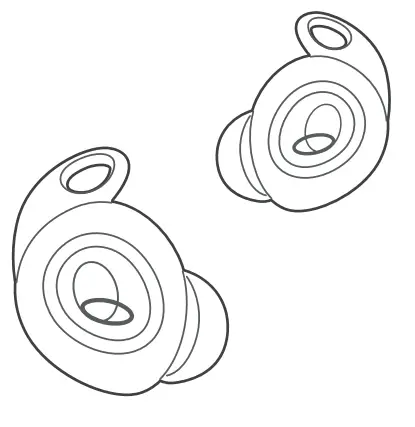
 Choose the Ear Tips and Ear Wings that fits your ears best. Insert the Earbuds, turn and find the most comfortable position.
 - Charge
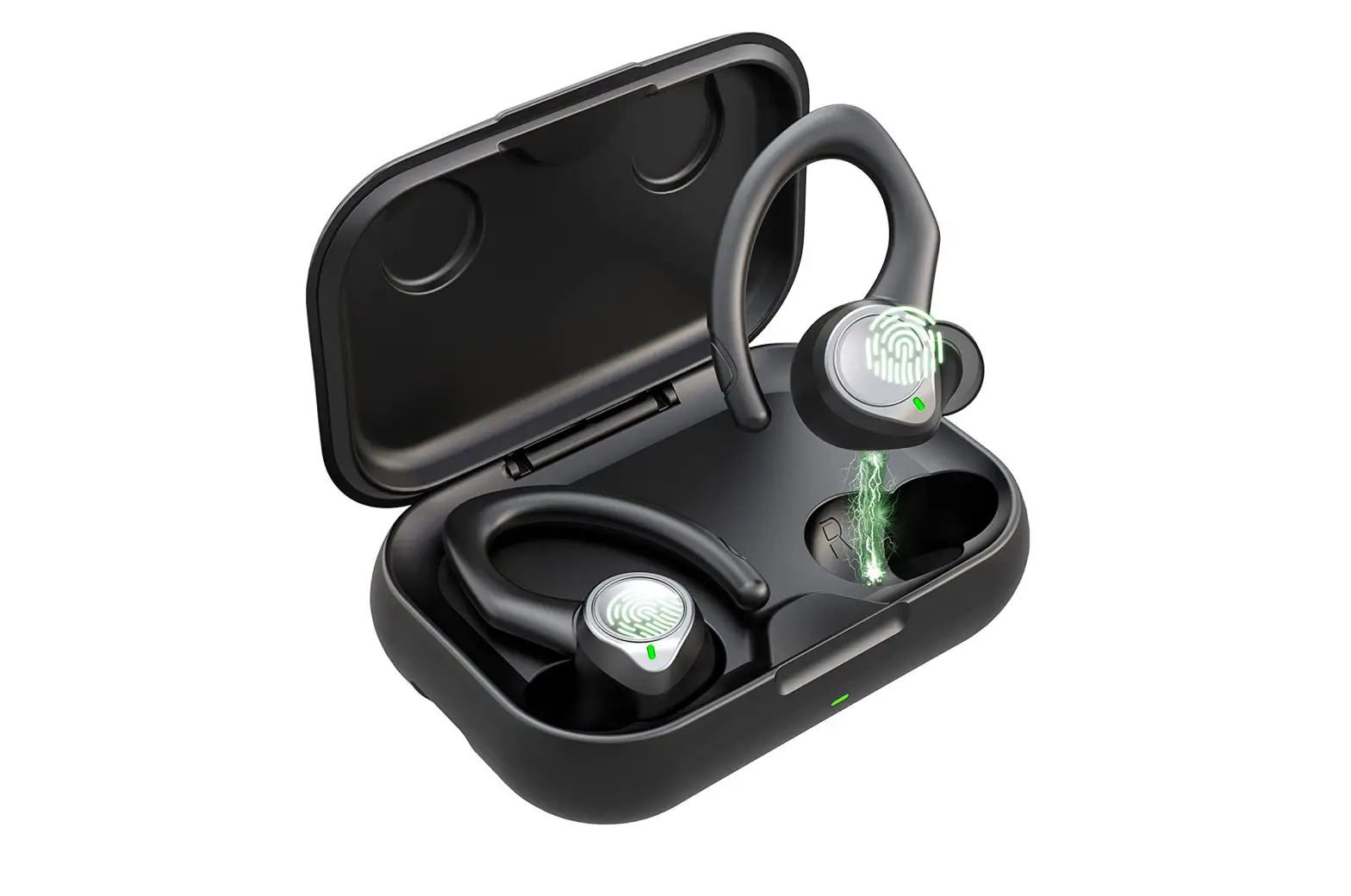
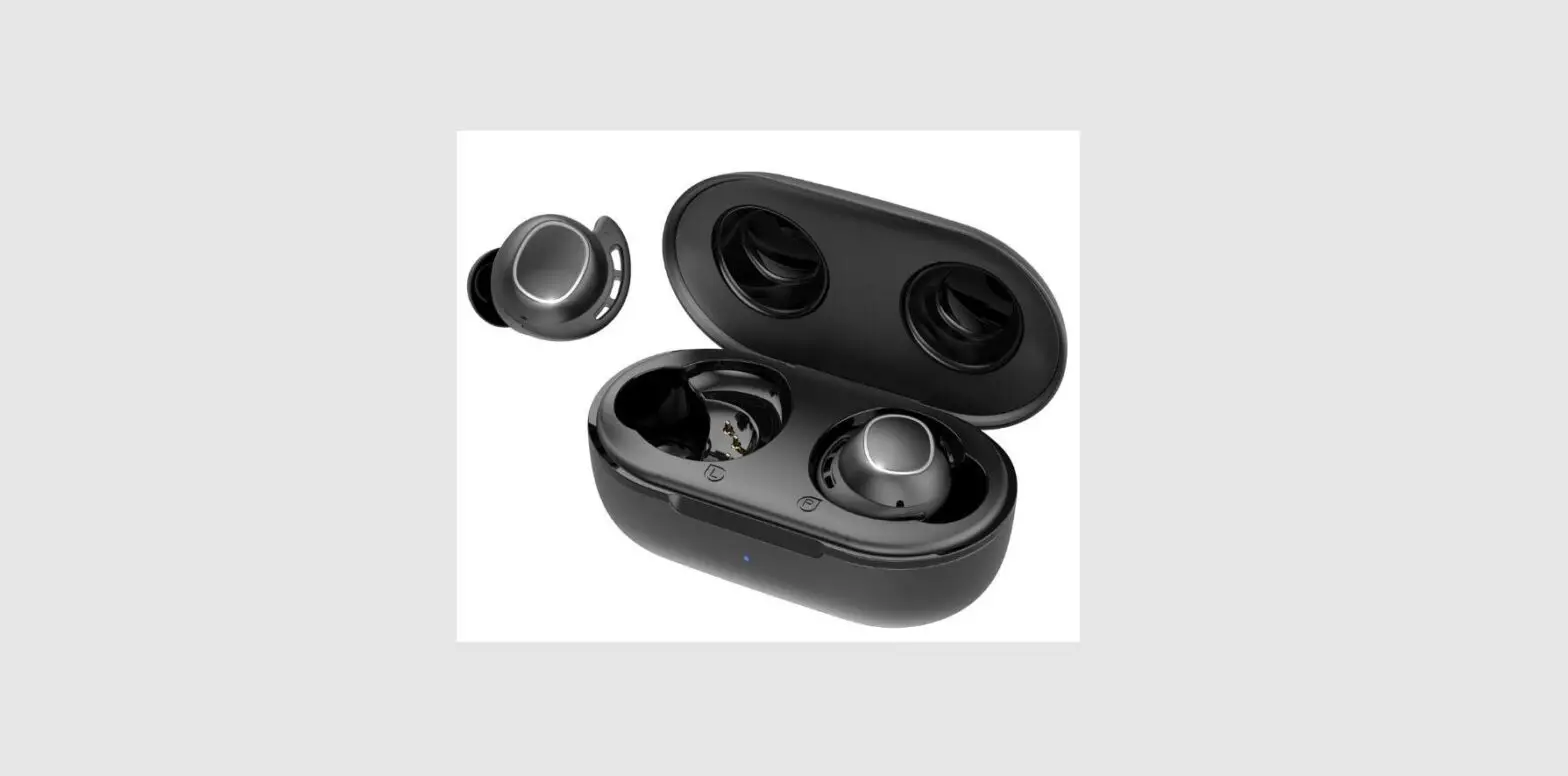
 Place the Earbuds in the charging case and close the case. charge at least 10 mins before use.
 - Activate
 Open or close the charging case to power on/off.
 - Pair for first-time use
 Open the charging case and keep it open. find the“E-USE GoEars” in Bluetooth list on your device and click to connect.
 You could easily confirm to pair when a notification pops up if your device supports google fast pairing.
 - Tap to control
 Activate voice assistant (please switch to Alexa in E-USE App and set up in Alexa before use).
- Customize in E-USE App
 https://www.e-use.com/app/headphones-connect.html
 - Pair with another device
 Place the Earbuds into the charging case and keep it open. Press and hold the button in the case for 2 seconds until the LED indicator in the charging case flash green.
 - How to reset?
 Triple press and hold over 2 seconds.
 - LED Indicators


100% Battery/PowerOn <100% Battery/PowerOn Bluetooth Paring Factory Reset
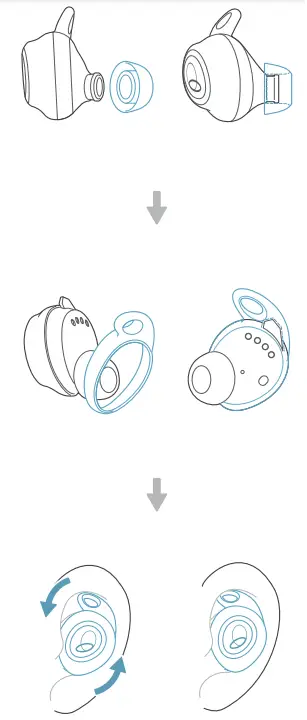 Choose the Ear Tips and Ear Wings that fits your ears best. Insert the Earbuds, turn and find the most comfortable position.
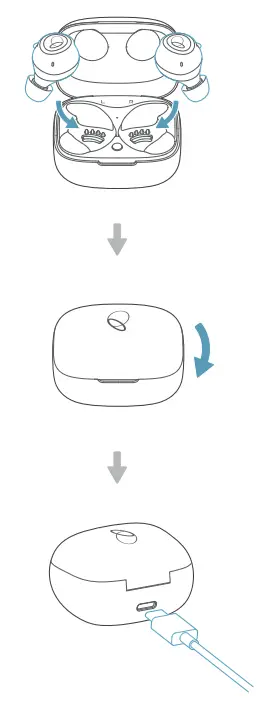 Place the Earbuds in the charging case and close the case. charge at least 10 mins before use.
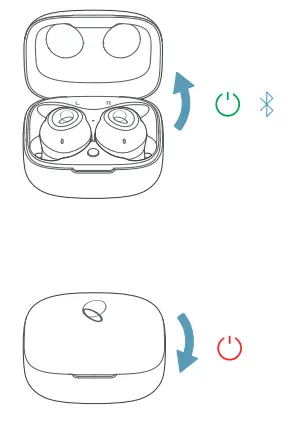 Open or close the charging case to power on/off.
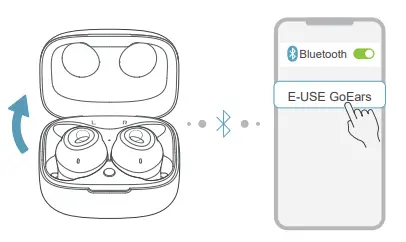 Open the charging case and keep it open. find the“E-USE GoEars” in Bluetooth list on your device and click to connect.
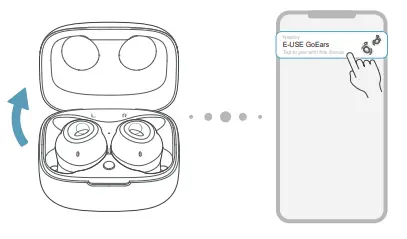 You could easily confirm to pair when a notification pops up if your device supports google fast pairing.
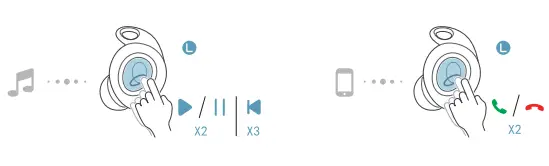 Activate voice assistant (please switch to Alexa in E-USE App and set up in Alexa before use).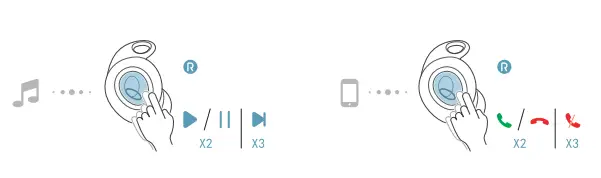
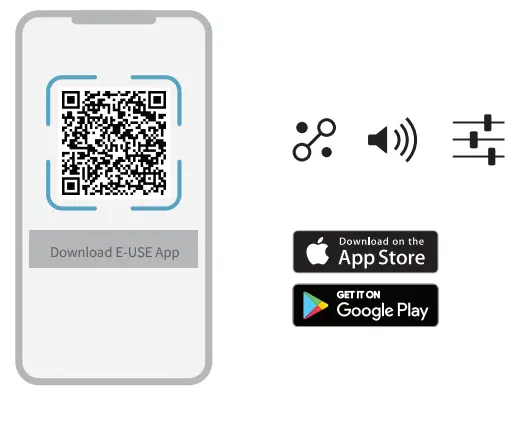
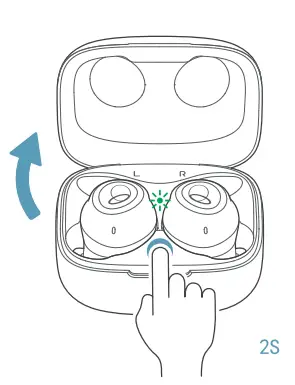 Place the Earbuds into the charging case and keep it open. Press and hold the button in the case for 2 seconds until the LED indicator in the charging case flash green.
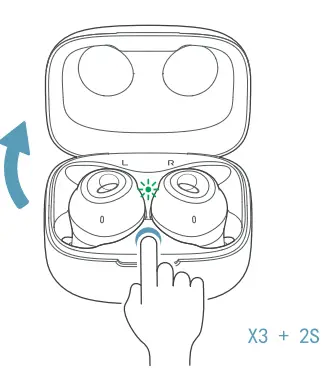 Triple press and hold over 2 seconds.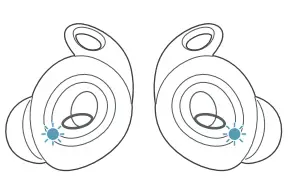

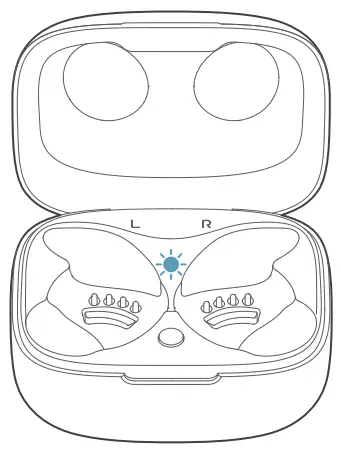
 | >60% Battery |
| 30%-60% Battery | |
| <30% Battery | |
| Battery Charged Fully | |
| Battery Charging |
Speaker Size: 10mm Frequency Response: 20 Hz ‒ 20 kHz Sensitivity: 97 dB SPL/V @ 1 kHz Max Input Power: 10 mW Power Supply: 5V 1A Bluetooth Transmitted Power:
< 10dBm Bluetooth Transmitted Modulation: GFSK, π/4 DQPSK, 8DPSK Bluetooth Frequency: 2.4 GHz ‒ 2.483.5 GHz Bluetooth Profiles: A2DP V1.3.1, HFP V1.7.1, AVRCP V1.6.1 Bluetooth Version: V5.0 Audio Codec Format: SBC, AAC Earbud Battery: Li-ion battery (3.7V, 90mAh) Charging Case Battery: Li-ion battery (3.7V, 320mAh)
be in your moment
MODEL: GE20A
FCC ID: 2AUXPGE20A
IC: 25588-GE20A
R210-143330
Declaration of Conformity can be found onwww.e-use.com/doc
© 2020 E-use (Hong Kong) Co., Limited. All rights reserved. The Bluetooth® word mark and logos are registered trademarks owned by the Bluetooth SIG, Inc., and any use of such marks by E-use (Hong Kong) Co., Limited is under license. Made in China