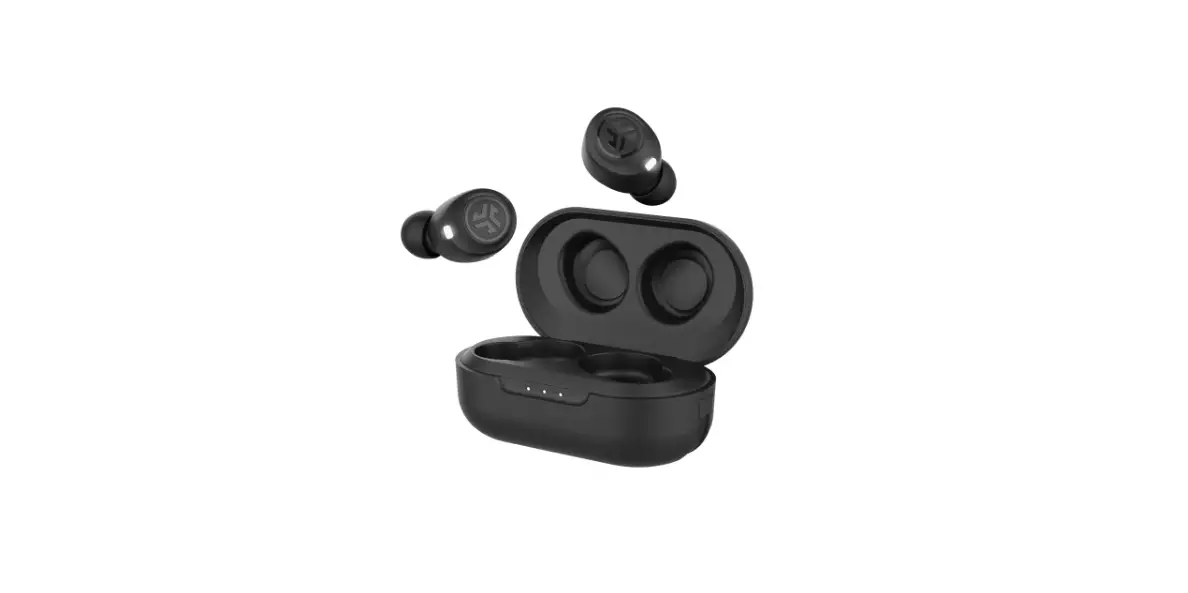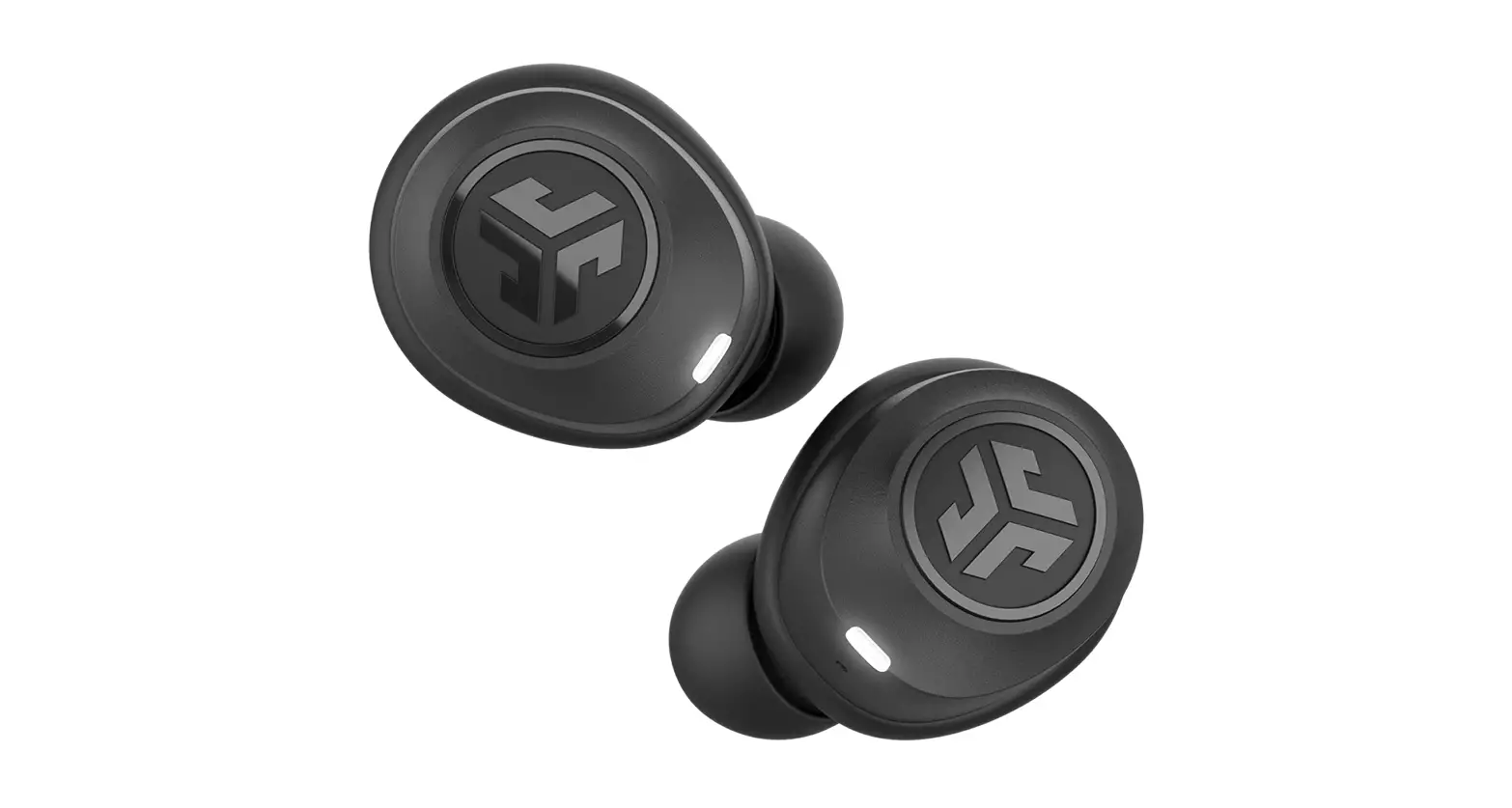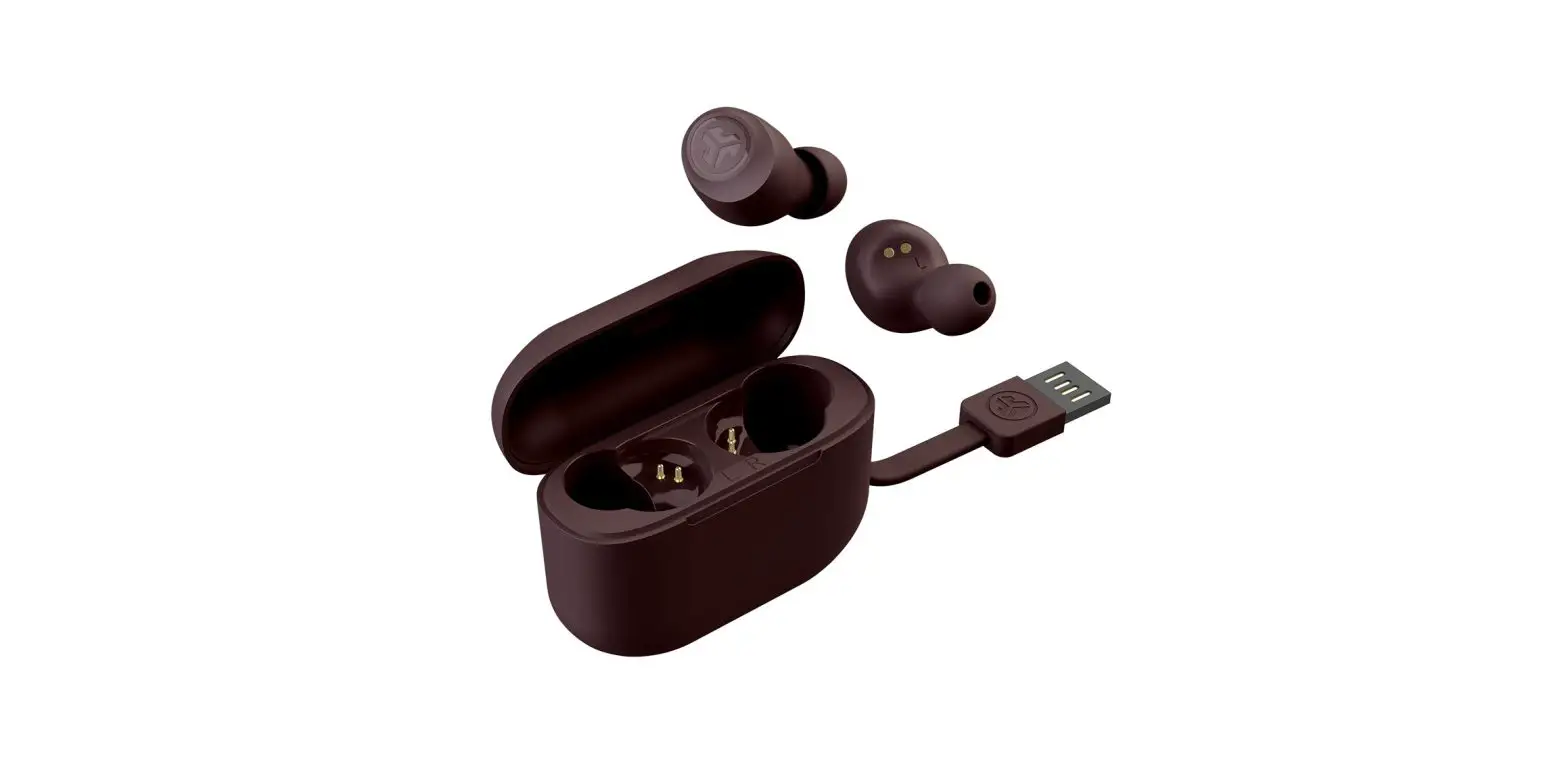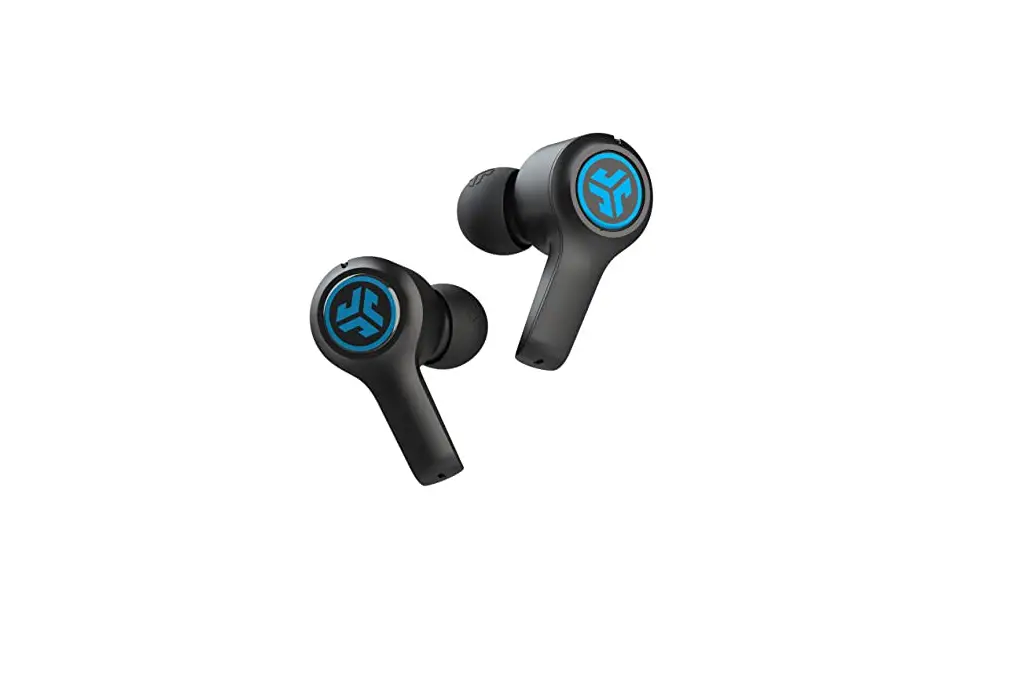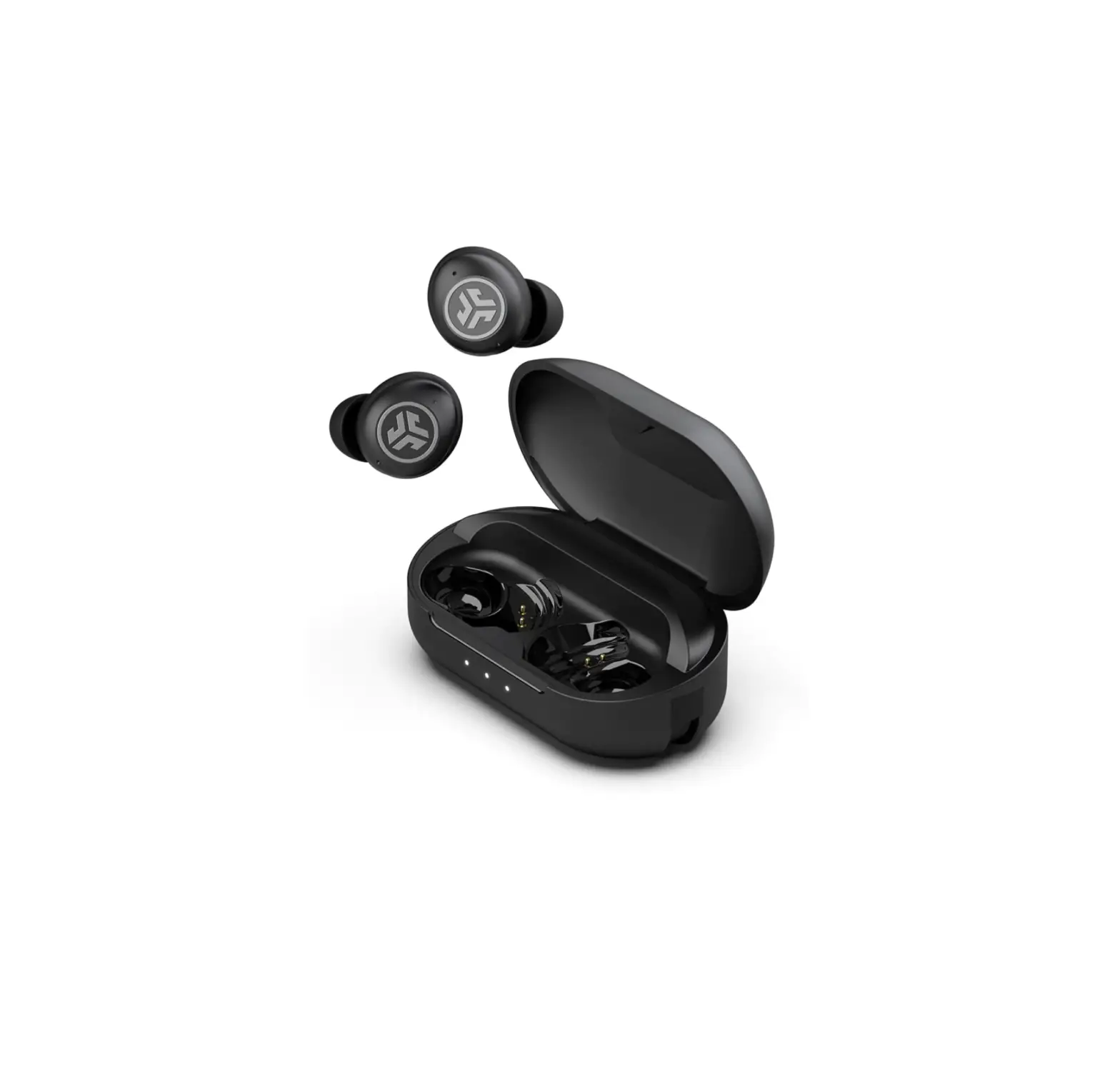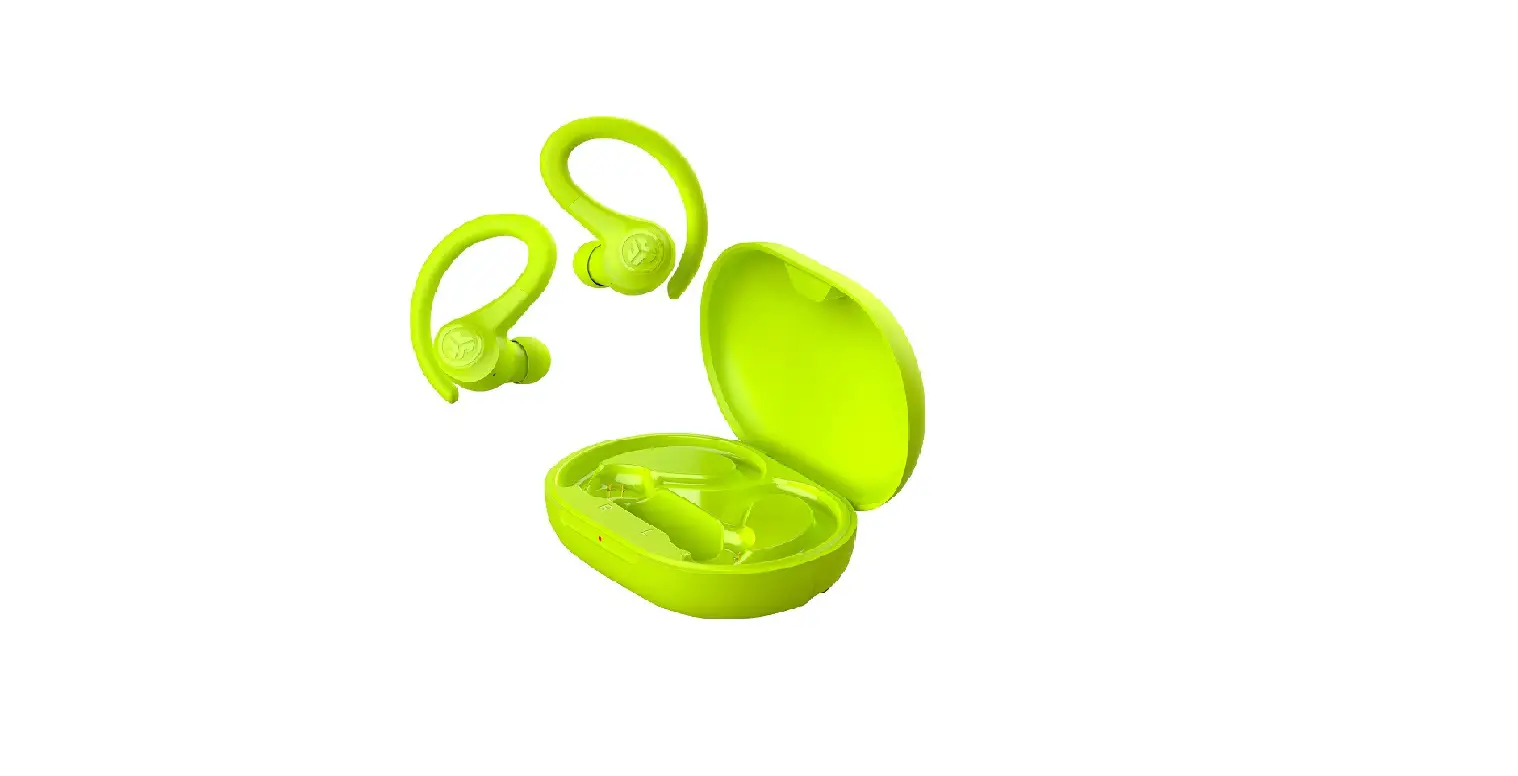

GOAIR SPORT
QUICK START GUIDE
BLUETOOTH PAIRING
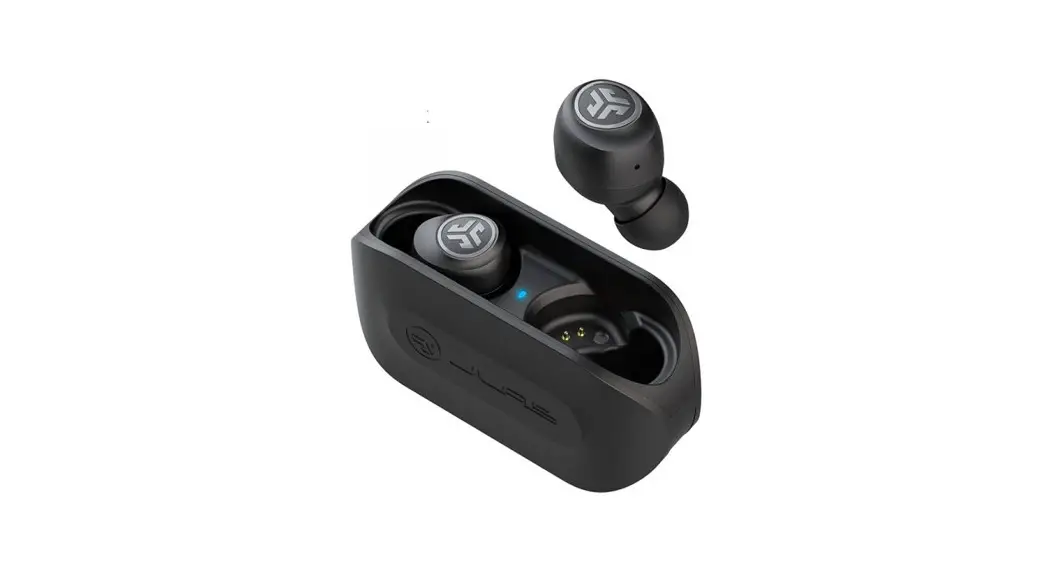
1 Take earbuds out of case and remove stickers. Place back in case and close door.
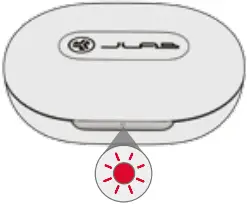
2 Red light on case indicates charge. Remove earbuds from case.
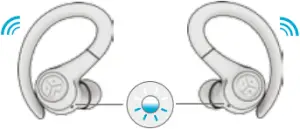
3 One earbud will blink blue/white indicating ready to pair to your device.
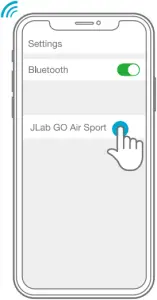
4 Select “JLab GO Air Sport” in your device’s Bluetooth settings.
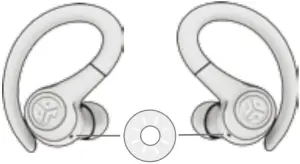
Voice prompt “Bluetooth connected” followed by blinking white lights will indicate connection.
ADDING NEW/ADDITIONAL BLUETOOTH DEVICES:
Turn OFF Bluetooth from any previously connected device.
Turn ON Bluetooth from new device. Take earbuds out of the case. Earbuds will automatically enter Bluetooth Pairing. Select “JLab GO Air Sport” in device settings to connect.
LEFT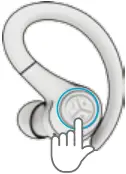
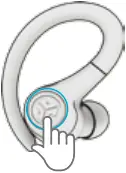 RIGHT
RIGHT
LEFT
VOLUME DOWN: Single tap
SIRI (iOS) or “OK GOOGLE” (ANDROID): Double tap
TRACK BACK: Press & hold 1+ sec
RIGHT
VOLUME UP: Single tap
PLAY/PAUSE: Double tap
TRACK FORWARD: Press & hold 1+ sec
ANSWER CALL: Single tap
HANGUP: Double tap
REJECT INCOMING CALLS: Press & hold 1+ sec
EQ CHANGE: Triple tap
Visit intl.jlab.com/safety to learn how to safely use, including the proper tip installation.
For the latest version of the manual, please visit intl.jlab.com/manuals
CHARGING EARBUDS
1 Earbuds will power off when placed in the case and start charging.
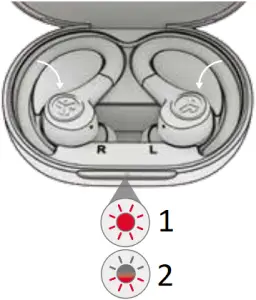
- Solid Red
Case 100-25% - Blinks 4x Red
Case less than 25% (charge case)
2 Earbuds will auto power on and connect to your device when removed.
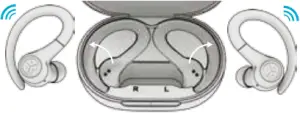
CHARGING CASE
Connect the GO Air Sport into a computer or USB 5V 1A (or less) output device.
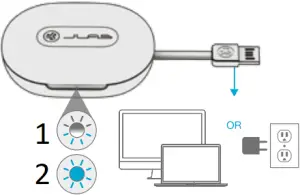
- Charging
Blinks Blue - Fully Charged
Solid Blue
FITTING
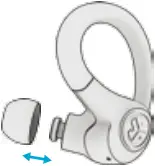
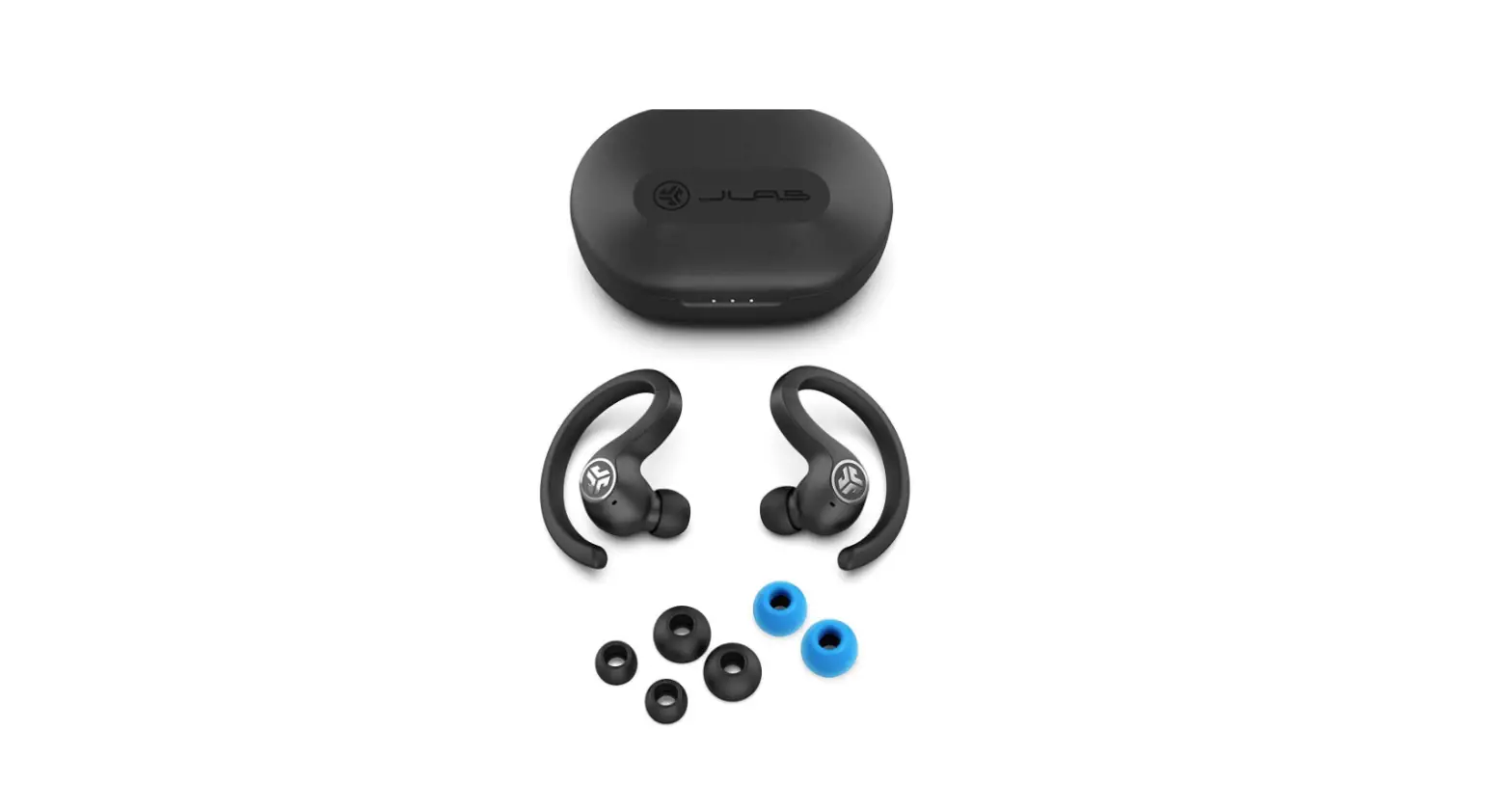
Try all ear tips for best fit and proper seal.
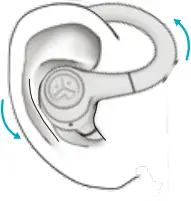
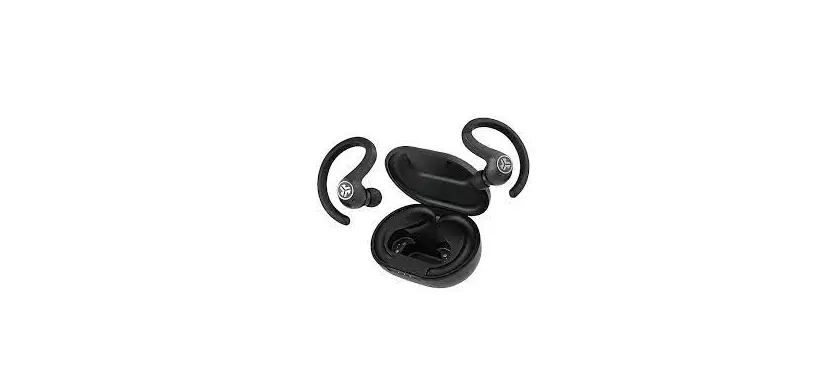
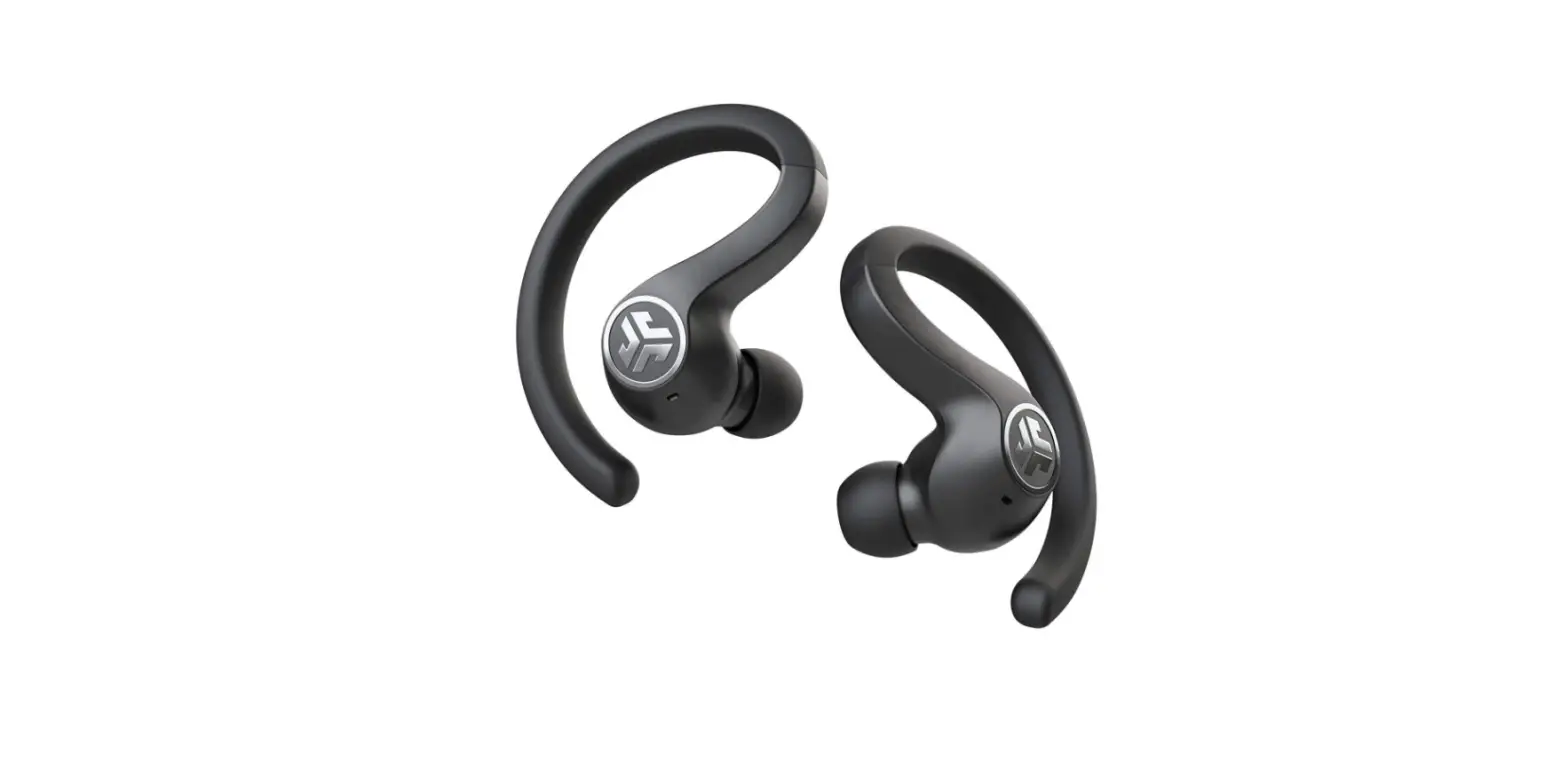
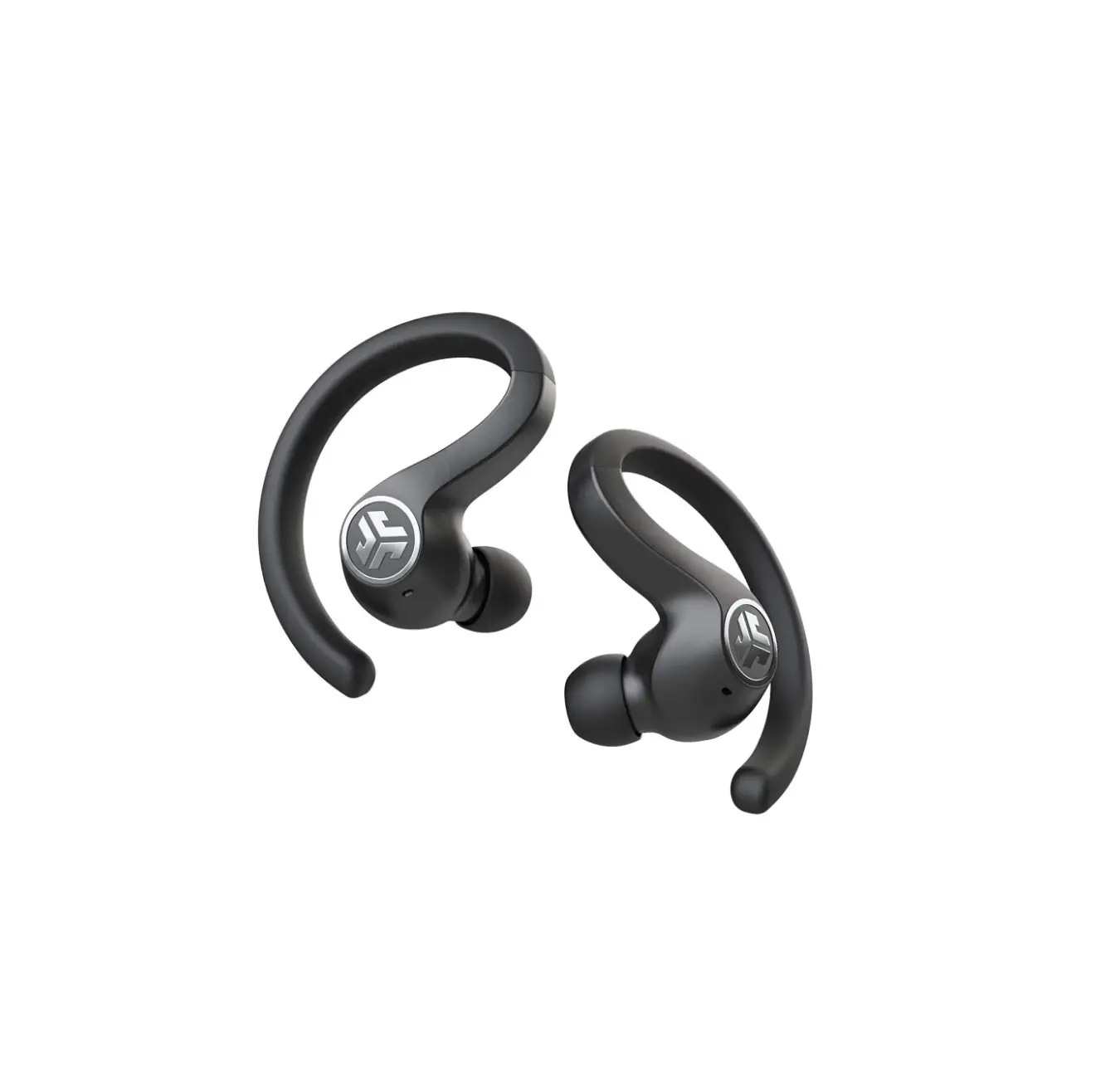
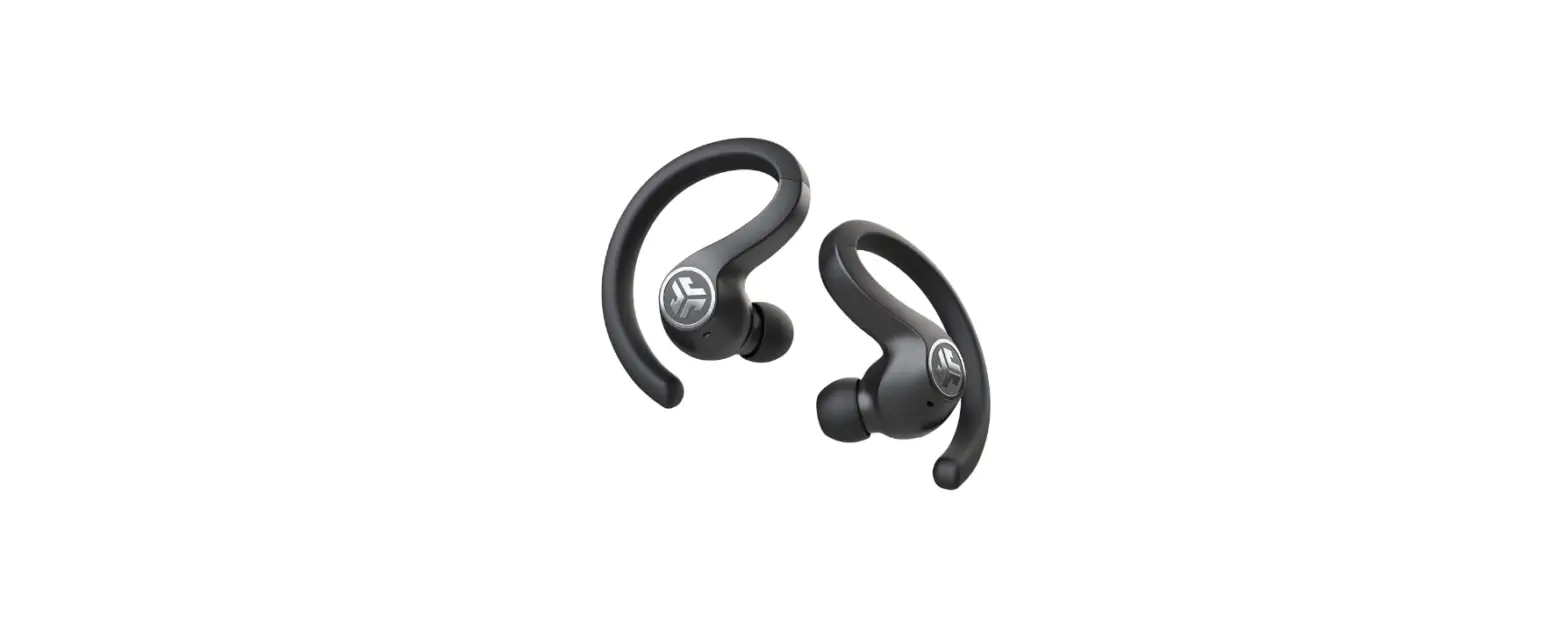
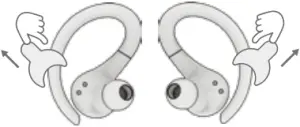
Place hook behind ear. Rotate and adjust for best fit.
VOICE PROMPTS
“JLab ON”: Power ON
“Ready to Pair”: GO Air Sport is ready to pair to Bluetooth device
“Bluetooth Connected”: Earbud is connected to device
“Battery Full”: 100-75%
“Battery Medium”: 75-25%
“Low Battery”: Less than 25% (When power decreases to 10%, “Low Battery” will play one time)
“Goodbye”: Power OFF
EQUALIZER MODES
 JLab SIGNATURE
JLab C3™ signature sound with amplified vocals and bass
 BALANCED
Even sound with no additional sound enhancements
 BASS BOOST
Amplified bass and sub-bass
QUICK TIPS
- The left or right earbud can be used independently for music and phone calls. Simply choose one and take out of the case to connect.
- Only ONE Bluetooth device can be connected at a time. Turn off Bluetooth on unwanted devices and turn on Bluetooth on chosen device to connect.
- Fully dry off earbuds before putting in the charging case to avoid any damage to the case. The earbuds are sweat/water resistant but the case is not.
Instructional videos at: INTL.JLAB.COM/MANUALS
TROUBLESHOOTING:
Connection failure or earbuds disconnected from each other (Manual Reset)
- Keep the earbuds in the charging case and forget “JLab GO Air Sport” from your Bluetooth device settings.
- Quick tap 7x on one earbud in charging case.
Earbud blinks blue 4 times. - Quick tap 7x on other earbud in charging case.
Earbud blinks blue 4 times. - Take both earbuds out of the charging case. One earbud will be solid white and other will blink blue/white indicating ready to pair to your device.
US Compliance
FCC Information FCC ID: 2AHYV-GAIRSPRT
This equipment has been tested and found to comply with the limits for a Class B digital device, pursuant to Part 15 of the FCC Rules. These limits are designed to provide reasonable protection against harmful interference in a residential installation. This equipment generates, uses and can radiate radio frequency energy and, if not installed and used in accordance with the instructions, may cause harmful interference to radio communications. However, there is no guarantee that interference will not occur in a particular installation. If this equipment does cause harmful interference to radio or television reception, which can be determined by turning the equipment off and on, the user is encouraged to try to correct the interference by one or more of the following measures:
- Reorient or relocate the receiving antenna.
- Increase the separation between the equipment and receiver.
- Connect the equipment into an outlet on a circuit different from that to which the receiver is connected.
- Consult the dealer or an experienced radio/TV technician for help.
If you cannot eliminate the interference, the FCC requires that you stop using your product. Changes or modifications not expressly by the party responsible for compliance could void the user’s authority to operate the equipment. This device complies with Part 15 of the FCC Rules. Operation is subject to the following two conditions: (1) this device may not cause harmful interference, and (2) this device must accept any interference received, including interference that may cause undesired operation.
IC: 21316-GAIRSPRT
CAN ICES-003(B)/NMB-003(B)
HVIN: GO Air Sport
This device contains licence-exempt transmitter(s)/receiver(s) that comply with Innovation, Science and Economic Development Canada’s licence-exempt RSS(s). Operation is subject to the following two conditions:
(1) This device may not cause interference.
(2) This device must accept any interference, including interference that may cause undesired operation of the device.
Radiation Exposure Statement: This equipment complies with ISED radiation exposure limits set forth for an uncontrolled environment.
Changes or modifications not expressly approved by the party responsible for compliance could void your authority to operate the equipment.
Battery Caution & Disposal Information
Please take care of your battery. Do not; disassemble, burn, puncture, crush or bend your battery. Improper operation of the battery may product smoke. In such an event, ventilate the area. Extinguish any flames with carbon dioxide, dry-powder fire extinguisher, or cover with sand or mud. Take care to avoid conditions of excessive moisture for prolonged periods and do not immerse. Do not expose to temperatures above 50°C/122°F. Charge battery fully before storage or if stored for longer than three months. The operating temperature of this product is 0°C (32°F) to 40°C (104°F). Ambient temperature should not exceed 45°C (113°F).
Disposal
At the end of its life, please take care to dispose of this product responsibly. Electronic products and batteries contain materials that can be harmful to the environment. Please do not dispose to unsorted waste. Take your electronic waste to a designated collection or recycling facility to be recycled properly. Your local council authority will be able to tell you where your nearest facilities are. There may be one at your local supermarket.
JLab can help you recycle. Learn more intl.jlab.com/recycle
Contact Us
If you’re unsatisfied with your purchase, please contact us and we’ll take care of you! You can contact our US based customer support team:
Website: intl.jlab.com/contact
Email: [email protected]
Phone U.S.: +1 (405) 445-7219 (Check hours intl.jlab.com/hours)
Visit intl.jlab.com/warranty to initiate a return or exchange.
REGISTER TODAY
intl.jlab.com/register
Product updates | How-to tips | FAQs & more
3 MONTHS FREE TIDAL
TIDAL
With purchase. Visit intl.jlab.com/tidal
Shop products | Product alerts | Burn-in your headphones


JLab Store + Burn-in Tool



OFFICIAL AUDIO PARTNER OF MAJOR LEAGUE SOCCER
#FINDYOURGO
For full User Manual + other JLab products visit
INTL.JLAB.COM

Access the full product manual at
intl.jlab.com/manuals