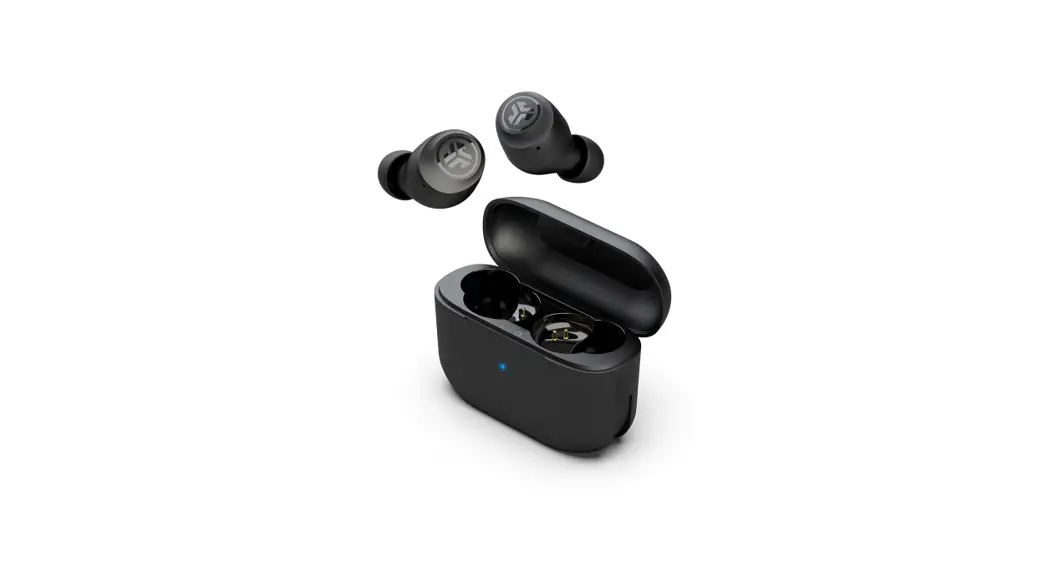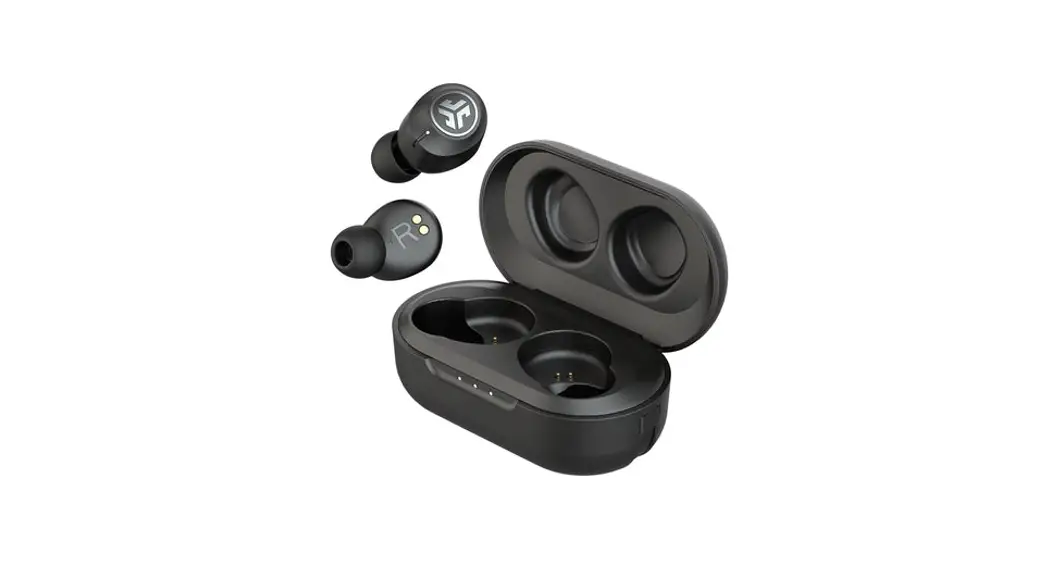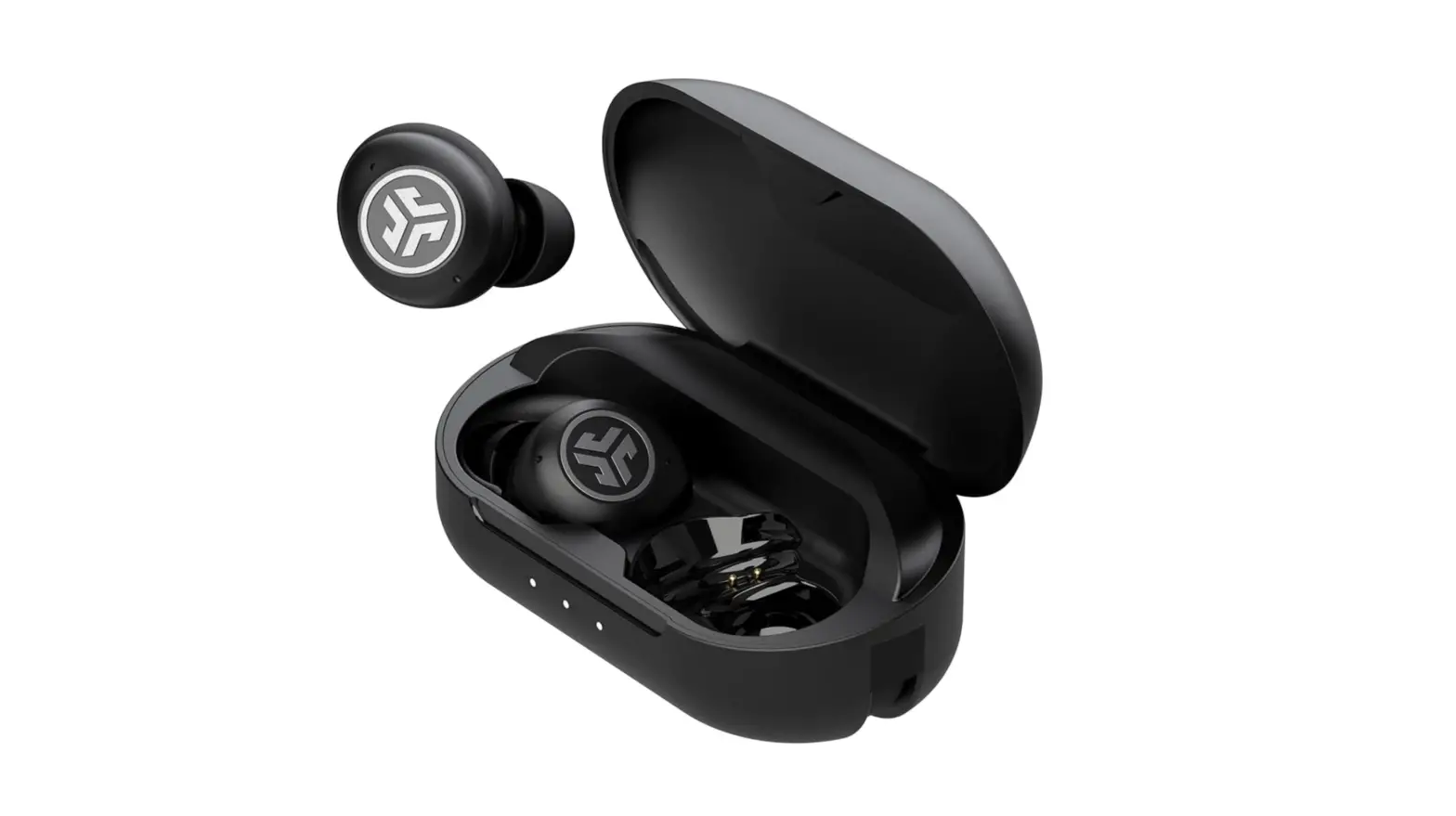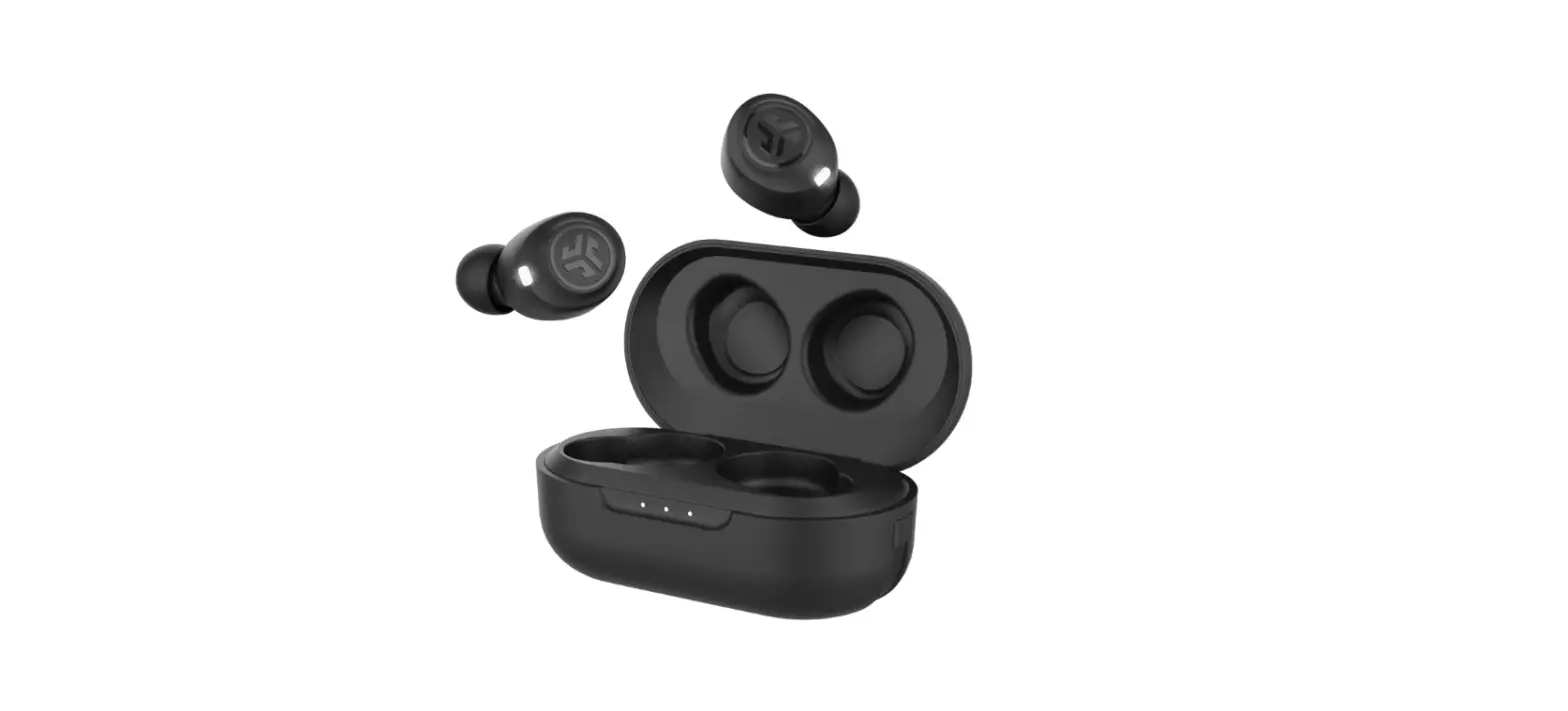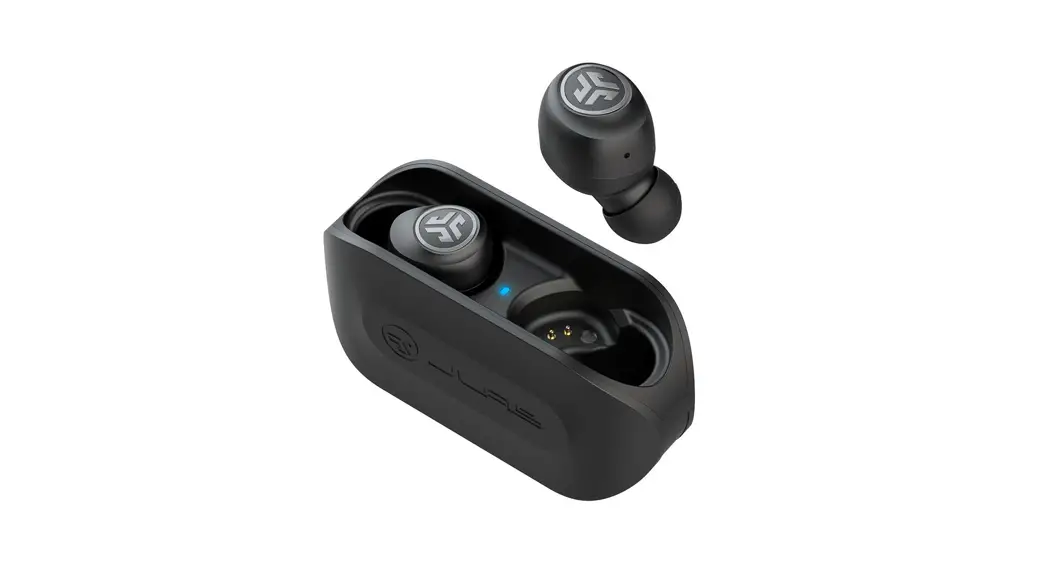


STGO AIR
EARBUDS
We love that you are rocking JLab Audio!
We take pride in our products and fully stand behind them.
 | YOUR WARRANTY All warranty claims are subject to JLab Audio authorization and at our sole discretion. Retain your proof of purchase to ensure warranty coverage. |
| CONTACT US Reach out to us at [email protected] or visit jlabaudio.com/contact |
REGISTER TODAY
jlabaudio.com/register
product updates | how-to tips
FAQs & more
BLUETOOTH PAIRING
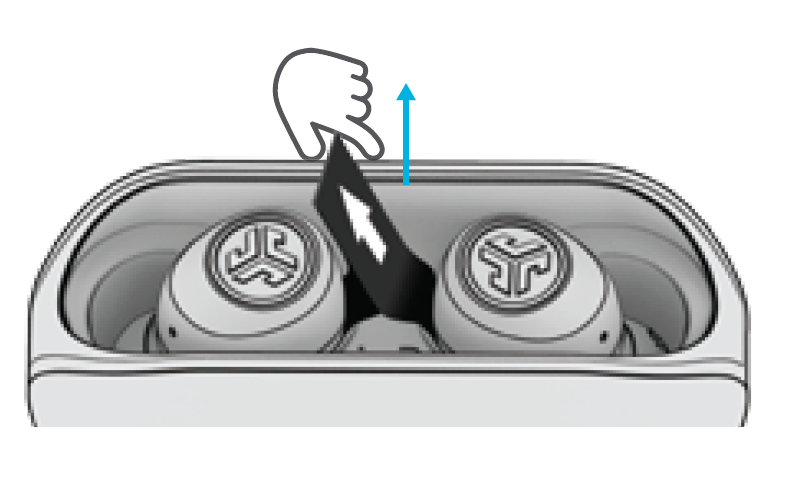
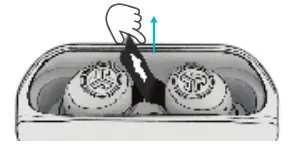
- Remove pull tab.
The charging case light will start pulsing blue.
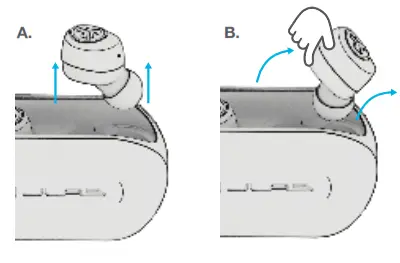
- Remove earbuds by pulling them straight up or from side.

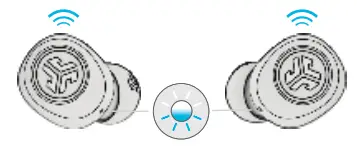
- One earbud will blink blue/white indicating ready to pair to your device.

- Select “JLab GO Air” in your device’s Bluetooth settings to connect.
Voice prompt “You’re connected” followed by solid white lights will indicate you are connected.
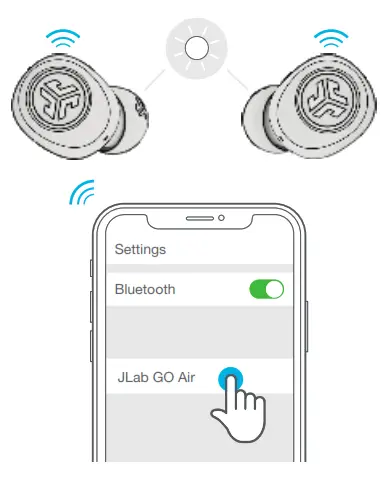
ADDING NEW / ADDITIONAL BLUETOOTH DEVICES:
Turn OFF Bluetooth from any previously connected device. Turn ON Bluetooth from new device.
Take earbuds out of the case.
Earbuds will automatically enter Bluetooth Pairing.
Select “JLab GO Air” in device settings to connect.
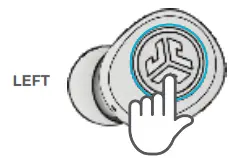
VOLUME DOWN: Single tap
SIRI (iOS) or “OK GOOGLE”
(ANDROID): Double tap
TRACK BACK: Press & hold 1+ sec
EQ CHANGE: Triple tap
POWER ON: Press & hold 3+ sec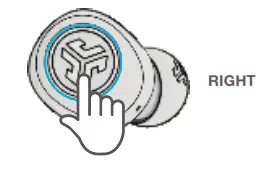
VOLUME UP: Single tap
PLAY / PAUSE: Double tap
TRACK FORWARD: Press & hold 1+ sec
ANSWER: Single tap
HANGUP: Double tap
REJECT INCOMING CALLS:
Press & hold 1+ sec
EQ CHANGE: Triple tap
POWER ON: Press & hold 3+ sec
VOICE PROMPTS
“Hello”: Power ON
“Ready to Pair”: GO Air is ready
to pair to Bluetooth device
“Bluetooth Connected”:
Earbud is connected to device
“Battery Full”: 100-75%
“Battery Medium”: 75-25%
“Low Battery”: Less than 25%
(When power decreases to 10%,
“Low Battery” will play one time)
“Goodbye”: Power OFF
CUSTOM EQ 3 SOUND MODES
Tap either the right or left earbud 3 times for different EQ settings (GO Air will cycle 3 EQ settings).
 | ||
| JLab SIGNATURE JLab C3™ signature sound with amplified bass and vocals | BALANCED Even sound with no additional enhancements | BASS BOOST Amplified bass and sub-bass |
CHARGING EARBUDS
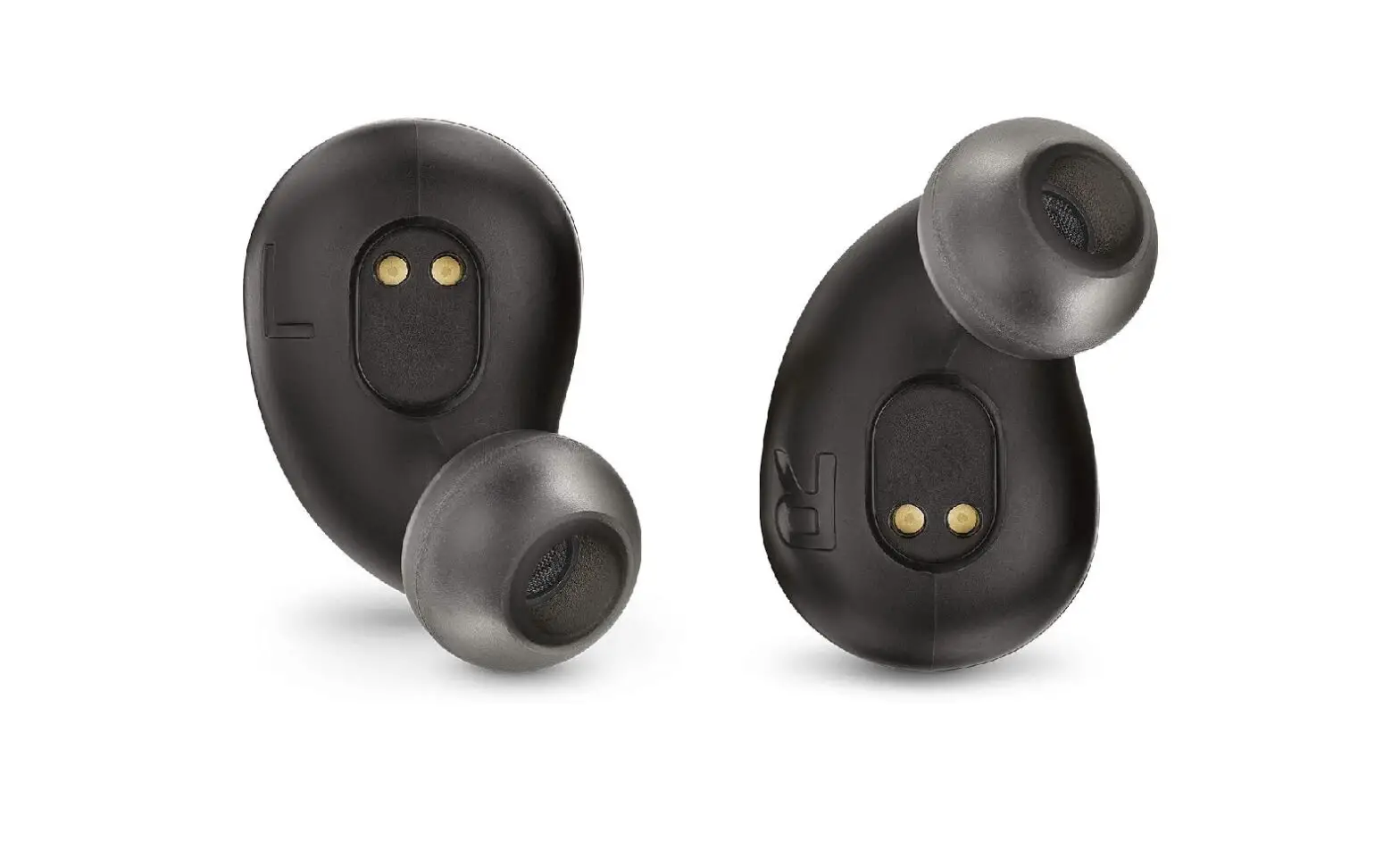
- Earbuds will power off when placed in the case and first show charging case battery level.

- Then pulsing blue light indicates earbuds are charging and turns off when fully charged.

- Earbuds will auto power on and connect to your device when removed.
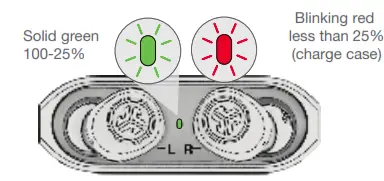
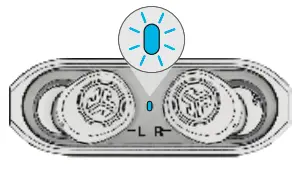
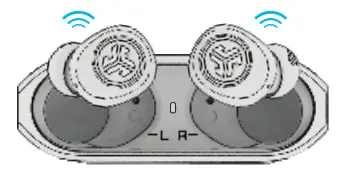
CHARGING CASE
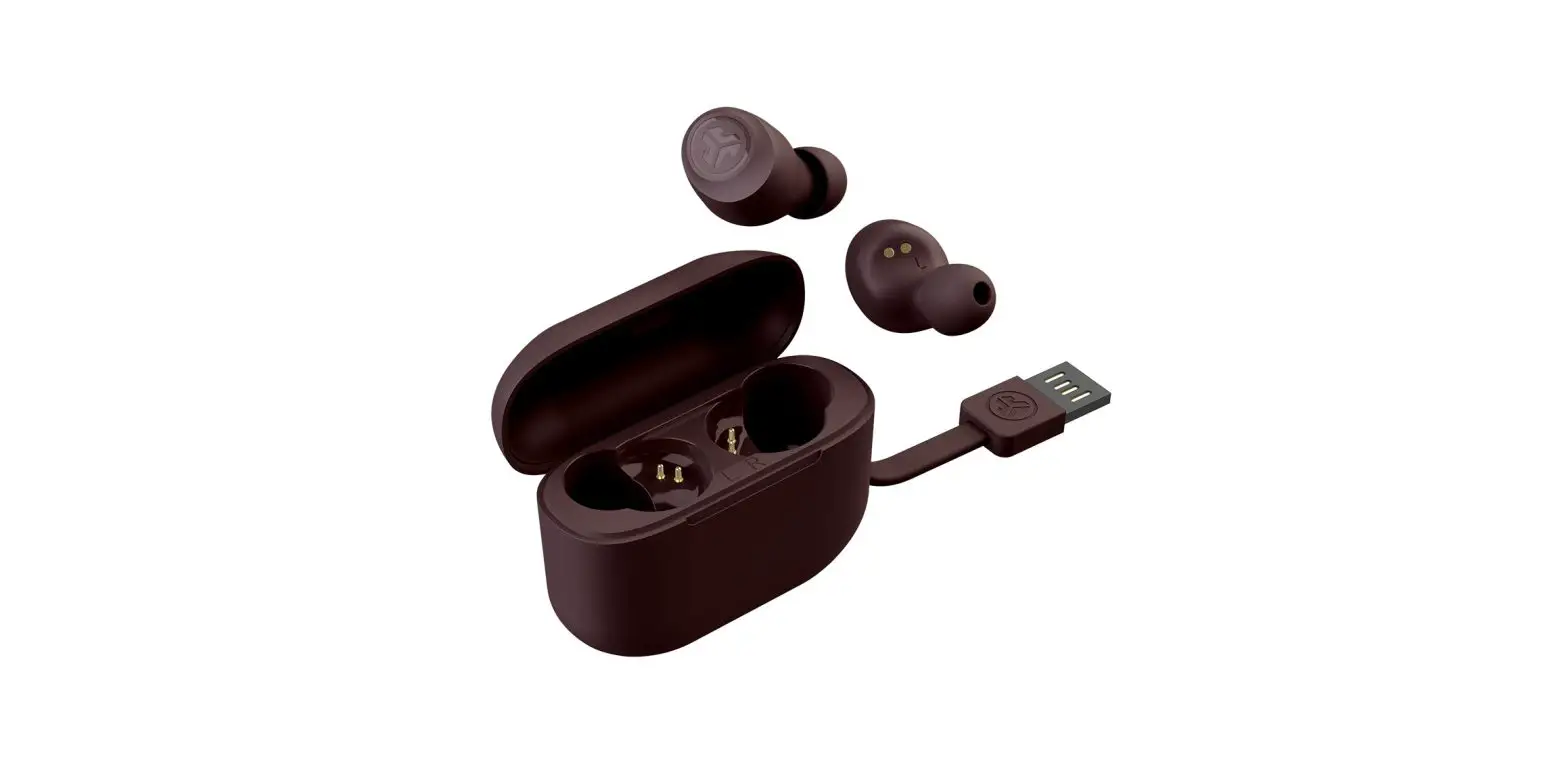
Connect the GO Air into a omputer or USB 5V 1A (or less) output device.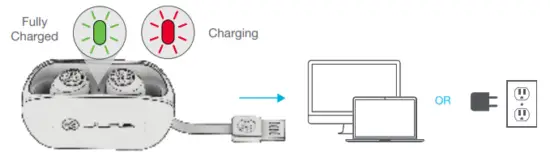
FITTING
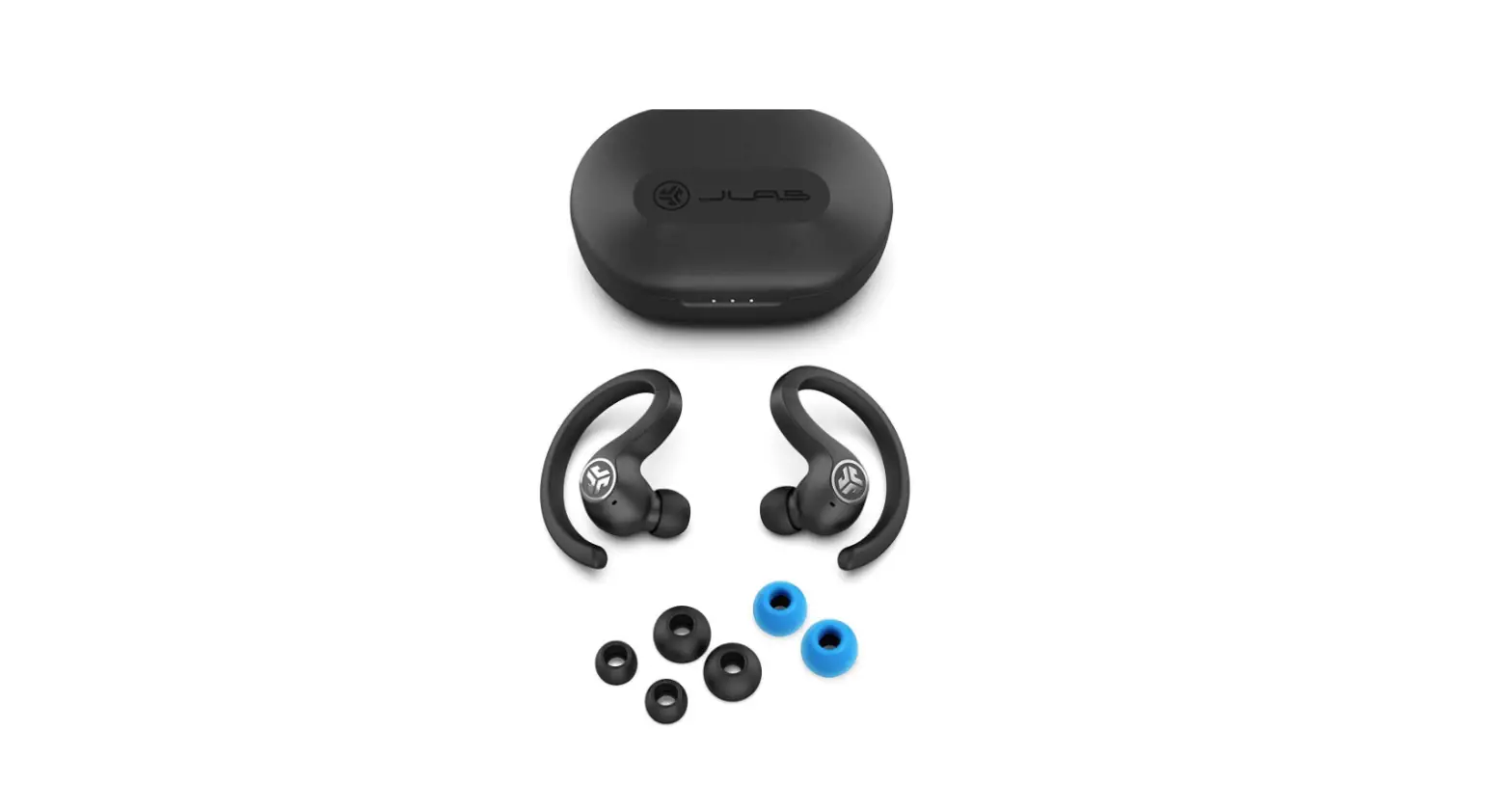
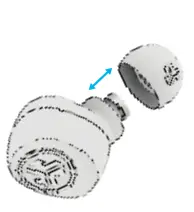 Try all ear tips for best fit and proper seal.
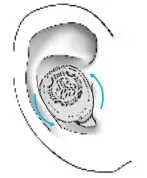 Place the earbud in the ear canal and slightly rotate to adjust for best fit.
QUICK TIPS
- The left or right earbud can be used independently for music and phone calls. Simply choose one and take out of the case to connect.
- Only ONE Bluetooth device can be connected at a time. Turn off Bluetooth on unwanted devices and turn on Bluetooth on chosen device to connect.
WARNING
Fully dry off the earbuds before putting in the charging case to avoid any damage to the case. The earbuds are sweat/water resistant but the case is not.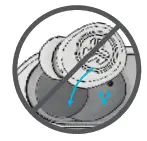
CAUTIONS
- Avoid extreme heat, cold, and humidity.
- Avoid dropping or crushing the earbuds.
- Wax may build up in the earbud tips, lowering the sound quality. Carefully remove the wax with a cotton swab or other small tool to improve the sound quality.
- If you experience discomfort or pain, try lowering the volume or discontinuing use temporarily.
- If you experience regular discomfort while using this product, discontinue use and consult your physician.
- We recommend you treat your earbuds as you would a nice pair of sunglasses and keep them in safe location when not in use.
Shop products | Product alerts | Burn-in your headphones
JLab Audio + Burn-in Tool
 JLab: True Wireless Headphones, Earbuds, Microphones, Personal Audio