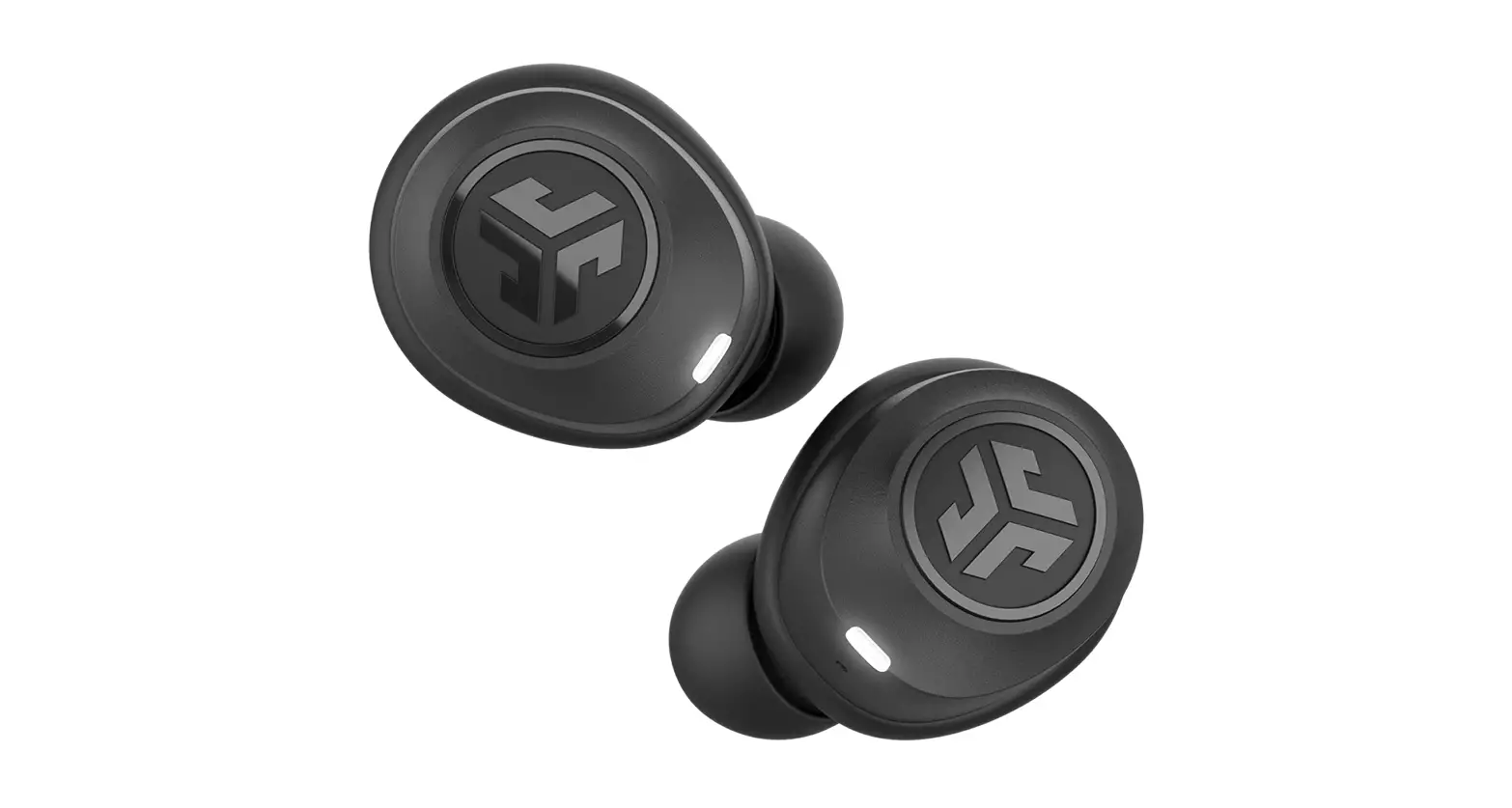
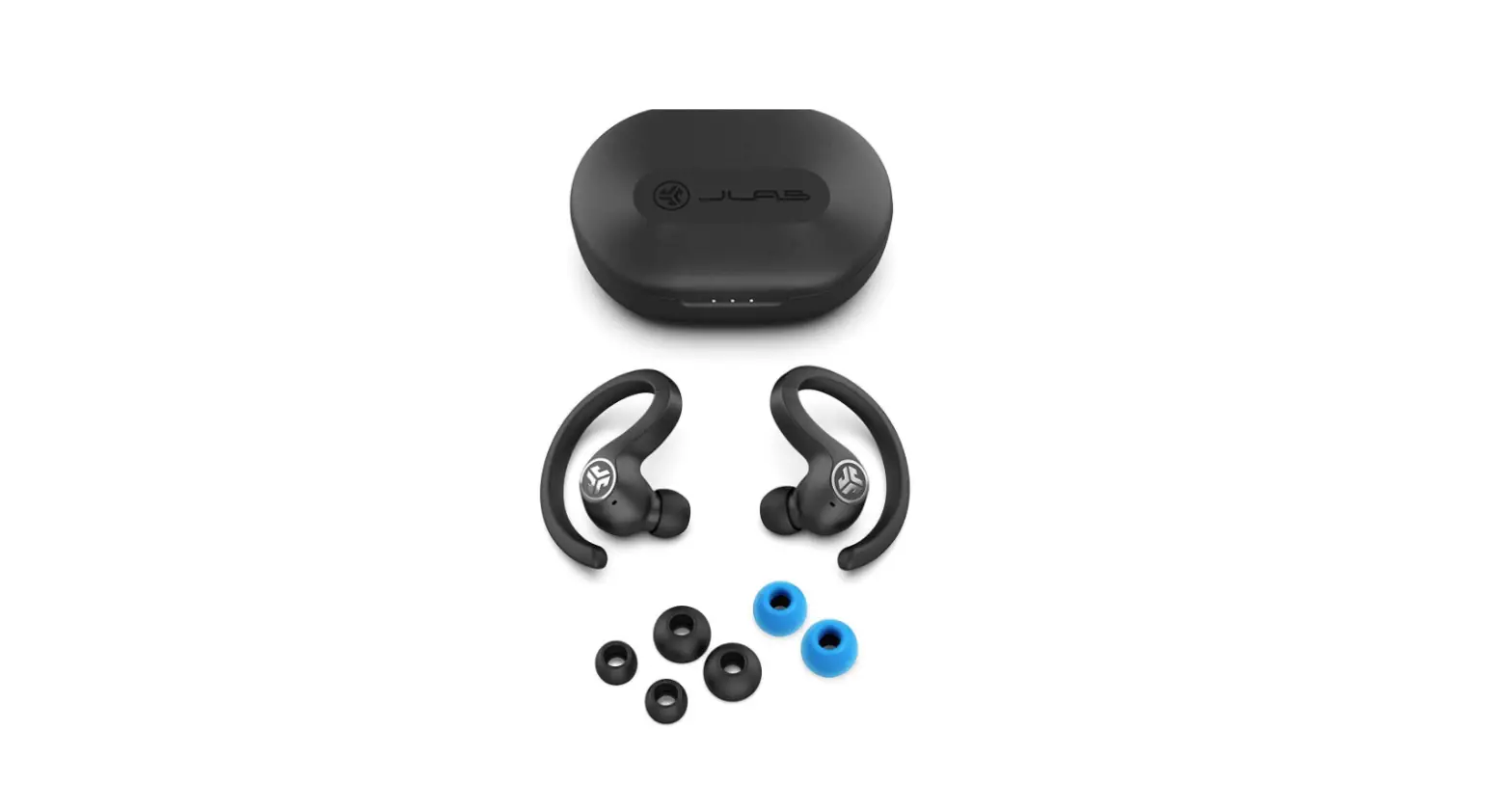
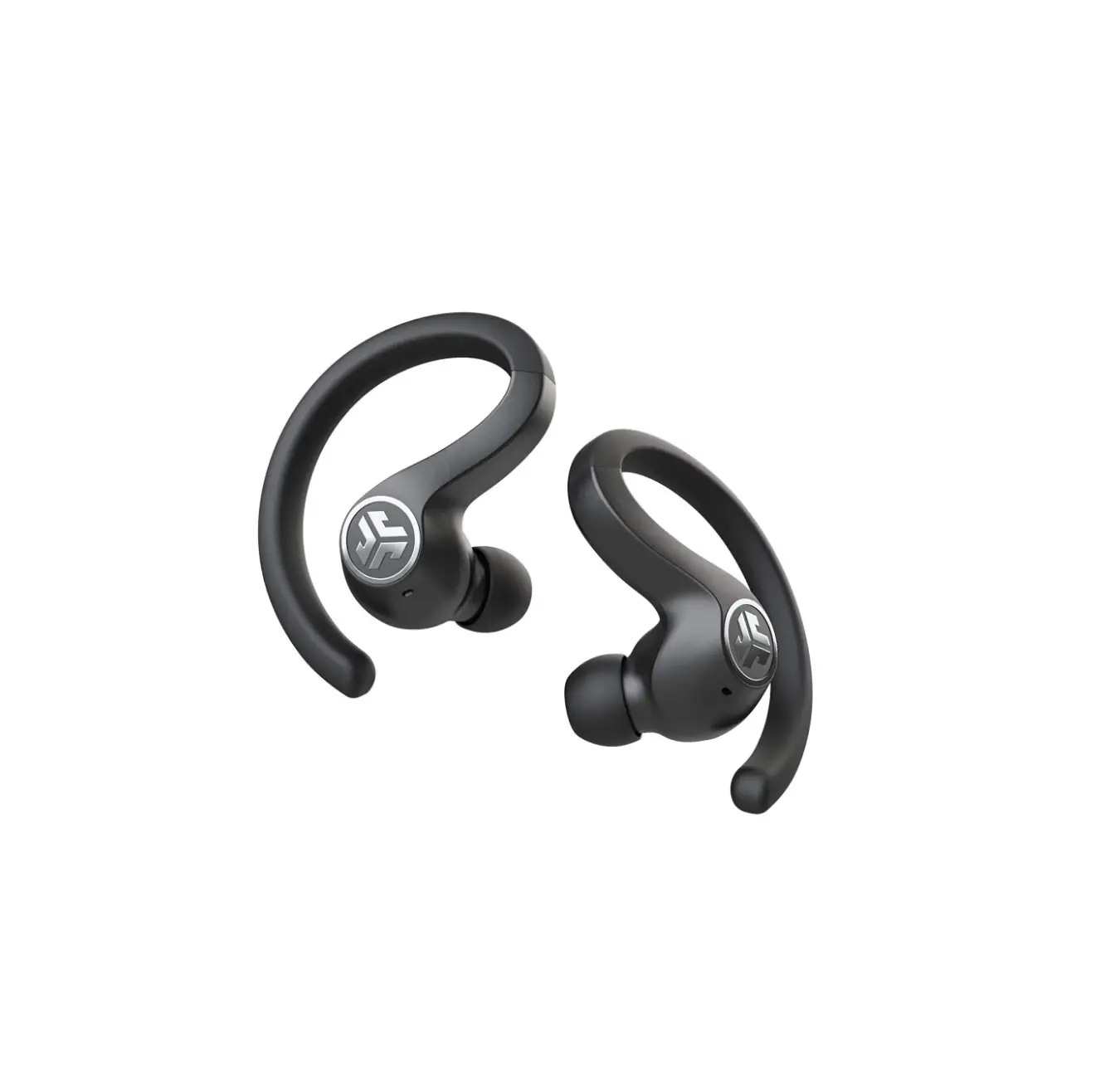
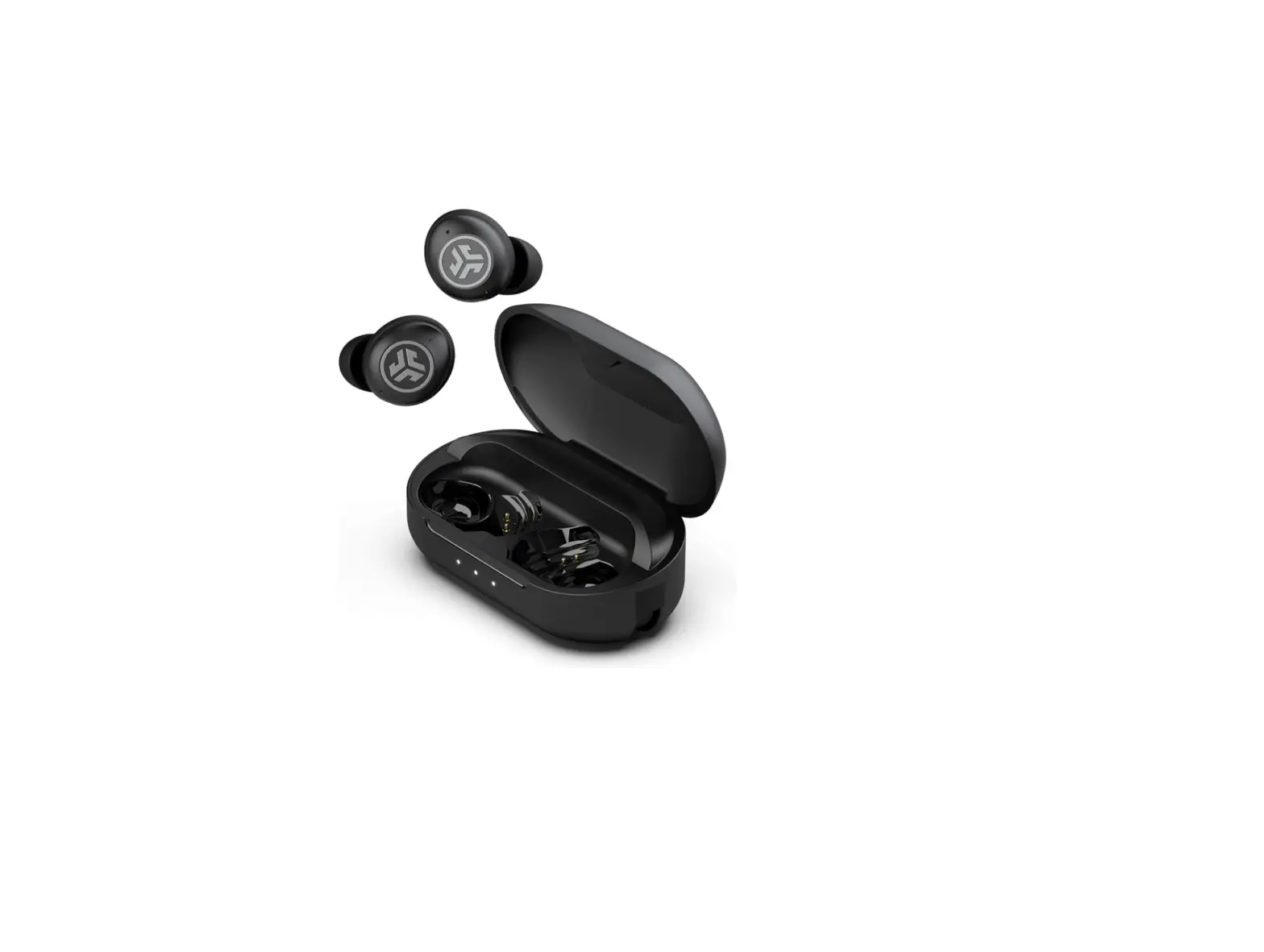
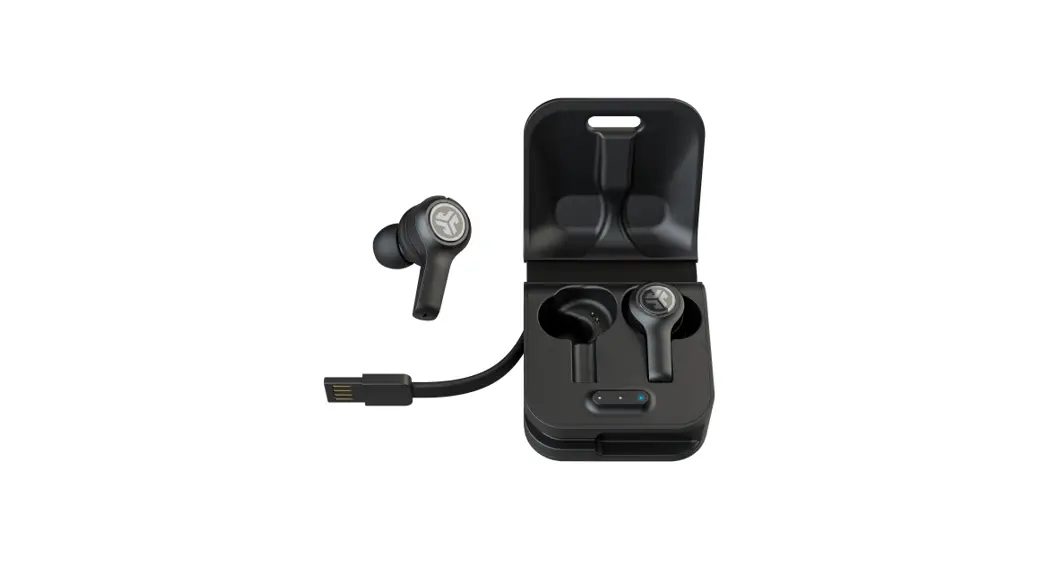
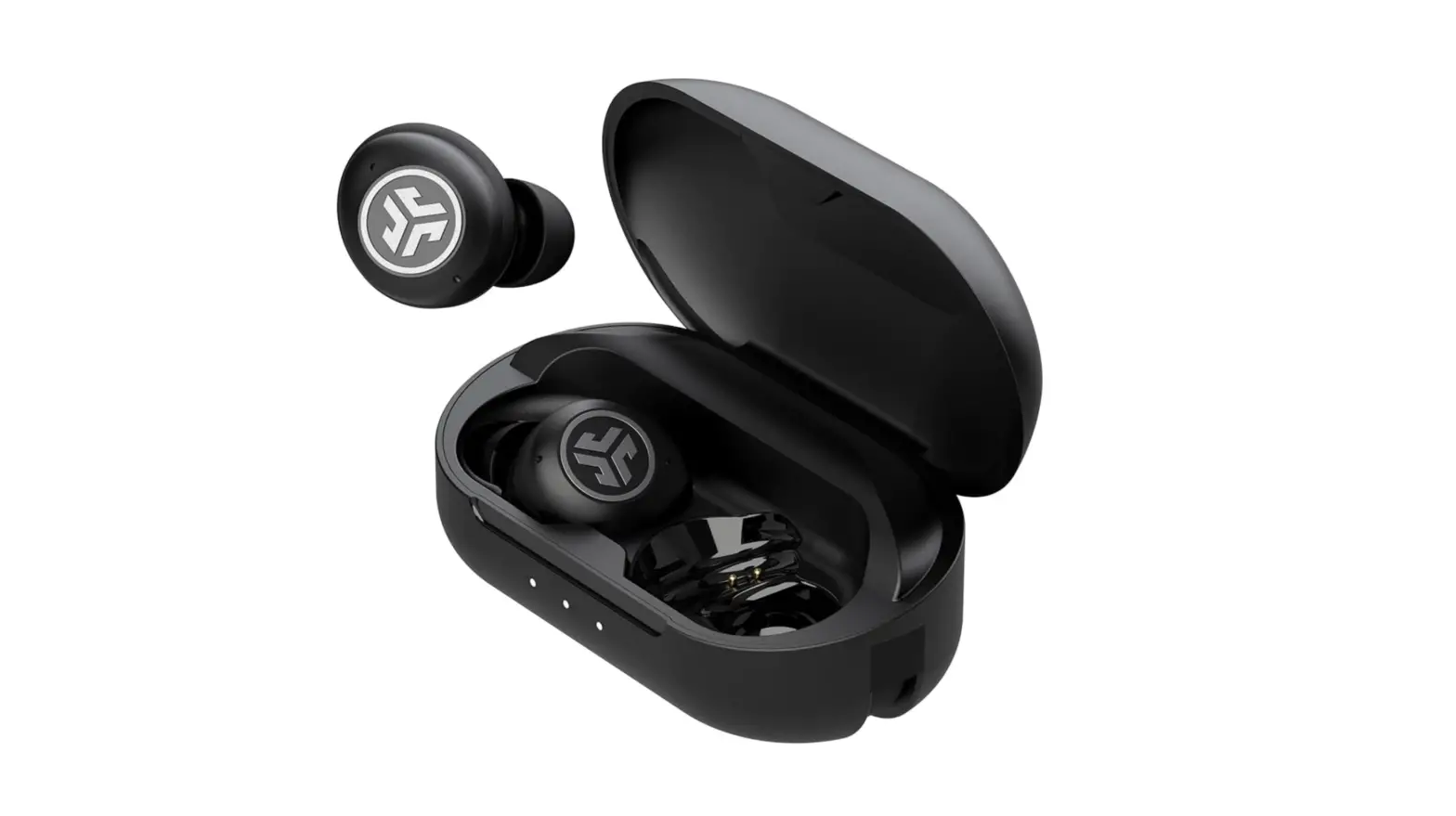
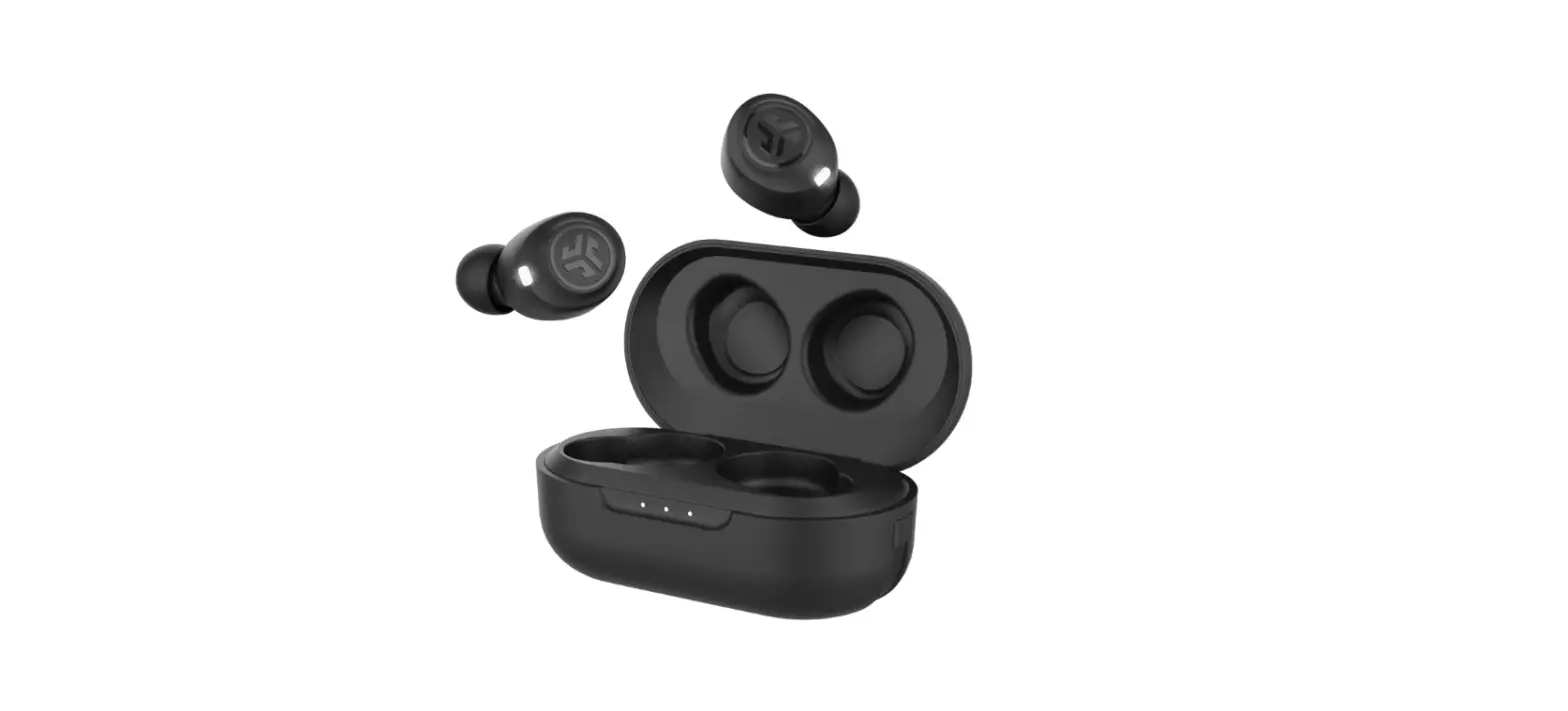
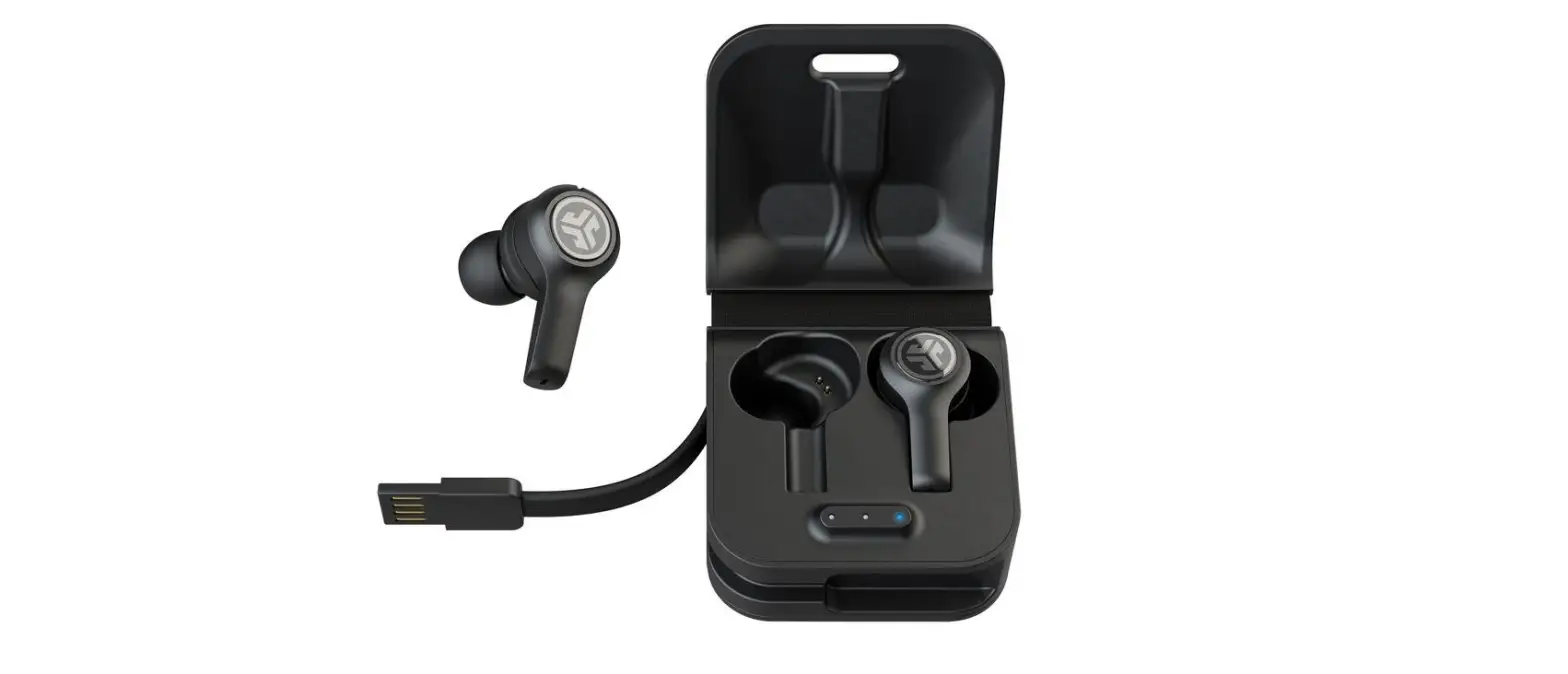
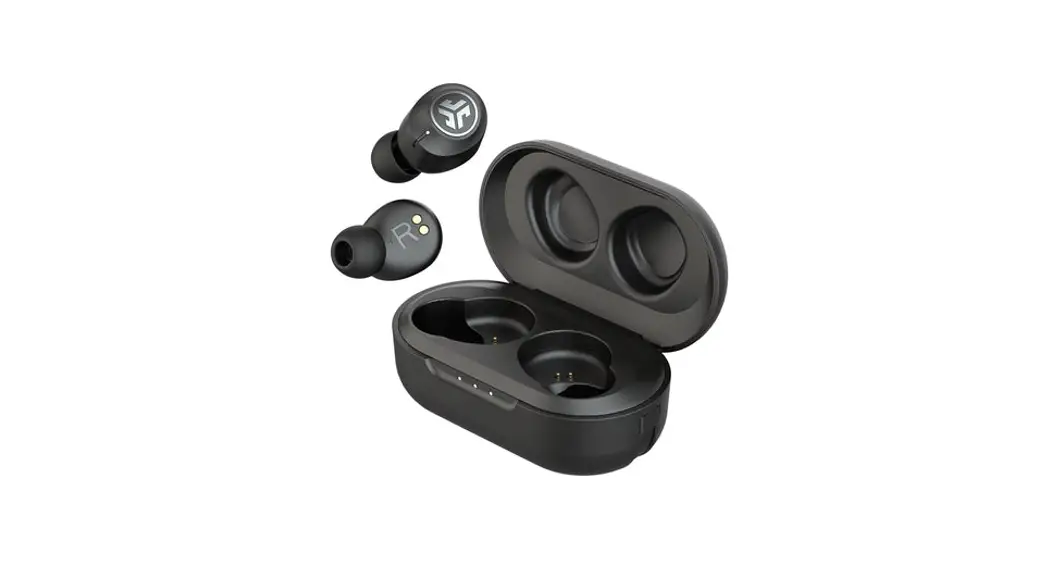
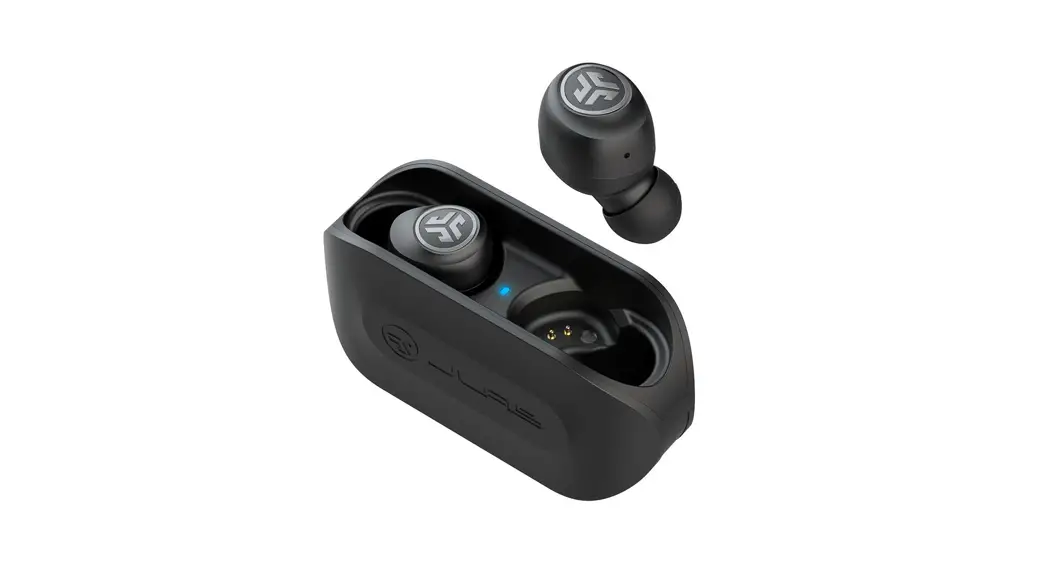
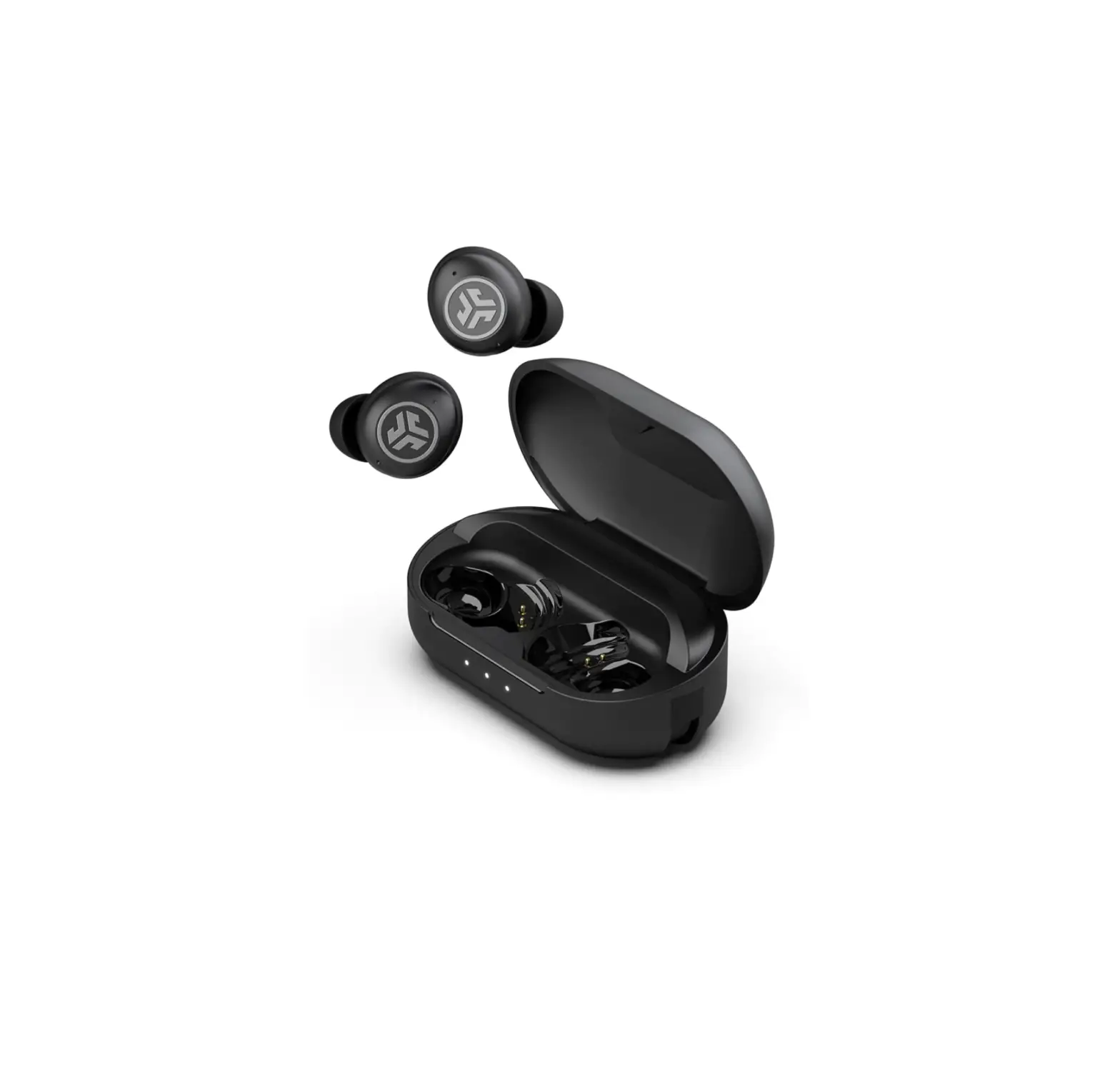
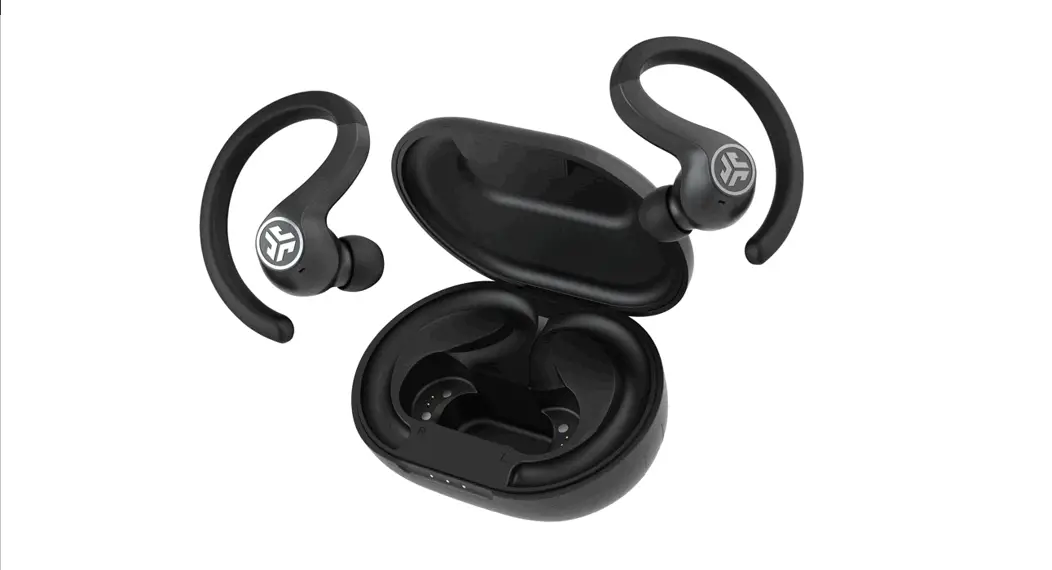
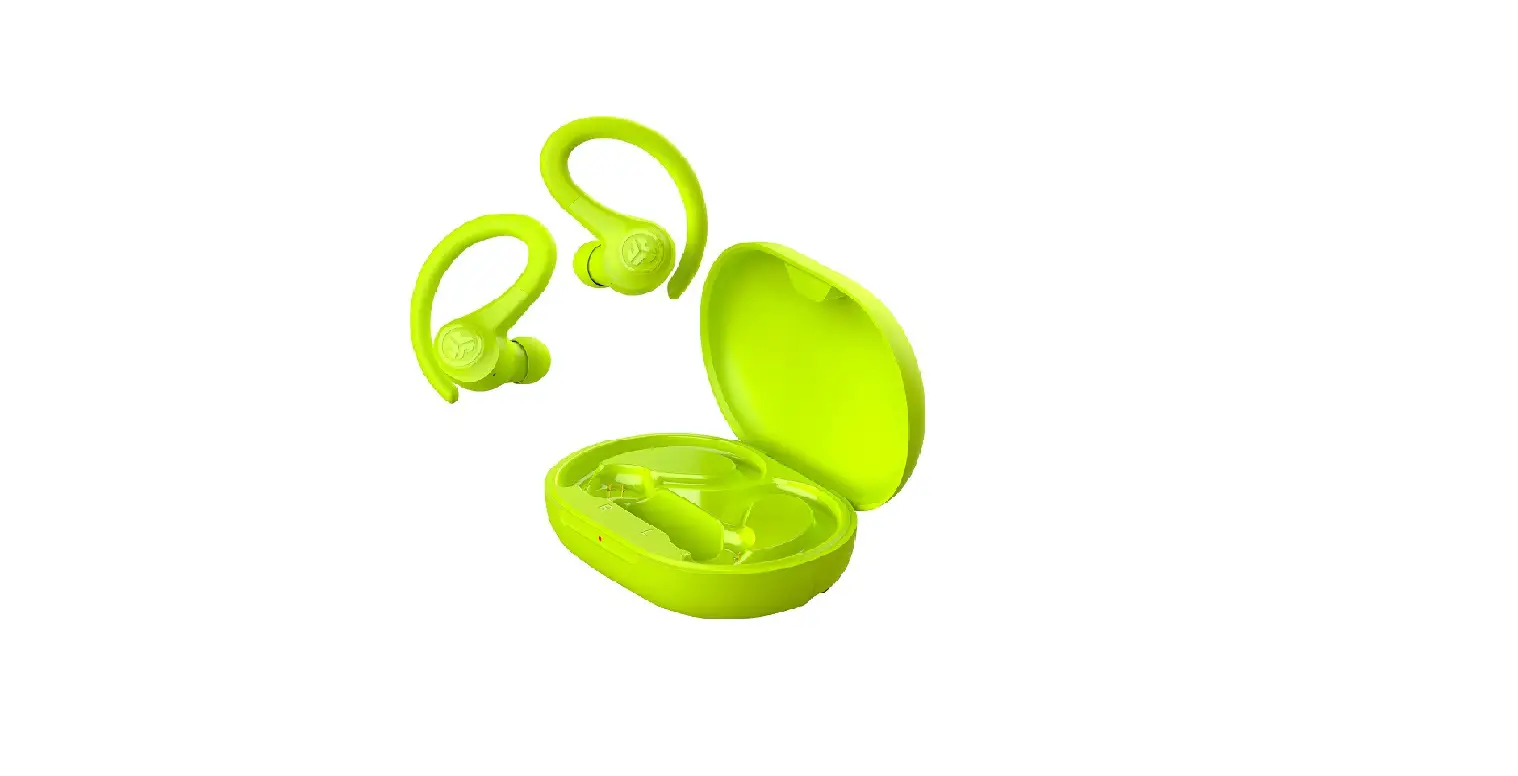
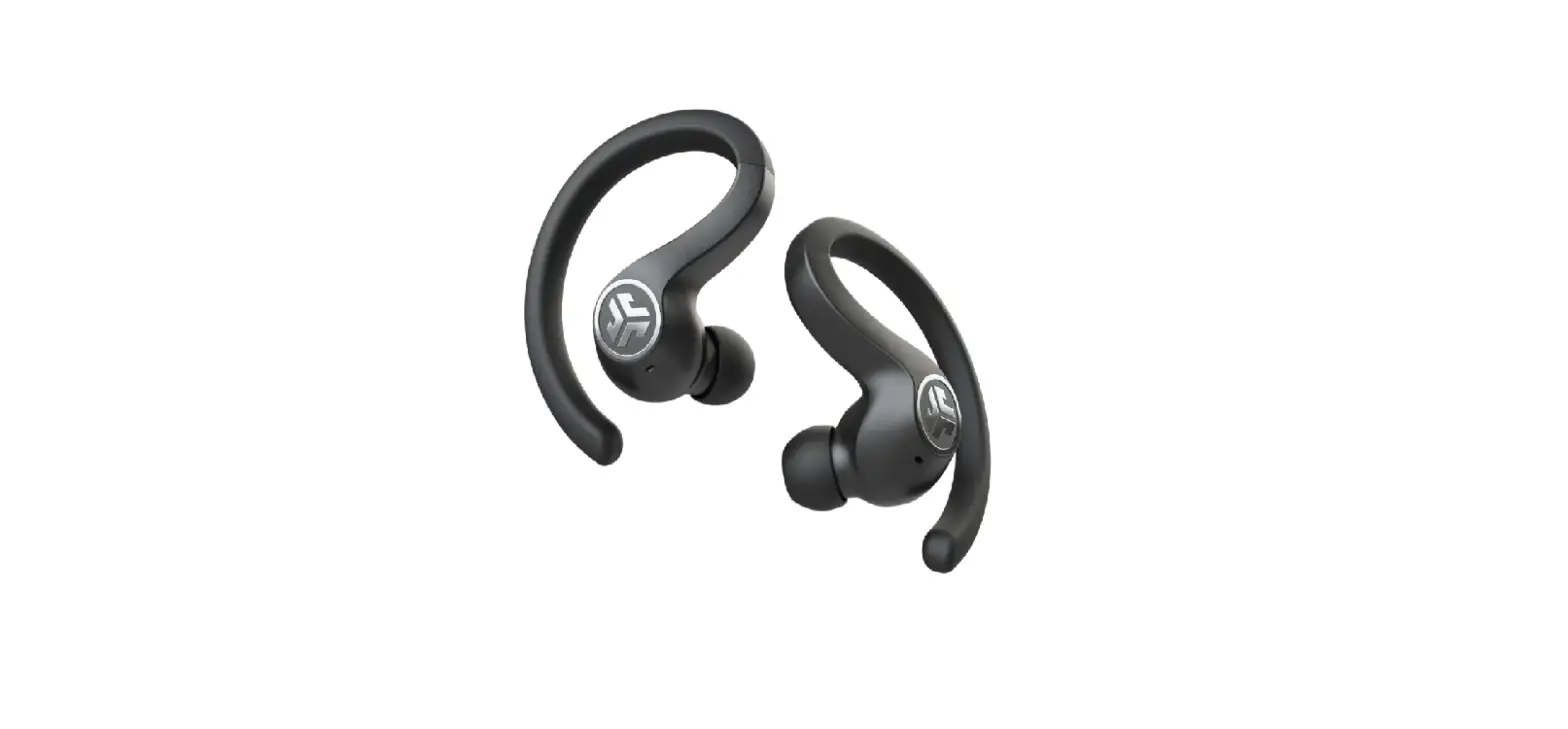
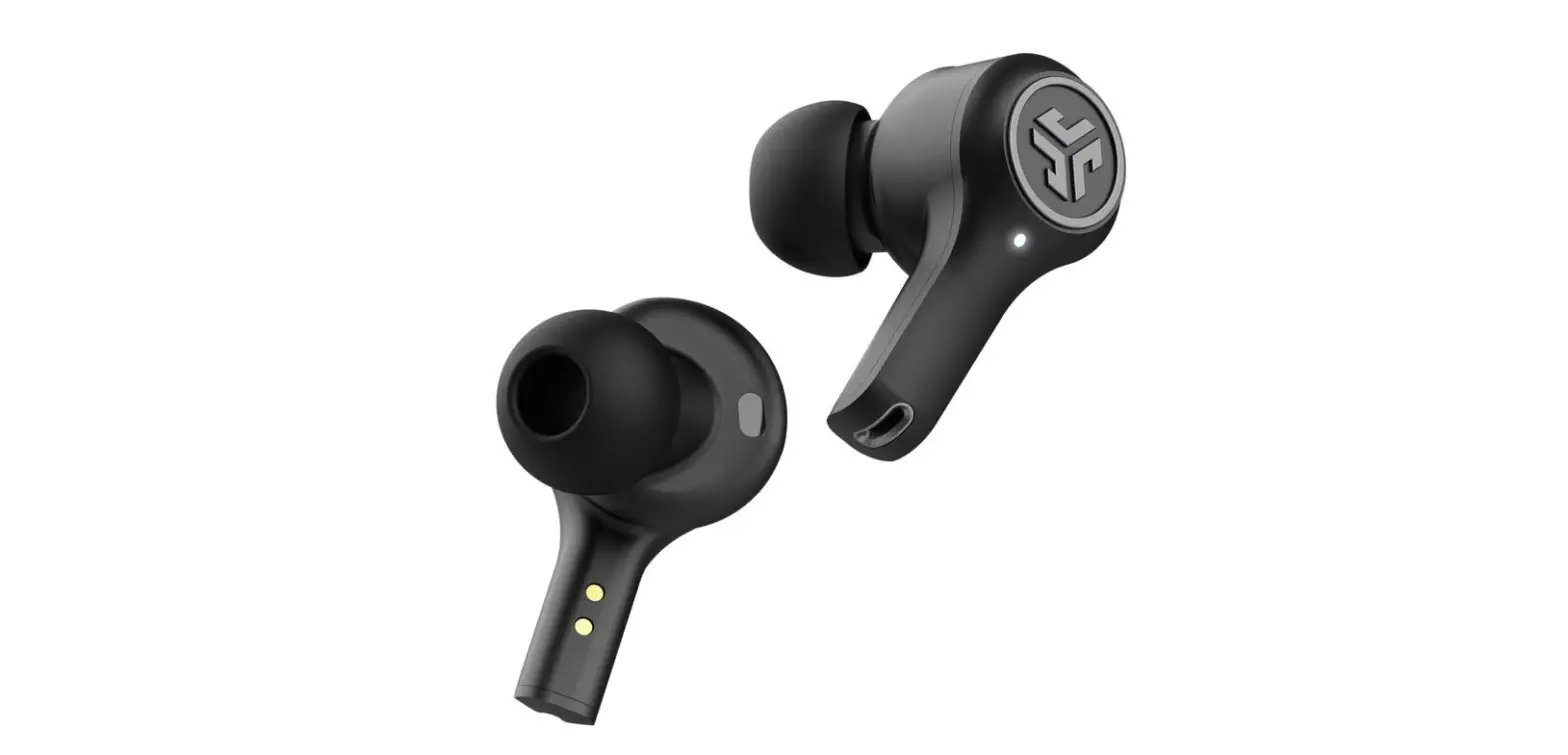
JBuds Air Pro True Wireless Earbuds
Product Information
JLab JBuds Air Pro Earbuds
The JLab JBuds Air Pro Earbuds are Bluetooth-enabled earbuds
that provide high-quality sound and convenient features for
wireless listening.
Product Features:
- Bluetooth pairing for easy connection to devices
- Button functions for controlling volume, music playback, and
calls - Voice prompts for status updates
- Custom EQ3 sound modes for personalized audio experience
- Charging case for convenient storage and recharging
- Multi-point connectivity to connect two devices
simultaneously - Cush FinTM ear tips for a comfortable and secure fit
Warranty:
All warranty claims are subject to JLab authorization and at
their sole discretion. It is important to retain the proof of
purchase to ensure warranty coverage.
Contact Information:
To reach out to JLab support, you can email them at
[email protected] or visit their website jlab.com/contact for more
information.
Product Updates and Resources:
To stay updated with the latest product information, how-to
tips, FAQs, and more, you can register your product on
jlab.com/register.
Product Usage Instructions
Bluetooth Pairing
- Take the earbuds out of the case and remove any stickers. Place
the earbuds back in the case and close the door. - The blue lights on the case indicate that the earbuds are
charging. Remove the earbuds from the case.
Adding New/Additional Bluetooth Devices:
To add a new or additional Bluetooth device, follow these
steps:
- Turn off Bluetooth on any previously connected device.
- Turn on Bluetooth on the new device.
- The earbuds will automatically enter Bluetooth pairing mode. In
the new device settings, select “JLab JBuds Air Pro” to
connect.
| Left Earbud | Right Earbud |
|---|---|
| VOLUME DOWN: Single tap | VOLUME UP: Single tap |
| SIRI (iOS) or OK GOOGLE (ANDROID): Double tap | ANSWER: Single tap |
| MUSIC / MOVIE MODE: Press & hold 1+ sec | HANGUP: Double tap |
| TURN ON: Press & hold 3+ sec | REJECT INCOMING CALLS: Press & hold 1+ sec |
| CHANGE EQ: Triple tap (JBuds Air Pro will cycle 3 EQ settings) | PLAY / PAUSE: Double tap |
| BE AWARE: Triple tap | TRACK FORWARD: Press & hold 1+ sec |
Voice Prompts
The earbuds provide voice prompts to indicate various
statuses:
- Ready to Pair: JBuds Air Pro are ready to pair to a Bluetooth
device - Battery Full: 100-80%
- Battery Medium: 80-20%
- Low Battery: Less than 20%
- When power decreases to 10%, Low Battery prompt will play
Turn Off Without Charging Case
To turn off the earbuds without using the charging case, follow
these steps:
- Turn off Bluetooth from the device settings.
- The earbuds will power off automatically after 3 minutes.
Custom EQ3 Sound Modes
To switch between different EQ settings, tap either the right or
left earbud three times. The JBuds Air Pro will cycle through three
EQ settings:
- JLab Signature: JLab C3TM signature sound with amplified bass
and vocals - Balanced: Even sound with no additional enhancements
- Bass Boost: Amplified bass and sub-bass
Charging Earbuds
Placing the earbuds in the charging case will automatically
power them off and start the charging process. The blue lights on
the case will indicate that the earbuds are charging and will turn
off when fully charged. Removing the earbuds from the case will
automatically power them on and connect them to the last connected
device.
Charging Case
To charge the JBuds Air Pro earbuds, connect the charging case
to a computer or a USB 5V 1A (or less) output device. The LEDs on
the case will pulse white while charging and turn solid white when
fully charged.
Multipoint (Connect 2 Devices Simultaneously)
- Once the first device is connected, turn off Bluetooth in the
device settings. - The JBuds Air Pro will automatically enter Bluetooth pairing
mode. - Enter the Bluetooth settings of your second device and connect
to the JBuds Air Pro. - Enter the Bluetooth settings of your first device and turn on
Bluetooth. Connect to “JLab JBuds Air Pro”.
Fitting
Try all the optional Cush Fins and ear tips provided with the
earbuds to find the best fit and ensure proper seal for optimal
comfort and sound quality.
We love that you are rocking JLab! We take pride in our products and fully stand behind them.
LIMIT
ED TWO
WAR RAN T TEAMJLA PPORT TE
AM
Y
YEAR
YOUR WARRANTY All warranty claims are subject to JLab authorization and at our sole discretion. Retain your proof of purchase to ensure warranty coverage.
CONTACT US Reach out to us at [email protected] or visit jlab.com/contact
REGISTER TODAY
jlab.com/register Product updates | How-to tips
FAQs & more
#
B SU
JBUDS AIR PRO EARBUDS
BLUETOOTH PAIRING
1
Take earbuds out of case and remove stickers. Place earbuds back in case and close door.
2
Blue lights on case indicates charging. Remove earbuds from case.
ADDING NEW / ADDITIONAL BLUETOOTH DEVICES:
Turn OFF Bluetooth from any previously connected device. Turn ON Bluetooth from new device.
Earbuds will automatically enter Bluetooth Pairing. Select “JLab JBuds Air Pro” in new device settings to connect.
LEFT EARBUD
RIGHT EARBUD
3
One earbud will blink blue/white indicating ready to pair to your device.
Select “JLab JBuds Air Pro” in your device’s Bluetooth settings.
Settings Bluetooth
JLab JBuds Air Pro
BUTTON FUNCTIONS
LEFT EARBUD
RIGHT EARBUD
VOLUME DOWN: Single tap
SIRI (iOS) or “OK GOOGLE” (ANDROID): Double tap
MUSIC / MOVIE MODE: Press & hold 1+ sec
TURN ON: Press & hold 3+ sec
CHANGE EQ: Triple tap (JBuds Air Pro will cycle 3 EQ settings)
VOLUME UP: Single tap ANSWER: Single tap HANGUP: Double tap REJECT INCOMING CALLS: Press & hold 1+ sec PLAY / PAUSE: Double tap TRACK FORWARD: Press & hold 1+ sec TURN ON: Press & hold 3+ sec BE AWARE: Triple tap
VOICE PROMPTS
“Ready to Pair”: JBuds Air Pro are ready to pair to Bluetooth device “Battery Full”: 100-80% “Battery Medium”: 80-20% “Low Battery”: Less than 20% When power decreases to 10%, “Low Battery” will play
TURN OFF WITHOUT CHARGING CASE: Turn off Bluetooth from device settings. Earbuds will power off after 3 minutes.
CUSTOM EQ3 SOUND MODES
Tap either the right or left earbud 3 times for different EQ settings (JBuds Air Pro will cycle 3 EQ settings).
JLab SIGNATURE JLab C3TM signature sound with amplified
bass and vocals
BALANCED Even sound with
no additional enhancements
BASS BOOST Amplified bass and sub-bass
CHARGING EARBUDS
Placing in the charging case will auto power OFF and start charging. Blue lights will indicate earbuds are charging and will turn OFF when fully charged. Removing the earbuds will auto power ON and connect to last device.
CHARGING CASE
Connect the JBuds Air Pro to computer or USB 5V 1A (or less) output device. LEDs pulse white when charging and turn solid white when fully charged.
LEFT EARBUD
RIGHT EARBUD
OR
MULTIPOINT (connect 2 devices simultaneously)
1
Once FIRST device is connected, turn off Bluetooth in device settings.
JBuds Air Pro will auto enter
Bluetooth Pairing.
2
Enter your SECOND device Bluetooth settings and connect to JBuds Air Pro.
3
Enter your FIRST device Bluetooth settings. Turn on Bluetooth and
connect to JLab JBuds Air Pro.
Settings Bluetooth
JLab JBuds Air Pro Connected
JLab JBuds Air Pro Connect
Settings Bluetooth
JLab JBuds Air Pro
FITTING
Cush FinTM Ear tip
Try all the optional Cush Fins and ear tips for best fit and proper seal.
Place in ear and rotate for best fit.
TROUBLESHOOTING
NO AUDIO IN ONE EARBUD OR EARBUDS DISCONNECTED (MANUAL RESET)
1 Keep earbuds in the charging case and forget “JLab JBuds Air Pro” in your Bluetooth device settings.
2 Quick tap 7x on one earbud in charging case. Earbud blinks blue 4 times.
3 Quick tap 7x on other earbud in charging case. Earbud blinks blue 4 times.
Settings Bluetooth
i JLab JBuds Air Pro
7x tap
7x tap
4 Take both earbuds out of the charging case. One earbud will blink blue/white indicating ready to pair to your device.
Instructional videos at: JLAB.COM/MANUALS
QUICK TIPS
· Either earbud can connect to your device and be used independently. Simply take out the earbud from charging case and it will auto connect.
· Choosing the correct ear tip makes a significant improvement in audio quality due to proper seal for the driver. Try all ear tips for best results.
WARNING
Fully dry off the earbuds before putting in the charging case to avoid any damage to the case.
The earbuds are sweat/water resistant but the case is not.
CAUTIONS
· Avoid extreme heat, cold, and humidity. · Avoid dropping or crushing the earbuds. · Wax may build up in the earbud tips, lowering the sound quality.
Carefully remove the wax with a cotton swab or other small tool to improve the sound quality. · If you experience discomfort or pain, try lowering the volume or discontinuing use temporarily. · If you experience regular discomfort while using this product, discontinue use and consult your physician. · We recommend you treat your earbuds as you would a nice pair of sunglasses and keep them in safe location when not in use.
Shop products | Product alerts | Burn-in your headphones JLab Store + Burn-in Tool
JLAB.COM
 JLab Product Manuals