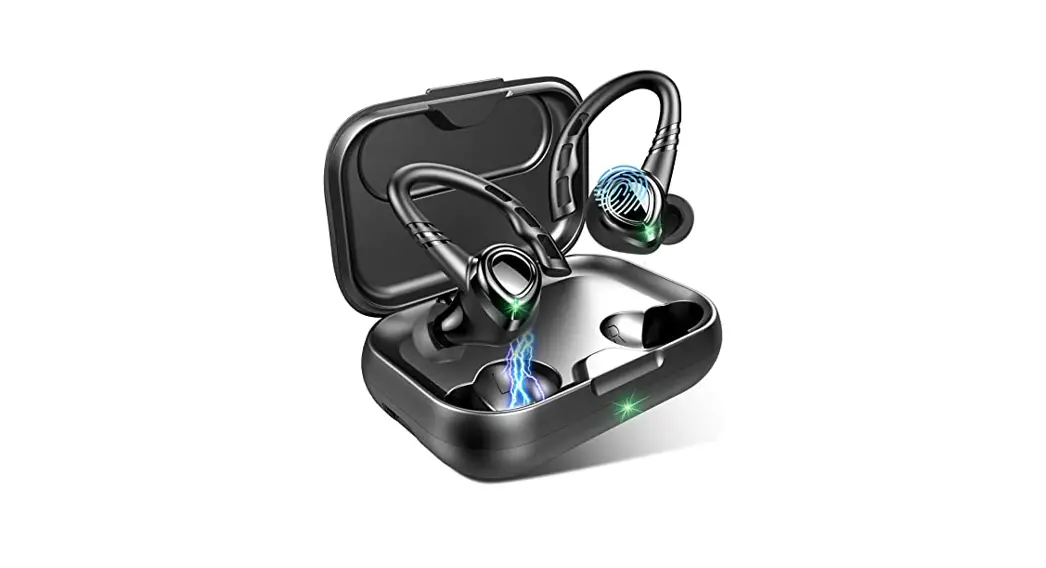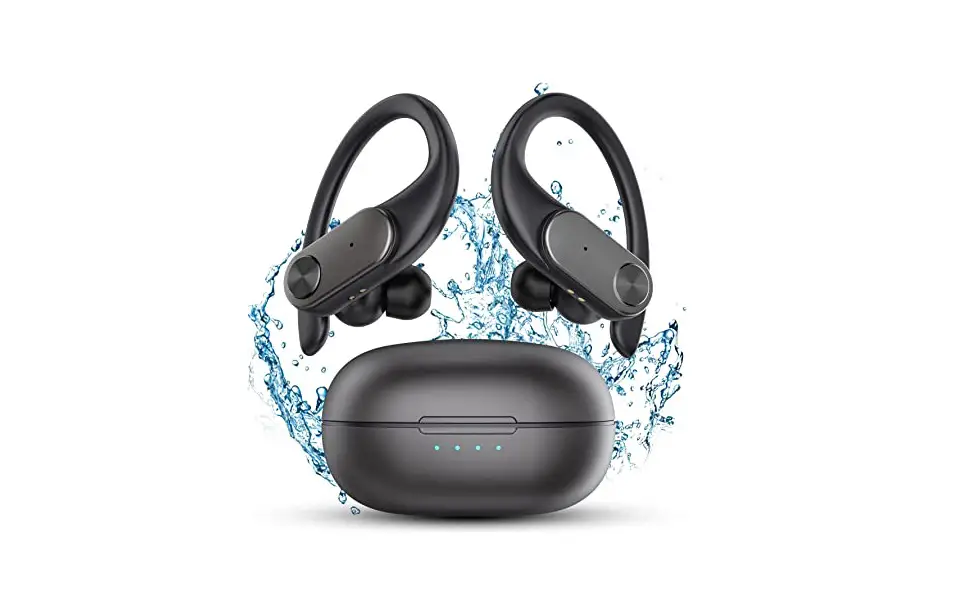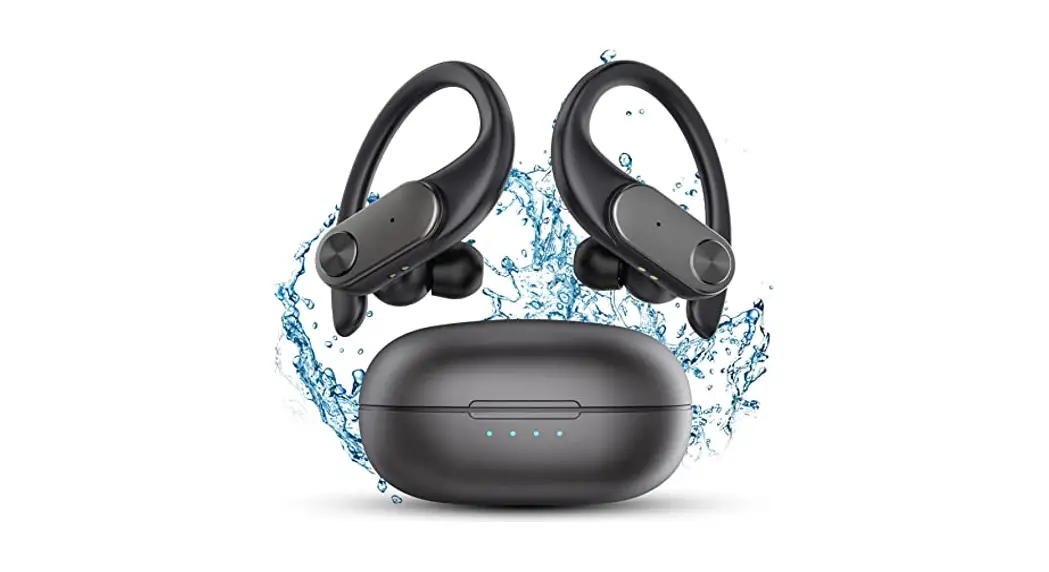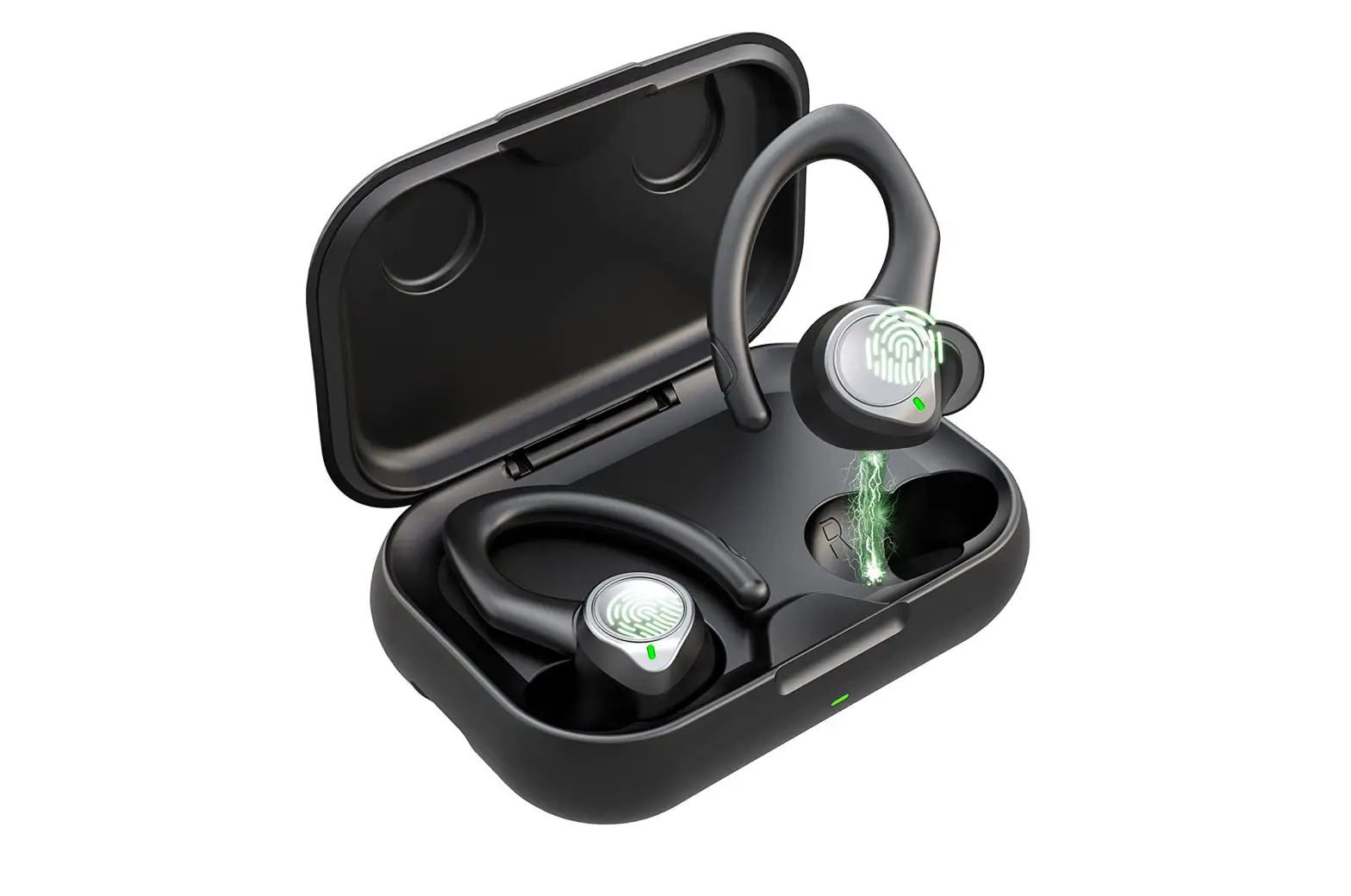
Geryst BE1036 True Wireless Earbuds User Guide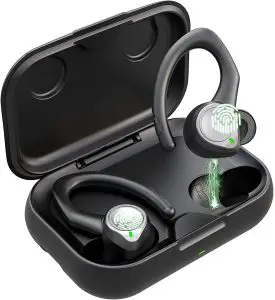
What’s in the box?
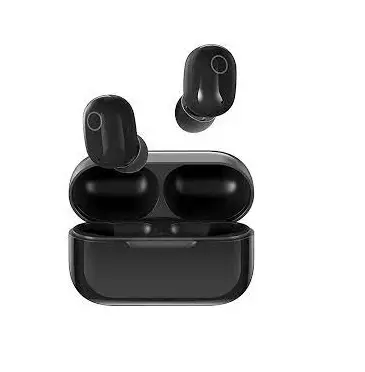
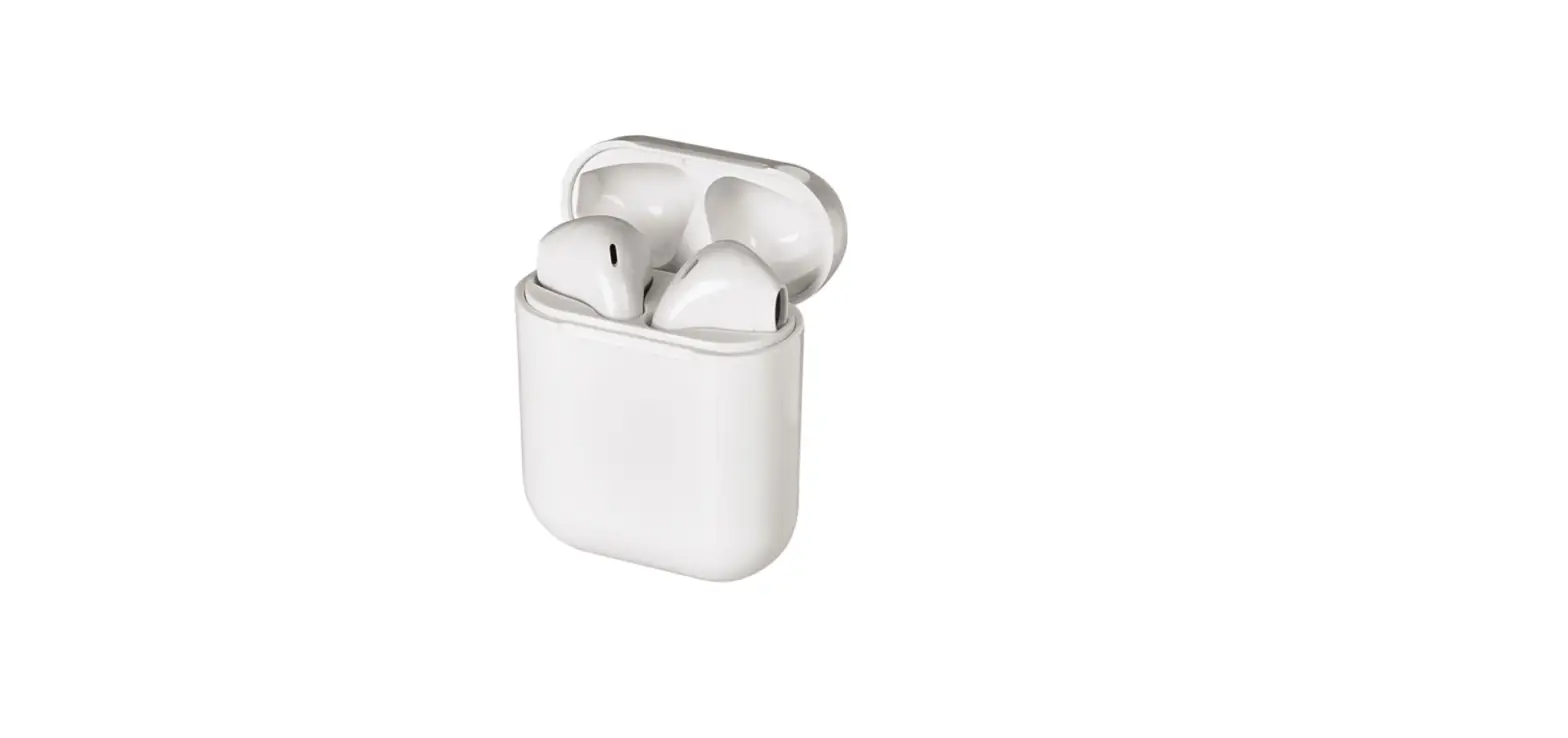
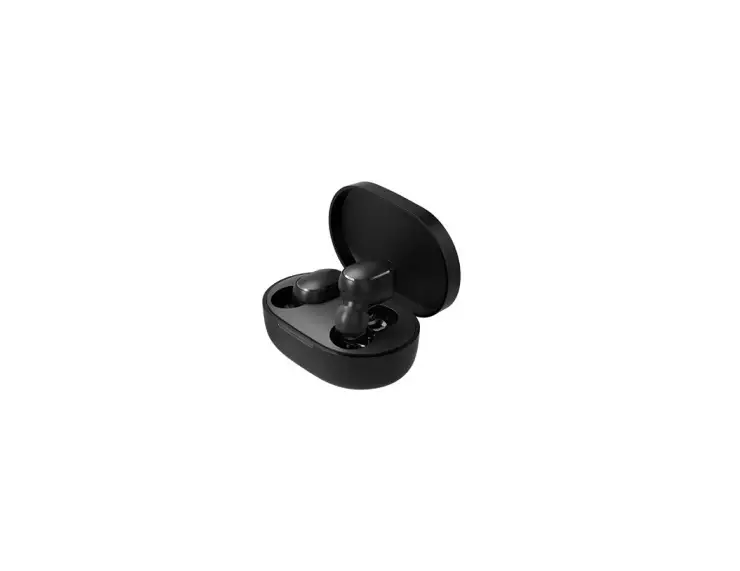
- Wireless Earbuds

- Charging Case

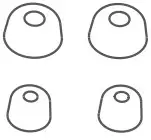
- Eartips (S,L)

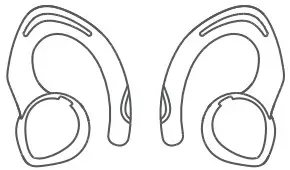
- Small Earhooks

- Type-C Cable

- User Manual

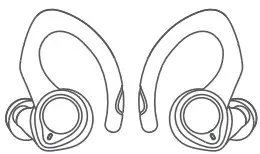
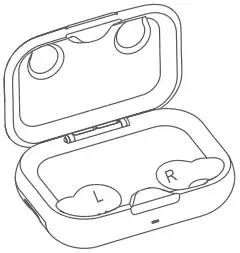


Product Diagram
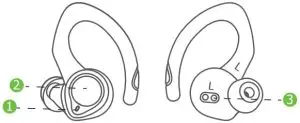
- LED Indicator / Microphone
- MFB button
- Charging Pin
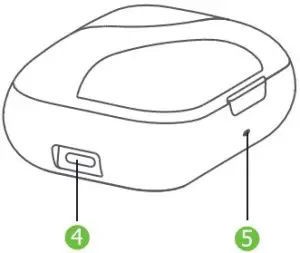
- Type-C charging port
- LED Indicator
Charging
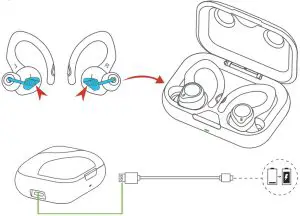
- Remove the protective film from the earbuds when using for the first time.
- Fully charge both earbuds and the charging case before the first-time using.
- To prevent damage, use the provided USB-C cable.
- Fully dry off the earbuds and the USB port before charging.
If the charging case has run out of battery. Charging case will enter deep-sleep state, it will not light up while charging.
Keep charging for 20 mins till the case light up to activate the charging case.
LED Behavior
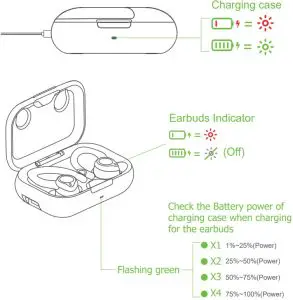
How to fit?
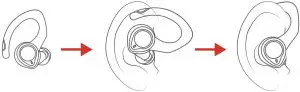
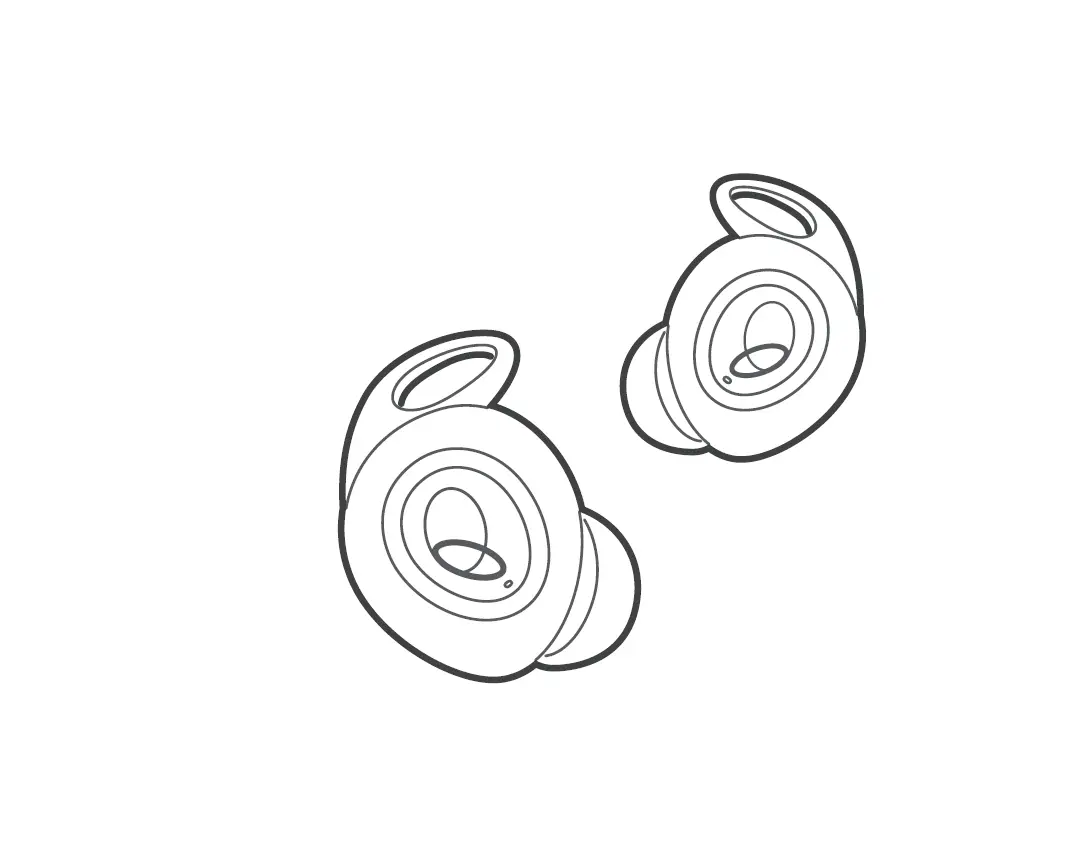
- Identify the left and right earbuds
- Rotate the earbuds,and ajust to find the best angel
- Make sure the ear tip seals in the ear canal
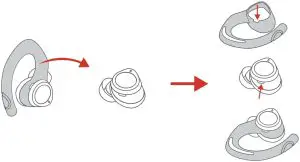
How to replace the earhook?
Pairing your earbuds
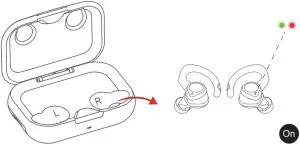
- Both earbuds will automatically turn on and start pairing when taken out of the charging case.
- Selet “BE1036” from the list of devices shown

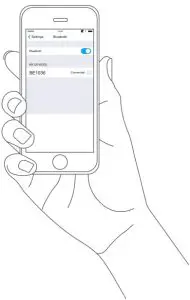
Each earbud could be used independently
Note:
The earbuds will automatically connect with the device their last paired with when earbuds are power on.
Function
| Power On | 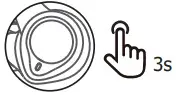 | Click and hold R and L for 3 seconds |
| Power Off | 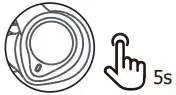 | Pause the music first, Click and hold R and L for 5 seconds |
 | ||
| Play / Pause | 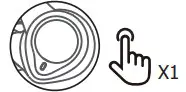 | Click (R/L) |
| Next Track | 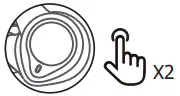 | Double-Click (R) |
| Previous Track | | Double-Click (L) |
| Volume UP/Down | Click and hold the MFB button of Left earbuds to turn up the volume. Click and hold the MFB button of Right earbuds to turn down the volume. | |
| Answer / hang up | | Click (R/L) |
| Reject | | Double Click (R / L) |
 | ||
| Voice-Assistant | | Triple Click (R / L) |
Reset and Reconnecting
If you fail to build connection between two earbuds, or between two earbuds and your phone,please try the follow step:
- Step 1: Delete the old connection on your device.
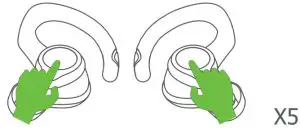
- Step 2: Turn on both earbuds, quickly click the MFB of both earbuds 5 times when they are in pairing mode.

Specification
lnput | DC 5V/1A |
Version | V5.1 |
| Profile | A2DP,AVRCP, HFP, HSP |
Maximum Working Range | 10m(without obstacle) |
| Earbuds battery life | Up to 6 hours(various by volume and audio content) |
Earbud Charging Time | About 1.5 hours |
| Earbud Battery Capacity | 50mAh |
Charging Case Battery Capacity | 500mah |
| Product Weight | About 80 g |