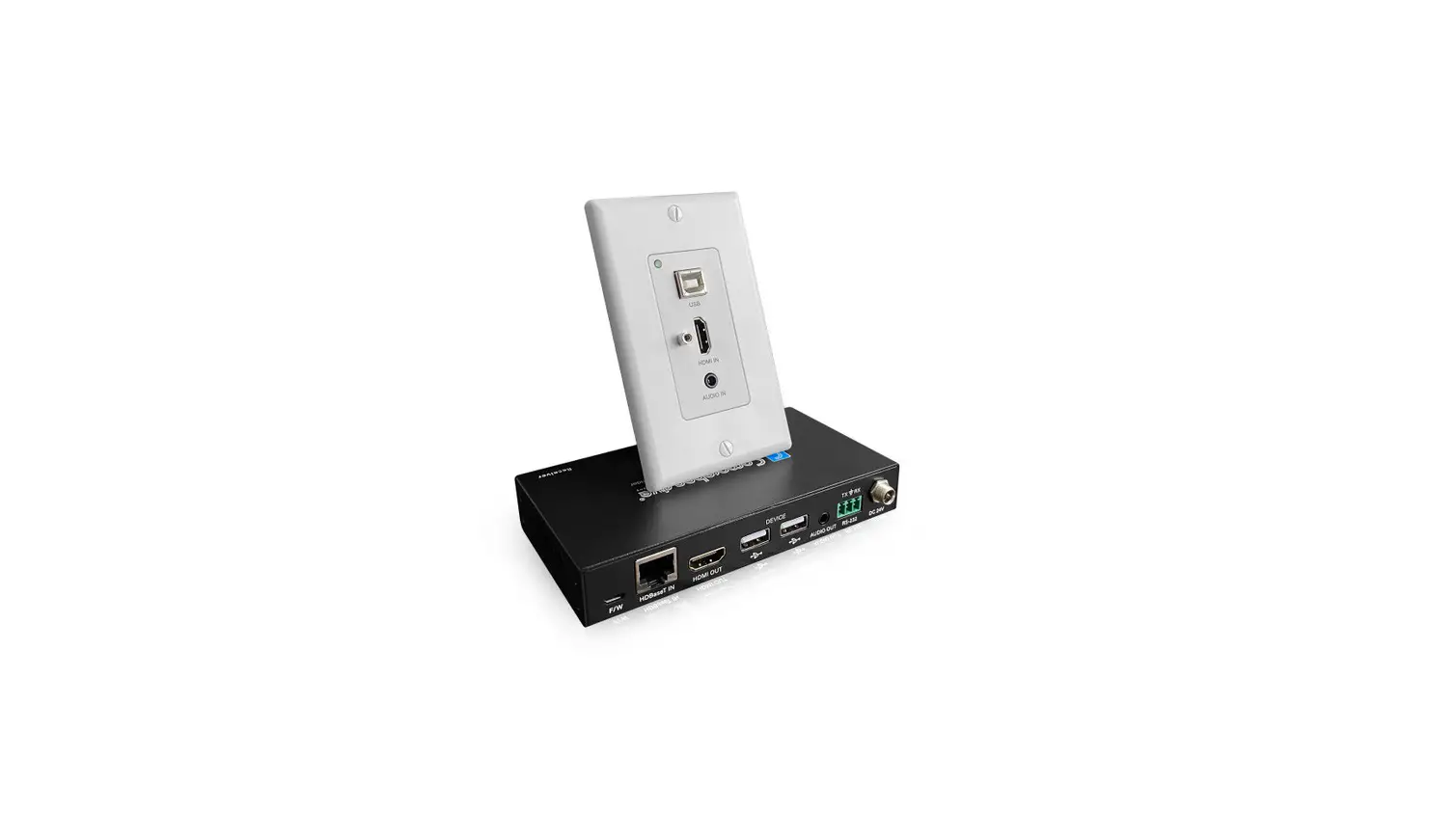

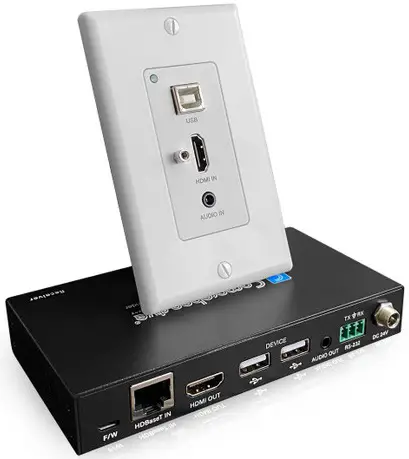
Comprehensive CHE-HDBTWP121K Audio Wall Plate Extender Kit
Thank you for purchasing this product
For optimum performance and safety, please read these instructions carefully before connecting, operating or adjusting this product. Please keep this manual for future reference.
Surge protection device recommended
This product contains sensitive electrical components that may be damaged by electrical spikes, surges, electric shook, lighting strikes, etc. Use of surge protection systems is highly recommended in order to protect and extend the life of your equipment.
Introduction
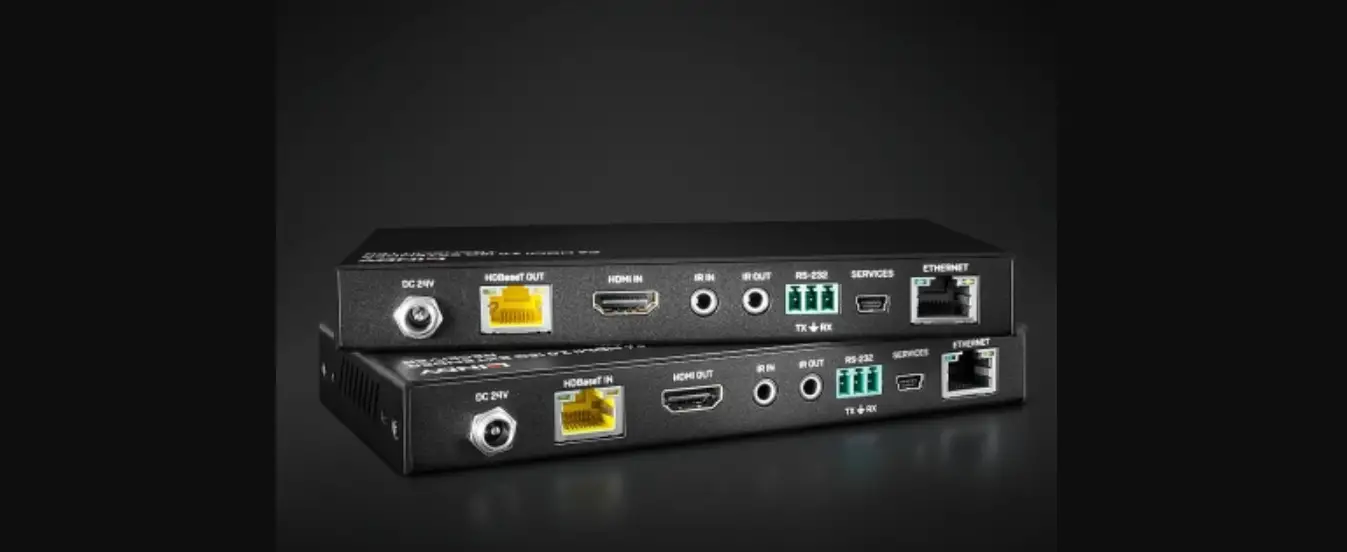
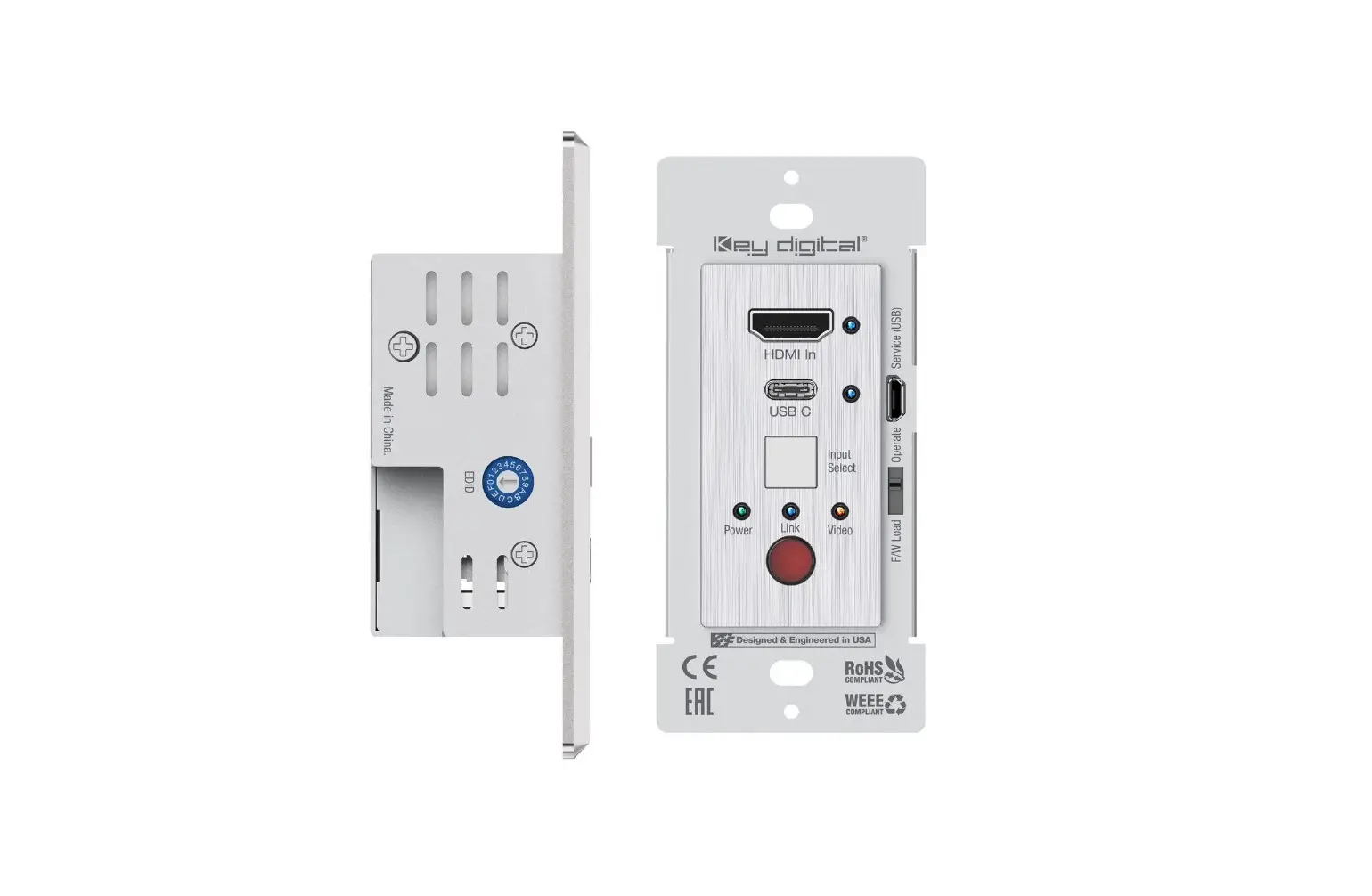
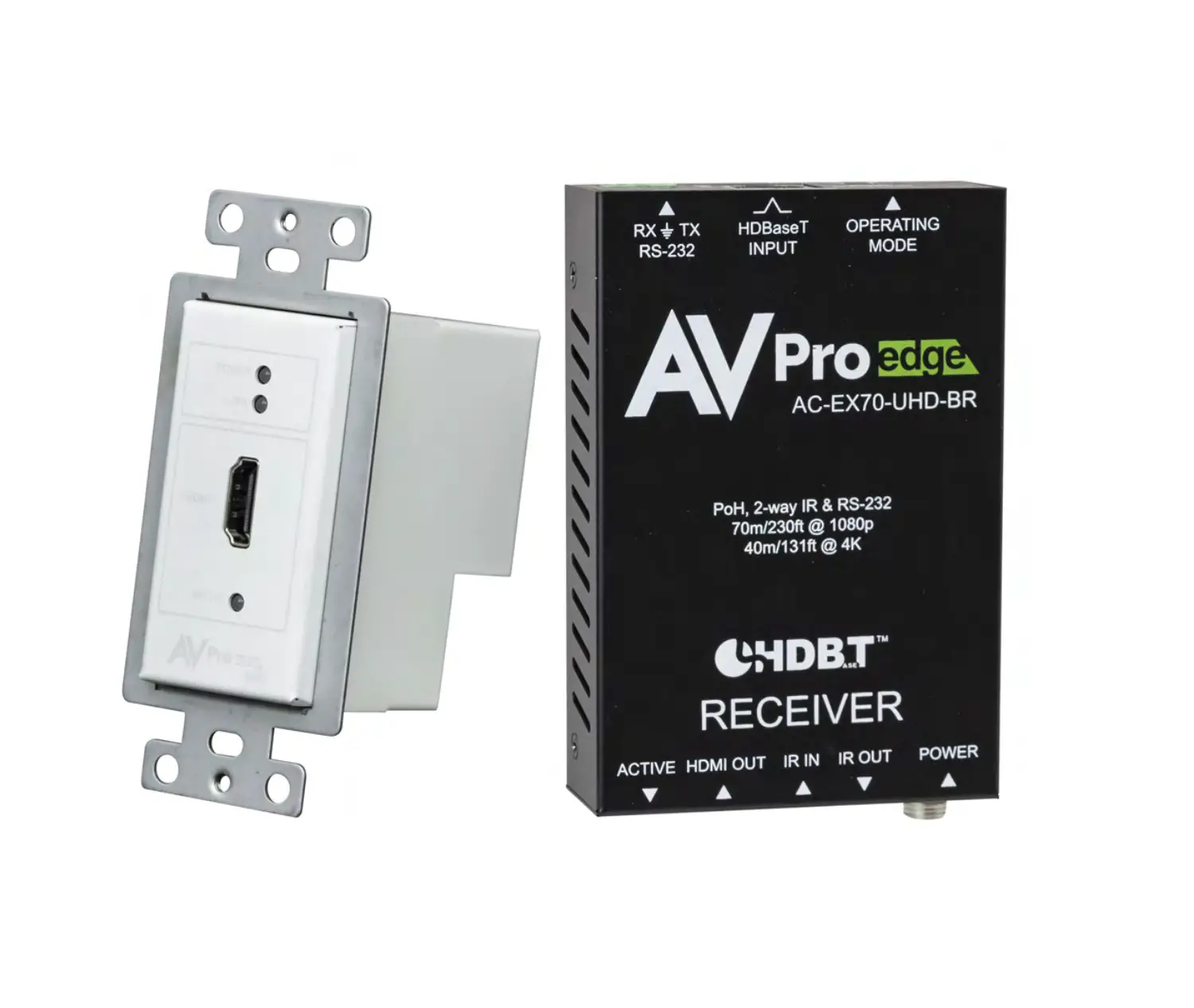
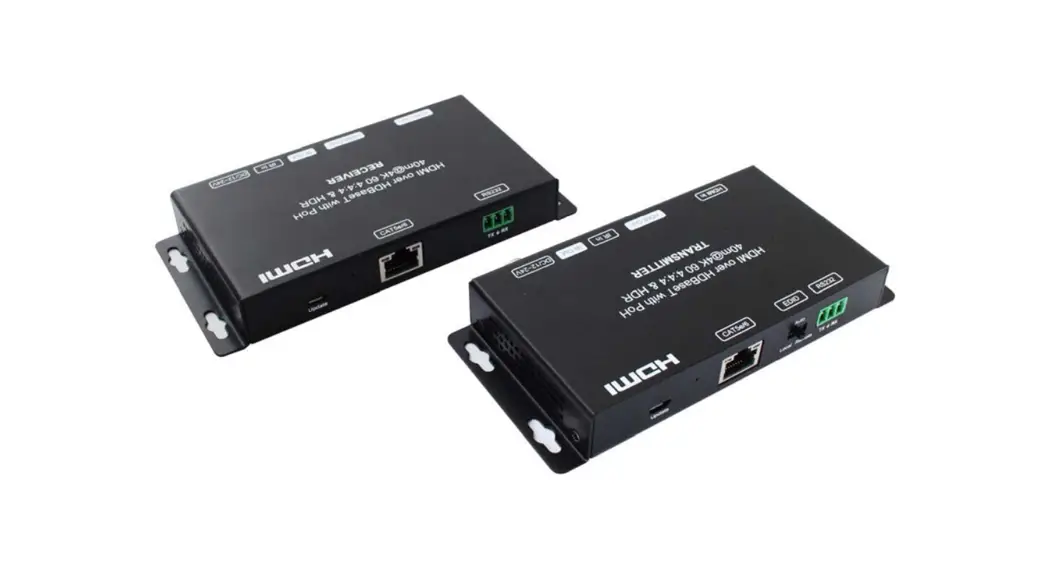
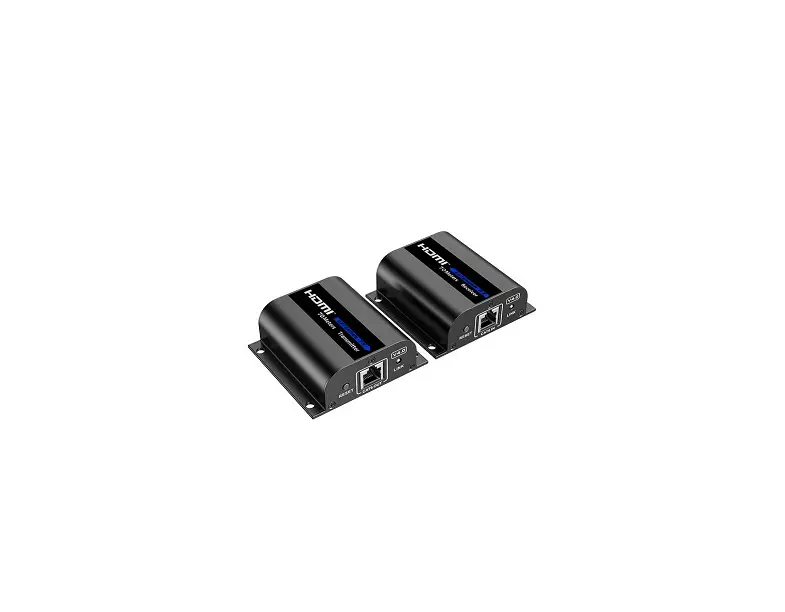
Comprehensive’s CHE-HDBTWP121K Wall Plate Extender kit was designed to extend HDMI, analog audio, and high-speed USB 2.0 signals up to 230ft over Cat5e or Cat6 cables. Perfect for all commercial AV/IT installations that require HDMI and USB 2.0 and audio inputs.
Features
- Extends your 4K HDMI, Audio and USB 2.0 High-Speed Signals over a single UTP cable up to 230ft
- HDMI 2.0, 18Gbps
- HDCP 2.2 & 1.4 Compliant
- HDMI input supports resolutions up to 4K2K@60Hz (4:4:4), 1080p@120Hz HDBaseT™ over a single CAT 6/6a/7 cable up to 230ft/70m distance to 1080p or 131/40m distance to 4K2K@60Hz (4:4:4).
- USB 2.0 High-Speed port up to 190 Mbps
- 3.5mm Audio Port to independently transmit analog audio signal from the Transmitter to the Receiver
- Supports HDR, CEC pass-through
- 24V POC (Power Over Cable) function is supported, either TX or RX is powered by a 24V1A power supply, the other does not need a power supply from the DC jack.
- POC power consumption is less than 10W.
- Transfer the Bidirectional RS-232 control signal together with the HDMI signal.
- 3-Year Warranty
Package Contents
- 1× 4K HDMI Wall Plate Transmitter
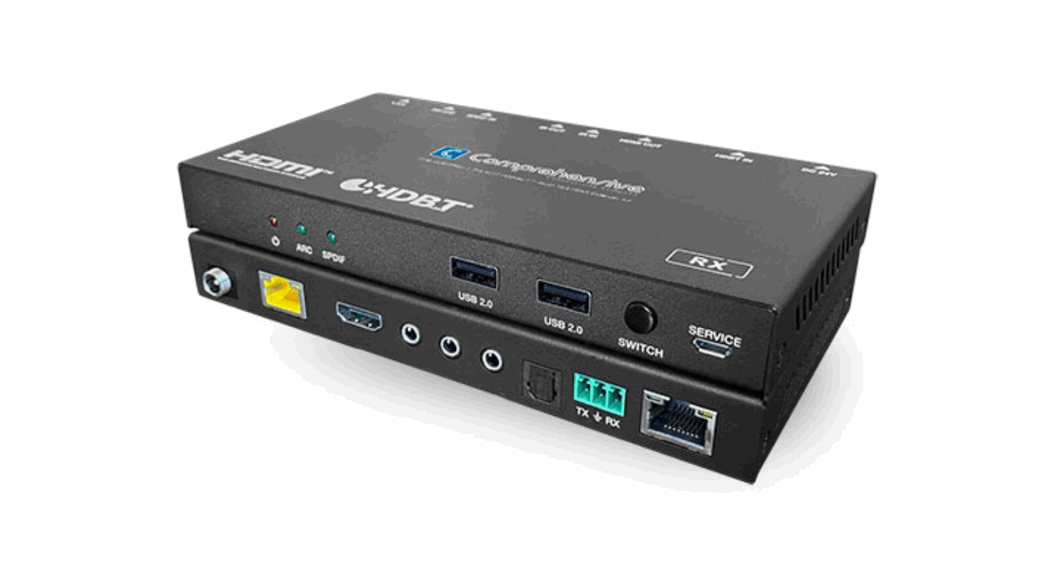
- 1× HDBaseT Receiver
- 1× Phoenix connector (3 pins)
- 1× Phoenix connector (2 pins)
- 1× 24V/1A power adapter
- 1× Cover plate
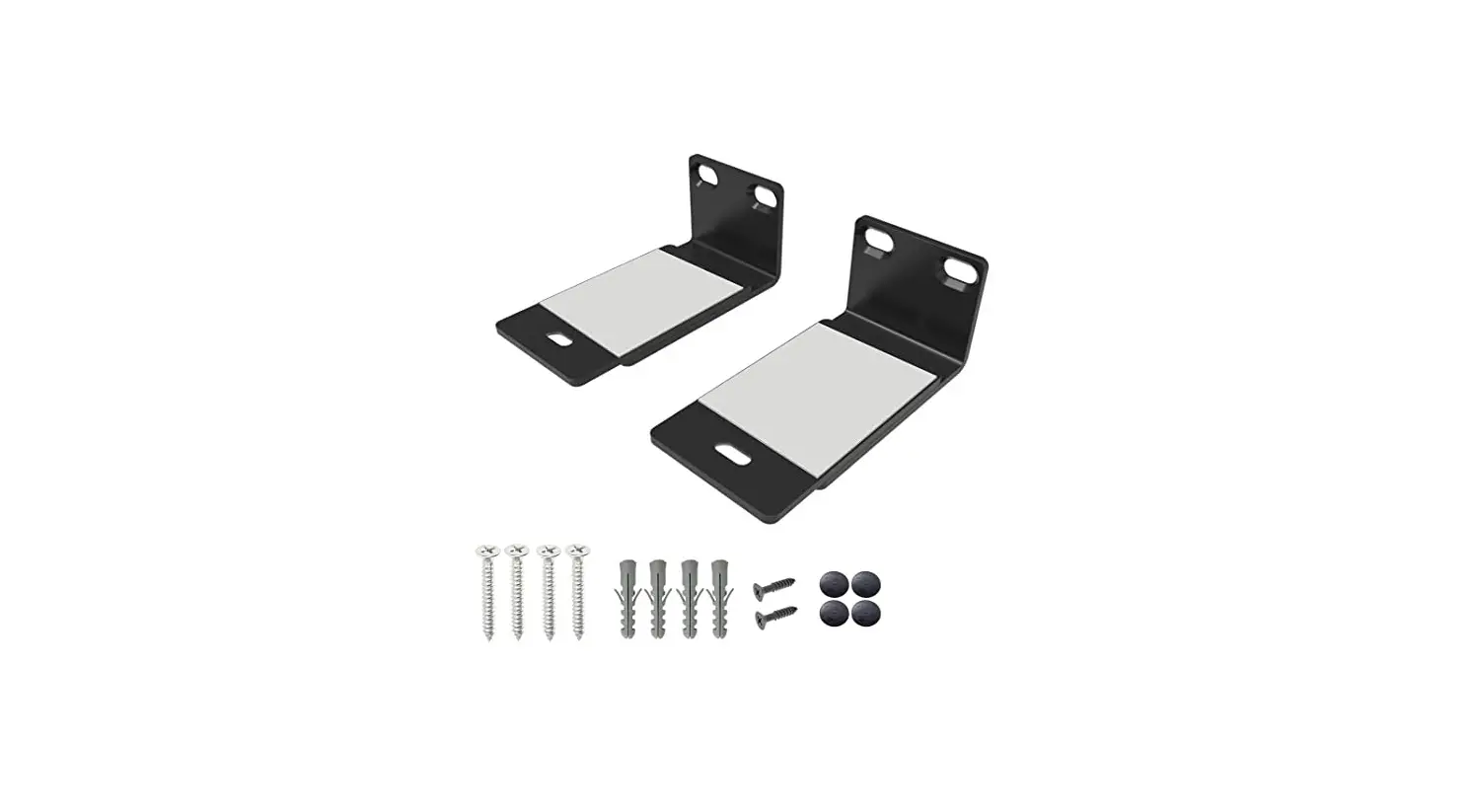
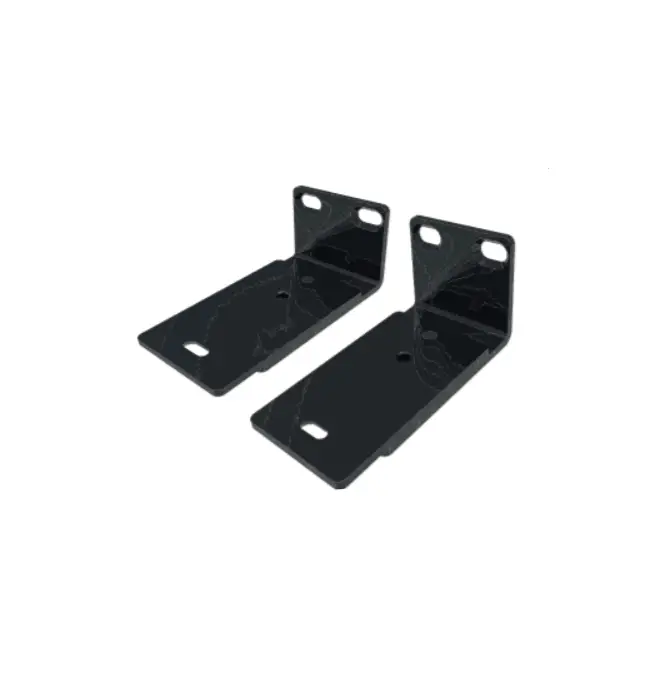
- 2× Rack ears
- 1× User Manual
Specifications
| Technical | |
| HDMI Compliance | HDMI 2.0 |
| HDCP Compliance | HDCP 2.2 |
| Video Bandwidth | 18Gbps |
| Video Resolution | 4K2K@50/60Hz 4:2:0, 4K2K@60Hz 4:4:4 1080P@120Hz, and 1080P 3D@60Hz |
| Color Space | RGB/YCbCr 4:4:4, YCbCr 4:2:2 |
| Color Depth | 8-bit, 10-bit, 12-bit |
| HDMI Audio Formats | LPCM, Dolby Digital/Plus/EX, Dolby True HD, DTS, DTS-EX,DTS-96/24, DTS High Res, DTS-HD Master Audio, DSD |
| Analog Audio Formats | LPCM 2CH, LPCM 5.1, Dolby Digital 2/5.1CH, DTS 2/5.1CH |
| ESD Protection | Human body model—±8kV (Air-gap discharge) & ±4kV(Contact discharge) |
| Connections | |
|
Transmitter | Inputs: 1x HDMI Type A [19-pin female] 1x AUDIO IN [3.5mm earphone] 1x USB [USB-B] 1x RS-232 [3-pin phoenix ] 1x DC 24V/GND [2-pin phoenix ] Outputs: 1x HDBaseT OUT [RJ45] |
|
Receiver | Inputs: 1x HDBaseT IN [RJ45] 1x DC 24V [locking power ] Outputs: 1x HDMI Type A [19-pin female] 1x AUDIO OUT [3.5mm earphone] 1x RS-232 [3-pin phoenix] 2x USB [USB-A] |
| Mechanical | |
| Housing | Metal Enclosure |
| Color | TX: White-Front Panel, Black-Rear Case RX: Black |
| Dimensions | TX: 103.5mm [W] x 46mm [D] x 30mm [H] RX: 140mm [W] x 75mm [D] x 23mm [H] |
| Weight | TX: 163g, RX: 200g |
| Power Supply | Input: AC100 – 240V 50/60Hz, Output: DC 24V/1A (US/EU standards, CE/FCC/UL certified) |
| Power Consumption | 9W (Max) |
| Operating Temperature | 32 – 104°F / 0 – 40°C |
| Storage Temperature | -4 – 140°F / -20 – 60°C |
| Relative Humidity | 20 – 90% RH (no condensation) |
Operation Controls and Functions
Transmitter Panel
Front Panel
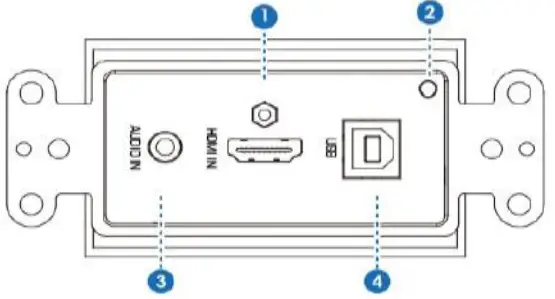
| Number | Name | Function description |
| 1 | HDMI IN | Connect to HDMI source devices such as Blu-ray or PS4 player. |
| 2 | ACTIVE | Green LED input signal indicator. When the HDMI port have signal input, the light is on. Otherwise, the light is off. |
| 3 | AUDIO IN | Analog audio input port. |
| 4 | USB | USB hot port. |
Rear Panel
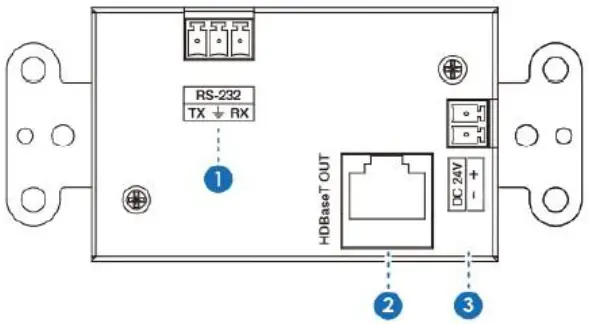
| Number | Name | Function description |
| 1 | RS-232 | Use the phoenix jack for connect PC or control system to transmit RS-232 commands. |
| 2 | HDBaseT OUT | HDBaseT output port. Connect HDBaseT receiver with an UTP cable. |
| 3 | DC 24V | Use the phoenix jack for connect power supply. (Reserved power supply ) |
Receiver Panel

| Number | Name | Function description |
| 1 | Power LED | When the power supply is normal, the indicator LED is on. |
| 2 | LINK LED | LINK LED indicator light. |
| 3 | HDCP LED | HDCP status indicator light. |
| 4 | FW LED | When the device is working, the LED light is on. |
| 5 | SERVICE | Firmware update use. |
| 6 | HDBaseT IN | HDBaseT input port. Connect HDBaseT transmitter with a UTP cable. |
| 7 | HDMI OUT | HDMI output port. Connect to the display device such as TV or projector |
| 8 | USB | Connect to USB devices such as a USB mouse or keyboard. |
| 9 | AUDIO OUT | Analog audio input port. |
| 10 | RS-232 | Use the phoenix jack for connecting the PC or control system to transmit RS-232 commands. |
| 11 | DC 24V | Connect 24V/1A adaptor to AC wall outlet for power supply. |
Description 1
POC (Power over Cable) Application Example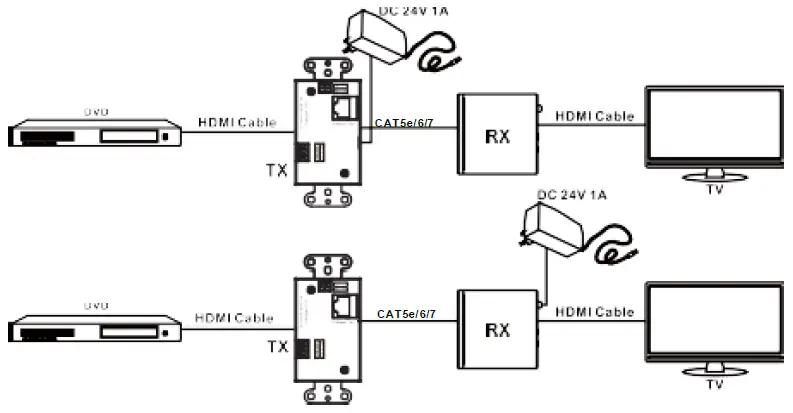
Description 2
Bidirectional RS-232 control Application Example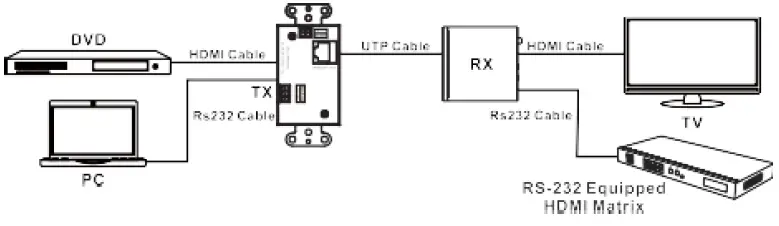
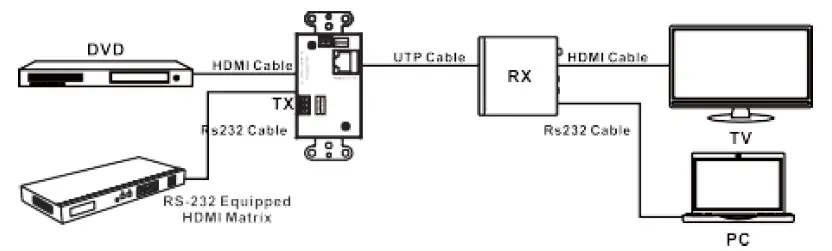
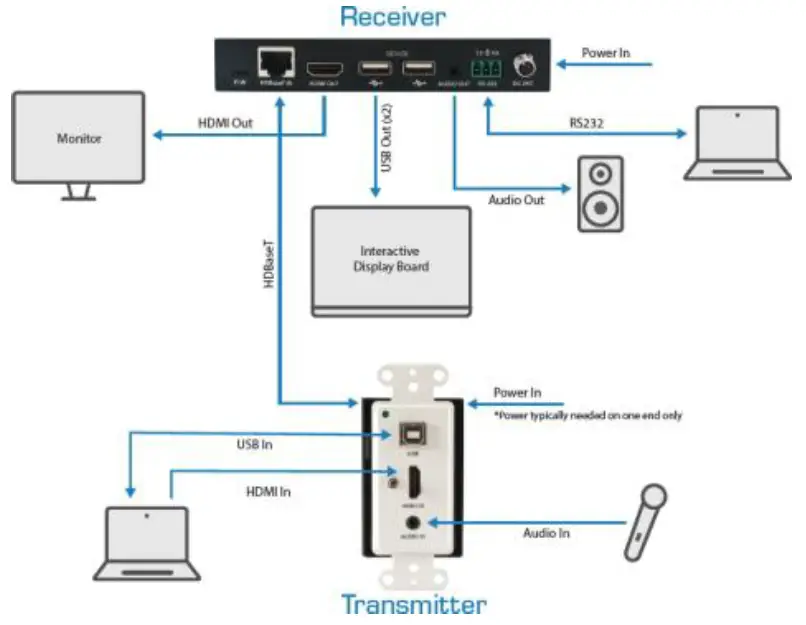
Application Example
80 Little Falls Rd, Fairfield, NJ 07004 Phone: 1-800-526-0242
www.comprehensiveco.com. [email protected].
 Comprehensive Connectivity Company