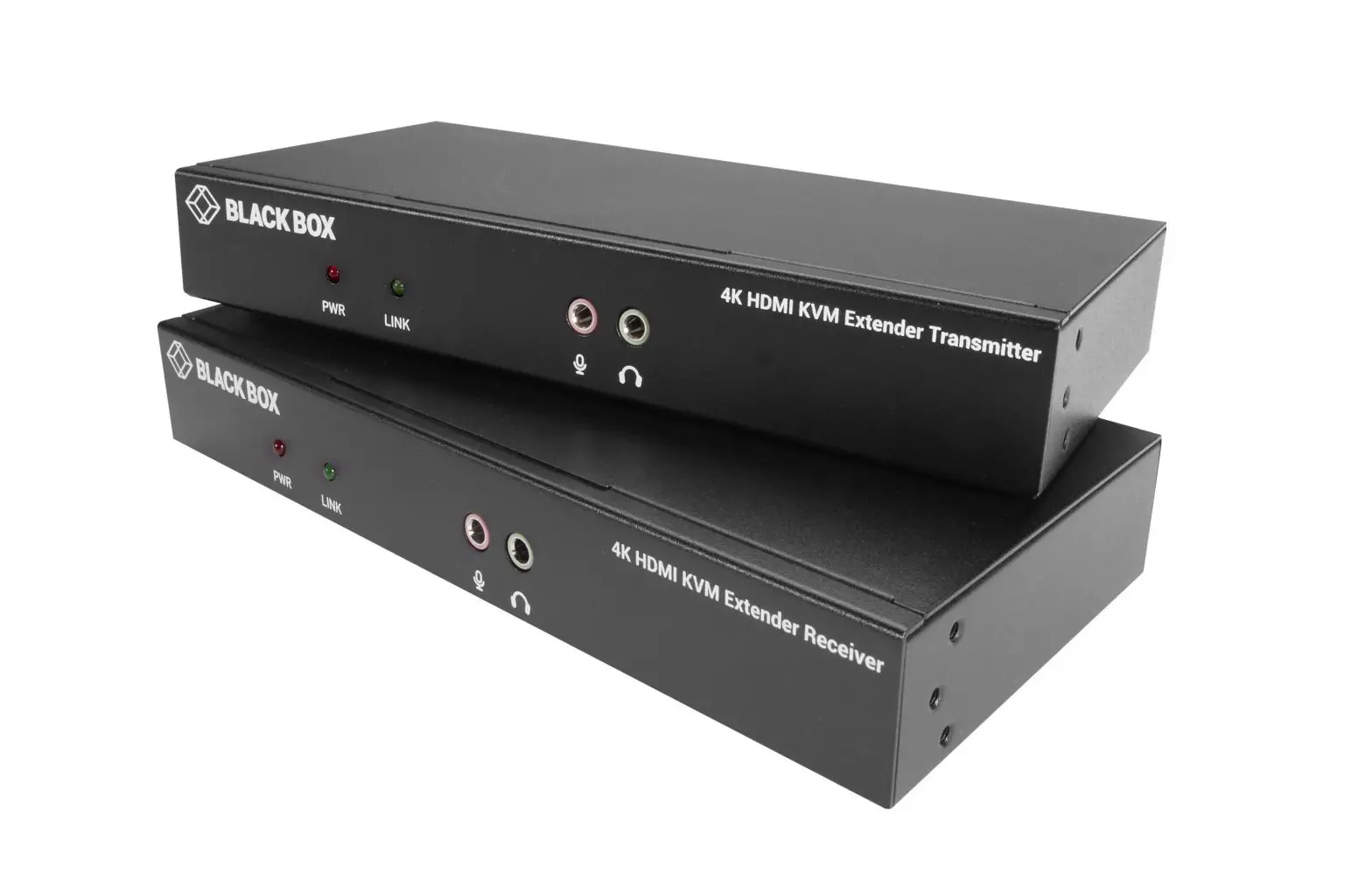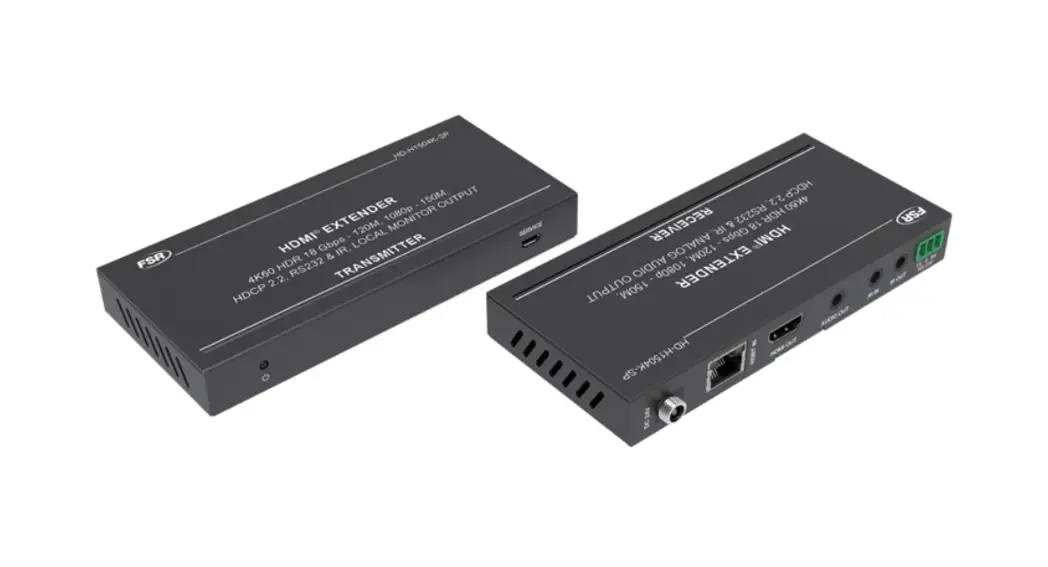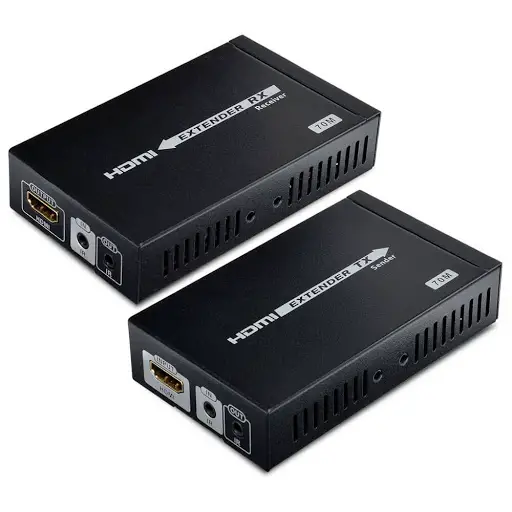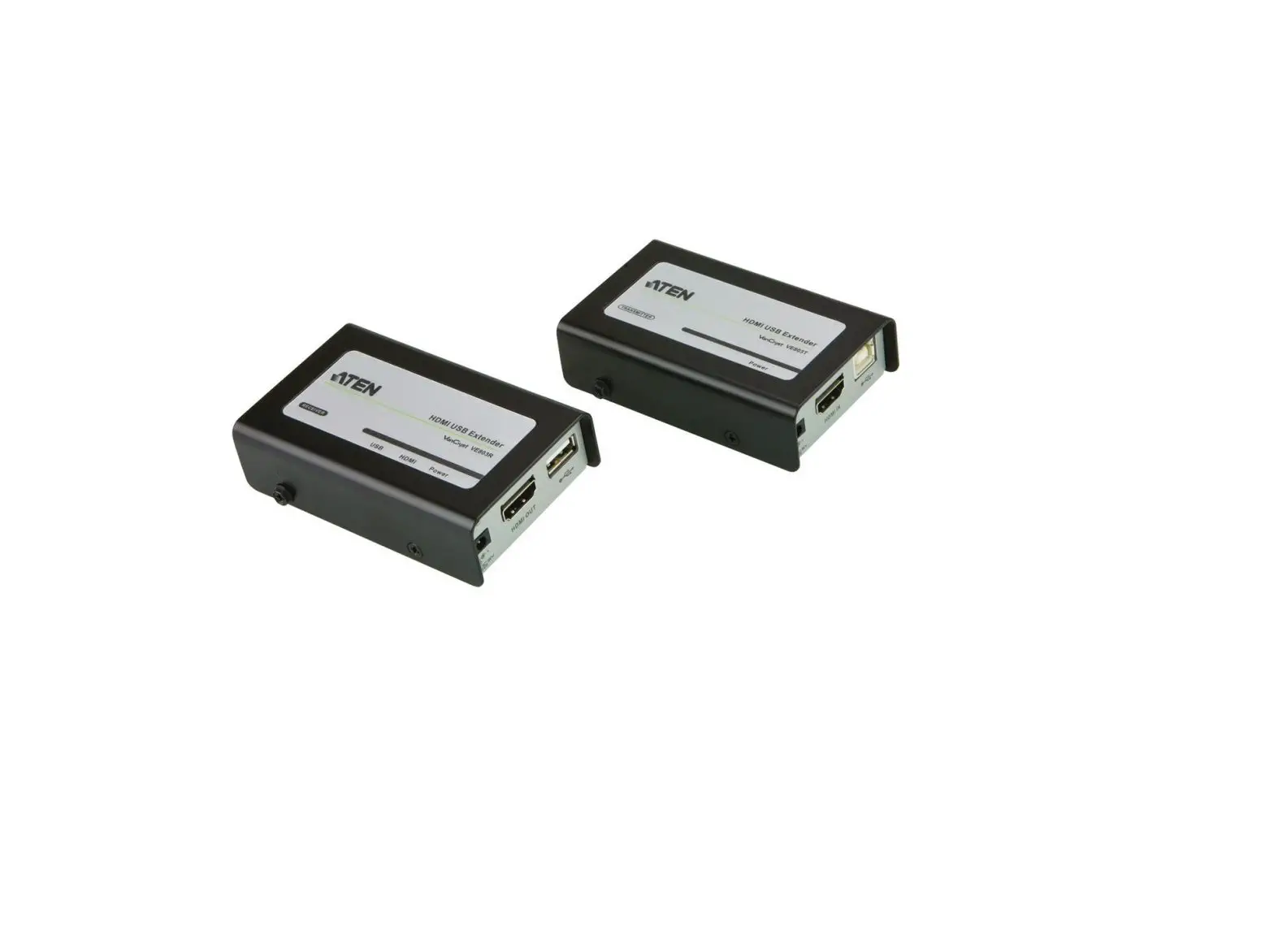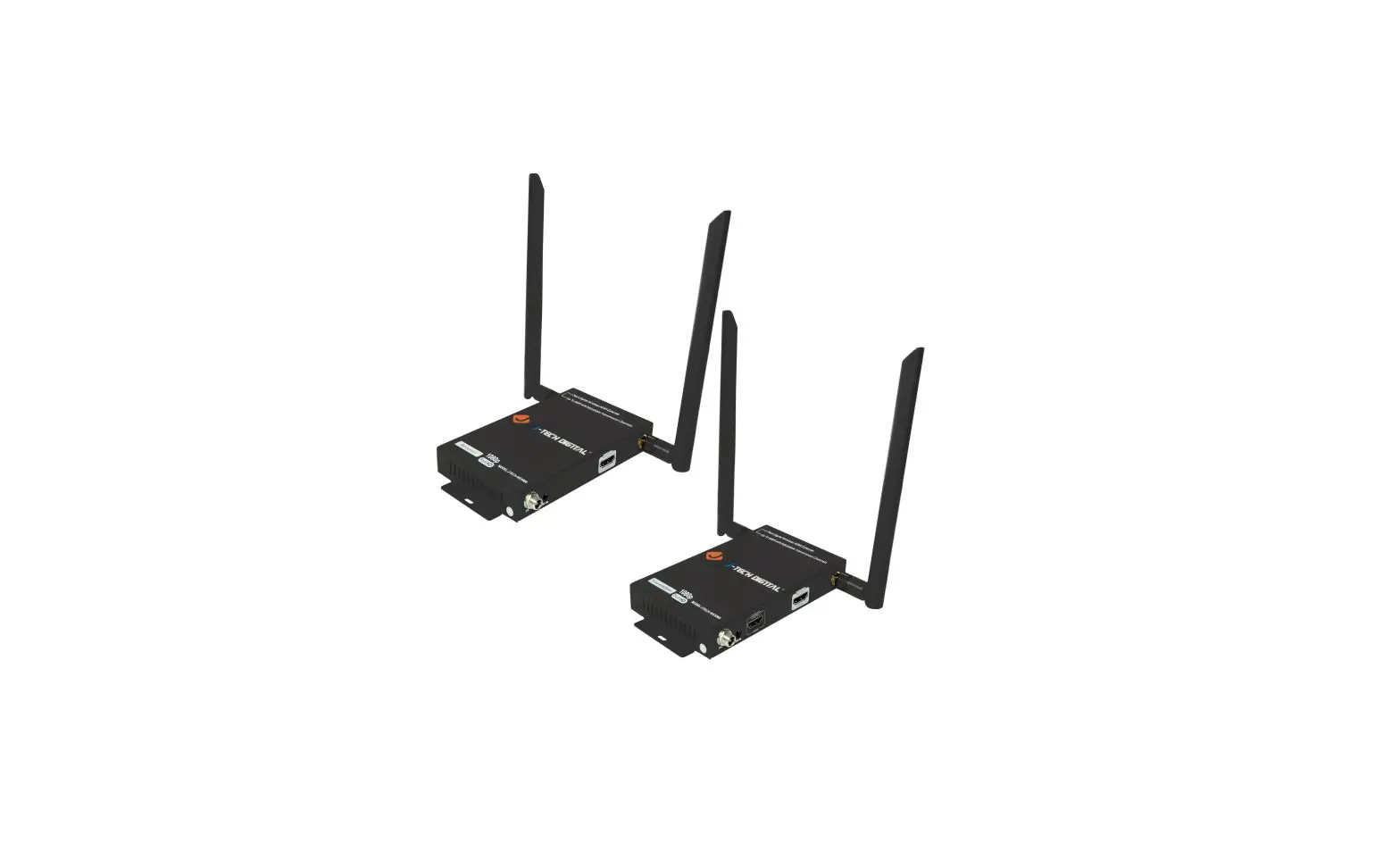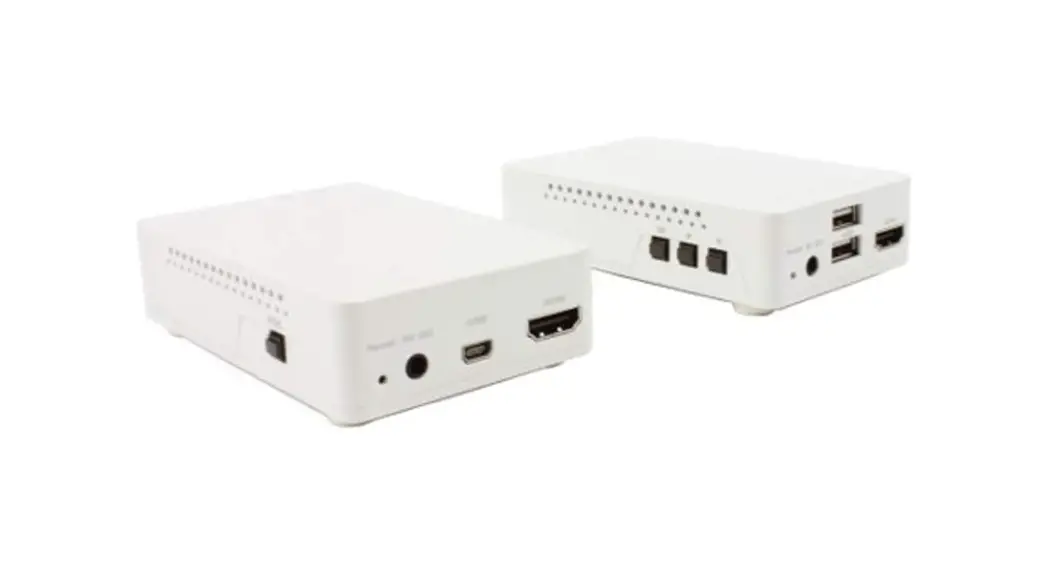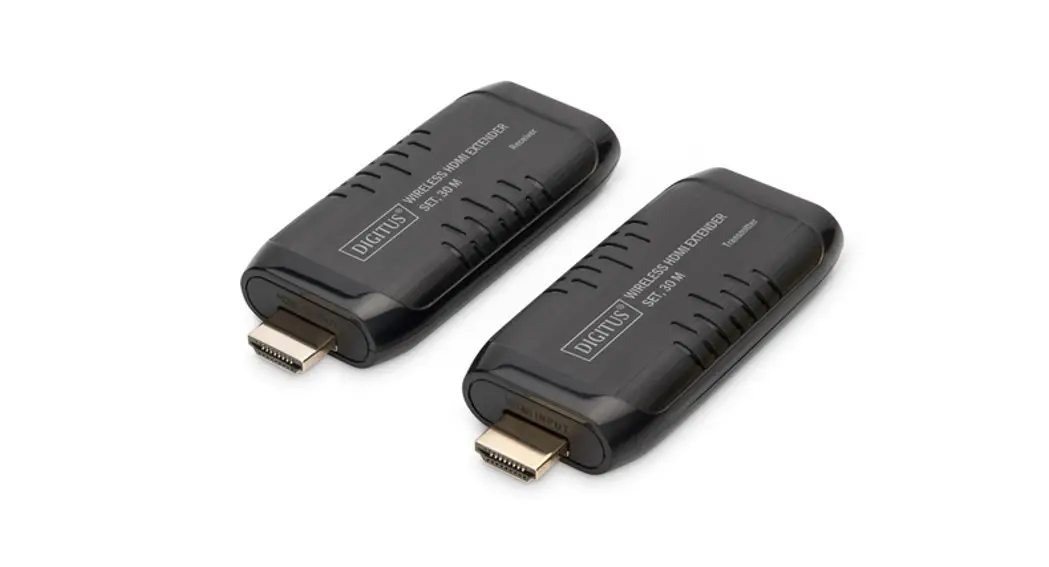
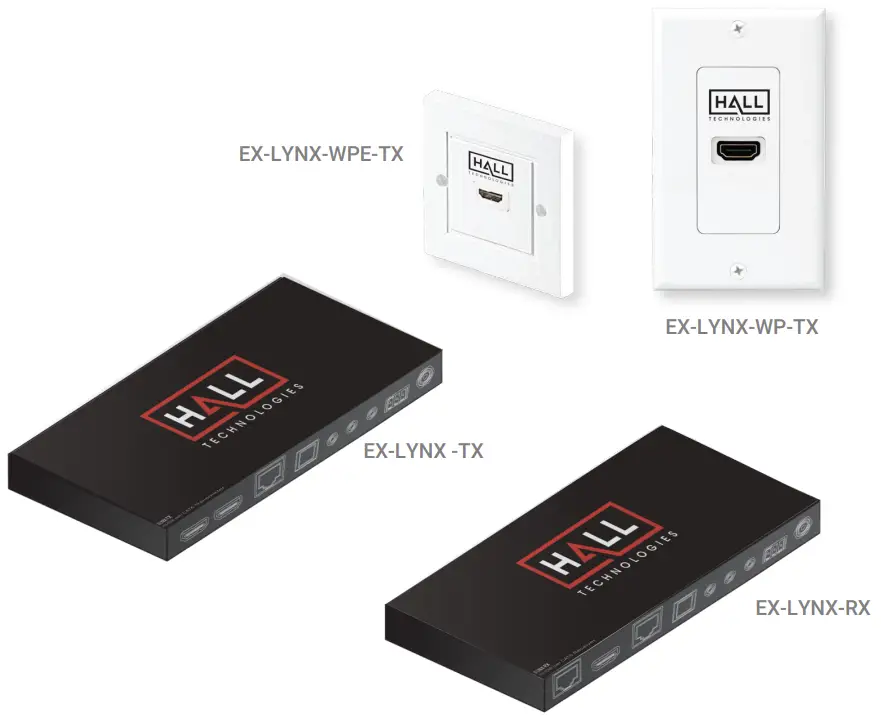
HALL TECHNOLOGIES LYNX Series HDMI Extender Set
Introduction
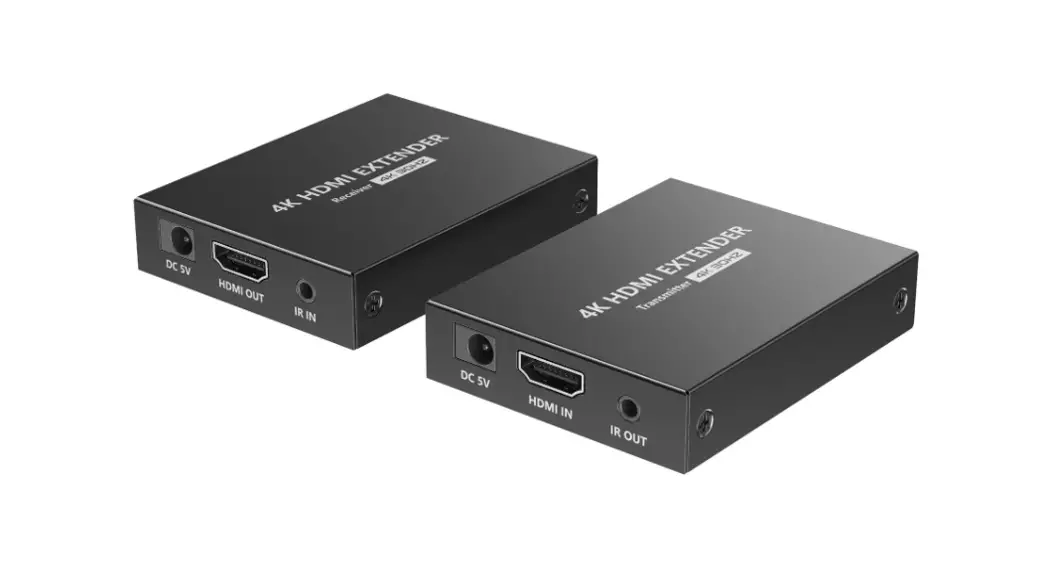
The HDMI extender set supports UHD resolution (4K2K/60 Hz, 4:4:4, 18 Gaps) over a CAT 6/7 cable (60m distance). Thanks to Pock, only one unit needs to be supplied with power by an external power adapter. HDR, HDCP support as well as automatic EDID detection are also included as features. Using the HDMI loop-out to the transmitter unit, a local monitor can be connected in order to monitor the output to the receiver.
Features
- HDMI 2.0
- Supports CAT 5E, CAT 6, CAT 6A, CAT 7 network cables
- 18 Gaps video bandwidth
- Supports 4K2K/60 Hz, 4:4:4
- HDCP 2.2 / 1.4
- Maximum transmission distance: 60 m
- Pock (Power over Cable) – Only the RX unit requires an external power adapter
- Automatic EDID detection
- HDR support
- HDMI loop-out / output Connection of local monitor to the source device
LYNX Series Package Contents
- 1x Transmitter unit
- 1x Receiver unit
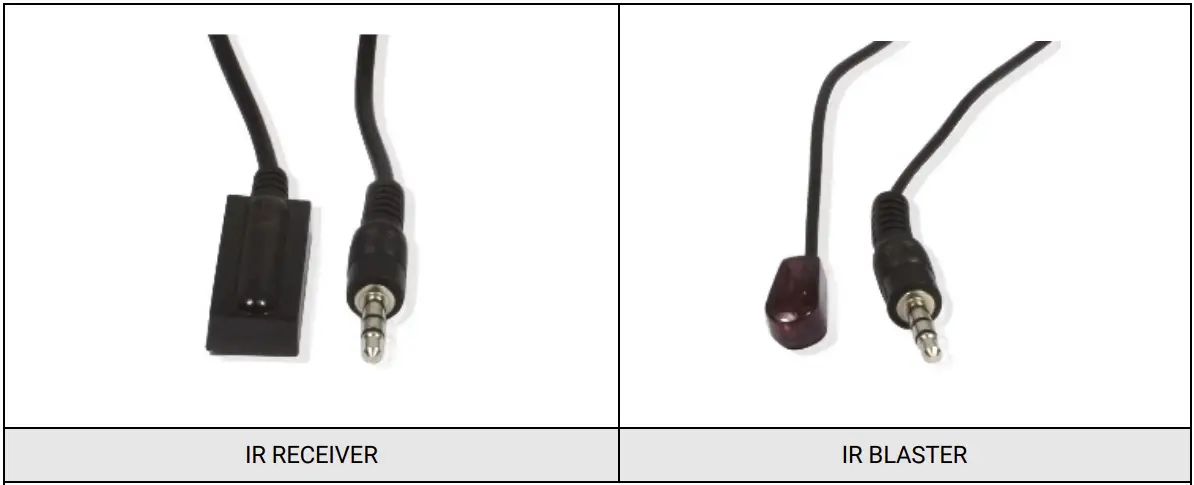
- 1x IR transmission cable
- 1x IR receiver cable
- 1x Receiver Power adapter
- 1x User manual
Operating Controls and Functions
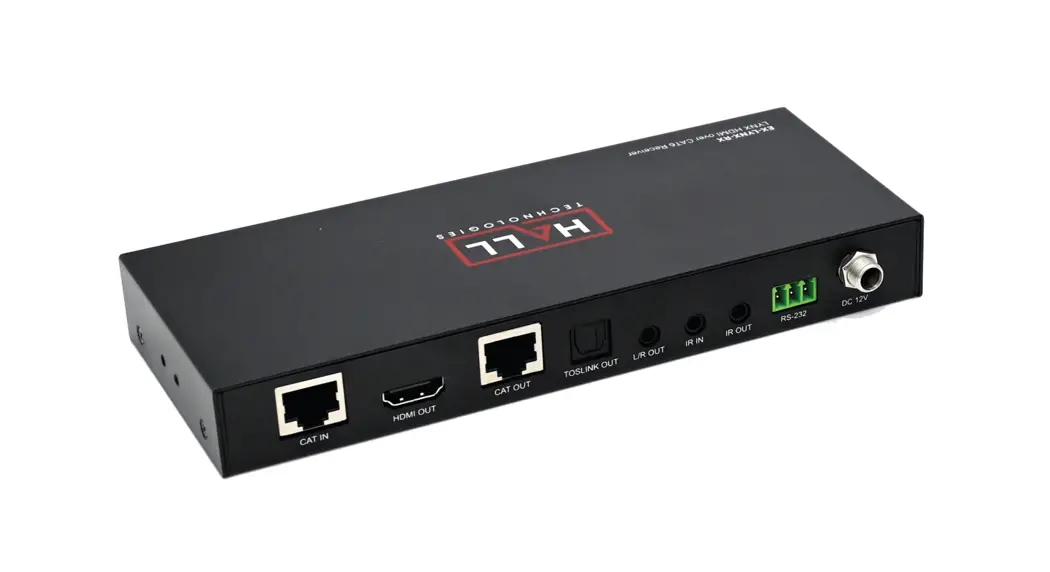
Transmitter Panel
W-160mm x D-70mm x H-20mm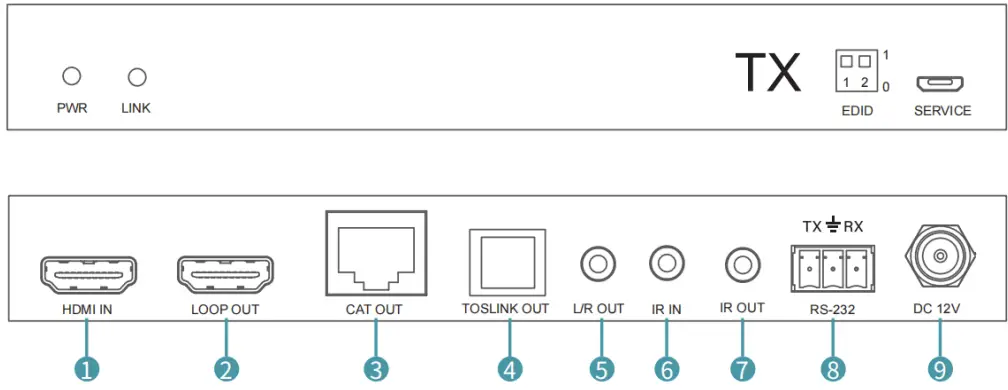
| No. | Name | Function description |
| 1 | HDMI IN | HDMI input port, connect to HDMI source device such as DVD or PS4 player with an HDMI cable |
| 2 | HDMI OUT | HDMI loop output port, connect to HDMI display device such as TV or Projector with an HDMI cable. |
| 3 | CAT OUT | Connect to CAT IN port on the receiving end with a CAT6 cable. |
| 4 | TOSLINK OUT | Connect to Toslink device. |
| 5 | L/R OUT | Connect 3.5mm audio device |
| 6 | IR IN | Connect to wideband IR Blaster cable. The IR signal is out to the transmitter. |
| 7 | IR OUT | Connect to wideband IR Blaster cable. The IR signal is from the IR IN port of the receiver. |
| 8 | RS232 | Connect to RS232 control tool. |
| 9 | DC 12V | Plug DC 12V/1A power supply into the unit and connect the adapter to an AC outlet. (Note: The extender supports Pock function, it means that either transmitter or receiver is powered supply by 12V/1A power adapter, the other doesn’t need power supply.) |
Function description
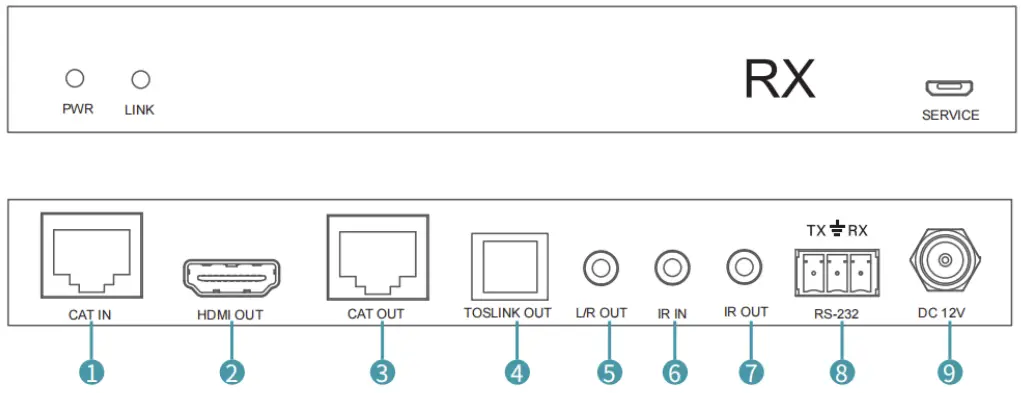
| No. | Name | Function description |
| 1 | HDMI IN | HDMI input port, connect to HDMI source device such as DVD or PS4 player with an HDMI cable |
| 2 | HDMI OUT | HDMI loop output port, connect to HDMI display device such as TV or Projector with an HDMI cable. |
| 3 | CAT OUT | Connect to CAT IN port on the receiving end with a CAT6 cable. |
| 4 | TOSLINK OUT | Connect to To slink device. |
| 5 | L/R OUT | Connect 3.5mm audio device |
| 6 | IR IN | Connect to wideband IR Blaster cable. The IR signal is out to the transmitter. |
| 7 | IR OUT | Connect to wideband IR Blaster cable. The IR signal is from the IR IN port of the receiver. |
| 8 | RS232 | Connect to RS232 control tool. |
| 9 | DC 12V | Plug DC 12V/1A power supply into the unit and connect the adapter to an AC outlet. (Note: The extender supports PoC function, it means that either transmitter or receiver is powered supply by 12V/1A power adapter, the other doesn’t need power supply.) |
IR Pin Definition
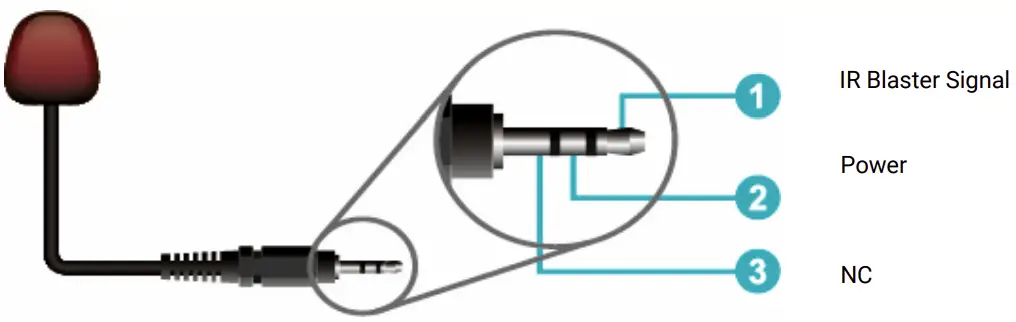
IR Blaster
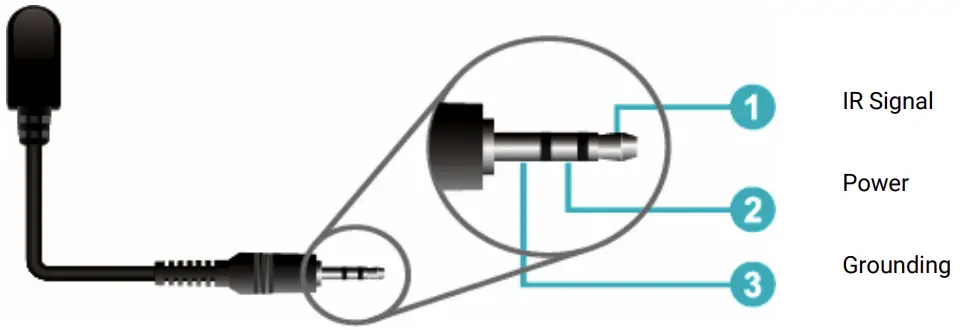
IR Receiver
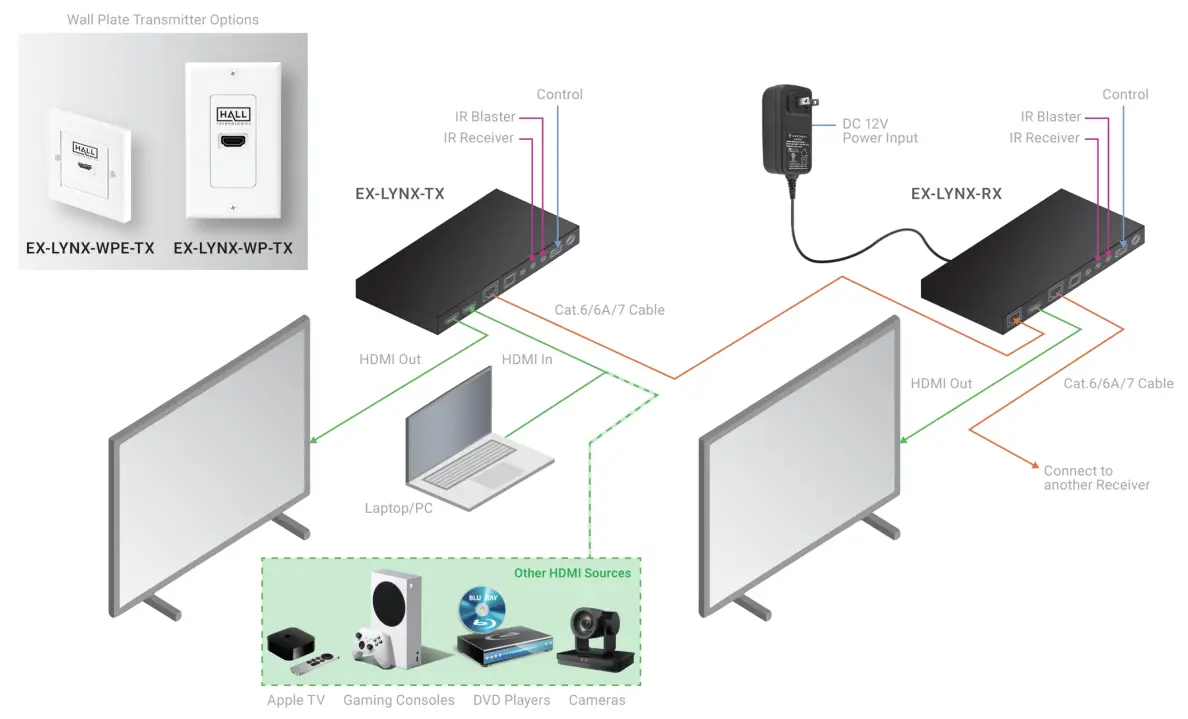
Application Example
Specifications
| Technical | |
| HDMI Compliance | HDMI 2.0 |
| HDCP Compliance | HDCP 2.2 / HDCP 1.4 |
| Video Bandwidth | 18Gbps |
| Video Resolution | Up to 4K60Hz 4:4:4 |
| Color Space | RGB / CyBC 4:4:4, CyBC 4:2:2/4:2:0, YUV 4:4:4 |
| Color Depth | 8/10/12-bit (1080P60Hz, 4K30Hz, 4K60Hz CyBC 4:2:2/4:2:0) 8-bit (4K60Hz 4:4:4 ) |
| HDMI Audio Formats | LPCM 2.0/2.1/5.1/6.1/7.1, Dolby Digital, Dolby Trued, Dolby Digital Plus (DD+), DTS-ES, DTS HD Master, DTS HD-HRA, DTS-X |
| ESD Protection | Human body model ±8kV (Air-gap discharge) & ±4kV (Contact discharge) |
| Connections | |
| Transmitter | Inputs: 1x HDMI Type A [19-pin female] 1x SERVICE [Micro USB, Update port] Outputs: 1x HDMI Type A [19-pin female] 1x IR OUT [3.5mm Stereo Mini-jack] 1x CAT OUT [RJ45, 8-pin female] |
| Receiver | Inputs: 1x IR IN [3.5mm Stereo Mini-jack] 1x CAT IN [RJ45, 8-pin female] 1x SERVICE [Micro USB, Update port] Outputs: 1x HDMI Type A [19-pin female] |
| Mechanical | |
| Housing | Metal Enclosure |
| Color | Black |
| Dimensions | Transmitter / Receiver: 180mm [W] x 75mm [D] x 25mm [H] |
| Weight | Transmitter: xxx g, Receiver: xxx g |
| Power Supply | Input: AC 100 – 240V 50/60Hz Output: DC 12V/1A |
| Power Consumption | 2.5W |
| Operating Temperature | 32 – 104°F / 0 – 40°C |
| Storage Temperature | -4 – 140°F / -20 – 60°C | |
| Relative Humidity | 20 – 90% RH (no condensation) | |
| Resolution / Distance | 4K60 – Feet / Meters | 4K30 / 1080P – Feet / Meters |
| CAT5e | 164ft / 70m | 164ft / 70m |
| CAT6/6a/7 | 197ft / 70m | 230ft / 70m |
| HDMI IN/OUT | 10ft / 3m | 15ft / 5m |
| The use of “Premium High Speed HDMI” cable is highly recommended | ||
© Copyright 2022. Hall Technologies
All rights reserved.

 Home - Hall Technologies