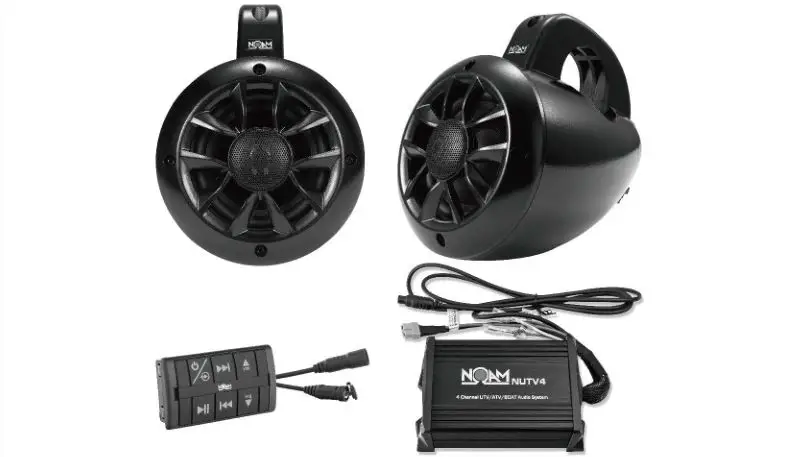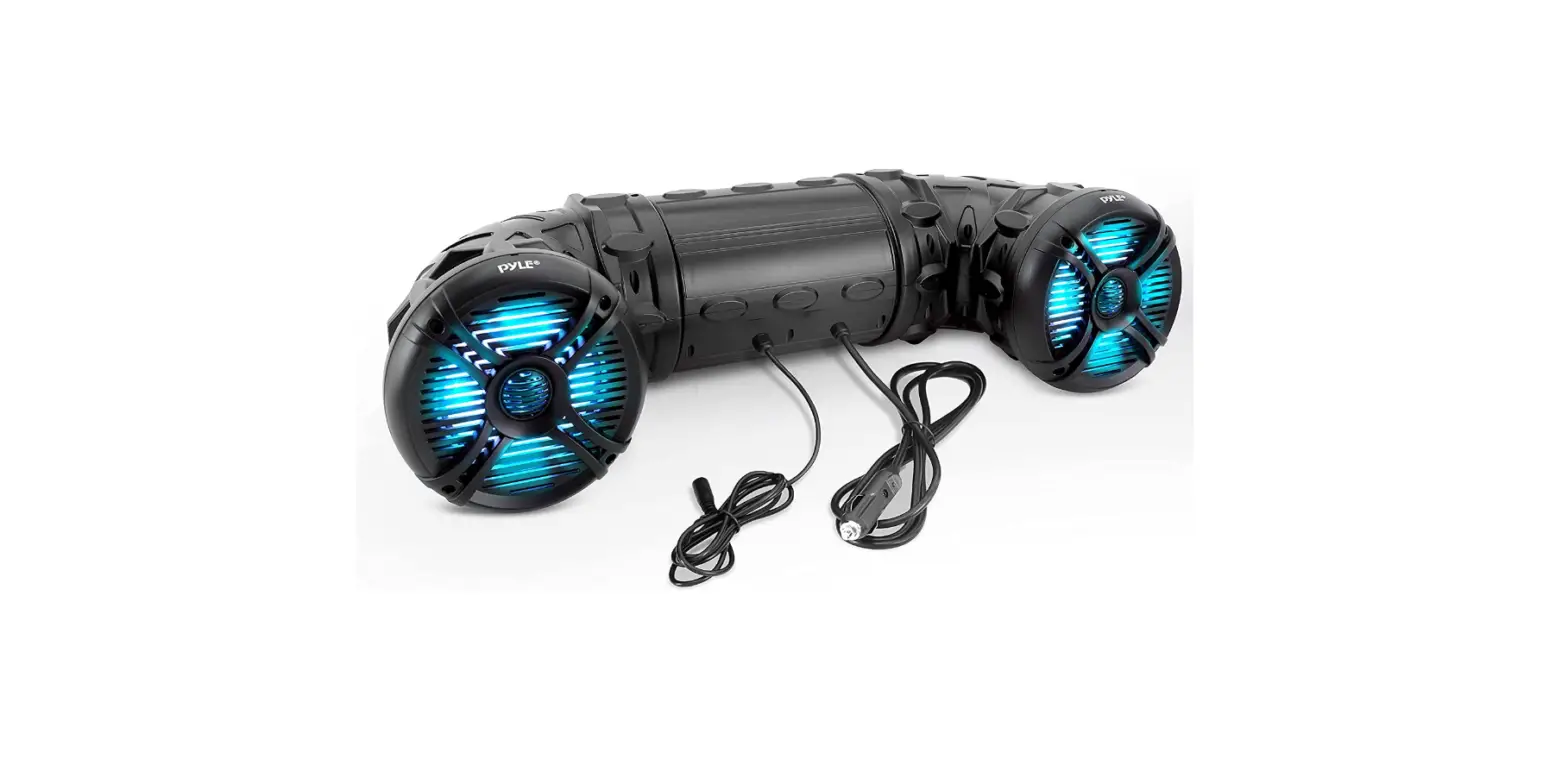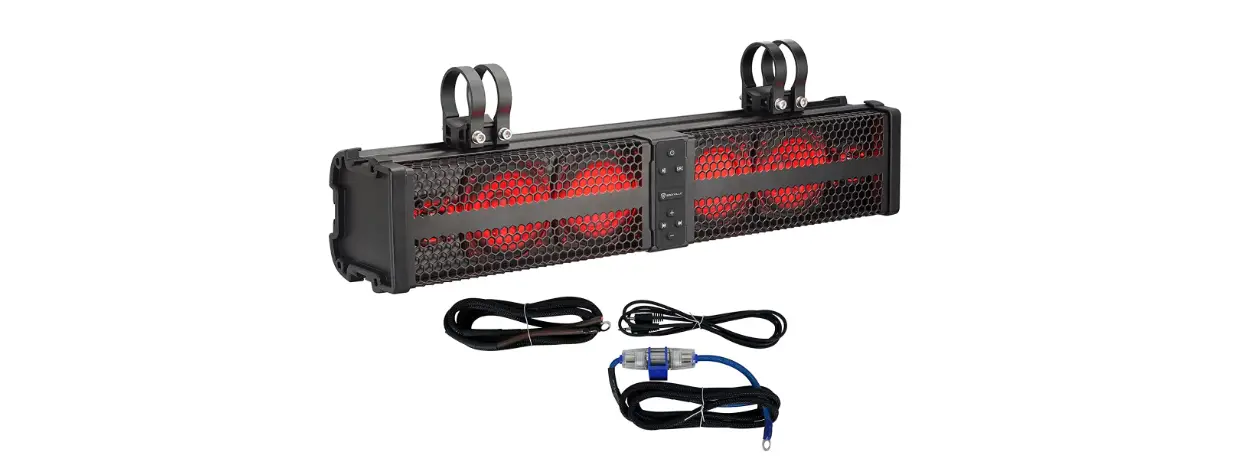

NOAM NUTV4 QUAD 4 Channel Marine 4 UTV ATV Boat Audio System with Bluetooth
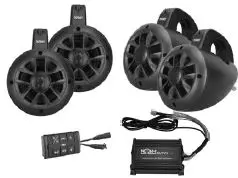
Thank you for making your choice for marine audio entertainment! Its compact, Marine design provides flexible mounting possibilities and makes it simple to expand the audio system capabilities of your vehicle.
NUTV4QUAD
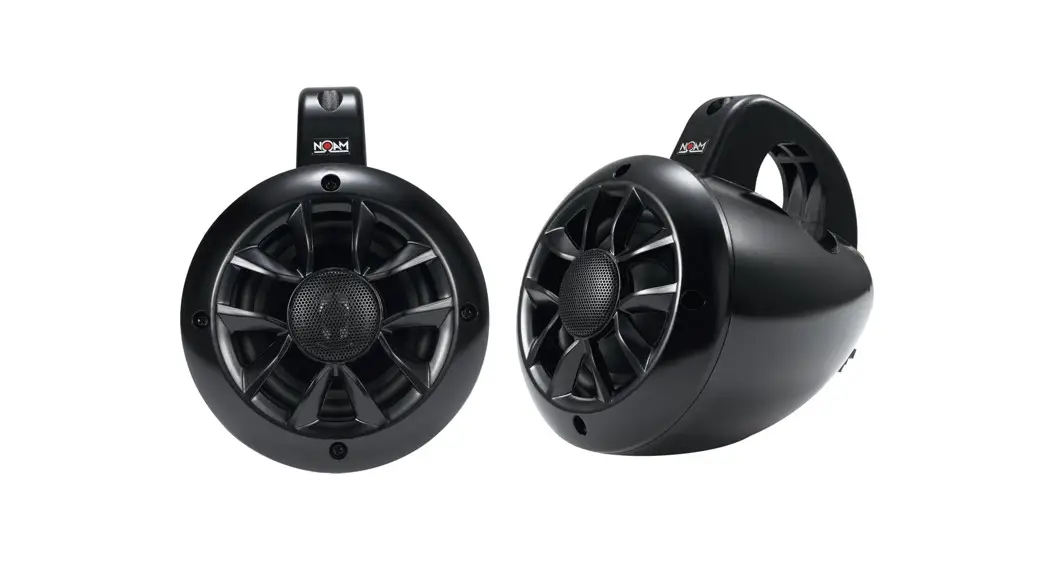
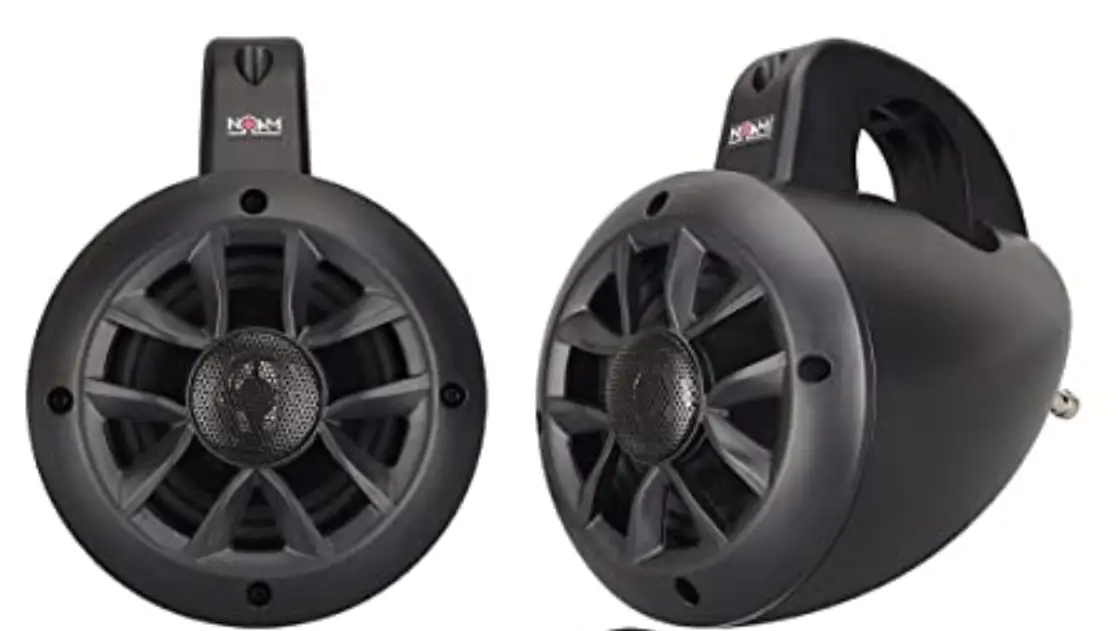
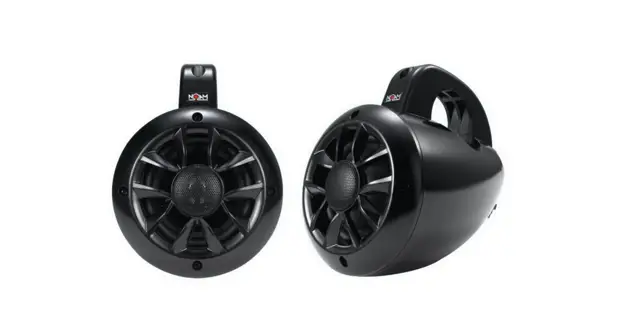
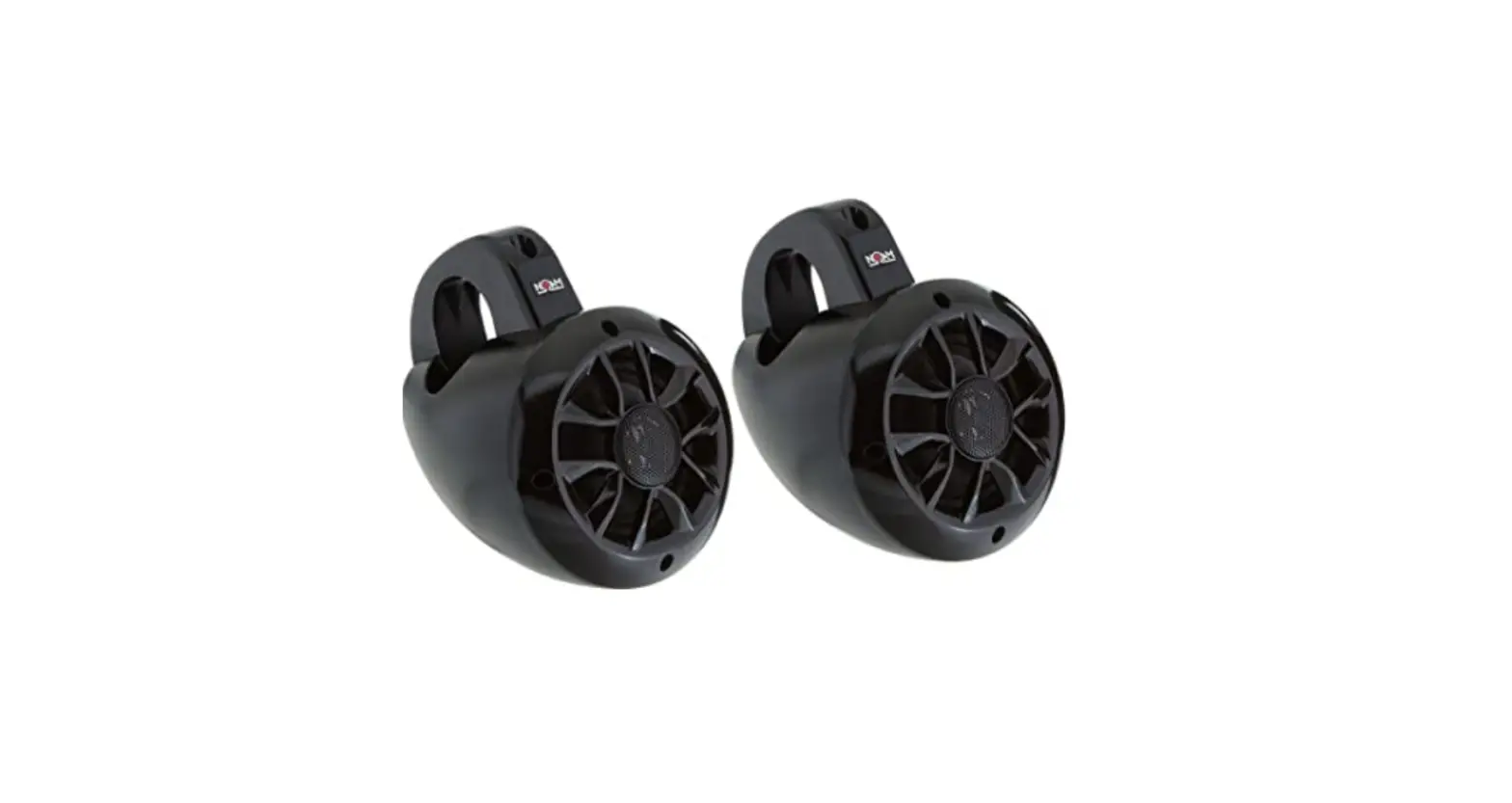
4 Channel Marine 4″ UTV/ATV/BOAT Audio System with Bluetooth® Two Pair 4″ 2-Way Marine Speaker:
- 4″ High-Quality Poly Injection Cone
- Butyl Rubber Surround
- Shinny Black Plastic Enclosure
- Fits 1.5″ -2″ Bars
- 1″ High-Temperature KEISV Voice Coil
- 1″ PEI Neodymium Dome Tweeter
- 100 Watts
- Frequency Response: 100-20KHz
- Impedance: 4 Ohms
4 Channel Marine Power Amplifier
- 4 x 100 Watts at 4 Ohms
- Anti-Thump Turn-On
- Soft Turn On/Off
- Bluetooth® Streaming
- AUX Input
- Volume Gain Remote Control
- T.H.D: <0.05%
- S/N Ratio: >95dB
- Channel Separation: >65dB
- Frequency Response: 1 0Hz- 30kHz
- Fuse : 1 x 20A
- Bluetooth® Auto Connected While Power on
- Bluetooth® Auto Disconnected While Aux-in (3.5mm Connector)
- Easy and Quick Installed Handle-bar Mount Bracket is Included
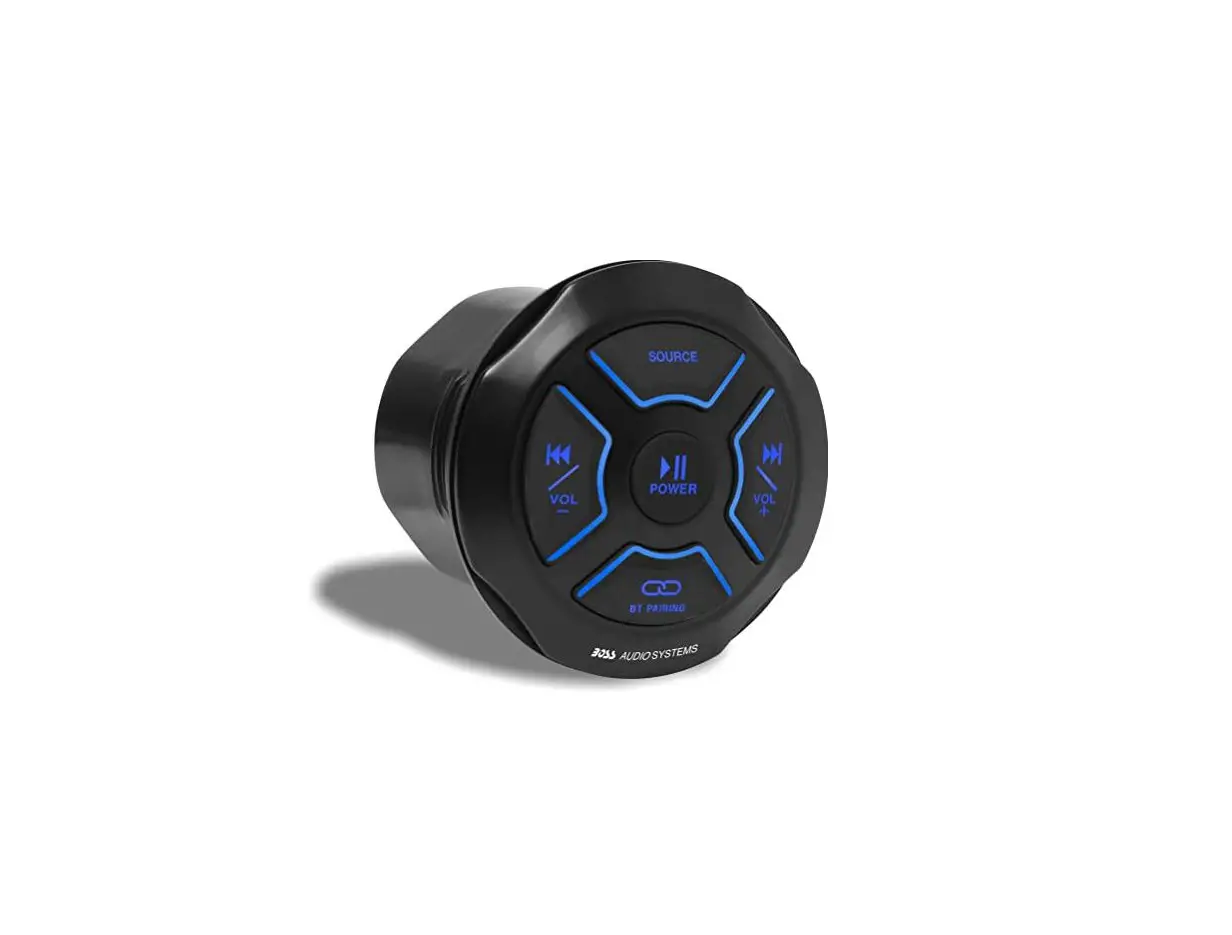
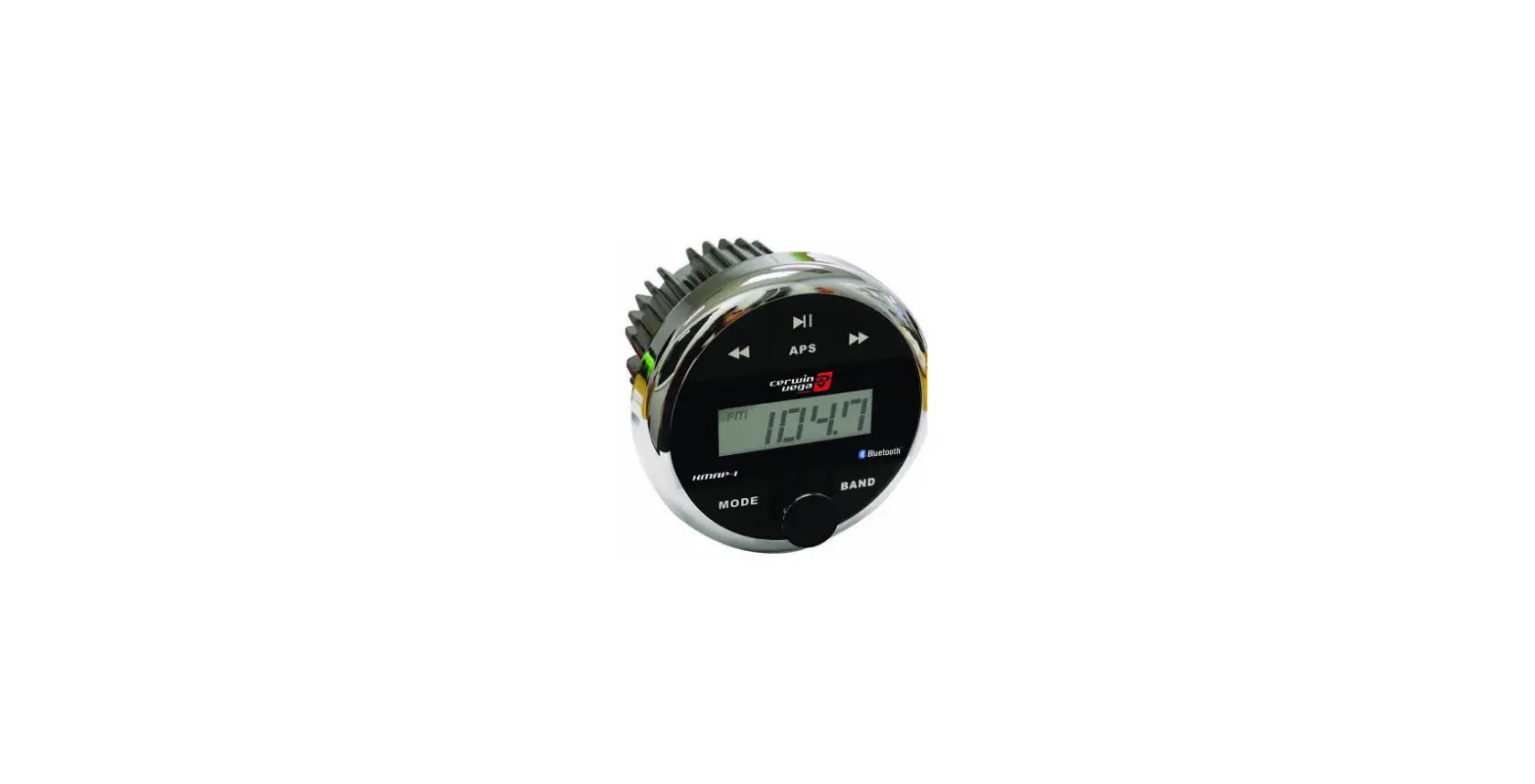
- Bluetooth® Console Dimension: 2.12″(W) x 1.16″(H) x 3.83″{L)
- Amplifier Dimensions: 6.3″L x 3.67″W x 2.11 “H
What is included?
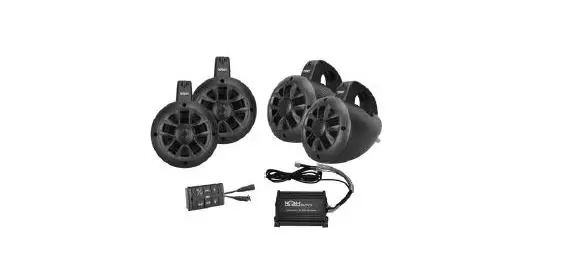
When first unpacking your new amplified Marine speaker system, Please check first that the package contains all of the items below. If something is missing, contact the store where you purchased the product.
NUTV4 QUAD
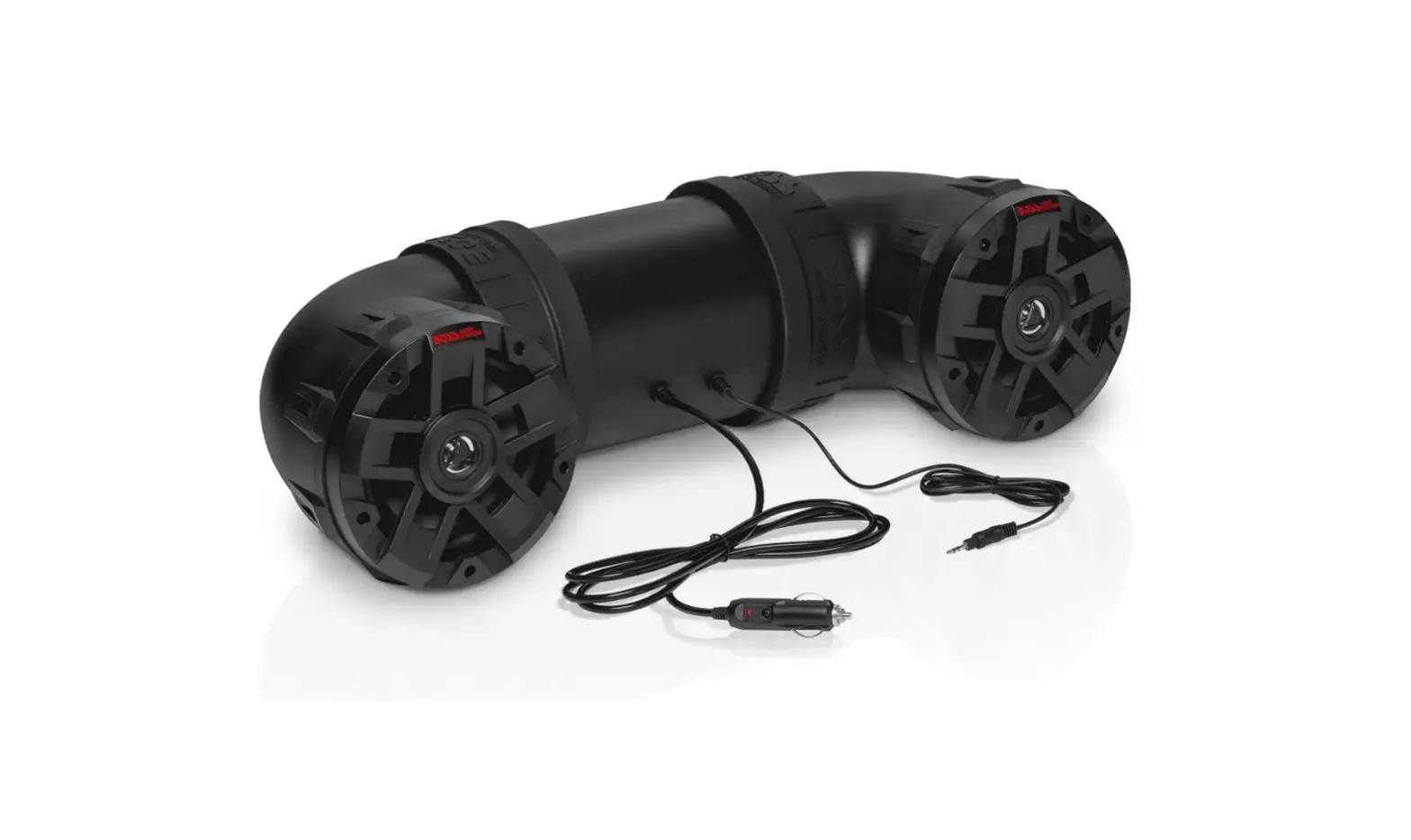
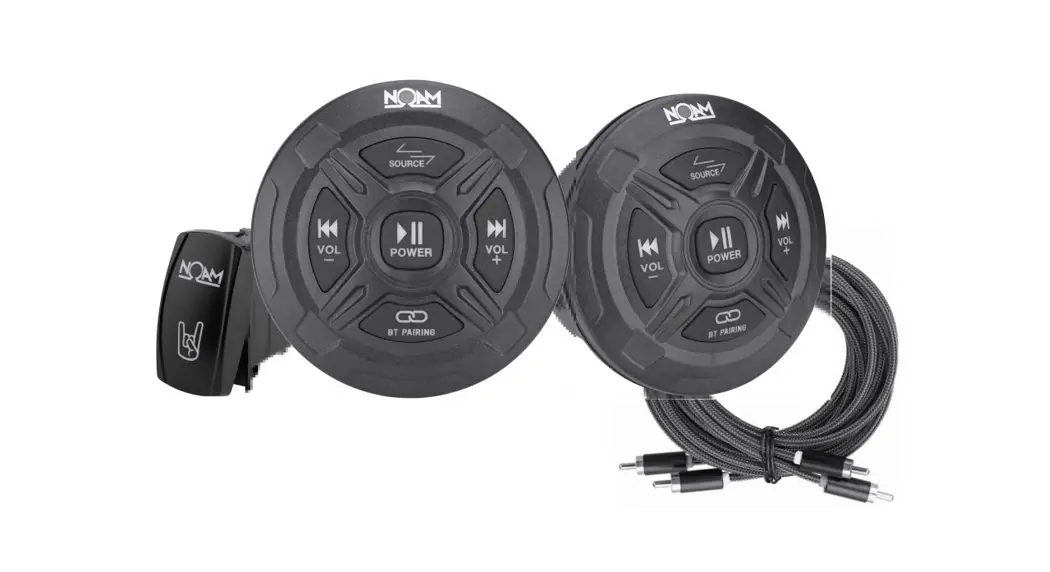
- Two Pair4″ 2 Way Marine Speaker
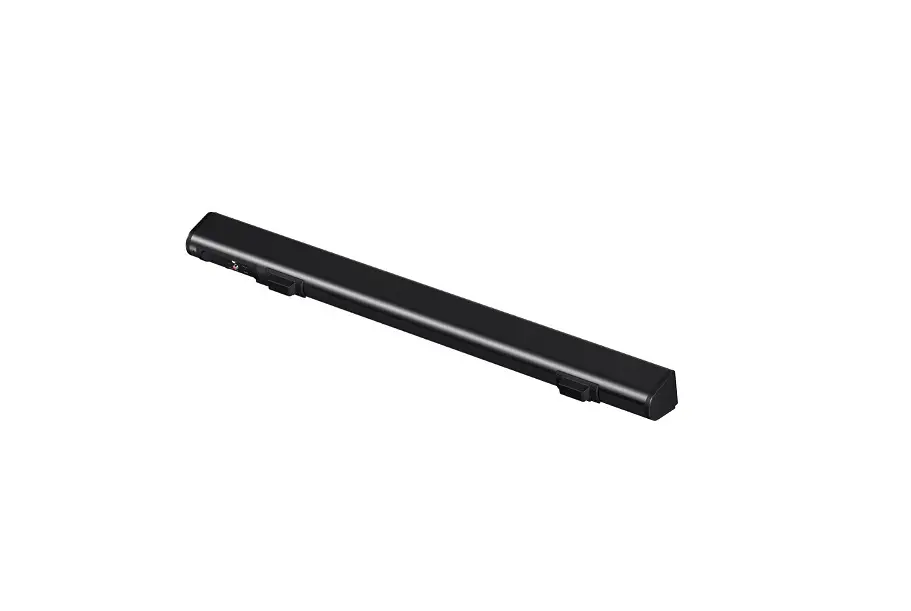
- One Piece 4 Channel Marine Power Amplifier
- One Piece Bluetooth® controller
Installation precautions
Before you drill or cut any holes, investigate your vehicle’s layout very carefully. Take special care when you work near the gas tank, fuel lines, hydraulic lines, and electrical wiring. Never operate the amplifier when it is unmounted. Attach all audio system components securely within the amplifier to prevent damage, especially in an accident. Do not mount this amplifier so that wire connections are unprotected. in a pinched condition, in contact with any metal surfaces in your vehicle, or likely to be damaged by nearby objects. Before making or breaking power connections in your system, disconnect the vehicle battery.
Confirm that your head unit or other equipment is turned off while connecting the input jacks and speaker terminals. If you need to replace the power fuse, replace it only with a fuse identical to that supplied with the amplifier, Using a fuse of a different type or rating may result in damage to your audio system or your amplifier which is not covered by the manufacturer’s warranty.
SPEAKER INSTALLATION INSTRUCTIONS: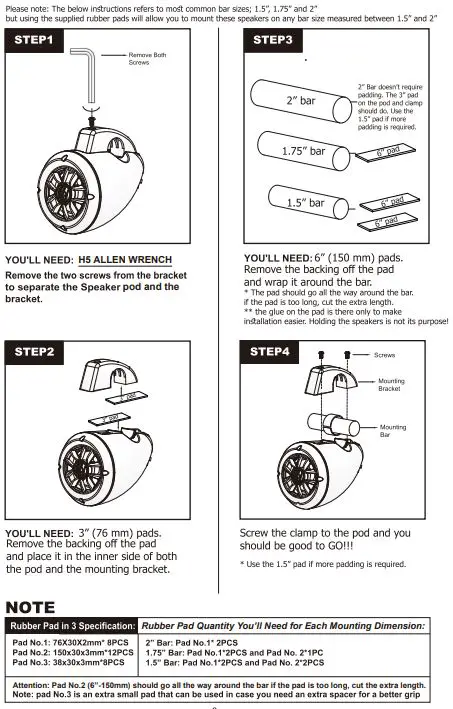
Power and Speaker Wiring
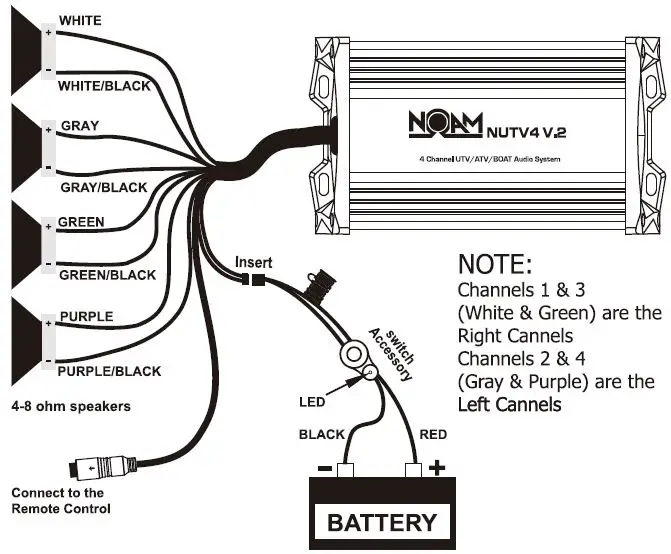
wire color Description
- Red Battery(+), 12dc/ 12vdc = ON
- Black Battery (-), Ground
- White CH1 (+)
- White/Black CH1 (- )
- Gray CH2 (+)
- Gray/Black CH2 (-)
- Green CH3 (+)
- Green/Black CH3 (-)
- Purple CH4 (+)
- Purple/Black CH4 (-)

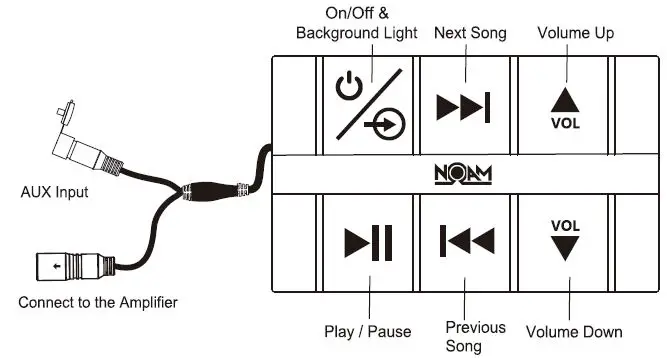
Bluetooth® Pairing and Connection:
- Connect Bluetooth® controller box to your device
- Press and Hold ¾ for three seconds until power indicator lights (red)
- The system will automatically go into pairing mode The power indicator will turn red for about 4-6 seconds and then alternating red and blue (Bluetooth® blue Power red) Please be sure that Bluetooth® is turned ON. Select NOAM Audio on your device to connect Bluetooth® controller (if the Bluetooth® controller is connected the light will turn blue and not flash)
- When the device is out of Bluetooth®range, Bluetooth® will be disconnected automatically and automatically reconnect when detected in range again. (If not please just repeat steps 2 and 3)
- When Bluetooth® is disconnected or the 3.5mm A
Playing Music:
- Press ¾ and hold for their second to turn On/OFF
- Press ¾ and hold for three seconds to turn On/OFF
- Press ¾ shortly in order to control the red background light
- Press ►II to start or pause the music
- Press ►►I shortly for the next track
- Press l+ii shortly for the Previous track
- Press! shortly for volume up
Bluetooth® Installation
- Install “Z” shaped bracket threaded onto the Bluetooth® controller hook. (packed with Bluetooth® controller.) Use the hole on the other bracket’s end to mount the controller. any screw/bolt and a washer will allow a clean and easy surface mounting.

- Slide the Bluetooth®controller into the hook

- Press down the Bluetooth®controller hook and then slide out the Bluetooth® controller box at the same time to remove the Bluetooth® controller

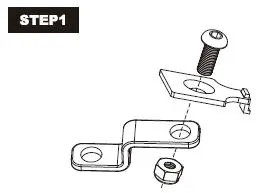
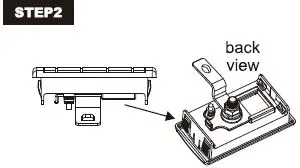
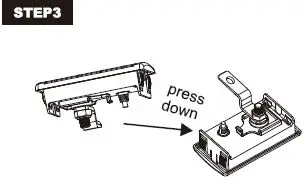
Bluetooth® Installation
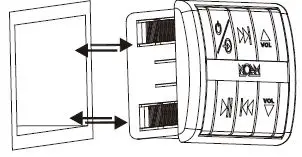
- Step 1: Decide the place for Bluetooth®remote installation. Draw and cut the size into 85x49mm(LxW)
- Step 2: Push in the Bluetooth®remote