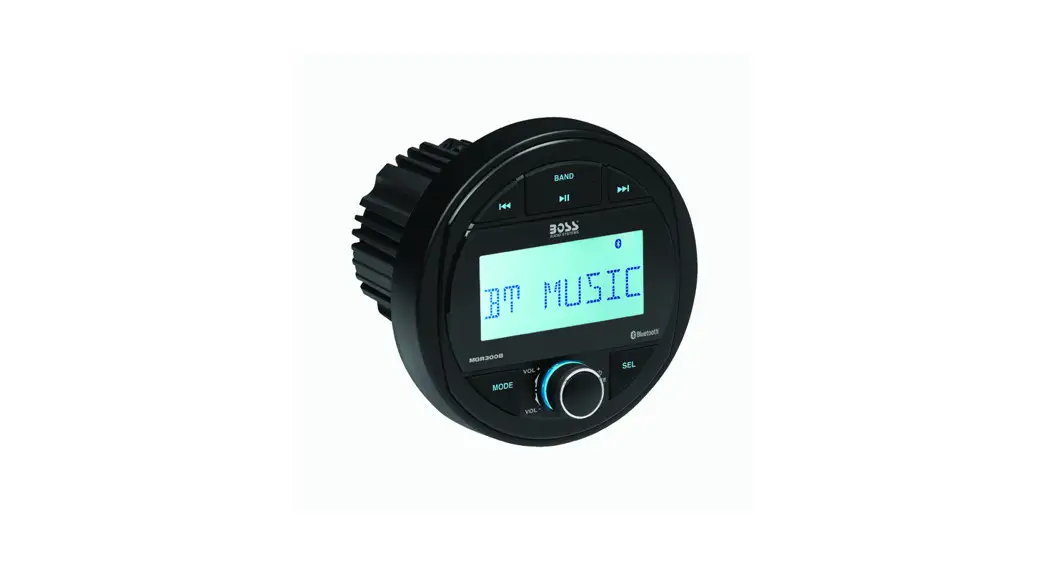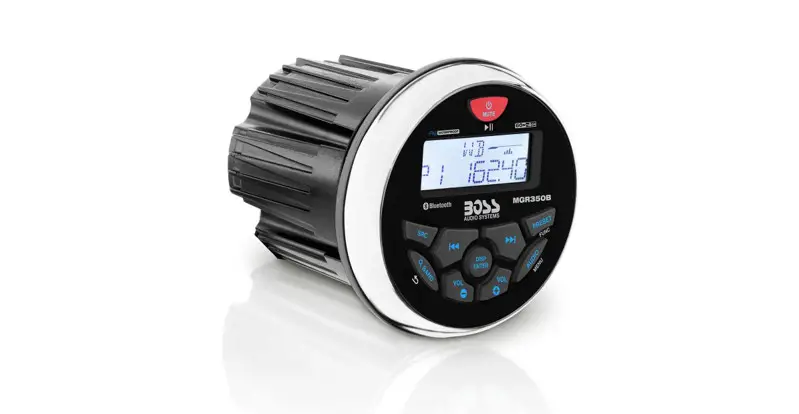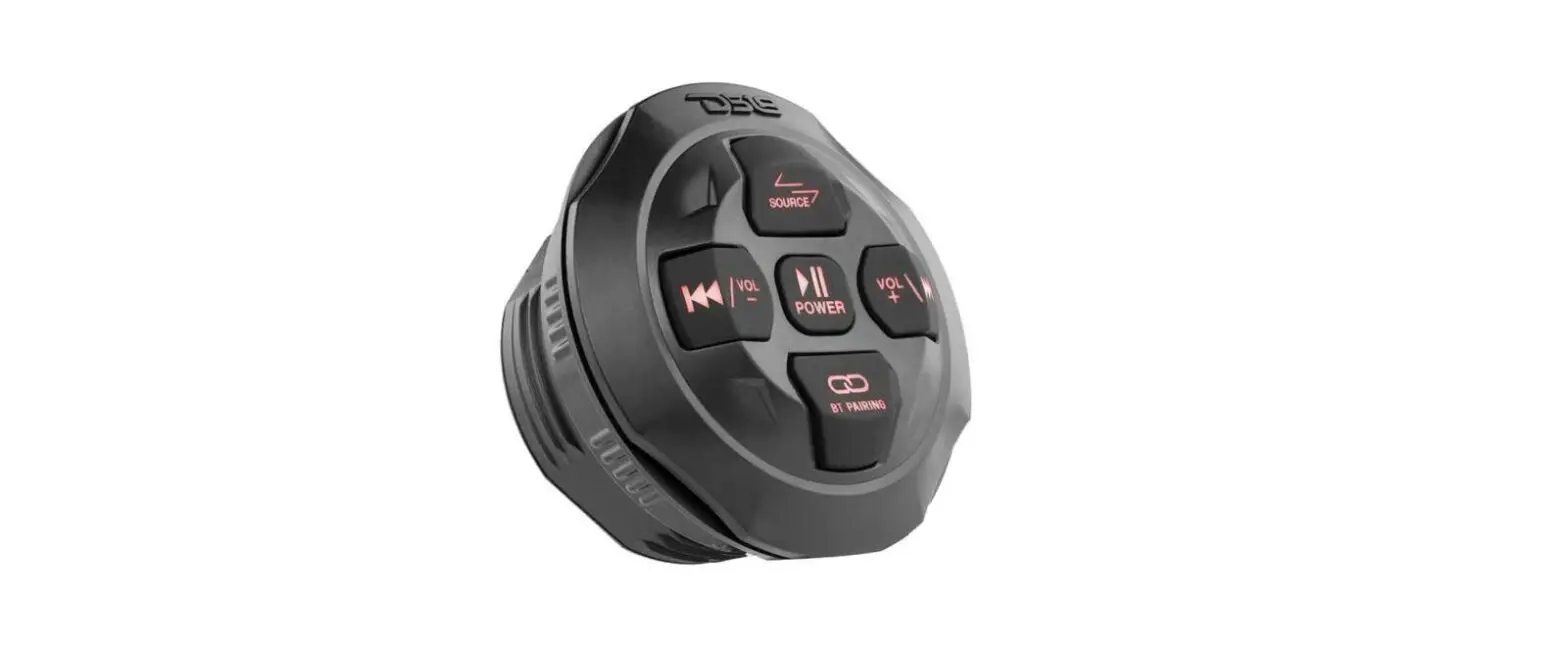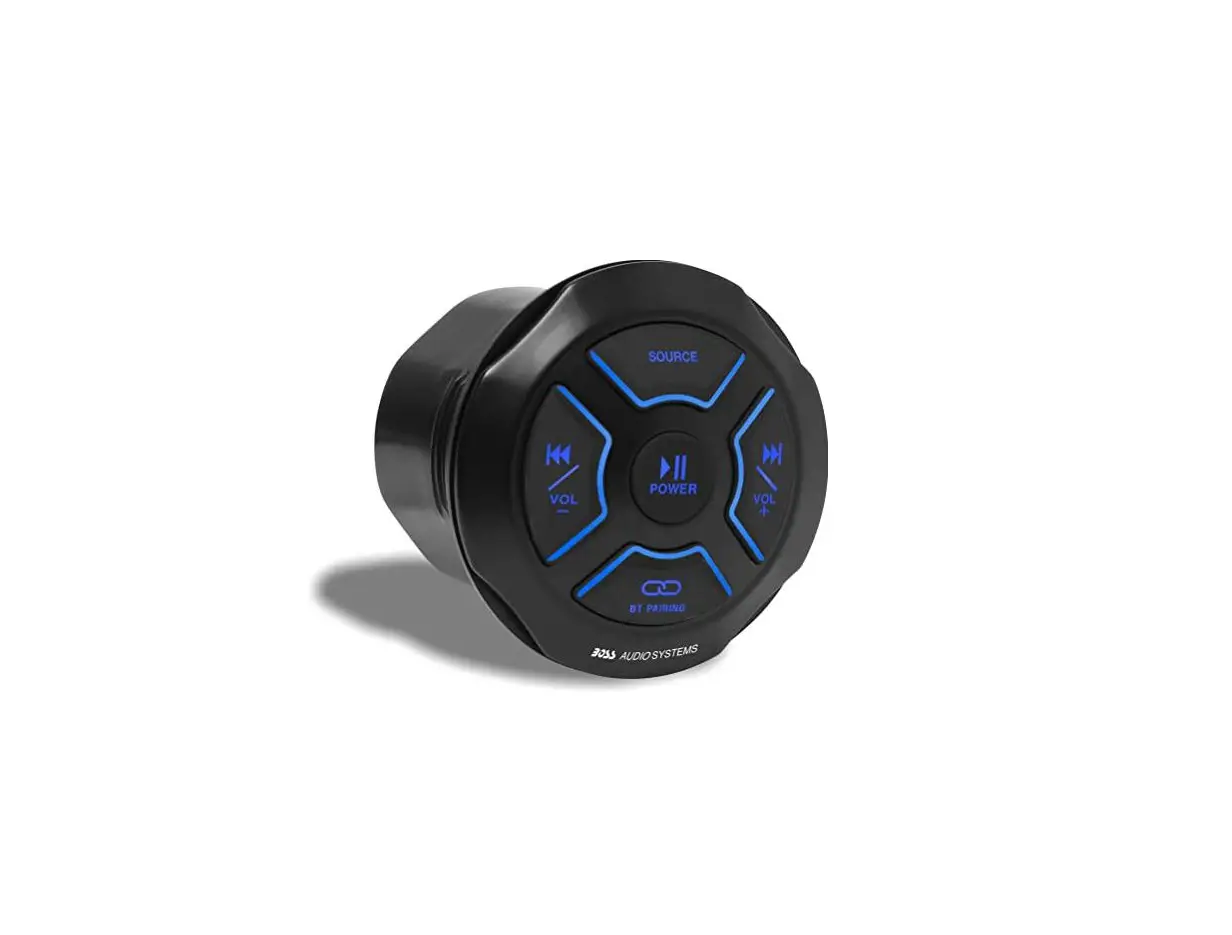
BOSS AUDIO SYSTEM MGR150B Bluetooth (Audio Streaming)
 Marine Gauge Media Player User Manual
BOSS
AUDIO SYSTEMS
MGR150B
BLUETOOTH® (Audio Streaming) Marine Gauge Digital Media Player Featuring Built-In 2 Channel Amplifier
Congratulations on the purchase of the MGR150B. It has been designed, engineered and manufactured for the highest level of performance and quality.
Features
Playback:
BLUETOOTH® Audio Streaming Stream and Control your Favorite Music APPs
Inputs & Outputs:
USB Port
USB Charging (2A)*
Aux-In
Pre-Amp Outputs (1 pair)
General
2 Channel
IPX6**
Conformal Coated PCB
Illuminated Controls
What’s Included
After you have unpacked the marine gauge digital media player, check all the contents of package so it contains all of the items below. If something is missing, please call our customer service department.
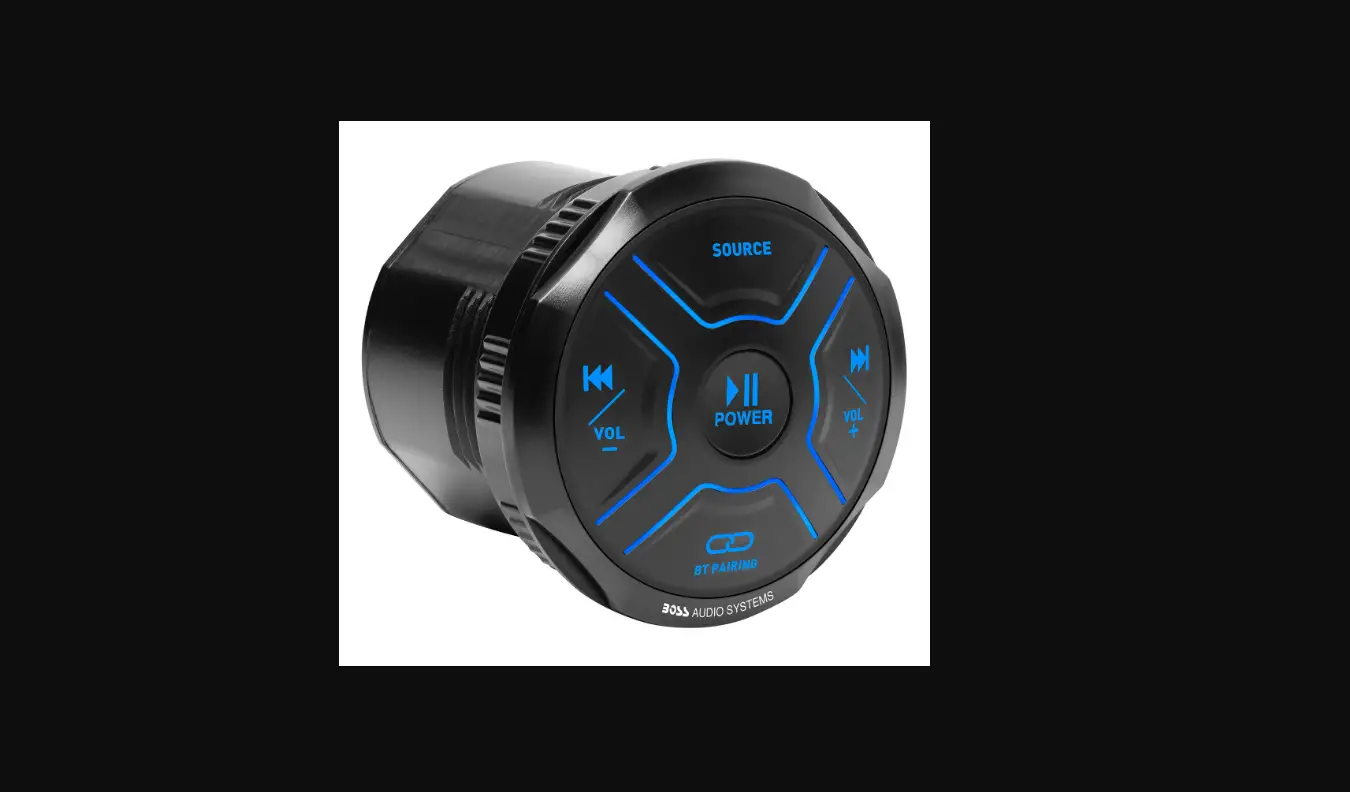
- (1)MGR150B Marine Gauge Digital Media Player
- (1)3.5mm Stereo Cable
 Safety Considerations
 Safety Considerations
While we have designed the mounting system to provide a safe and stable installation, it is important to remember these are objects that will be used in an environment that is extremely bumpy and turbulent. Please consider all possible scenarios where these will be placed and secured.
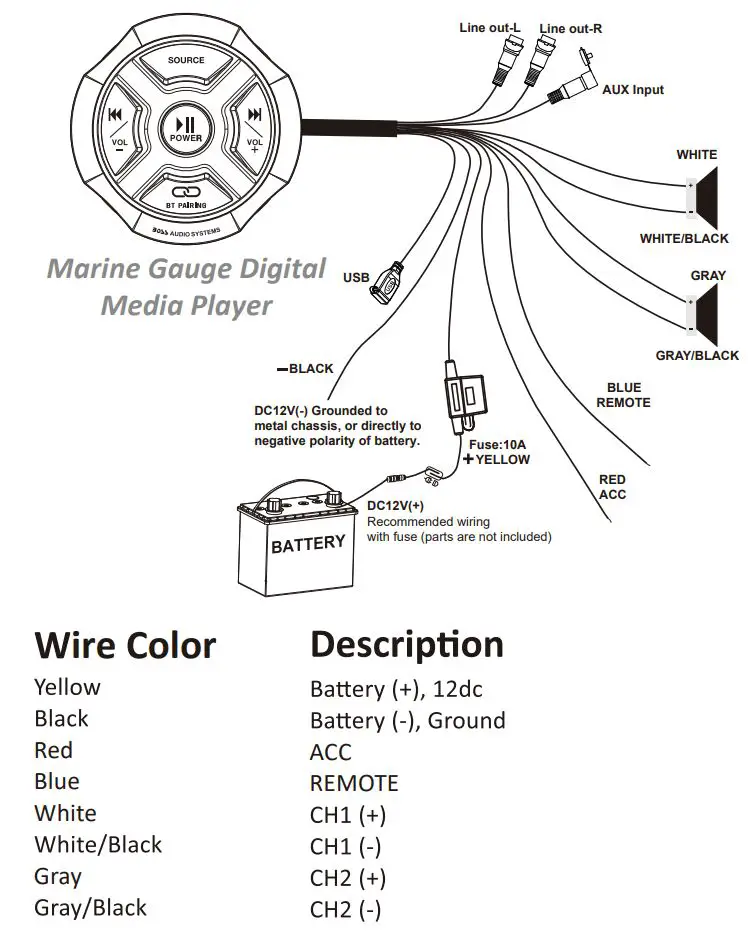
Power and Speaker Wiring
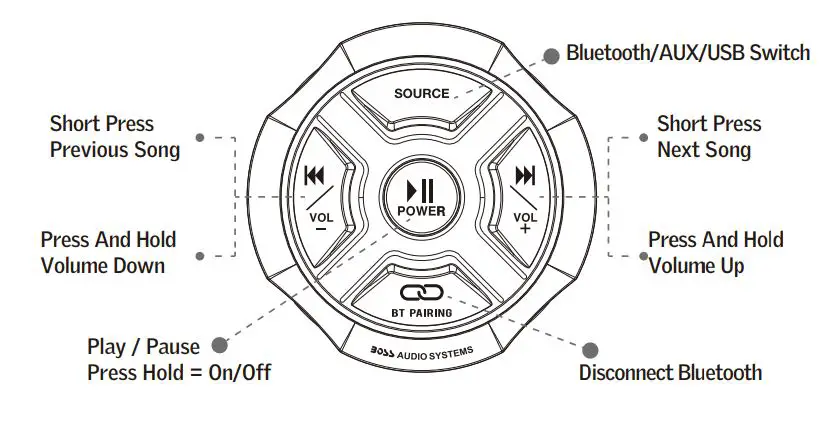
Playing Music:
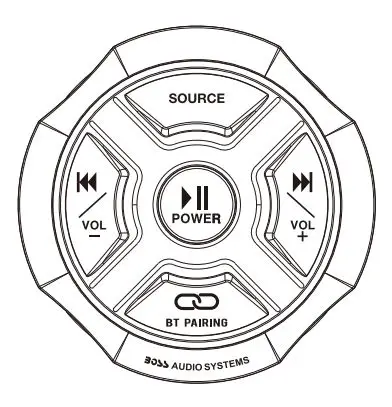
- Press and hold
 3 seconds for Power ON or OFF
 - Short press to play music or pause
- Short press SOURCE to switch Bluetooth mode/Aux-in mode /USB mode
- Short press
 for next track, press and hold for volume up
 - Short press
 for previous track, press and hold for volume down
 - Press and hold
 for disconnect Bluetooth
 3 seconds for Power ON or OFF
 for next track, press and hold
 for previous track, press and hold
 for disconnect Bluetooth
Bluetooth Pairing and Connection:
Connecting MGR150B to your device
- Press and Hold for three seconds until power indicator lights Blue.
- The system will atomically go into pairing mode. The power indicator will turn Blue and the Bluetooth indicator will blink Blue while waiting for Bluetooth connexon. Please be sure that Bluetooth is turned ON on your device, select “Boss Audio MGR150B” on your device to connect the Bluetooth controller (if the Bluetooth controller is connected the light will turn to solid Blue).
- When the device is out of Bluetooth range, Bluetooth will be disconnected automatically and automatically reconnect when detected in range again. (If not please just repeat steps 1 and 2).
- Input mode indicator — Blue light for Bluetooth, Red light for AUX In, and Purple light for USB.
MGRlSOB Installation
Seamless Flush Mount
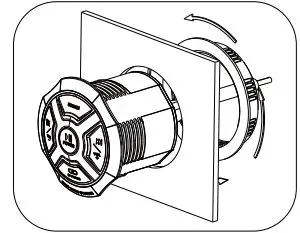
Size: 3.8″ (96 mm) (Out Diameter)
3.0″ (76 mm) (Cutout Diameter)
3.5″ (89 mm) (Depth)
BOSS Audio Systems
3451 Lunar Court – Oxnard, CA 93030
www.bossaudio.com
805-751-4853 Customer Service
Tech Support: www.bossaudio.com/support