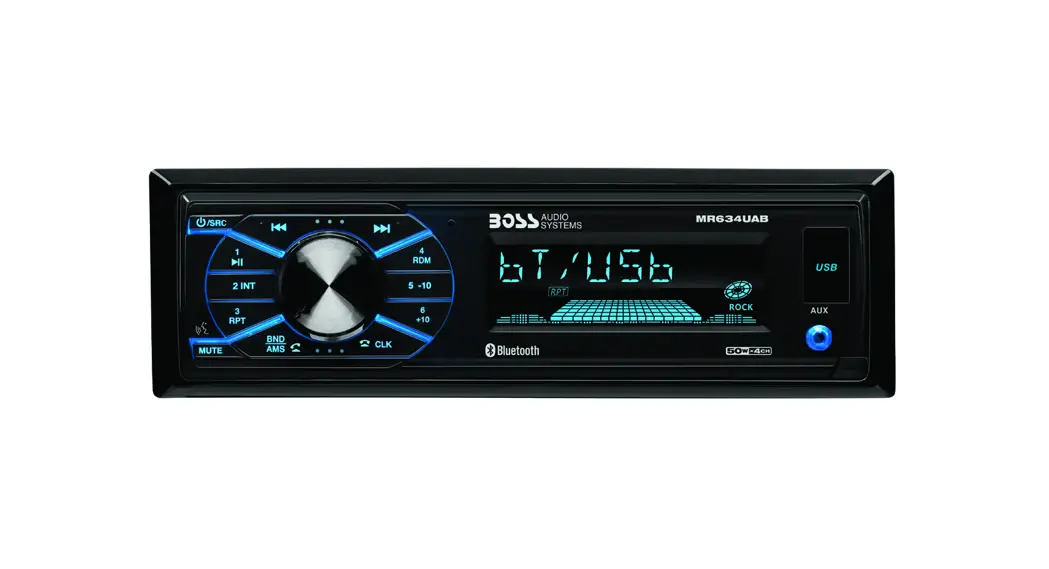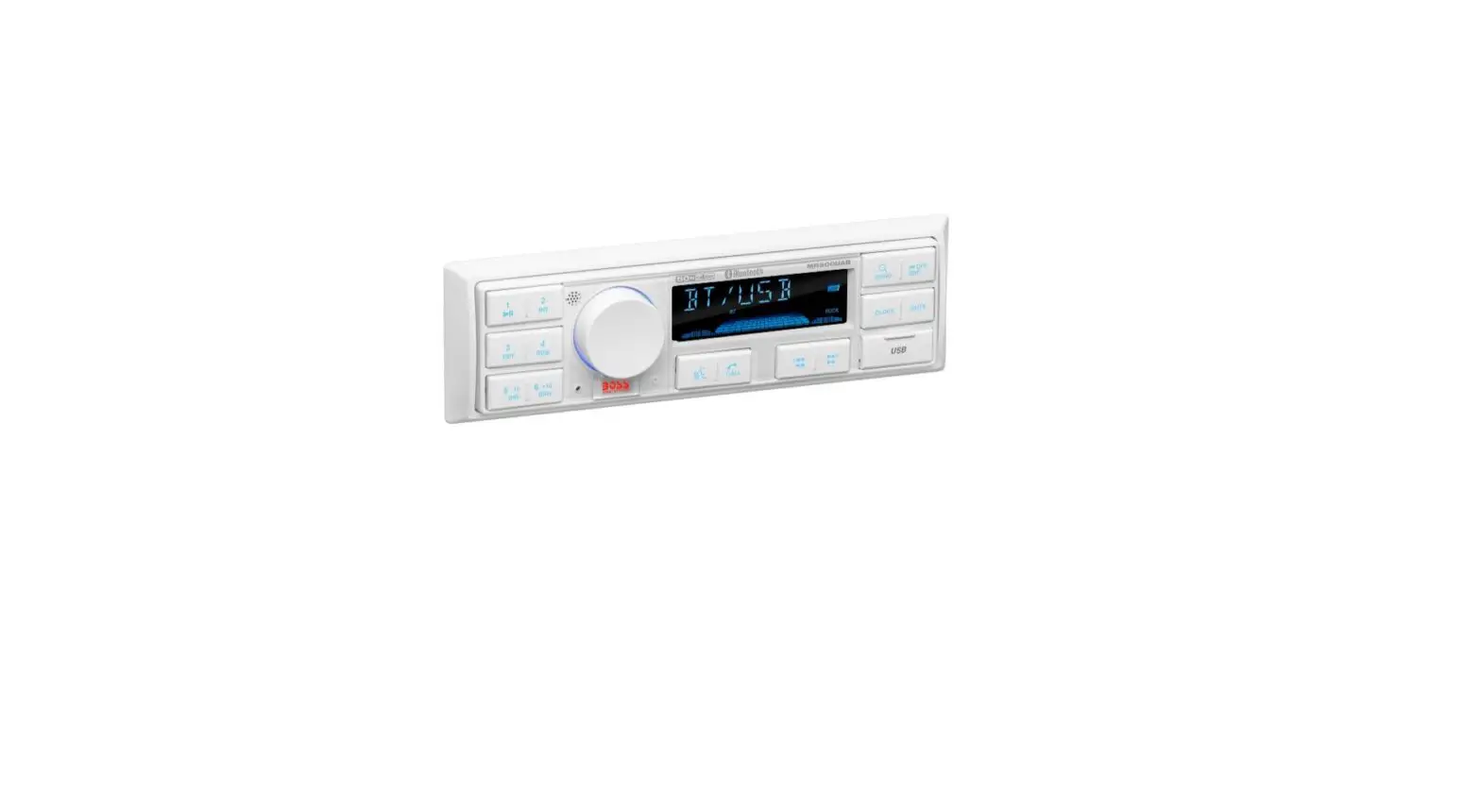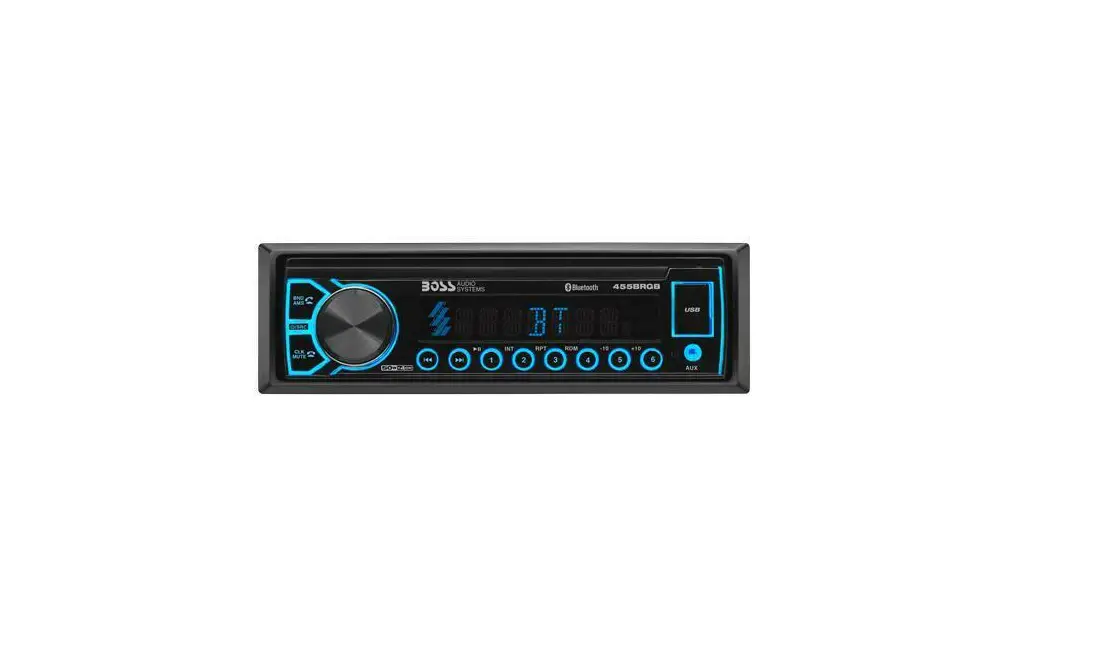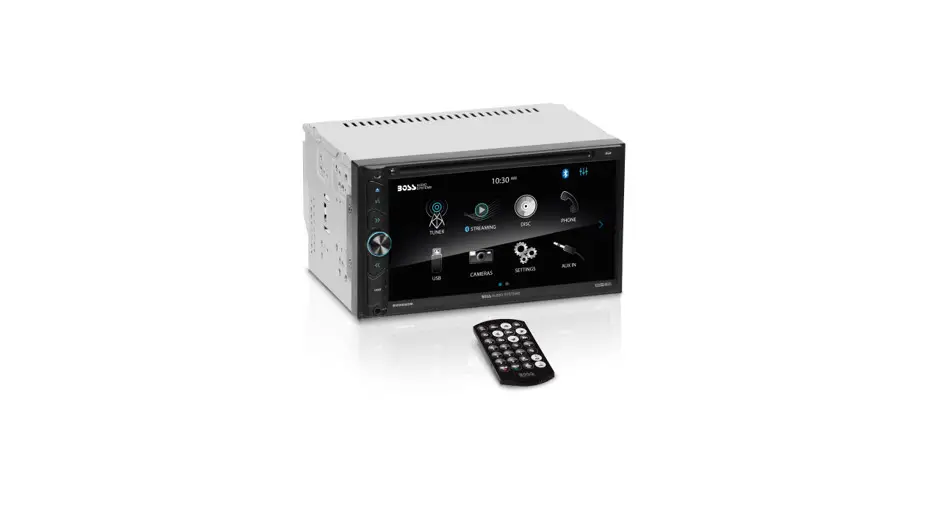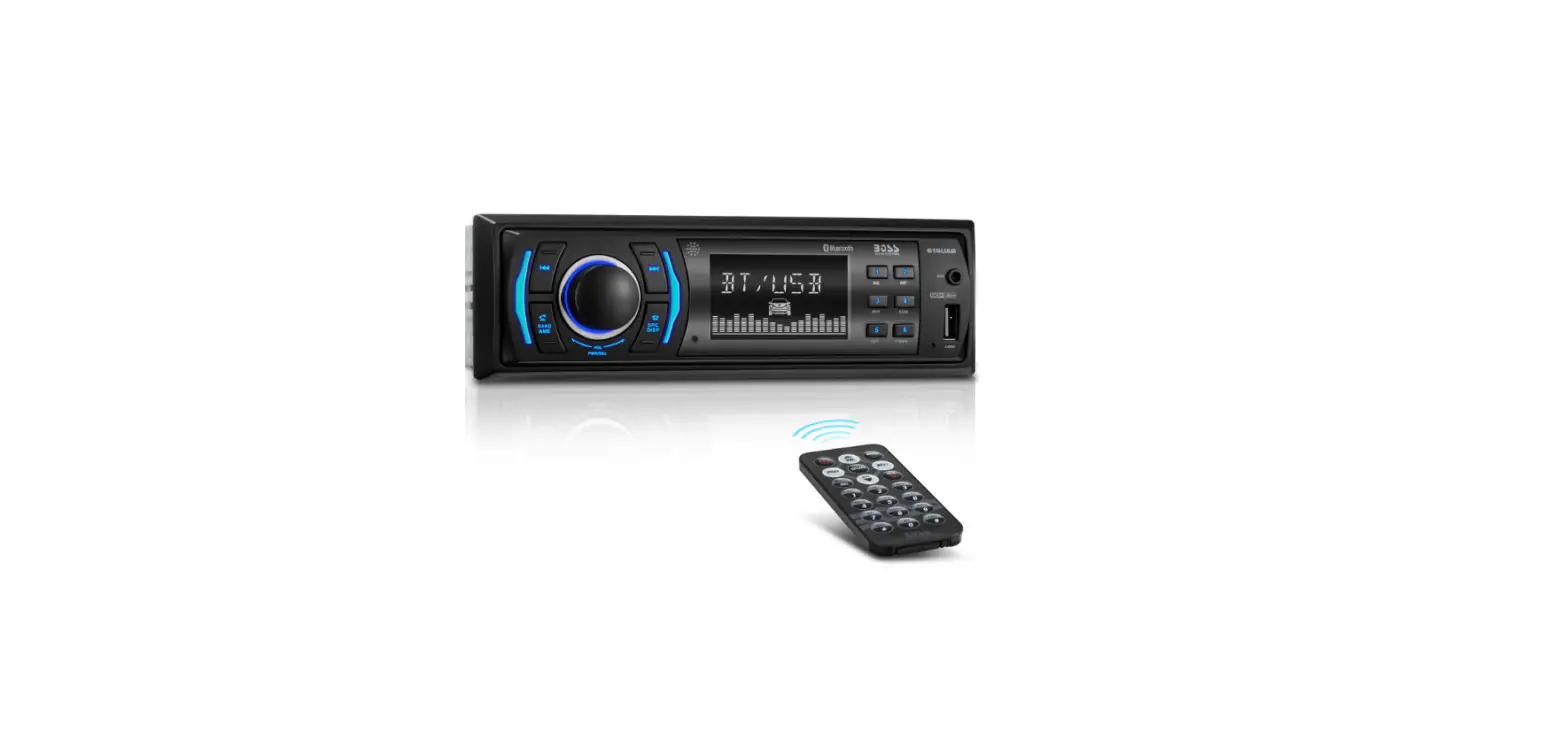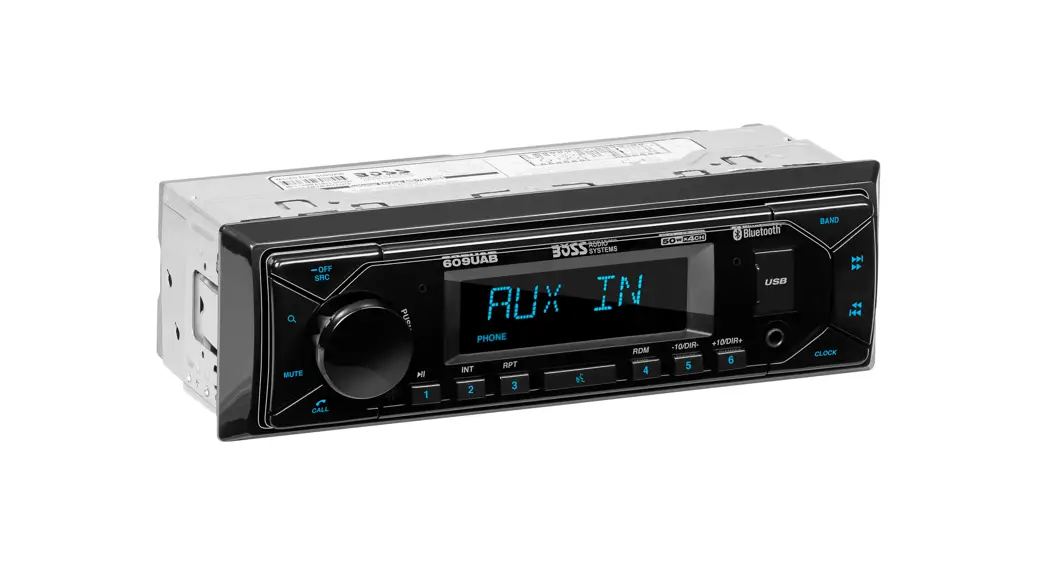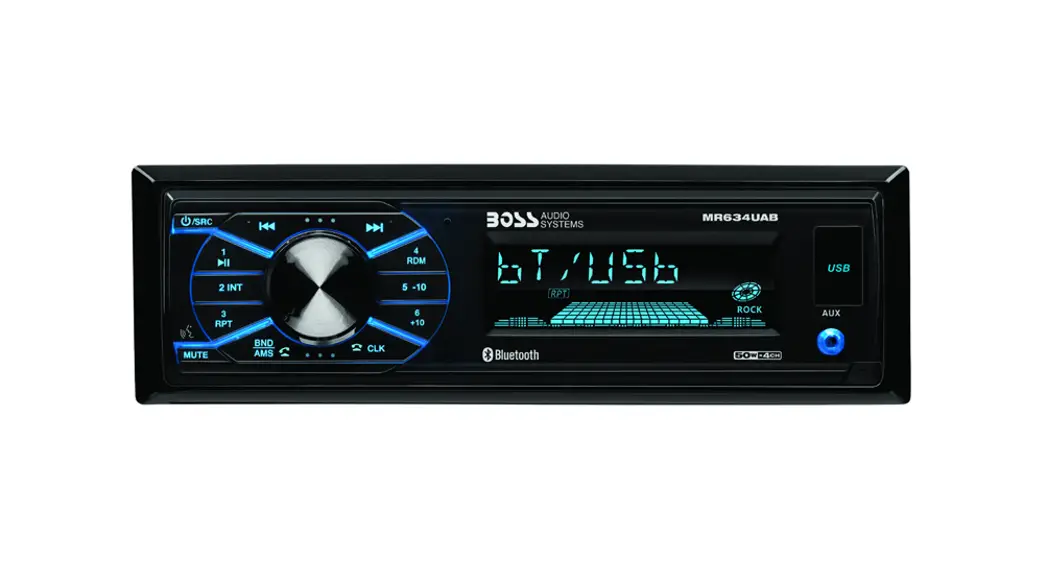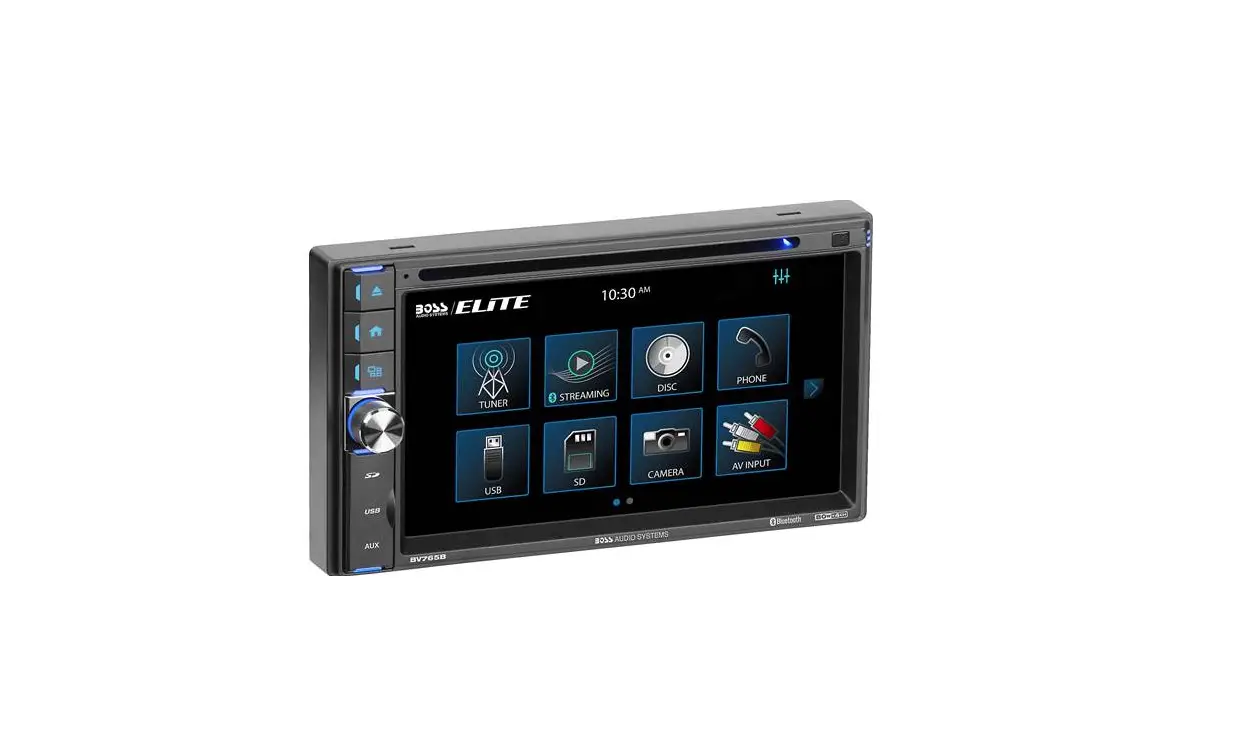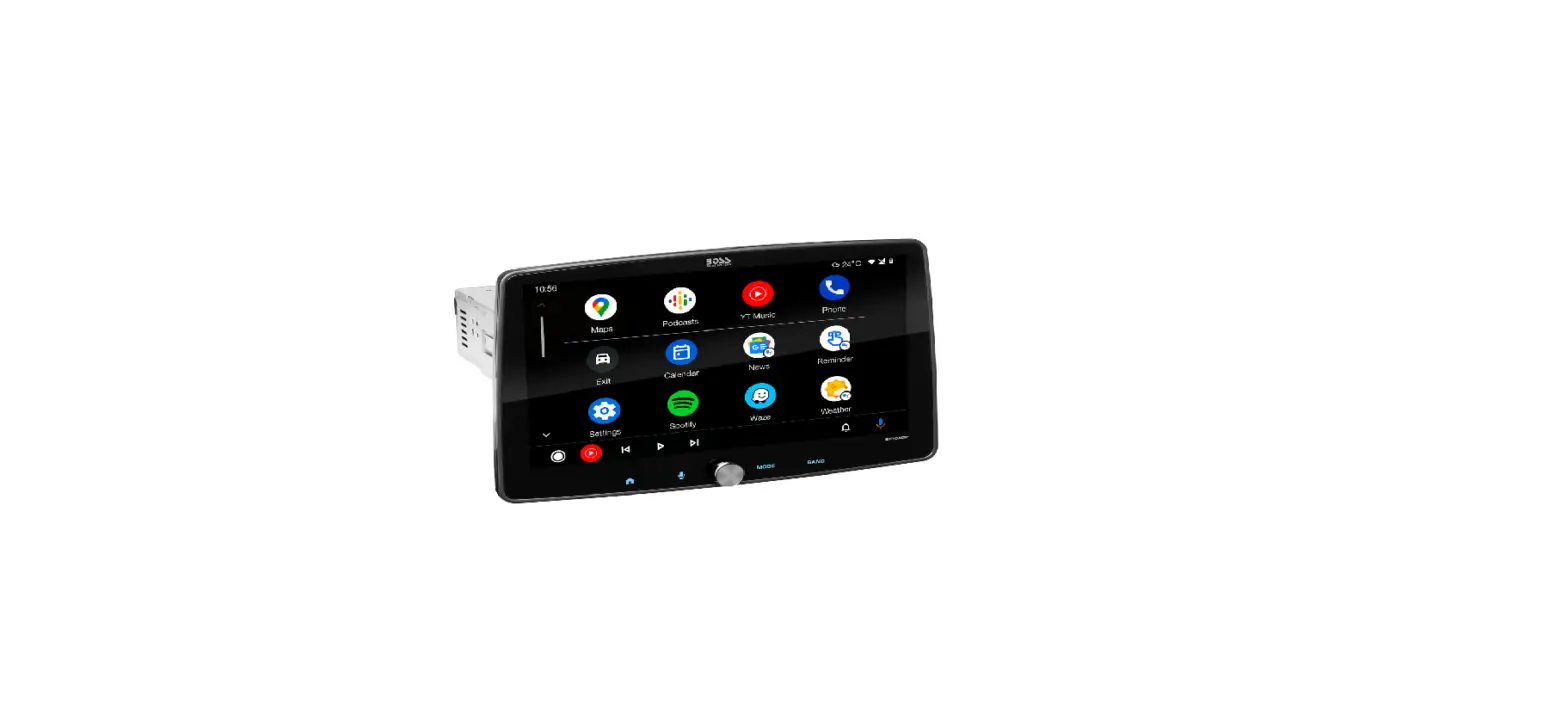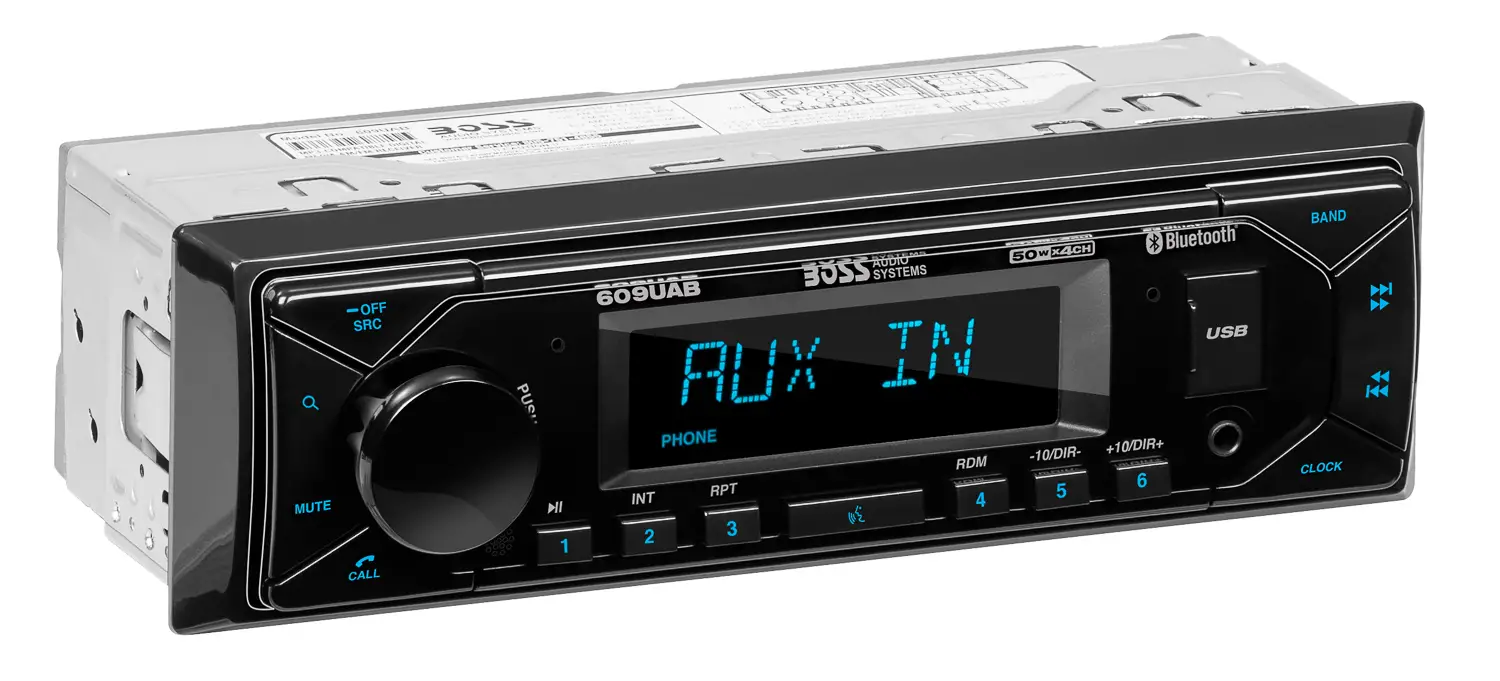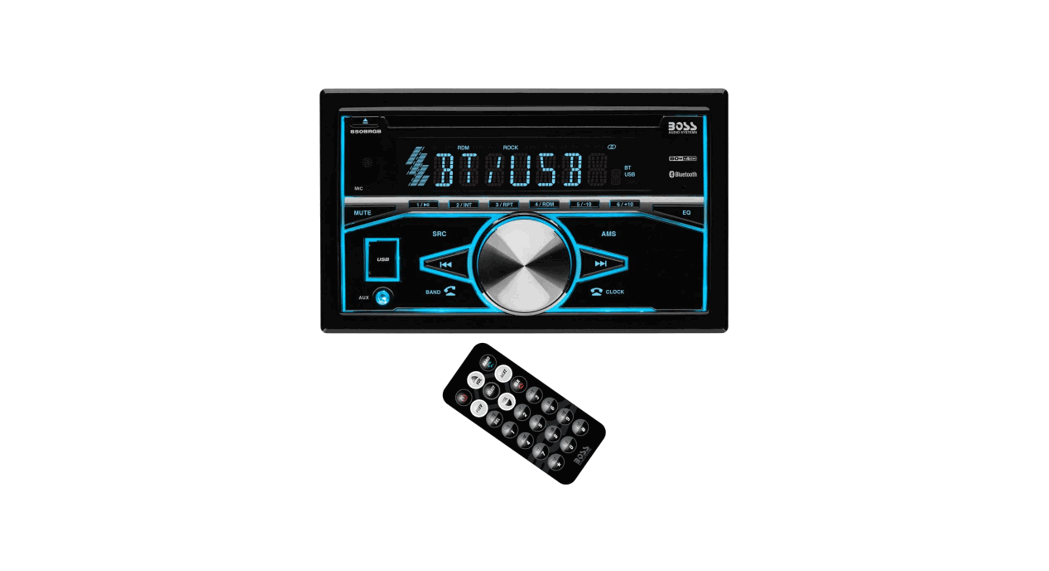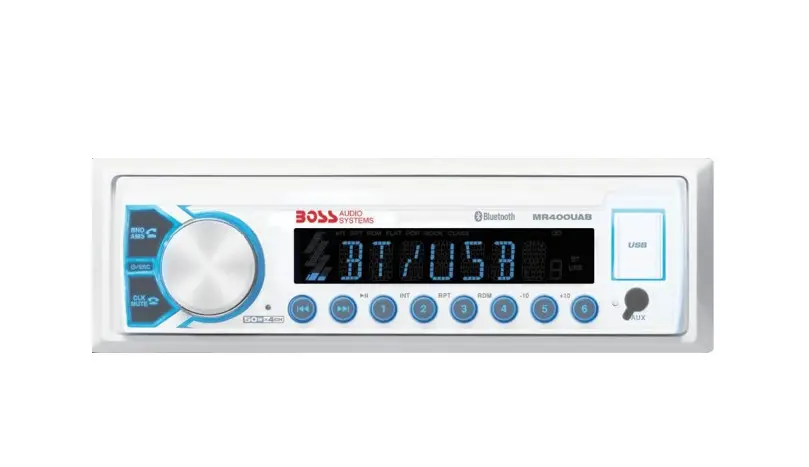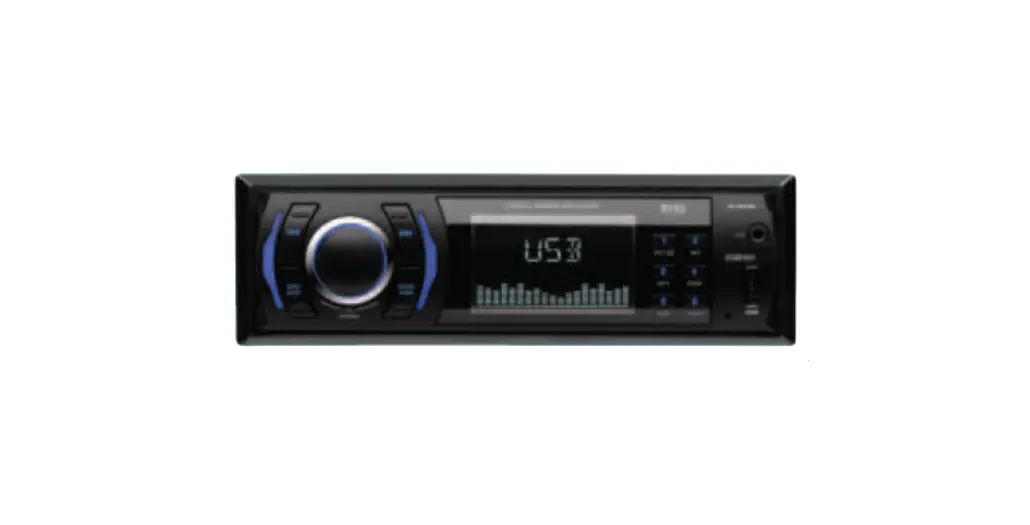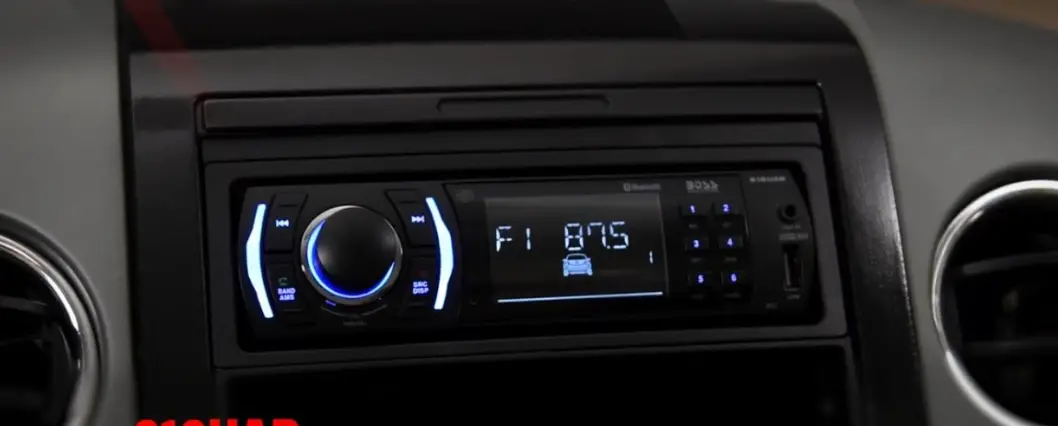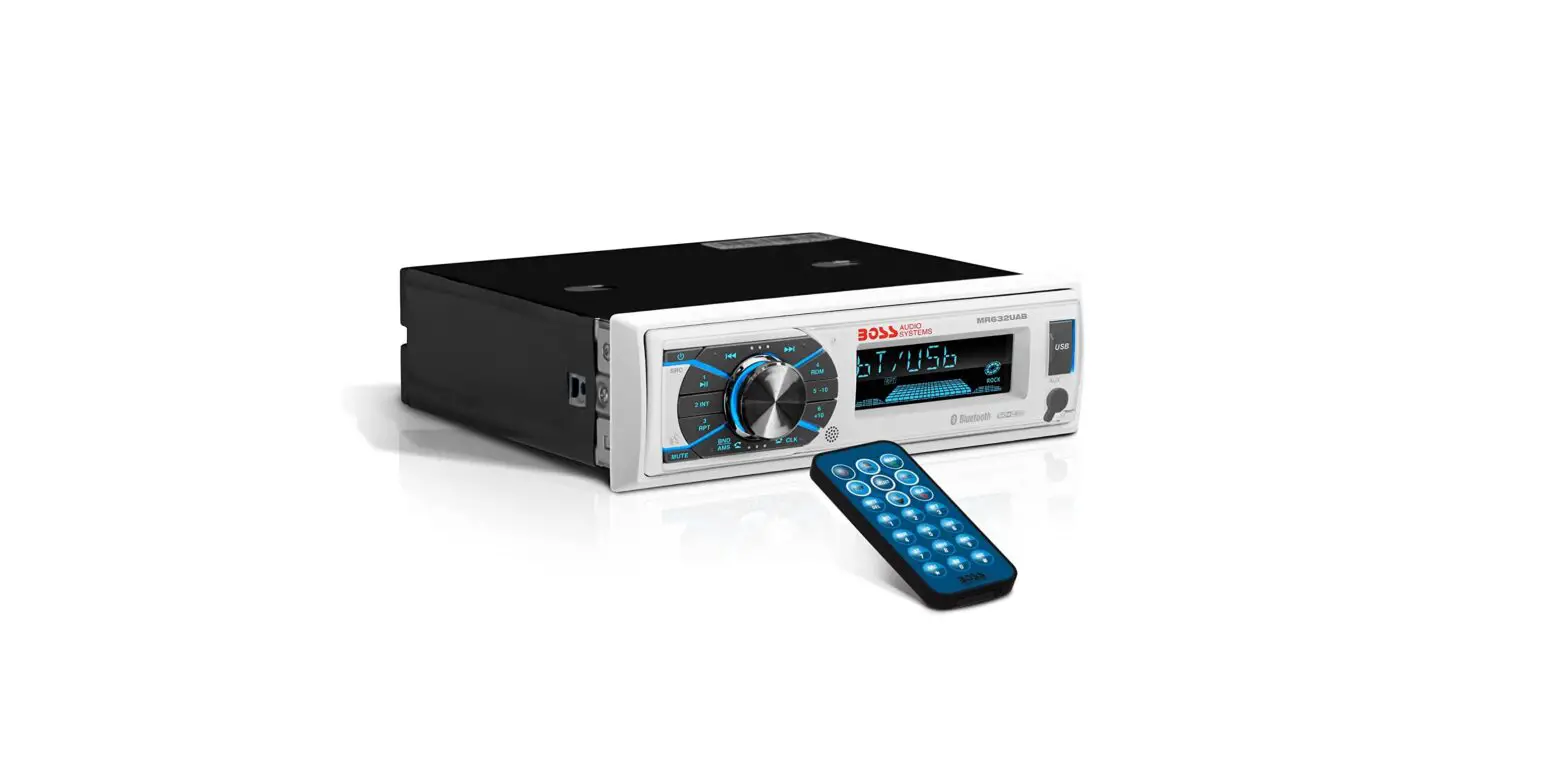

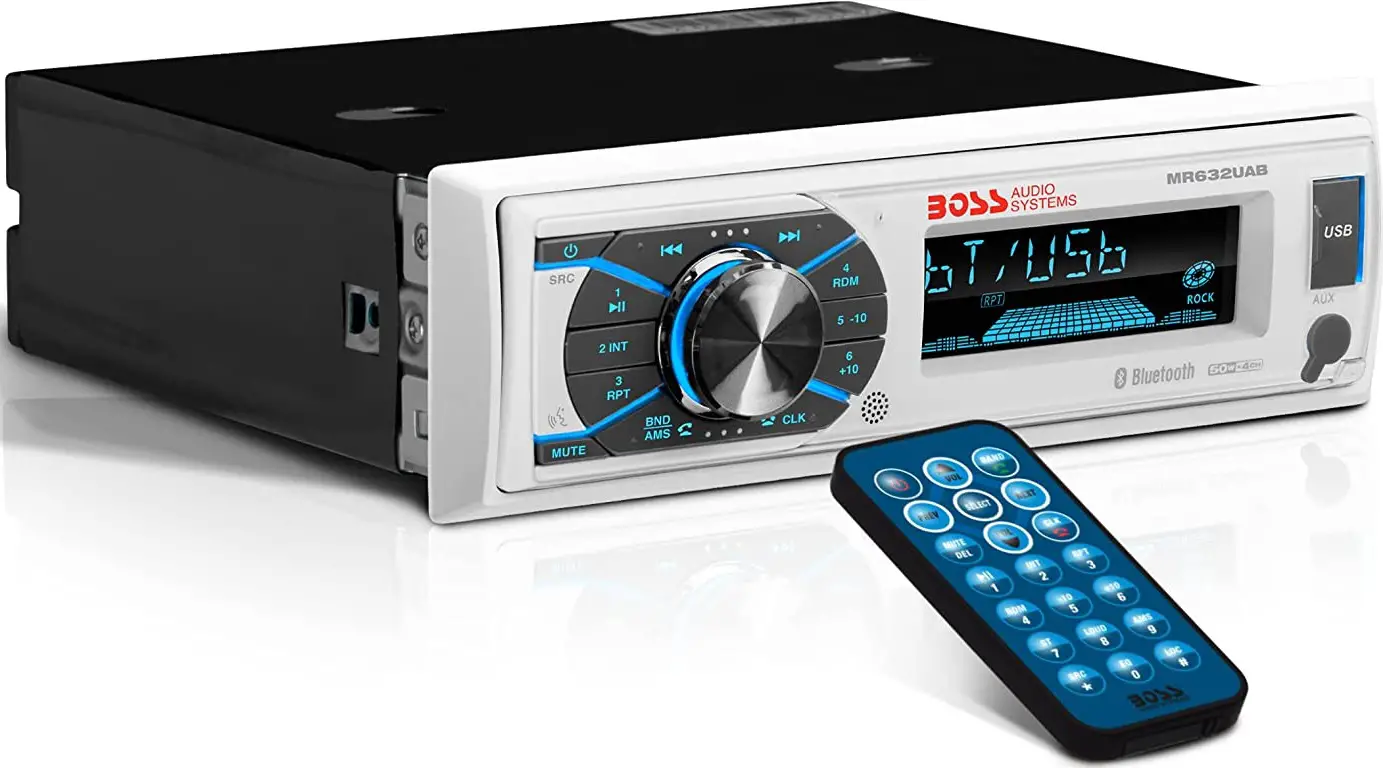
Boss Audio Systems MR632UAB Bluetooth Digital Media AM/FM Receiver
Lithium Battery Cell Warnings
- Cell leakage may cause damage to the remote control.
- Do not throw cells into the fire, as this may cause an explosion.
- Keep battery cells out of reach of children.
Use cautions
- To reduce the risk of fire, electric shock, and annoying interference, do not repair yourself. Please refer serving to a qualified person.
- Some MP3/WMA files may not be playable.
- Keep lower volumes to concentrate on traffic and road conditions for safe driving.
- If the user’s car is under sunlight for some time, please lower the temperature inside the car and then start the player operation.
- If the battery is disconnected or discharged or changed, the preset memory will be erased and must be reprogrammed.
- Installation of the unit is better at a horizontal position, or if it is at an angle, it maybe not work in its best situation.
- Never use force or grip the display and the buttons tightly when removing or attaching.
- Be sure to lower the volume before switching off the unit or the ignition key.
INSTALLATION
Installation Procedures
First, complete the electrical connections and then check for correctness.
Installation Opening
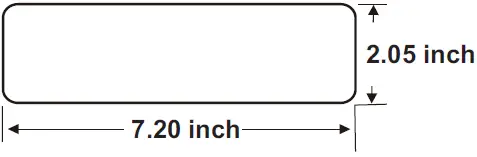
This unit can be installed in any dashboard\ Having an opening as shown above.
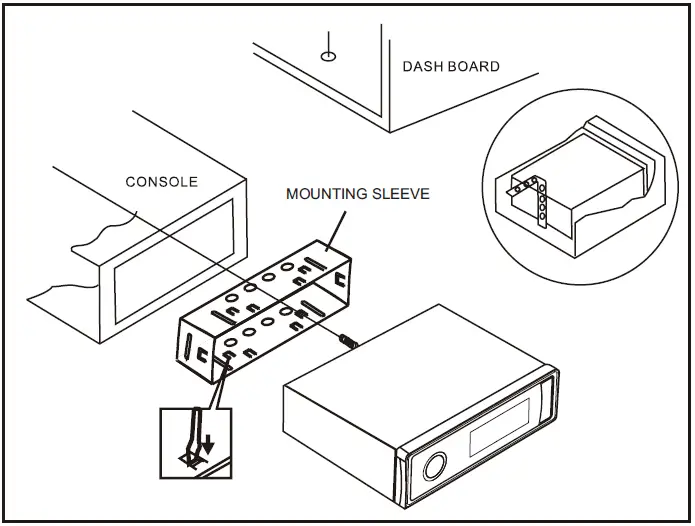
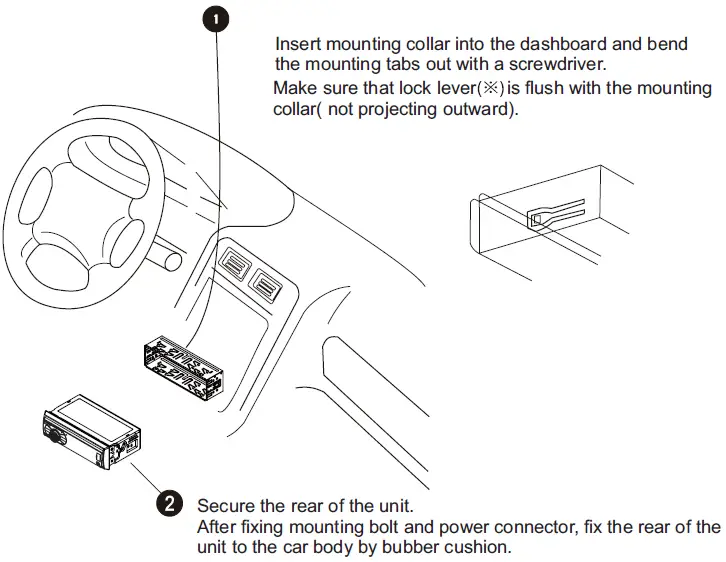
- Only use speakers with 4 ohms impedance.
- Do not attach the control panel to the chassis before the wiring is complete.
- The maximum current of the auto antenna is 200mA.
Wiring Connections
WIRING DIAGRAM
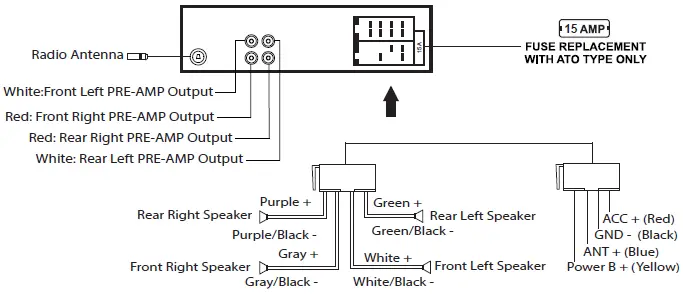
CAUTION +12V DC NEGATIVE GROUND
Uninstall the Main Unit
- Remove the metal strap from the main unit.
- Remove the plastic trim from the main unit.
- Insert a bracket key into the left and right side of the main unit and draw the unit out of the mounting sleeve.
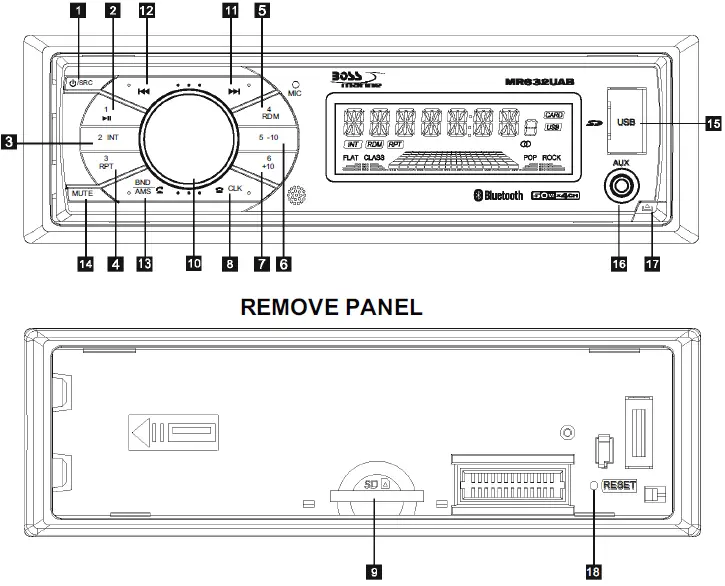
OPERATION
- POWER/SRC
Press the POWER button to tum on the unit, and long press it again to turn off the unit. When the unit tum on. short press the POWER/SRC button to switch the unit between RADIO, USB, CARD, BT, and AUX IN, modes (if there are USB and SD cards inside the unit). 1/. If there is no USB & SD card, then it will be only radio, BT, and Aux. When the user inserts a USB flash drive or SD Card, their respective logos will illuminate on the display. - 2-7.(button 1 to 6) PRESET MEMORY BUTTONS In Radio mode
To memorize the frequency, press one of the six preset buttons(1-6) and hold for more than 2″S, and the frequency is successfully stored. Therefore there are FM1, FM2, FM3, AM1 & AM2, each band can store 6 stations so a total of 30 stations can be stored. To recall the preset memory station, press one of the preset buttons(1-6) plus the BND button for FM1, FM2, and FM3.AM1 & AM2.
- During USB or SD card mode, press the ‘1/>||’ button to pause or resume music playback.
- Press the ‘2/INT’ button to play the first 10 seconds of each track, press again to stop the introduction scan, and play the current track.
- Press the ‘3/RPT’ button to repeat the current track, press again to stop repeat playback, and resume normal playback.
- Press the ‘4/RDM’ button to play all tracks in random order, and press again to cancel random playback.
During USB or SD card mode, press the ‘5/-1 0′ button to go backward 10 tracks. Press the ‘6/+10′ button to jump forward 10 tracks. During USB or SD card mode, long press the 5/-10’ button to go back to 1 folder. Long press the ‘6/+1 0’ button to go up 1 folder. You can repeat this function depending on the number of folders. This button will have no function if the USB or SD card has no folders.
CLK
Press the CLK button once to display the real-time, With time appearing on the display. Press and hold the CLK button for more than 2 seconds until the hour flashes. You can adjust the HOUR by pressing the button and
  button. Then press the CLK button briefly, and the minute will flash, you can adjust the MINUTE by pressing the button and button. Finally press the CLK button to confirm the time adjustments.
SD CARD SLOT
Press the button to detach the front panel, and remove the front panel, then you can insert an SD card into this SD card slot, and install and close the front panel, this player will read and play the songs on the SD card automatically. To remove the SD card from the unit, press the button to detach and remove the front panel, then push the SD card with your fingernail, and the SD card will be ejected.
VOLUME adjustment
In the radio mode, rotate the volume knob to increase or decrease the volume level of the sound output. Press the volume knob, and it will be switching the sequence as follows:

Rotate the VOL knob on the front panel or press the button VOL+/- on the remote control to adjust the selected item.
At the radio status, press and hold the VOL button to enter the switch state of the US(USA) and EU (EUROPE) frequency, then rotate the VOL knob to select the US frequency or EU frequency, after selecting US or EU frequency, the system will switch to the selected frequency 3 seconds later.
FF() &12.FB( )
In the radio mode: Long press the or button for more than 2 seconds, and the unit will switch to manual tuning mode, briefly press the or button to search the next or previous frequency step by step. Short press the or button, and the automatic search will start, it will search upward or downward for the strong signal radio station within the current band. The auto-searching will stop until find a station.
In the USB or SD card mode: Briefly press the or button to play the next or previous track. Press and hold the or button to fast forward or fast backward.
BND/AMS
In radio mode, short press the BD/AMS button repeatedly to select one of the radio bands: FM 1, FM 2, FM 3, AM1, and AM2 in a cycle sequence. When you select a band, the word F1. F2. F3 for the FM band, and A1, and A2 for AM band will be shown on the LCD display. Press the BD/AMS button for several seconds, the radio searches from the current frequency and check the signal strength until one cycle search is finished. When the 6 strongest stations will be stored in the corresponding preset number within the current band. Short press the AMS button on the remote control to scan each preset station in each band. During USB or SD playback, short press the BND/AMS button to enter track search mode, then rotate the VOL knob to select the number of your favorite track with high speed, then press the SEL button to confirm and play the selected track. If no operation in 5 seconds, it will play the current track.
MUTE
Short press the MUTE button to turn MUTE ON/OFF, when it is on, the MUTE will flash on the LCD, and no sound output. When short press again it will be cancelled
USB PORT
AUX IN JACK
If you want to insert or remove the SD, reset the unit, remove the front panel from the head unit, and press the button to detach the front panel.
Reset
To reset all parameters to factory default values. Press the button to detach the control panel from the head unit and remove the control panel, then use a subject with a sharp point end to thrush the RESET hole.
BLUETOOTH OPERATION
Pair and Connect
Prior to using the Bluetooth device as a handsfree system for a Bluetooth-enabled mobile phone for the first time, you must pair and connect the two devices as follows:
- In any mode, prior to pairing and connecting, the BT logo flashes on the LCD indicating that no device is connected. To begin pairing, enable BT mode on your mobile phone.
- When the phone finds the car audio system, the “BOSS MR632UAB” will be displayed.
- Choose the BOSS MR632UAB from the device list to pair and connect with the car audio system. Upon confirming the BT logo will stop flashing.
- When pairing is complete, the mobile phone audio will automatically transfer to the car audio system whenever a call is made or received, or when the mobile phone plays music.
Make a Call
- To make a call, dial the call directly from the paired mobile phone.
- To make a call with this Bluetooth hands-free system.
a) When linking up the Bluetooth mobile phone to this car audio handsfree system, press the button to access the dial telephone number mode, then press the “0~9”, *, and # buttons on the remote control to input the telephone number, and the entered number will be shown on the LCD.
b) If a number has been incorrectly input, press the DEL button or  button to delete it.
c) Press the button to make outgoing calls.
Redial Last Dialed Number
Press and hold the button on the control panel to redial the last dialed phone number.
Answer a Call
- When the mobile phone is called, the incoming telephone number is displayed on the LCD.
- To receive the call, press the button on the control panel or remote control.
Reject or End a Call
To reject the call or end an active call, press the button.
Switch Audio Between Car and Phone
During a call, press the VOL knob/button to switch the audio source from the car audio system back to your mobile phone.
Adjust Talk Volume
- During a call, use the VOL knob or VOL + and VOL – buttons to adjust the volume level.
- Use the MUTE button to mute the sound.
Audio Streaming (A2DP)
- Press the SRC button to enter BT mode and display media on the LCD.
- When a mobile device is paired, music played through that device will automatically be heard through the car audio system.
- Press the or button to play the next or previous song/file on the mobile phone.
- Press the button to pause or resume music playback.
REMOTE CONTROL
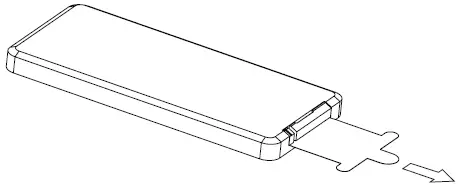
Remove Insulating Sheet
The remote control comes with an insulating sheet attached to the underside of the remote control, as illustrated on the right. The remote control will not work until the insulating sheet is removed.
 Replace Lithium Battery Cell
- When the lithium cell battery becomes weak, replace it as illustrated on the right.
- Press and hold the movable block in the direction indicated by arrow 1. At the same time, pull the cell holder out of the remote control in the direction indicated by arrow 2.
- Replace the old cell with a new one, making sure the (+) polarity is facing upward.
- Re-insert the cell holder into the remote control.
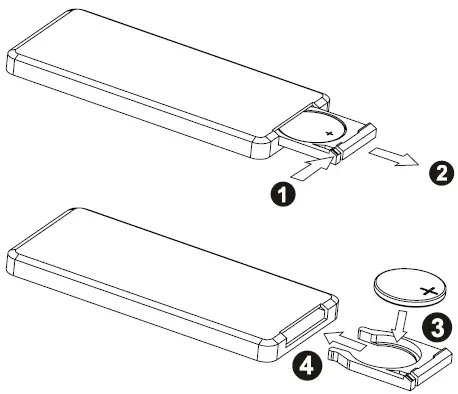

- Cell leakage may cause damage to the remote control.
- Do not throw cells into a fire, this may cause an explosion.
- Keep battery cells out of reach of children.
Remote Control Operation
Position the emitting window of the remote control toward the sensor window of the unit.
- The operation angle for the front panel remote control reception is about 30 degrees.
- The distance between the emitting window of the remote control and the sensor window of the unit should remain less than 5 meters.
REMOTE CONTROL
Button Names and Locations
Note: To operate the remote control, pull out the plastic from the battery compartment at the back of the remote control. Then point the remote control at the unit and start.
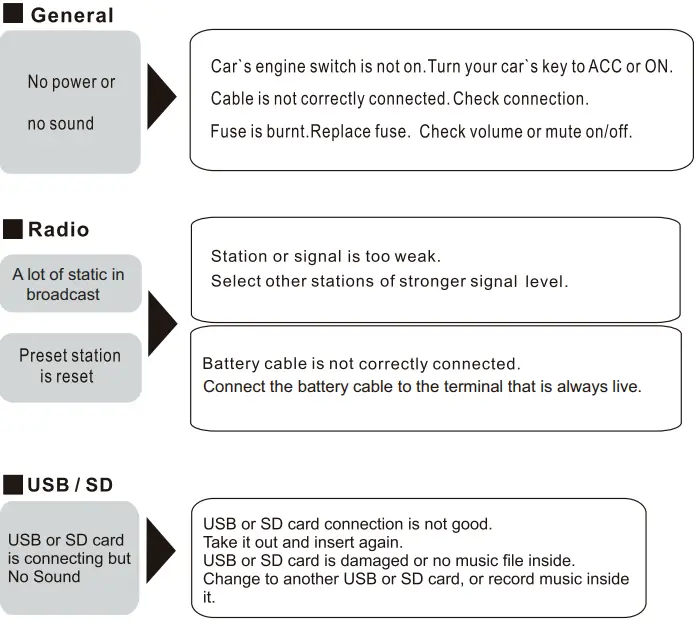
TROUBLESHOOTING
If you suspect something is wrong immediately switch power off. Do not use the unit in abnormal conditions, for example without sound, or with smoke or foul smell, which can cause fire or electric shock Immediately stop using it and call the store where you purchased it. Never try to repair the unit yourself because it is dangerous to do so.
SPECIFICATIONS
General
- Power supply Requirement: DC 12V
- Maximum power output: 50W X 4CH
- Speaker impedance: 4 – 8 Ohms
- Unit Dimensions(WxHxD): 7.0 X 2.0 X 3.8 inch
- Weight: 1.54 Lb (0.7 kg)
- Fuse: 15 A
RADIO
FM
- Frequency Range: USA / EUROPE: 87.5 MHz – 107.9 MHz / 87.5 MHz – 108.0MHz
- Channel step: 200 KHz / 50 KHz
AM
- Frequency Range USA / EUROPE: 530 KHz – 1710 KHz / 522-1620 KHz
- Channel step: 10 KHz / 9 KHz
USB/Card
RADIO
- Usable Audio Formats …………………………………………………………………………….. MP3/WMA
- Pre-amp Output…………………………………………………………………………………….. Front and Rear
- Frequency Response …………………………………………………………………………….. 20 Hz – 20 KHz
- S/N Ratio ……………………………………………………………………………………………………………. 60dB
BT
- BT Profile supports …………………………………………………………………….. Headset, Handsfree and A2DP & AVRCP profiles
- Range of frequency ……………………………………………………………………………………………………………. 2.4GHz spectrum
User Support
- Address: 3451 Lunar Court • Oxnard, CA 93030
- Official website: www.bossaudio.com
- Contact no. 805.322.8794
- Tech support: www.bossaudio.com/support/technical-support
Download this PDF Link: Boss Audio Systems MR632UAB Bluetooth Digital Media AM/FM Receiver User’s Manual