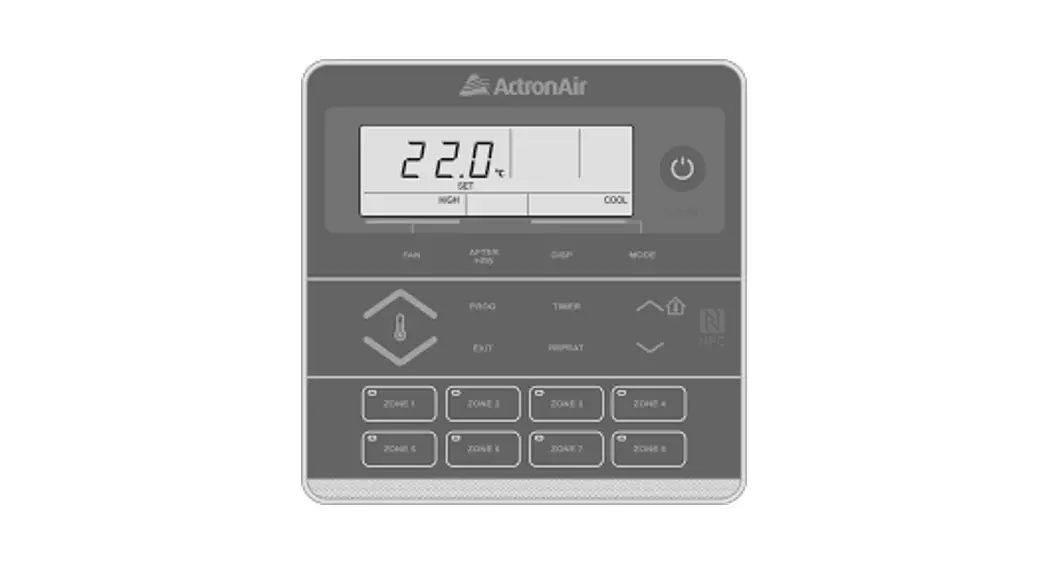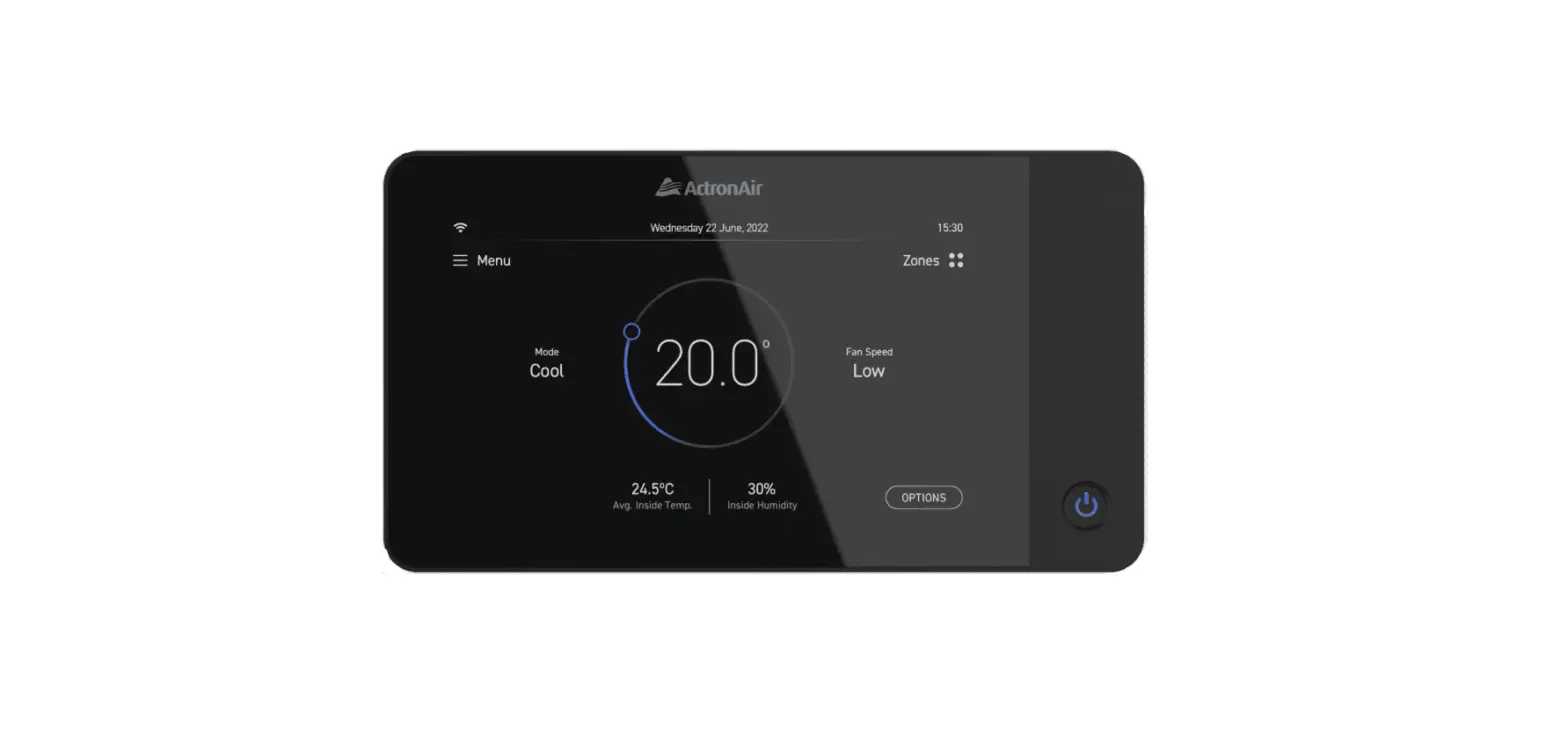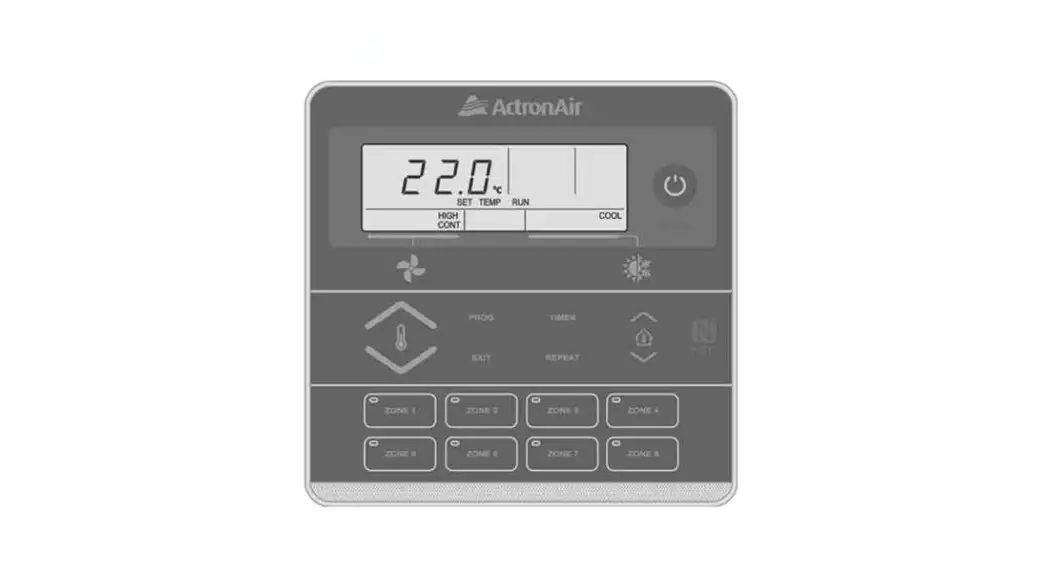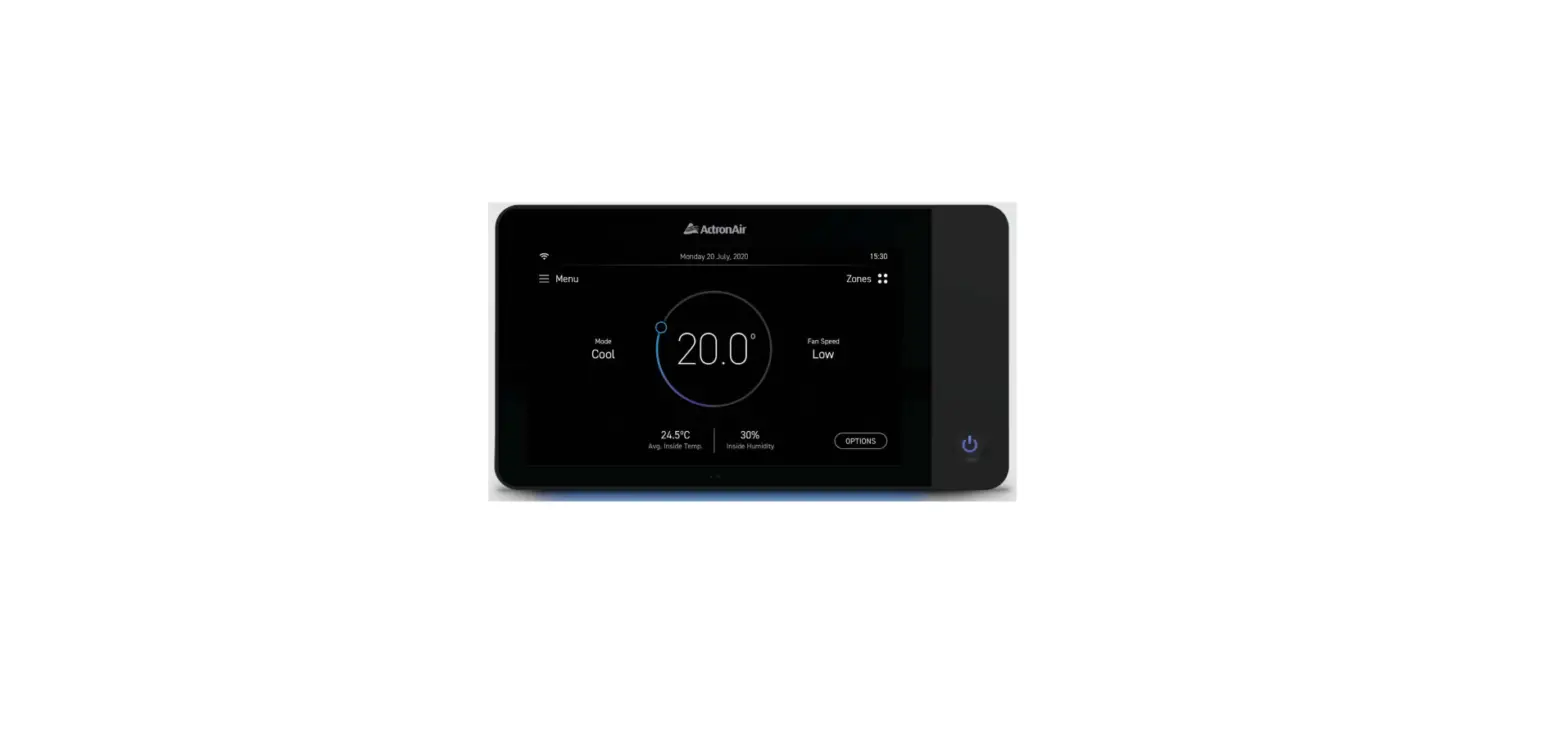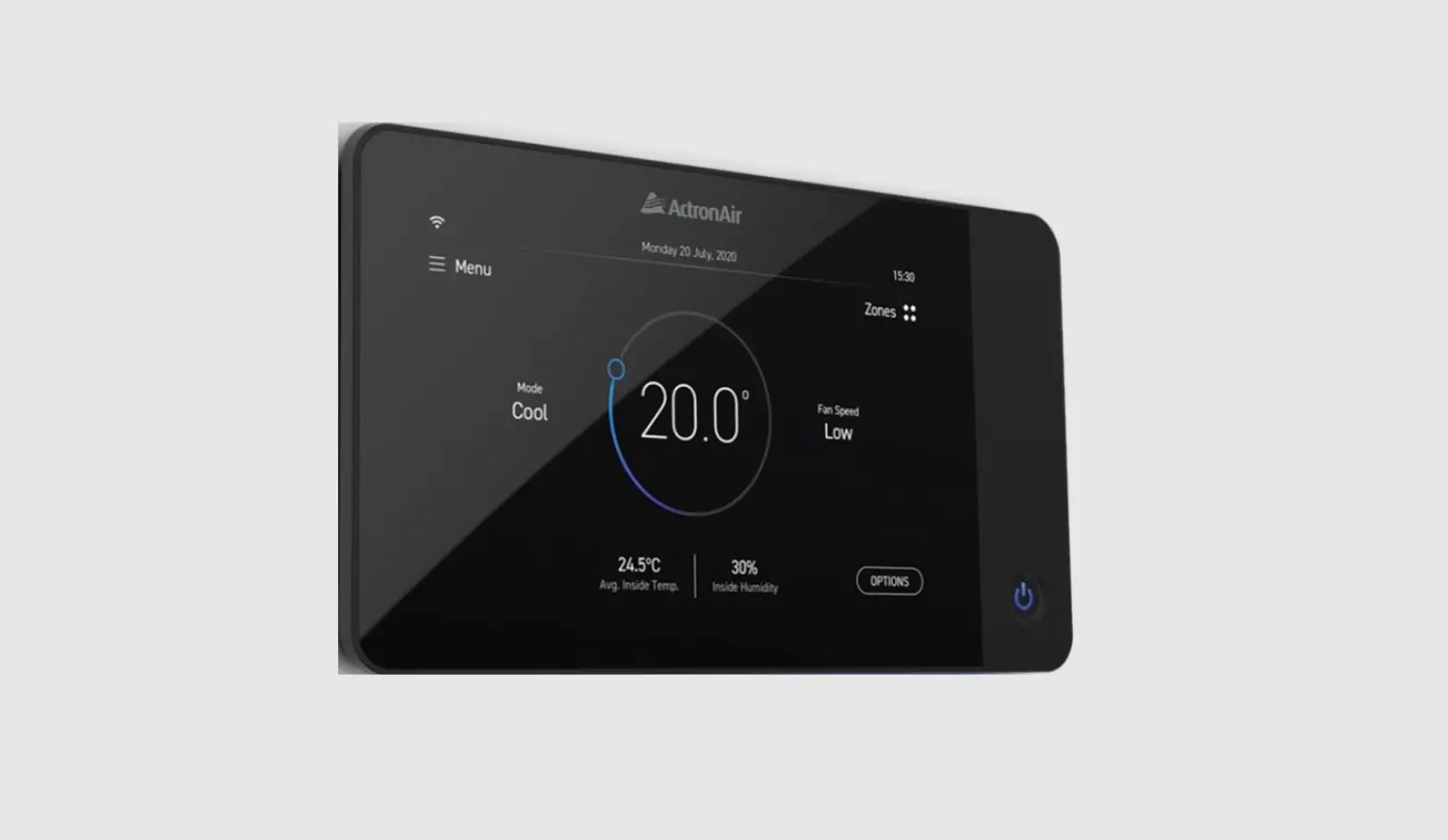
ActronAir NEO Air Neo Touch Wall Controller Instruction Manual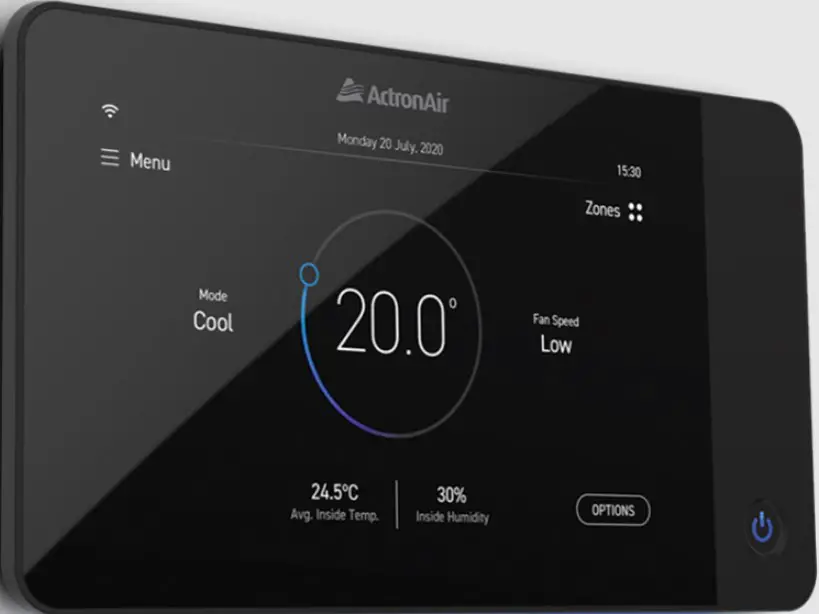
Making installation easier, whilst doing our part for the environment.
As part of our continuous improvement values and our quest for a more sustainable future, we’ve limited the number of pages in this document in a bid to reduce our paper footprint. Having taken this approach, we have however produced a dedicated online resource with information to assist you with NEO installation and commissioning. Here you will have access to mounting and wiring information and guided videos of NEO’s 5 step commissioning process.
Control Installation
Location
- ENSURE that the wall controller is installed in a location that is within the range of applicable WiFi access point. The distance is dependent on router model and brand. Refer to your unit access point manual.
- Do not install the wall controller on external walls, directly below the supply air grille or near other additional heat load sources, as these locations may alter sensor readings.
- Do not install the master controller near metallic objects or near power cables as these may effect the wireless data signal it sends and receives.
- Avoid looping excess cable.
- Ensure there is ample space around the wall controller (100mm min) to ensure proper air temperature reading and adequate access for service.
- It is required to use the provided wall anchors and screws to secure device on the wall
Mounting Bracket
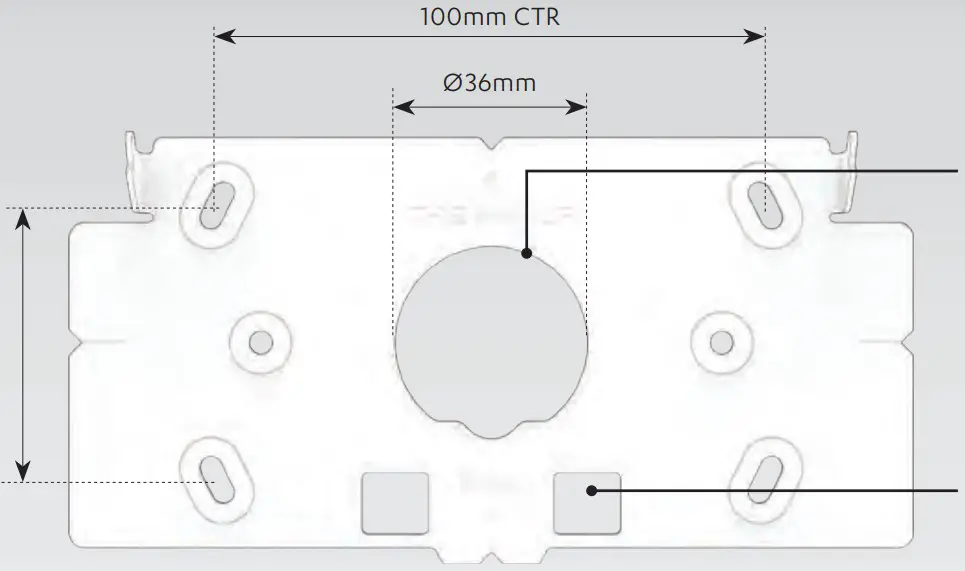
- Please note that there is a return lip on the rear of the bracket. A 38mm hole will need to be drilled for clearance in order for controller to recess.
- Alternatively can be used to fit standard ‘C’ clip
Mounting Method
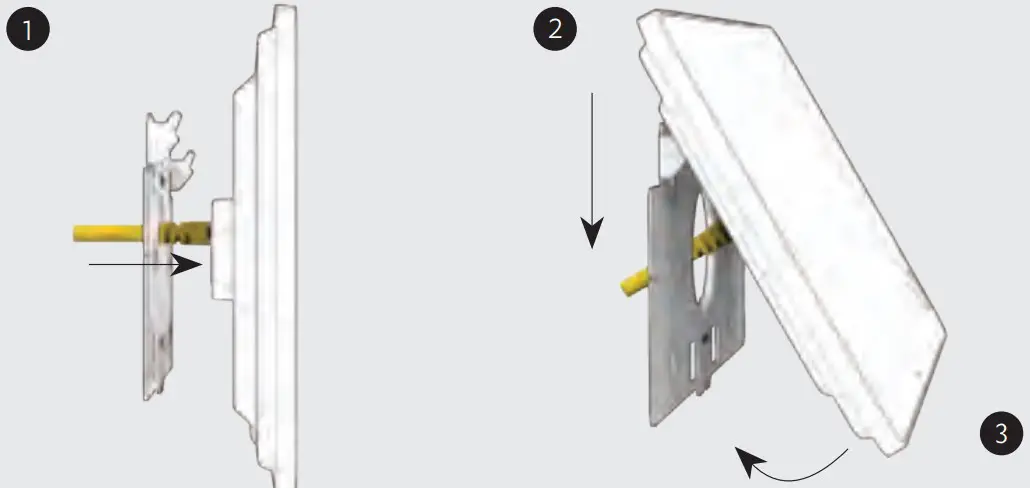
- Wire controller via RJ45 or hard wire (refer to pages 6 and 7 for wiring instructions).
- Latch top of controller onto retaining hooks on bracket.
- Swing controller down allowing magnets to catch and secure in place.
NOTE:
- Use screws provided.
- Use provided wall plug (x2) in leu of wall mates if applicable.
- Wall mates or wall plug must be totally flush to the wall.
- Caution should be taken to ensure that there is adequate hole clearance and wall cavity depth to avoid unnecessary pressure to the cable and its connection point.
RJ45 Installation
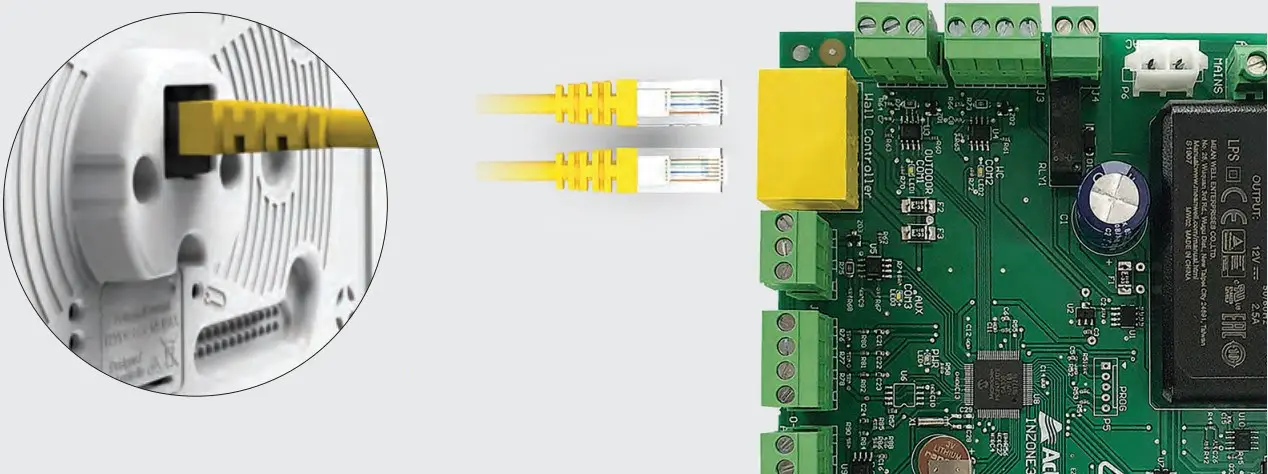
Power Supply – (Yellow Cat5E spec cables with RJ45 connectors & cable boots)
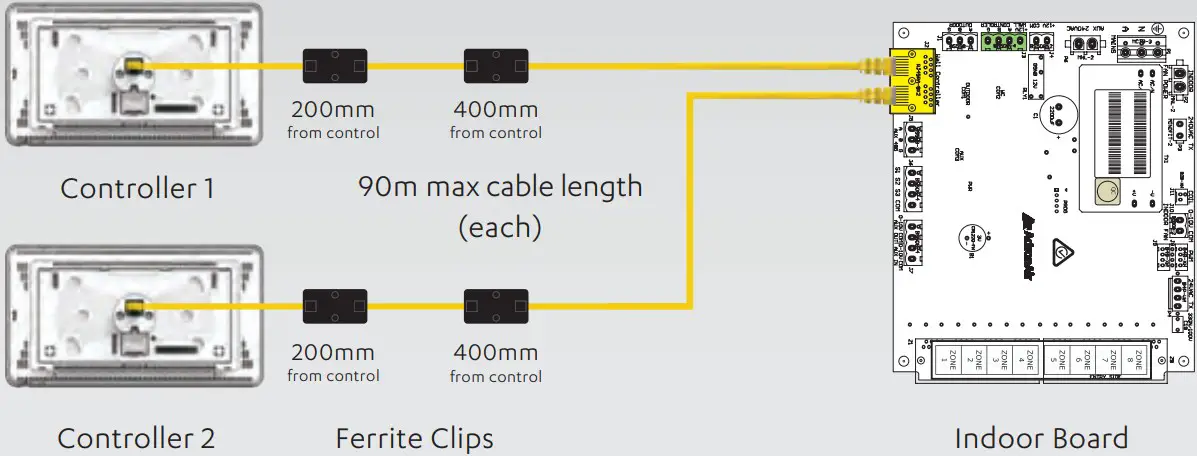
Ferrite clip, if supplied, should be placed approx. 200mm and 400mm from the NEO.
Hard Wired Installation
Power Supply – (Yellow Cat5E spec cables)
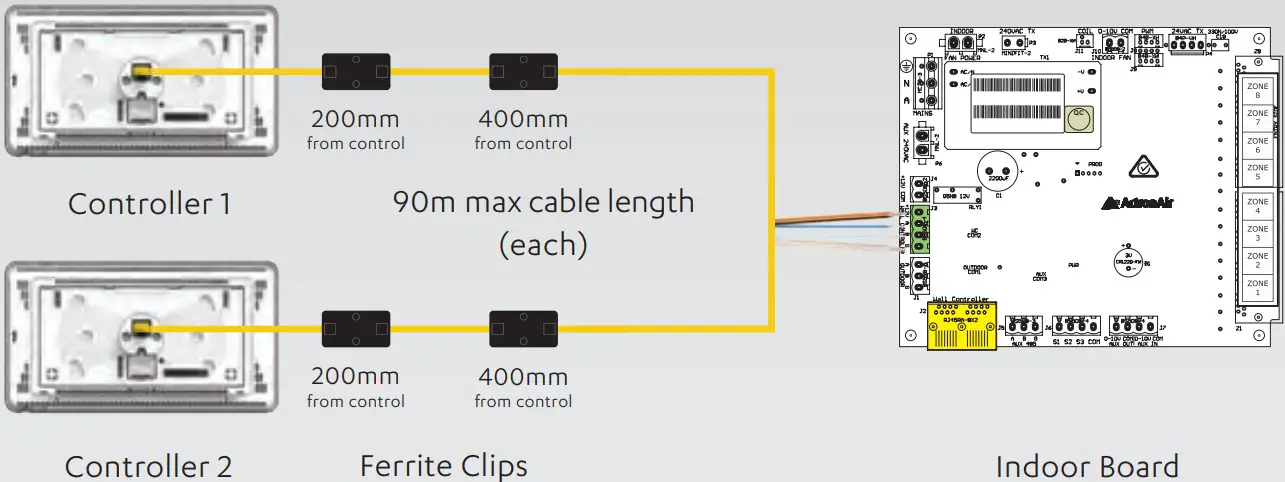
Ferrite clip, if supplied, should be placed approx. 200mm and 400mm from the NEO
QUICK TIP
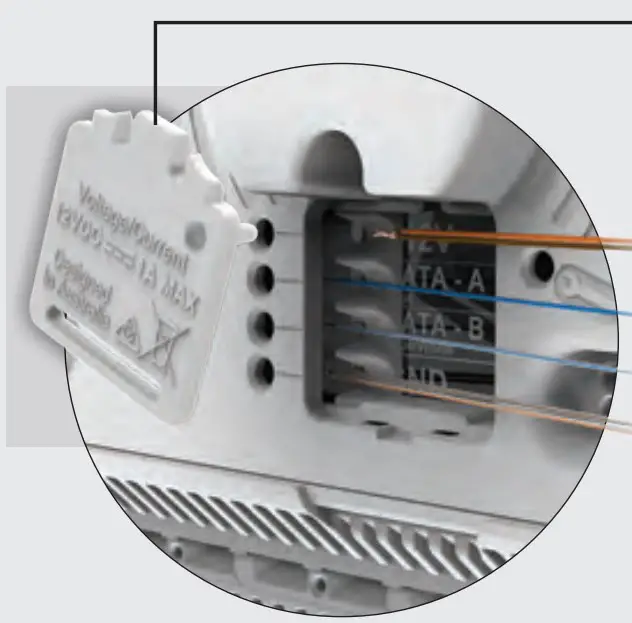
Rear hatch can be used as a tool to de-press terminal while feeding wire.
| Wiring Polarity | |
| POWER | Brown & Orange |
| 485 A | Blue |
| 485 B | Blue-White |
| GND | Brown-White & Orange-White |
| NOT USED | Green & Green-White |
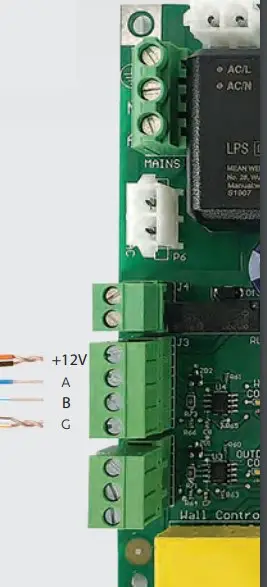
NOTE: Inzone board shown in diagrams. See wiring diagrams for model specific connections.
Easy and intuitive step-by-step commissioning.
When you power on NEO for the first time you’ll be prompted with our guided step-by-step setup process, making commissioning as simple as a few touches of the wall controller. Our intuitive user interface has been designed to take you from power on to ready-to-go in minutes.
TO VIEW THE INSTRUCTION VIDEOS
Simply scan the QR code with your smart device.

SAFETY INFORMATION
- Only licensed HVAC technicians* should install and service this air conditioning controller. Improper service or alteration by an unqualified technician could result in significant and major damage to the product or property which may render your warranty null and void. Such unqualified service could also lead to severe physical injury or death. Follow all safety instructions in this literature and all warning labels that are attached to the equipment.
- Prevailing WH&S regulations must be observed and will take precedence to the safety instructions contained on this manual. Safe work practices and environment must be the paramount importance in the performance of all the service procedures.
- Ensure that controller installation complies with relevant council regulations and building code standards.
- All electrical wiring must be in accordance with current electrical authority regulations and all wiring connections to be as per electrical diagram provided.
- This appliance is not intended for use by young children or infirm persons unless they have been adequately supervised by a responsible person to ensure that they can use the appliance safely. Young children should be supervised to ensure that they do not play with the appliance.
- Secure the power cords and control cables that go in/out of the controller
Specifications
| NEO Touch Controller | |
| Compatible with ActronAir model | Advance Series, Classic Series 2, Variable Capacity Commercial |
| Power supply | 12VDC ±5% |
| Screen display | 7”, 1024 x 600, IPS – wide viewing angle, enhanced backlight |
| WiFi compatibility | 802.11 b/g/n 2.4 GHz |
| Temperature sensor | Yes |
| Humidity sensor | Yes |
| Proximity/light sensor | Yes |
| Operating temperature | -20°C to 70°C |
| Storage temperature | -30°C to 80°C |
| Dimensions (mm) | 118mm x 212mm x 17mm (HxWxD) |
| Weight (grams) | 450gm (360gm without mounting bracket) |
| Build | Toughened glass front, ABS plastic back |
| Casing colour | Jet Black / Ceramic White |
| Maximum zones | 8 zones |
| NEO Connect Mobile App | |
| Compatible with ActronAir model | NTW-1000, NTB-1000 |
| Platform | iOS and Android |
| OS requirement | iOS 9 or later – Android Version 6 Marshmallow or later |
| Requirement | WiFi or mobile data with internet access |
Copyright © 2020
All rights reserved. No part or contents of this book may be reproduced or transmitted in any form or by any means without the written permission of Actron Engineering Pty. Ltd. ActronAir is constantly seeking ways to improve the design of its products, therefore specifications are subject to change without notice. 9590-3033-01-Ver2
 NEO Installation & Commissioning Guide – ActronAir NEO