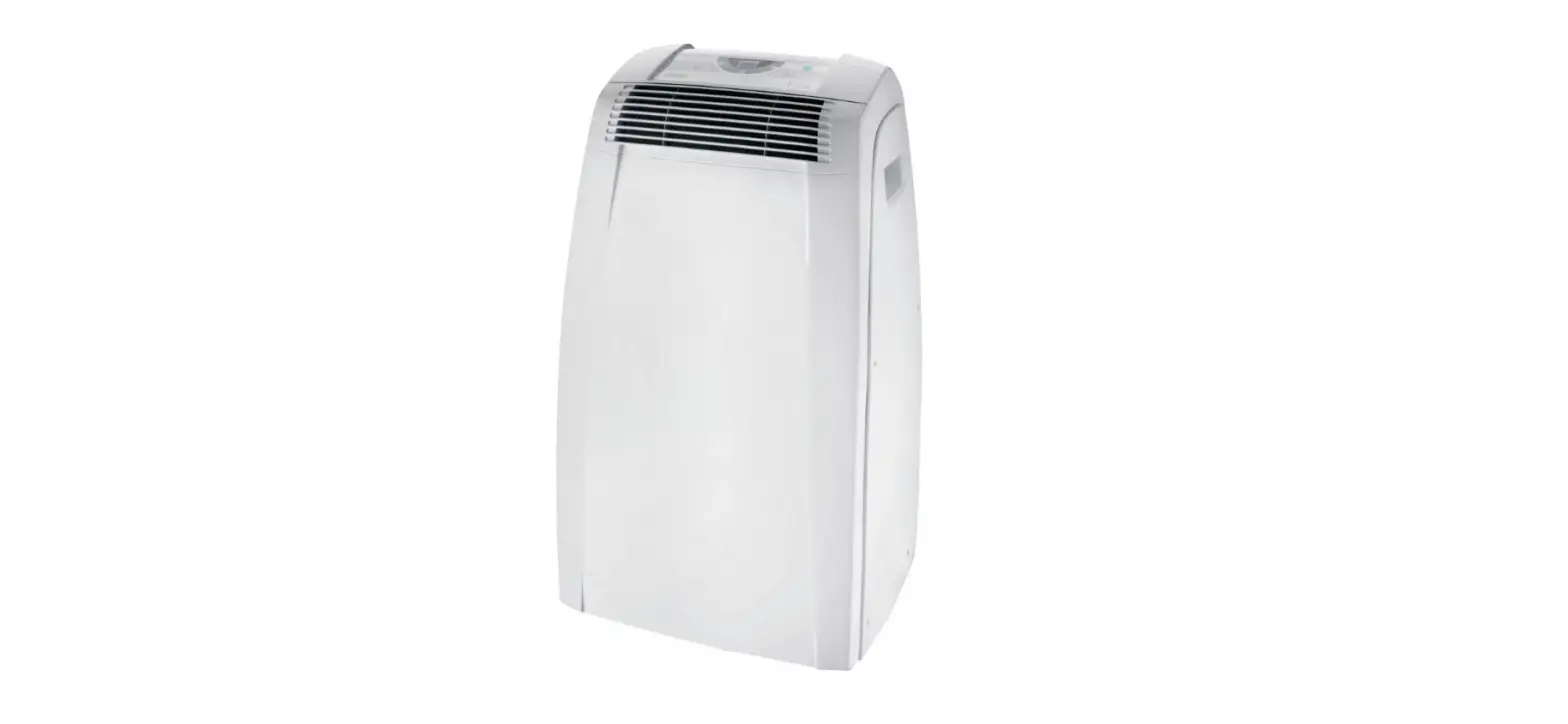
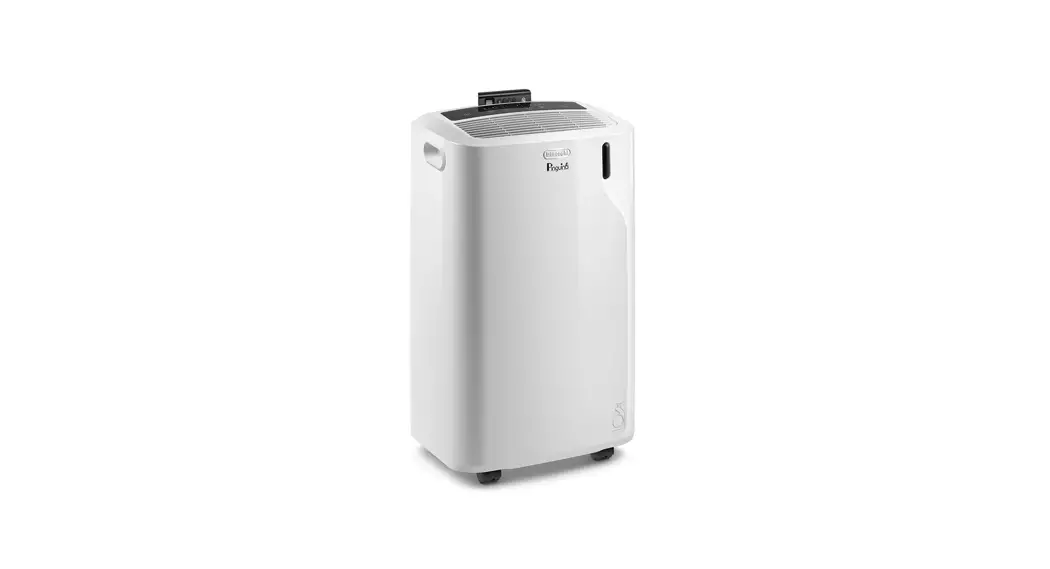
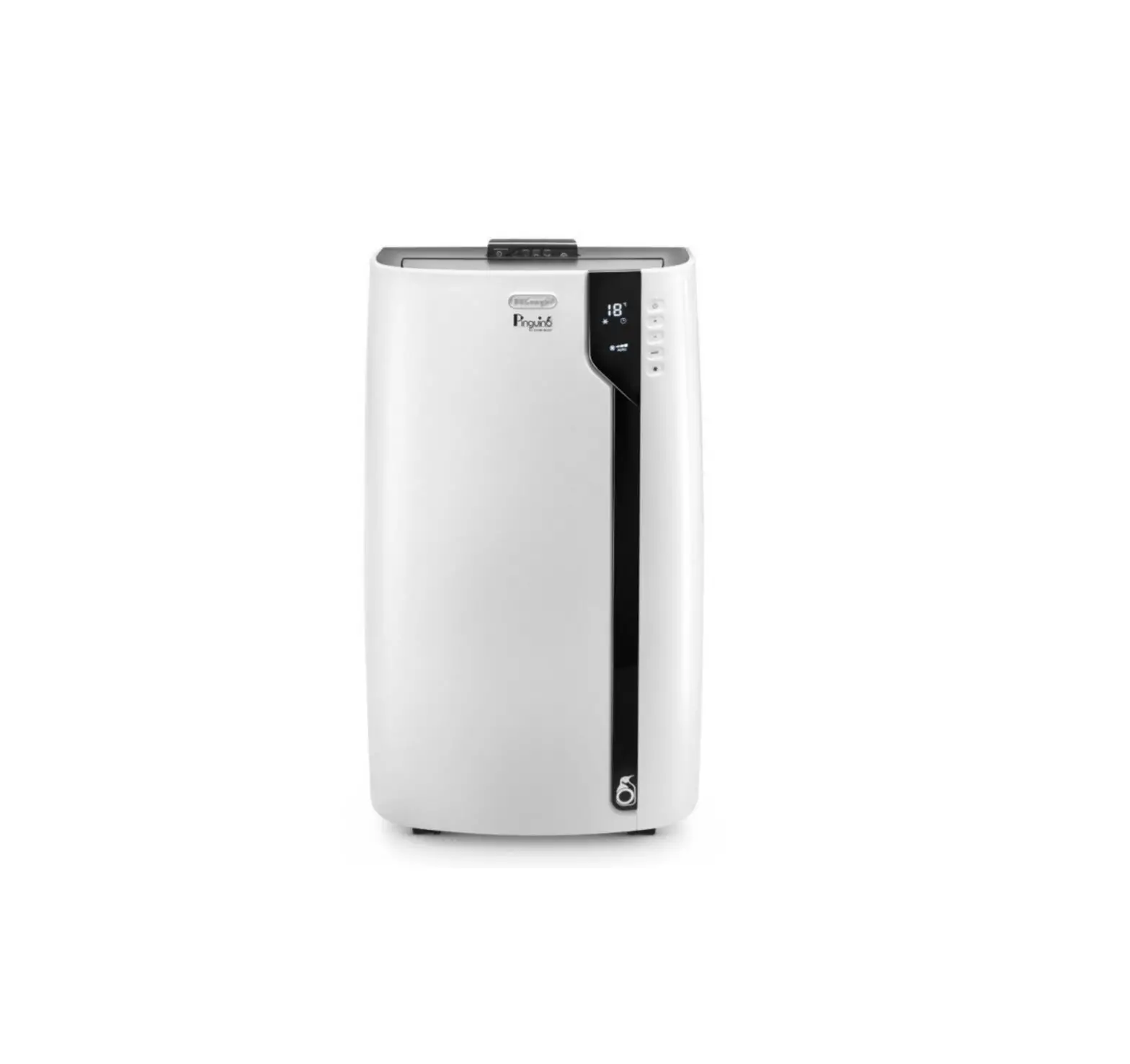
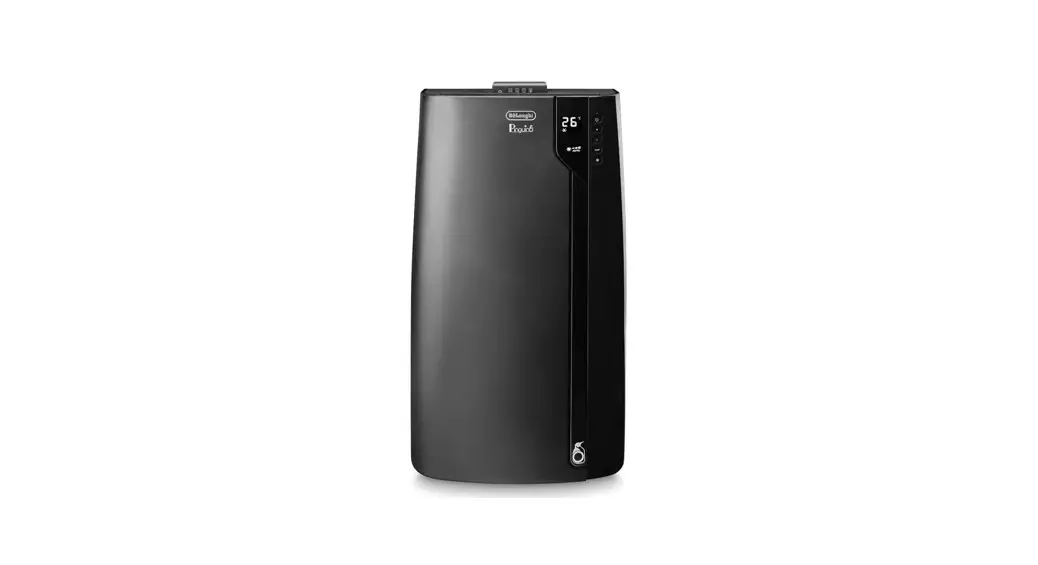
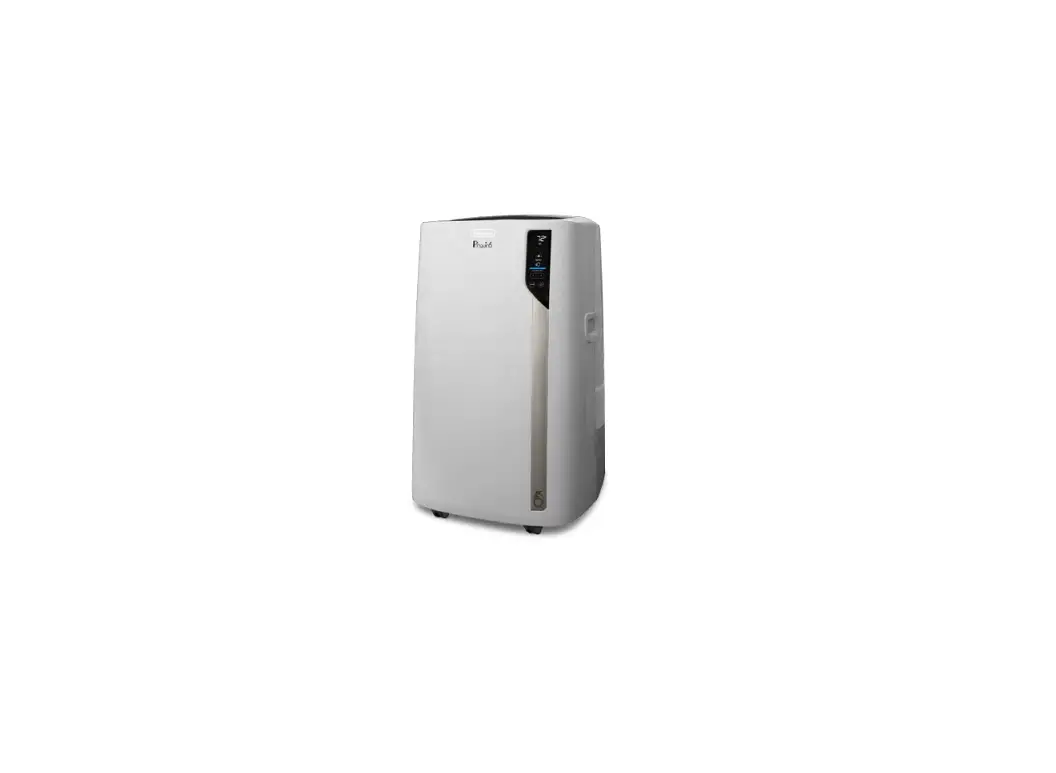
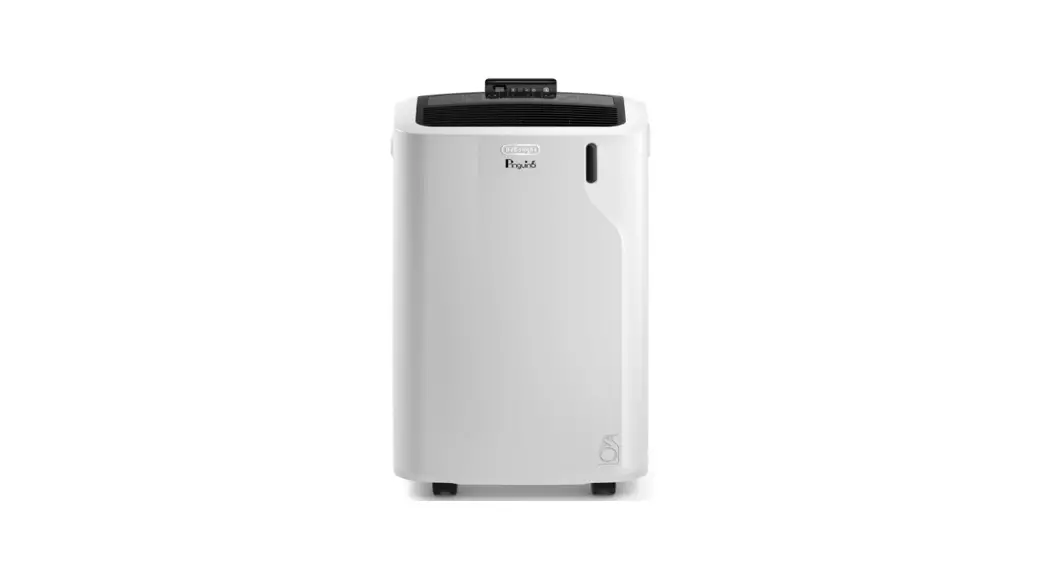
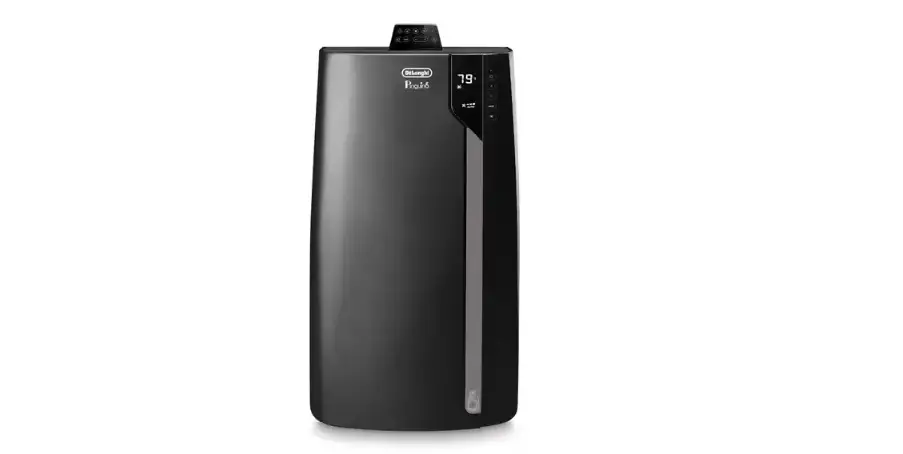
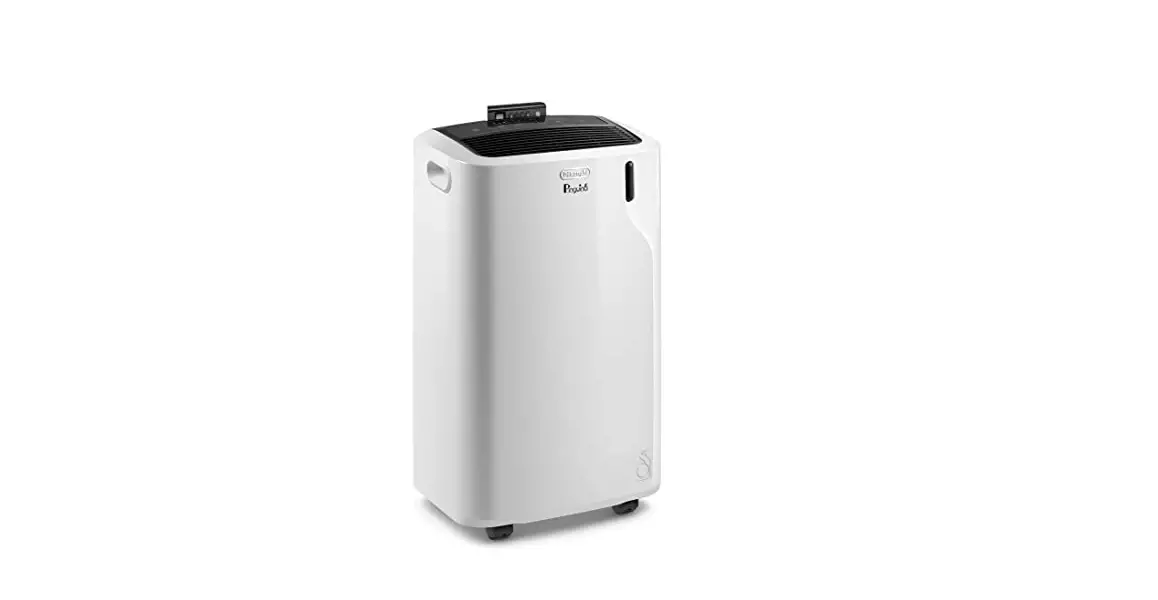
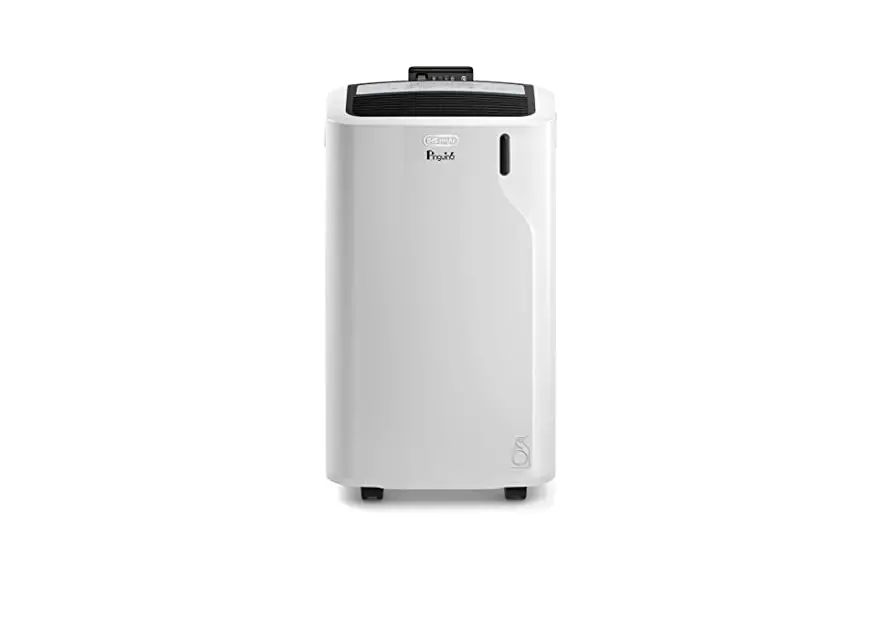
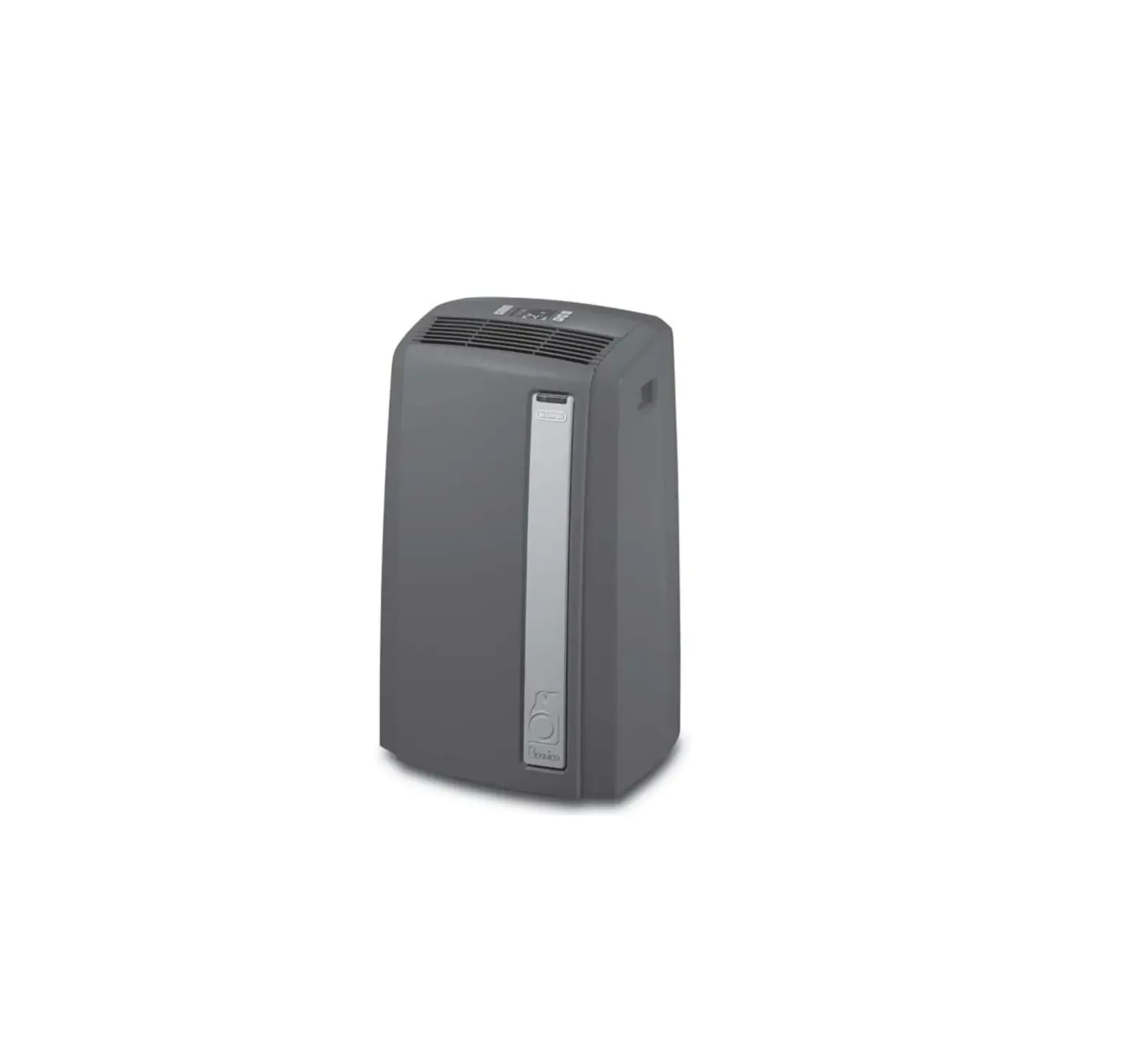
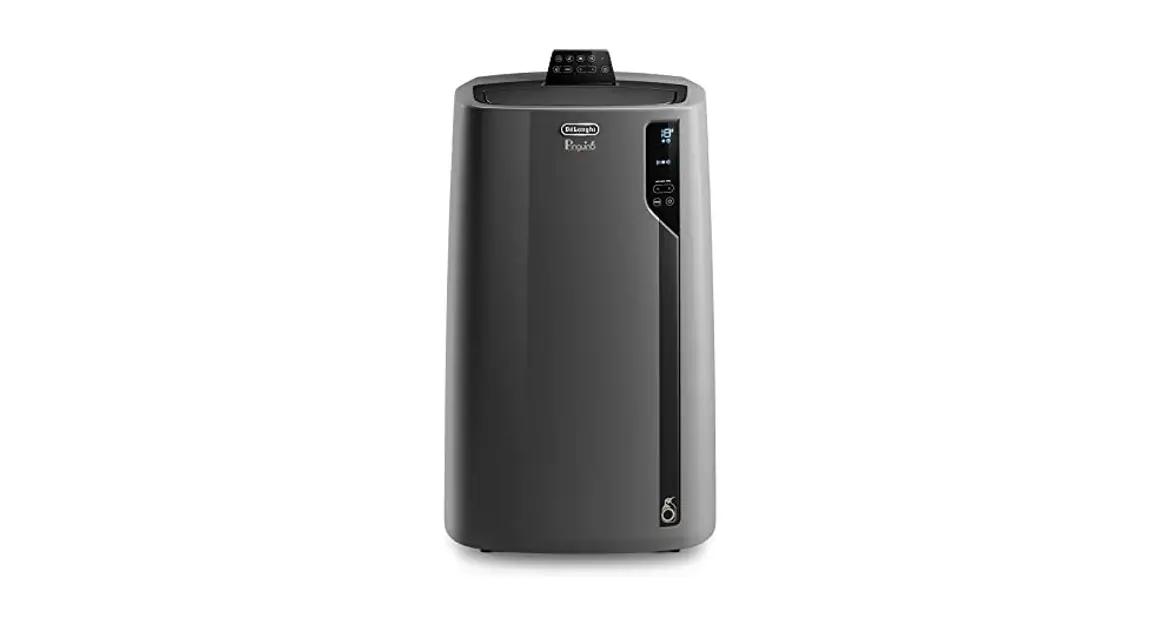
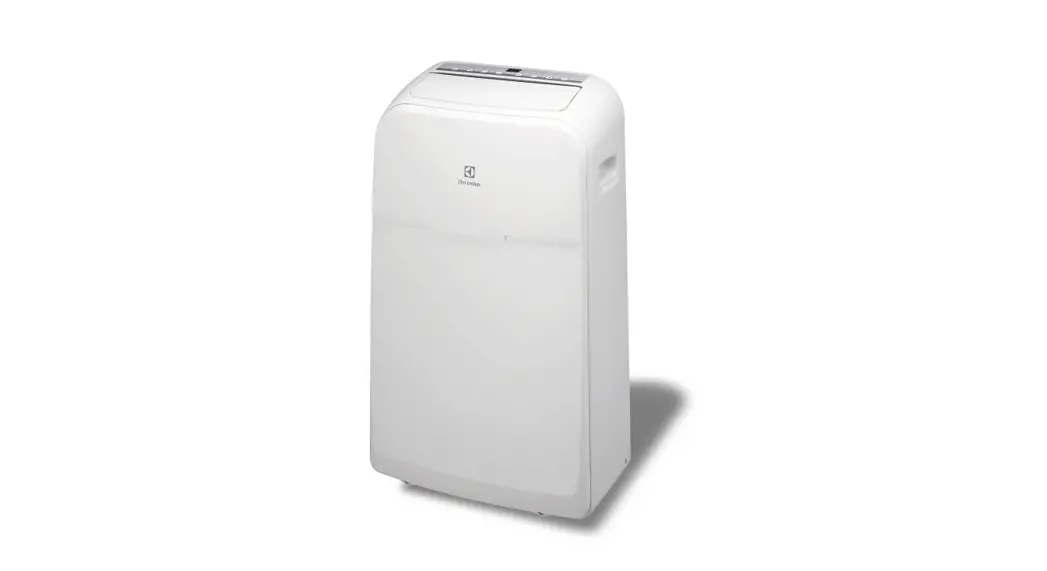
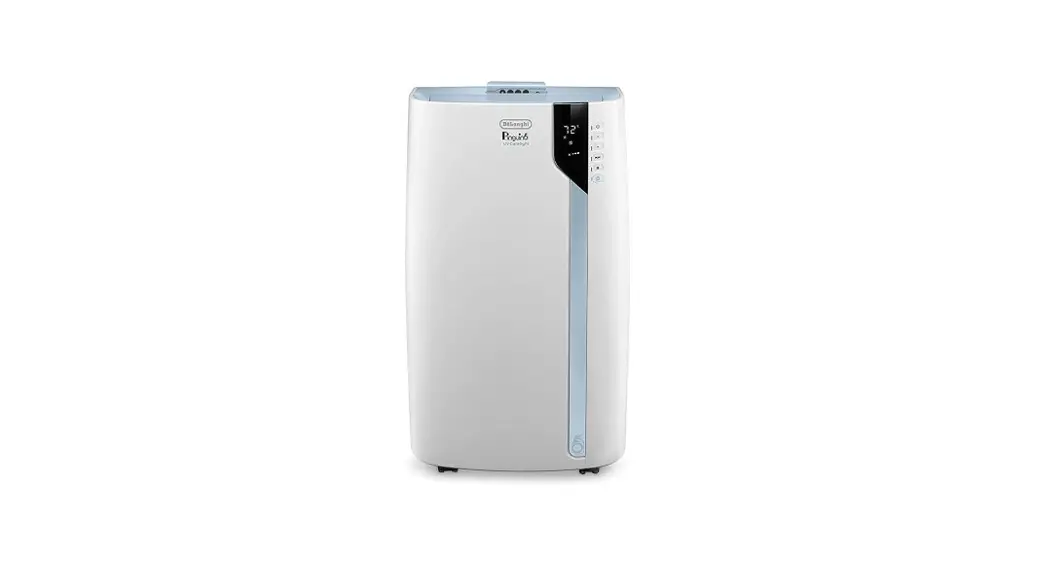
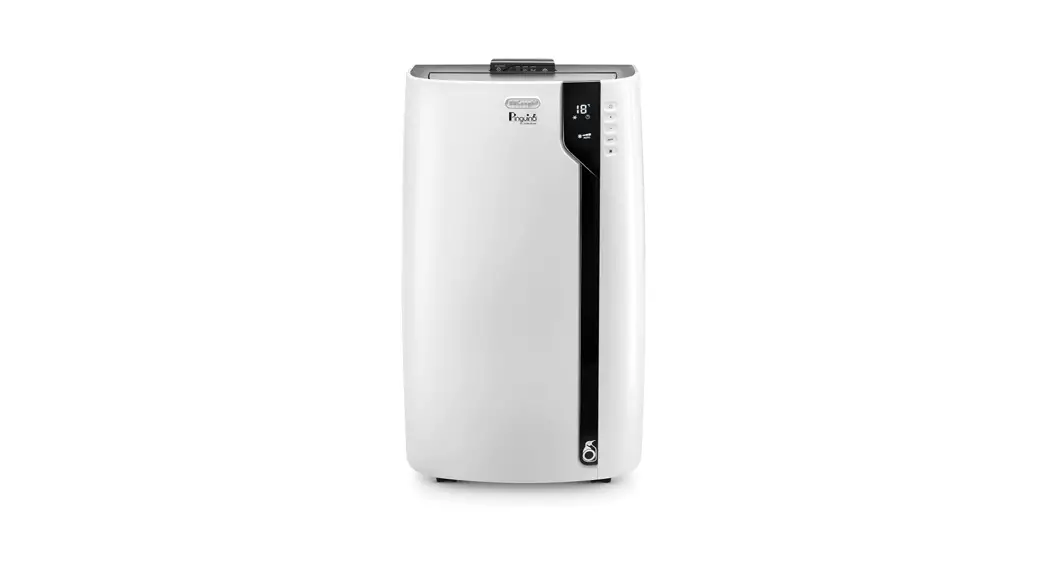
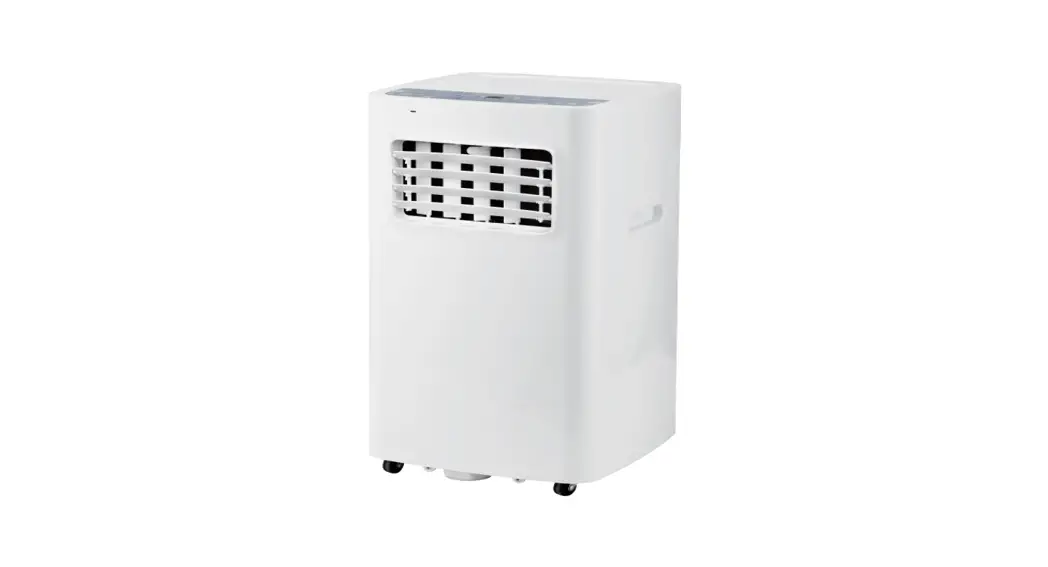
EX Series 8,600 Portable Air Conditioner
Product Information:
The EX Series Portable Air Conditioner is a versatile appliance
that provides cooling and dehumidifying functions. It is designed
to be portable and easy to use. The appliance operates on
electrical characteristics of 115 V~ 60 Hz. It comes with various
accessories including an air outlet flap, control panel, handles,
castors, dust filter, air intake grille, air exhaust hose housing,
power cable, drainage hose with cap, remote control compartment,
and remote control signal receiver. The package may also include
additional accessories such as an adapter for window bracket, air
exhaust hose, hose adaptor, additional window bracket, window
bracket with wing nut, window bracket cap, remote control, end of
season accessories bag (not available on all models), end of season
dust cover (not available on all models), and stripping foam.
Product Usage Instructions:
1. Electrical Connection:
Before using the portable air conditioner, ensure that it is
properly connected to a power source. The appliance operates on 115
V~ 60 Hz electrical characteristics. Make sure to use a suitable
power outlet. If the outlet is not compatible, choose another
outlet or consult a qualified professional for assistance.
2. Air Conditioning Installation:
For optimal results, follow the suggested minimum distance
guidelines provided below:
- Place the portable air conditioner at least 20 inches (50 cm)
away from walls or other objects. - Ensure there is a minimum distance of 20 inches (50 cm) between
the air conditioner and any obstruction above it. - Leave a minimum distance of 36 inches (90 cm) in front of the
air conditioner and 32 inches (80 cm) on the sides for proper
airflow.
To install the window bracket:
- Position the bracket fully within the window frame.
- Secure the bracket using the provided wing nut.
Note: Refer to figure 1 in the user manual for visual
guidance.
3. Auto-evaporation feature:
This portable air conditioner is equipped with an
auto-evaporation feature for condensate removal during cooling and
dehumidifying modes. This eliminates the need for manual draining
of condensate.
4. Maintenance and Disposal:
Maintenance and disposal of the appliance should be carried out
by qualified professionals. Do not attempt to disassemble or repair
the appliance yourself. If any maintenance or repair is required,
contact an authorized Repair Service Center.
Please refer to the complete user manual for detailed
instructions and safety precautions.
EX Series
PORTABLE AIR CONDITIONER
Instructions for use. Keep these instructions Visit www.delonghi.com for a list of service
centers near you. ELECTRIC CHARACTERISTICS
115 V~ 60 Hz
CONDITIONNEUR D’AIR PORTATIF
Mode d’emploi . Conservez cette notice Visitez www.delonghi.com pour y voir une liste des centres de réparation proches de chez vous.
CARACTÉRISTIQUES ÉLECTRIQUES 115 V~ 60 Hz
SISTEMA DE AIRE ACONDICIONADO PORTÁTIL
Repase y guarde estas instrucciones. Lea cuidadosamente este instructivo
antes de usar su aparato. Visite www.delonghi.com para ver la lista
de centros de servicios cercanos a usted. CARACTERISTICAS ELECTRICAS: 115 V~ 60 Hz
EN
FR
ES
pag. 4
page 13
pág. 23
2
A
A11 A1 A12
A4
B
B5
A5
A2 A6
A7 A3
A9 A10
B4 B3 B2
A8 B1
B6
B10
B9 B7
B8
3
Important safeguard
· Before transporting the unit, drain the unit. After transportation, wait at least 6 hours before
· Use this appliance only as described in this switching the unit on.
instruction manual.
· The packaging materials can be recycled. You are
As with any electrical appliance, the instructions therefore recommended to place them in the special
aim to cover as many situations as possible. containers for differentiated waste collection.
Caution and common sense should be used when · This appliance is fitted with a special safety device.
operating and installing this air conditioner.
When the compressor switches off, this device prevents
· This appliance has been manufactured to cool and it from switching on again for at least 3 minutes.
dehumidify domestic environments and must not · WARNING: Changes or modifications not expressly
be used for other purposes.
approved by the party responsible for compliance
· It is dangerous to alter or modify the unit’s could void the user’s authority to operate the
characteristics in any way.
equipment.
· The appliance must be installed in accordance with
the relevant national legislation.
Specific warnings for appliances with R410A
· Should repairs be necessary, contact the nearest refrigerant gas
authorized Repair Service Center. Unauthorized R410A is a refrigerant that complies with European
servicing can be dangerous.
ecological standards; nevertheless, it is recommended
· Do not use the appliance if it is visibly damaged. not to pierce the cooling circuit of the machine. At the
· The appliance is not intended for use by persons end of its useful life, deliver the appliance to a special
(including children) with reduced physical, waste collection centre for disposal. This hermetically
sensory or mental capabilities, or lack of sealed system contains fluorinated greenhouse gases.
·
·
· · ·
experience and knowledge, unless they have been given supervision or instruction concerning use of the appliance by a person responsible for their safety. Children should be supervised to ensure that they do not play with the appliance. If the power cable is damaged, it must be replaced by the manufacturer or an authorized technical service centre in order to avoid all risk. Always ensure the appliance is plugged into a grounded 3-prong outlet. If you have any doubts check with a qualified electrician. Do not use extension cables. Before cleaning or maintenance operations, always unplug the unit from the outlet. Do not pull on or place strain on the power cord
SPECIFIC WARNINGS FOR APPLIANCES WITH UV-C LAMP This appliance contains a UV-C lamp. Read the maintence instructions before opening the appliance. Unintended use of the appliance or damage to the outer cabinet/housing where the UV-C light is exposed, and unit is powered ON, may result in the escape of dangerous UV-C radiation. This radiation, even in small doses, can cause harm to the eyes and skin. Appliances that are obviously damaged must not be operated. For cleaning instructions, read “CLEANING AND MAINTENANCE” on page 11 of this manual.
when moving the appliance.
ENVIRONMENTAL INFORMATION:
· The appliance should not be installed where the This unit contains fluorinated greenhouse gases covered
atmosphere may contain combustible gases, oil or by the Kyoto Protocol.
sulphur, or near heat sources.
Maintenance and disposal must be carried out by qualified
· Do not rest hot or heavy objects on the appliance. personnel only (R410A, GWP=2088).
· Clean the filters at least once a week.
· Avoid using heaters near the unit.
Save these instructions · The unit should be transported in a vertical This product is for household position. If this is not possible secure the unit at an
angle, do not lie it horizontally.
use only
4
INTRODUCTION
Thank you for choosing a De’Longhi product. Please take a few moments to read the instructions to avoid risks or damage to the appliance.
DESCRIPTION Description of the appliance (see page 3 – A)
A1 air outlet flap A2 control panel A3 handles A4 castors A5 dust filter A6 air intake grille A7 air exhaust hose housing A8 air intake grille A9 power cable A10 drainage hose with cap A11 remote control compartment A12 remote control signal receiver
Description of the accessories (see page 3 – B) B1 adapter for window bracket B2 air exhaust hose B3 hose adaptor B4 additional window bracket B5 window bracket with wing nut B6 window bracket cap B7 remote control B8 end of season accessories bag (not on all models) B9 end of season dust cover (not on all models) B10 stripping foam
ELECTRICAL CONNECTION
Before plugging the appliance into the outlet, check that: · The outlet’s power supply corresponds to the value
indicated on the rating label on the back of the appliance. · The outlet and electrical circuit are adequate for the
appliance. · The outlet is a 3-hole grounded outlet . If this is not
the case, you must choose another outlet. Failure to follow these important safety instructions absolves the manufacturer of all liability. If it becomes necessary, the power cable must be replaced by a qualified professional only.
Please note: This appliance is provided with an auto-evaporation feature for condensate removal during cooling and dehumidifying modes.
AIR CONDITIONING INSTALLATION For optimal results see the figures below for the suggested minimum distances.
20 in 50 cm
20 in 50 cm
20 in
20 in 20 in
50 cm
50 cm 50 cm
36 in 32 in 90 cm 80 cm
DOUBLE-HUNG WINDOW · Place the window bracket (B5) in the window sill, extend
the bracket fully within the window frame (fig. 1).
1
· Fix the bracket into place by tightening the wing nut (fig. 2). Attach the provided stripping foam (B10) to the top of the window bracket and then lower the window onto the bracket (should the window bracket be too large for the window the plastic can be cut with a saw by a qualified professional).
USE
The instructions below will enable you to prepare your air con-
ditioner for operation as efficiently as possible. Before use, make
1
2
sure the air intake and air outlet flap are unobstructed.
5
· If the windows are large, use additional window bracket (B4) to cover your window opening, extending it to the required length, then securing it with the locking wing nut supplied (fig. 3).
6
SLIDING WINDOWS
3
· Thanks to the locking wing nut, it’s possible to use the win-
dow bracket also for sliding windows. Position the hole of
· Insert and lock the accessory for window bracket (B1) al-
the window bracket in the lower corner to allow for correct
ready attached to the air exhaust hose, into the slot of the
installation of the exhaust hose.
window bracket (fig. 4).
· At the other end, be sure hose adapter’s tab is straight up OPERATING FROM THE CONTROL PANEL
(like the 12 position on a clock) as shown in fig. 5.
C
C15 C14 C13
Click
C12
C1
C6 C7 C8
C17
C9
4
C10
C3 C11
C4
C2
C5
C16
DESCRIPTION OF THE CONTROL PANEL (C)
C1. ON/STAND-BY (on/off) key
C2. Mode selection key (air conditioning, dehumidifying, fan)
C3. Increase key
C4. Decrease key
5
C5. Air flow selection key (MIN/MED/MAX/AUTO)
C6. Air conditioning symbol
C7. Dehumidifying symbol
· Attach assembled hose to the back of the air conditioner C8. Fan symbol
(fig. 6).
C9. Swing symbol
C10. Air flow indicator
6
C11. Alarm symbol C12. Set temperature display, programmed on/off time C13. Timer symbol C14. Timer hour indicator C15. Selected temperature scale indicator C16. UV-Carelight key C17. UV-Carelight symbol
CONTROL PANEL OPERATION TURNING THE APPLIANCE ON AND OFF Insert the plug in the socket. Two dashes appear on the display indicating that the appliance is in stand-by.
Touch the (C1) key to turn on the appliance. The flap (A1) will open after few seconds. When the appliance comes on, it will start with the last function set before it was shut off.
Please note: If start-up is not continued, after a few minutes the display light dims in order to reduce energy consumption.
To turn the appliance off, touch the key.
Please note: Never turn off the air conditioner by simply pulling
the plug. Touch the key in order to put your air conditioner in stand-by and wait a few minutes before pulling the plug. In this manner, the appliance can perform the operating status checks.
MODES SELECTION
To select desired operating mode, touch repeatedly the MODE key (C2) until the desired function is selected.
AIR CONDITIONING MODE
This is ideal for hot and humid weather when the room needs to be cooled. This function also helps to dehumidify the air. To correctly set this mode: · Touch repeatedly the MODE
key (C2) until the air conditioning symbol appears. The display will show the desired temperature. · To change the desired temper-
ature, touch the (C3) or
(C4) key.
· Select the desired air flow by touching the (C5) key.
The speeds available are: Minimum air flow: when maximum quiet operation is desired.
Medium air flow: when the noise level needs to be low but with a good comfort level.
Maximum air flow: for maximum performance.
Auto: the appliance automatically chooses the best air flow based on the temperature selected and the environmental conditions.
DEHUMIDIFYING MODE
This is ideal for reducing humidity in the room (spring and autumn, damp rooms, rainy periods, etc). For this type of use, the appliance must be set up same as in the air conditioner mode. That is, the air exhaust hose (B2) must be fitted to the appliance to allow the humidity to be discharged outside. To correctly set this mode: · Touch repeatedly the MODE key (C2) until the dehumidifying symbol appears. · The appliance will automatically choose the best air flow.
FAN MODE
When using this mode, the air exhaust hose (B2) does not need to be attached to the appliance. To correctly set this mode: · Touch repeatedly the MODE
(C2) key until the fan symbol appears. · Select the desired air flow by touching button (C5).
The air flows available are:
Minimum air flow: when quiet operation is desired.
Medium air flow: when the noise level needs to be low but with a good comfort level.
Maximum air flow: for maximum performance.
7
SELECT THE TEMPERATURE SCALE
The temperature can be displayed in °C or °F. To change the temperature unit of measure touch both the increase (C3) and decrease C4) keys for about 10 seconds.
DESCRIPTION OF THE REMOTE CONTROL D1. ON/STAND-BY button D2. MODE button D3. Decrease button D4. Increase button D5. Air flow selection button D6. Swing button D7. Timer button D8. UV-Carelight button
OPERATING FROM THE REMOTE CONTROL
D1
INSERTING OR REPLACING THE BATTERIES
· Remove the cover on the rear of the remote control;
D8
· Insert or replace the batteries with two new LR03 “AAA”
1.5V batteries, inserting them correctly (see the directions D3
inside the battery compartment) (fig. 7);
· Replace the cover.
D5
D
D2 D4
D7
D6
max 23ft/7 meters
7
Please note: If the remote control unit is replaced or discarded, the batteries must be removed and disposed of in accordance with current legislation as they are harmful to the environment. Do not mix old and new batteries. Do not mix alkaline, standard (carbon-zinc) or rechargeable (nickel-cadmium) batteries. Do not dispose of batteries in fire. Batteries may explode or leak. If the remote control is not be used for a certain length of time, remove the batteries.
USING THE REMOTE CONTROL · Point the remote control at the receiver no more than 23
feet (7 meters) away from the appliance (fig. 7) without obstacles between the remote control and the receiver. · The remote control must be handled with care. Do not drop it or expose it to direct sunlight or sources of heat.
Please note: The remote control can be safely stored in the appropriate compartment (A11).
TURNING THE APPLIANCE ON/OFF · Plug into the outlet. · Press the button (D1) to turn the unit on.
When turned on, the air conditioner starts operating in the same mode as when it was turned off . · To switch the appliance off, press the button (D1) . Please note: Never switch the appliance off by removing the plug. Always switch it off by pushing the button and waiting a few minutes before removing the plug. Only in this way will the appliance be able to perform its standard checks.
SELECTING THE OPERATING MODES To select the desired operating mode, press repeatedly the MODE button (D2) until the desired function is selected. Most of the commands available on the remote control correspond to those on the appliance control panel (C).
SELECTING THE TEMPERATURE In air conditioning mode, press (D3) and (D4) keys to decrease/increase the desired temperature.
SELECTING THE AIR FLOW In air conditioning and fan modes, press (D5) button on remote control to increase/decrease the desired air flow.
8
SWING FUNCTION
When the set time is elapsed, the appliance will start to operate in the same operating mode that was previously set. To cancel the timer program, press the timer button (D7) twice. The timer symbol (C13) will go off. Note: Once the timer has been activated, by pressing the timer key only one time, the remaining hours to the start up will be displayed.
The swing button (D6) activates and deactivates the swing function. When the internal fan is running, the swing function distributes the air evenly into the room moving the flap forwards and backwards alternatively. If pressed again, the flap will be locked into its current position. NOTE: If the internal fan is not running, the swing function will also not operate. In order to avoid damaging the internal mechanisms, the flap must not be moved manually.
SETTING THE TIMER
UV·Carelight FUNCTION The UV-C technology can also be activated in the dehumidifier and fan/ventilate modes. Pinguino UV-Carelight incorporates Ultra-Violet LEDs (UV-C) between the heat exchanger and the air fan. To turn ON the function, you can touch the button (C16) on the control panel or push the button (D8) on the remote control and repeat to turn OFF. The symbol (C17) on the control panel wil be ON when the UV·Carelight function is active.
The timer allows the delayed start up or shut down of the appliance. This function will prevent wasting electricity by optimizing the operating periods.
How to program delayed shut down · While the appliance is on in any operating mode, delayed
shut down can be programmed. · Press the timer button (D7), the timer symbol (C13)
and hours (C14) light up. · Press the (D3) and (D4) buttons until the desired
number of hours to shut down appears on the display. A few seconds after the timer is set, the setting is memorized and the display shows the operating mode and the timer symbol stays lit. Once the set time is elapsed, the air conditioner goes into standby. To cancel the timer program, press the timer button (D7) twice. The timer symbol (C13) will go off. Note: Once the timer has been activated, by pressing the timer button only one time, the remaining hours until shut down will be displayed.
How to program delayed start up · Plug in the appliance and set to standby. · Press the timer button (D7), the timer symbol (C13) and
hours (C14) light up. · Press the (D3) and (D4) buttons until the desired
number of hours to start up appears. Start up can be programmed at any time in the next 24 hours.
Note: · This equipment has been tested and found to comply with
the limits for a Class B digital device, pursuant to part 15 of the FCC Rules. These limits are designed to provide reasonable protection against harmful interference in a residential installation. · This equipment generates, uses and can radiate radio frequency energy and, if not installed and used in accordance with the instructions, may cause harmful interference to radio communications. However, there is no guarantee that interference will not occur in a particular installation. If this equipment does cause harmful interference to radio or television reception, which can be determined by turning the equipment off and on, the user is encouraged to try to correct the interference by one or more of the following measures: – Reorient or relocate the receiving antenna. – Increase the separation between the equipment and
receiver. – Connect the equipment into an outlet on a circuit differ-
ent from that to which the receiver is connected. – Consult the dealer or an experienced radio/TV technician
for help. Changes or modifications not expressly approved by the party responsible for compliance could void the user’s authority to operate the equipment. · This device complies with Part 15 of the FCC Rules. Operation is subject to the following two conditions: (1) this device may not cause harmful interference, and (2) this device must accept any interference received, including interference that may cause undesired operation. · This Class B digital apparatus complies with Canadian CAN ICES-3 (B) / NMB-3 (B).
9
FCC Responsible party: De Longhi America Upper Saddle River NJ 07452 201-919-4000
SELF-DIAGNOSIS
The appliance has a self diagnosis system to identify a number of warning/malfunctions. Error messages are displayed on the appliance display.
IF … IS DISPLAYED
IF … IS DISPLAYED
IF … IS DISPLAYED
IF … IS DISPLAYED
IF … IS DISPLAYED
“Low Temperature” (Frost prevention)
“High Temperature”
“Low humidity”
“Probe Failure” (Probe damaged)
“High Level” (Internal tray full)
..WHAT SHOULD ..WHAT SHOULD I DO? ..WHAT SHOULD I DO? ..WHAT SHOULD ..WHAT SHOULD
I DO?
I DO?
I DO?
The appliance is fitted The appliance is fitted with an This message will only be If this is displayed, con- Empty the internal
with a frost protection overheating device which in displayed when in Real tact our toll free custo- safety tank following
device to avoid exces- case of operating conditions Feel function, indicating mer service number.
sive formation of ice. with excessive room tempe- that the room humidity
The appliance starts rature for a long period, will level is extremely low. To
up again automatically when the defrosting process is completed.
switch the appliance to ventilate only. The appliance will be automatically restored as soon as the temperature will be close to the operating limit
resume operation, switch the unit to any mode other than the Real Feel function.
the instructions in the section”End of season operations”.
conditions.
TIPS FOR CORRECT USE
To ensure optimal results from your air conditioner, follow these · recommendations: · Close the windows and doors where air conditioner will
be used. When installing the air conditioner semi-permanently, you should leave a door slightly open (as little as 1/2 inch – 1 cm) to guarantee proper ventilation. · Never use the appliance in very damp rooms (laundries for example). · Protect the room from direct exposure to the sun by partially closing curtains and/or blinds to make the appliance much more economical to run. · Never use the appliance outdoors. · Make sure there are no heat sources in the room. · Make sure the air conditioner is standing on a level surface. · Never rest objects of any kind on the air conditioner.
10
Never obstruct the air intake or air outlet flap (see figure below).
do not cover the appliance
CLEANING AND MAINTENANCE
Before cleaning or maintenance, turn the appliance off by using the button, then unplug from the outlet. For safety reasons, never wash the appliance using a water jet. Clean the air filter/filters regularly.
CLEANING THE CABINET You should clean the appliance with a slightly damp cloth then dry with a dry cloth. Attention! Never use petrol, alcohol or solvents to clean the appliance. Never spray insecticide liquids or similar.
CLEANING THE AIR FILTER If the filter is dirty, air circulation is compromised and the efficiency of the appliance decreases. It is therefore good practice to clean the filter at regular intervals. The frequency depends on the duration and conditions of operation. If the unit is used constantly or systematically, you are recommended to clean the filter once a week. The filter is housed in the intake grille. To clean the filter, remove as shown in fig. 8.
9
When the appliance is empty, replace the caps. Clean the filter and dry thoroughly before putting back. In order to properly storage the appliance at the end of the season, we suggest you cover it with the supplied end of season dust cover (B9) and you put the accessories in the relevant end of season accessories bag (B8).
TECHNICAL SPECIFICATIONS
Power supply voltage see rating label
Max. absorbed power
during air conditioning
”
Refrigerant
”
Cooling capacity
”
ONLY FOR SERVICE CENTERS USE
THE WIRING DIAGRAM IS LOCATED INSIDE THE UNIT.
LIMIT CONDITIONS
8
Room temperature for air conditioning 61° ÷ 95°F (16-35 °C)
Maximum relative humidity
80% RH
Use a vacuum cleaner to remove the dust collected on the filter.
If it is very dirty, immerse in warm water and rinse a number Please note: outside of these conditions, the unit will take longer
of times.
or may not reach the cooling temperature that is set.
The water should never be hotter than 104°F.
After washing the filter, allow it to dry completely before reposi- Transport, filling, cleaning, recovery and disposal of
tioning it. The filter helps capture dust and pollen.
refrigerant should be performed by a technical service
centre appointed by the manufacturer only.
START OF SEASON CHECKS
The appliance should be disposed of by a specialist centre
Make sure the power cable and plug are undamaged and the appointed by the manufacturer only.
ground system is sufficient.
Follow the installation instructions precisely.
Attention! TO AVOID DAMAGE TO THE UNIT:
NEVER TRANSPORT OR TURN THE APPLIANCE UPSIDE DOWN OR
END OF SEASON OPERATIONS
ON ITS SIDE. IF THIS OCCURS, WAIT 6 HOURS BEFORE TURNING
To drain all water from the circuit, remove the external cap by THE APPLIANCE ON, 24 HOURS IS RECOMMENDED. After the unit
unscrewing it in the counter clockwise direction and allow the has been on its side, oil needs to return to the compressor to en-
water to drain out into a basin (fig. 9).
sure proper function. Without allowing the unit this time (6-24
hours) the unit may function for only a short time, and then the
compressor will break down from lack of oil.
11
TROUBLESHOOTING
PROBLEM The air conditioner does not come on
The air conditioner works for a short time only
The air conditioner works, but does not cool the room
CAUSE it is not plugged into the outlet there is no power the internal safety device has tripped there are bends or kinks in the air exhaust hose
something is preventing the air from being discharged windows, doors and/or curtains open
there are heat sources in the room (oven, hairdryer, etc
SOLUTION
plug into the outlet
wait for the current to return
call the toll free customer service number
position the air hose correctly, keeping it as short and free of curves as possible to avoid bottlenecks
check and remove any obstacles obstructing air discharge
close doors, windows and curtains, bearing in mind the”TIPS FOR CORRECT USE”given above
minimize heat sources impact by setting on low or unplugging unnecessary sources
During operation, there is an unpleasant smell in the room The air conditioner does not operate for about three minutes after restarting it
One of the following messages is displayed: Lt/ Ht / Lh / PF / HL
the air exhaust hose is detached from the fit the air exhaust hose in the housing at
appliance
the back of the appliance (fig. 1).
filter clogged
clean or replace the filter as described above
filter clogged or dirty
clean the filter as described above (fig. 8)
an internal safety device prevents the wait. This delay is part of normal appliance from being restarted until operation. three minutes have elapsed since it was last turned off
the appliance has a self diagnosis system see the SELF-DIAGNOSIS chapter to identify a number of malfunctions.
12
www.delonghi.com
5715114661_02_0122
 De'Longhi | Kitchen Appliances, Coffee Machines and Comfort