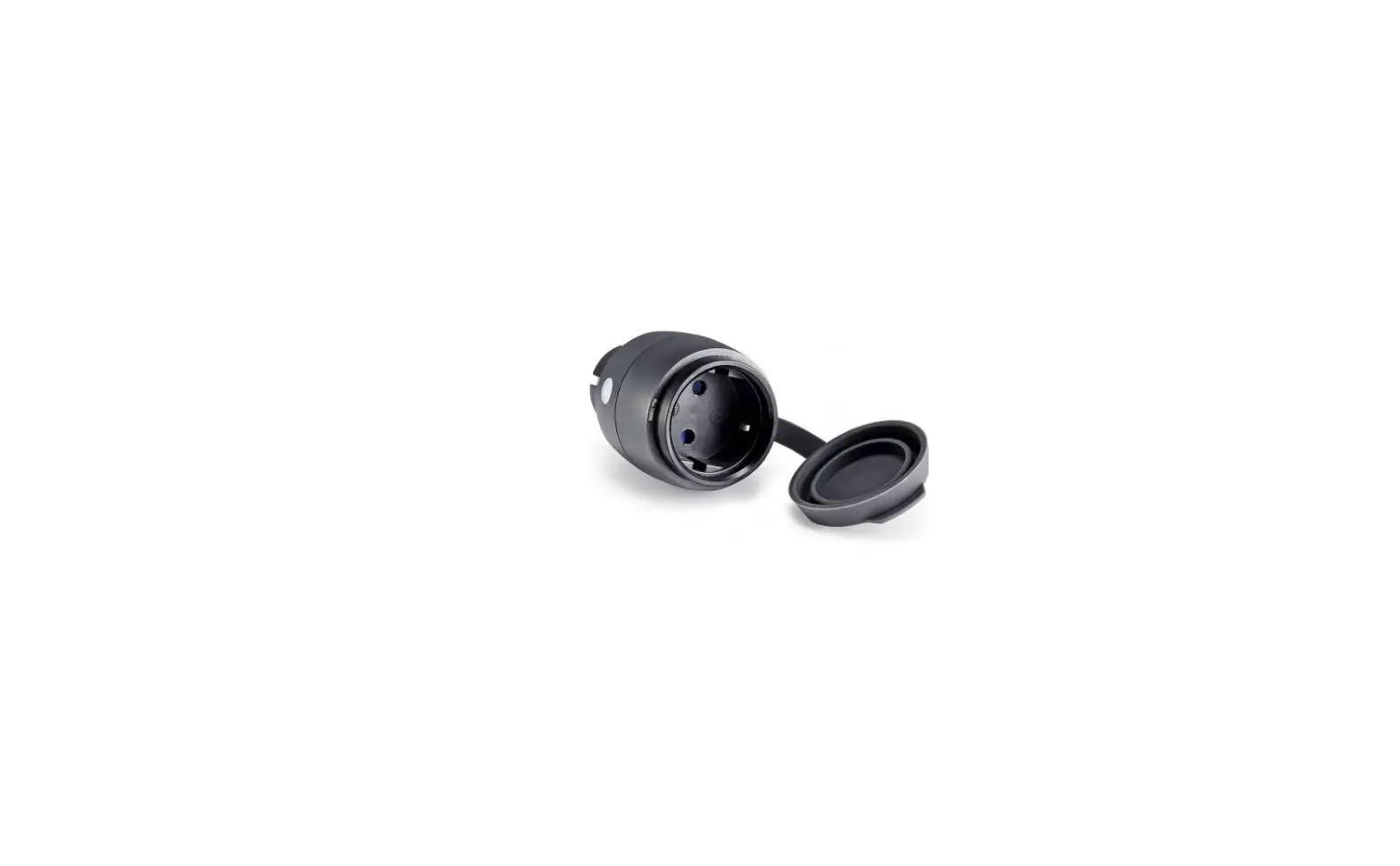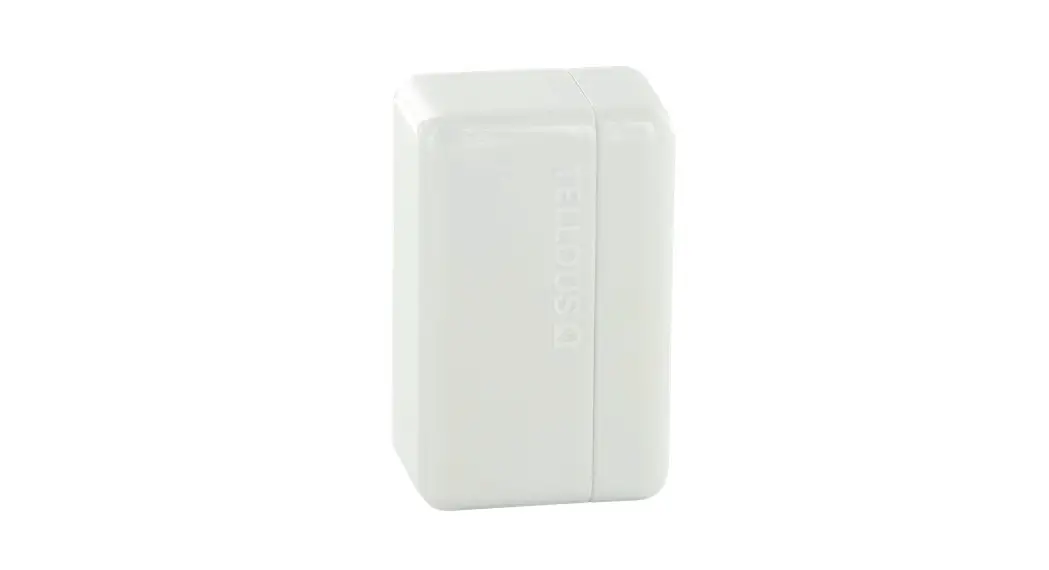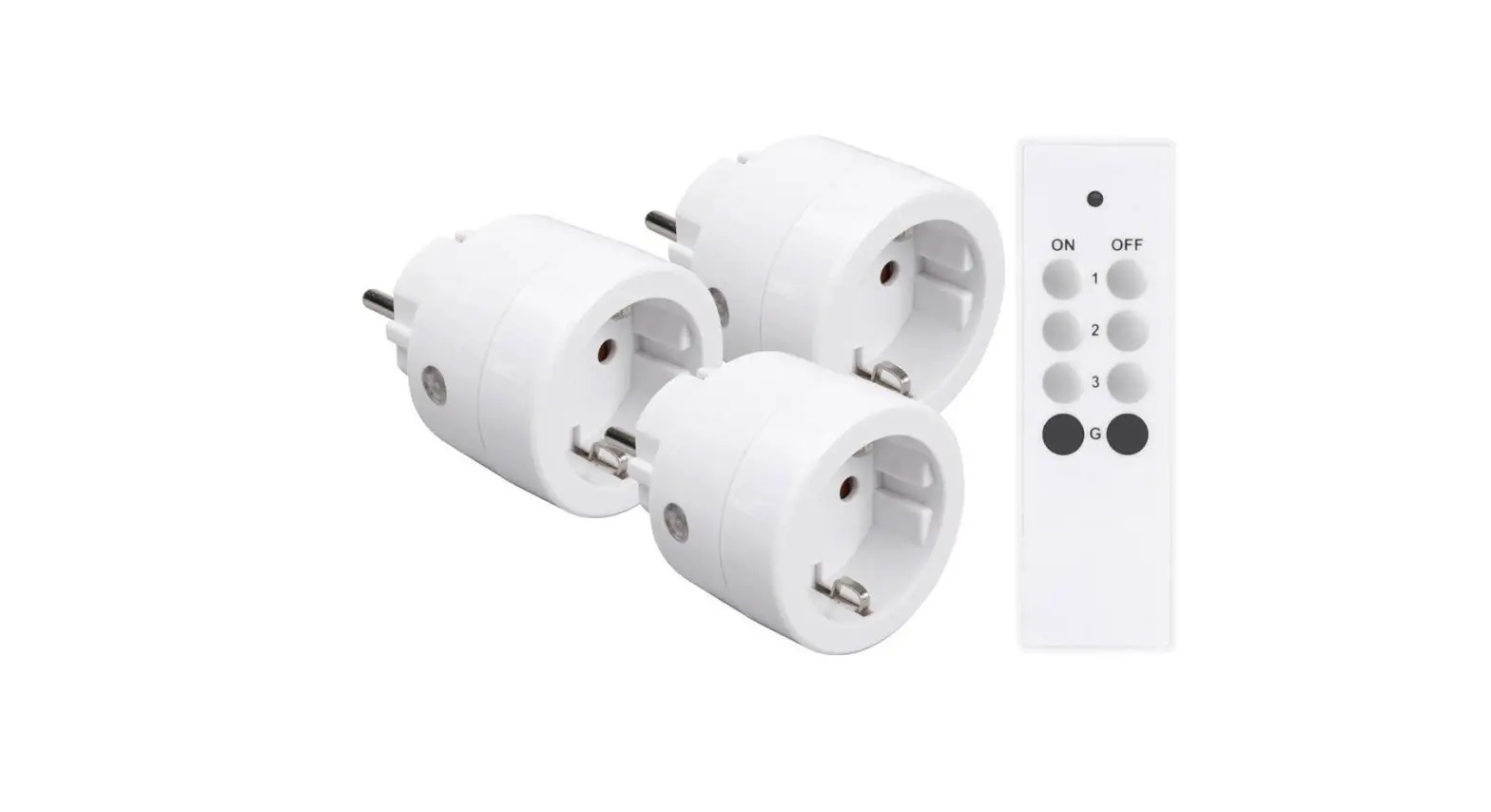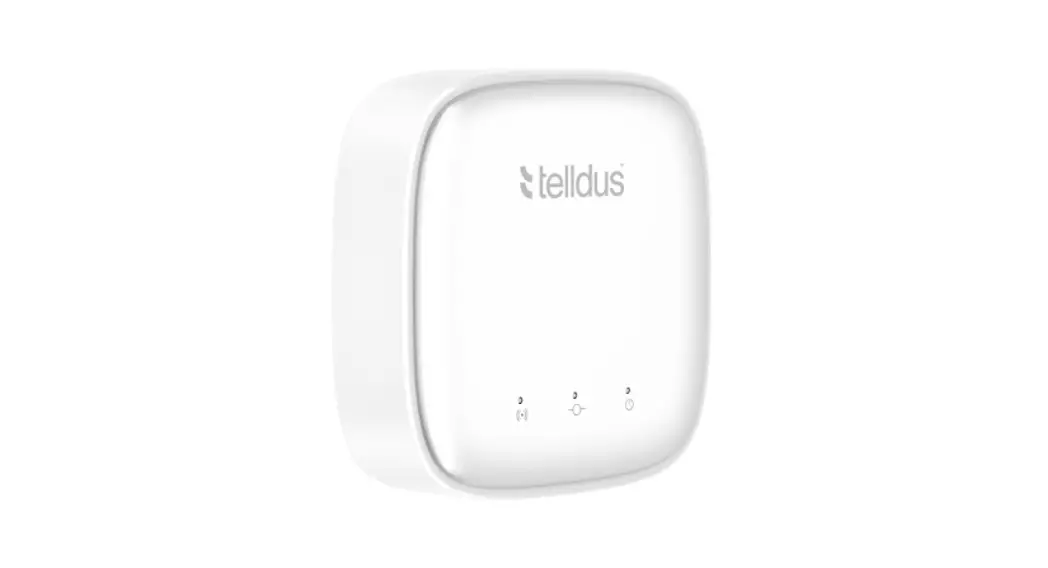
 TellStick Flow
User Manual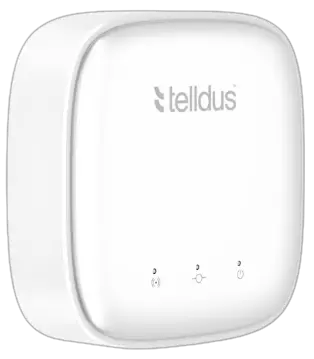 User manual for
TellStick Flow
TellStick Flow
 facebook.com/telldus
 @telldus
You can also read the manual online.
Just follow the link: telld.us/m14915
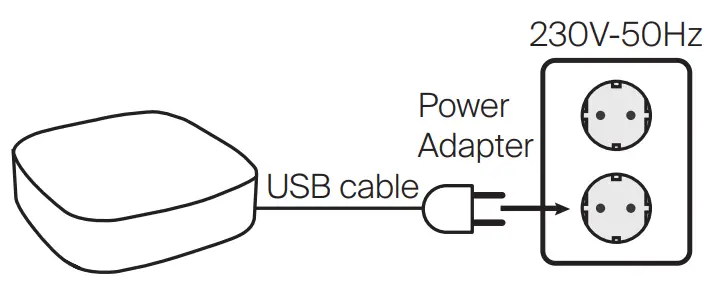
- Connect to power adapter.

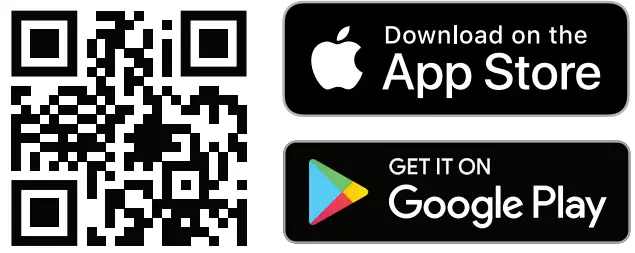
- Download app
 http://uqr.to/bycq
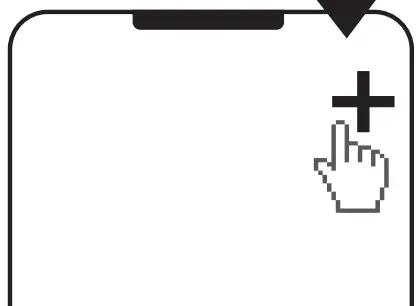
 - Open app, and add a new device

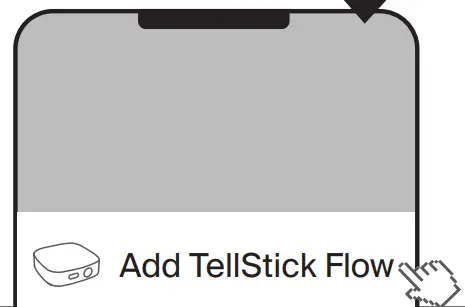
- Choose TellStick Flow

- Follow instuctions
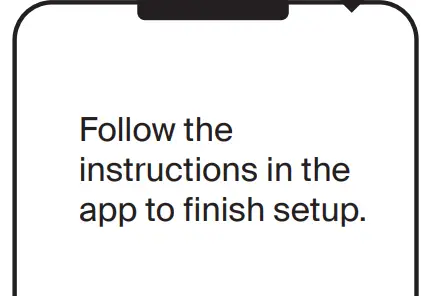
New account setup:
If you created a new account you have to confirm your email adress before you can start use your account. 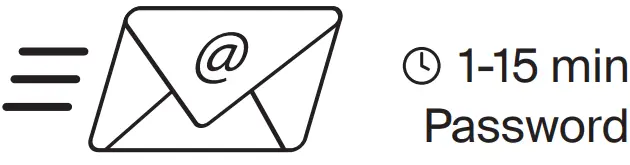
Didn’t receive any e-mail?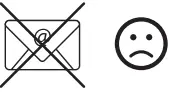 First check your spam mail. If the e-mail is not in your spam folder either, then contact support at below address. support.telldus.com
Want more help?
Read a more detailed manual online.
Just follow the link: telld.us/m14915
Proove Distribution AB
Birger Svensson Väg 34 B
432 40 Varberg, Sweden
www.telldus.com
support.telldus.com
 Telldus
 telld.us/m14915
 Telldus - Upplev det smarta hemmet | Telldus