
telldus Remote Controlled Outlets and Remote Control
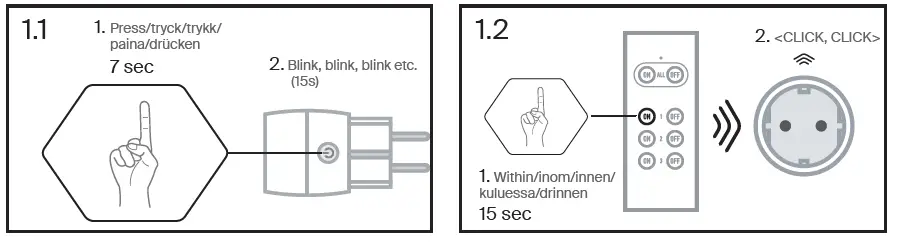
Connect to a remote control
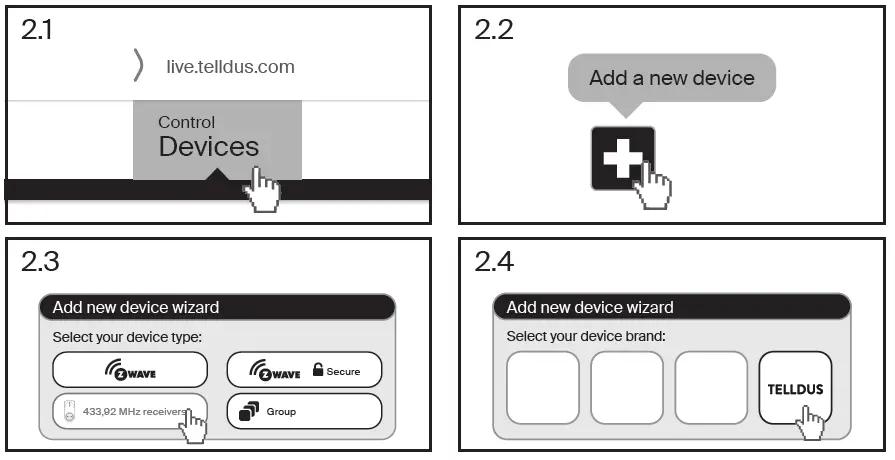
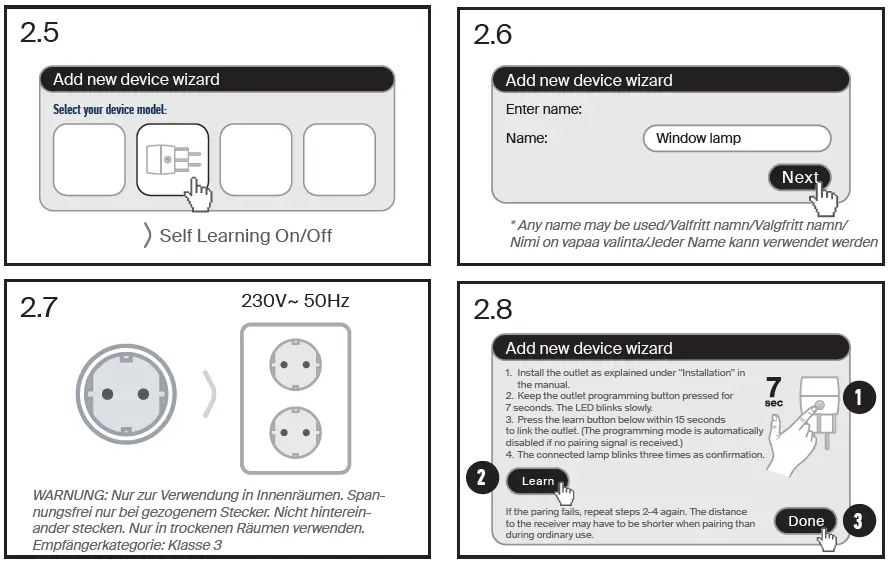
Connect outlet to Telldus Live
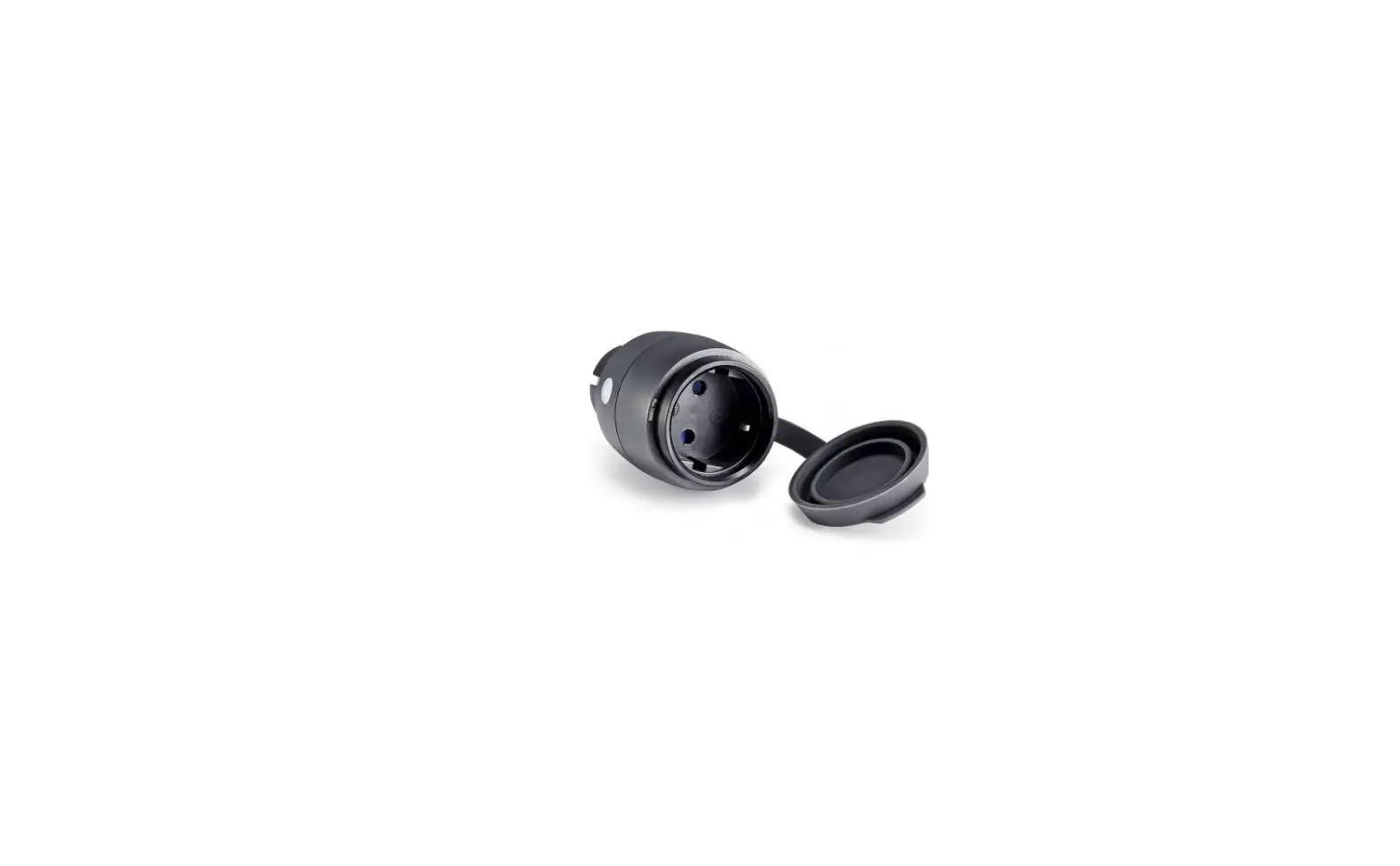
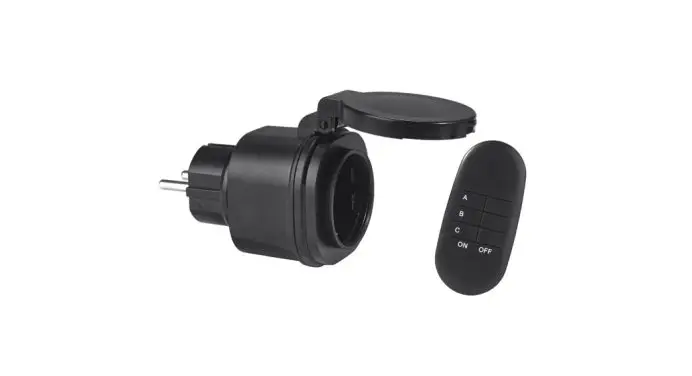
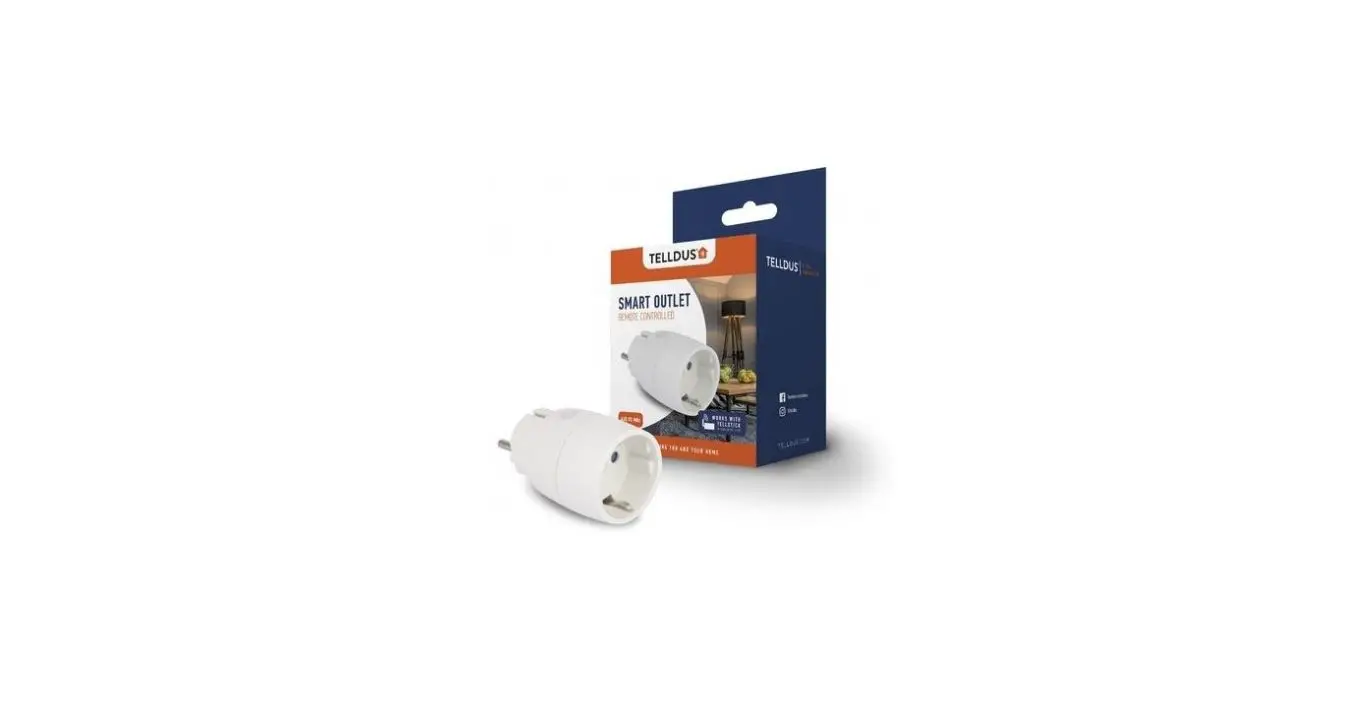
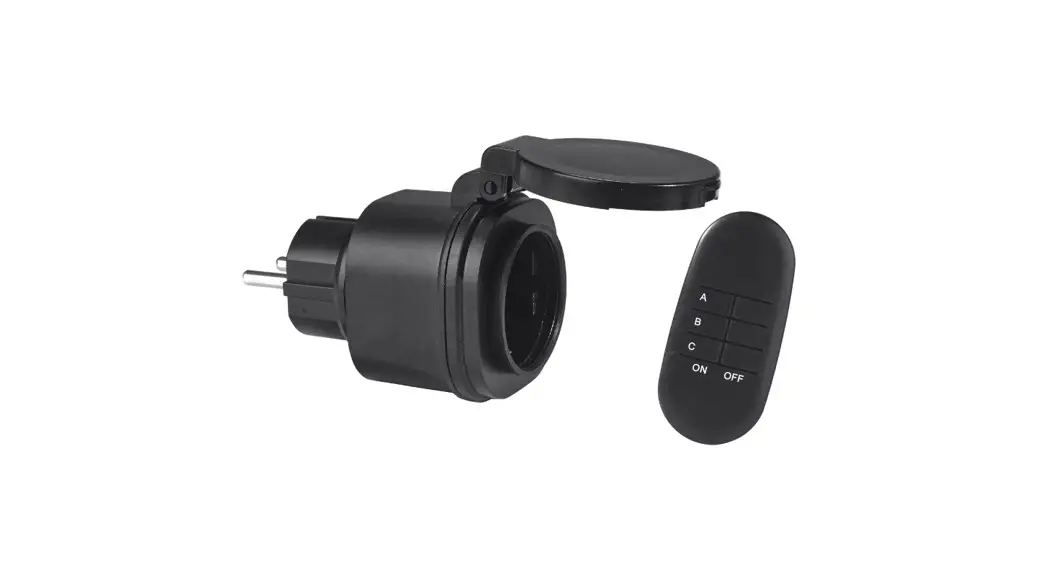
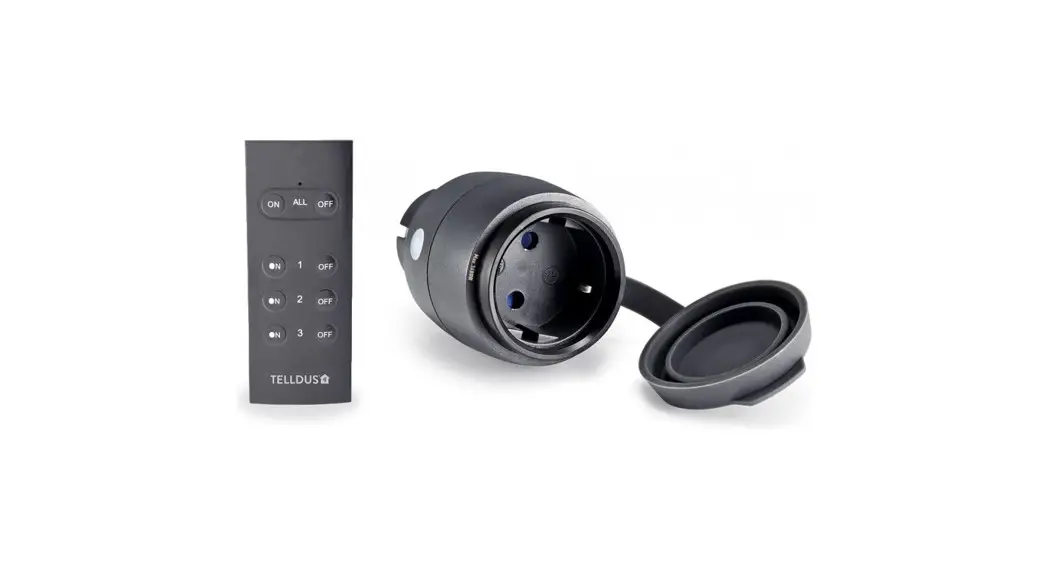
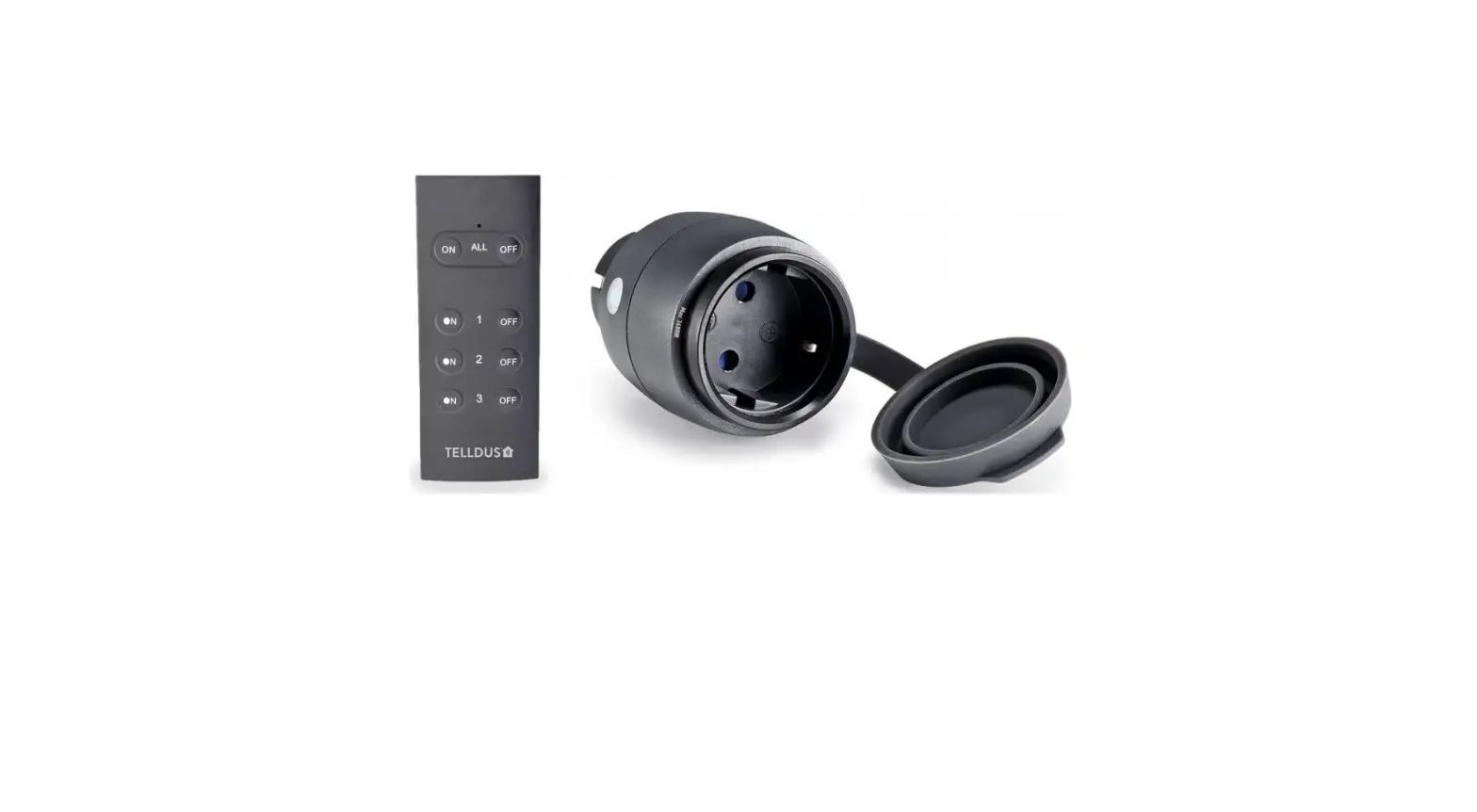
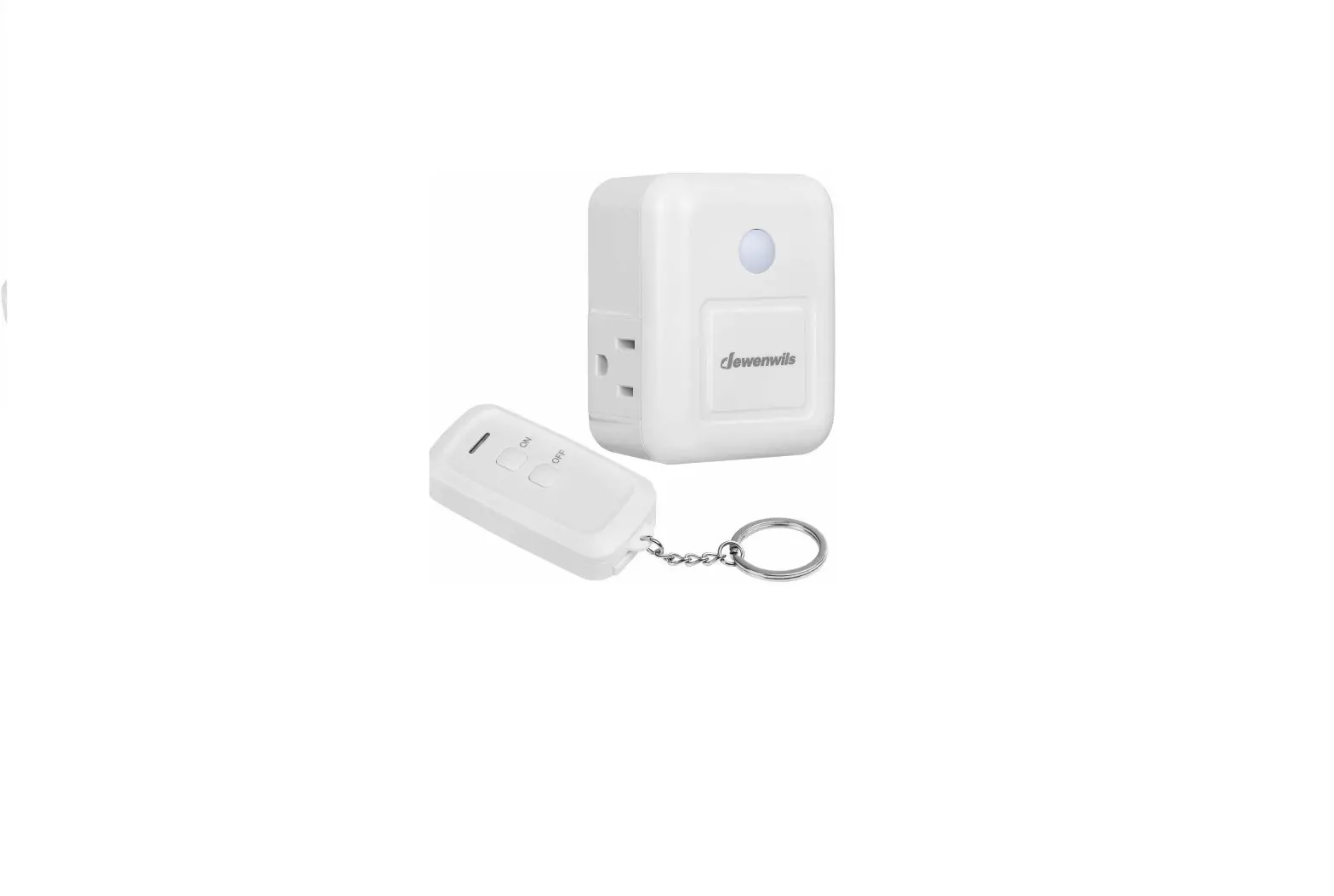
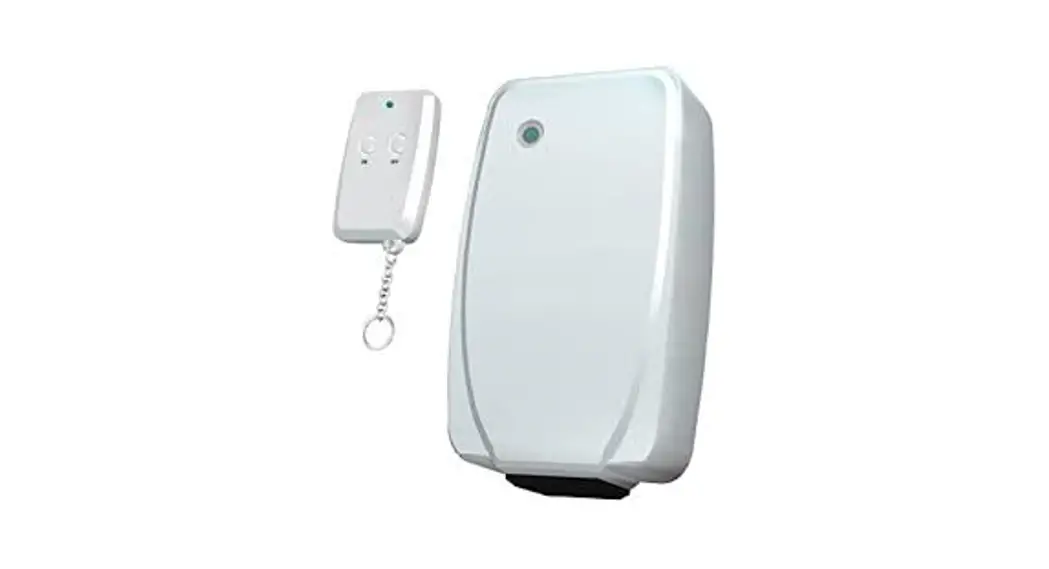
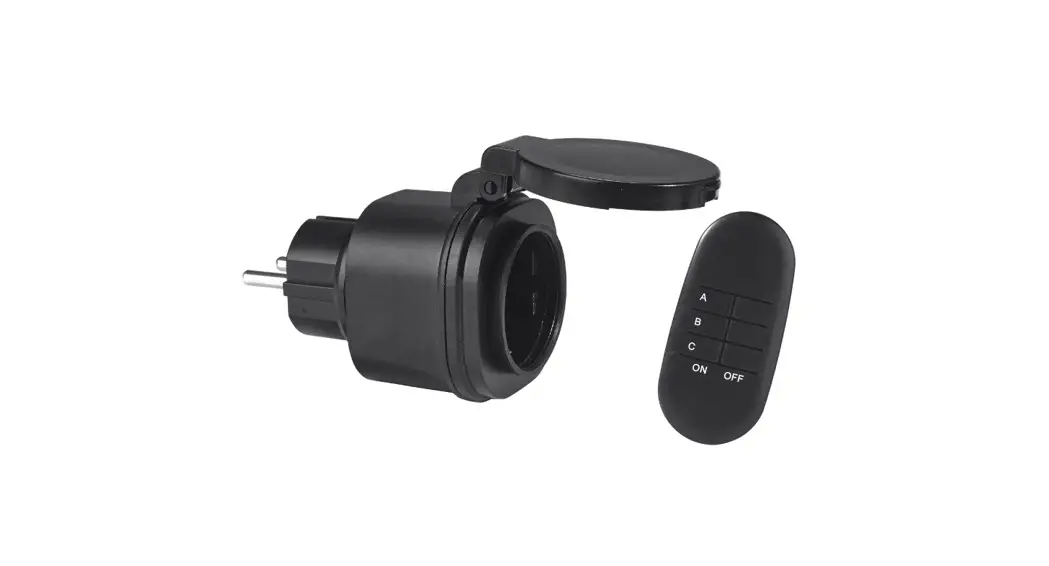
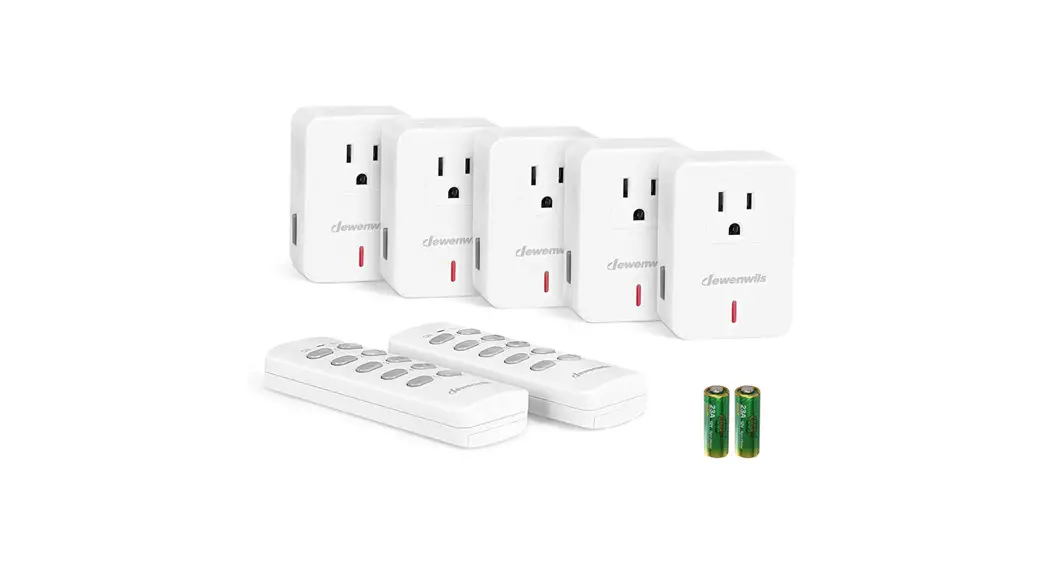
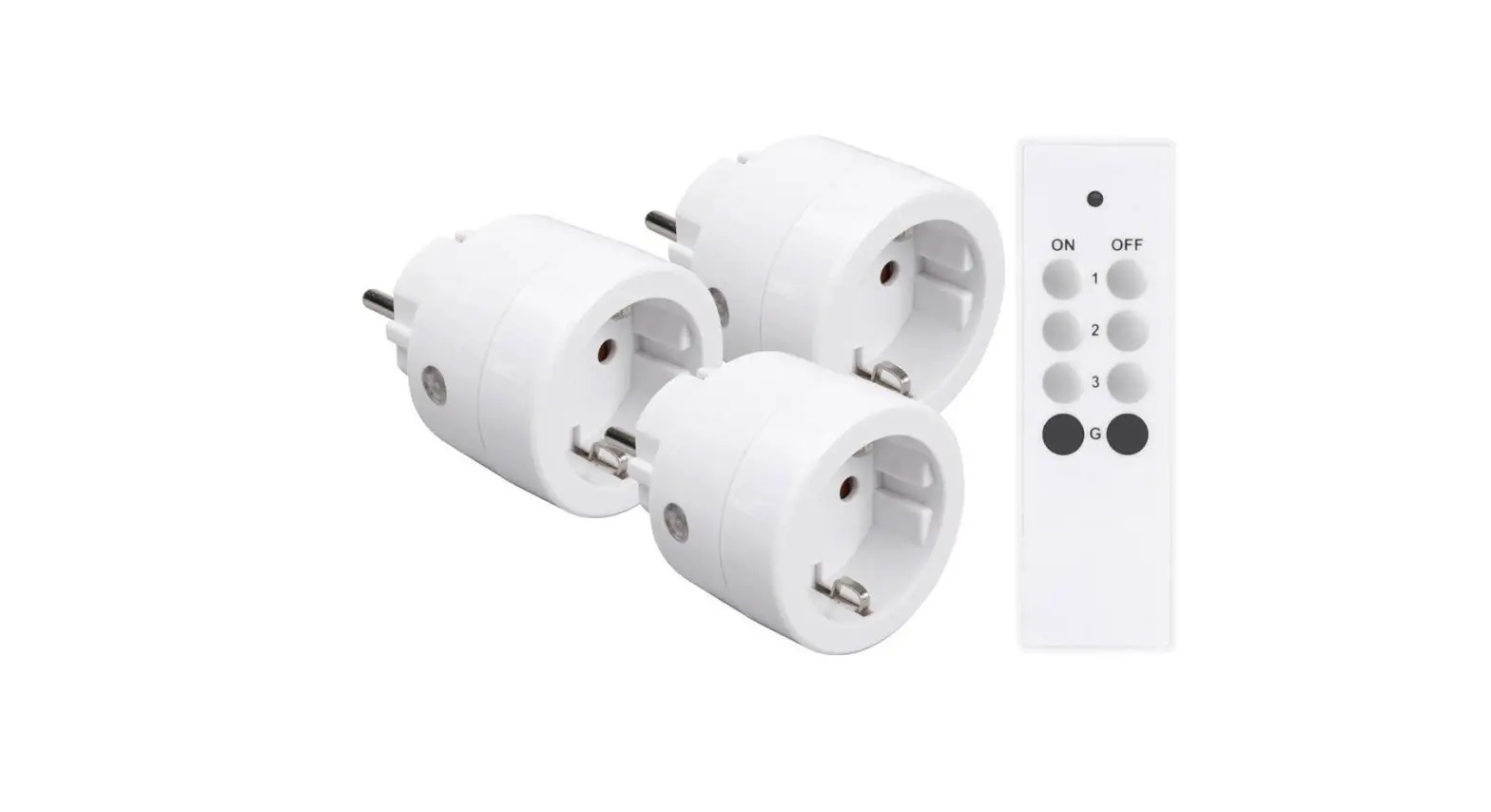
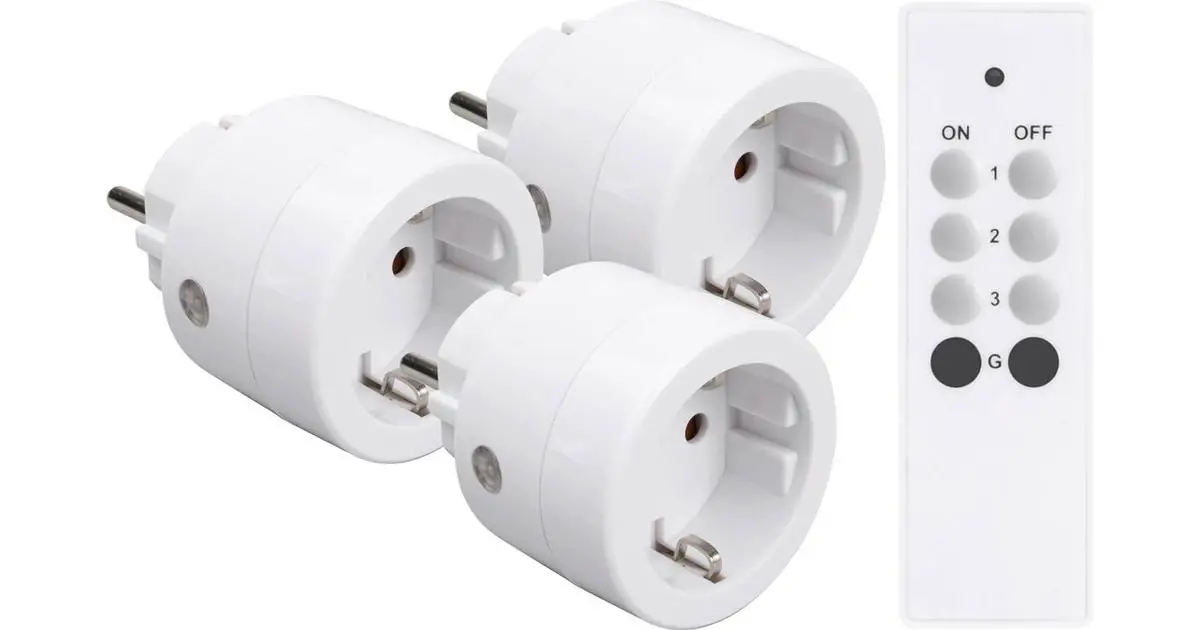
 Remote controlled outlets & remote control*
- Easy installation.
- Remote control* has 3 channels and 1 group function.
- Each outlet has 5 memory settings.
- The remote control* operates at a distance up to 30 meters (free line of sight).
- Blue LED indicates ON/OFF and programming status.
- The outlets are TellStick compatible.
Installation
- Remove the small plastic tab from the battery in the remote control*.
- Connect the outlet to mains power.
- Connect a lamp to the outlet. If there is a power switch on the connecting cable make sure it is switched on.
Pair a remote control* to an outlet
- Keep the button on the outlet pressed for 7 seconds. The LED blinks slowly indicating learning mode.
- Press ON button (1, 2, or 3) on the remote control* within 15 seconds to link the remote control* to the outlet (the learning mode is automatically disabled if no button is pressed within 15 seconds).
- The connected lamp blinks three times as confirmation.
Unpair a single remote control* from an outlet
- Keep the button on the outlet pressed for 7 seconds. The LED blinks slowly.
- Press the corresponding OFF button on the remote control* to remove the learned code (the learning mode is automati-cally disabled after 15 seconds if no button is pressed).
- The connected lamp blinks three times as confirmation.
Unpair all remote controls from an outlet
- Keep the button on the outlet pressed for 7 seconds. The LED blinks slowly.
- Within 7 seconds, press the button briefly once more (the learning mode is automatically disabled after 15 seconds if no button is pressed).
- The connected lamp blinks three times as confirmation.
ON/OFF operation of a paired outlet
- Press the ON button on the remote control* to switch on the power.
- Press the OFF button to switch off the power.
- Press the GROUP buttons to simultaneously switch all paired outlets ON or OFF.
- ON/OFF switching is also possible by briefly pressing the button on the outlet.
Proove AB Birger Svensson Väg 34 B, 432 40 Varberg, Sweden
www.telldus.com • support.telldus.com