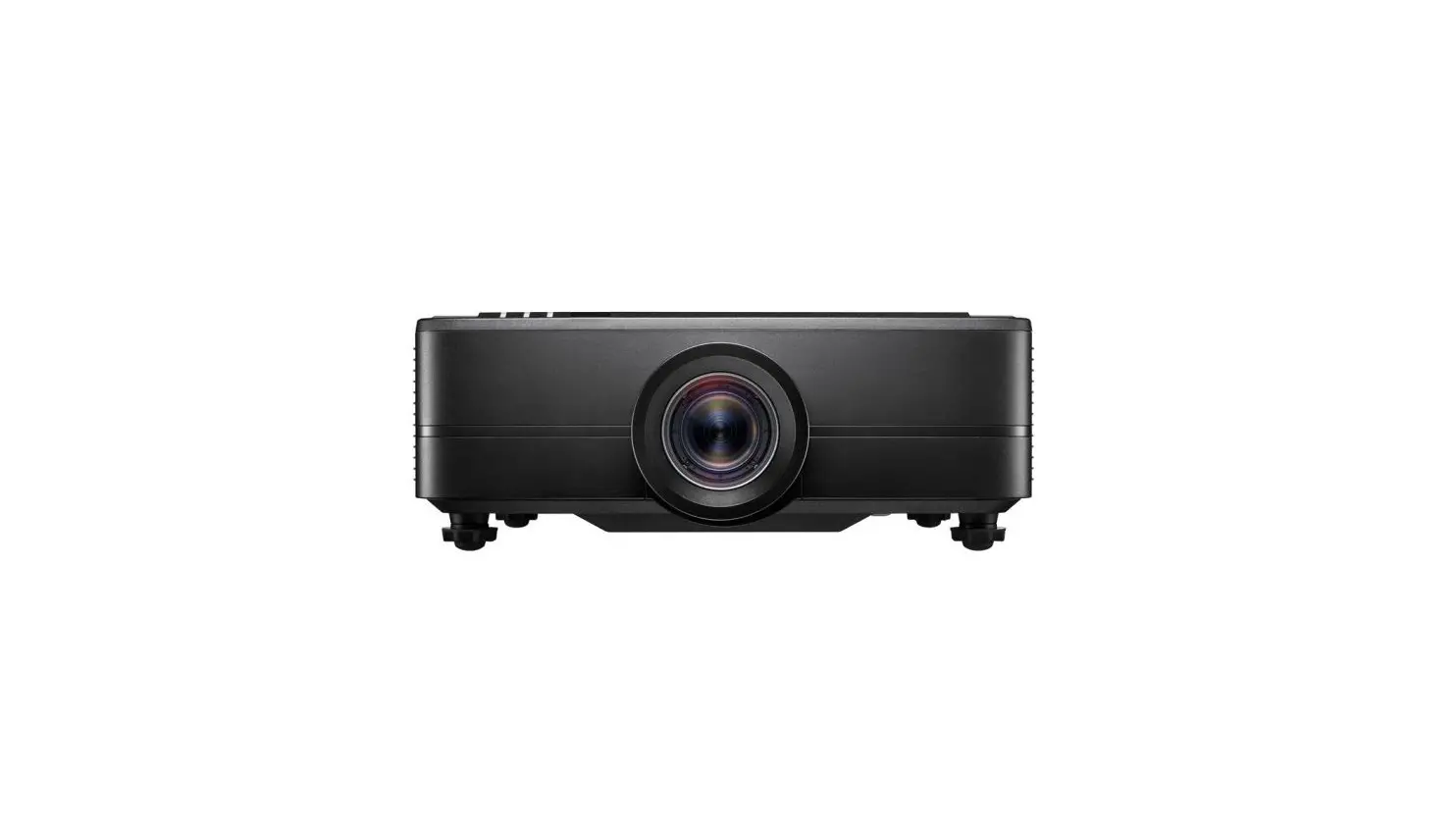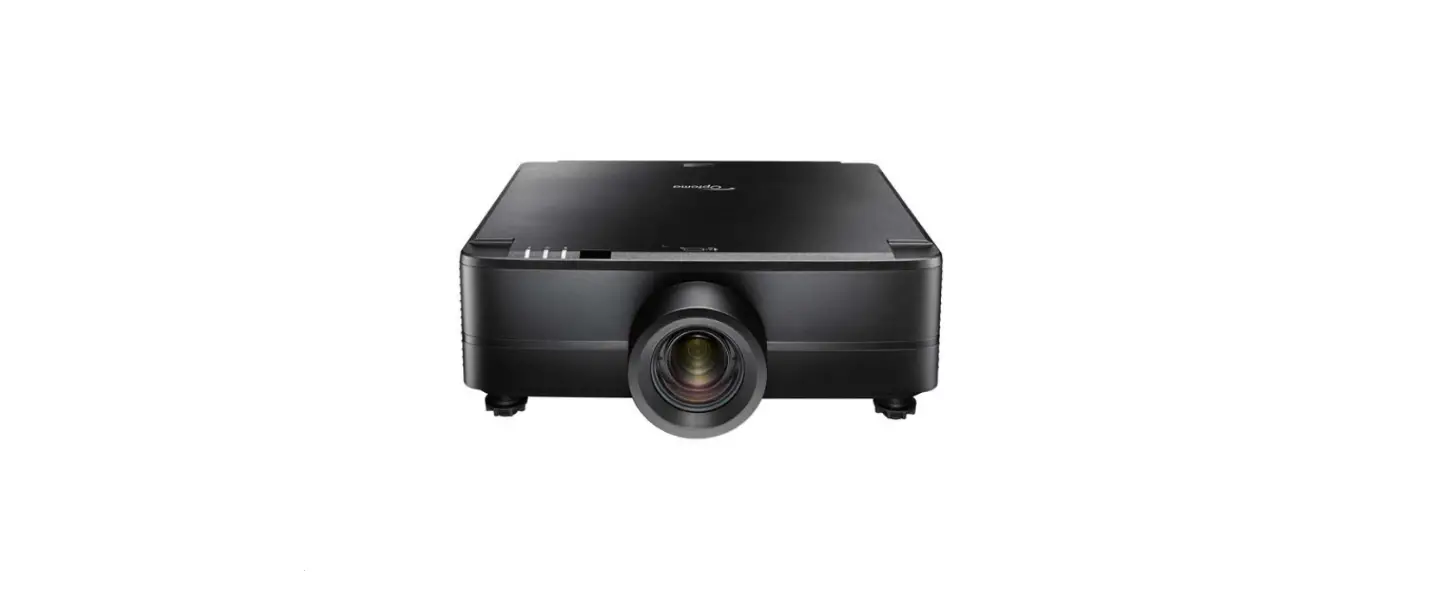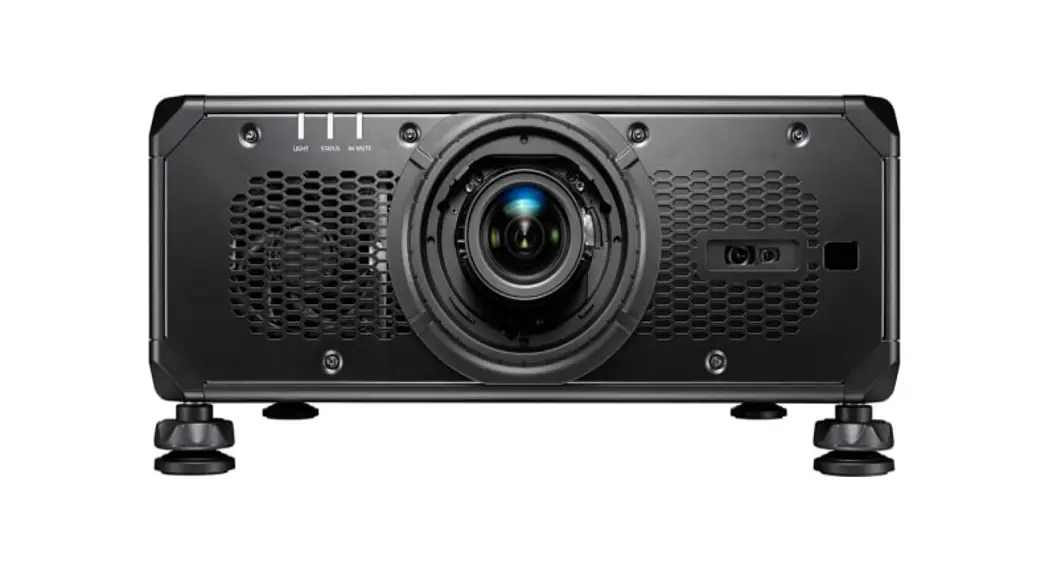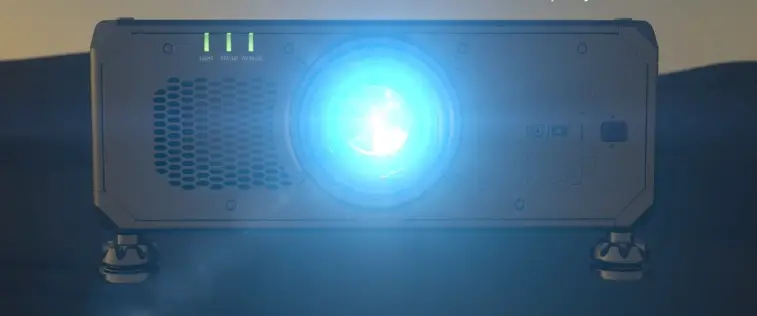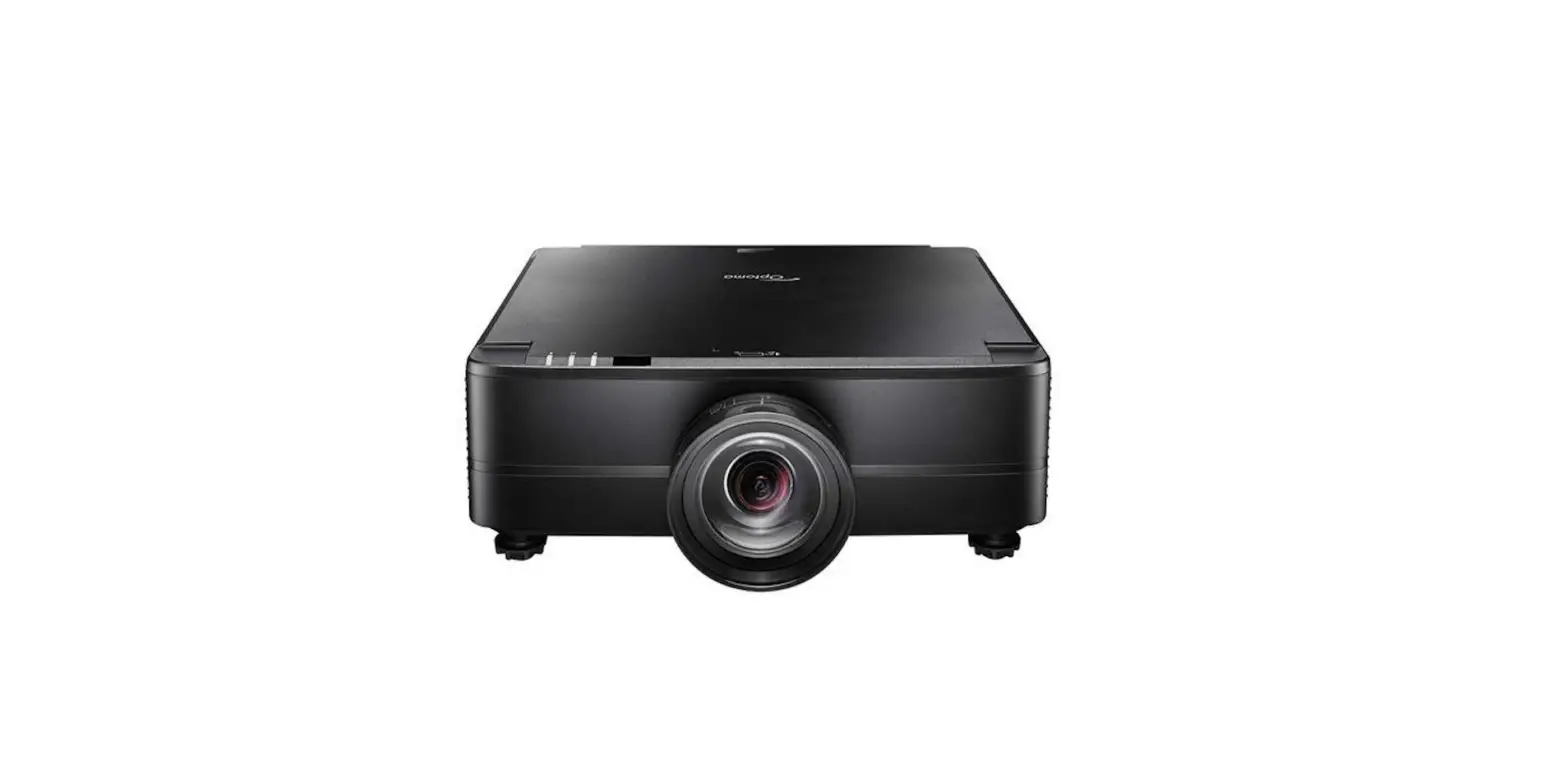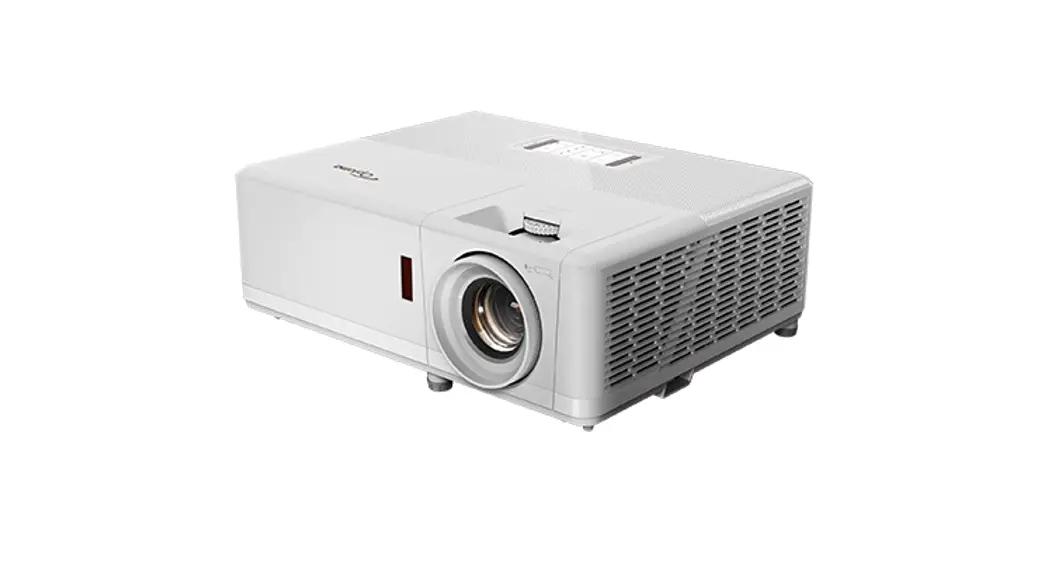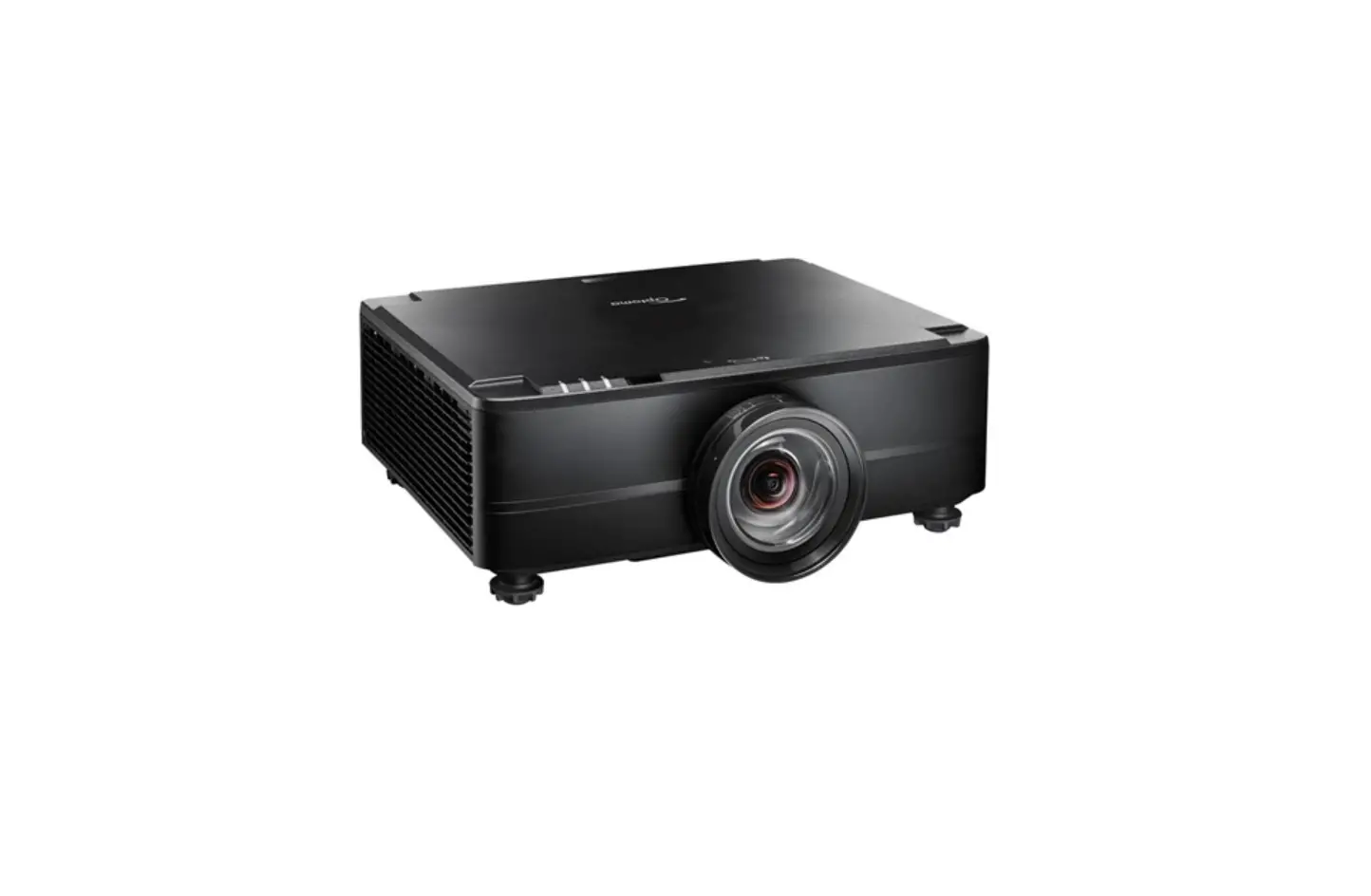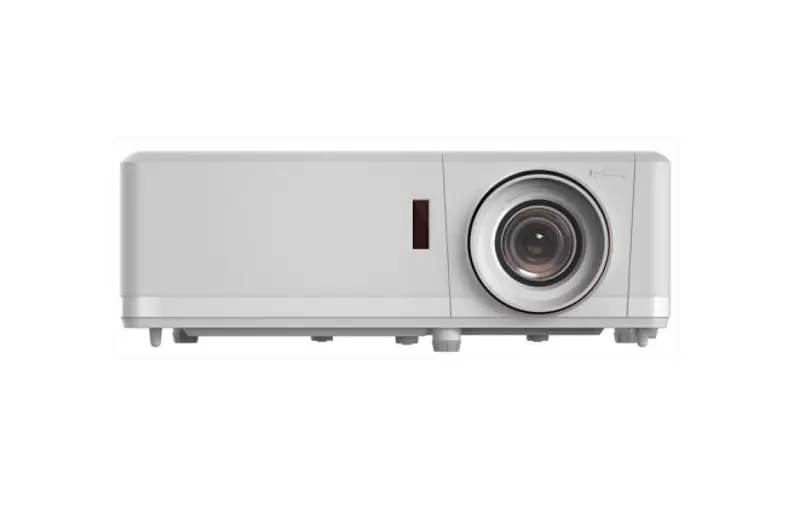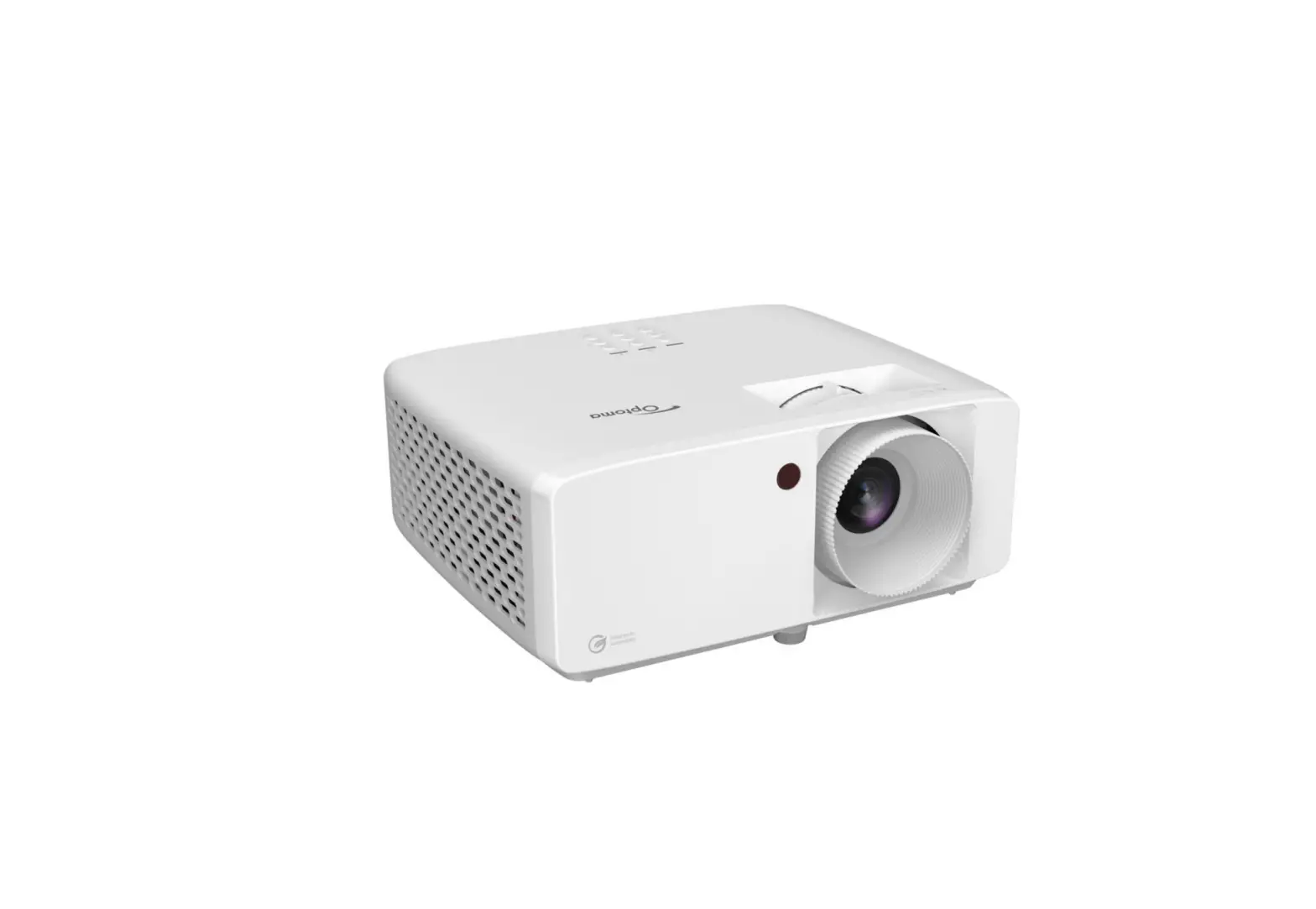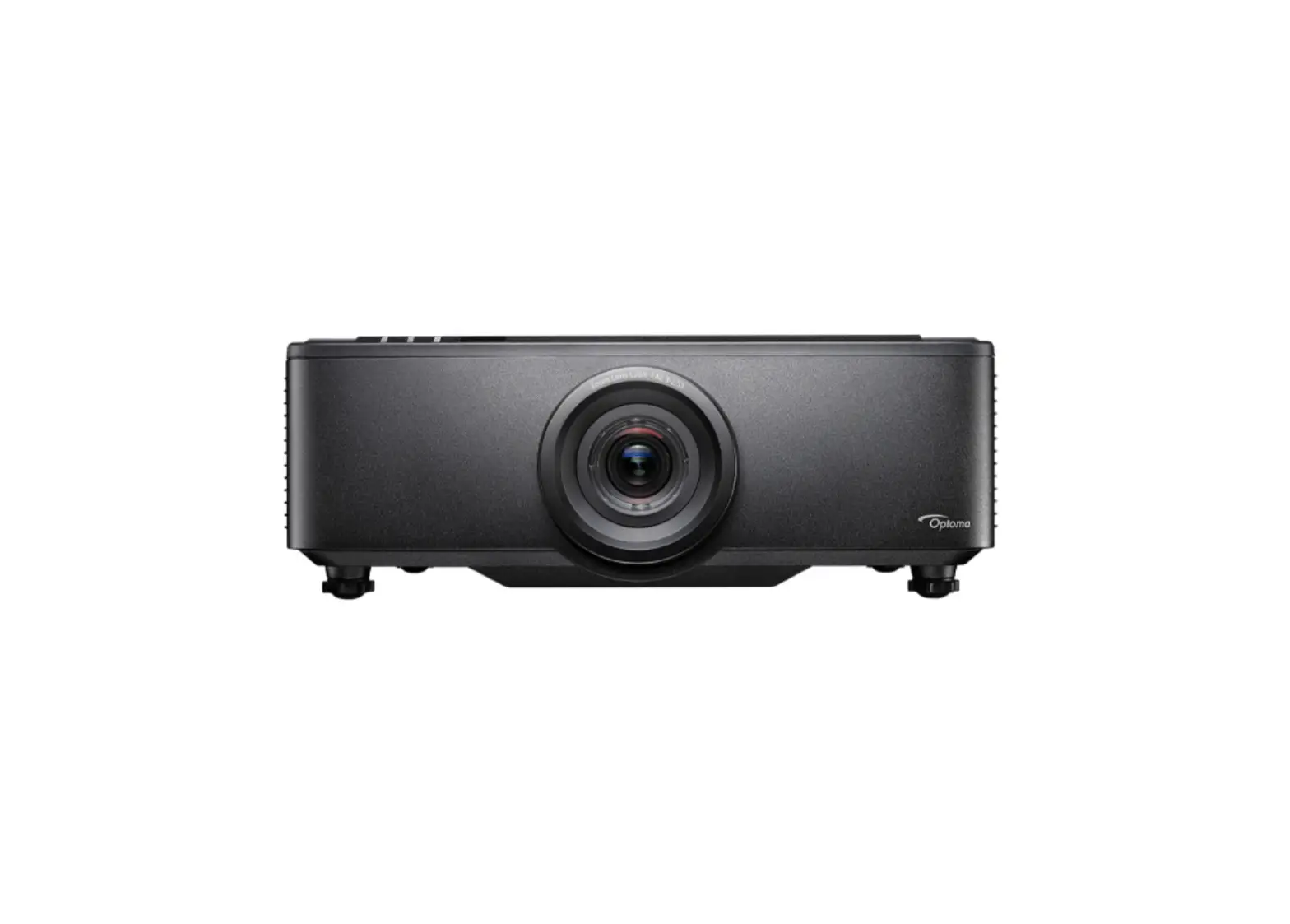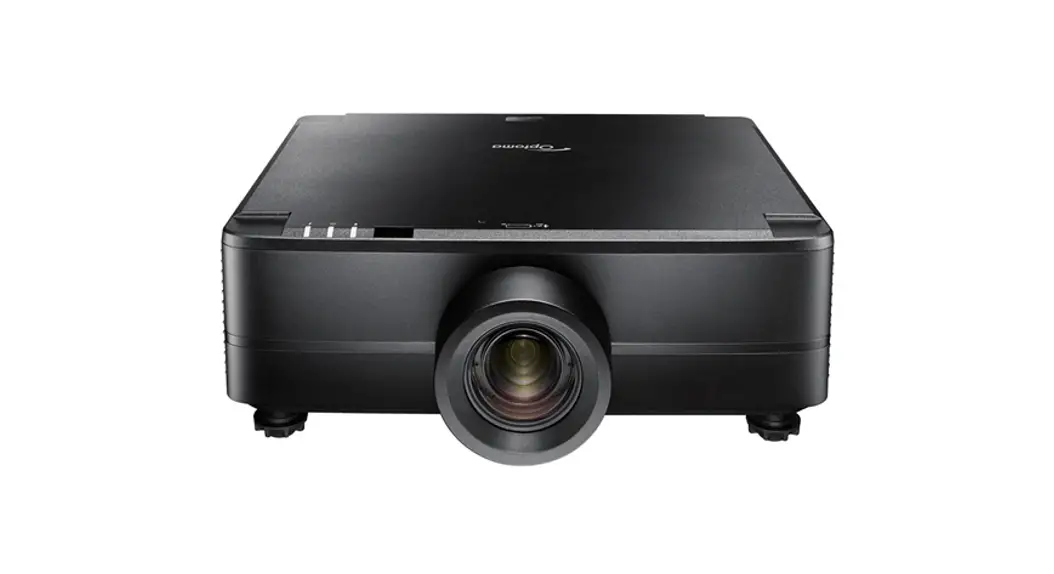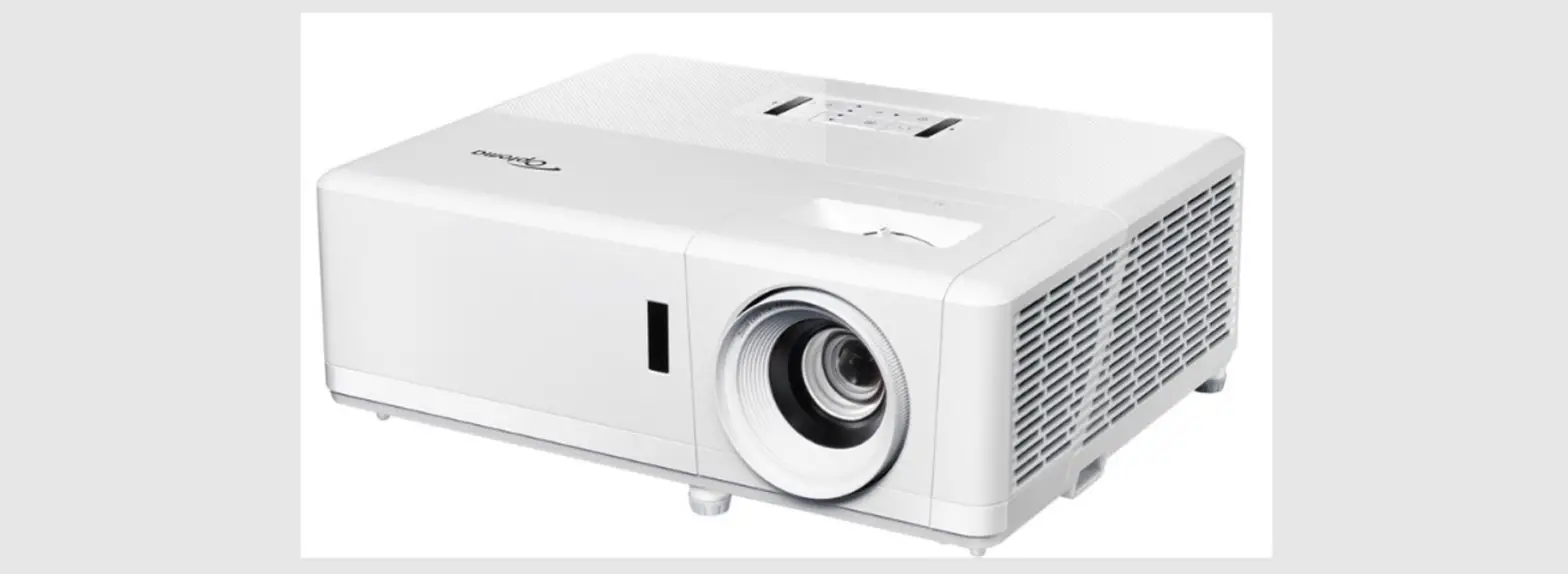

Optoma ZU820TST Ultra Bright Professional Laser Projector
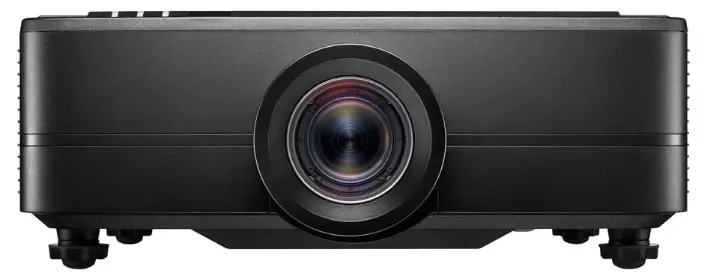
ZU820TST Ultra Bright Professional Installation Laser Projector
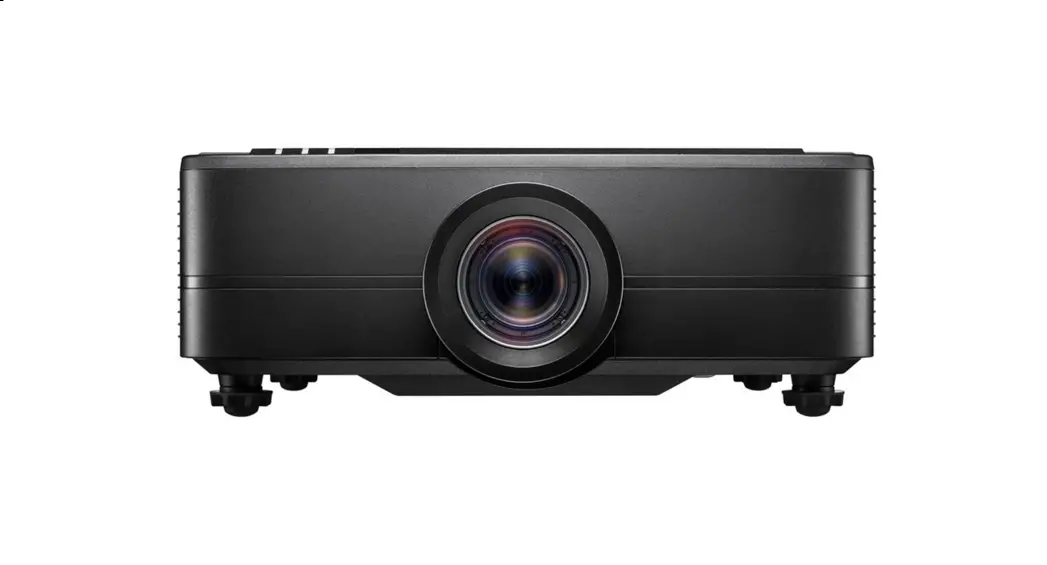
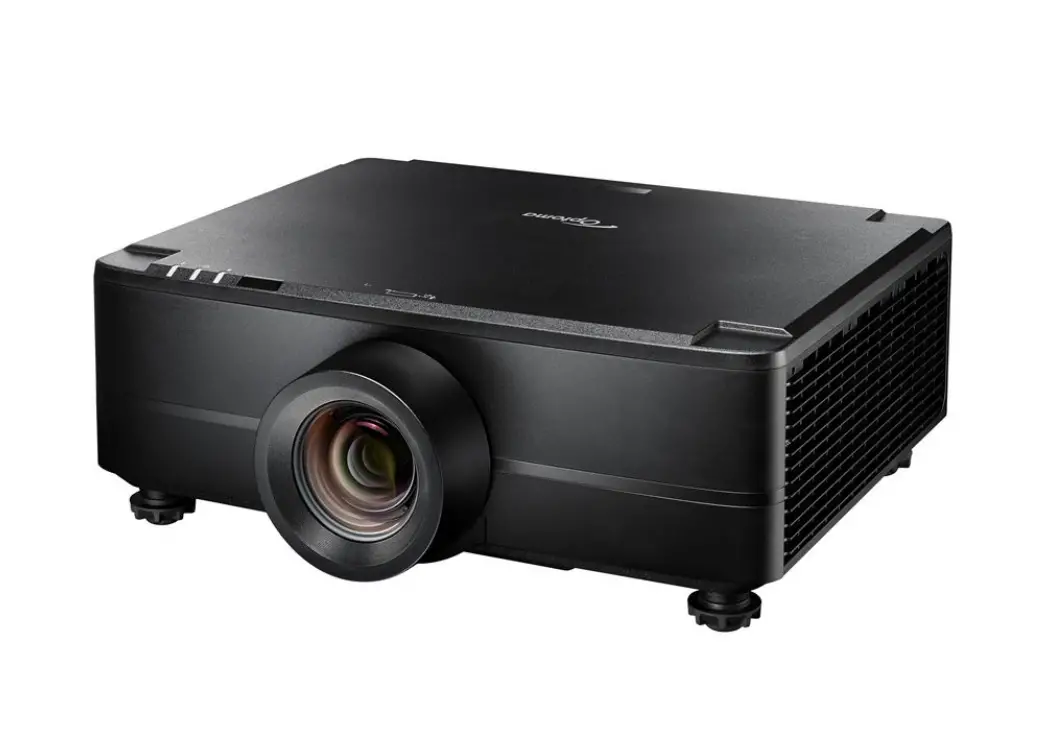
The ZU820TST is a professional installation laser projector that delivers a stunning 8200 lumens of brightness with 4K and HDR compatibility. Featuring DuraCore laser technology, this projector provides virtually maintenance-free operation for up to 30,000 hours in Eco mode.
Features
- DuraCore laser technology – Delivers 30,000 hours of virtually maintenance-free operation
- 8200 lumens brightness with 4K and HDR compatibility
- Full motorised lens shift for easy set-up
- Large zoom range expands placement opportunities
- Built-in dual 10W speakers
- High brightness, color precision and quiet operation
- 8200 lumen DuraCore laser projector – Ultra bright for immersive installations
- Full motorised lens shift – Ideal for a simple set-up
- Large zoom range – Motorised zoom expands placement opportunities
- DuraCore laser technology – Delivers 30,000 hours of virtually maintenance-free operation
At 8200 lumens with 4K and HDR compatibility, the ZU820TST features a dust-resistant IP5X certified optical engine for 24/7 operation capabilities, offering true maintenance-free projection for up to 30,000 hours of powerful performance in Eco mode. Other features include motorised zoom and focus, full motorised lens shift, and built-in dual 10W speakers. High brightness, colour precision and quiet operation, alongside a 1.26x zoom, make this projector the ideal solution for a variety of enduser scenarios and professional environments, such as simulation, edge-blending and projection mapping, and immersive installations
QR CODE

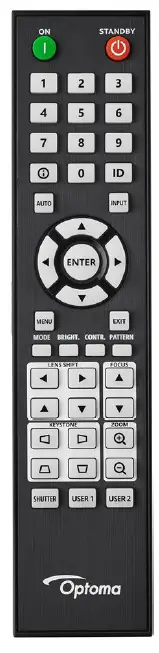
REMOTE CONTROL
Specifications
| Display technology | DLP |
|---|---|
| Resolution | WUXGA (1920×1200) |
| Brightness | 8,200 lumens ANSI brightness |
| Contrast ratio | 3,000,000:1 full on/off, 1,100:1 ANSI |
| Native aspect ratio | 16:10 |
| Uniformity | 95% |
| Light source type | Laser |
| LASER life | 30,000 hours |
| Throw ratio | 0.75:1 ~ 0.95:1 |
| Projection distance | 0.79m – 6.21m |
| Zoom | 1.26 motorized zoom |
| Focal length | 11.11 ~ 14.16 mm |
| Lens shift | Vertical: +/-50%, Horizontal: +/-15% motorized lens shift |
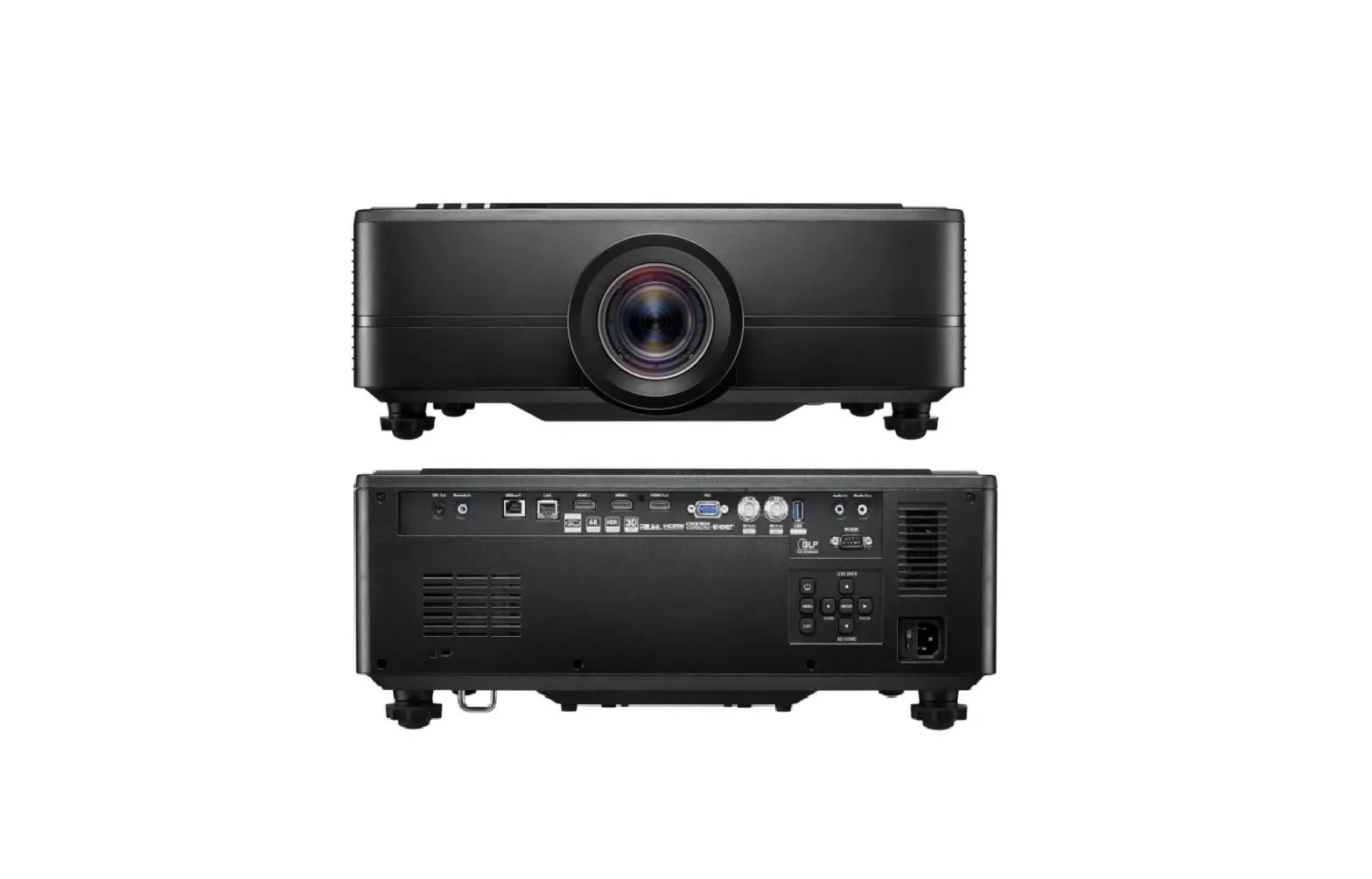
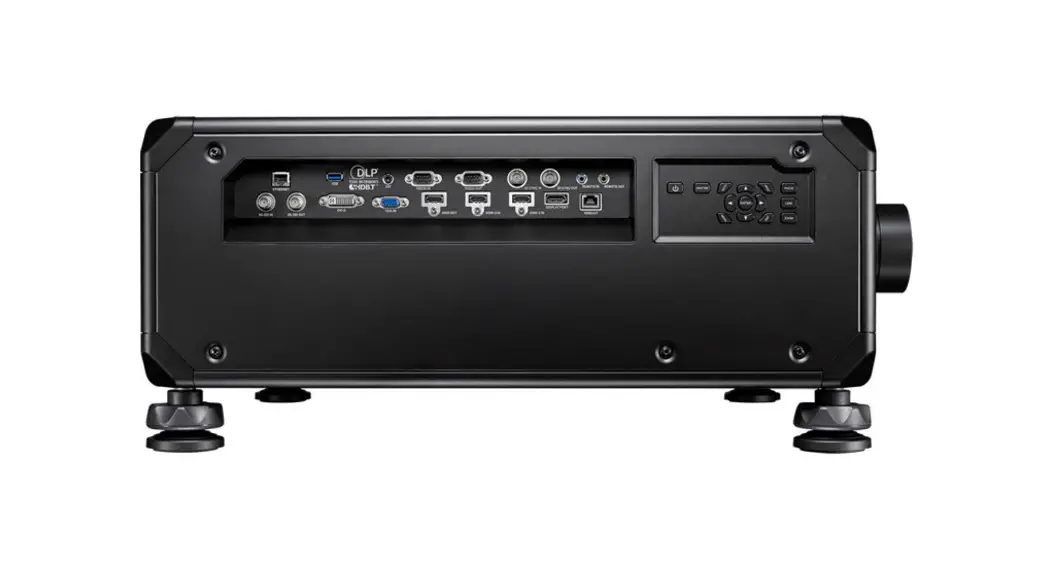
| Inputs | 1 x HDBaseT, 1 x HDMI 2.0, 1 x HDMI 1.4a 3D support, 1 x VGA, 1 x 3D sync, 1 x Audio 3.5mm |
| Outputs | 1 x HDMI 2.0, 1 x 3D sync, 1 x USB-A power 1.5A, 1 x Audio 3.5mm |
| Control | 1 x 12V trigger, 1 x Wired remote, 1 x RJ45, 1 x RS232 |
| Noise level (typical) | 34dB |
| Noise level (max) | 36dB |
| Security | Full 3D Security bar, Kensington Lock |
| IP rating | IP5X |
| OSD/display languages | 10 languages: English, French, German, Italian, Portuguese, Russian, Chinese (simplified), Spanish, Chinese (traditional) |
| Remote control | Backlit ProAV remote |
| Speaker count | 2 |
| Watts per speaker | 10W |
| Networking | LAN – wireless networking, LAN Power |
| Power supply | 520W |
| Power consumption (standby) | 0.5W |
| Dimensions (W x D x H) | 486 x 394.5 x 185.5 mm |
| Gross weight | 17.5 kg |
| Net weight | 12.6 kg |
UPC: 796435 44 628 4, EAN: 5055387666672, Colour: Black
Display/image
- Display technology DLP
- Resolution WUXGA (1920×1200)
- Brightness 8,200 lumens
- ANSI brightness 6,600
- Contrast ratio 3,000,000:1
- Contrast ratio – full on/off 1,100:1
- Native aspect ratio 16:10
- Aspect ratio – compatible 4:3,16:9,16:10
- Keystone correction – horizontal 30°
- Keystone correction – vertical 15°
- Displayable colours (millions) 1073.4
- Uniformity 95%
- Screen size 1.27m ~ 7.62m (50″ ~ 300″) diagonal
Lamp info
- Light source type Laser
- LASER life 30,000 hours
Optical
- Throw ratio 0.75:1 ~ 0.95:1
- Projection distance (m) 0.79m – 6.21m
- Zoom 1.26
- Zoom type Motorised
- Focal length (mm) 11.11 ~ 14.16
- Lens shift Vertical: +/-50%, Horizontal: +/-15%
- Lens shift Yes – {{downloads_link}}
Connectivity
- Connections
- Inputs 1 x HDBaseT, 1 x HDMI 2.0, 1 x HDMI 1.4a 3D support, 1 x VGA, 1 x 3D sync, 1 x Audio 3.5mm
- Outputs 1 x HDMI 2.0, 1 x 3D sync, 1 x USB-A power 1.5A, 1 x Audio 3.5mm
- Control 1 x 12V trigger, 1 x Wired remote, 1 x RJ45, 1 x RS232
- LAN – wireless networking No
General
- Noise level (typical) 34dB
- Noise level (max) 36dB
- 3D Full 3D
- Security Security bar, Kensington Lock
- IP rating IP5X
- OSD / display languages 10 languages: English, French, German, Italian, Portuguese, Russian, Chinese (simplified), Spanish, Chinese (traditional)
- 24/7 operation Yes
- 360° operation Yes
- Remote control Backlit ProAV remote
- Speaker count 2
- Watts per speaker 10W
Networking
- LAN – wireless networking No
- LAN Yes
Power
- Power supply AC 90 – 264V 50/60 Hz with PFC input
- Power consumption (standby) 0.5W
- Power consumption (min) 260W
- Power consumption (max) 520W
Weight and dimensions
- Dimensions (W x D x H) mm 486 x 394.5 x 185.5
- Gross weight 17.5 kg
- Net weight 12.6 kg
Product Usage Instructions
The ZU820TST is designed for professional installations in a variety of end-user scenarios and professional environments, such as simulation, edge-blending and projection mapping, and immersive installations. Follow these instructions to set up and use the projector:
- Choose the location where you want to install the projector.
- Connect the necessary cables to the projector inputs, such as HDMI or VGA.
- Power on the projector and adjust the focus and zoom using the motorized controls.
- Use the motorized lens shift to adjust the position of the projected image if necessary.
- Adjust the projector settings, such as Keystone correction, to ensure the image is displayed correctly.
- Enjoy your projected content!
Note: To ensure optimal performance and longevity of the projector, it’s important to follow the maintenance instructions provided in the user manual.
Copyright © 2023, Optoma and its logo is a registered trademark of Optoma Corporation. Optoma Europe Ltd is the licensee of the registered trademark. All other product names and company names used herein are for identification purposes only and may be trademarks or registered trademarks of their respective owners.Errors and omissions excepted, all specifications are subject to change without notice.All images are for representation purposes only and may be simulated. 21032023040438
 Projectors for home and business, LED displays, IFPDs, screens | Optoma Europe, Middle East, and Africa