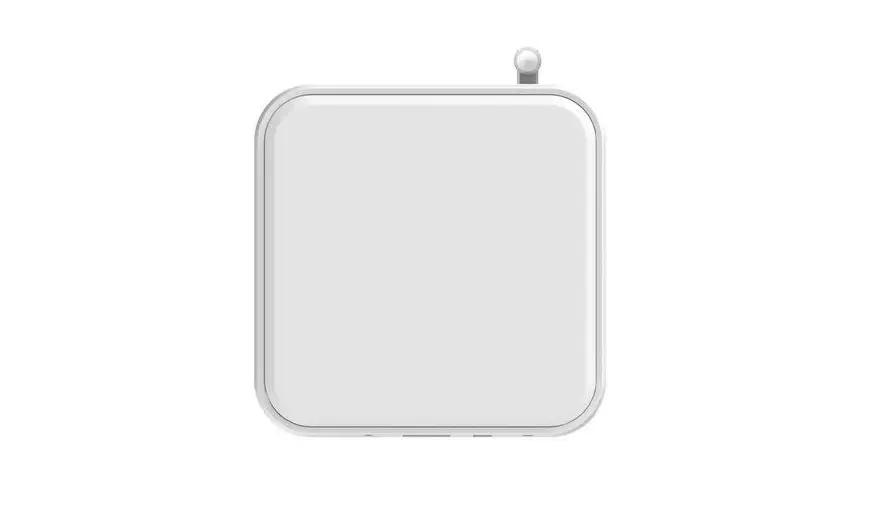
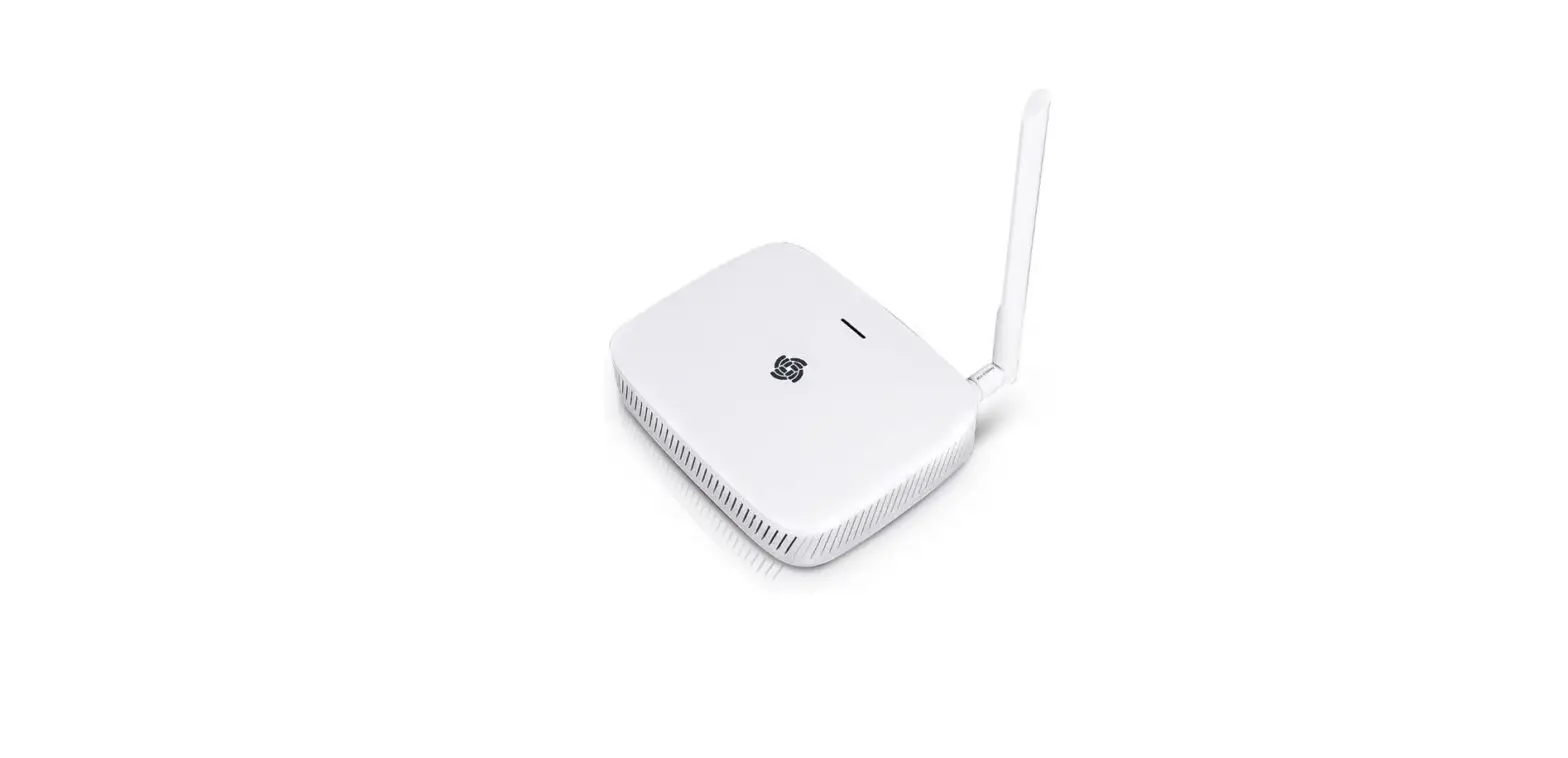
SENECA R-PASS MI00555 IIoT Edge Gateway
Product Information
- Product Name: R-PASS
- Manufacturer: SENECA srl
- Weight: 170 g
- Enclosure: UL94-V0 self-extinguishing PC/ABS material, black
- Certifications: CE
- Declaration
Technical Specifications
- 35mm DIN rail IEC EN60715 assembly
- Removable 3.5mm pitch terminal block, 1.5mm2 max cable section for connections
- Communication Ports: 1 USB A connector, 4 RJ45 Ethernet ports (only version with 4 Ethernet ports), 2 RJ45 Ethernet ports (only version with 2 Ethernet ports), 1 RS485/RS232 serial port configurable via software, 1 RS485 serial port, 1 micro USB dedicated to debugging
- Digital Outputs: DO1…DO4
- Digital Inputs: DI1…DI4
- Analog Inputs: AI1, AI2
- Auxiliary Voltage Output: 12Vdc; Max. 50mA
- Wi-Fi (only R-PASS-W)
Product Usage Instructions
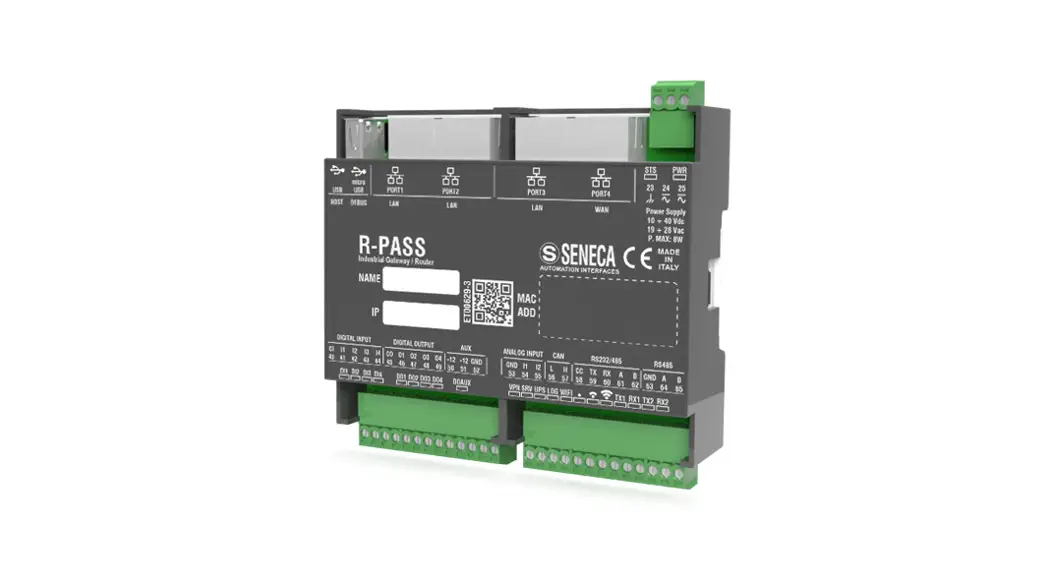
Before starting the installation process, make sure to read and understand all the preliminary warnings mentioned in the user manual. Failure to follow these warnings may result in user safety risks or damage to the instrument or connected equipment. The R-PASS module has a weight of 170 g and is enclosed in a black UL94-V0 self-extinguishing PC/ABS material enclosure. The module layout is as follows: – Width: 106.6 mm – Height: 32.2 mm – Depth: 90.0 mm The front panel of the module contains several LED indicators that provide status information. The LED indicators and their corresponding statuses are as follows: DO1…DO4: Digital Outputs – DI1…DI4: Digital Inputs – DO AUX: Auxiliary Voltage Output – STS (Status): Status Indicator – VPN: VPN Indicator – SRV: Server Indicator – UPS: UPS Indicator – LOG / RUN (only R-PASS-0 / -W): Logging / Running Indicator (for R-PASS-0 / -W models) – LOG / RUN (only R-PASS-S / -E): Logging / Running Indicator (for R-PASS-S / -E models) – WIFI (only R-PASS-W): Wi-Fi Signal Strength
Indicator (for R-PASS-W model) 5. The technical specifications of the R-PASS module are as follows: – Certifications: CE Declaration (refer to the provided link for more information) – Environmental
Conditions: Not specified in the given text – Assembly: 35mm DIN rail IEC EN60715 – Connections: Removable 3.5mm pitch terminal block, 1.5mm2 max cable section – Communication Ports: 1 USB A
connector, Ethernet ports (4 or 2 depending on the model), RS485/RS232 serial port, RS485 serial port, micro USB dedicated to debugging – Insulation: Not specified in the given text – Digital
Outputs: DO1…DO4 – Digital Inputs: DI1…DI4 – Analog Inputs: AI1, AI2 – Auxiliary Voltage Output: 12Vdc; Max. 50mA – Wi-Fi (only R-PASS-W): Wi-Fi capabilities (specific details not provided) 6.
The electrical connections for the R-PASS module are as follows: – Analog Input Voltage: +, AI1, AI2, GND – Analog Input Current: mA When making electrical connections, please observe the following precautions: – Do not exceed the upper power supply limits to avoid serious damage to the module. – Switch off the module before connecting inputs and outputs. – To meet electromagnetic immunity requirements: – Use shielded signal cables. – Connect the shield to a preferential instrumentation earth system. – Separate shielded cables from other cables used for power installations (transformers, inverters, motors, etc.). 8. Optional modules can be added through the lateral connection of the R-PASS module. For more information on accessories and optional modules, visit the manufacturer’s website mentioned on page 1 or scan the provided QR-CODE.
PRELIMINARY WARNINGS
The word WARNING preceded by the symbol indicates conditions or actions that put the user’s safety at
risk. The word ATTENTION preceded by the symbol indicates conditions or actions that might damage the
instrument or the connected equipment. The warranty shall become null and void in the event of improper use or
tampering with the module or devices supplied by the manufacturer as necessary for its correct operation, and if
the instructions contained in this manual are not followed.
WARNING: The full content of this manual must be read before any operation. The module must only be used by qualified electricians.
Specific documentation is available using the QR-CODE shown on page 1.
The module must be repaired and damaged parts replaced by the Manufacturer.
The product is sensitive to electrostatic discharges. Take appropriate measures during any operation.
Electrical and electronic waste disposal (applicable in the European Union and other countries with recycling). The symbol on the product or its packaging shows the product must be surrendered to a collection center authorized to recycle electrical and electronic waste.
This document is the property of SENECA srl. Copies and reproduction are prohibited unless authorized. The content of this document corresponds to the described products and technologies.
Stated data may be modified or supplemented for technical and/or sales purposes.
MODULE LAYOUT
Weight: 170 g; Enclosure: UL94-V0 self-extinguishing PC/ABS material, black.
SIGNALS VIA LED ON THE FRONT PANEL
TECHNICAL SPECIFICATIONS
Through the lateral connection, it is possible to add optional modules.
For more information on accessories and optional modules, visit the website on page 1 or scan the QR-CODE.
ELECTRICAL CONNECTIONS
CAUTION VThe upper power supply limits must not be exceeded, as this could cause serious damage to the module. Switch the module off before connecting inputs and outputs.
To meet the electromagnetic immunity requirementsThe upper power supply limits must not be exceeded, as this could cause serious damage to the module. Switch the module off before connecting inputs and outputs.
To meet the electromagnetic immunity requirements:
- – use shielded signal cables;
– connect the shield to a preferential instrumentation earth system;
– separate shielded cables from other cables used for power installations (transformers, inverters, motors, etc…).
DIP-SWITCH
The DIP-SWITCHES on the back of the device have the following functions:
To access the DIP-SWITCH it is necessary to remove the bottom of the instrument
ETHERNET CONNECTION RULES
For the Ethernet cabling between the devices, the use of the unshielded CAT5 or CAT5e cable is required.
FACTORY IP ADDRESS
The default module IP address is static: 192. 168. 90. 101 (LAN)
WEB SERVER
To access the configuration web server with the factory IP address above, use the following credentials:
Username: admin; Password: admin; Port: 8080
Example: To access the web server from LAN port: http://192. 168. 90. 101:8080
CAUTION
DO NOT USE DEVICES WITH THE SAME IP ADDRESS IN THE SAME ETHERNET NETWORK.