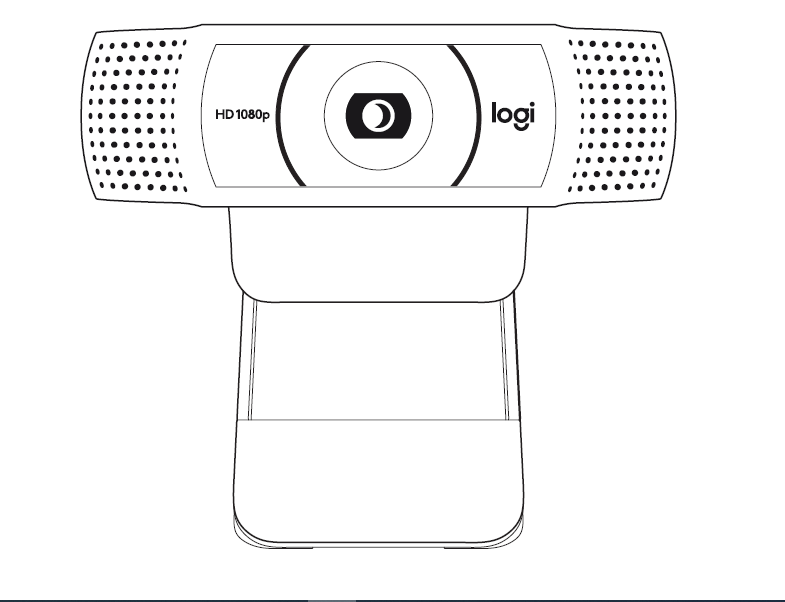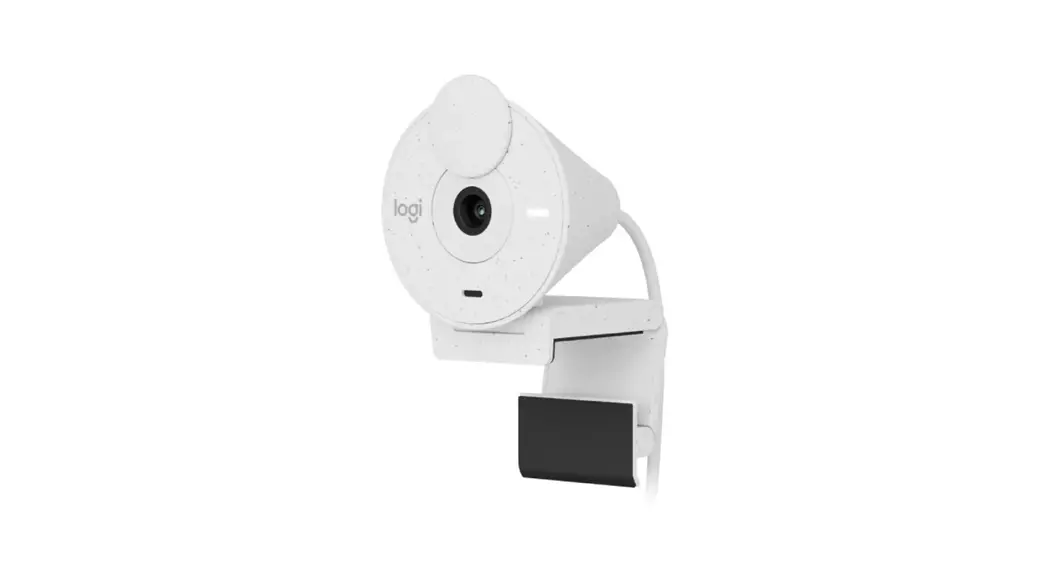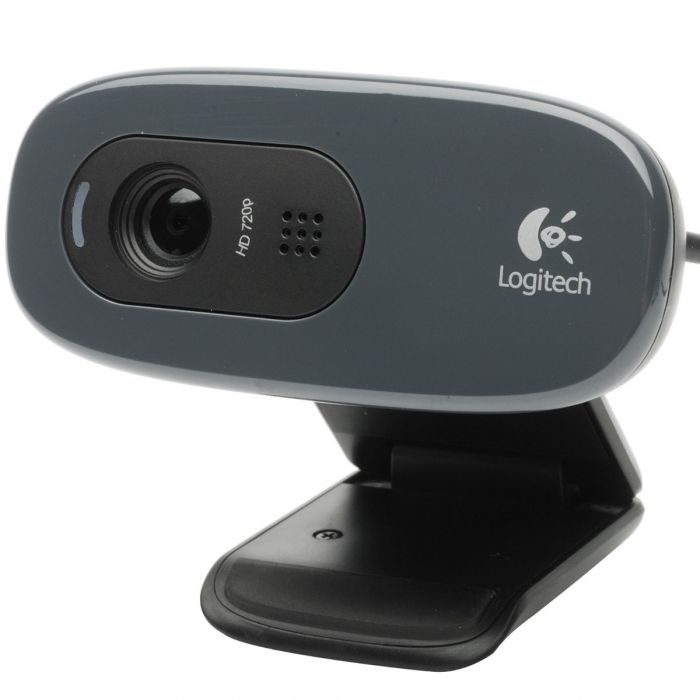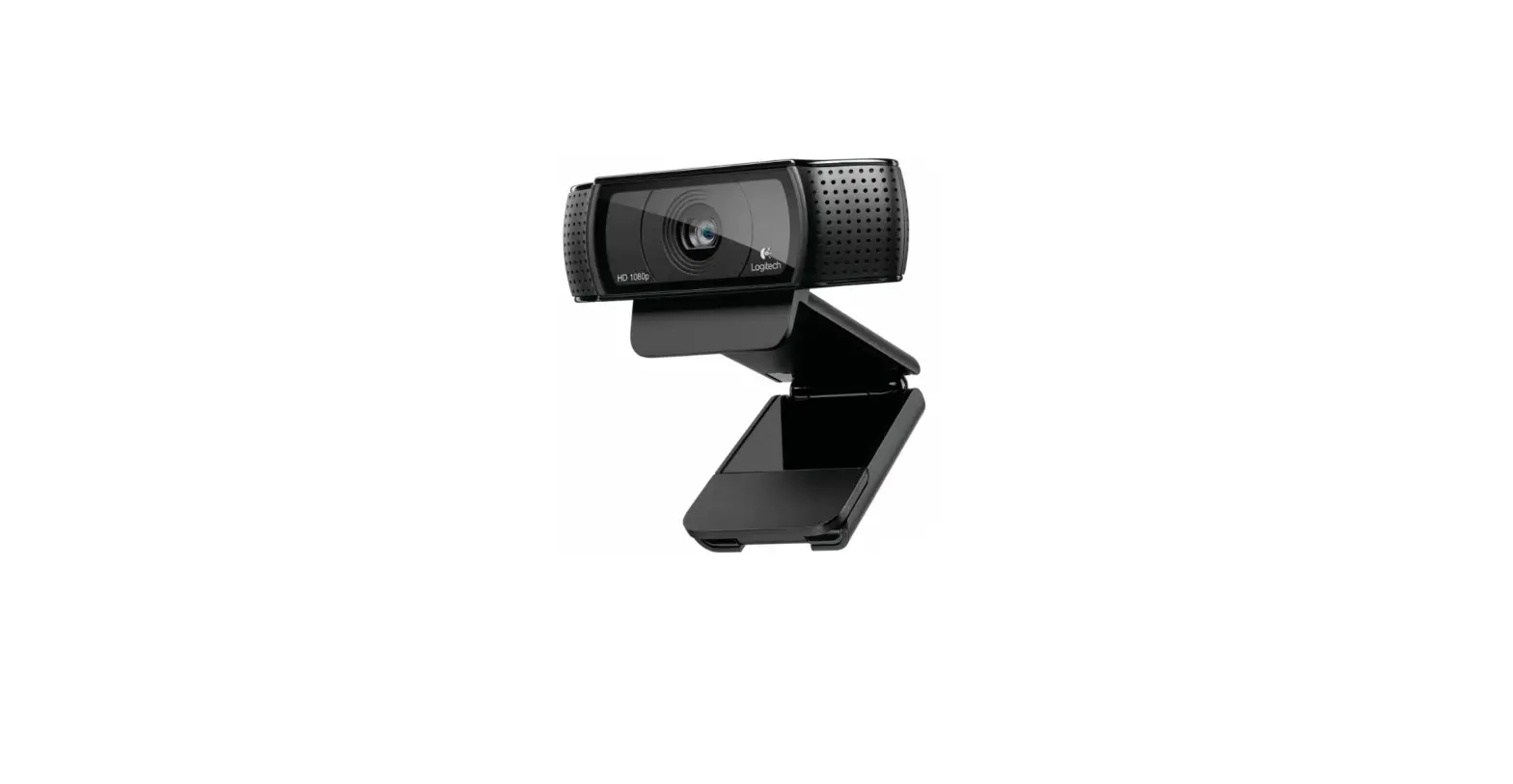
 MEVO Start 3-Pack Wireless Live Streaming Cameras
Instructions
Mevo Camera › Get Started › Out of the Box
What’s Included with your Mevo Product?%
April 08, 2019 10:59
When you order a new Mevo product some accessories may be included. Press the sections below to see what to expect when you open your new Mevo product!
Ensure you read your purchase description from Mevo or our partners to confirm all items are included as some orders may be refurbished and may not include all standard items.
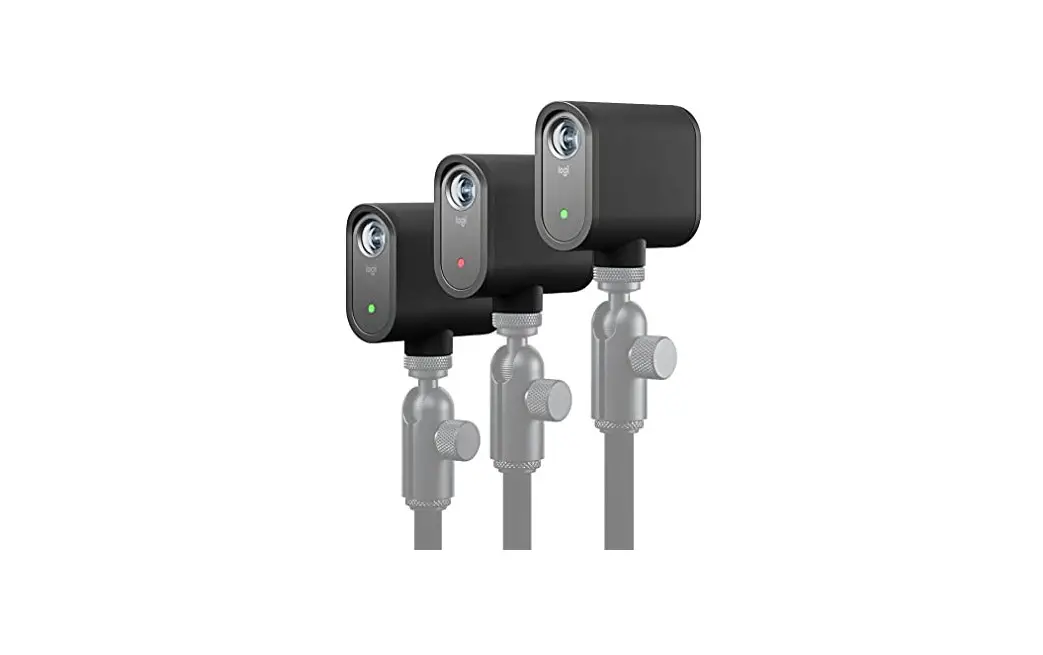
Mevo Start
When you open the Mevo box, the rst thing you will see is the Mevo camera.
Remove the Mevo from its cradle and pull the teal tab to lift the cradle from the box.
Under the cradle, you will see a teal packet. Inside the packet you will find: Gray Mevo Microfiber cleaning clothMevo quick start guide6.5 ft USB-A to USB-C charging cable
These are all the items included with the Mevo Start camera. The Mevo app can be Support downloaded for free from the App Store. Mevo Android & iOS App
Mevo Start – Unboxing and Demo
Mevo Plus
When you open the Mevo box, the first thing you will see is the Mevo camera.
Remove the Mevo from its cradle and pull the red tab to lift the cradle from the box.
You will see a quick-start guide with the very first steps to get started with Mevo.
Remove it from the box to nd other accessories.
There are three smaller boxes with your Mevo accessories. They include the following:
MountAC adapterUSB cableSandisk 16GB microSD card & adapter
These are all the items included with the Mevo camera. The Mevo app can be downloaded for free from the App Store.
Learn more about Mevo accessories.
Mevo Camera – Unboxing and Getting Started from Mevo Camera
Mevo Boost
When you open the Mevo Boost, thirst thing you will see is the Mevo Boost.
Remove the Mevo Boost from its cradle and pull the red tab to lift the cradle from the box.
You will see a quick-start guide with the very steps to get started with your Mevo Boost. Remove it from the box to nd other accessories.
There are two smaller boxes with your Mevo Boost accessories. They include the following:
USB Quick charger3ft MicroUSB Cable
These are all the items included with the Mevo Boost camera.
Mevo PoE
The Mevo Power over Ethernet adapter includes the following:Mevo Power Over Ethernet Adapter2m Angled USB-C Extension Cable
Mevo Start Case
Slim and lightweight case to protect your Mevo Start camera.Mevo Start Case
Mevo Floor Stand
Lightweight, secure, and compact, the Mevo Floor Stand is designed to work with Mevo products and is compatible with all U.S. and metric threaded mic clips and accessories. The stand adjusts from 24.6 in to 58.3in height and its detachable swivel mount head provides maximum flexibility for positioning your camera.
Floor StandSwivel MountNylon Carrying Bag
Mevo Table Stand
Our 3.9lb Table Stand securely holds your Mevo camera on at surfaces. The top portion of the stand includes two adjustable shafts attached to swivel ball adapters. The height can be adjusted from 13 to 24 inches tall. The Table Stand is the perfect accessory for using Mevo to stream from your desk or a conference room table.
Weighted baseTelescoping shaftSwivel ball adapterAdjustable armsCamera adapterAllen wrenchQuick start guide
Fence Clip Mini
The perfect mount for streaming a baseball game. Clamp on the backstop fence and easily position your Mevo camera for the perfect shot. The FenceClip Mini provides a rock-solid connection to the backstop and unlimited camera positioning options.
FenceClip MiniSafety Tether KitPositioning ArmMicrofiber travel bagMicrofiber Cloth
Was this article helpful?

8 out of 10 found this helpful

Have more questions? Submit a request
Comments
0 comments
The article is closed for comments.
ARTICLES IN THIS SECTION
What’s Included with your Mevo Product?
Where should I position Mevo?
Update Camera Firmware

References
 Logitech Mevo Store | Ethernet Power Adapter
 Logitech Mevo Store | Accessories
-
Logitech Mevo | Download Mevo Aps
-
Logitech Mevo Store | Mevo Start Case
-
twitter.com/mevocamera
-
twitter.com/share?lang=en&text=What%26%2339%3Bs+Included+with+your+Mevo+Product%3F&url=https%3A%2F%2Fhelp.mevo.com%2Fhc%2Fen-us%2Farticles%2F360026233632-What-s-Included-with-your-Mevo-Product-
-
Mevo Camera - Home
-
Log into Facebook | Facebook
 Login • Instagram
-
LinkedIn Login, Sign in | LinkedIn
-
Products for Creators - Webcams, Microphones, Streamlabs Software
-
Mevo Camera - YouTube
 Logitech Mevo Store | Ethernet Power Adapter
 Logitech Mevo Store | Accessories
 Logitech Mevo | Download Mevo Aps
 twitter.com/mevocamera
 Mevo Camera - Home
 Login • Instagram
 LinkedIn Login, Sign in | LinkedIn
 Products for Creators - Webcams, Microphones, Streamlabs Software
 Mevo Camera - YouTube