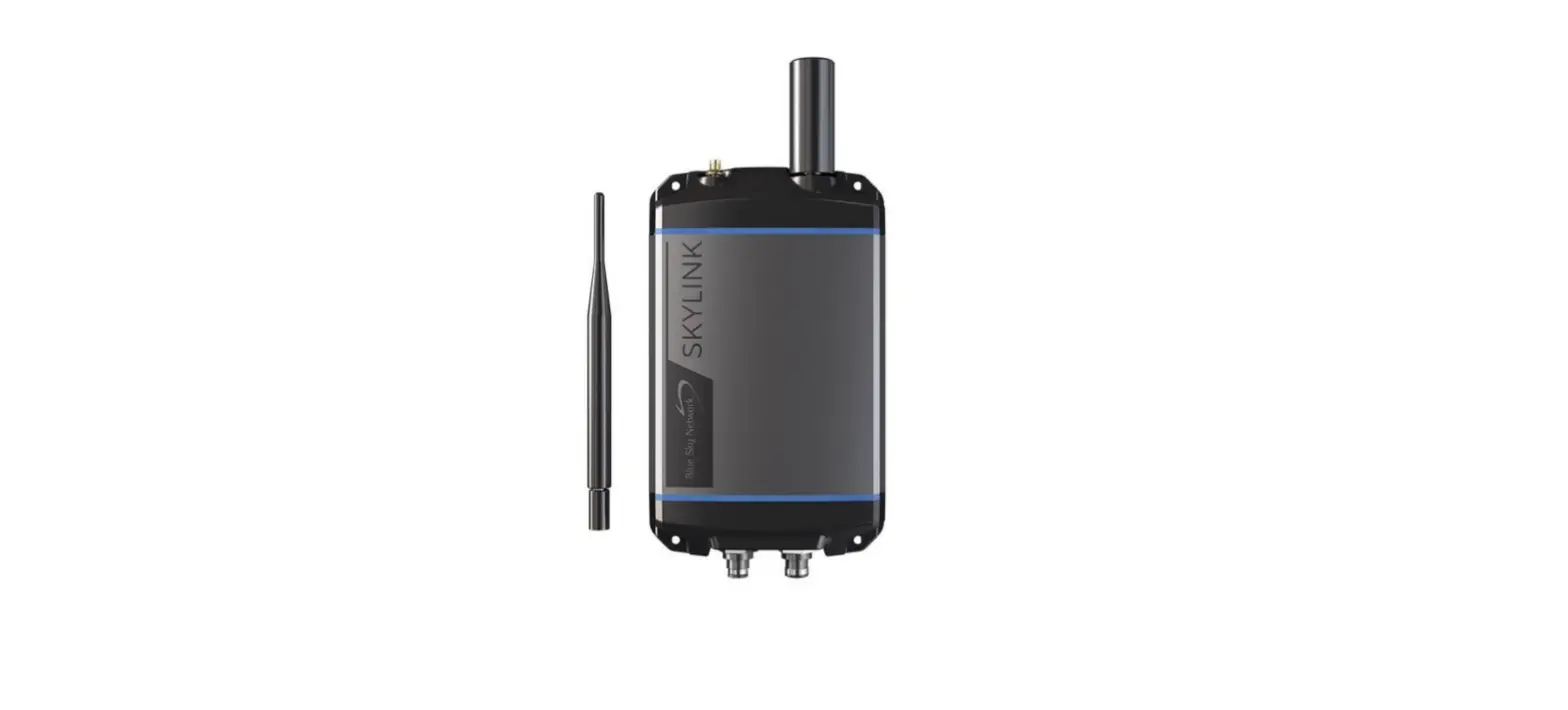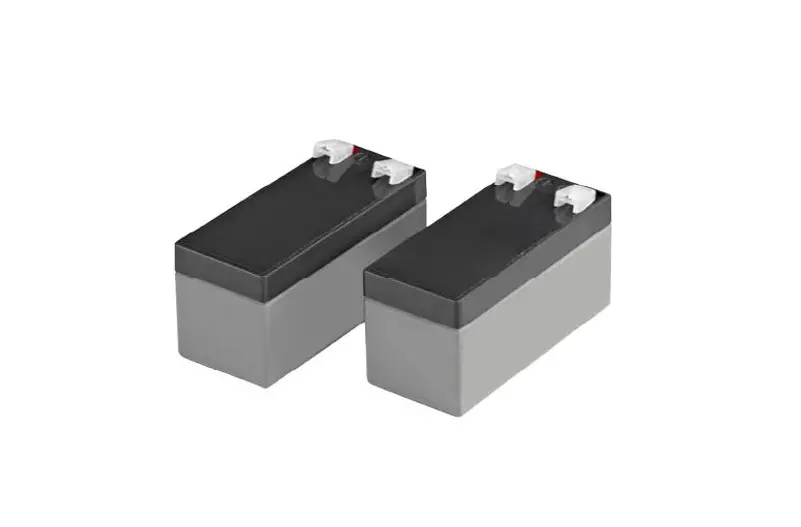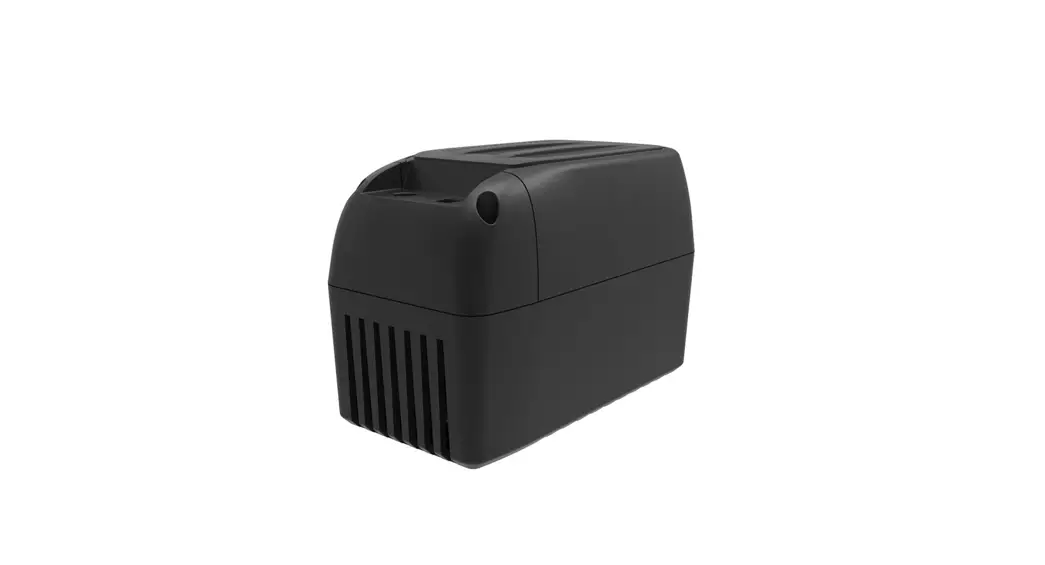
 BA-100 Battery Backup
User Guide 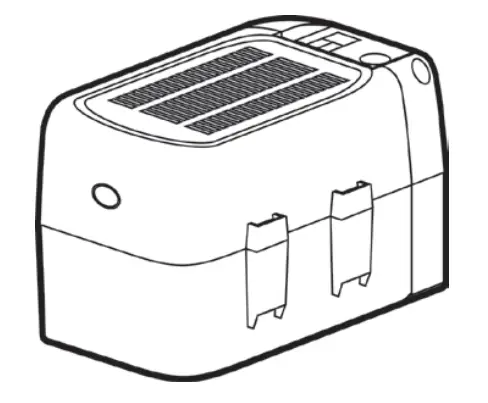
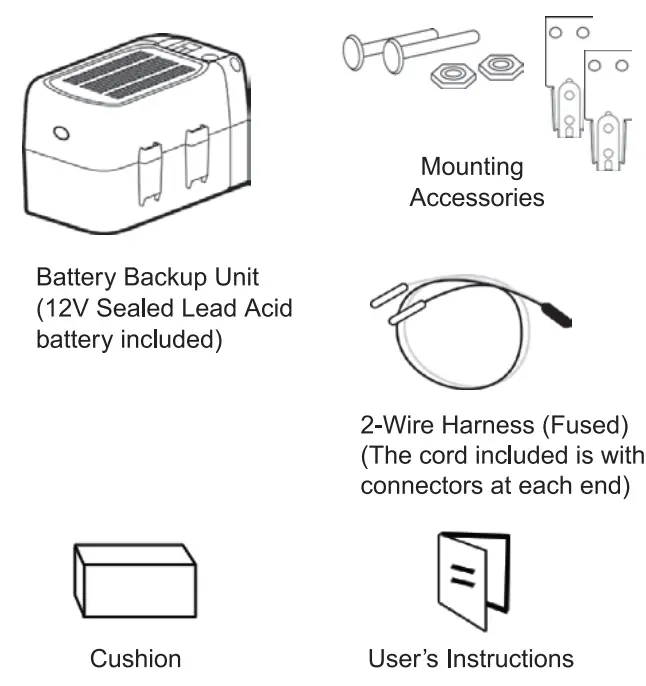
What’s in the Box?
 WARNING!
To reduce the risk of severe injury or death:
- Disconnect electrical power to the garage door opener before servicing or repairing.
- Dispose of used battery properly.
Installation
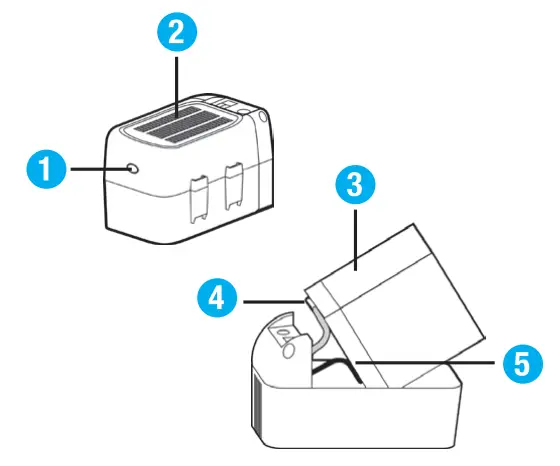
- Press the latch inwards to release the cover.
- Remove the cover.
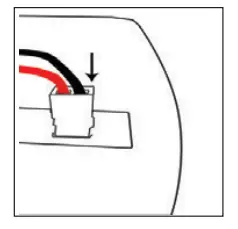
- Take out the battery and connect the wires to the battery terminal tabs, being careful to match the polarity.
- Red wire connects to red terminal tab.
- Black wire connects to black terminal tab.
- Place the battery back into battery compartment.
- Close the cover.
 Install the metal hanger EQ/IQ Series
UNPLUG THE GARAGE DOOR OPENER FROM POWER BEFORE PROCEEDING!
- Use the screws and nuts to mount the metal hanger to the operator mounting plate.

- Affix a cushion at the side of the hangar

- Install the backup battery unit to the metal hanger.

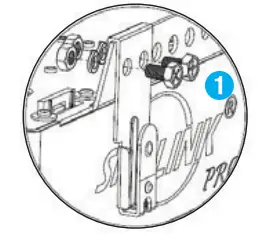
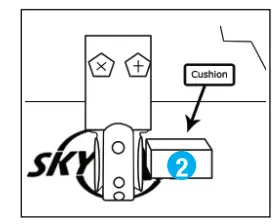
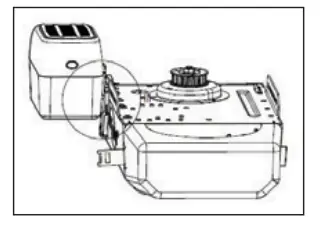
Connecting the Battery Backup EQ/IQ Series
Important Note: These next two stapes must be performed In this exact order very carefully to prevent a short in the battery by accident.
Connecting the battery backup unit to the garage. door opener unit:
- Connect the 2-wire hams to the garage door opener unit, being careful to match the polarity.
 Red wire connects to the “+” terminal.
Black wire connects to the *-” terminal. - Insert the 2-wire harness to the battery backup unit.

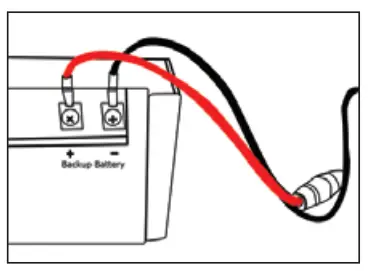 Red wire connects to the “+” terminal.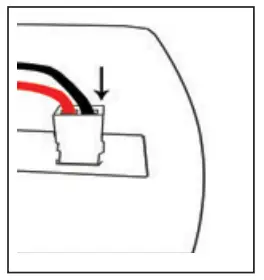
Note: The garage door opener EQ/IQ series requires an AC adapter (sold separately) to charge up the battery. Please contact Skylink for information regarding the AC adapter (Item # 900046).
Install the matal hanger Atoms Series
UNPLUG THE GARAGE DOOR OPENER FROM POWER BEFORE PROCEEDING!
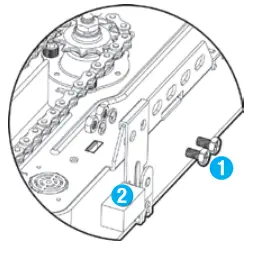
- Use the screws and nuts to mount the metal hanger to the operator mounting plate.

- Affix a cushion at the side of the hanger.
- Install the backup battery unit to the metal hanger.
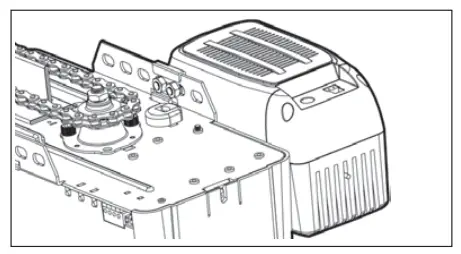
Connecting the Battery Backup – ATOMS Series
Important Note: These next two steps must be performed in this exact order very carefully to prevent a short in the battery by accident.
Connecting the battery backup unit to the garage door opener unit:
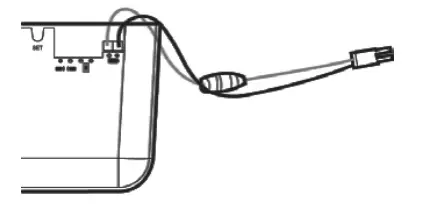
- Connect the 2-wire hams to the garage door opener unit, being careful to match the polarity.

- Insert the 2-wire harness to the battery backup unit.

- The ATOMS will automatically charge the battery when the opener is plugged in.
Testing the Battery
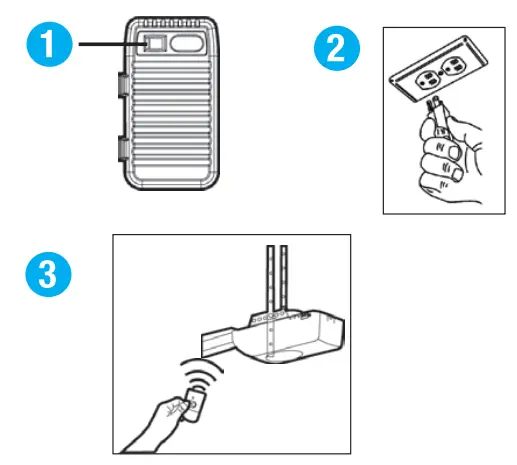
Note: The battery backup must be fully charged for 24 hours before testing or operation.
- Turn on the battery backup switch.
- Unplug the garage door opener from the AC power.
- Activate the garage door opener. (The lamp in the garage opener will not light up).
- Plug the garage door opener back in.
Battery Status
Tum on the backup battery switch, and connect the backup battery with the GDO correctly.
| Light Status | Status | Action |
| Red LED flashing slowly | Fully charged (AC adapter is unplugged) | Ready to provide power to garage door opener |
| Red LED staying on | Backup battery is weak (AC adapter is unplugged) | Needs to re-charge |
| Blue LED flashing slowly | Backup battery is being charged (AC adapter is plugged in) | Charging |
| Blue LED staying on | Fully charged (AC adapter is plugged in) | Ready to use |
| Blue LED flashing quickly and white LED lashing slowly | Backup battery is not installed (AC adapter is plugged in) or switch is not turned on | Re-install the backup battery. Turn the switch on. Check connection between battery and 2-wire harness. Replace the Backup Battery. |
| White LED staying ON | Garage Door Opener is being affected by power outage | Garage Door Opener will operate in ‘battery backup’ mode. |
Charging the Battery
The battery unit will take 24 hours to fully charge. A fully charged battery will power the garage door opener for 1 to 2 days of normal operation during AC power outages. When the battery level drops too low, the battery unit will no longer operate. If the opener does not provide the charging feature, plug in an AC adapter (sold separately) to charge the battery. Please contact Skyline to purchase the AC adapter.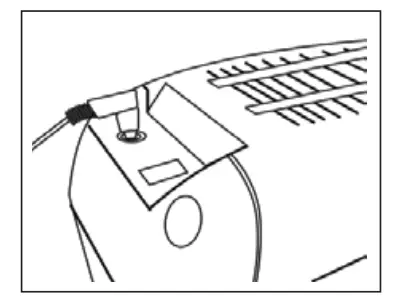 Refer to the lights indication section above to check the battery status.
The battery Item Is about 1 to 2 years for normal usage. To obtain maximum battery life and prevent any damage, tum off the Battery Backup Unit when the garage door opener is supposed to be unplugged for along period of time.
Note: Door operation may be limited if the battery is not fully charged, or the garage door opener light may not turn on during battery operation.
Troubleshooting
- Why can’t | operate my opener with a BA-100? Make sure the BA-100 Is fully charged.
- Can | use BA-100 to operate other brands of an opener? BA-100 is designed to work with Skylink openers only.
- Can | charge the BA-100 with my opener? You can use the AC adapter (sold separately) to charge the BA-100.
- Why does the light stay off when | use the BA-100 to operate the opener?
The opener light will not tum on during the battery operation.
Warranty
If, within one year from date of purchase, this product should become defective (except battery), due to faulty workmanship or materials, it will be repaired or replaced, without charge. Proof of purchase and a Retum Authorization Number are required.
Need help?
Visit our website or call our Customer Service
9:00am – 5:00pm EST, Monday-Friday
1-800-304-1187
WWW.SKYLINKHOME.COM