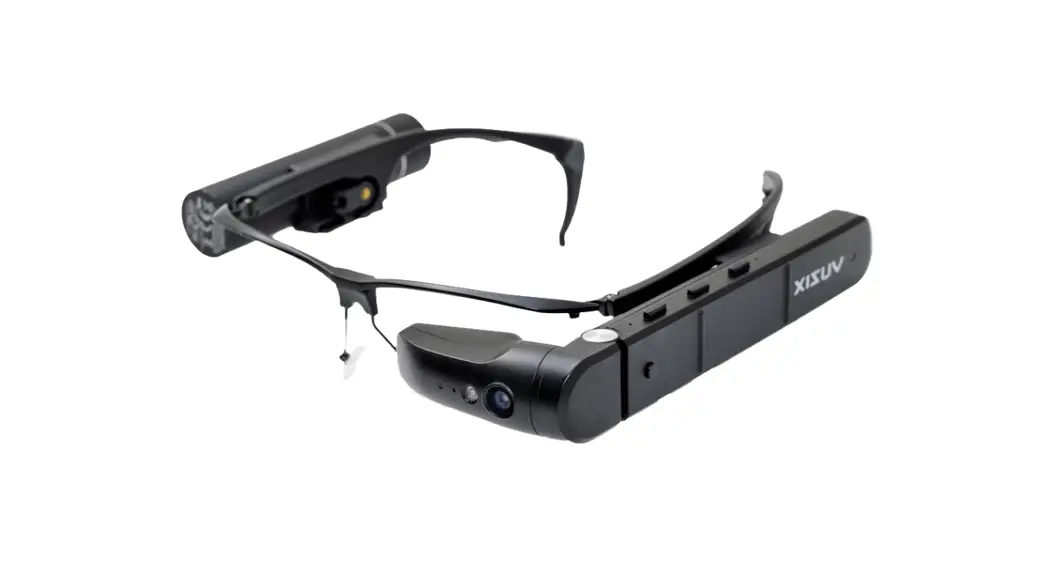

Uuzix M400 Mounting Guide
VR Expert
Demkaweg 11
3555 HW Utrecht
[email protected]
+31 30 71 16 158
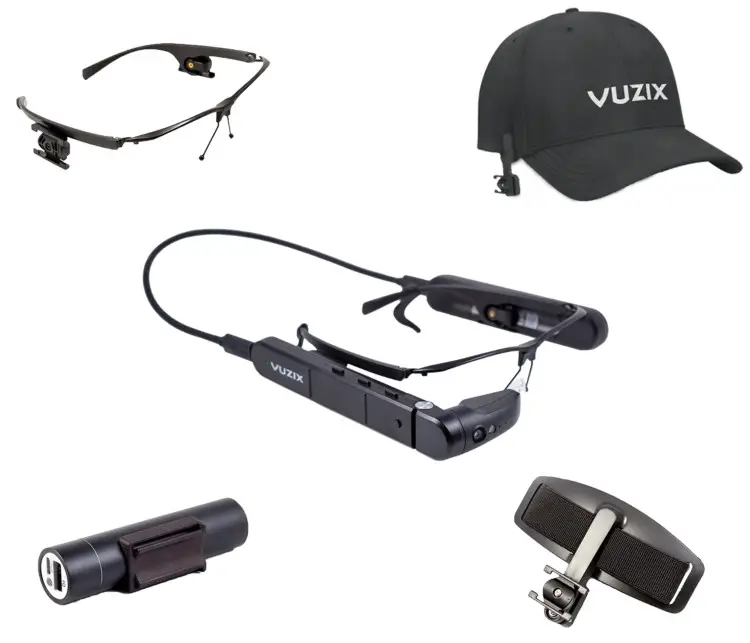
Vuzix Mounts
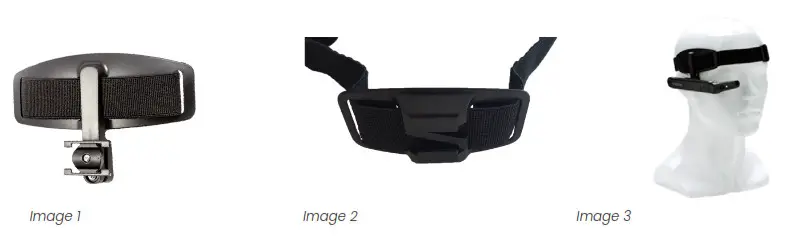
Headband
- Take out of the box
- Attach the M400 to the Headband
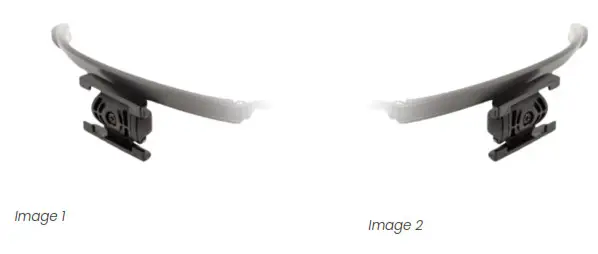
-Slide the M400 onto the larger hanging mount (Image 1)
-Slide the battery onto the other mount (Image 2) - Adjust the head strap to your preferences
- Put on the headband and start your Vuzix M400 (Image 3)
Hat Mount
- Take out of the box
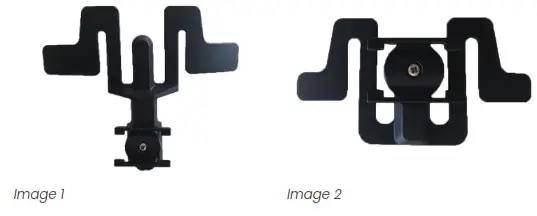
- Attach the hat mounts to the hat
– Attach a large clip (M400 clip) to the right side of your hat (Image 1)
– Do the same for the small clip (battery clip) on the other side of your hat. (Image 2) - Attach the M400 to the Hat Mounts
-Slide the M400 onto the larger hanging mount (Image 1)
-Slide the battery onto the other mount (Image 2) - Put on the hat and start your Vuzix M400
Safety Frame Glasses
- Take out of the box
- Before putting on
– Attach the M400 to the rail mount on either side of the frame (Image 1)
– Do the same for the battery on the other side of the frames (Image 2) - Putting on the Safety frames and start your Vuzix M400