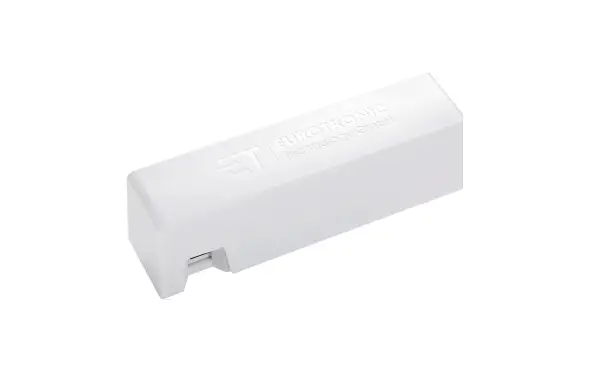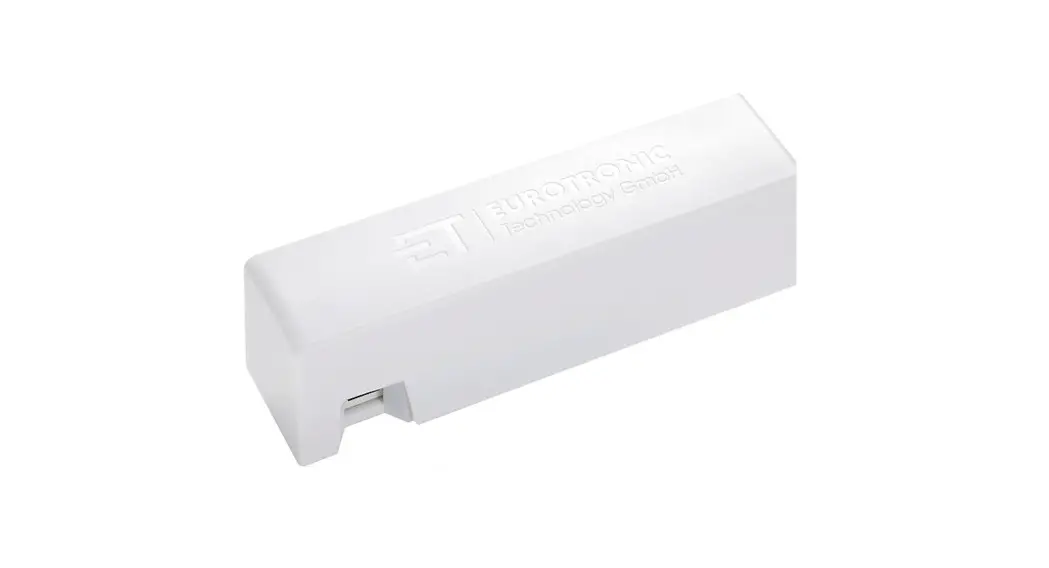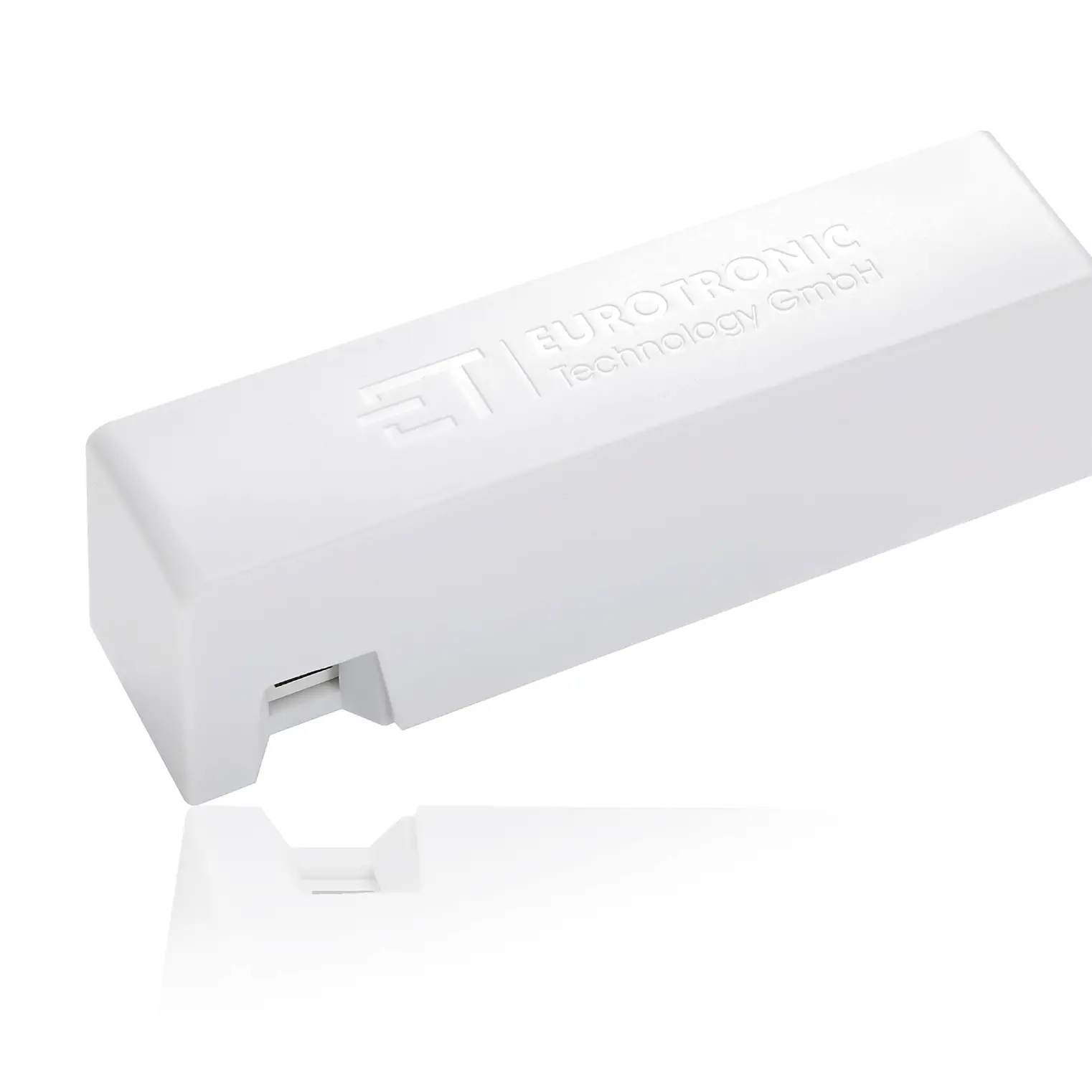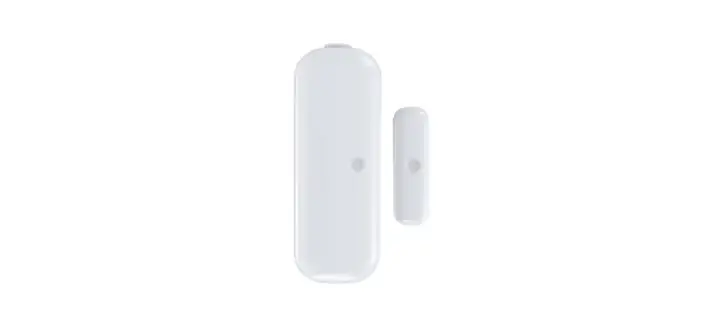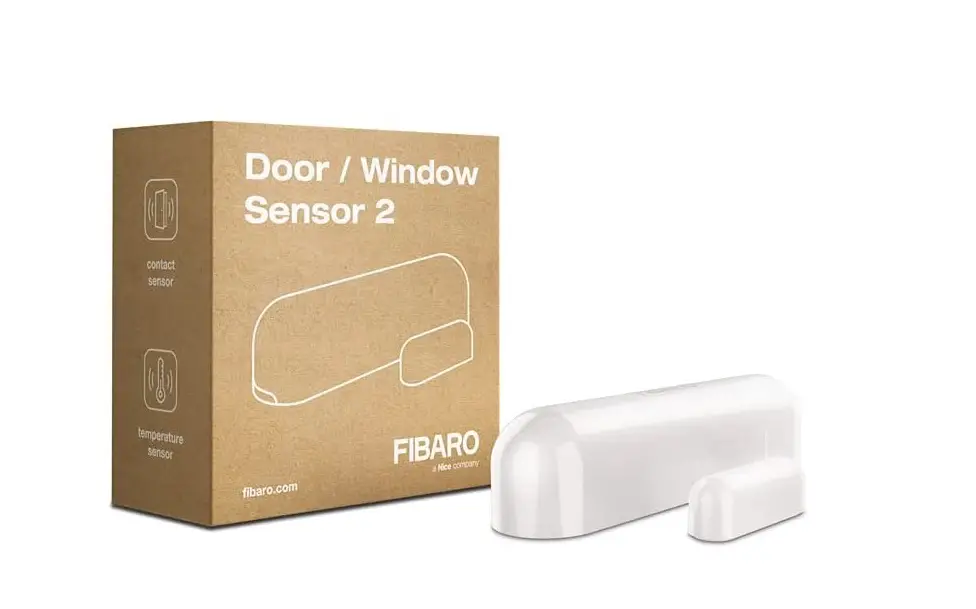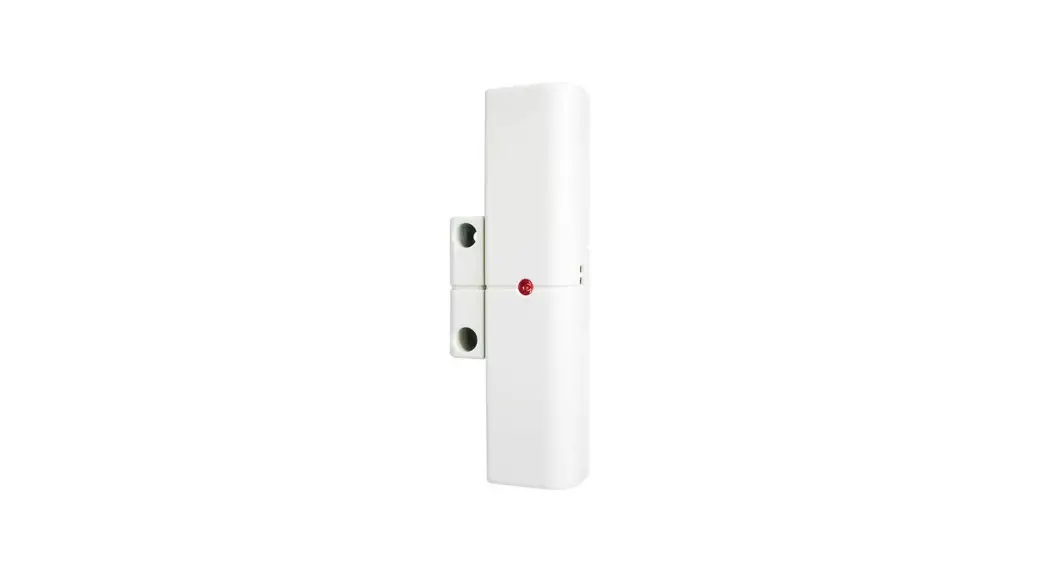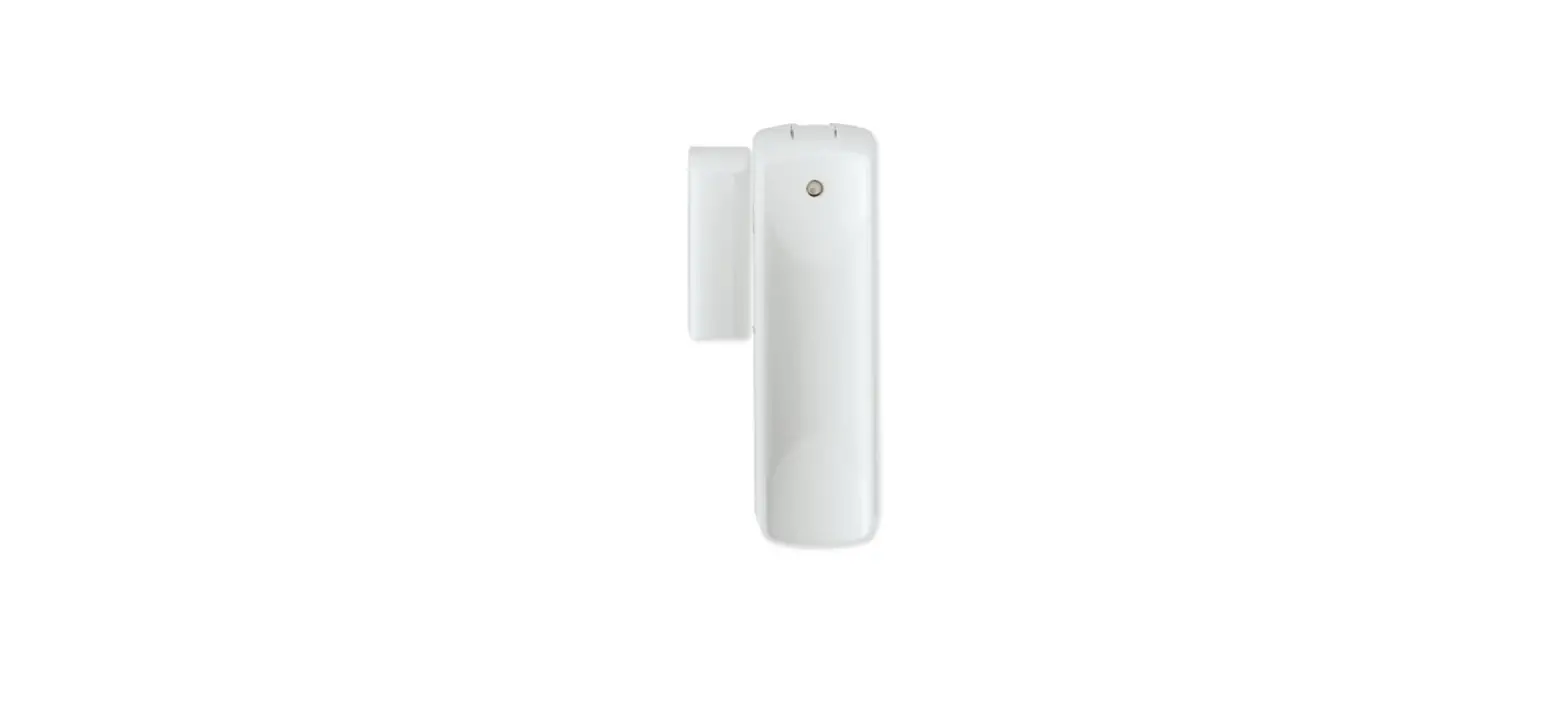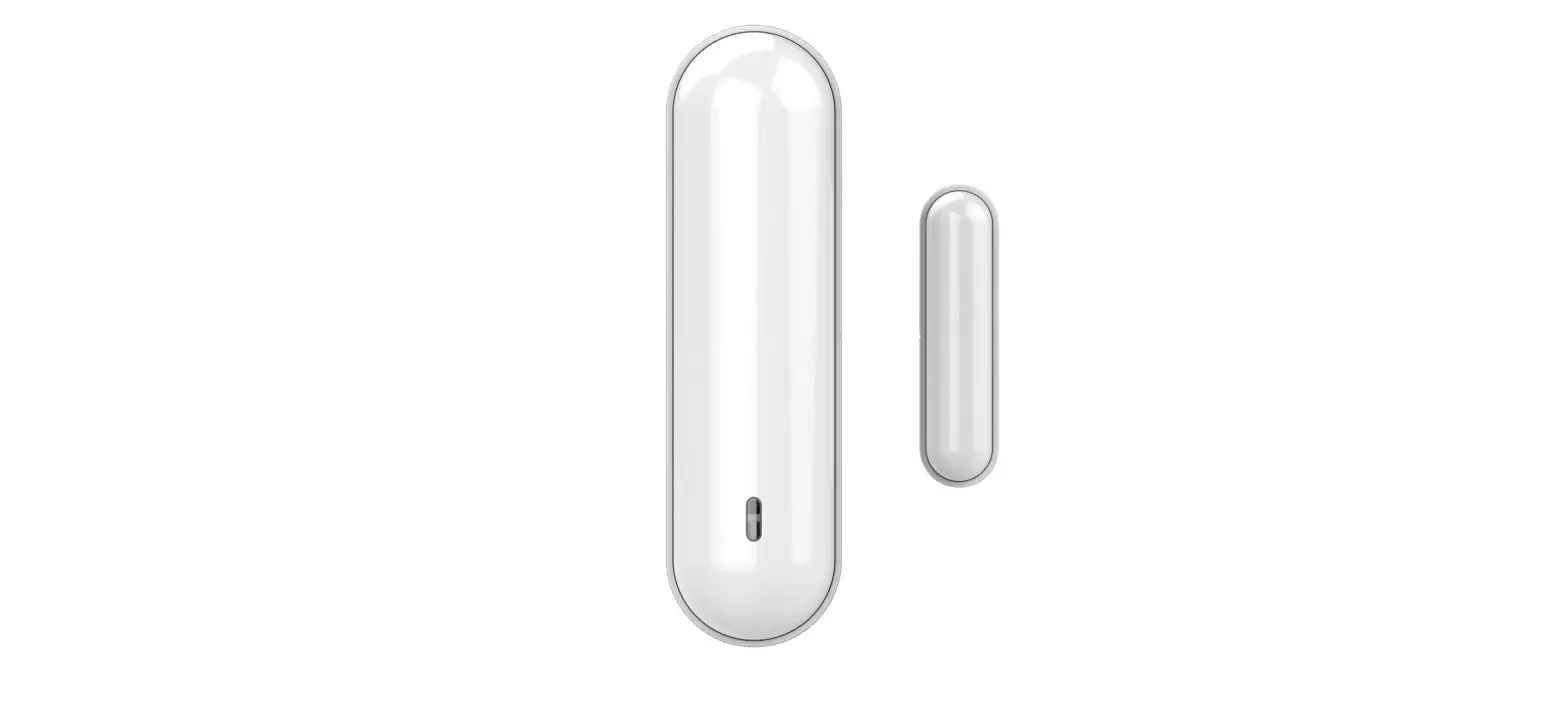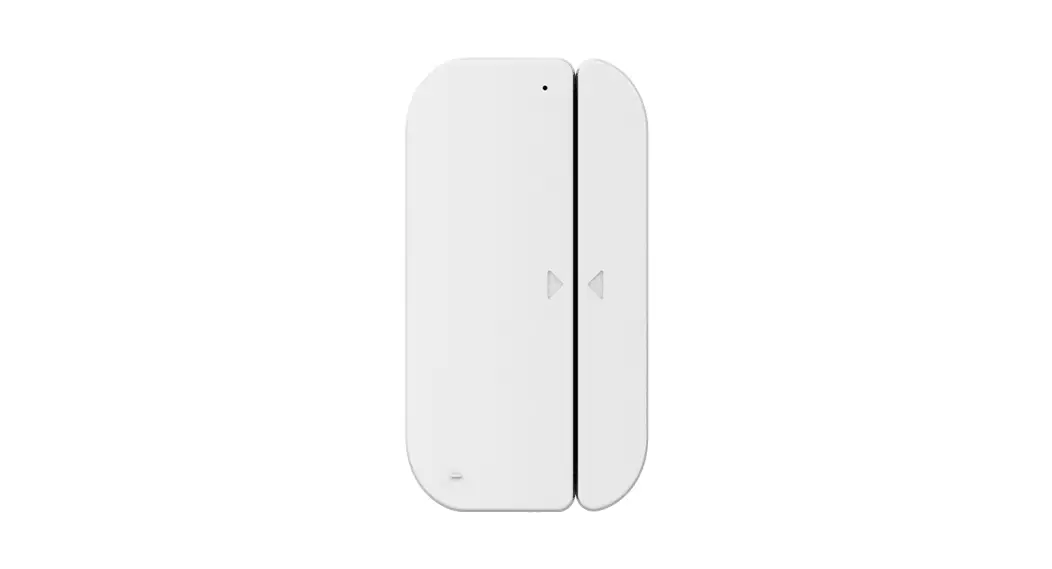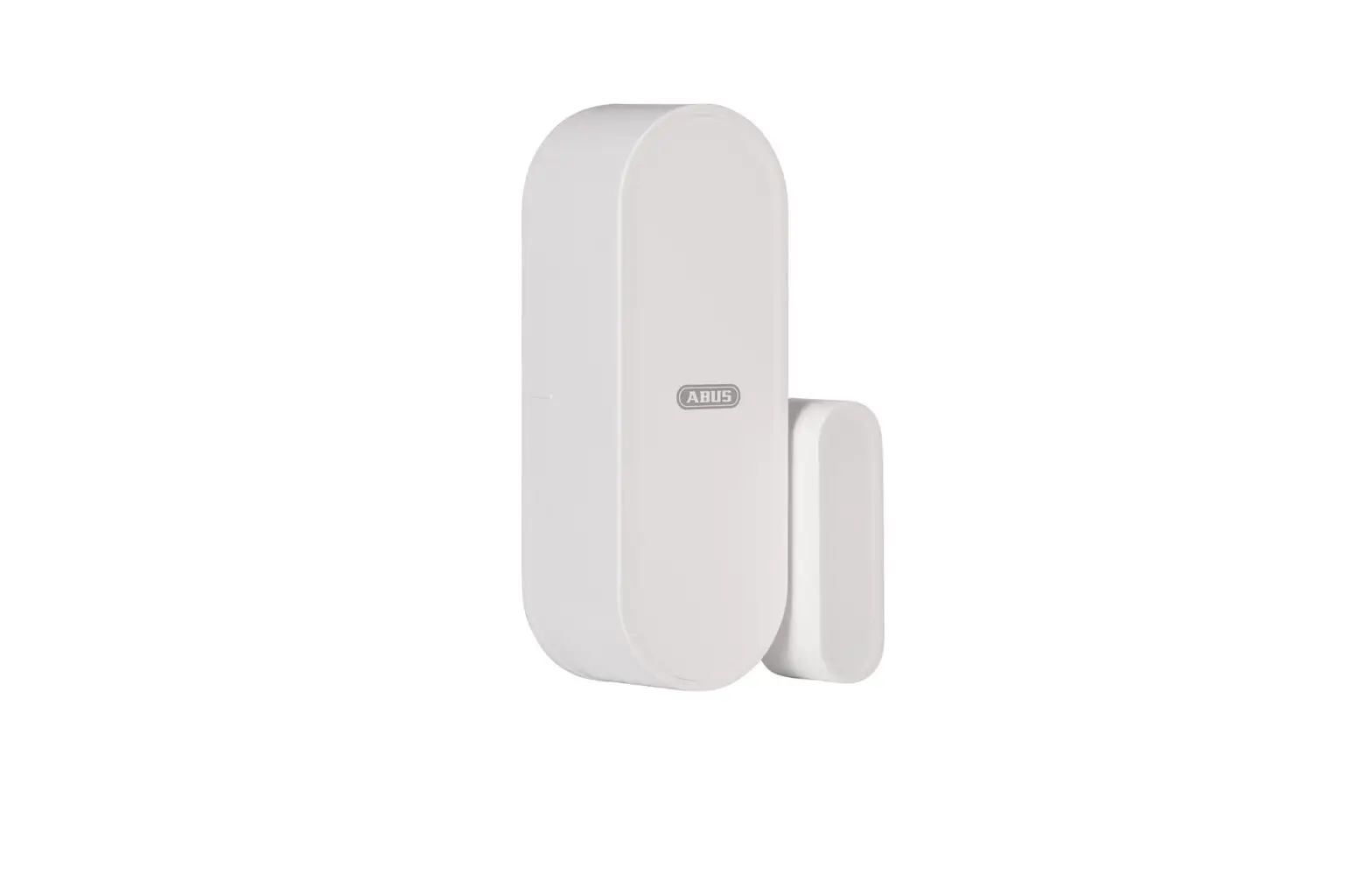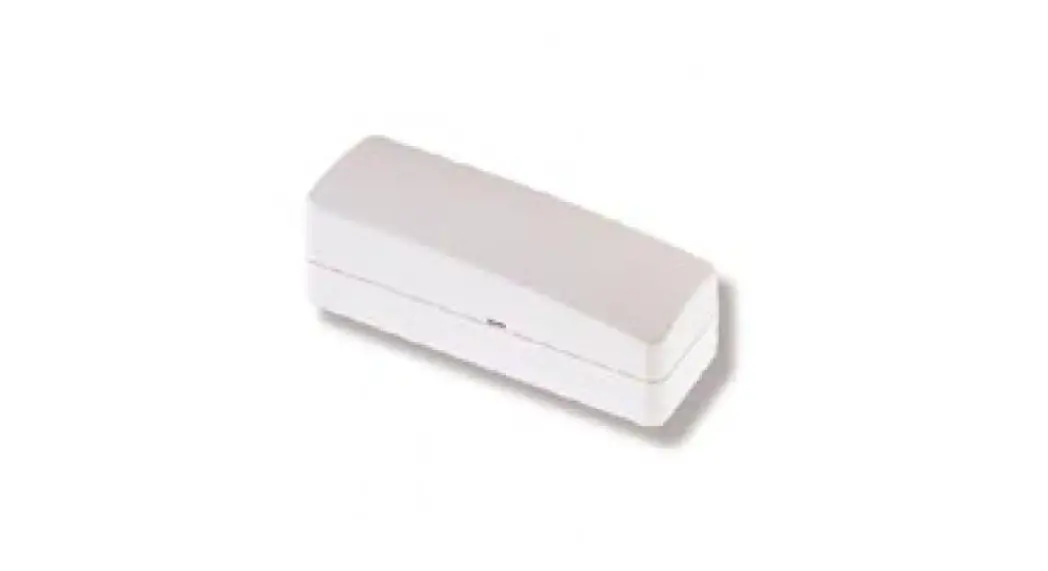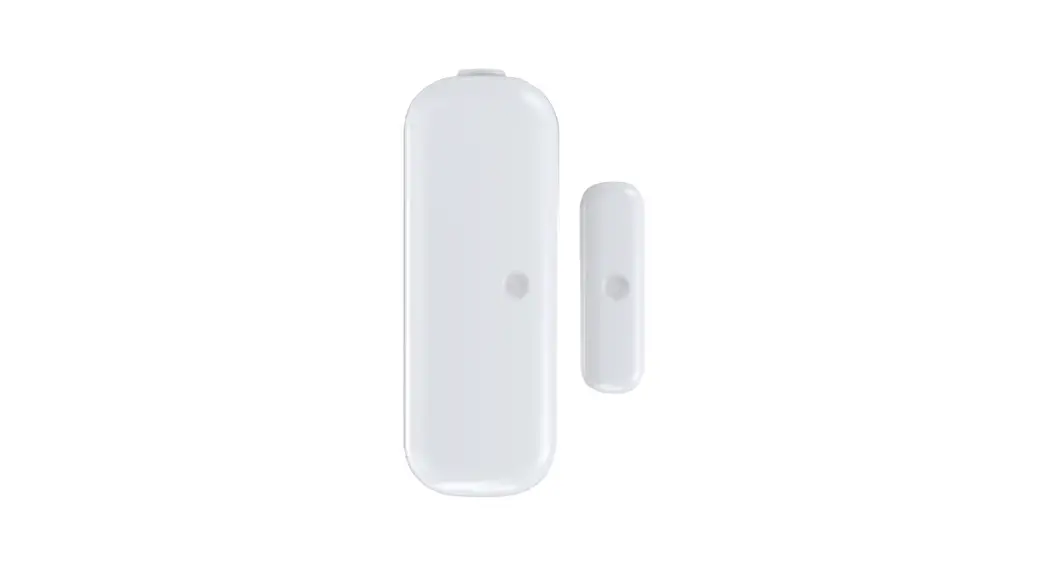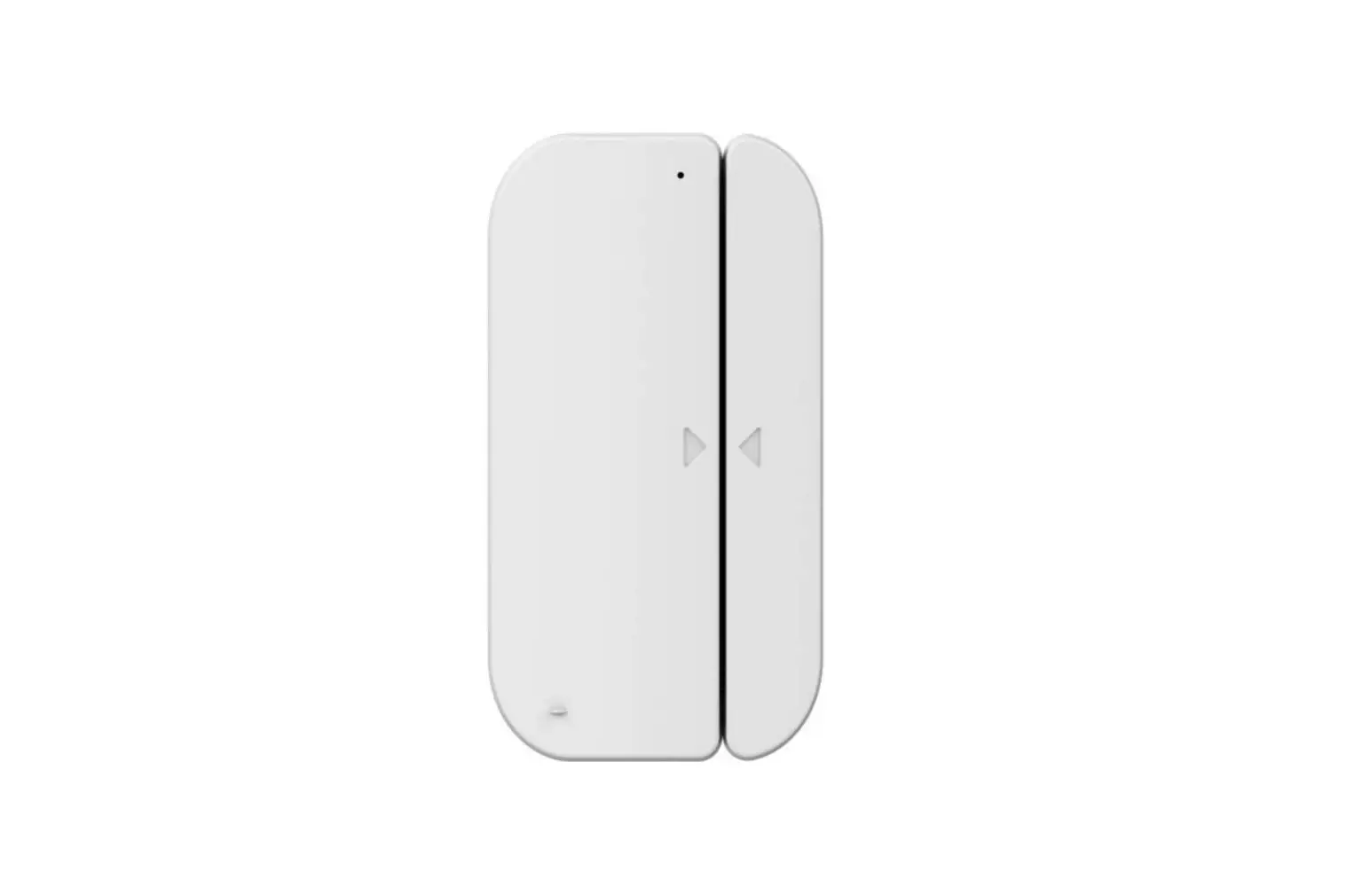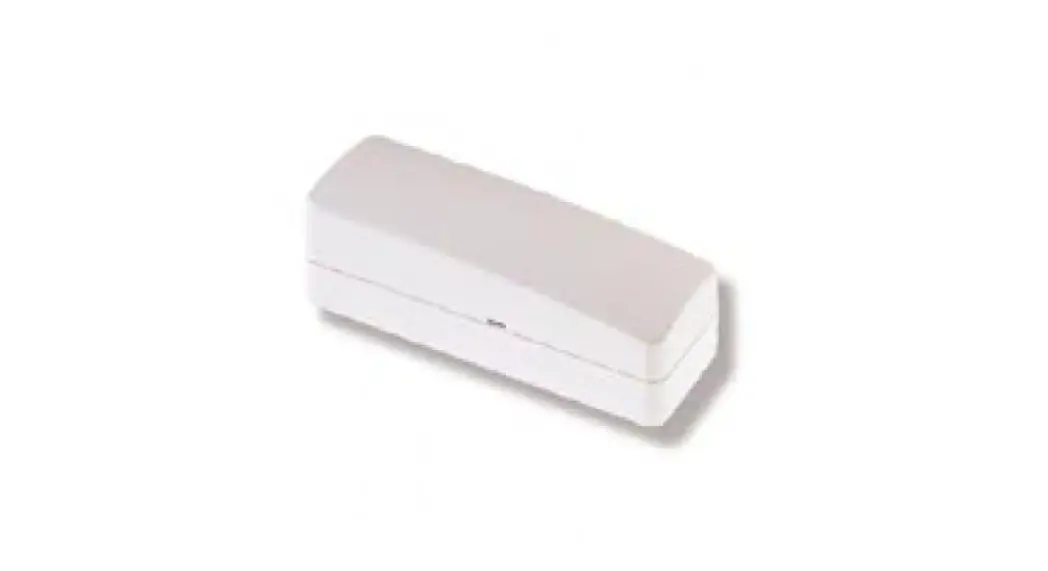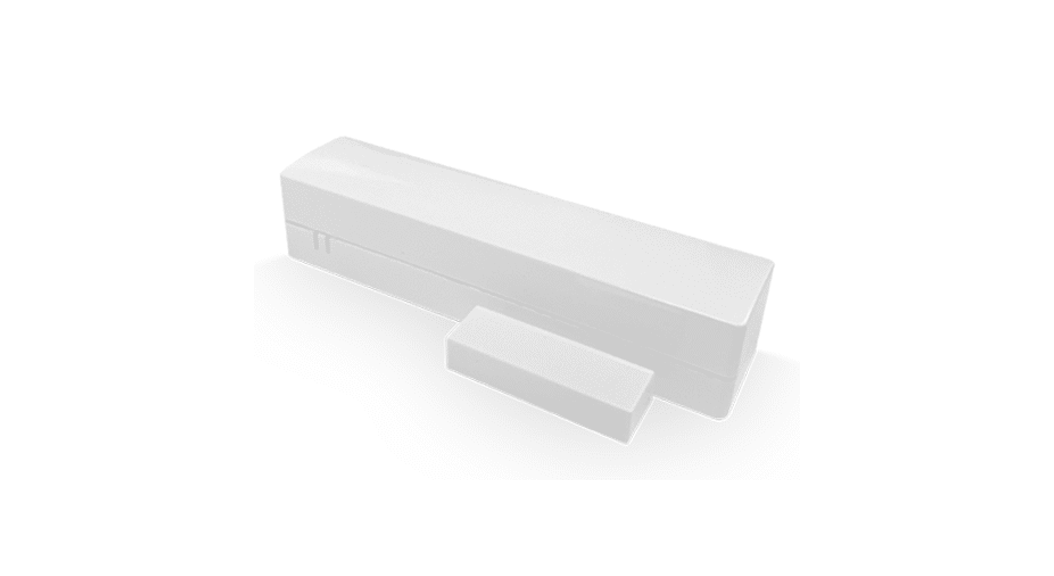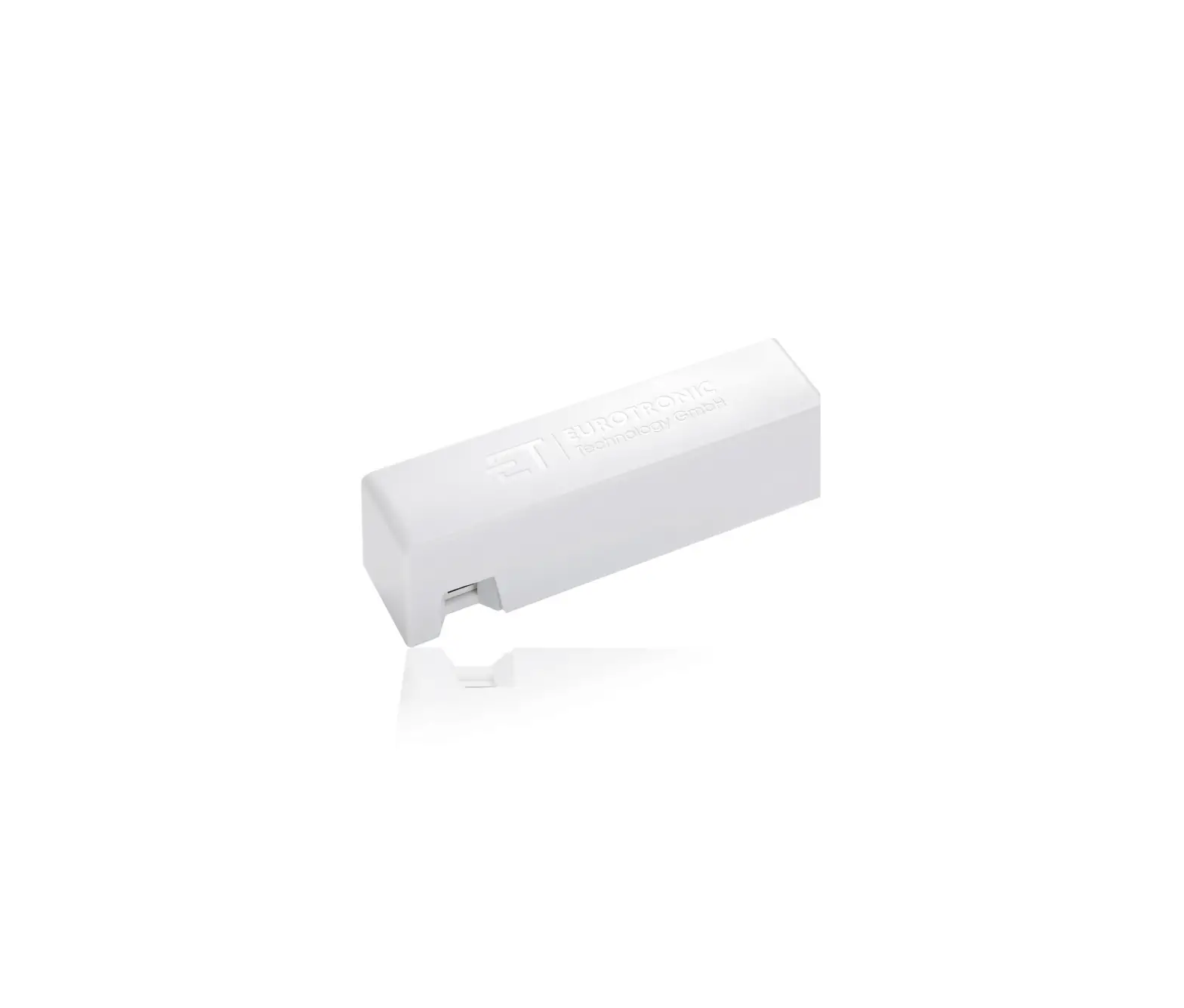
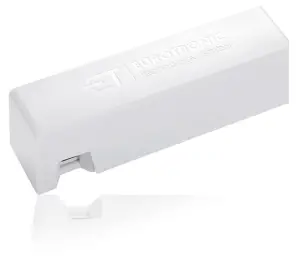
Z-Wave Plus 700203 Door-/Window Contact
SPACIFICATION
| Device description | Door-/Window Contact Z-Wave Plus |
| EAN | 4260012712056 |
| Article Number | 700203 |
| Supply Voltage | 1 x CR123 A battery |
| Method of operation | Type1 |
| Dimensions (WxHxD) | 82 x 24 x 21 mm |
| Weight | 48 g (incl. battery) |
| Degree of protection | IP20 |
| Degree of pollution | 2 |
Technical modifications are subject to change. All descriptions for compatibility are without engagement.
| NOTE: For a more detailed installation and operation guide please visit: https://eurotronic.org/service/downloads/ |
SCOPE OF DELIVERY
- 1x Door-/Window Contact Z-Wave Plus
- 1x CR123 A Battery
- 1x Quick Start Guide
- 1x Reflecting Sticker
- 1x Adhesive Strip
WARNING/SAFETEY
Intended Use
The Door-/Window Contact Z-Wave Plus is designed for the use in buildings. Operate the device only as described here.
Warning instructions
Do not heat, short-circuit, charge or disassamble batteries. Risk of explosion!
Take low batteries out of the device immediately.
Protect batteries from excessive heat – increased risk of battery leakage.
Do not use new and used batteries together.
When children play with the device or packaging, they might swallow small parts and suffocate.
INSERTING BATTERIES
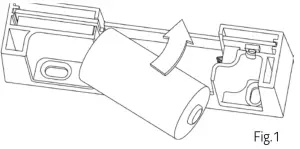
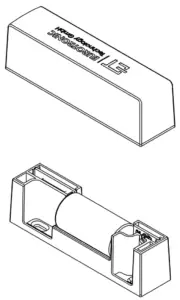
- Open the housing of the Door-/Window Contact.
- Insert the battery into the housing.

NOTE: When inserting the battery, please make sure that you insert the battery sideways (Fig.1). 
ADD TO A Z-WAVE NETWORK (INCLUSION)
- Start the inclusion mode of your Z-Wave gateway.
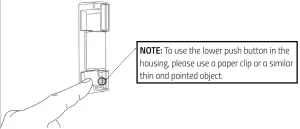
- Press the network button within the housing three times in quick succession in order to add the device to your Z-Wave gateway. The joining attempt takes approx. 30 seconds. If the joining was successful, the green LED lights up for 5 seconds.

MOUNTING
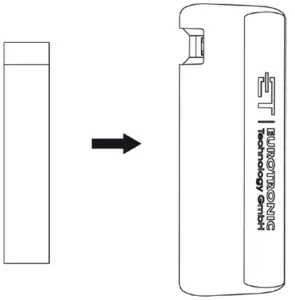
Use the adhesive strip to mount the device on the wall or window frame.
PLACING OF THE DOOR-/WINDOW CONTACT
Select a suitable place for the Door-/Window Contact on the side of the window or door. The ideal distance to the sensor is 3 mm. The sensor must be aligned with the window or door.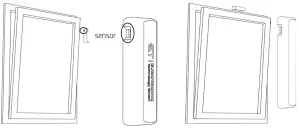
For dark surfaces (e.g. brown window/door), you should apply the reflecting sticker to the surface opposite the Door-/Window Contact.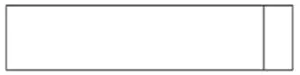
LEAVE A Z-WAVE NETWORK (EXCLUSION)
If you want to leave a network, press the button of the Door-/Window Contact 3 times in quick succession. It is not sufficient to just keep the button pressed. During the attempt to leave the network, the green LED flashes.
When removing (Exclusion), the configuration of the device is kept. Only the network is exited.
MEANING OF LEDS
| Color | State | Meaning |
| green | blinking | Network operation (join or leave) is executed. |
| green | lights constantly for 5 seconds | A task was completed successfully. |
| red | lights constantly for 5 seconds | A task has failed or has not ended suc- cessfully. |
| 2x red, 3x green | light up one after the other | Factory settings have been restored. |
| 3x red | blinking | Battery is insufficient. |
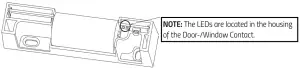
FACTORY RESET
Press and hold the network button for at least 10 seconds. After successful factory reset, the red LED flashes twice and the green LED flashes three tim
| NOTE: After the reset, the Door-/Window Contact switches to commissioning mode without reinserting the batteries. Your gateway will be informed about the performed reset. |
LEGAL INFORMATION
ENVIRONMENT PROTECTION:
From the date of transposition of the European Directives 2012/19/EU into national law, the following shall apply: Electrical and electronic devices as well as batteries must not be disposed of with household waste. The consumer is legally obliged to return electrical and electronic equipment and batteries at the end of their service life to the public collection points set up for this purpose or to the point of sale. Details are regulated by the respective national law.
Dispose of the packaging sorted by type. Add paperboard and cardboard to the waste paper, foils to the recyclables collection. The symbols on the product, the instruction manual or the packaging refer to these regulations. By recycling, material utilisation or other forms of utilisation of old devices/batteries, you make an important contribution to the protection of our environment.
DECLARATION OF CONFORMITY:
 Eurotronic Technology GmbH hereby declares that the Door-/Window Contact Z-Wave Plus complies with all applicable European Economic Area regulations of Directive 2014/53/EU. The full text of the EU Declaration of Conformity is available at the following internet address: https://eurotronic.org/service/downloads.
Warranty information is available online: www.eurotronic.org
Contact Information
Customer Service:
Eurotronic Technology GmbH
Südweg 1 | 36396 Steinau-Ulmbach
Telephone: +49(0)6667 91847-0
Email: [email protected] |
Web: www.eurotronic.org