
Operating Instructions
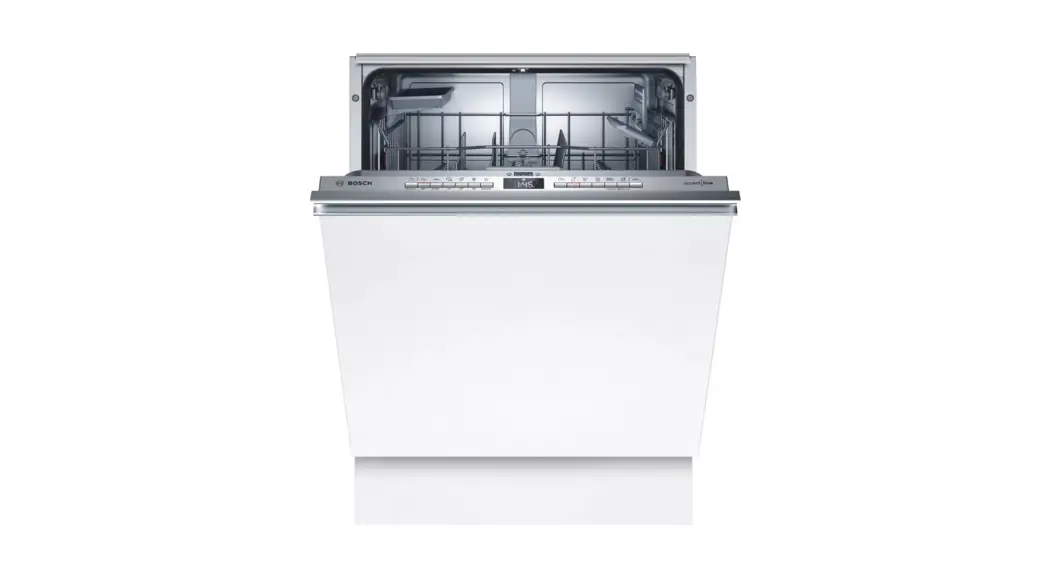
Dishwasher Bosch SPV40C10GB
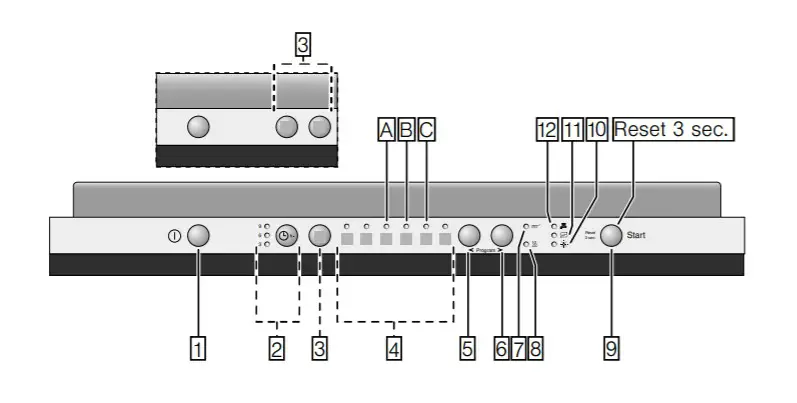
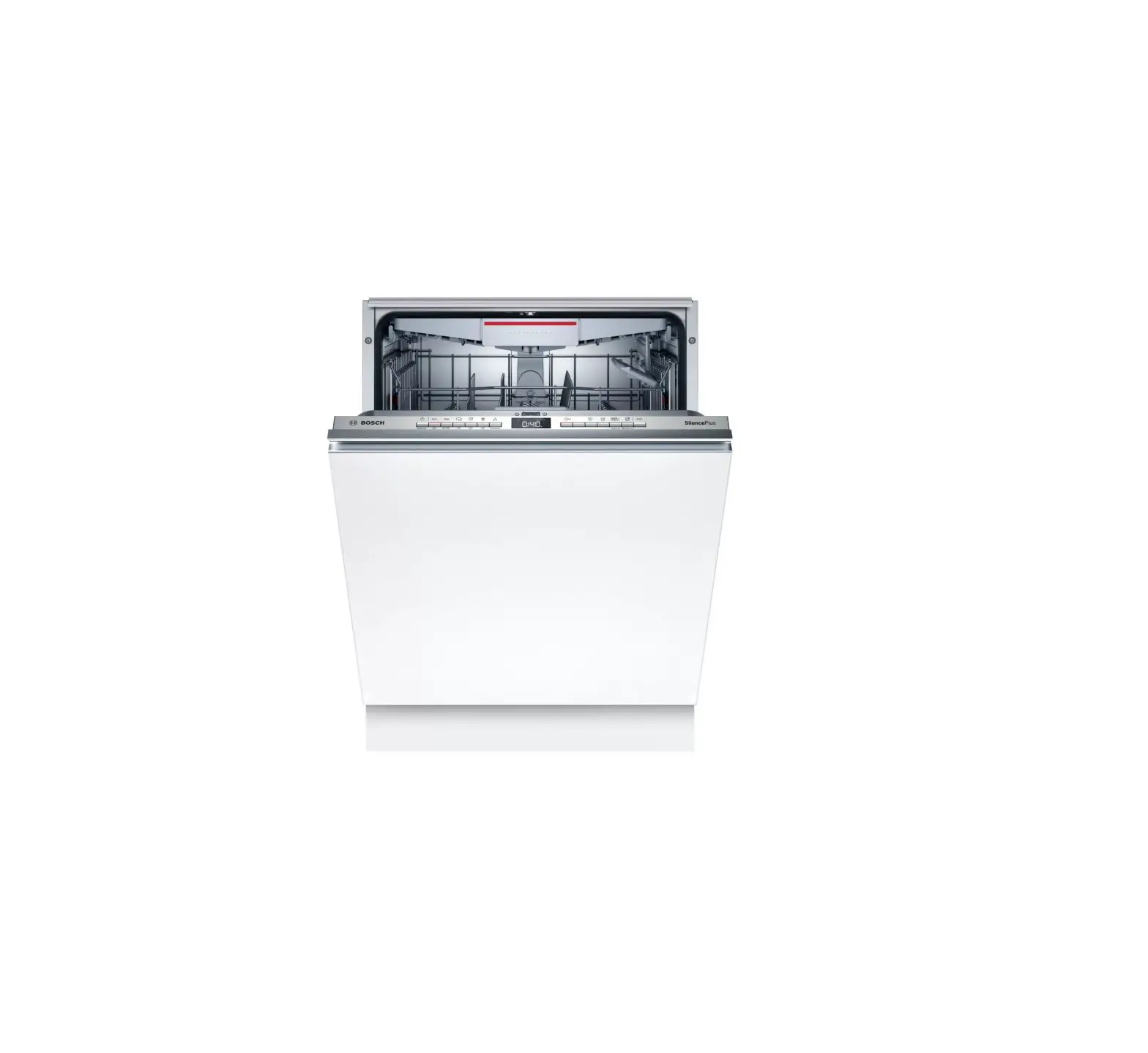
Control Panel
| 1. ON/OFF switch 2. Timer programming* 3. Additional options** 4. Programme** 5. Button < 6. Button > 7. Cleaning display | 8. Dry display 9. START button 10. Rinse aid refill indicator 11. Salt refill indicator 12. Display “Check water supply” *Depending on model **Number depending on model |
Switching on the appliance
- Switch the ON/OFF switch
- Press the program selector to the required program. The expected program duration flashes on the digital display.
- Press the START button. The program starts running.
End of program
The program has ended when the value 0:00 is indicated on the numerical display. The program has ended when neither of the two displays [8] or [7] is lit. The end of the program is also indicated by an acoustic signal.
At the end of the program please open the door fully and not partially when emptying the dishwasher. Remove the utensils when they have cooled down.
Interrupting the program
- Switch off the ON/OFF switch, the LEDs go out. The program is saved.
- If the door was opened on an appliance that has a warm water connection or is heated, first leave the door ajar for several minutes and then close. Otherwise, expansion (pressure) may cause the appliance door to spring open or water to run out of the appliance.
- To continue the program, switch on the ON/OFF switch again.
Terminating the program (Reset)
- Open the door.
- Press the START button [9] for approx. 3 sec. until all displays go out.
- Close the door. The remaining program sequence for draining the residual water takes approx. 1 minute.