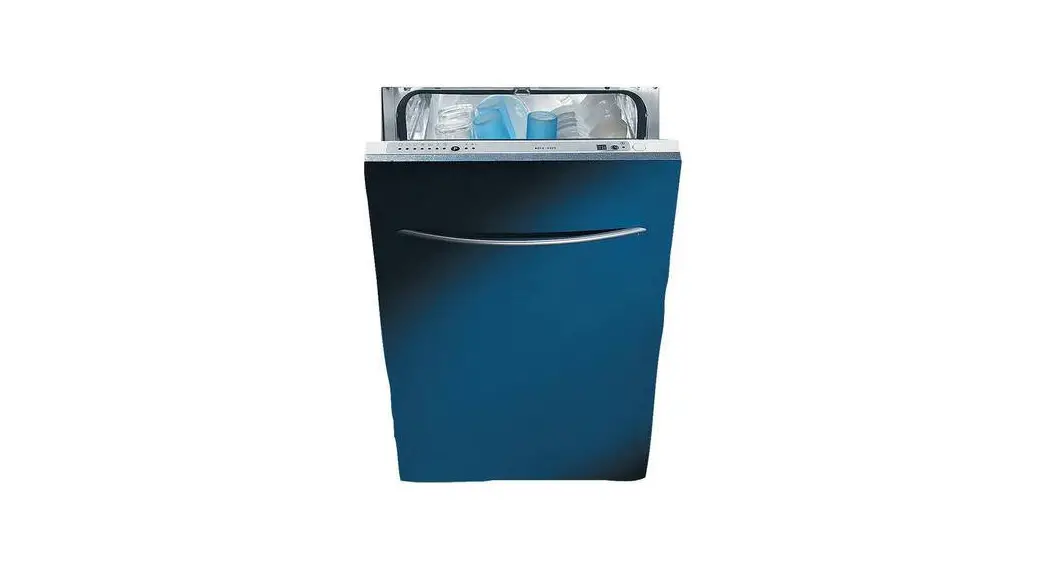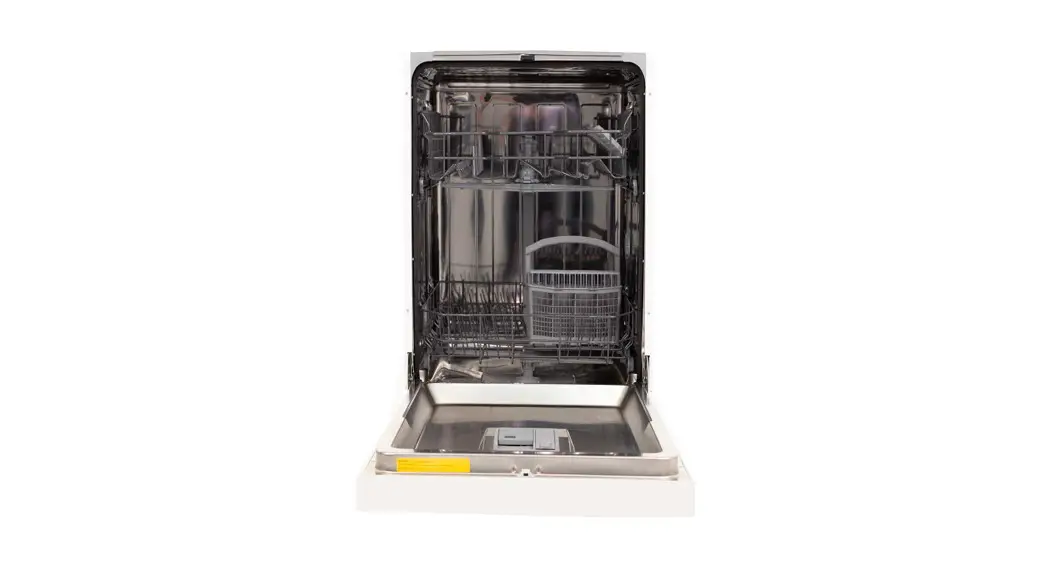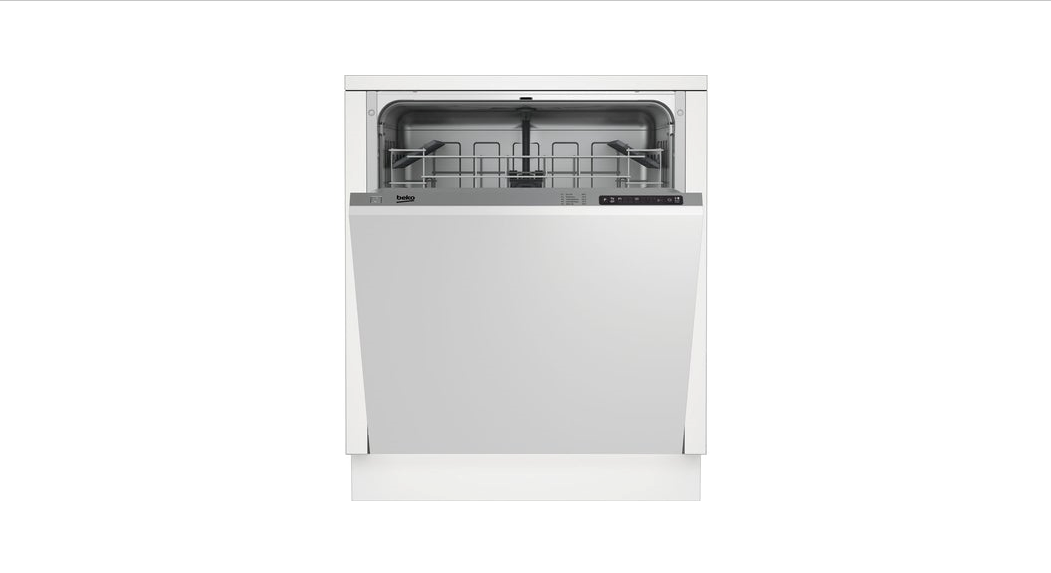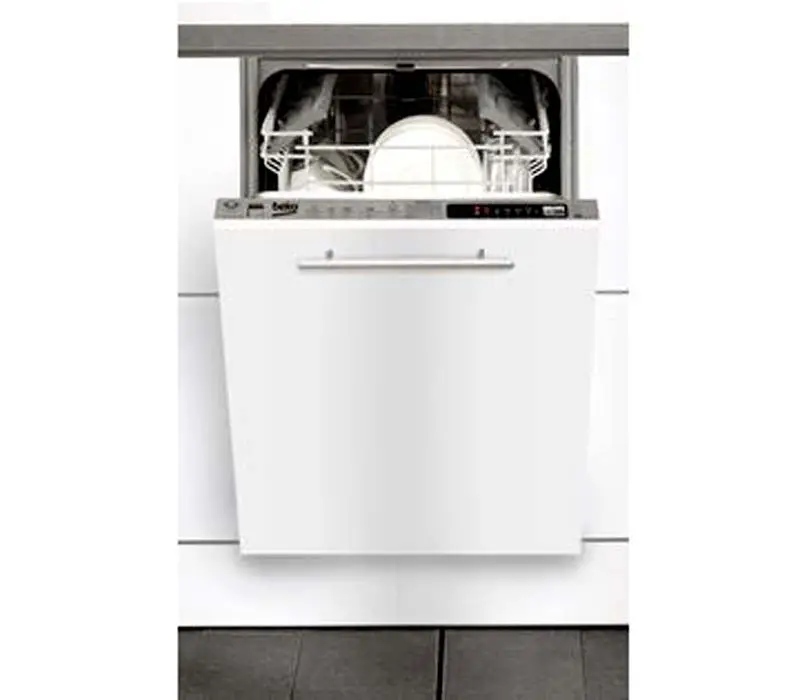
Dishwasher BEKO DW 451
Operating Instructions
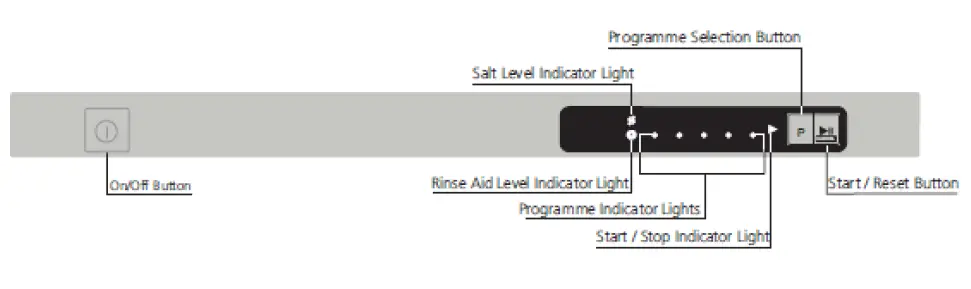
Control Panel
Selecting the correct programme
Operating the Dishwasher
- Load up the dishwasher, and insert the dishwasher tablet.
- Check that the upper and lower arms can rotate freely
- Push in the on/off button and check that the programme indicator lights come on.
- Check the salt and rinse aid level indicator lights before you start the machine. If necessary add salt and rinse aid.
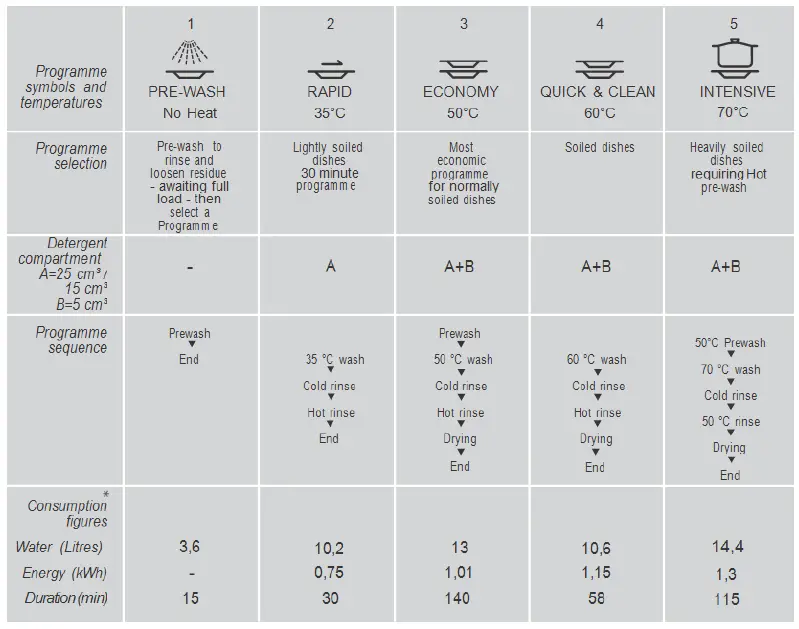
- Select the required programme by referring to the programme chart.
- Select the desired programme by using the Programme Selection Button.
- Press start/stop button and check that the start/stop indicator light comes on.
- Close the door then programme starts.
- An audio signal with an interval of 10 seconds warns you to switch your machine off when the selected programme ends. This audio signal warns you for a duration of 1 minute and then turns off.
WARNING! Do not open the dishwasher door whilst the appliance is in operation. However in case the door is opened while the machine is working, then a safety mechanism ensures the machine immediately stops. Water may be very hot, so be careful!
- Care must be taken if opening the door, as steam and water will escape.
- Press the on/off button after the programme is completed. The indicator lights will go off. · Turn off the water tap, unload the baskets.
Helpful loading tips
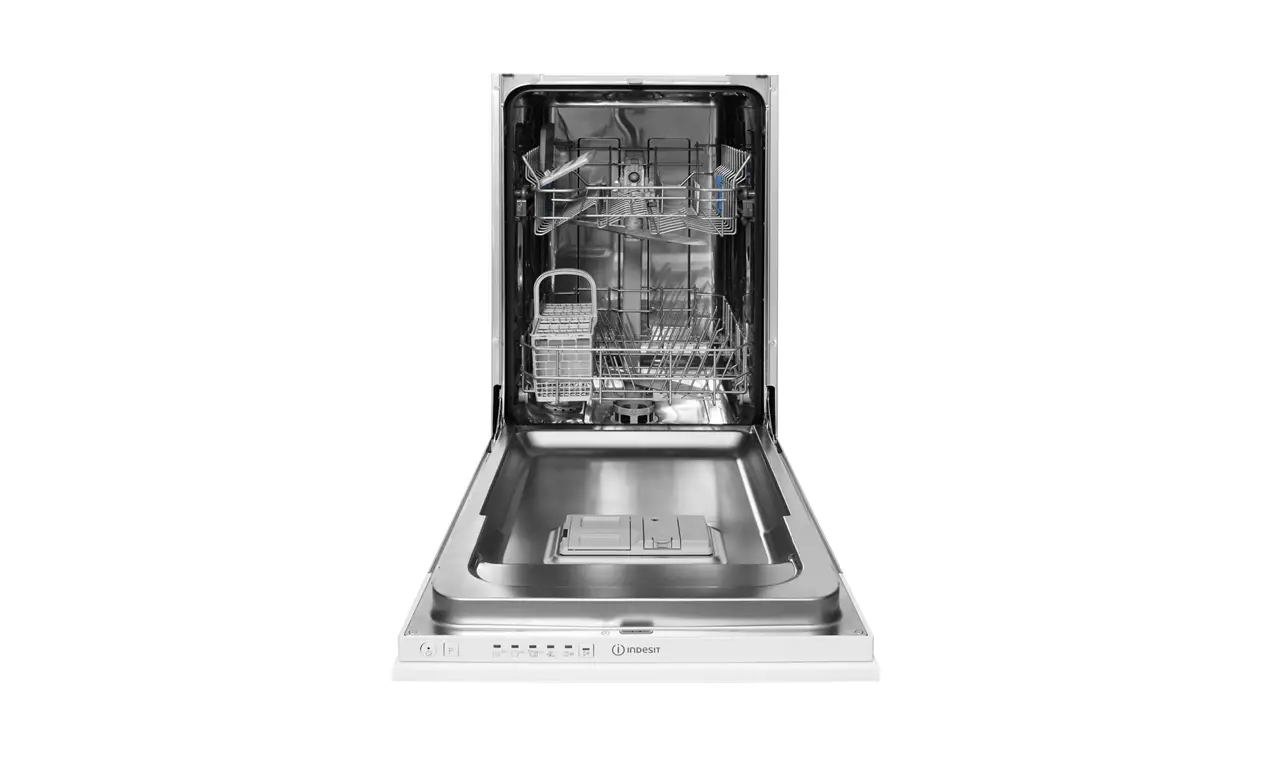
- Place the most difficult to clean items on the bottom rack: pots, pans, lids, serving dishes and bowls, as shown in the picture.
- Place serving dishes and lids on the sides of the racks in order to avoid blocking the rotation of the top spray arm.
- Use the cutlery grid for cutlery and face sharp object down to avoid injury.
- Place lighter items on the upper basket.
- Place hollow items face down so they do not collect water.
How to cancel the washing programme
To cancel a programme while the machine is operating:
- Open the door WARNING! Care must be taken when opening the door, as steam will escape.
- Press and hold start/stop button for 3 seconds. The start/stop indicator light will start flashing. Close the door.
The machine will drain the water inside the machine for 45 seconds. - The programme is cancelled when start/stop indicator light goes off. Then, you can choose and start a new
programme.
NOTE: Depending on the stage of the programme you have cancelled, there may be detergent residue or rinse aid inside the machine and on the load. Make sure the items in the dishwasher are not used before being washed properly.
How to change the washing programme
To change the programme selection while the machine is operating:
- Open the door WARNING! Care must be taken when opening the door, as steam will escape.
- Press start/stop button. The indicator light will go off.
- Select the new programme. Press start/stop button. The indicator light will be on and the new programme will start.
NOTE: The new programme will NOT start right from the beginning. IT will start from the stage last carried out by the previous programme selection.