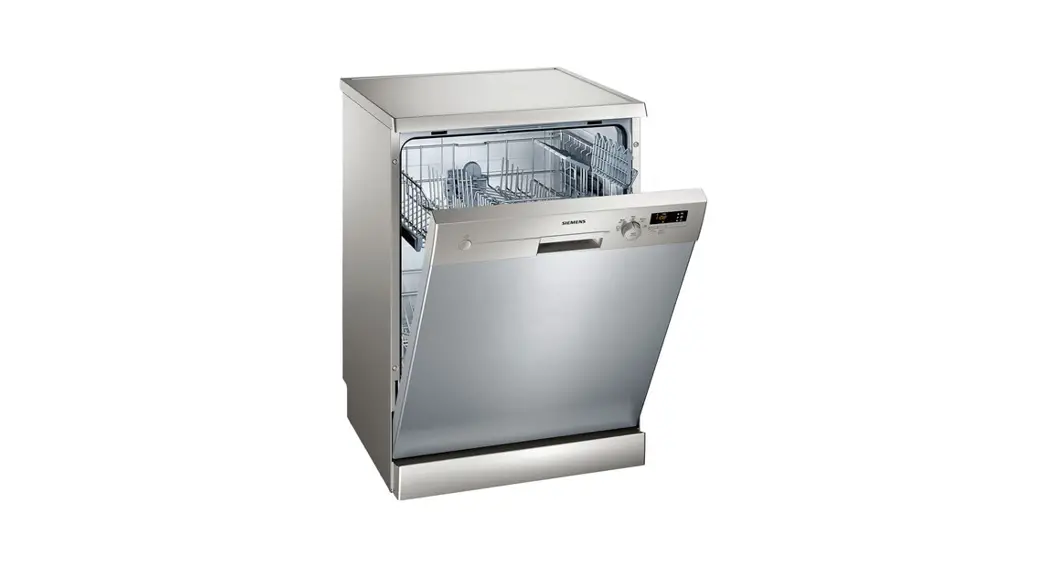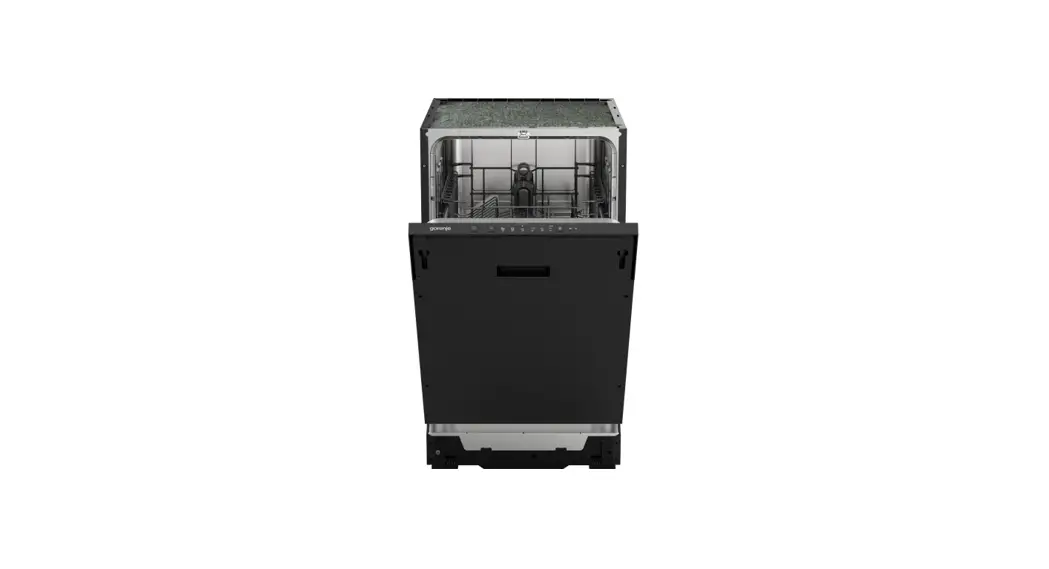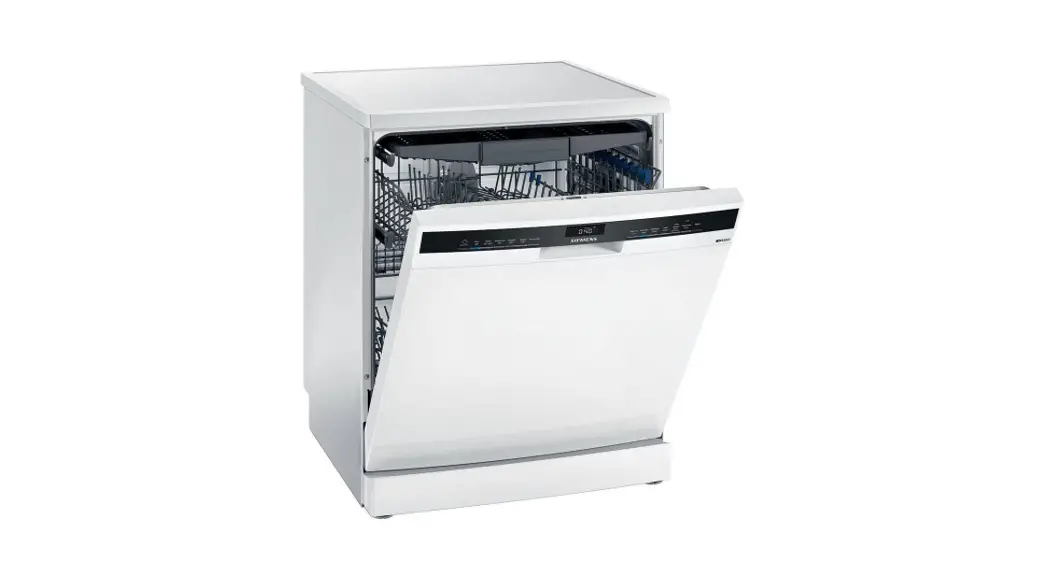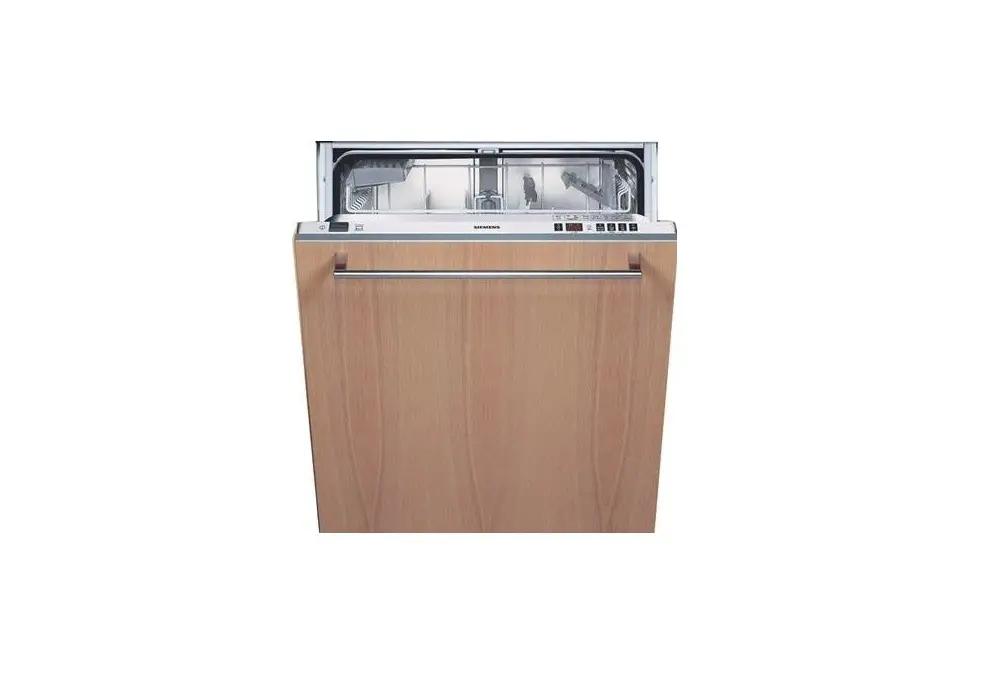
saco 45250Vi Favorit Dishwasher Instruction Manual
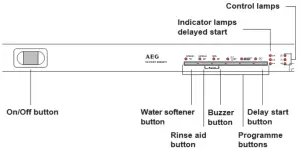
Control panel
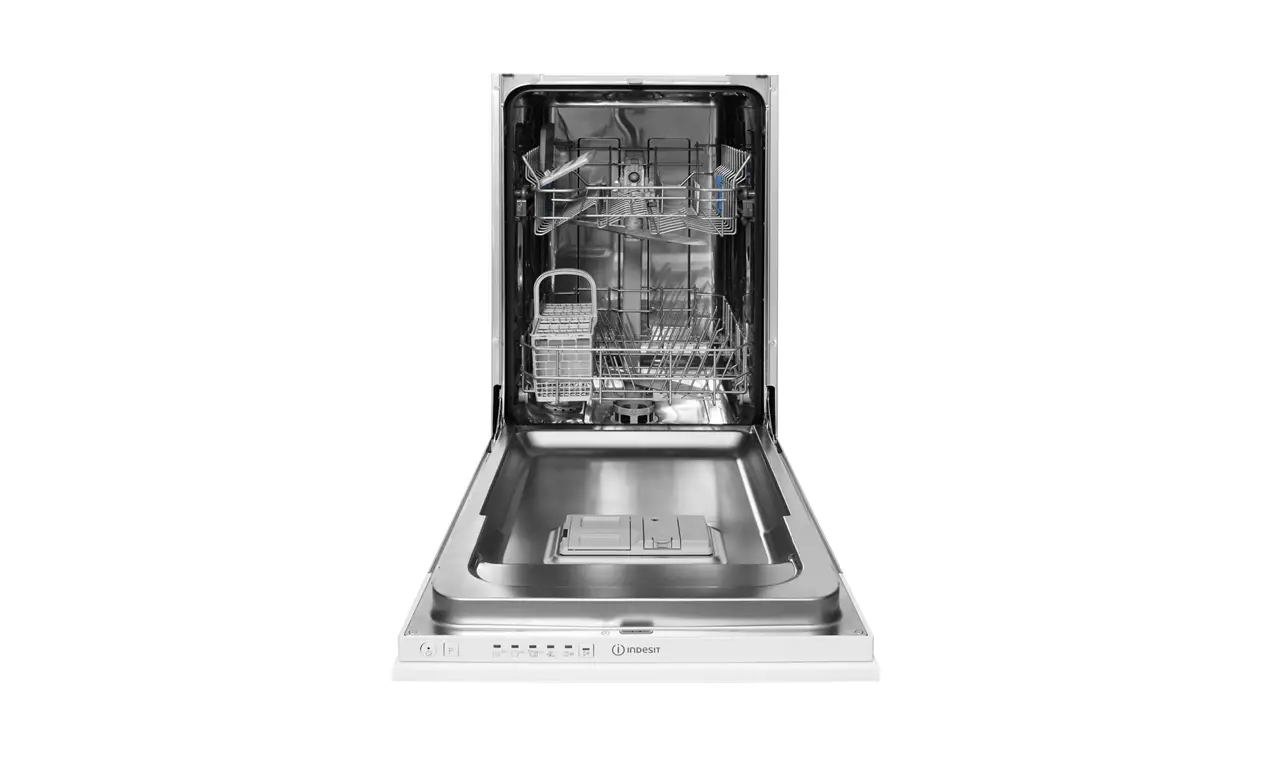
Filling with detergent
- Open the lid to the dispenser by pressing the lid catch towards the compartment
- Fill with detergent. Pre-wash detergent is poured into the smaller compartment to the left.
- Close the lid
Loading the dishes
- Place glasses, cups, bowls upside down
- Make sure the spray arms can freely rotate
- Put smaller items in the upper basket
- Place larger, heavier items in the lower basket Starting the programme
- Scrape off solid food remnants.
- Load the dishwasher.
- Put the correct amount of detergent into the detergent dispenser and close the dispenser lid.
- Press in the On/Off button. All programme indicator lamps are lit.
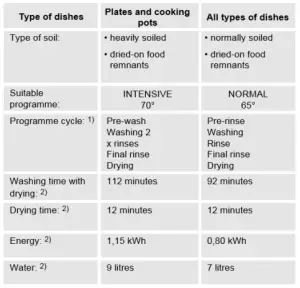
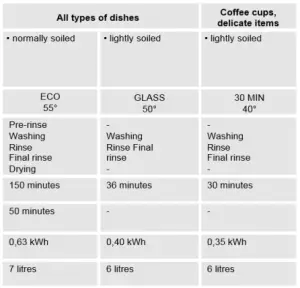
- Press in the required programme button (see programme chart). All other programme indicator lamps goes out.
- Close the door.
Stopping the programme temporarily
- Open the door. The programme stops.
- The programme indicator lamp is lit.
- Close the door and the programme continues after about 6 seconds.
Cancelling the programme
1. Open the door.
2. Press and hold in the ”Reset” buttons, the machine goes to starting position and all programme indicator lamps are
lit.
3. Release the buttons. The programme is now cancelled and a new programme can be selected.
Pause function
With the pause function the programme can be temporarily disrupted for a short period of time.
1. Open the door and press the On/Off button. The programme stops.
2. When you want the programme to continue again, press the On/Off button once more and close the door. The
programme continues.
Setting the delay start
The programme start can be delayed by 3, 6 or 9 hours.
1. Press in the On/Off button.
2. Press the delay start button repeatedly, until delay lamp is lit.
3. Press the button for the required programme.
4. The programme starts after the set delayed time
To cancel the delay start: Press the delay start button repeatedly until the light goes out.
Programme chart