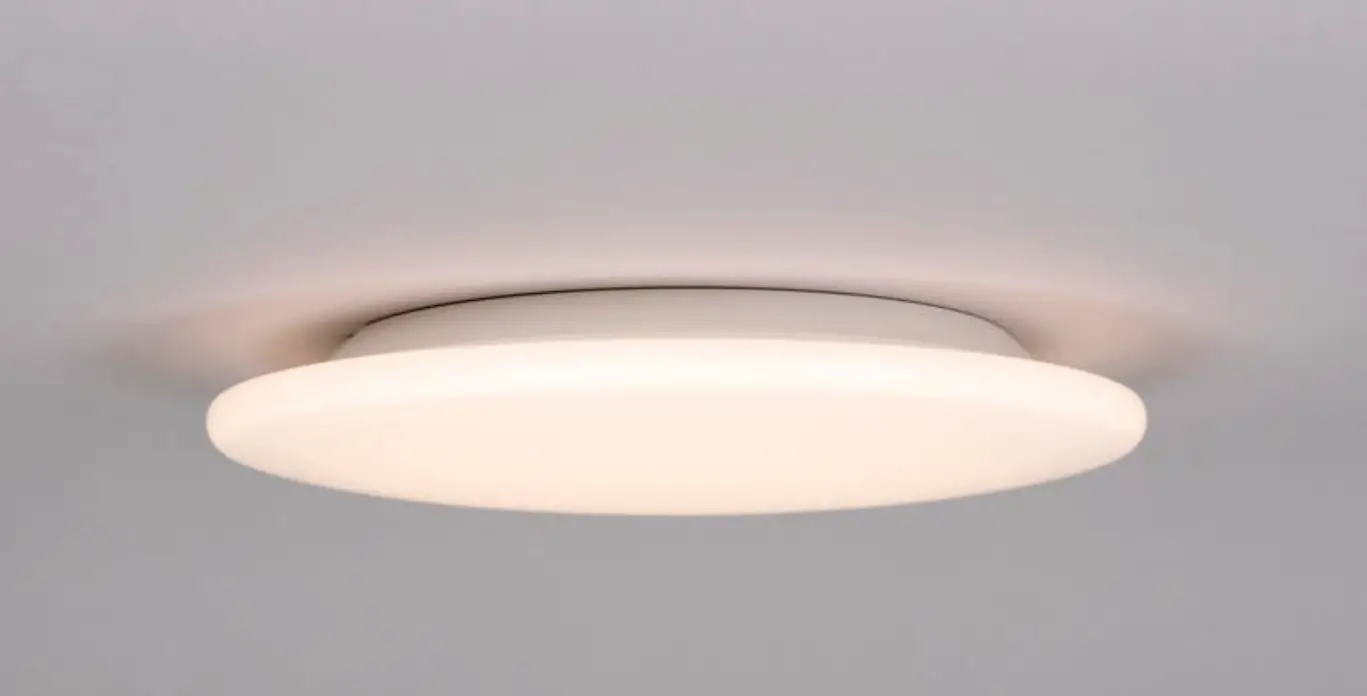

hidealite 320, 380 Moon Slim Bluetooth
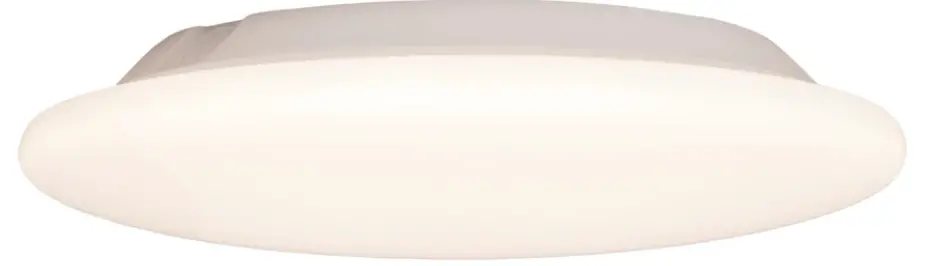
Moon Slim Bluetooth
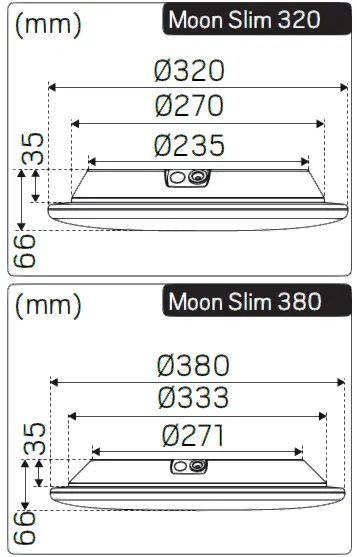
| E-nr | Snro | El.nr | GTIN | Name | LED Color | Total Effect |
| 7508333 | 4143818 | 3207099 | 7392971145341 | Moon Slim Bluetooth 320 | 3000K;4000K | 18W |
| 7508334 | 4143819 | 3207100 | 7392971145358 | Moon Slim Bluetooth 380 | 3000K;4000K | 23W |
| 7508554 | 4143829 | 3207114 | 7392971145594 | Moon Slim Bluetooth EM 320* | 3000K;4000K | 21W |
| 7508555 | 4143830 | 3207115 | 7392971145600 | Moon Slim Bluetooth EM 380* | 3000K;4000K | 26W |
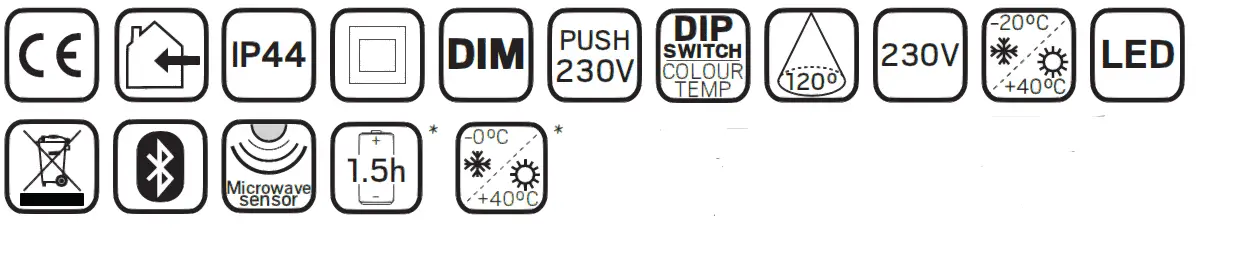
This product contains a light source of energy efficiency class D to Regulation (EU) No 2019/2015.
For explanation of symbols see www.hidealite.se
Accessories for Moon Slim Bluetooth 320 & 380
| E-nr | Snro | El.nr | GTIN | Name |
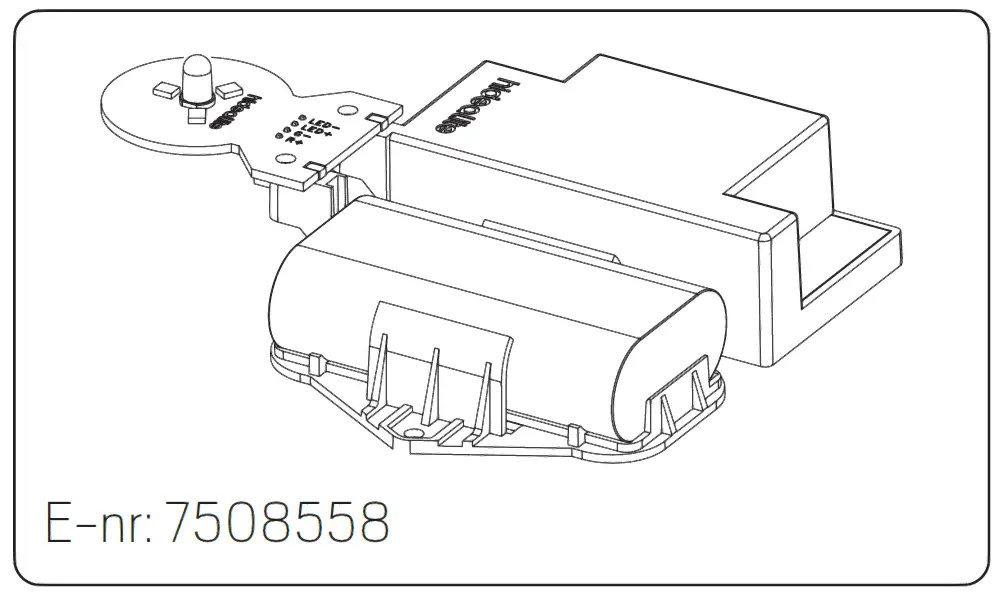
| 7508558 | 4143833 | 3207135 | 7392971145631 | Moon Slim Emergency light module |
| 7508559 | 7112601 | 3207136 | 7392971145648 | Moon Slim Emergency light battery |

SAFETY INSTRUCTIONS
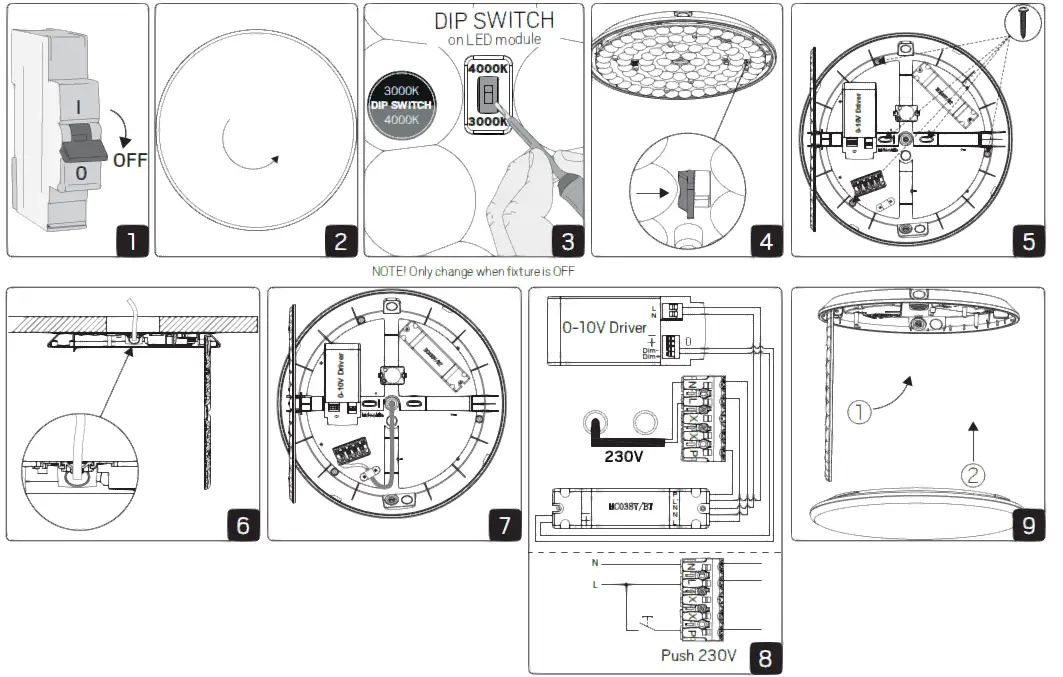
Read these instructions carefully before commencing installation and retain for future reference. The luminaire should be installed by a licensed electrician and in accordance with local regulations. Make sure that the power is off before installation or maintenance. List of recommended dimmers can be found at www.hidealite.com
Installation
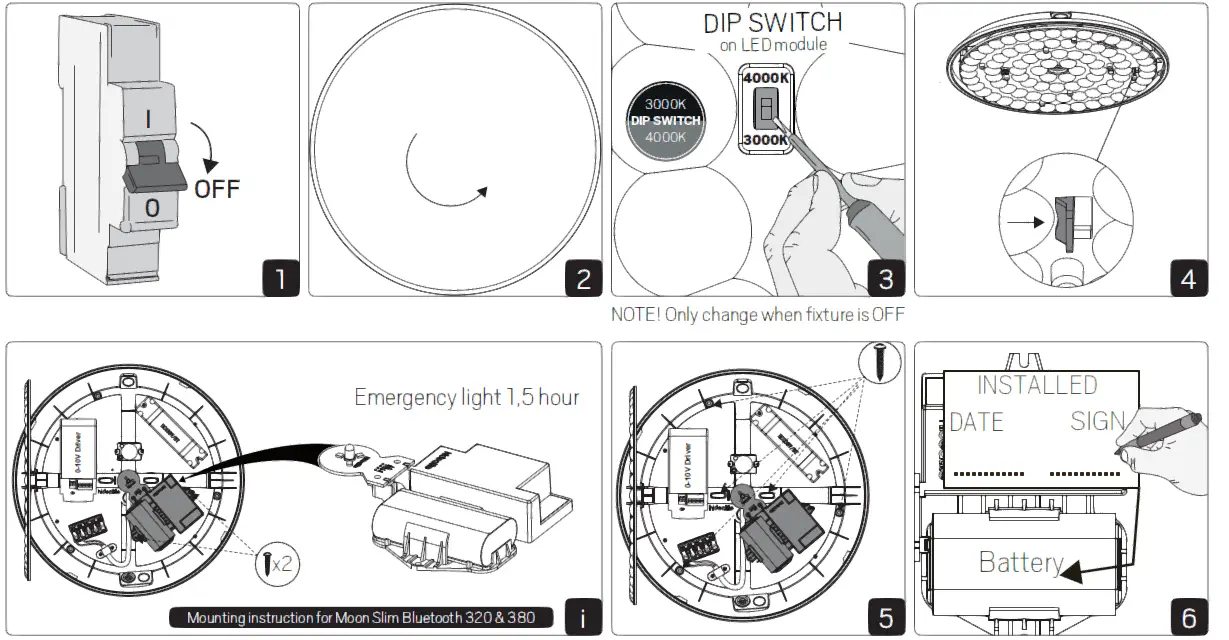
Installation Moon Slim Bluetooth EM 320/380 and 320/380 with EM accessories
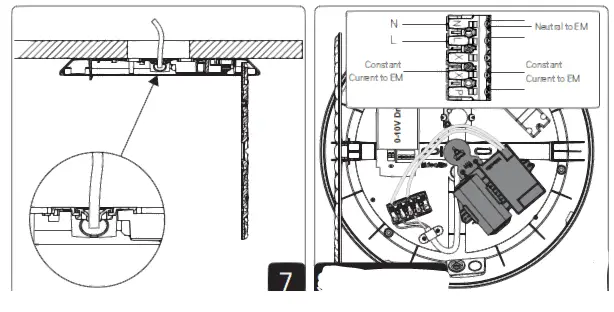
Suggestion
NOTE! Installation example, the emergency light module requires connection to neutral and constant current.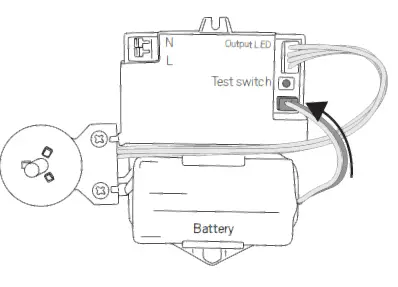
Connect battery
When voltage is applied – the emergency light module starts self-test.
Flashing green light:
Battery is charging/normal operation
Permanent green light:
Battery fully charged/normal operation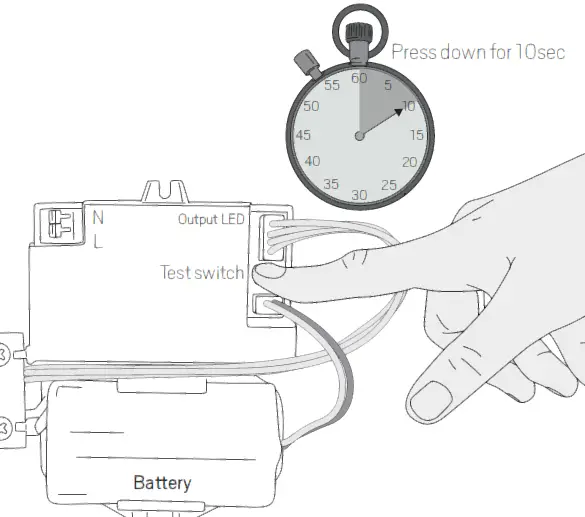
Troubleshooting
Flashing red light
- Check the connection cable between the battery and the module.
- Press and hold the test button for 10sec.
- The emergency light module resets and starts self-test.
Flashing / Permanent green:
Normal operation on module and battery
Flashing red light:
Battery not connected/Battery defective.
Replace battery – Press and hold the test button for 10sec.
Solid red light:
Defective emergency light module
Replace emergency light module and battery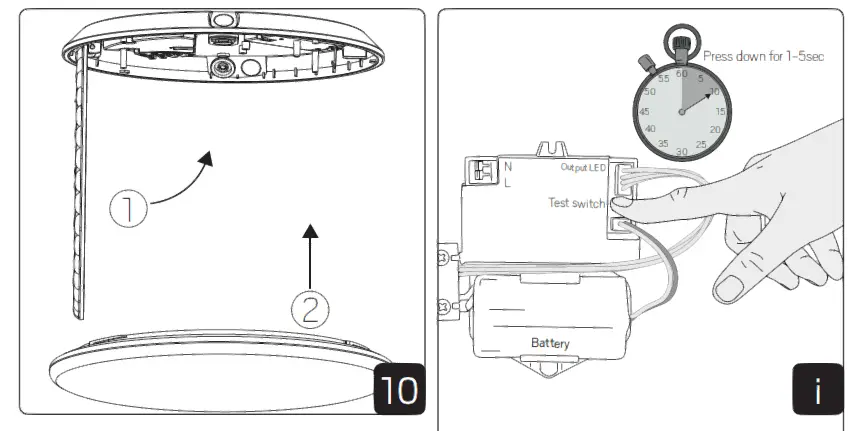
Emergency light module performs automatic self-test every 30 and 180 days.
Manual self test:
- Press and hold the test button for 1-5sec.
- LED of the emergency light module lights up.
Every 30 days – automatic self-test
Every 180 days – The LED of the emergency light module lights up for 1,5 hours for a complete battery and module test.
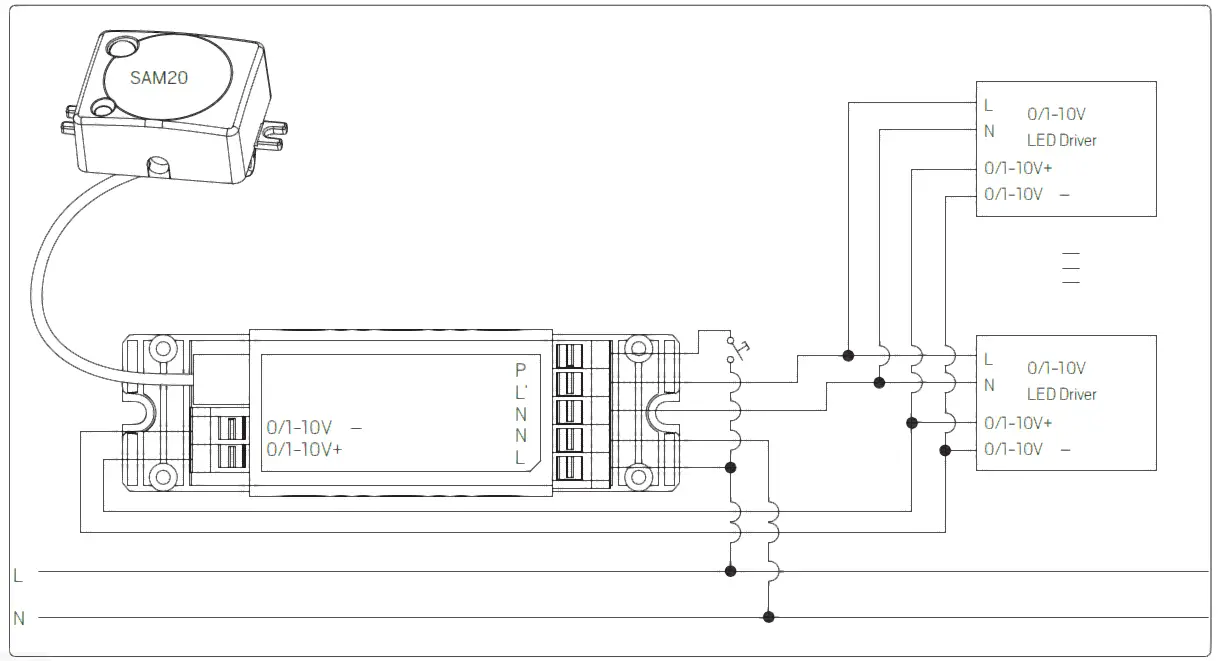
Bluetooth
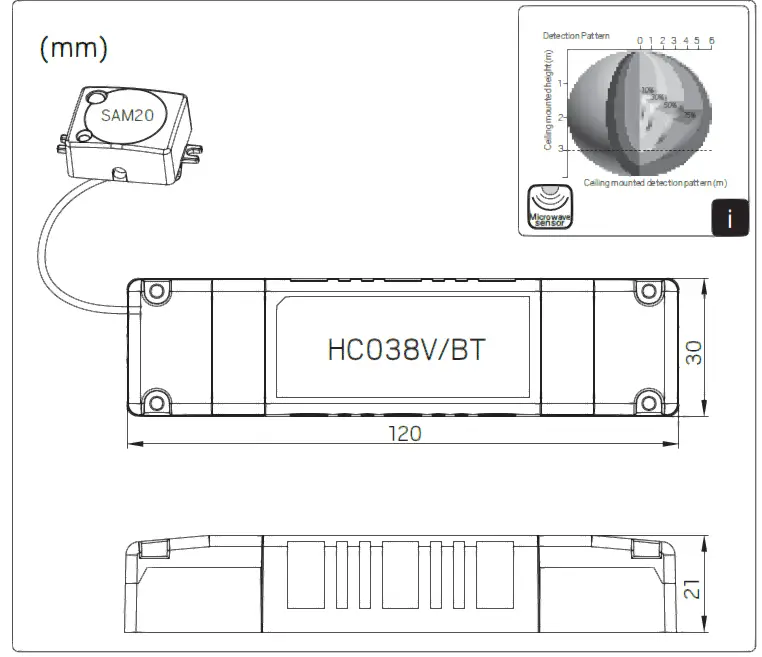
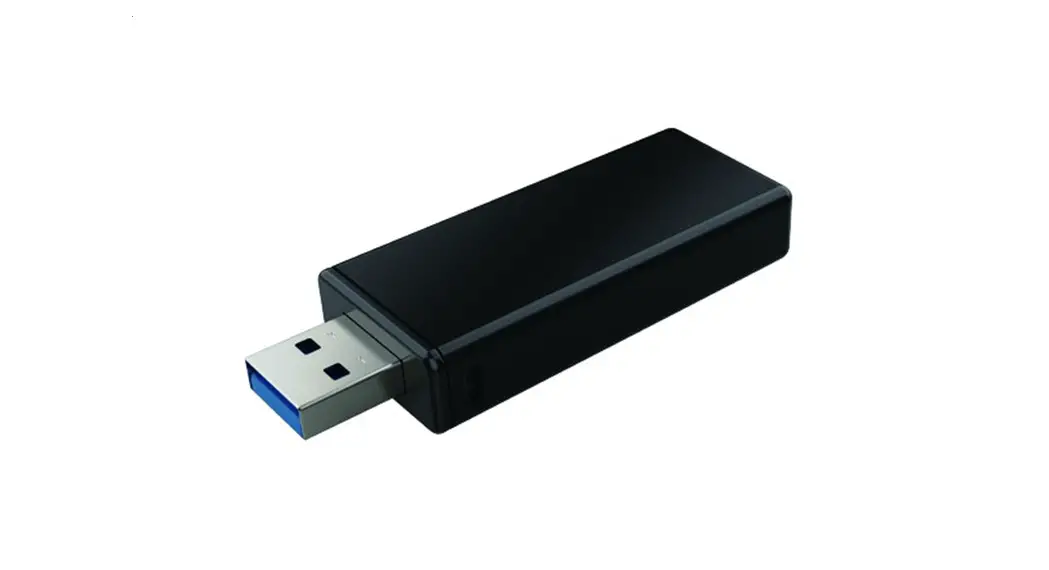
| HC038V/BT | |
| Operating voltage | 220-240VAC, 50Hz/60Hz |
| Switching capacity | Max 400W |
| Stand-by power | <1W |
| Warming-up | 20S |
| Operation frequency | 2.4 GHz – 2.483 GHz |
| Transmission power | 4 dBm |
| Range (Typical indoor) | 10~30m |
| Protocol | 5.0 SIG Mesh |
| Case temperature (Max.) | Tc: +75°C |
| Operating temperature | -25°C~+55°C |
| IP rating | IP20 |
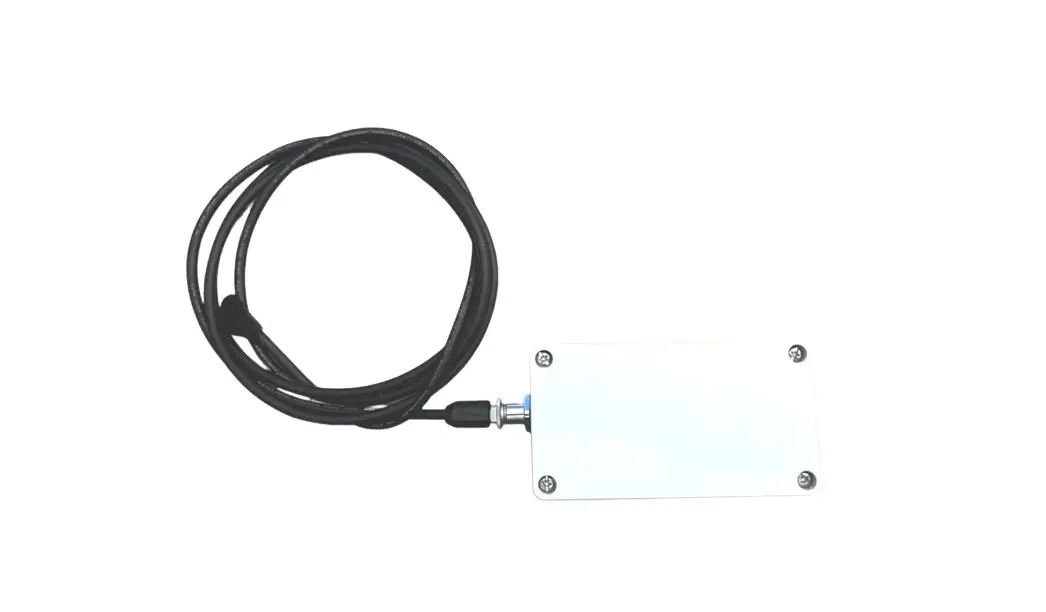
| SAM20 | |
| Operating voltage | 5VDC |
| Operation frequency | 5.8GHz +/- 75MHz |
| Transmission power | <0.2mW |
| Max installation height | 3m |
| Max detection range | 12m (diameter) |
References
 LED lighting of the highest quality - Hidealite
 LED lighting of the highest quality - Hidealite
-
Vi udvikler og sælger LED belysning - Hidealite
-
LED-valaisimet & LED-valaistus kotiin ja julkisiin tiloihin - Hide-a-lite
-
LED-belysning, downlights, spotlights och utendørs belysning av topp kvalitet - Hidealite
-
LED-belysning & LED-armaturer för ditt projekt! - Hide-a-lite
-
LED lighting of the highest quality - Hidealite
 LED lighting of the highest quality - Hidealite
 LED lighting of the highest quality - Hidealite
 Vi udvikler og sælger LED belysning - Hidealite
 LED-valaisimet & LED-valaistus kotiin ja julkisiin tiloihin - Hide-a-lite
 LED-belysning, downlights, spotlights och utendørs belysning av topp kvalitet - Hidealite
 LED-belysning & LED-armaturer för ditt projekt! - Hide-a-lite
 LED lighting of the highest quality - Hidealite