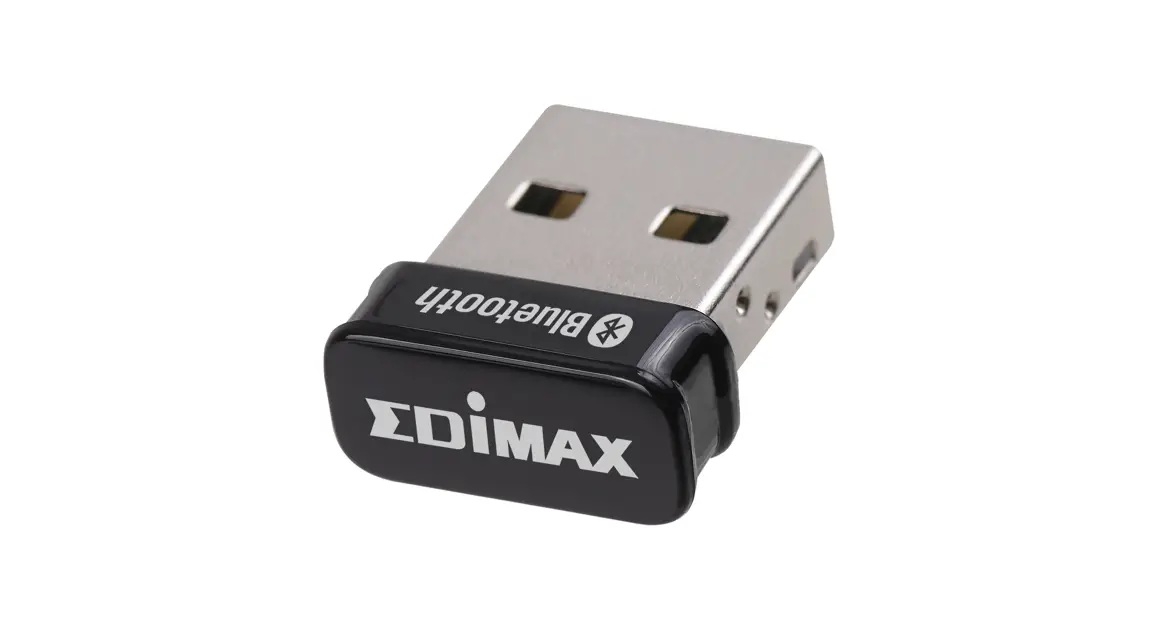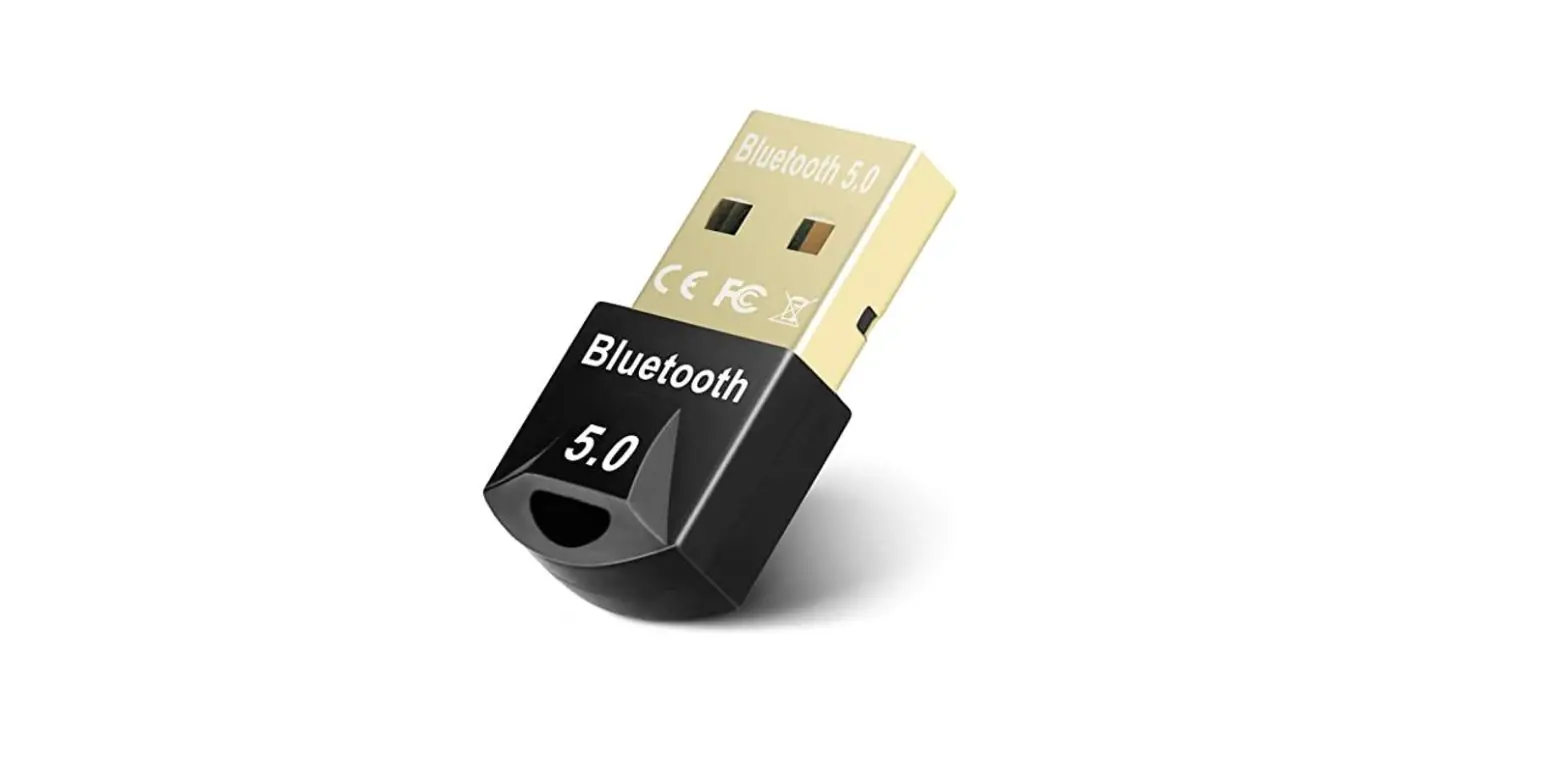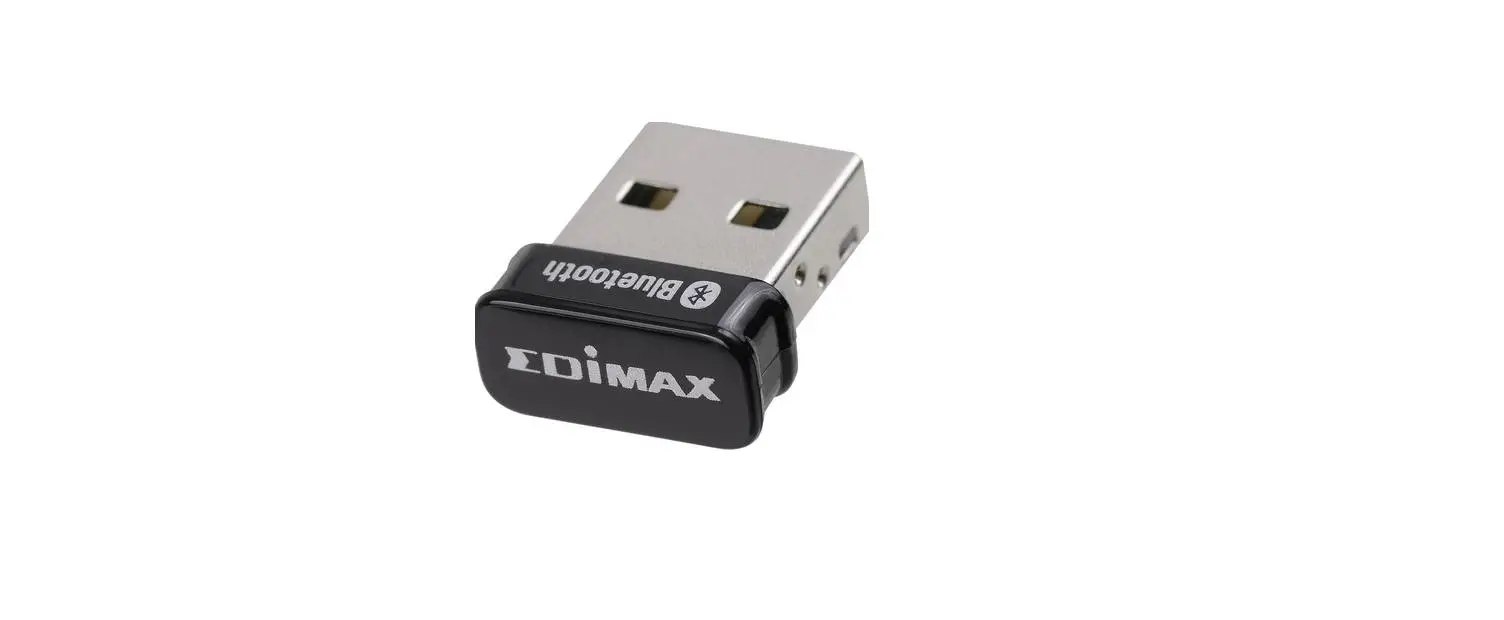

EDiMAX BT-8500 Bluetooth USB Adapter
Product Information & Safety Information
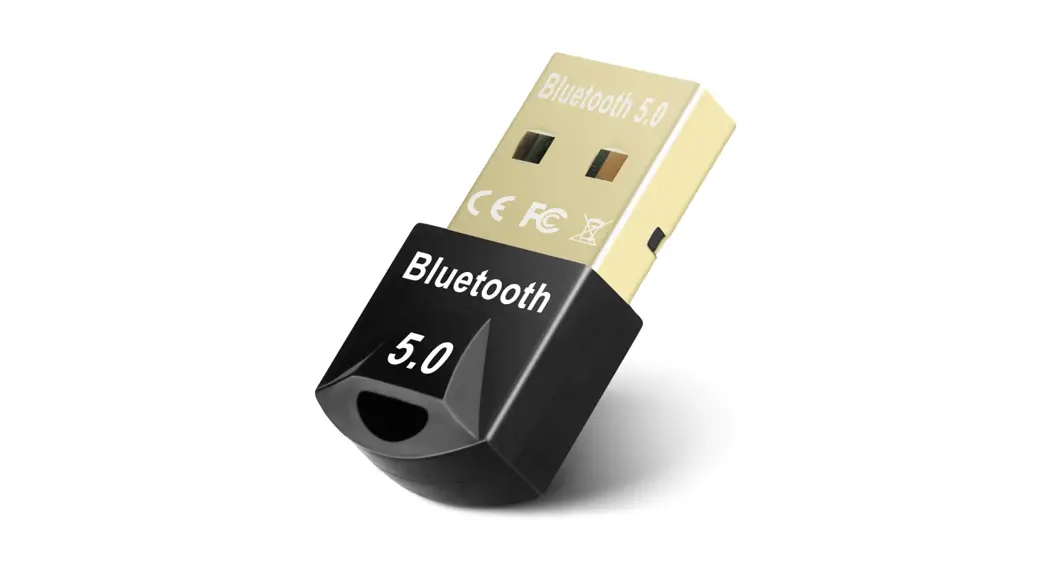
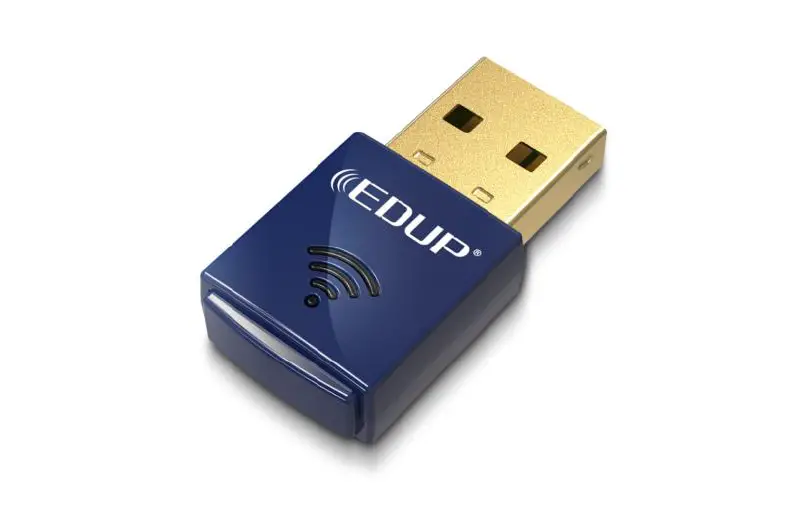
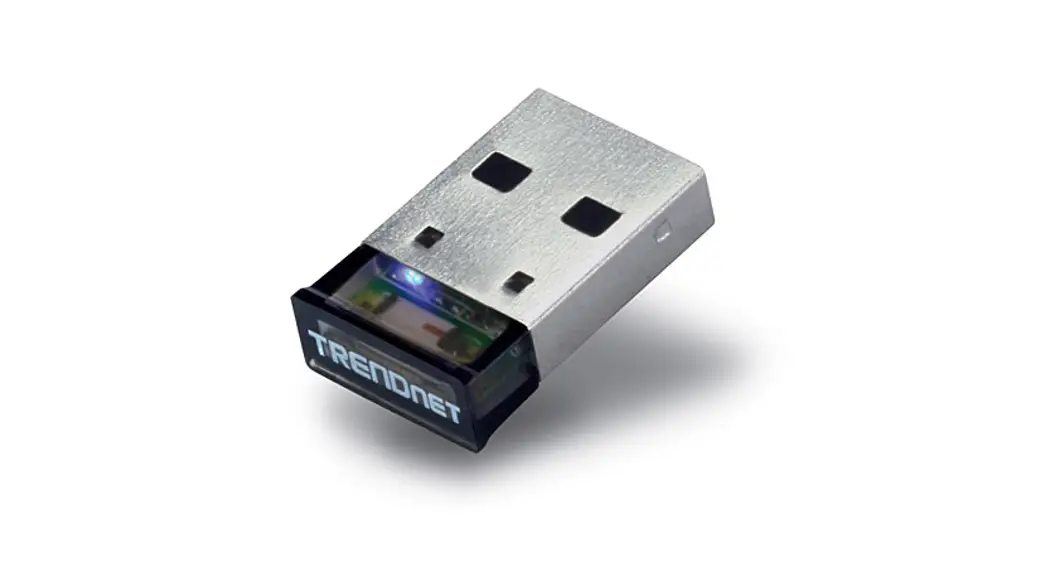
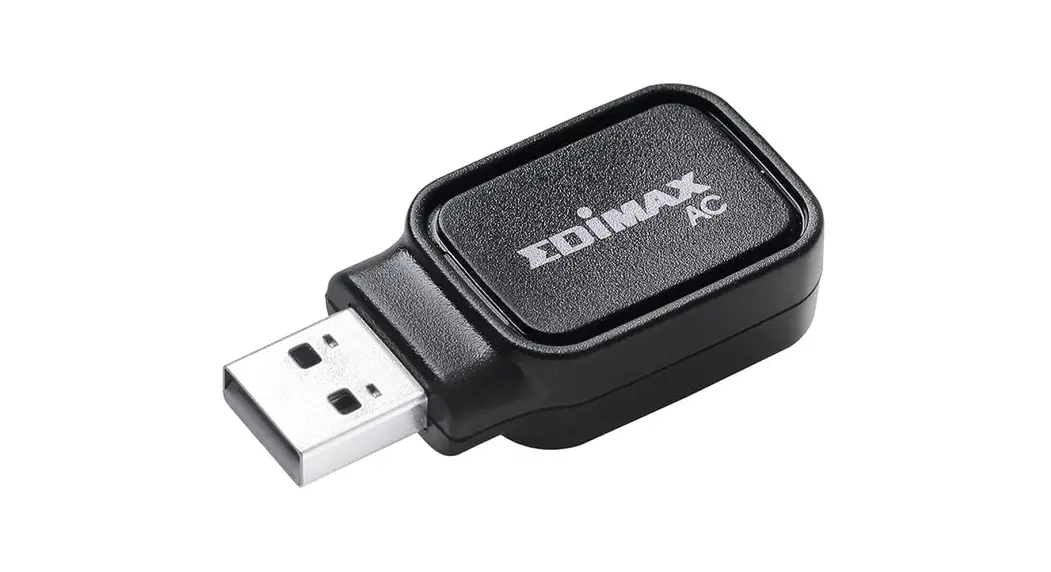
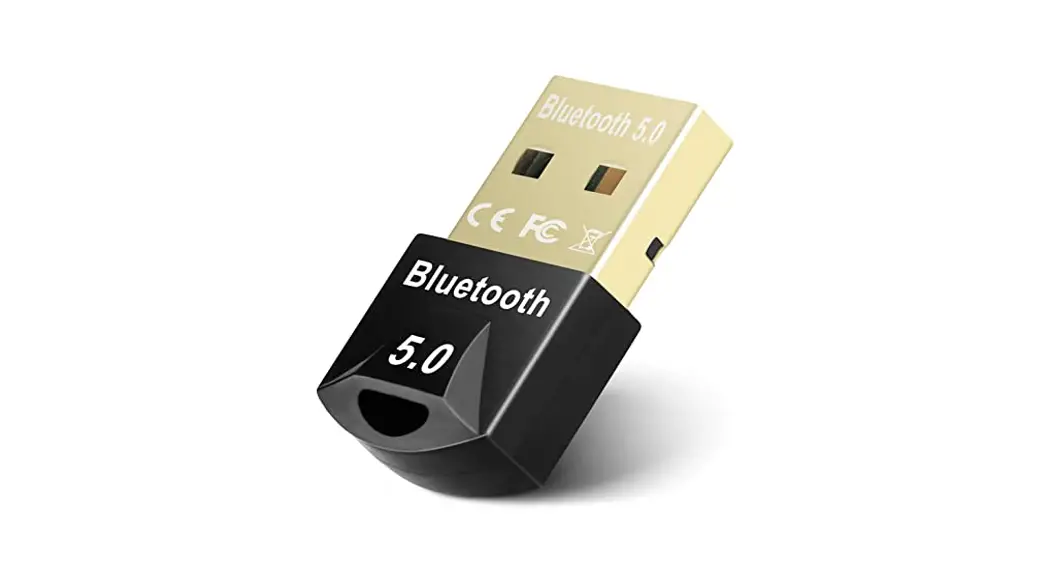
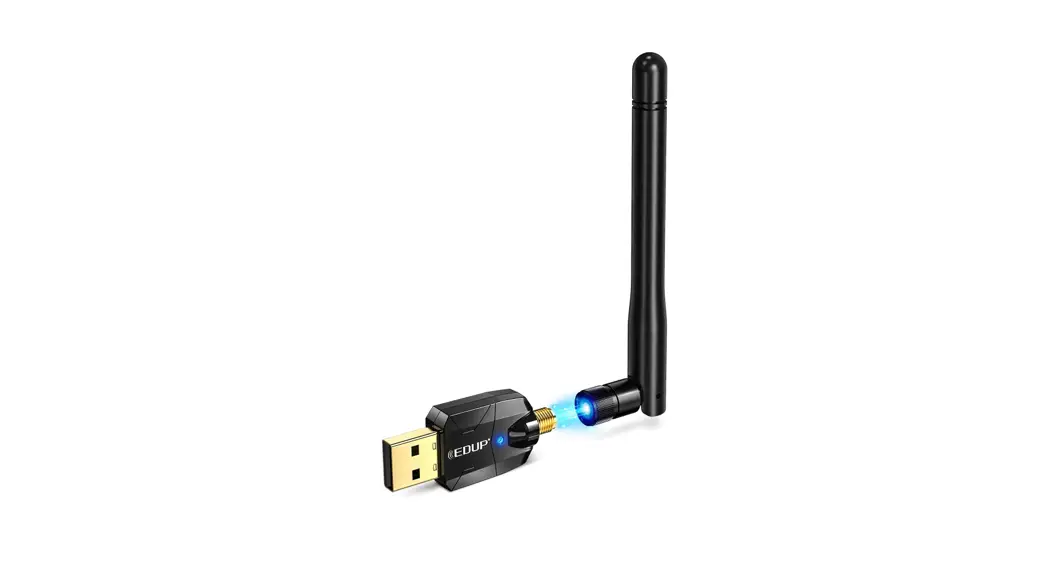
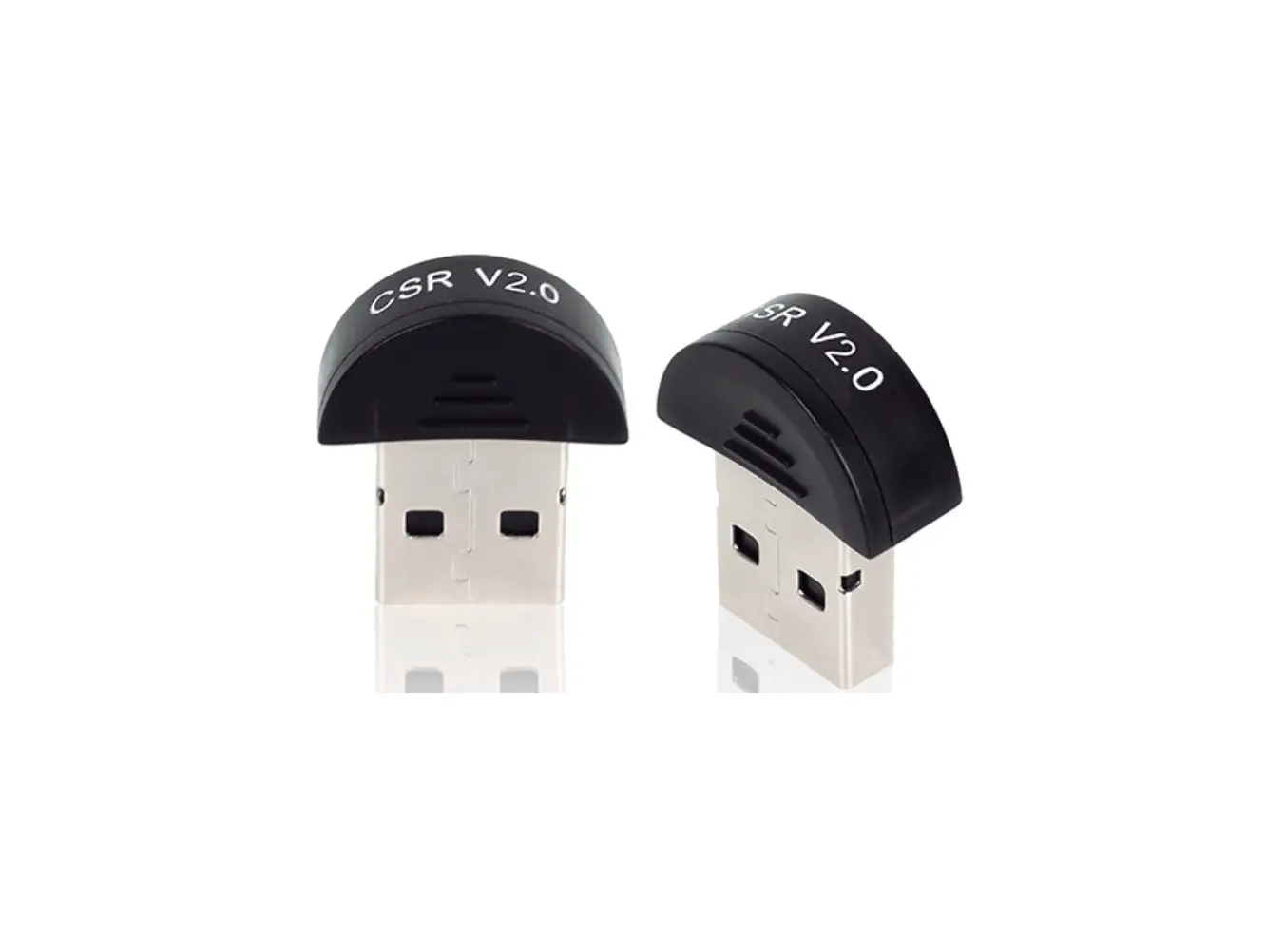
The Edimax BT-8500 dual mode (BR/EDR + LE) real Bluetooth 5.0 is a Nano USB adapter that supports data rate maximum 3 Mbps.
The BT-8500 is a portable ultra-small design USB adapter with USB 2.0, you can plug into any USB port and enjoy incredible high-speed Bluetooth 5.0.
Please install the unit with the safety restrictions outlined below:
- Do not place the USB adapter in or near hot/humid places, such as a kitchen or bathroom.
- There are no user-serviceable parts inside the USB adapter. If you experience problems with the USB adapter, please contact your dealer and ask for help.
- The USB adapter is an electrical device, if it becomes wet for any reason, stop using it immediately.
You can find all supporting documents from the link below or via QR Code: https://www.edimax.com/download
(Once you’ve visited the Edimax official website, please enter model no. “BT-8500” into the search box to search for your product.)
Package Contents
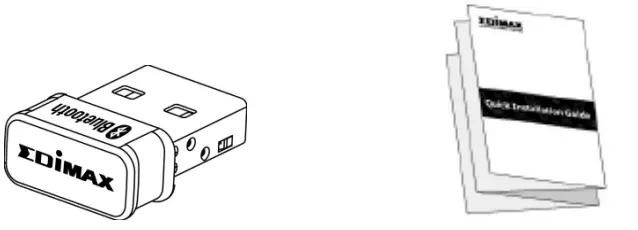
- BT8500 USB Adapter
- Quick Installation Guide
System Requirement
- Windows 8.1/10 32bit/64bit or above
- Linux: kernel 2.6.32~4.15, suggest 4.4 (after)
- 1 x USB 2.0 Type A
Hardware Interface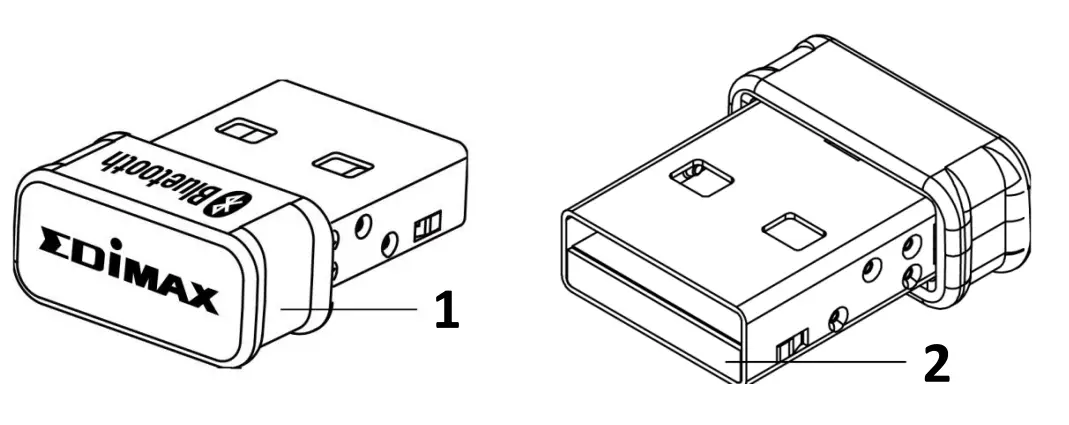
| No. | Description |
| 1 | Case |
| 2 | USB 2.0 Type A |
Hardware Installation
Please follow the steps below to install your Bluetooth USB adapter,
- Turn on your PC.
warning: If your PC or laptop has Bluetooth capability, please disable Bluetooth before using the Bluetooth USB adapter. - Insert the USB adapter into an available USB port of your computer.
 Warning: Never use force to insert the USB adapter.
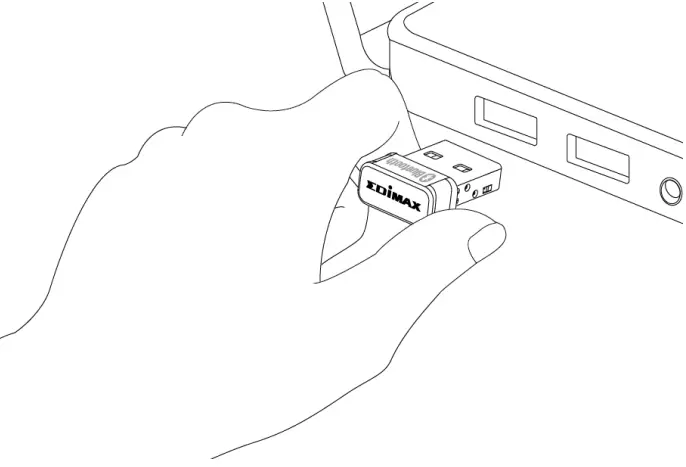 Warning: Never use force to insert the USB adapter.
Driver Installation
Please follow the steps below to install the driver,
- Go to Edimax website (https://www.edimax.com/edimax/global/).
- Enter model no. “BT-8500” into the search box to search for your product, and Go to Download, and download the driver.

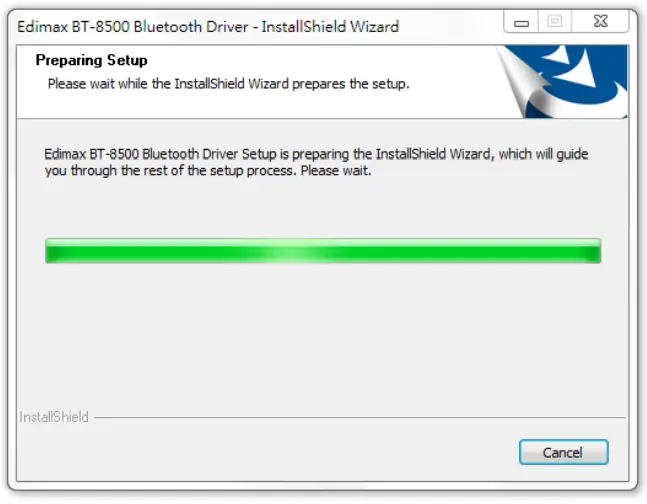
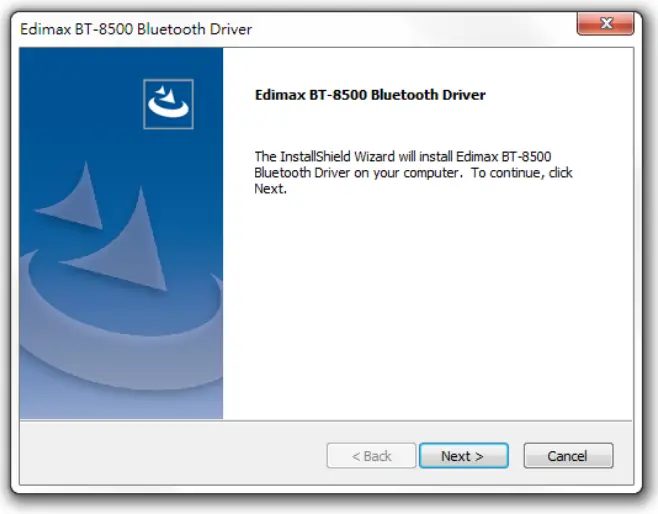
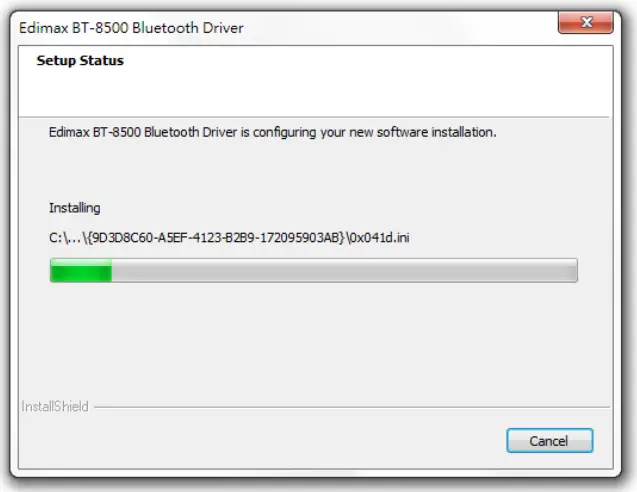
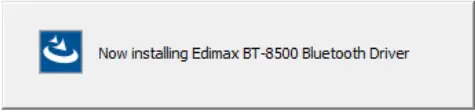
- Open the folder and double click to install the driver.

- Click “Next” to continue and follow the instructions on-screen until installation is complete.


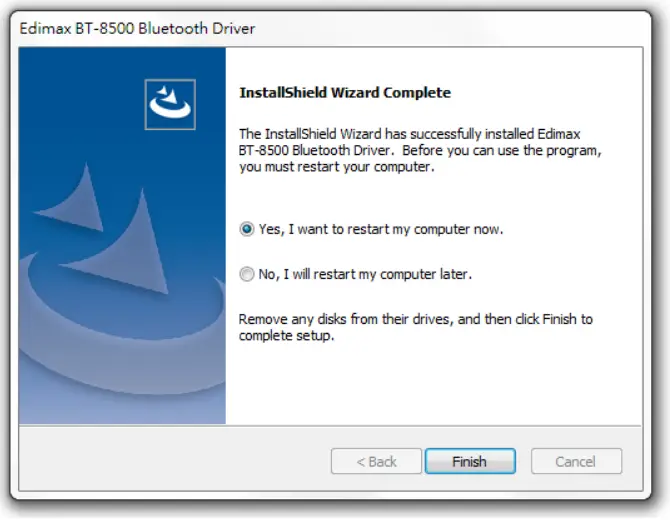
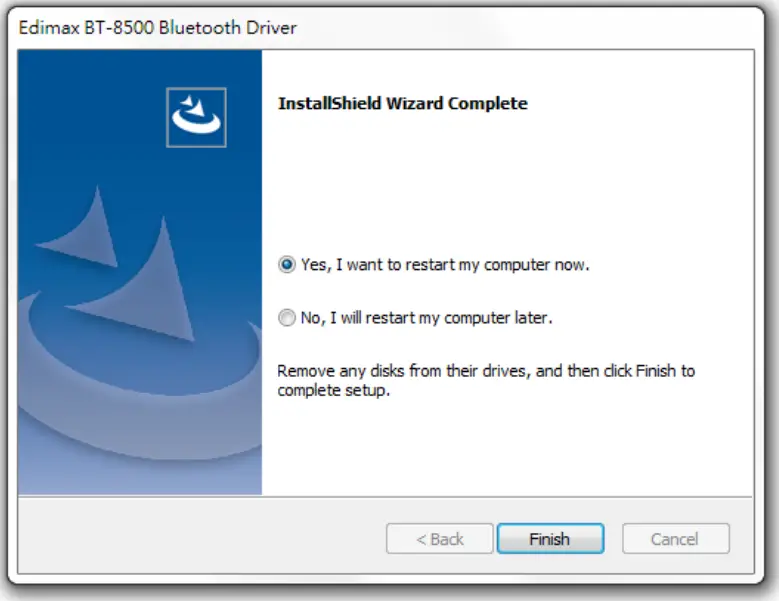
- Select restart your computer now or later and click “Finish”.


Adding Devices
Please follow the steps below to add the Bluetooth devices,
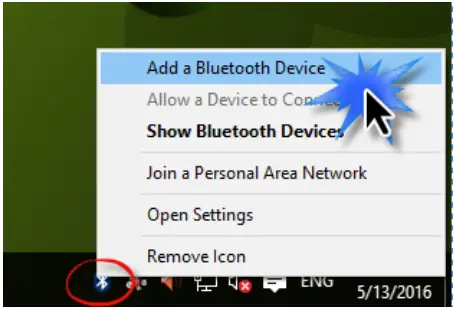
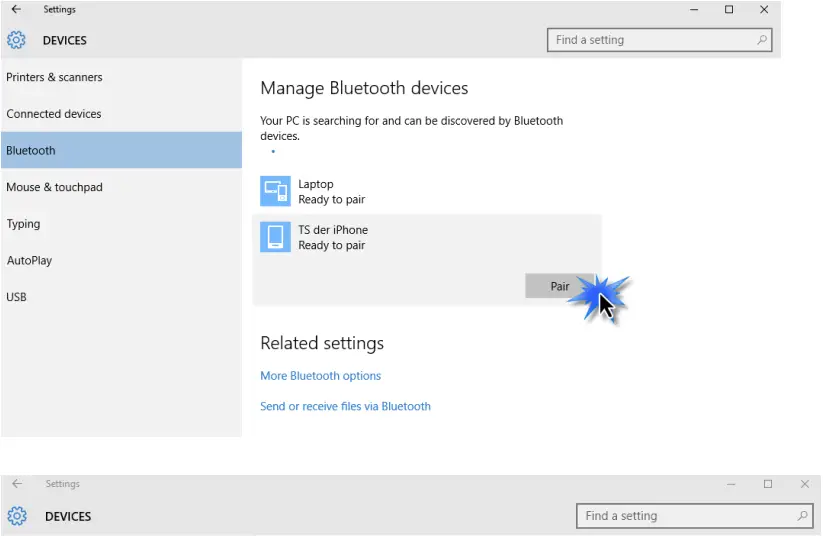
- Go to Windows Bluetooth settings by using the search bar, or by right clicking the Bluetooth icon in the task bar and choosing Add a Bluetooth Device.

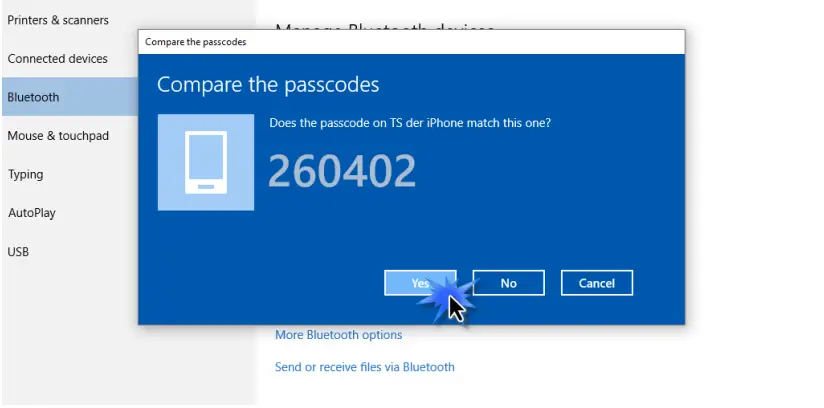
- Select your Bluetooth device and click Pair and then confirm the passcode.


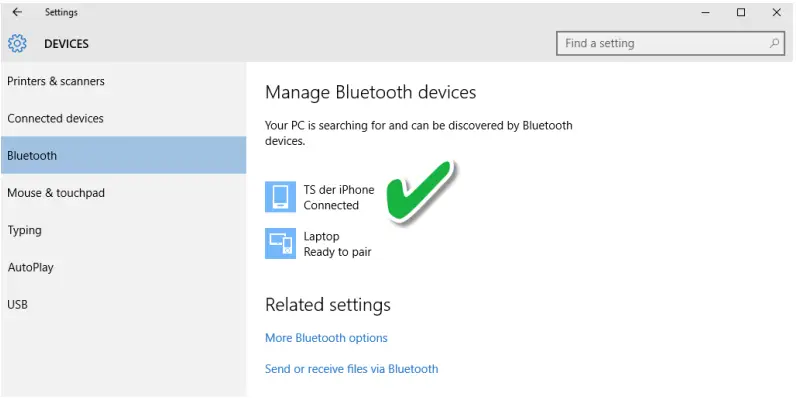
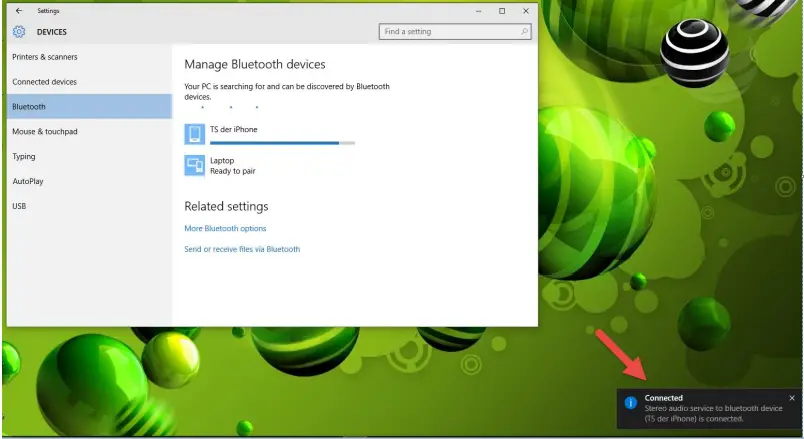
- Your device is now ready to use when it shows “Connected”.


Uninstall A Driver
Please follow the steps below to uninstall a driver for your USB adapter,
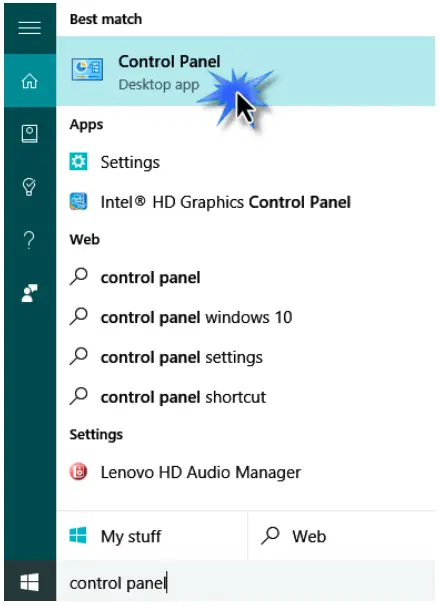
- Open Control Panel using the Start menu or Search function.

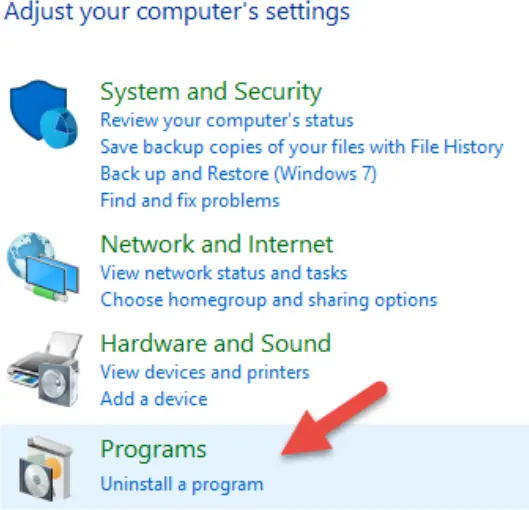
- Select Uninstall a program under the Programs category.

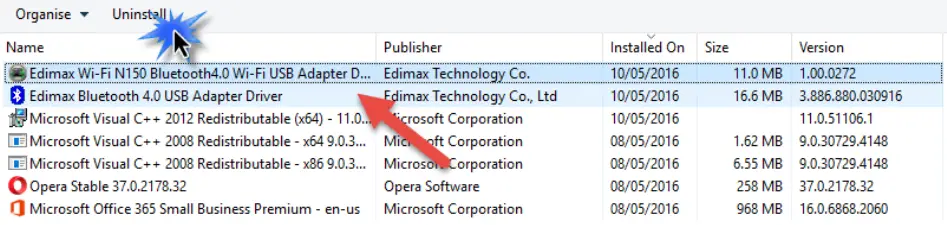
- Select Edimax BT-8500 (or similar) and Edimax Bluetooth 5.0 (or similar) and click Uninstall.


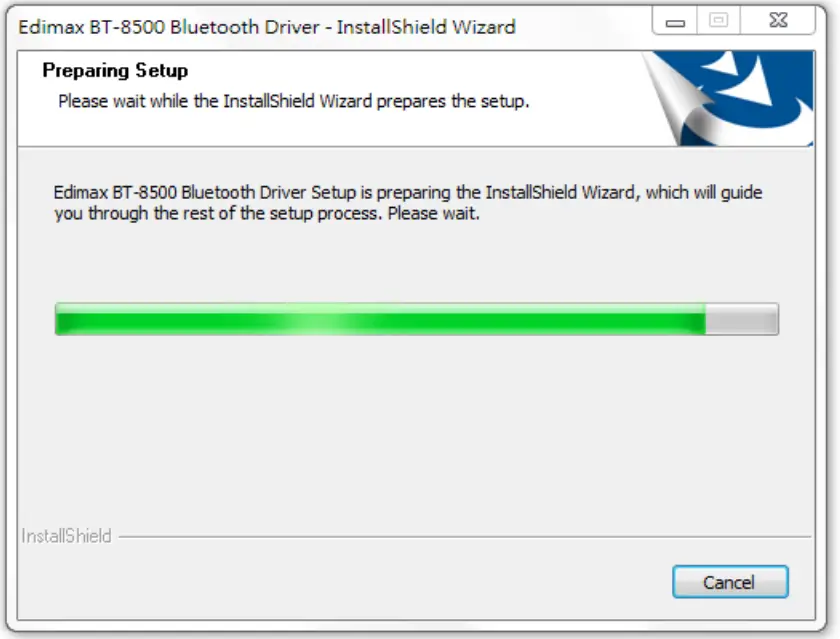
- Click Yes to continue.

- Select restart your computer now or later and click “Finish”.


CONTACT
Edimax Technology Co., Ltd.
Address: No. 278, Xinhu 1st Rd., Neihu Dist., Taipei City, Taiwan
Email: [email protected]
Edimax Technology Europe B.V.
Address: Fijenhof 2, 5652 AE Eindhoven, The Netherlands
Email: [email protected]
Edimax Computer Company
Address: 530 Technology Drive Suite 100, Irvine, CA 92618, USA
Email: [email protected]
 EDIMAX - Download