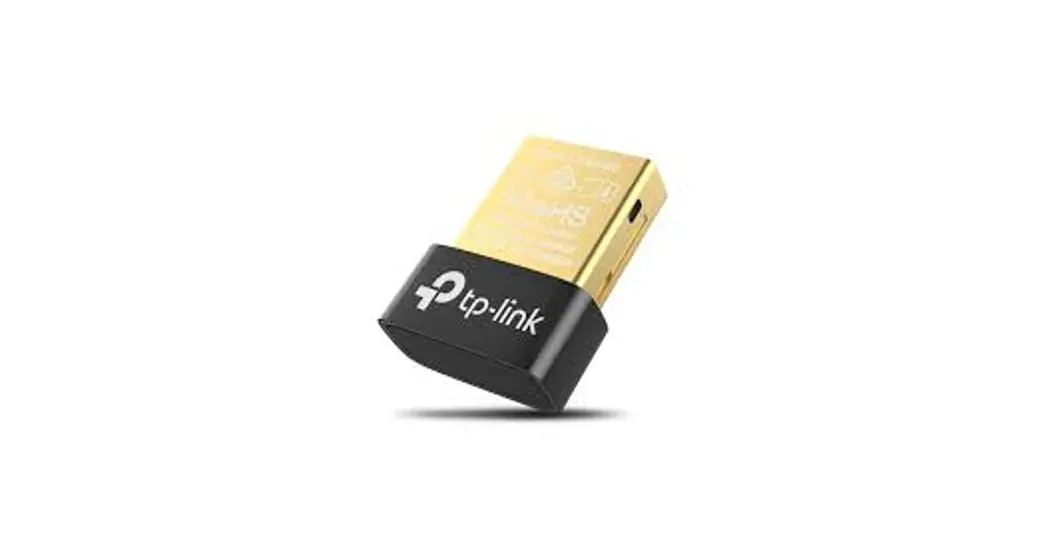
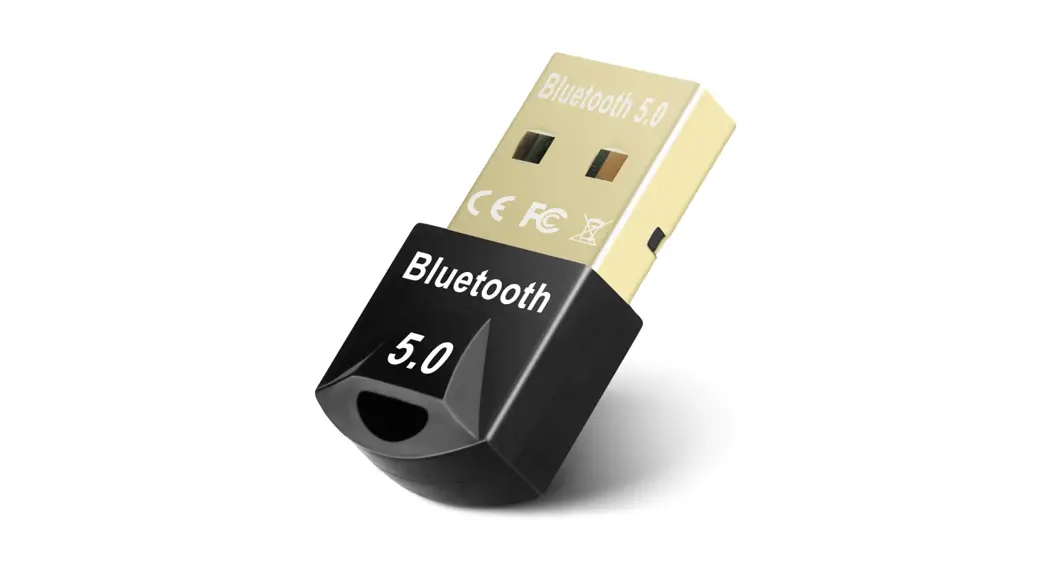
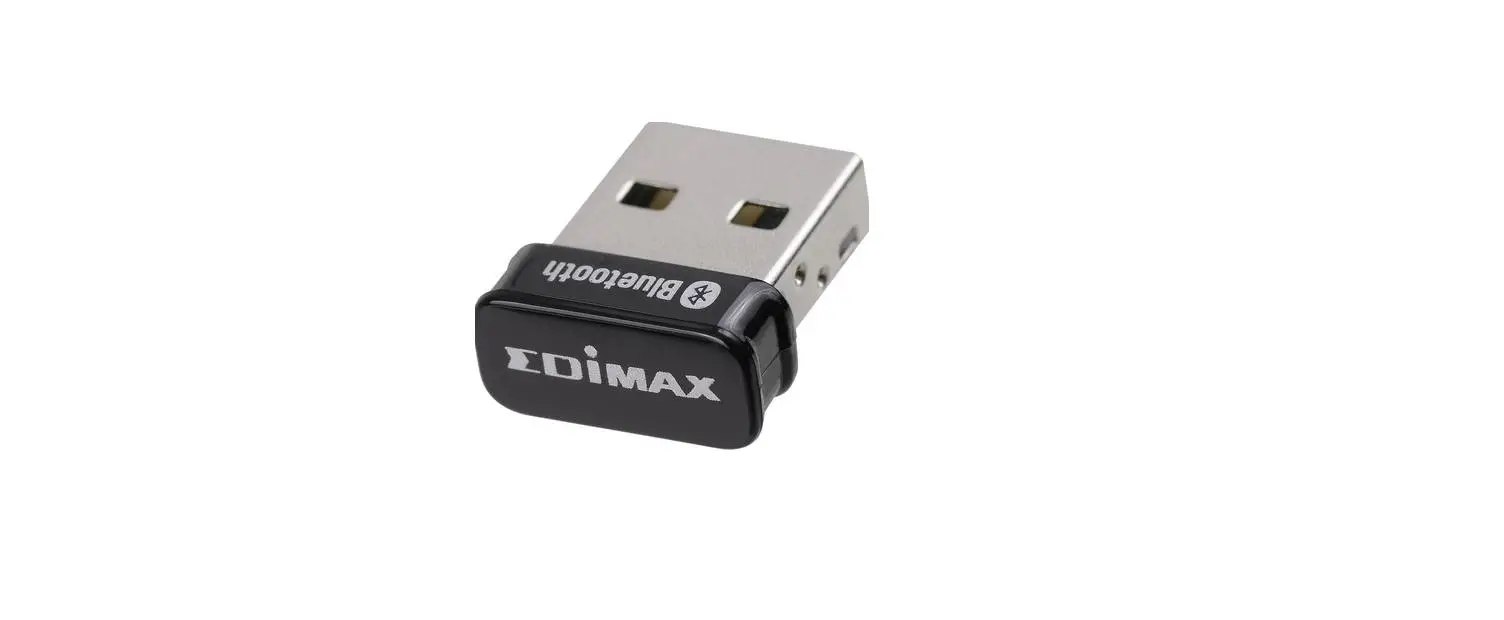
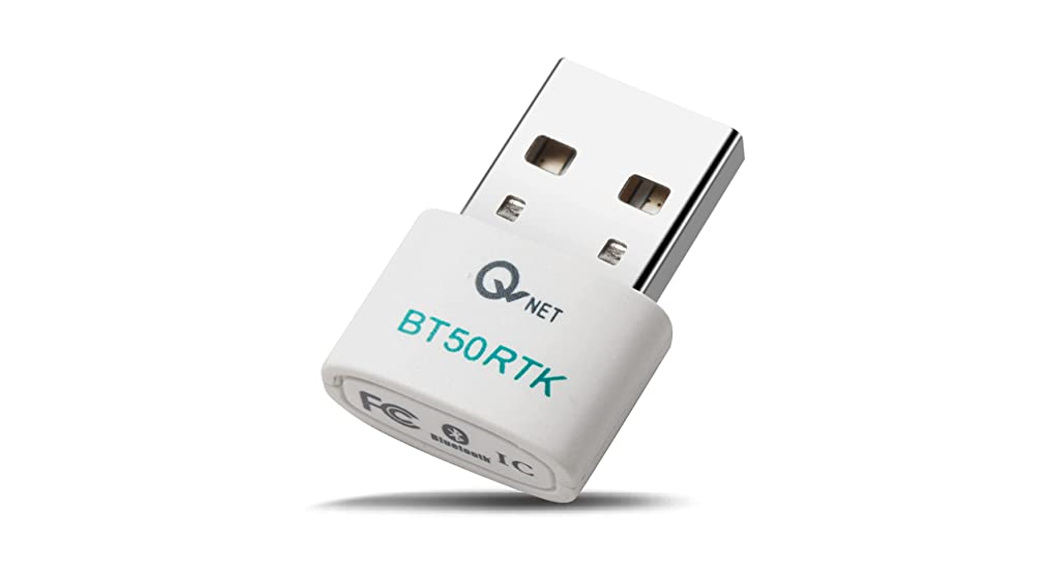
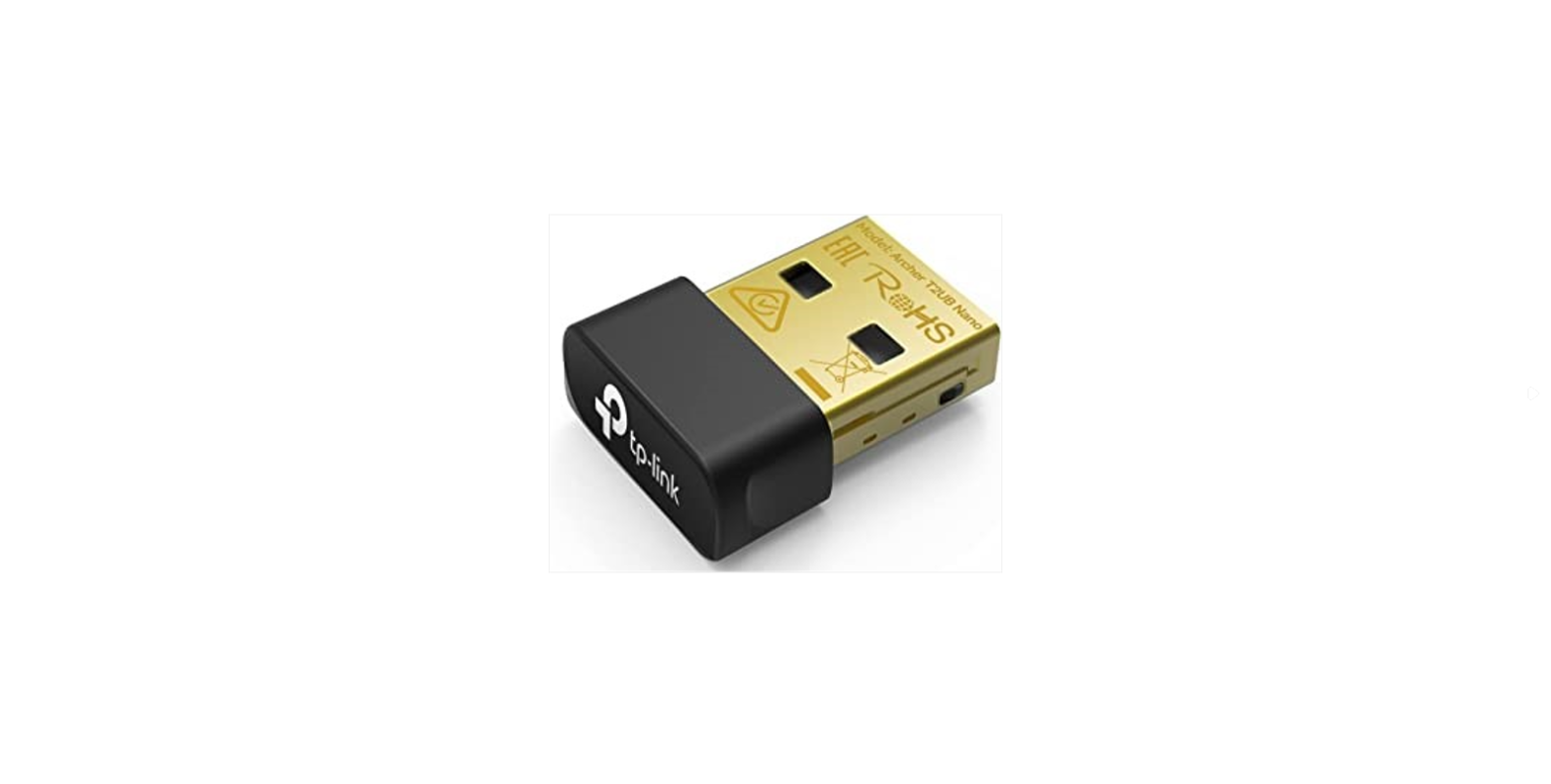
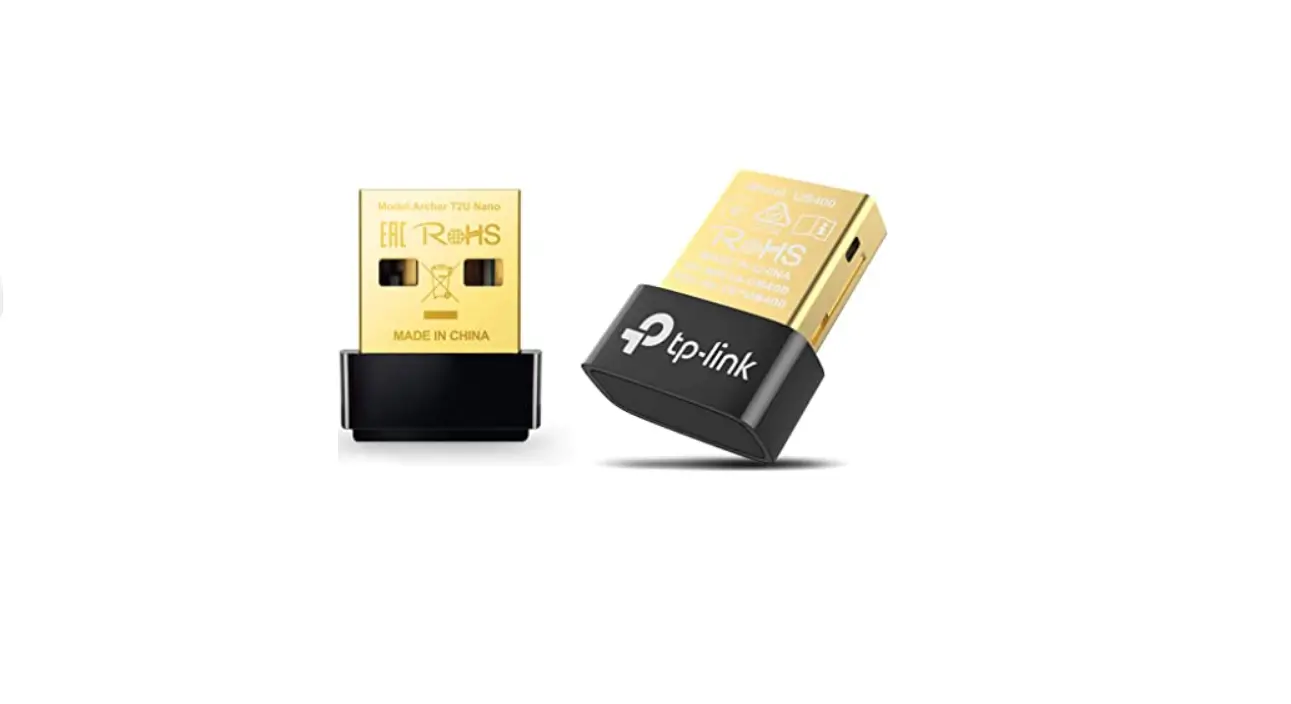
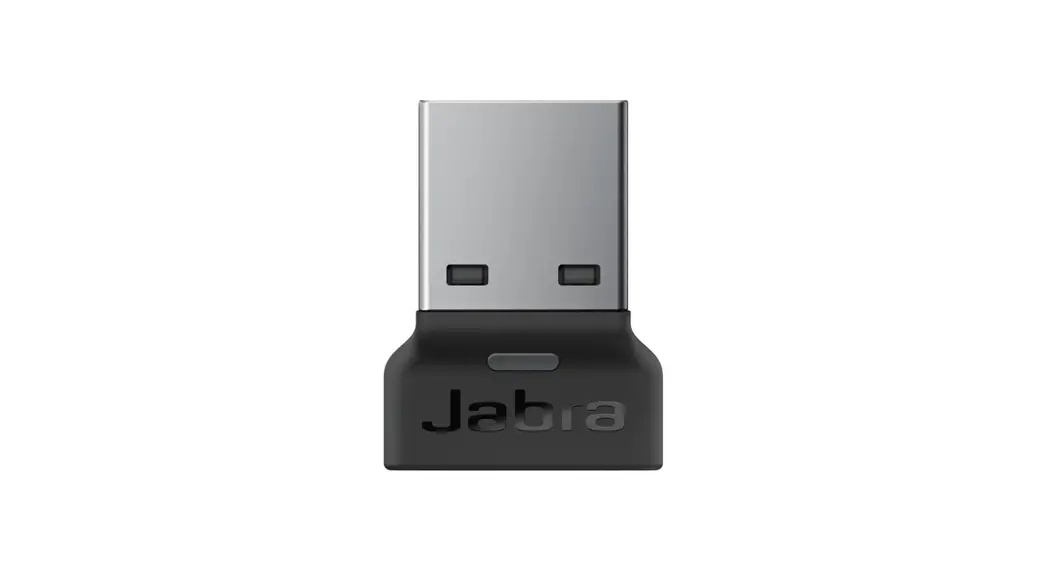
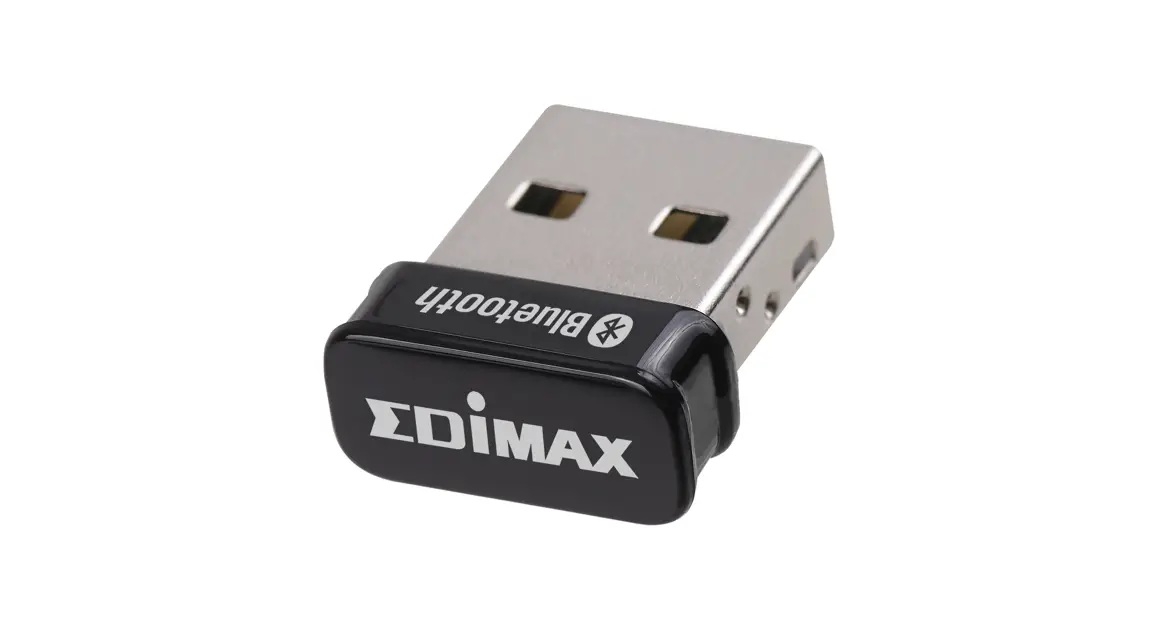
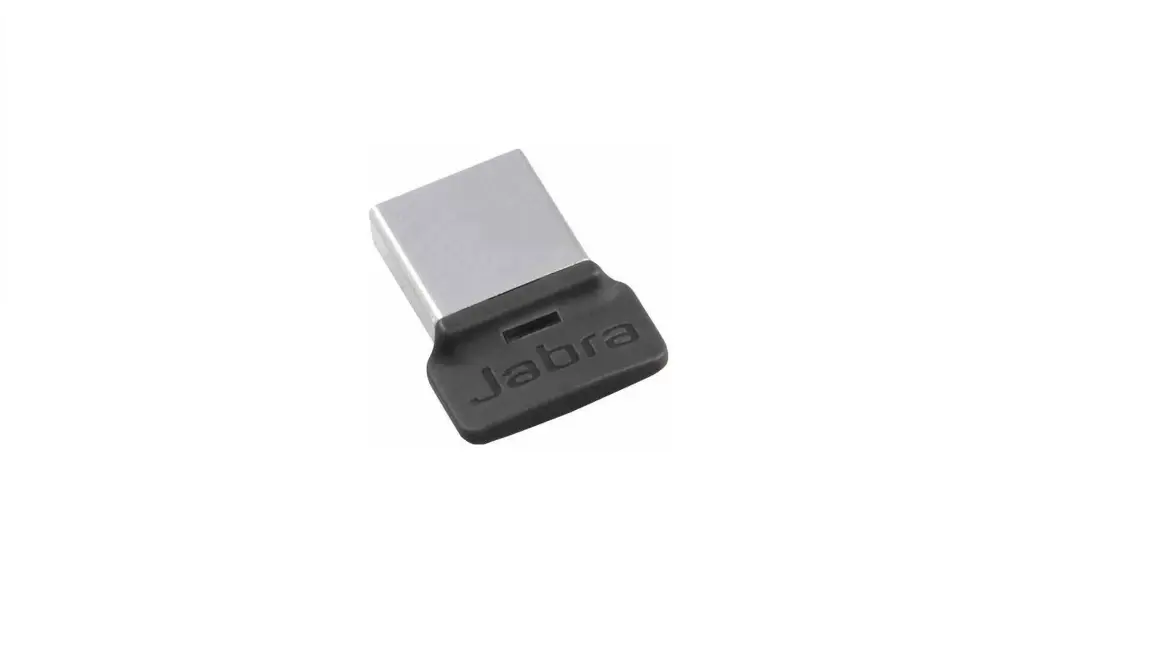
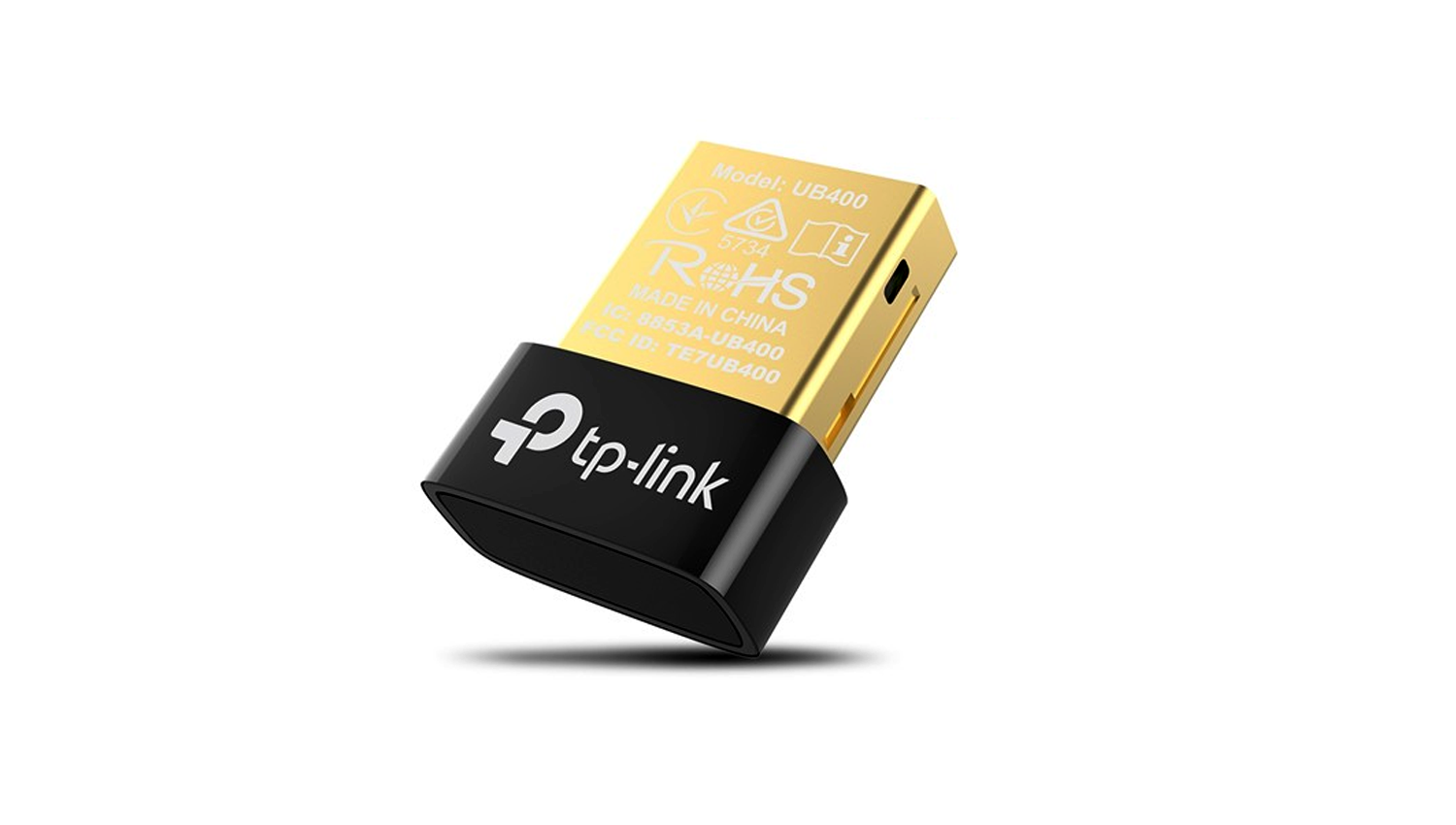
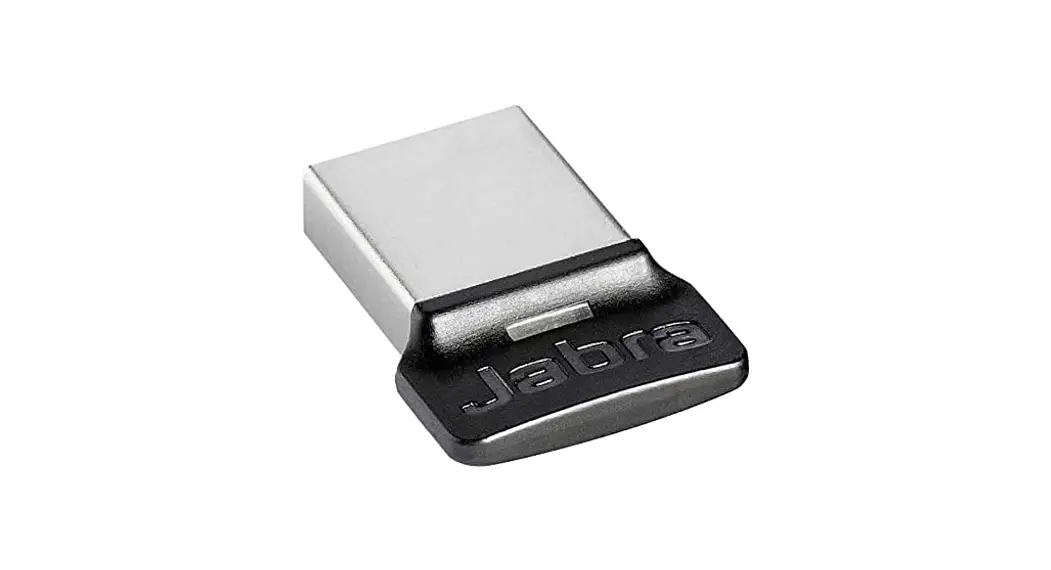
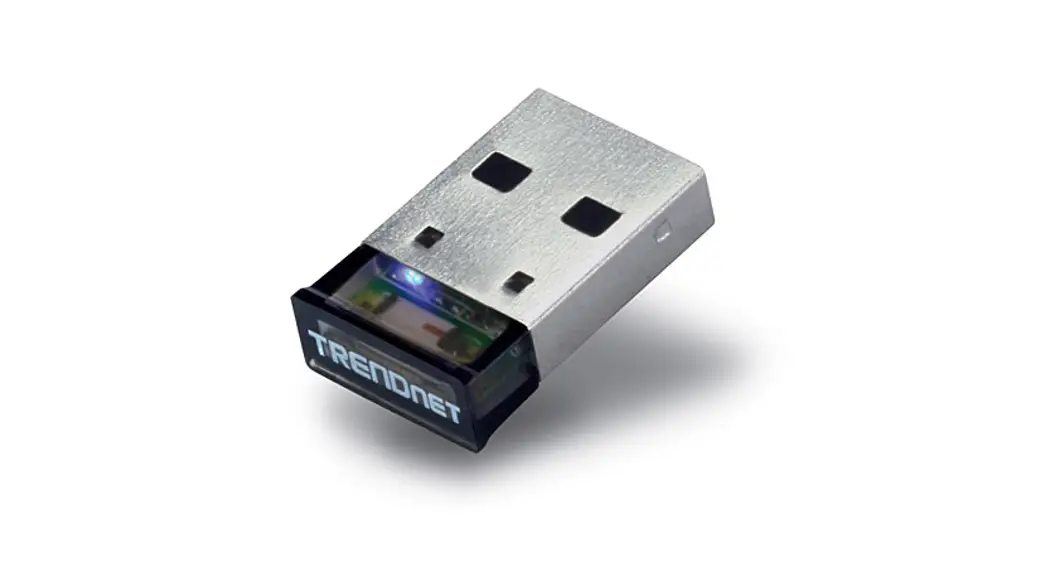
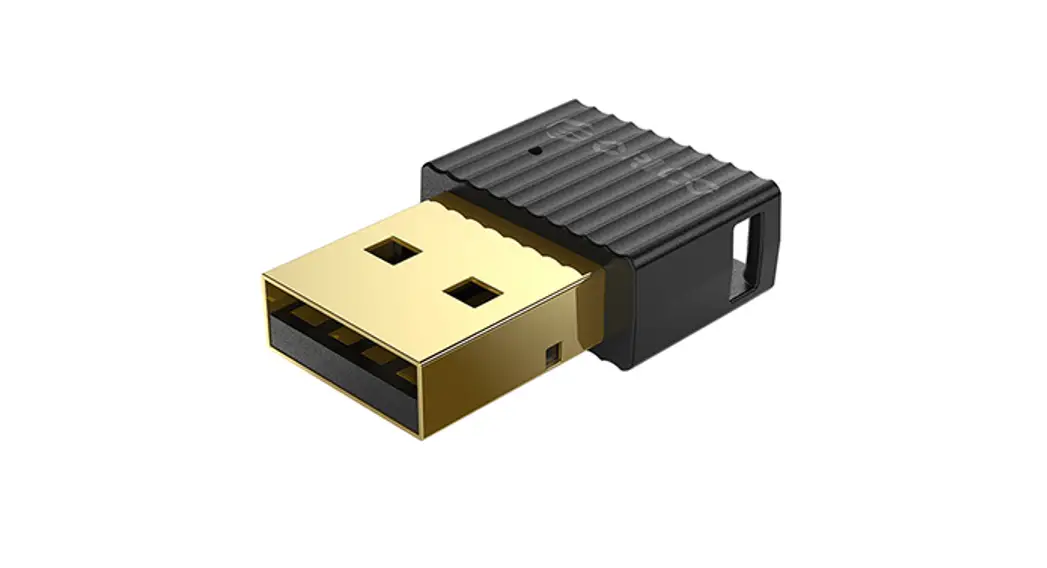
RTl802 Bluetooth USB Adapter
Product Information:
Product Name: Bluetooth USB Adapter
Installation Guide: Included
Compatible Operating System: Windows 10 (example given)
Package Contents: Bluetooth adapter, driver disk
Product Usage Instructions:
Part 1: Installation
1. Connect the Bluetooth adapter to your computer.
2. Insert the driver disk included in the package into your
computer’s disk drive.
3. Double click on the file named “Setup.exe” to start the
installation process.
Part 2: Pairing with Your Device via Bluetooth
1. Locate the Bluetooth icon on the bottom right of your system’s
toolbar.
2. Right-click on the Bluetooth icon to open a menu.
3. Click on “Add a Bluetooth Device” from the menu.
4. Follow the on-screen instructions to pair your device with the
Bluetooth adapter.
Please note the following precautions for optimal
performance:
– Reorient or relocate the receiving antenna to improve signal
reception.
– Increase the separation between the equipment and the receiver to
reduce interference.
– Connect the equipment into an outlet on a circuit different from
that to which the receiver is connected.
– If you experience difficulties, consult the dealer or an
experienced radio/TV technician for assistance.
Note: Any changes or modifications not expressly
approved by the responsible party for compliance may void the
user’s authority to operate the equipment.
Bluetooth USB Adapter
Installation Guide
Part 1,Take Windows 10 as an Example 1Connect Bluetooth adapter to computer, insert our disk which contains a driver file and double click “Setup.exe” to start
Part 2,Pair with Your Device via Bluetooth 1. Select the Bluetooth icon on bottom right of our system’s tool
bar,then right click to pullout a man bar. Click”Add a Bluetooth Device”
NOTE: This equipment has been tested and found to comply with the limits for a Class B digital device, pursuant to part 15 of the FCC Rules. These limits are designed to provide reasonable protection against harmful interference in a residential installation. This equipment generates, uses and can radiate radio frequency energy and, if not installed and used in accordance with the instructions, may cause harmful interference to radio communications. However, there is no guarantee that interference will not occur in a particular installation. I f this equipment does cause harmful interference to radio or television reception, which can be determined by turning the equipment off and on, the user is encouraged to try to correct the interference by one or more of the following measures:
– Reorient or relocate the receiving antenna.
– I ncrease the separation between the equipment and receiver.
-Connect the equipment into an outlet on a circuit different from that to which the receiver is connected.
-Consult the dealer or an experienced radio/ TV technician for help.
Changes or modifications not expressly approved by the party responsible for compliance could
void the user’s authority to operate the equipment.