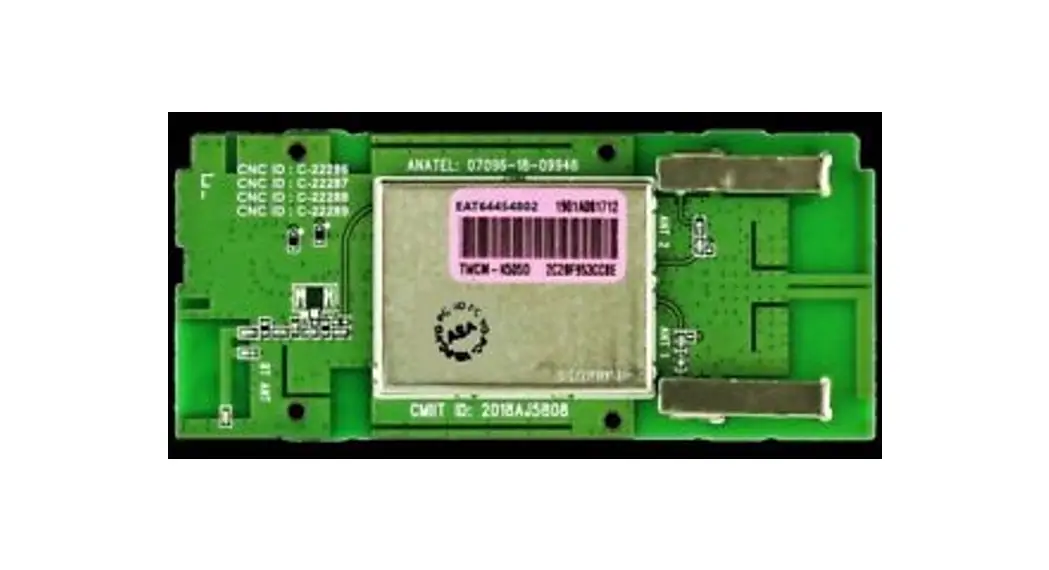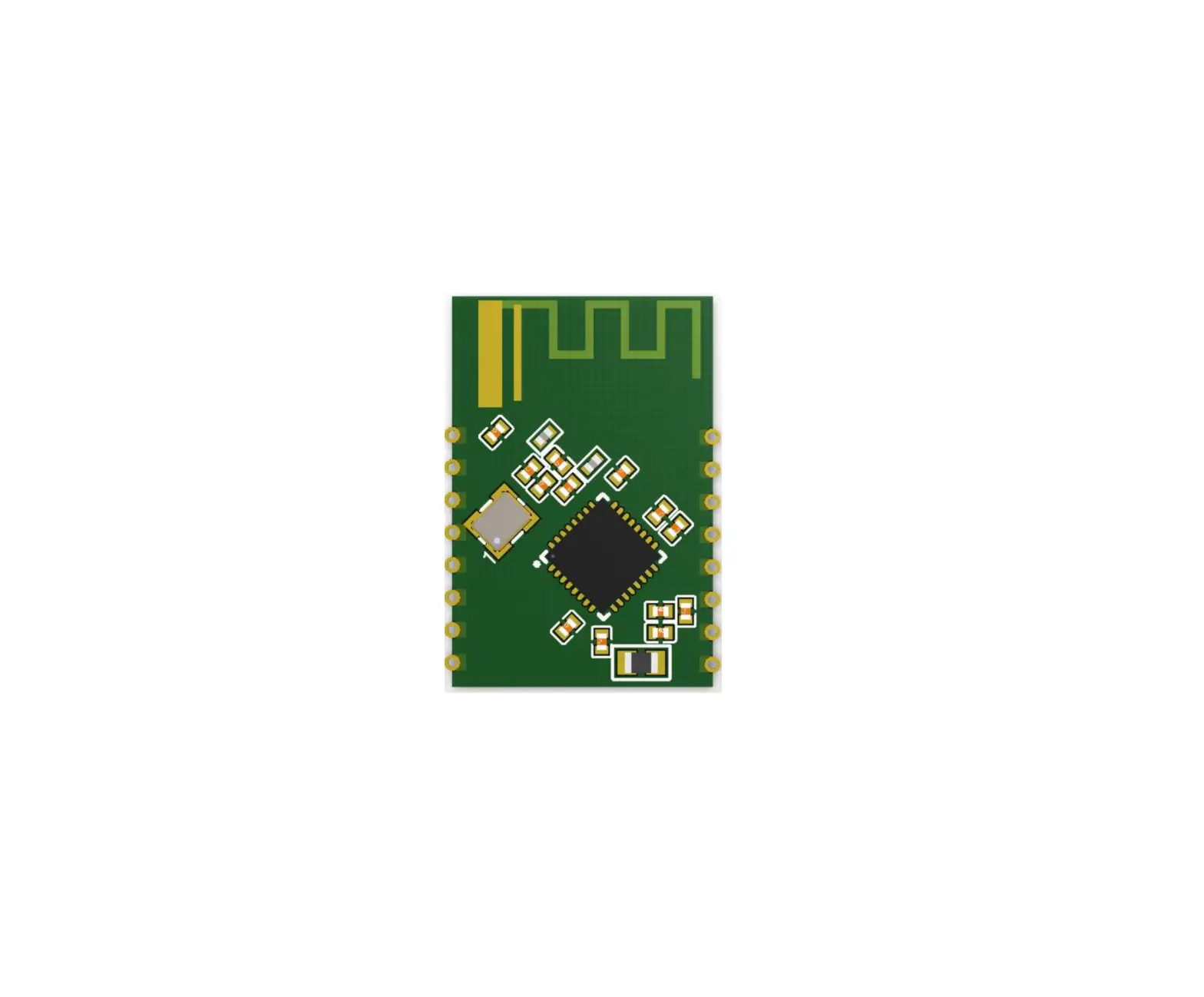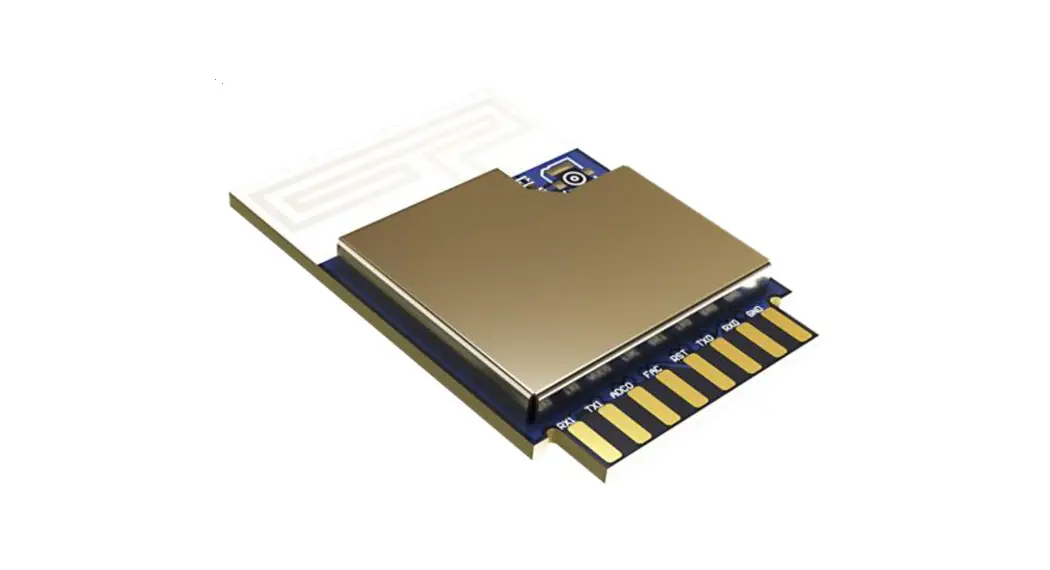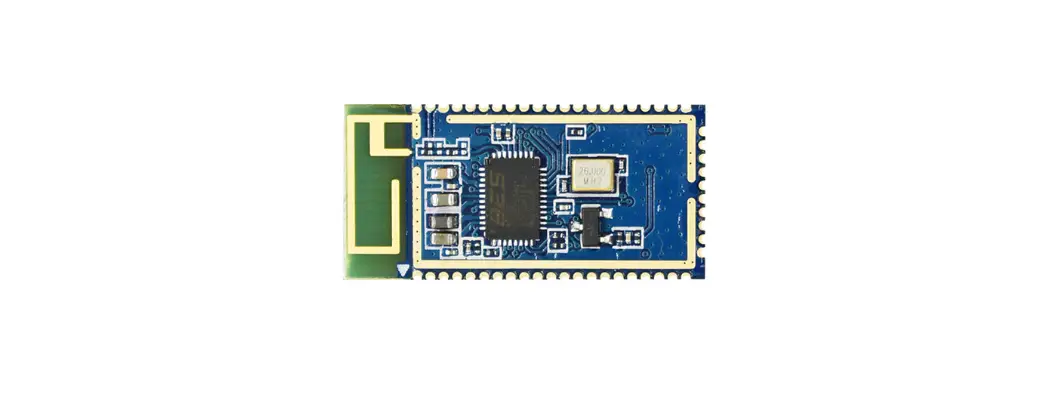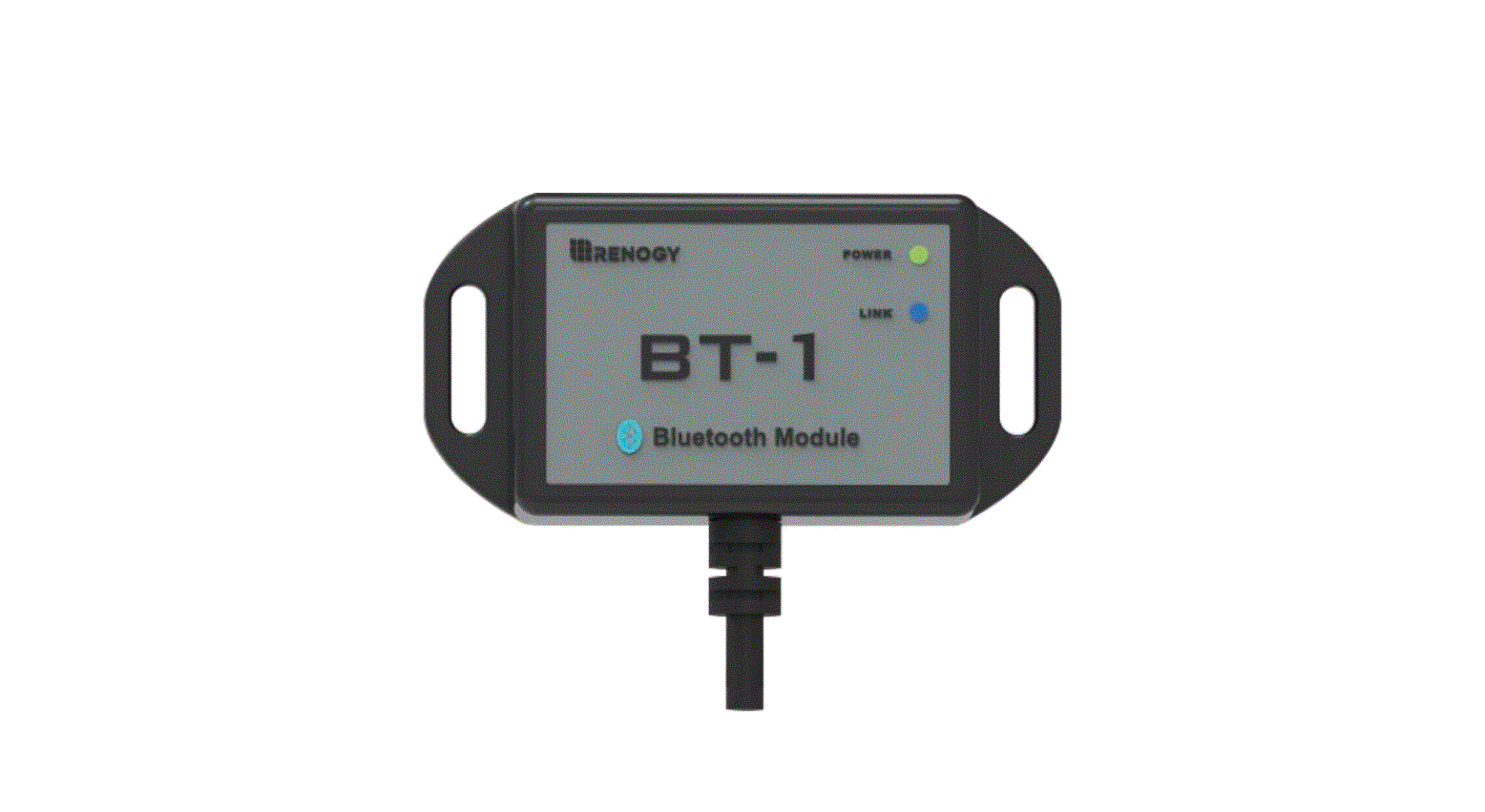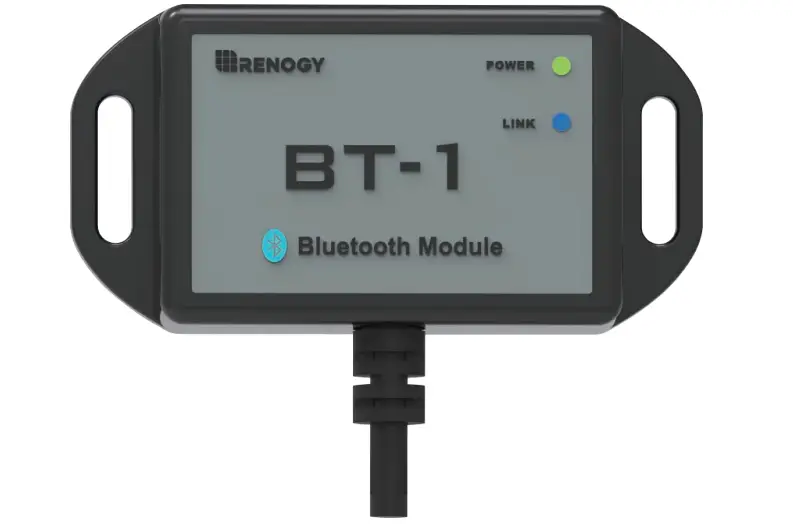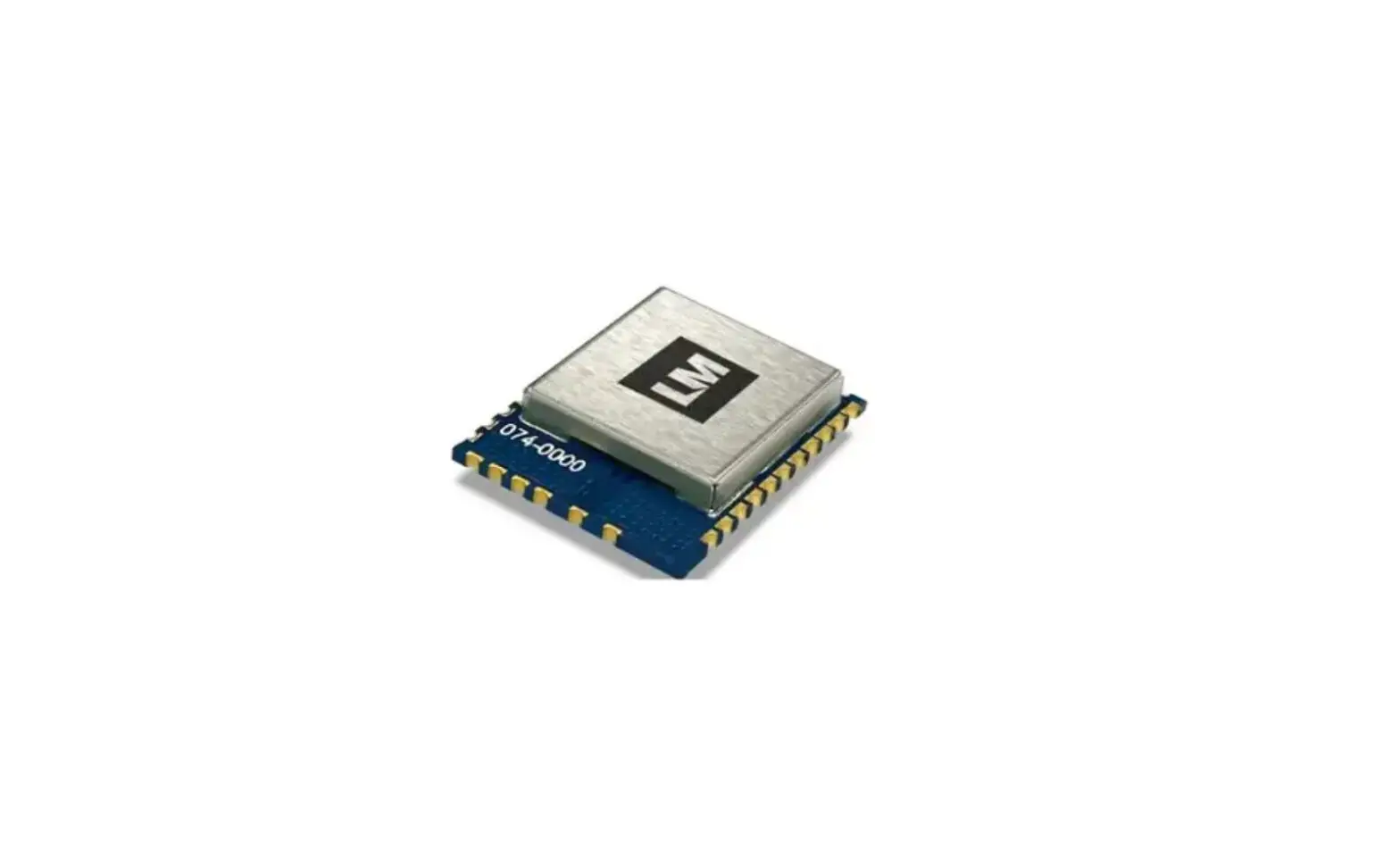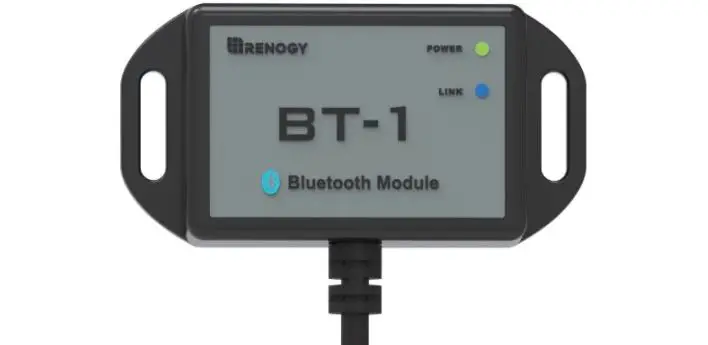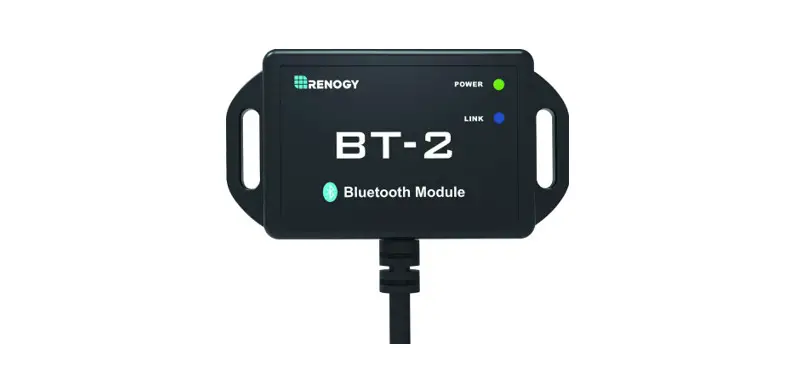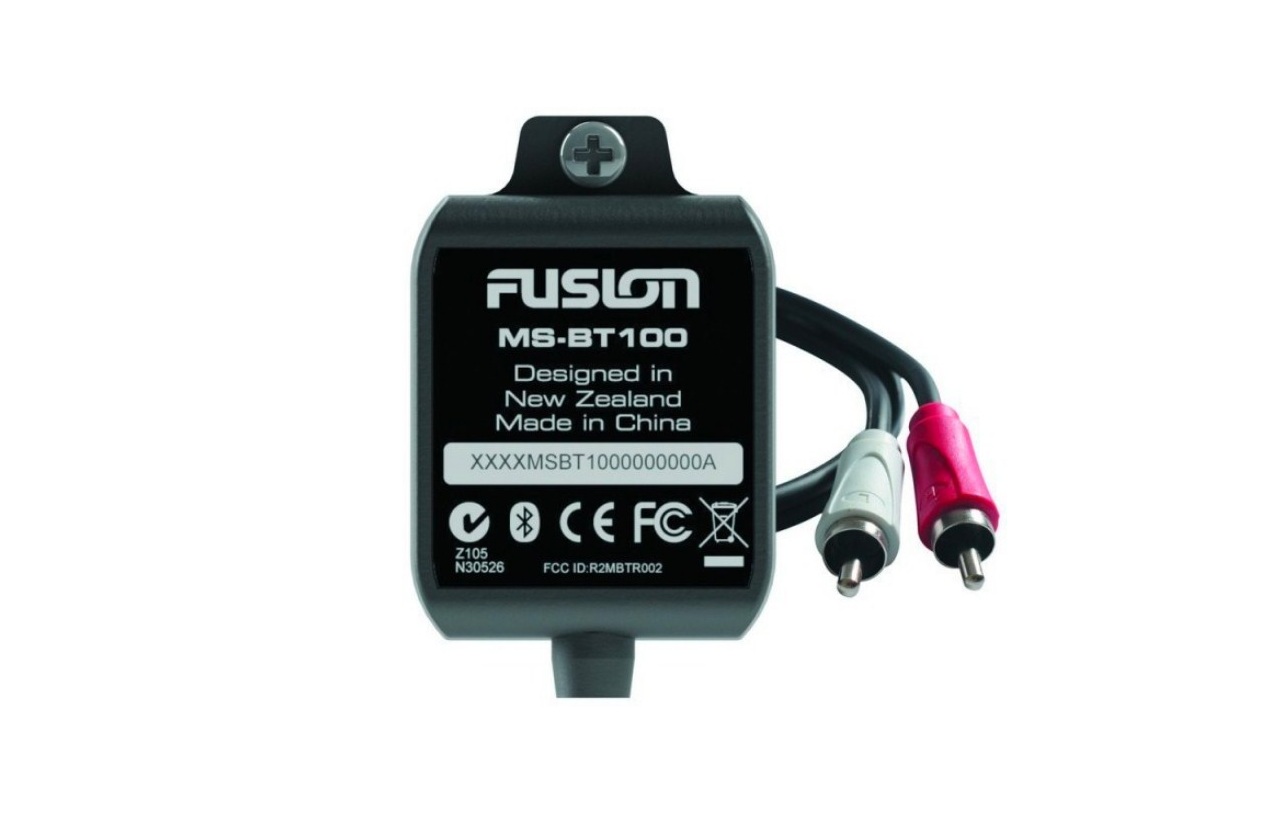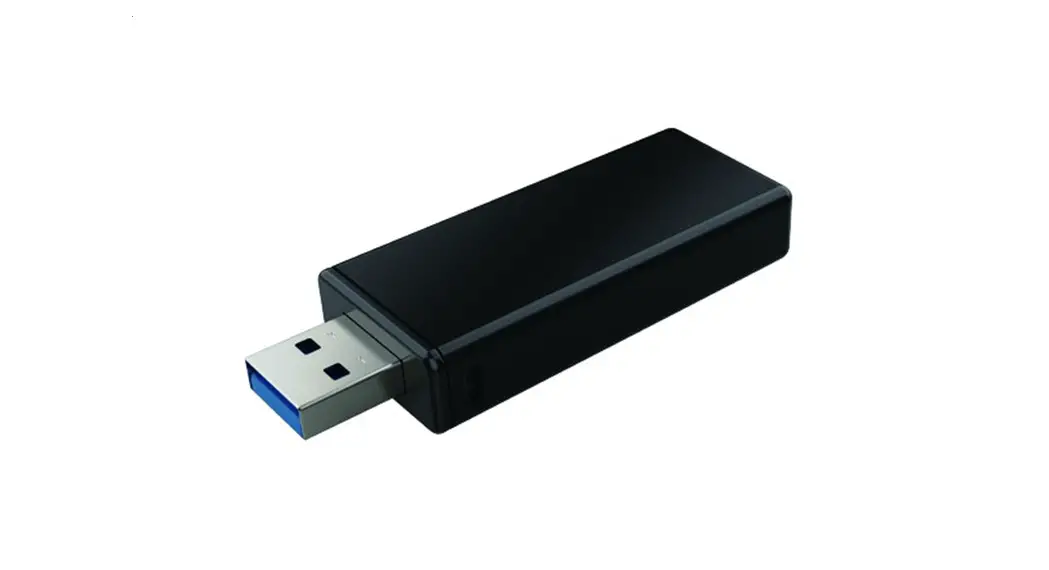
340-00621-01 Bluetooth Module


Bluetooth Module
Quick Installation Guide
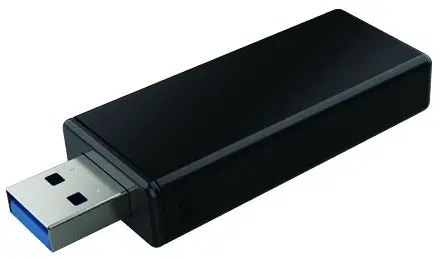
 Technical Data
 Technical Data
| Technical Data | Bluetooth Module |
| Input Voltage | 5V |
| Self-Consumption | 0.3W |
| Size (Width* Height*Depth) | 67.5mm*24mm*11mm |
| Operating Temperature Range | -25℃~60℃ |
| Operating Altitude | <4000m |
| Protection Degree | IP20 |
| Installation | Plug Type |
| Transmission Rate | UART: 115200bps |
| Frequency Range | 2.402GHz – 2.480GHz |
| Connection Distance | ≤10m |
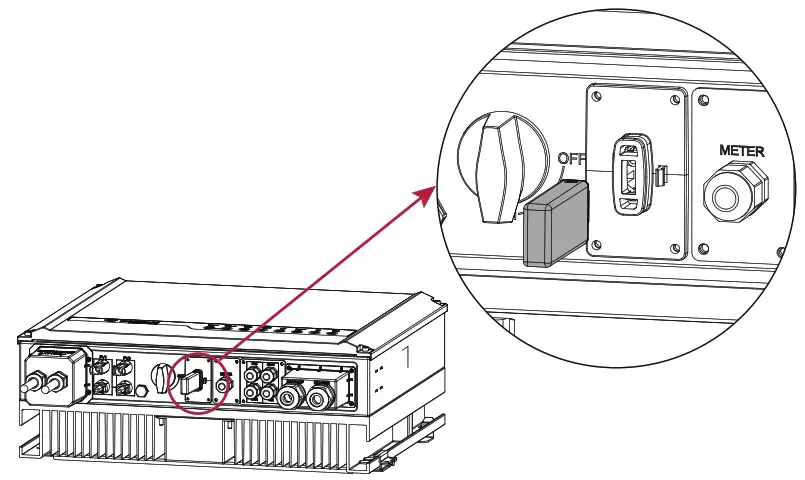
Installation
Insert the Bluetooth into the COM port (USB-type communication port).
Commissioning
LGES PV Master for hybrid inverter
- Make sure the Bluetooth indicator (yellow) is double flashing.
Attention: When plugging the module, press the RESET button to recognize the module. - Turn on the Bluetooth function on your smart phone.
Attention: The Bluetooth module is designated for inverter’s commissioning. Please remove Bluetooth module as commissioning finished, as it is not waterproof.
Download and install the LGES PV Master.

Bluetooth Configuration
Open the LGES PV Master App and follow the steps below to complete commissioning.
Step1: Click “+ Connect Device”.
Step2: Click “Inverter with Bluetooth”.
Step3: Pull to refresh the inverter list on Device List page. Connect to the right device by selecting the device name SOL-BLE**.
Note: *represents the last eight digits of inverter’s SN.
Step4: To make sure inverter Bluetooth is connected to your smart phone successfully, please make sure the system parameters shows up on Overview page.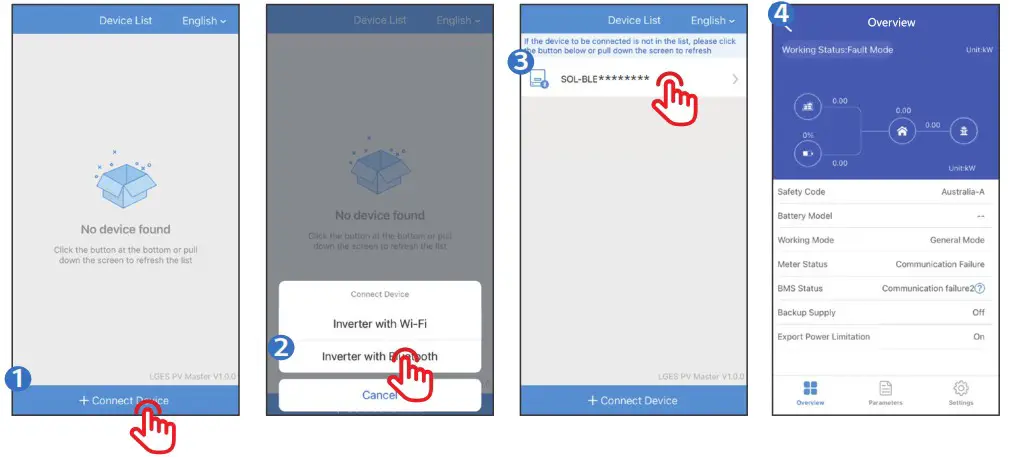
LG Energy Solution Australia Pty Ltd
Unit 12, 35 Dunlop Rd, Mulgrave, VIC 3170
T: 1300 178 064 [AEST Business hours]
www.lghomebattery.com/au
[email protected]
 LG ESS Battery|USA