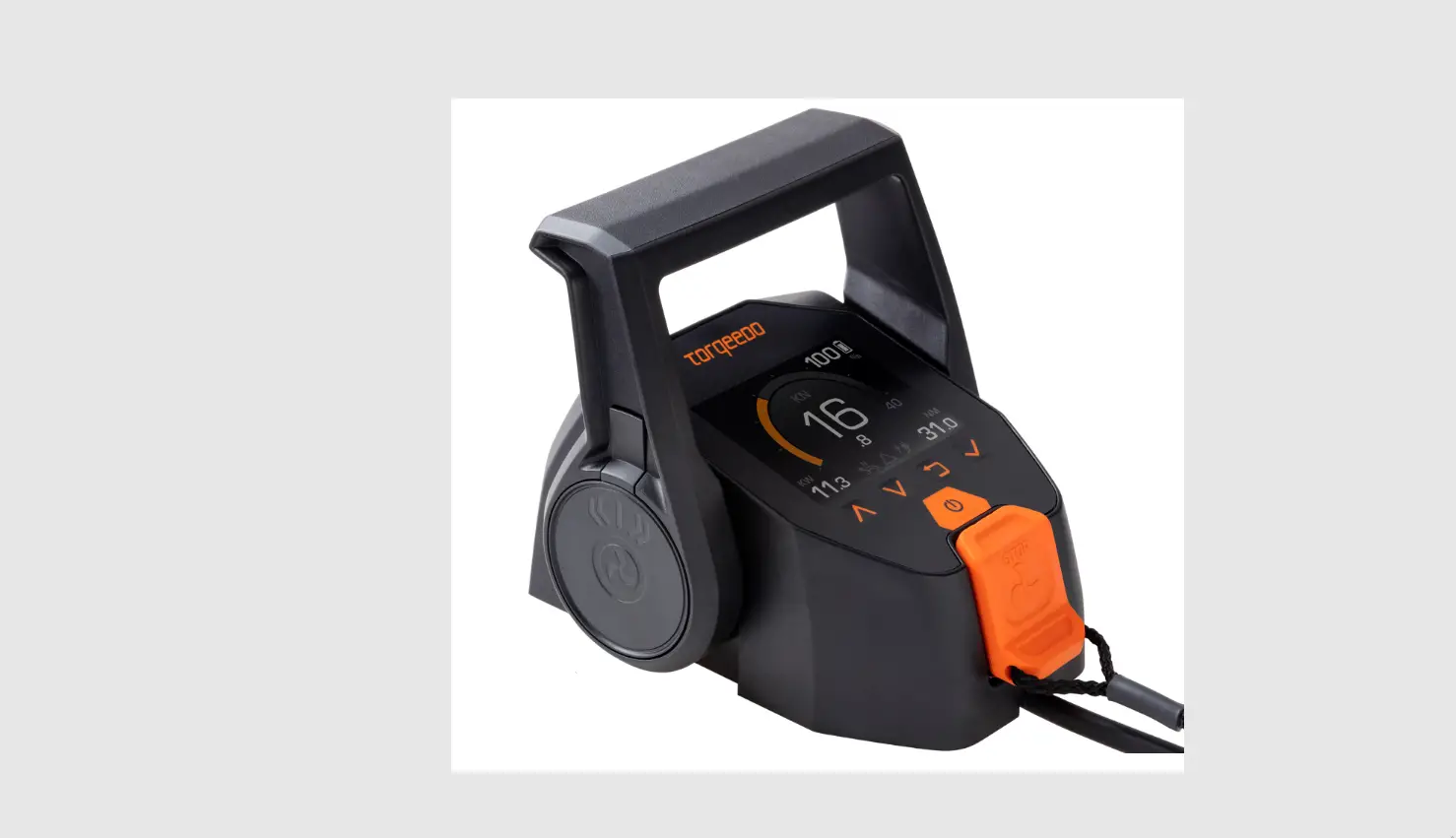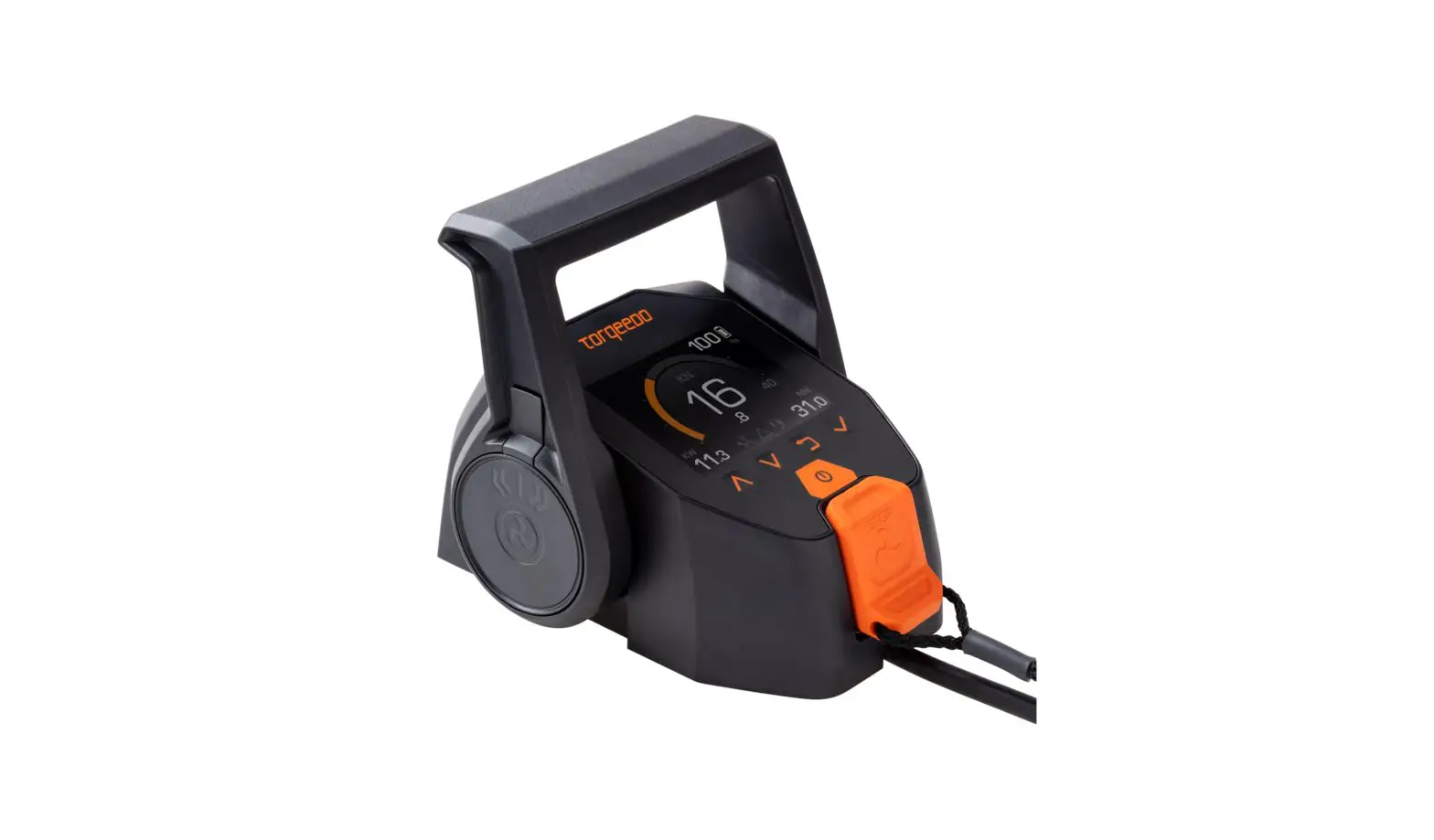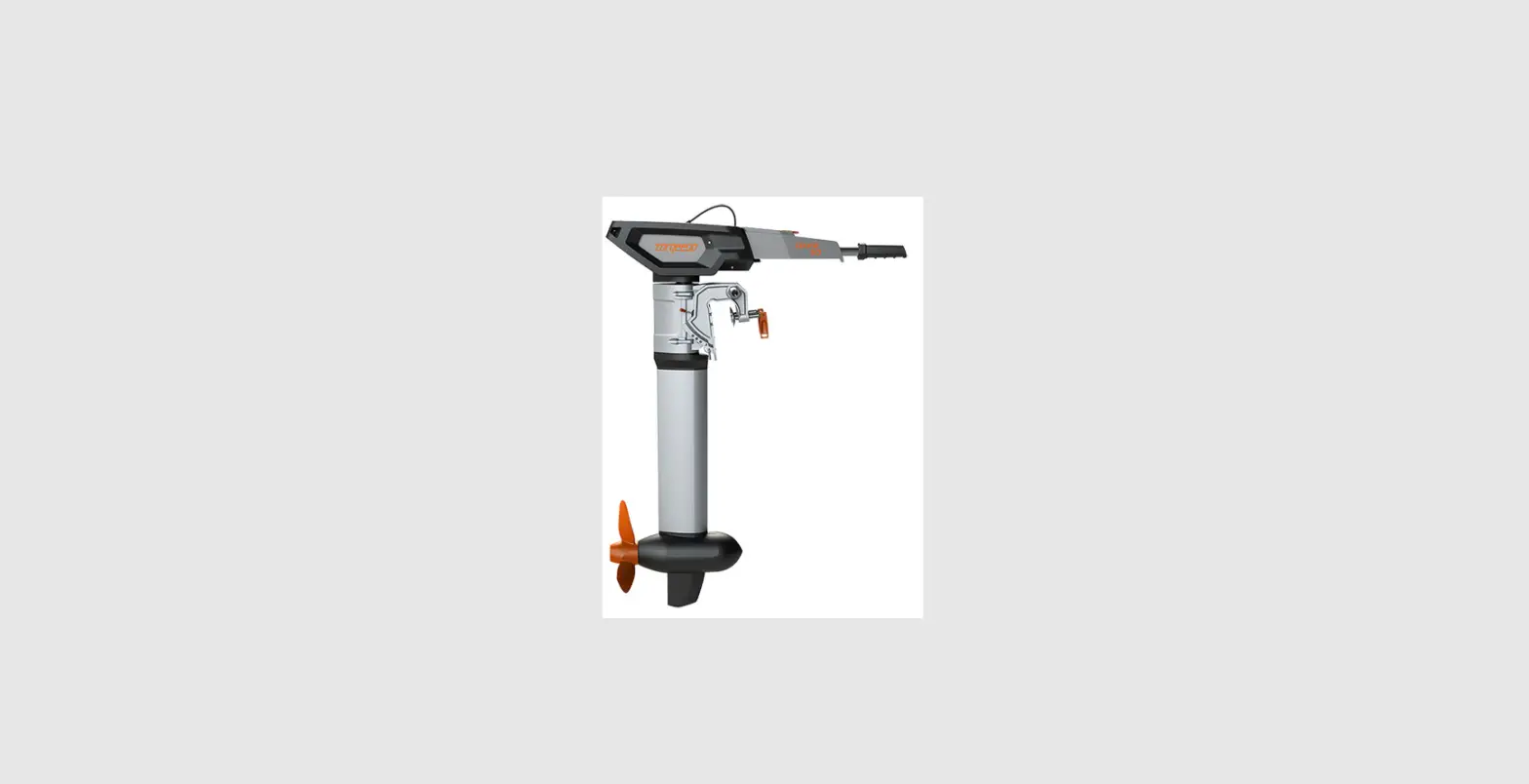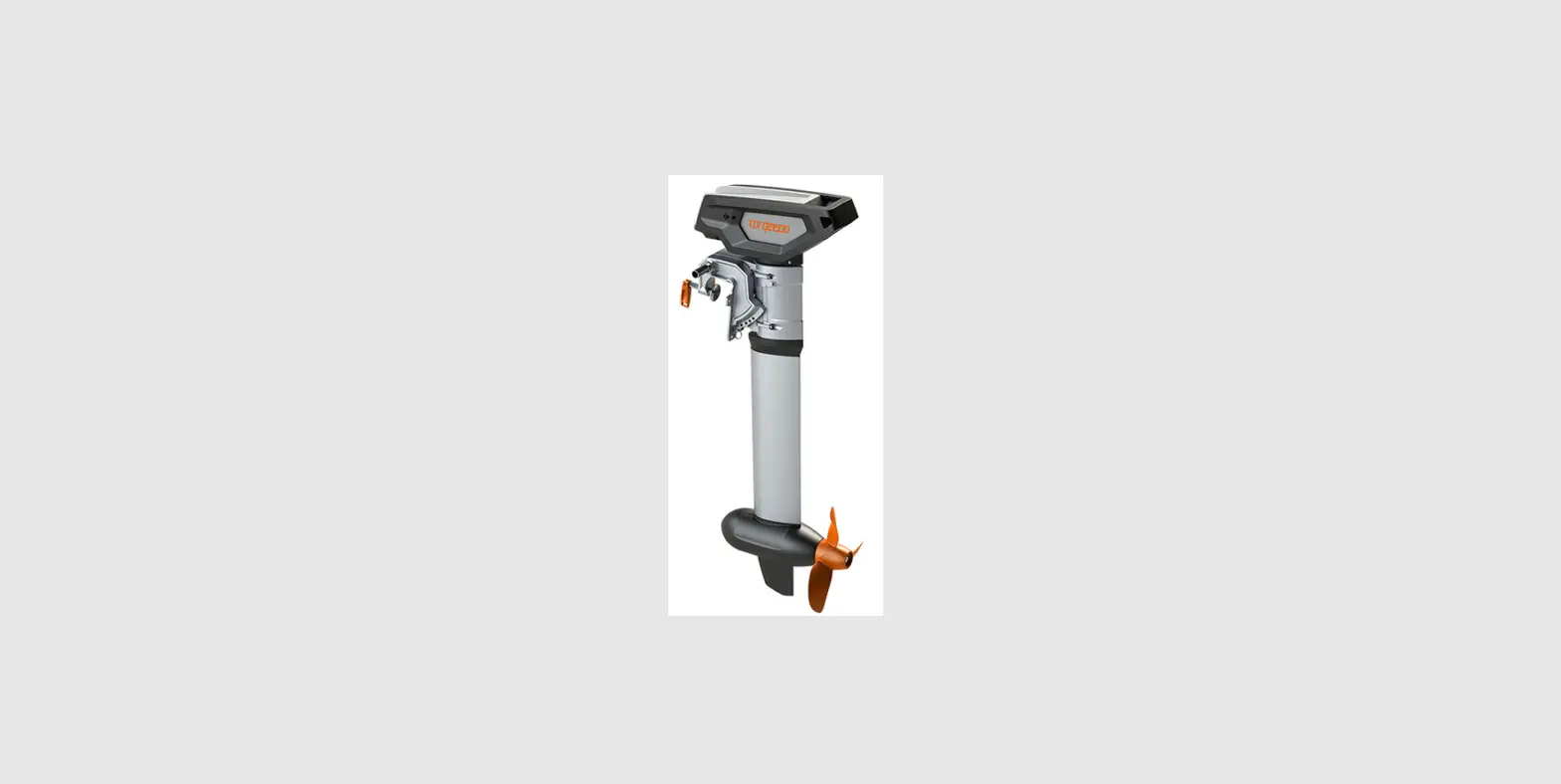

torqeedo 1976-00 TorqLink Throttle
Safety Instructions
- Check your product regularly for available firmware updates and install them.
- Firmware updates can contain important security functions. Make sure you always have the latest version installed and do not install any previous versions.
- CAUTION! Danger due to unmaneuverable boat. Medium or severe physical injuries can result. Only perform the firmware update when the boat is securely fastened or on land.
- Observe the safety instructions in the operating instructions for the TorqLink throttle.
Controls
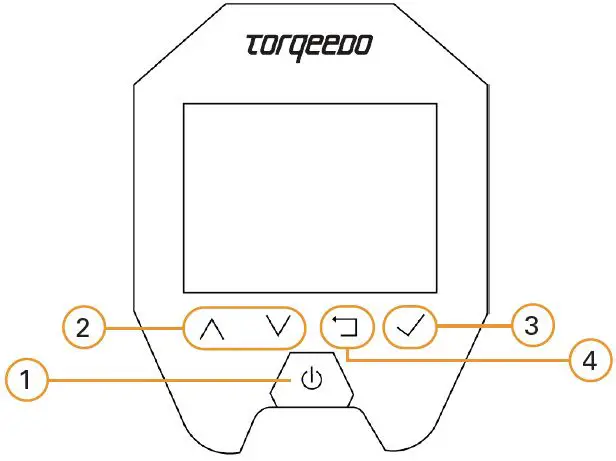
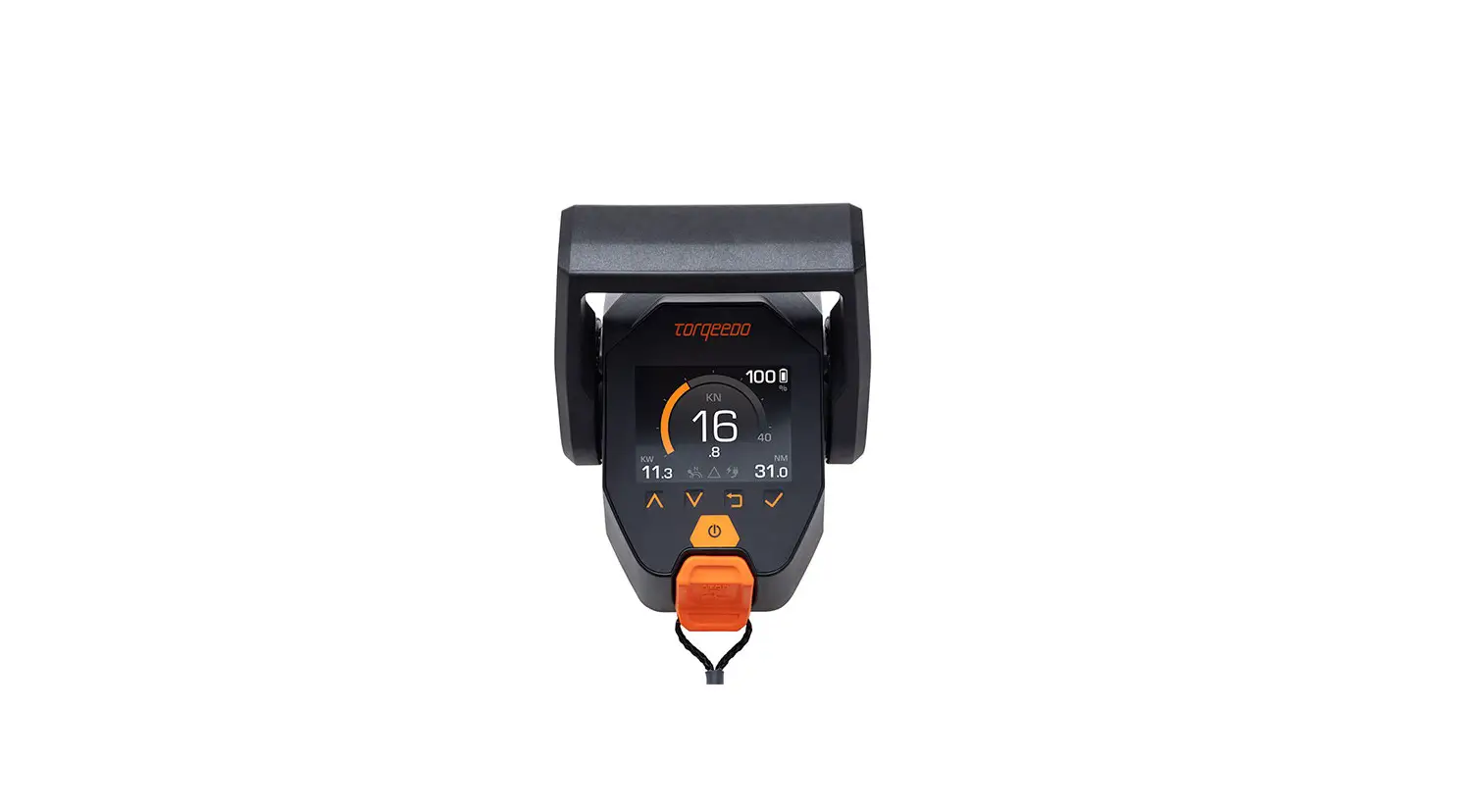
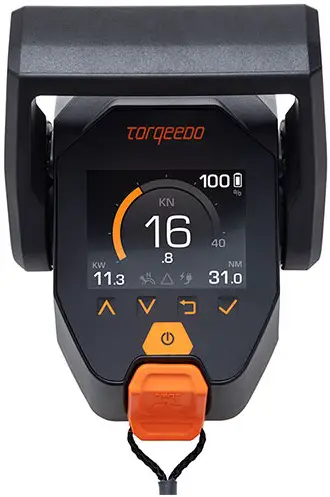
- Turn on/Turn off
- Scroll in menu
- Select/Confirm
- Return/Up in the menu
Check firmware version
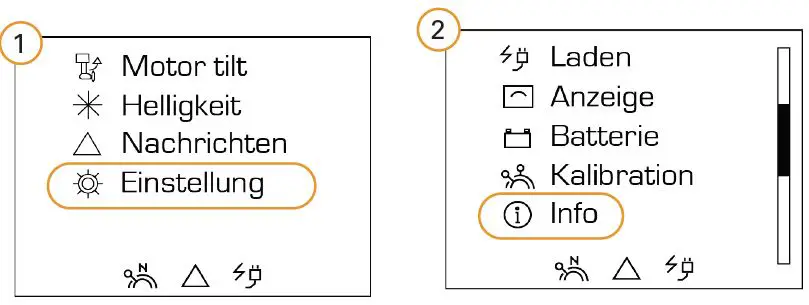
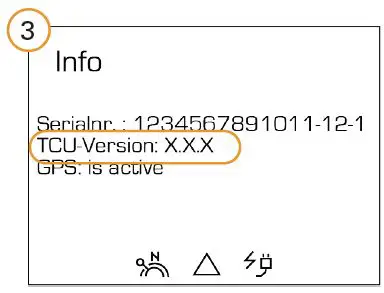
Install firmware updates
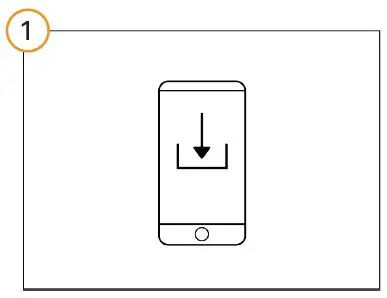
Download firmware updates
www.torqeedo.com.
You can find the firmware file in the download area of the throttle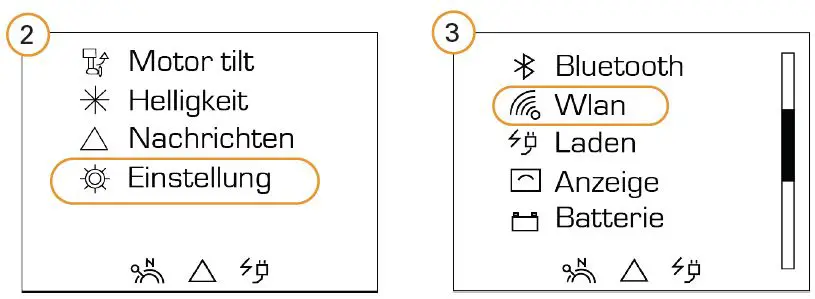
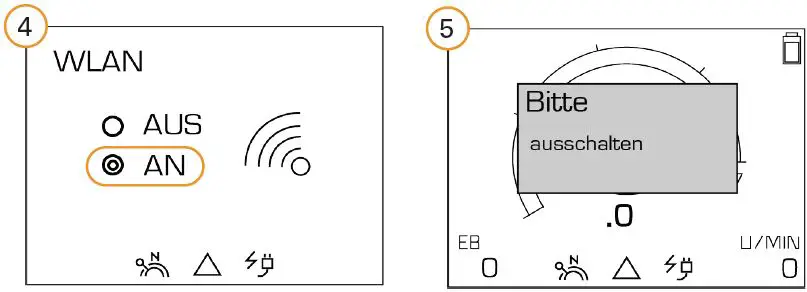
Important! Go to the main screen and reboot the system. Reboot the system even if the notice is not displayed.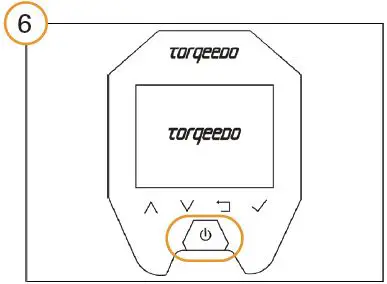
Reboot system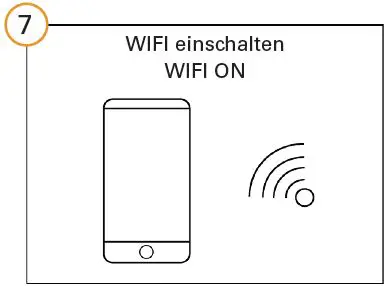
Connect your device to the throttle via WIFI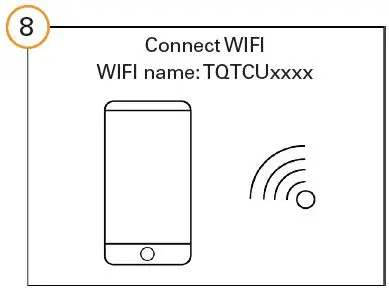
Open the URL in the browser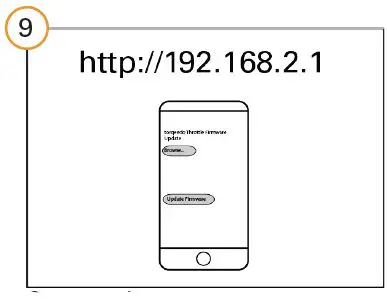
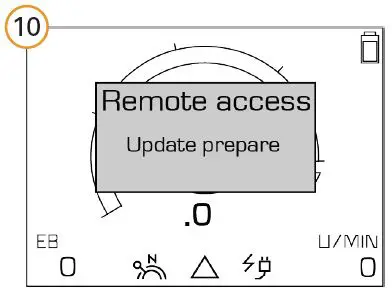
Open firmware update file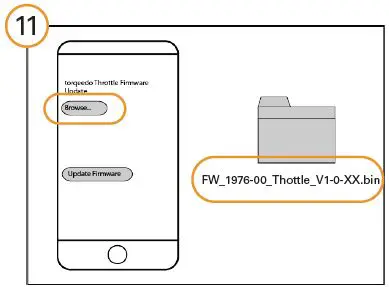
Install firmware udate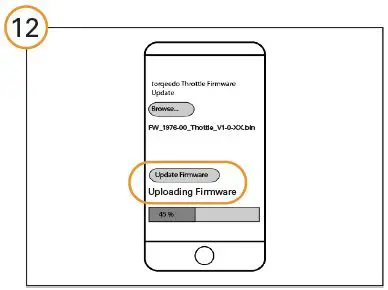
System switches off after installation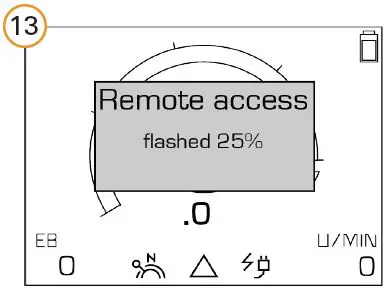
Restart system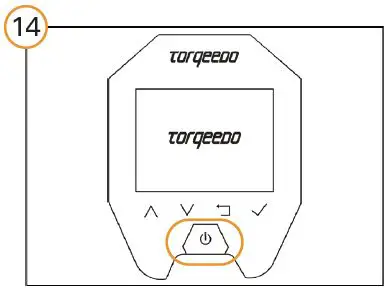
Check firmware update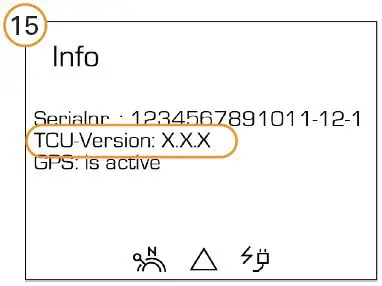
Disposal
Disposal according to EU Directive 2012 / 19 / EU (WEEE), as well as national laws. Do not dispose of with household waste.
Warranty Conditions
Warranty conditions and warranty certificates are available at www.torqeedo.com.
Torqeedo Service Centre
Torqeedo GmbH
Service Center Friedrichshafener Straße 4a 82205 Gilching, Germany
[email protected]
Phone: +49 8153 9215-126
Torqeedo Inc.
171 Erick Street, Unit D-2
Crystal Lake, IL 60014, USA
[email protected]
Phone: +1 815 444 8806.
All other countries
Contact details of service centers are available under www.torqeedo.com in the “Service Center” section.
 Electric Boat Drives | Torqeedo