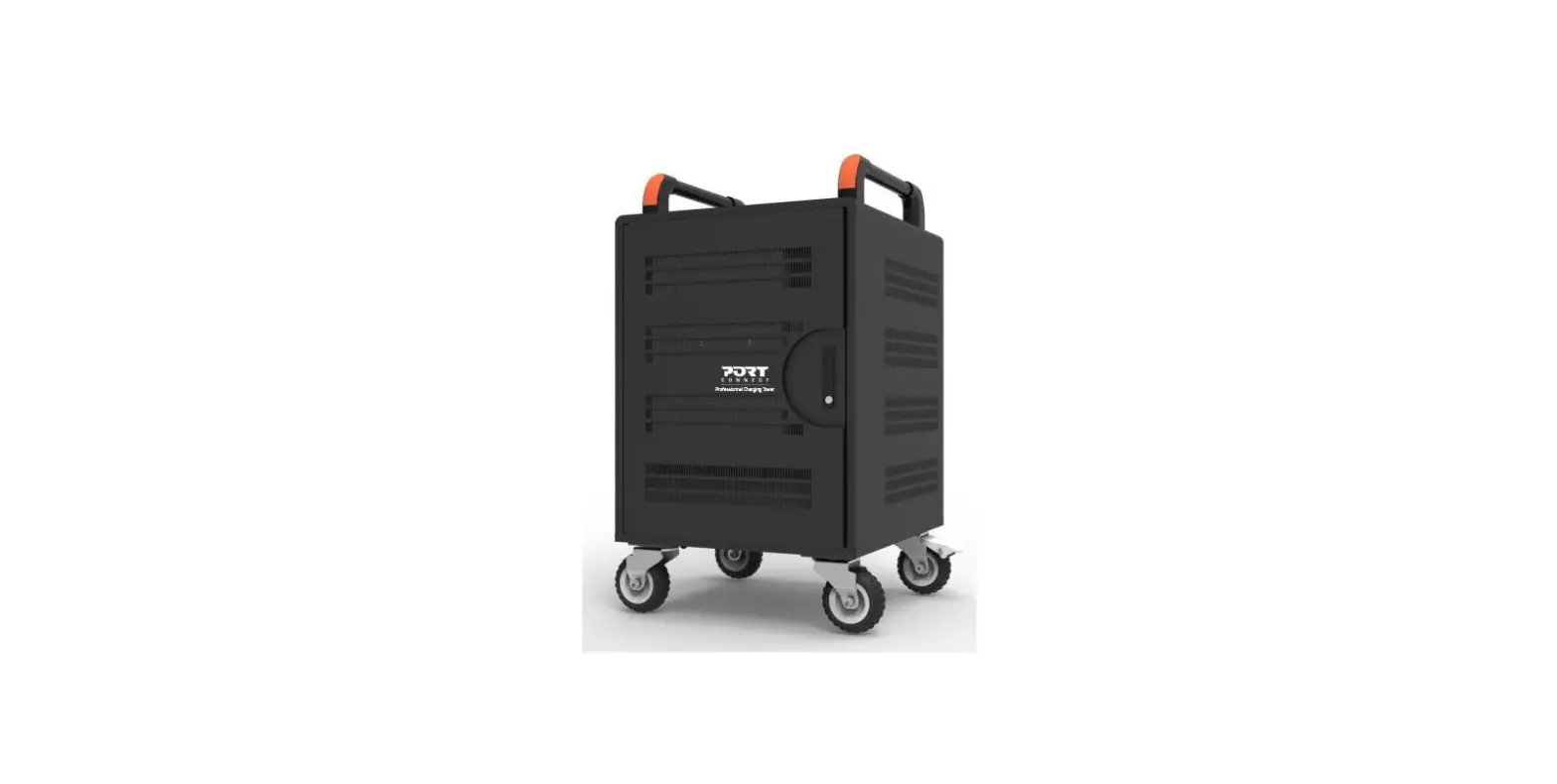
F11-10CC Charging Trolley
Product Information
The F11-10CC Charging Trolley is a device that can charge up to
10 USB-C devices simultaneously. It has a charging standard
complied with charging ability and LED indicators to show the
charging status of each device. The trolley has a slot size of
63×8.27×1.02 inches and a case size of 21.65×16.54×11.22 inches. It
can be connected to an AC power source with an input of
100-120V-50/60Hz and an output of 4A Max 5V-2.4A Max Apple2.4A
(Divider1/2/3), Samsung(D+/D- 1.2V), BC 1.2.
Product Usage Instructions
Before using the F11-10CC Charging Trolley, read the user manual
carefully. Here are the steps to use the trolley:
- Place the trolley on a flat surface near an AC socket, ensuring
that the ventilation system is not covered. - Open the charging trolley.
- Insert the power cord plug into the external connector of the
charging trolley and connect the other end with AC socket. - Press the power button to power the USB ports.
- Put tablets into the inner compartments of the trolley, connect
USB ports and tablets with USB cables, then tablets are charged.
The USB cables can be easily managed by tying them up into small
loops.
To clean the charging trolley, always unplug it before you clean
it and use a soft dry cloth to clean its surface. To store or
transport the trolley, follow these steps:
- Press the power button to turn off the power.
- Unplug the USB cables.
- Unplug the AC power cord.
- Make sure all the accessories are stored well in the correct
position. - Close the charging trolley and lock latches.
Do not throw away the appliance as normal household waste. Hand
it in at an official collection point for recycling to help
preserve the environment.
User Manual
F11-10CC
Introduction
Please read this User Manual, as it contains information about the wonderful features of this Charging Trolley as well as some tips to make more enjoyable.
Important
Read this user manual carefully before you use the appliance. Save it for future reference.
Danger
Make sure the AC power section (plug/socket) does not get wet.
Specification:
Model Input Output/Port
Charging Standard Complied with Charging Ability
LED Indicators Slot Size Case Size
F11-10CC 100-120V-50/60Hz 4A Max 5V-2.4A Max Apple2.4A(Divider1/2/3), Samsung(D+/D- 1.2V), BC 1.2 10pcs USB-C Device Green: Fully Charged/No Load Red: Charging 10 63×8.27×1.02″ 21.65×16.54×11.22”
Charge
1.Put the charging trolley on flat surface near an AC socket. Ensure the ventilation system not be covered.
tJ
jL1 2
2.0pen the charging trolley.
3.lnsert the power cord plug into the external connector of charging trolley and connect the other end with AC socket.
4.Press “I” to power the USB ports.
J
5.Put tablets into the inner compartments of trolley, connect USB ports and tablets with USB cables, then tablets are charged. Tips: The USB cables can be easily managed by tying them up into small loops.
Cleaning
Always unplug the charging trolley before you clean it. Clean surface with a soft dry cloth.
Storage
Store charging trolley in the conditions of temperature -13°F- 122°F and relative humidity 20-90% RH non-condensing.
Move and Transportation
1.Press “O” to turn off the power 2.Unplug the USB cables. 3.Unplug the AC power cord. 4.Make sure all the accessories are stored well in the correct position. 5.Close the charging trolley and lock latches.
Environment
Do not throw away the appliance as the normal household waste, but hand them in at an official collection point for recycling. By doing this, you help to preserve the environment.