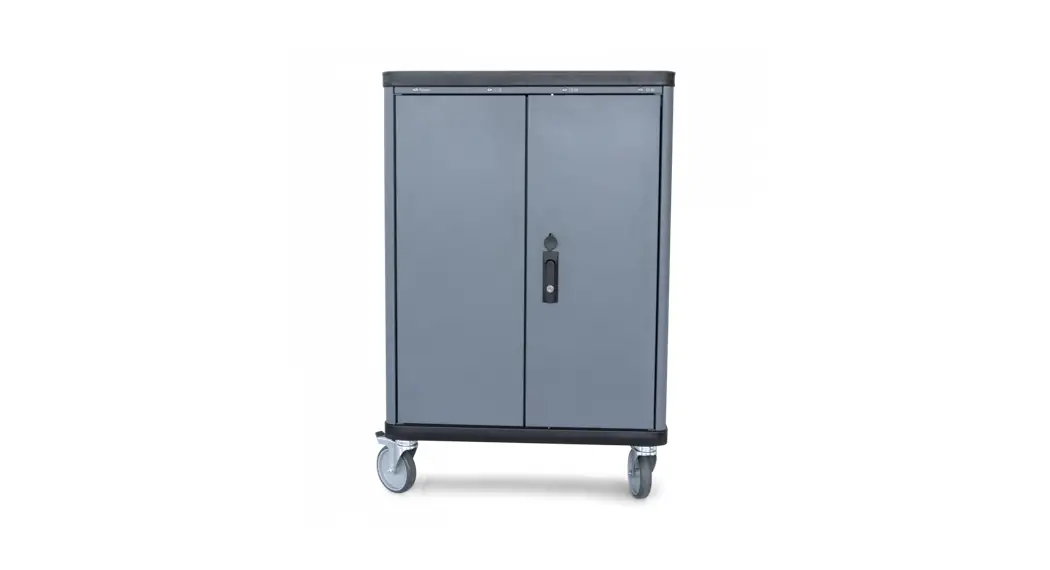
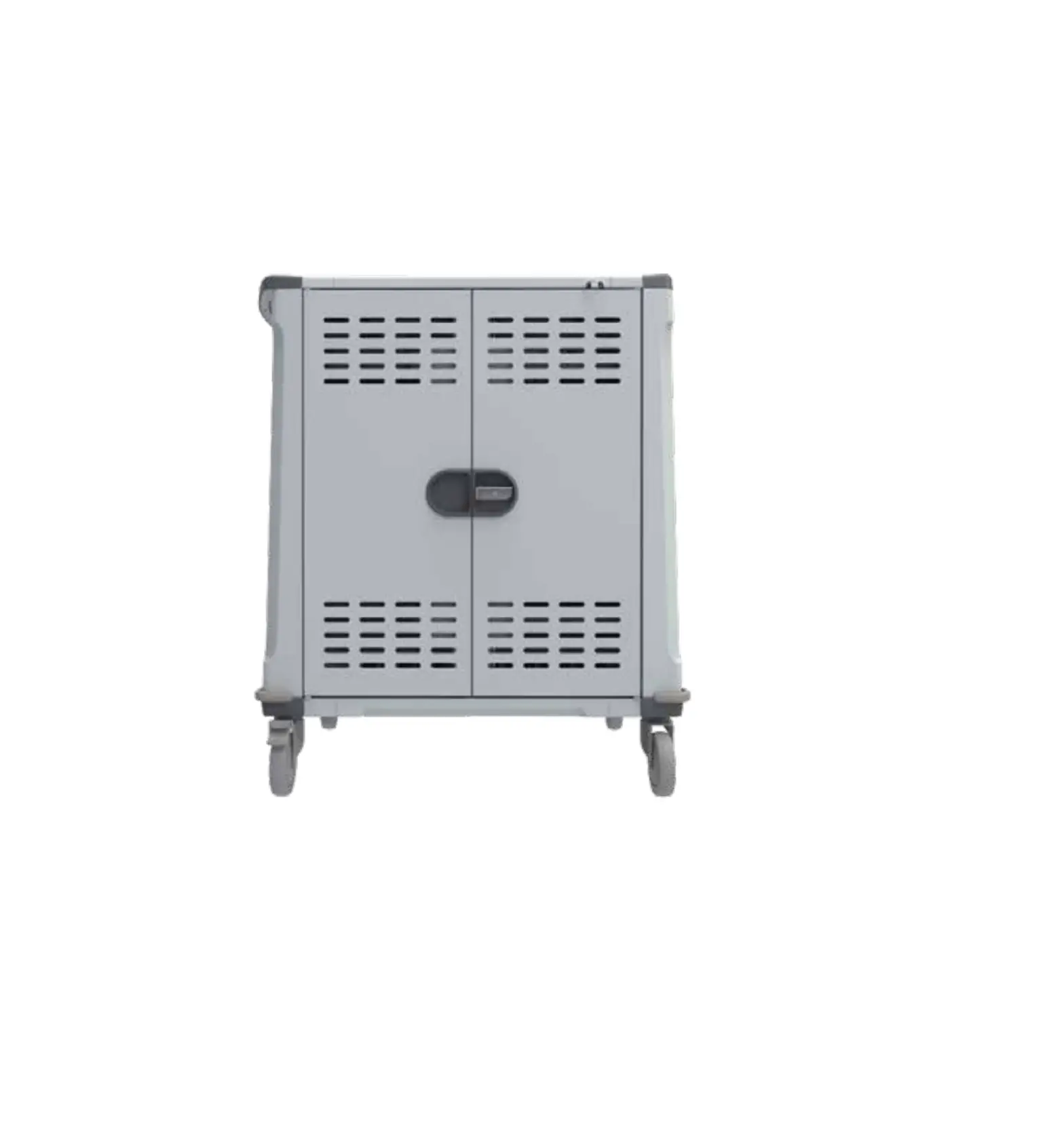
QP-R30T Charging Cart
Product Information
The Charging Cart is a product designed for charging multiple
devices such as laptops, tablets, and phones. It comes with UV
disinfection features and a digital control panel. The cart is
available in four models, QP-R10T, QP-R20T, QP-R30T, and QP-R40T,
with the capacity to charge 10, 20, 30, and 40 devices
respectively. The cart has a power switch, timer control, UV
disinfection lamp, cabinet locker, stand wheel with lock, power
interface, cooling fan, PDU AC port, handle (optional), and leakage
protective switch. The product is compliant with national
electrical product regulations.
Product Usage Instructions
- Read the instructions carefully before using the product and
follow the instructions strictly for installation, application, and
maintenance. - Plug in the power cord of the charging cabinet.
- Turn on the green power master switch and the purple UV
disinfection function switch. To use the smart digital control
panel, press the power button for charging and UV-C disinfection
setting. The UV-C disinfection will automatically turn off after 5
minutes. - Open the back door of the cart, plug in the power adapter, put
the charging cable through the mezzanine and put it into the
partition slot. Plug in the laptop or device to be charged. - When opening the door, the door control switch will stop the
power of the UV disinfection lamp. - To set charging time, press the SET button on the smart digital
control panel. It will display C01 to C24 representing charging
hours from 1 to 24 hours respectively. If you set 1 hour, it will
stop charging over 1 hour. - Before moving the cart, release the lock on the wheels and
ensure the cabinet is located in a suitable storage area. Avoid
pouring water or alcohol directly onto the cart when cleaning as it
may damage internal circuits.
Safety Precautions
Before using and maintaining the Charging Cart, ensure that the
power outlet is grounded to avoid electric leakage. Locate the
cabinet in a suitable storage area and lock the wheels to avoid
movement. Avoid storing the cart next to a window or in direct
sunlight. To prolong the life cycle of the product, avoid rain and
direct sunlight. The product is compliant with national electrical
product regulations.
Charging Cart Maunal
Tips : Before start using this product,please read the instructions carefully Please strictly follow the instructions for installation,application and maintenance.We will not be responsible for any damage caused by the wrong operation.
1. Power Switch / Timer control / UV
2. UV disinfection lamp 3. Cabinet Locker 4. Stand Wheel with lock 5. Power Interface 6. Cooling fan 7. PDU AC port 8. handle(optional) 9. Leakage Protective Switch 10. Cooling fan 11. Stand Wheel
Package Contents
AC Power Cable Handle(optional) 2 Front Door Keys 1 Side Door Key Instruction Booklet
Model Charging Numbers
Outage Voltage Over load
Product Size Packape Size
Net Weight Gross Weight
Product Specs
QP-R10T 10
110/220V/50Hz 110/220V * 10 port
10A 665*550*470mm 740*640*530mm
37 kg 43 kg
QP-R20T 20
110/220V/50Hz 110/220V * 20 port
10A 665*550*795mm 740*640*840mm
49 kg 58 kg
QP-R30T 30
110/220V/50Hz 110/220V * 30 port
10A 665*550*1110mm 740*640*1200mm
69 kg 79 kg
QP-R40T 40
110/220V/50Hz 110/220V * 40 port
10A 665*550*1400mm 740*640*1460mm
84 kg 95 kg
Using the Charging Cart
1
2
3
4
Plug in the power cord of the charging cabinet ;
Turn on the green power master switch and the purple UV disinfection function switch.(Please refer to the following setting details for specific operation)
Open the back door, plug in the power adapter, put the charging cable through the mezzanine, put it into the partition slot, and plug in the laptop.
When opening the door, the door control switch will stop the power of the UV disinfection lamp.
Smart Digital Control Panel
New control panel smart switch operation instruction
Charging setting: Please press power button, it will start to work.
UV-C disinfection setting: Please press power button, it will start to charge. It supports UV and charging to work same time. UV-C will auto turn off after 5 min, charge will keep work, according to charging timer setting.
Local time setting: Please press SET twice, when number is shining, you can press UP or DOWN buttons to adjust, if set it well please press set once time.
Lock/unlock keys setting: Please press UP button long time like 3-4 seconds, and can listen a “Di”. Unlock is the same.
Charging time setting:
Please press SET button, it will display C01, C02… C24. Number means it will charge hours. For example, C01 means it will charge 1 hour, C02 means it will charge 2 hours… C24 means it will charge 24 hours. If you set 1 hour, they will charge with in 1 hour, it will stop charging over 1 hour.
Safety promise
The following products strictly obey the Iaw on national electrical product regulations and we promise to assume corresponding responsibility .
Safety precautions Before Use and Maintenance
PIease check and confirm the following conditions before operation
Power outlet must connect with the ground to avoid electric leakage. The cabinet must be Iocated in a suitable storage . The wheels must be Iocked to avoid any movement .
In order to prolong life cycle , avoid rain and direct sunlight . Do not store the Cabinet next to WindoW . Before moving , release the Iock on the wheels . Avoid pouring the water or alcohol directly onto the cabinet when cleaning . Liquidm damage internal circuits .
For long term storage , remember to unplug the power cable and put a dust Cover over the Cabinet .
Only qualified personnels are permitted to service the cabinet . Always unplug power cable before proceeding .
Must ground lead
Avoid slope
Avoid high temperature
Avoid moisture