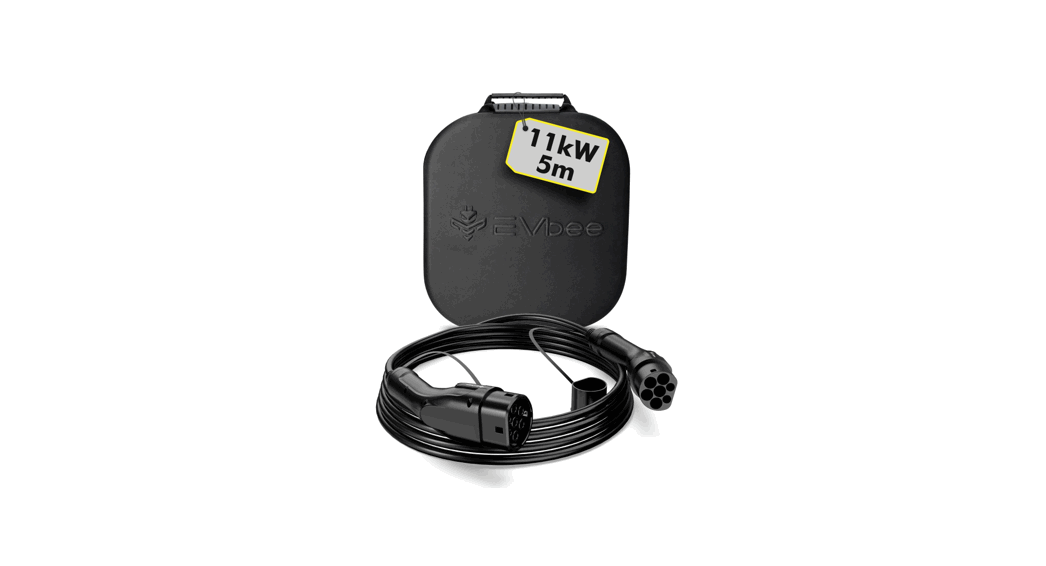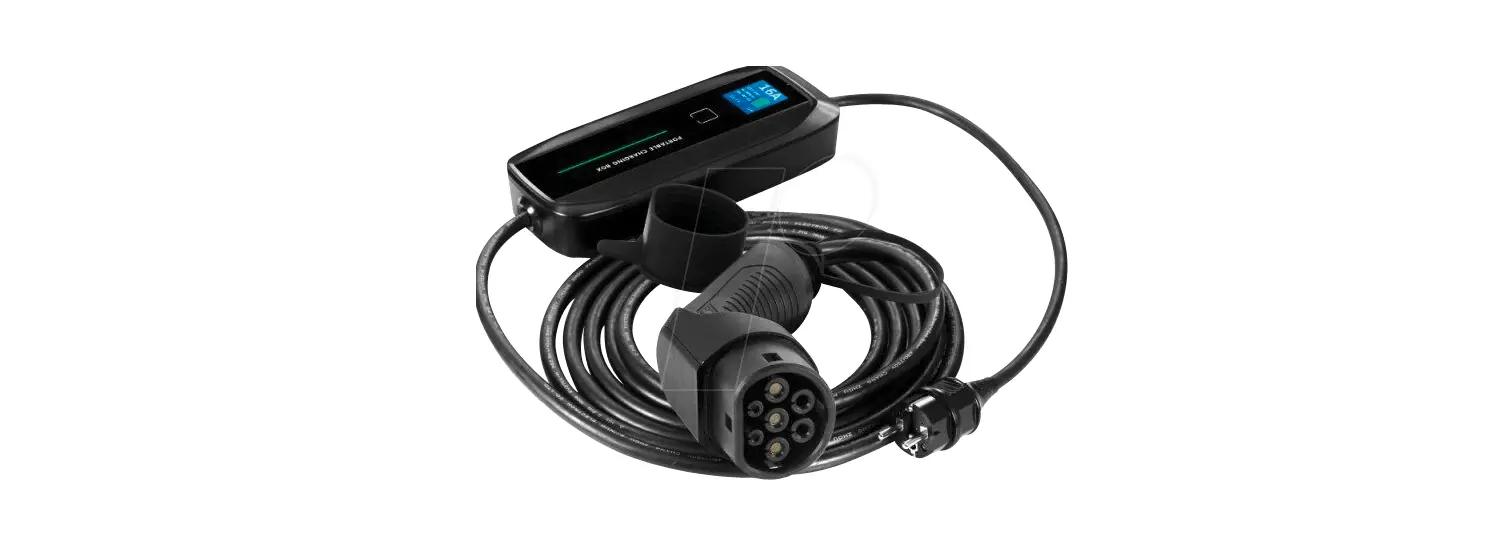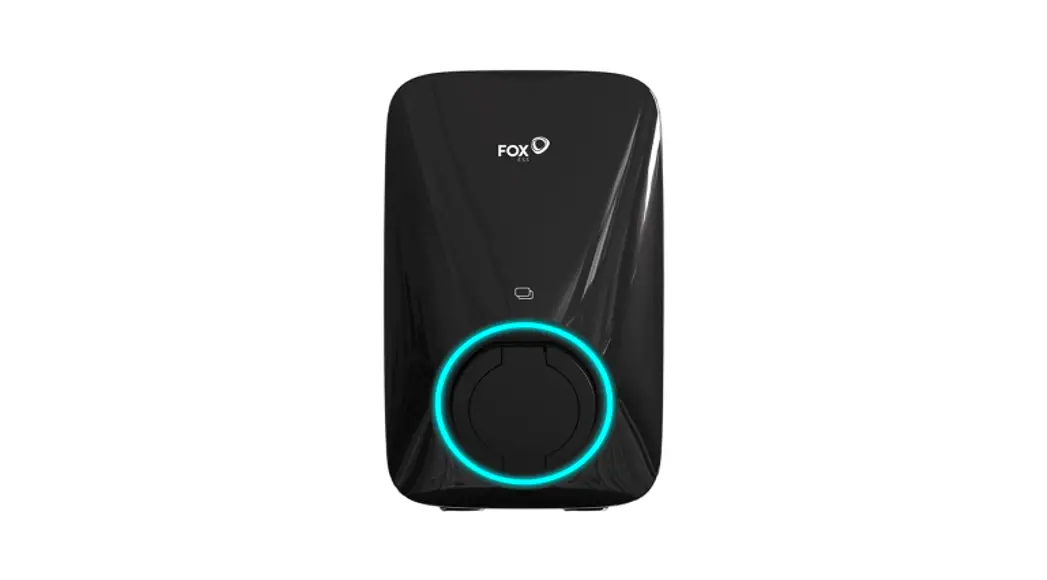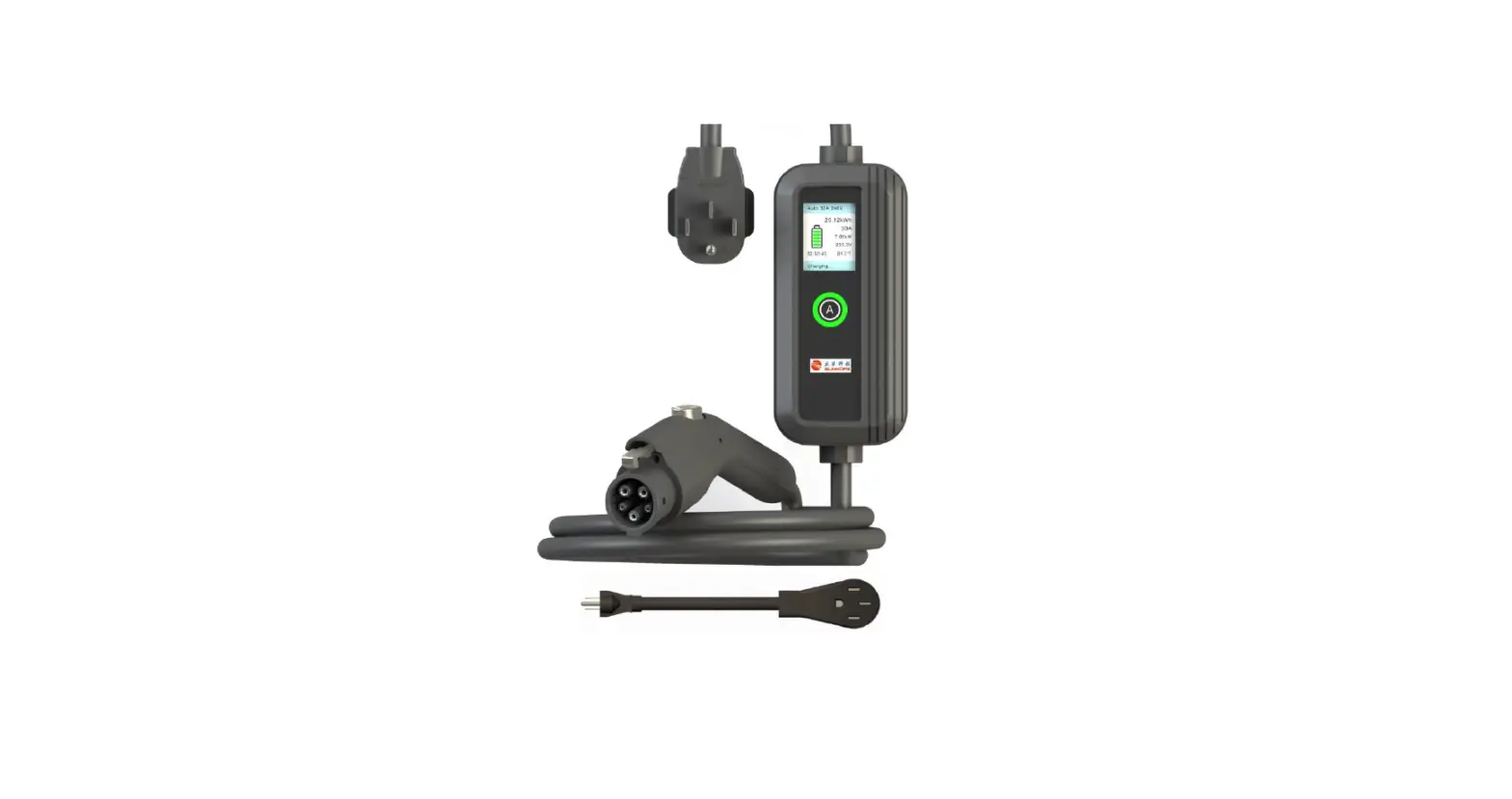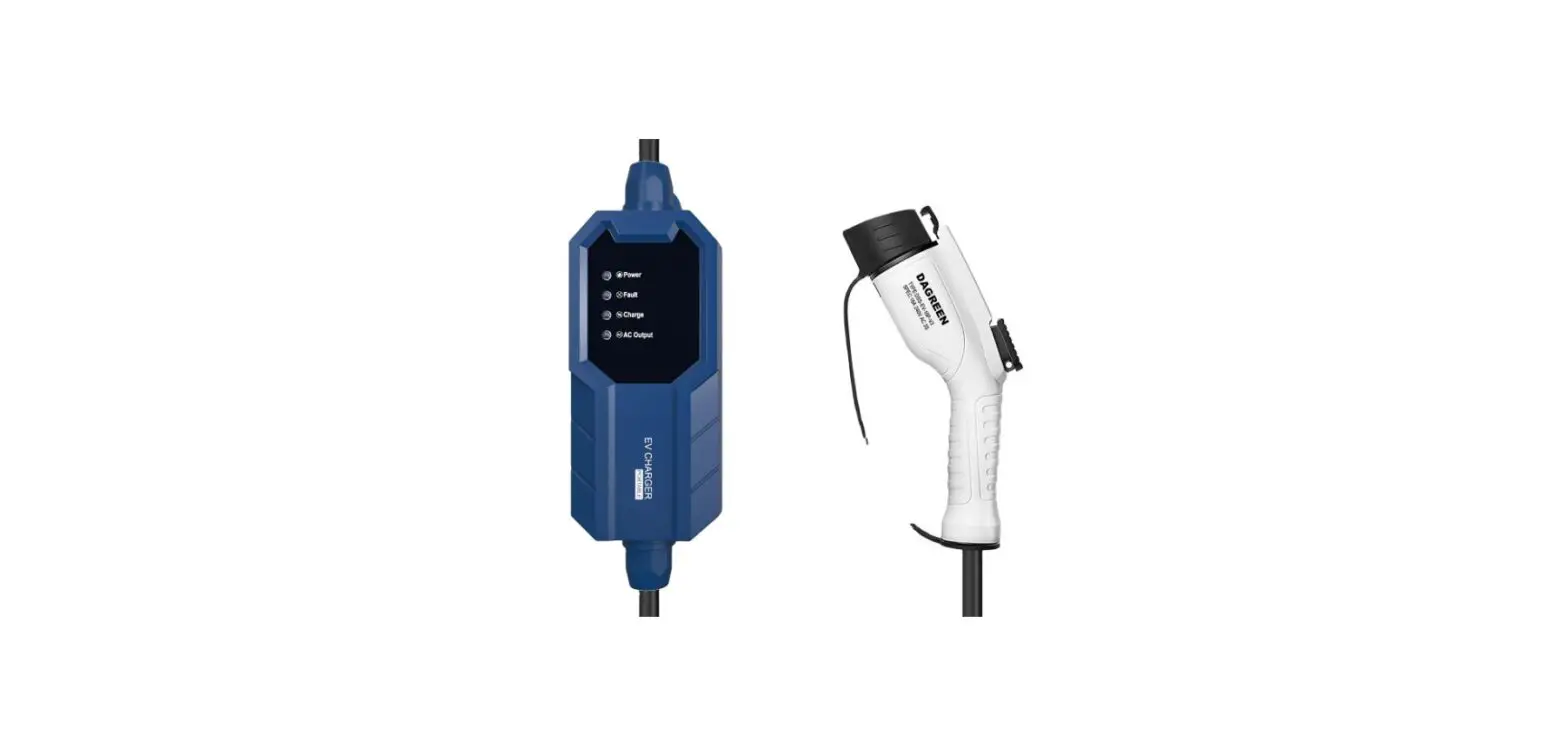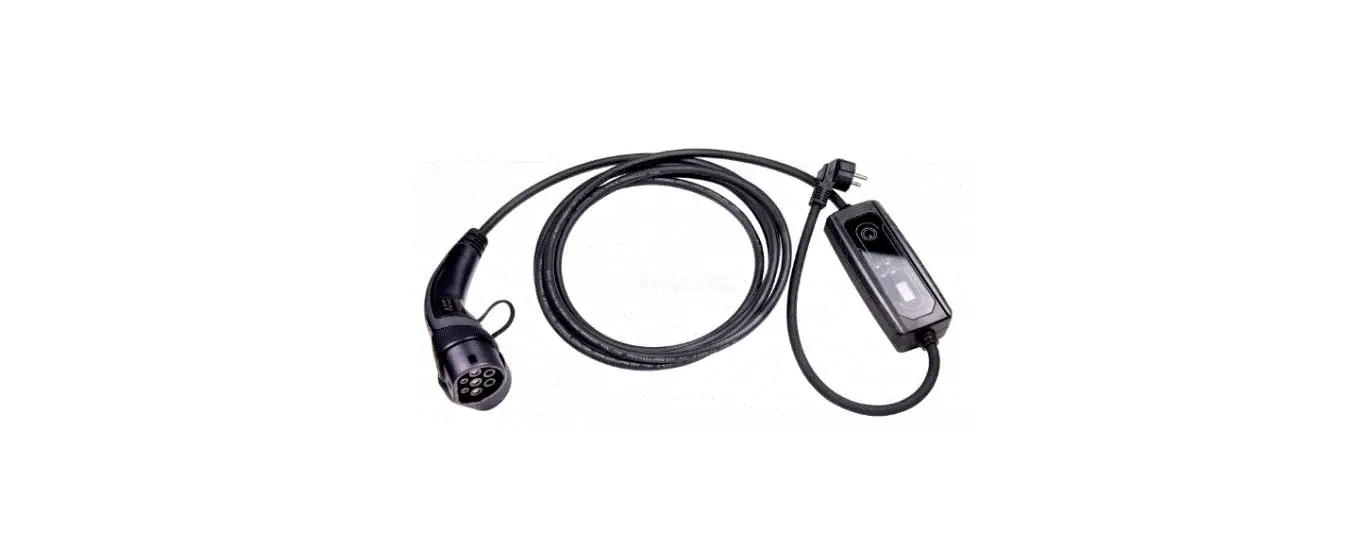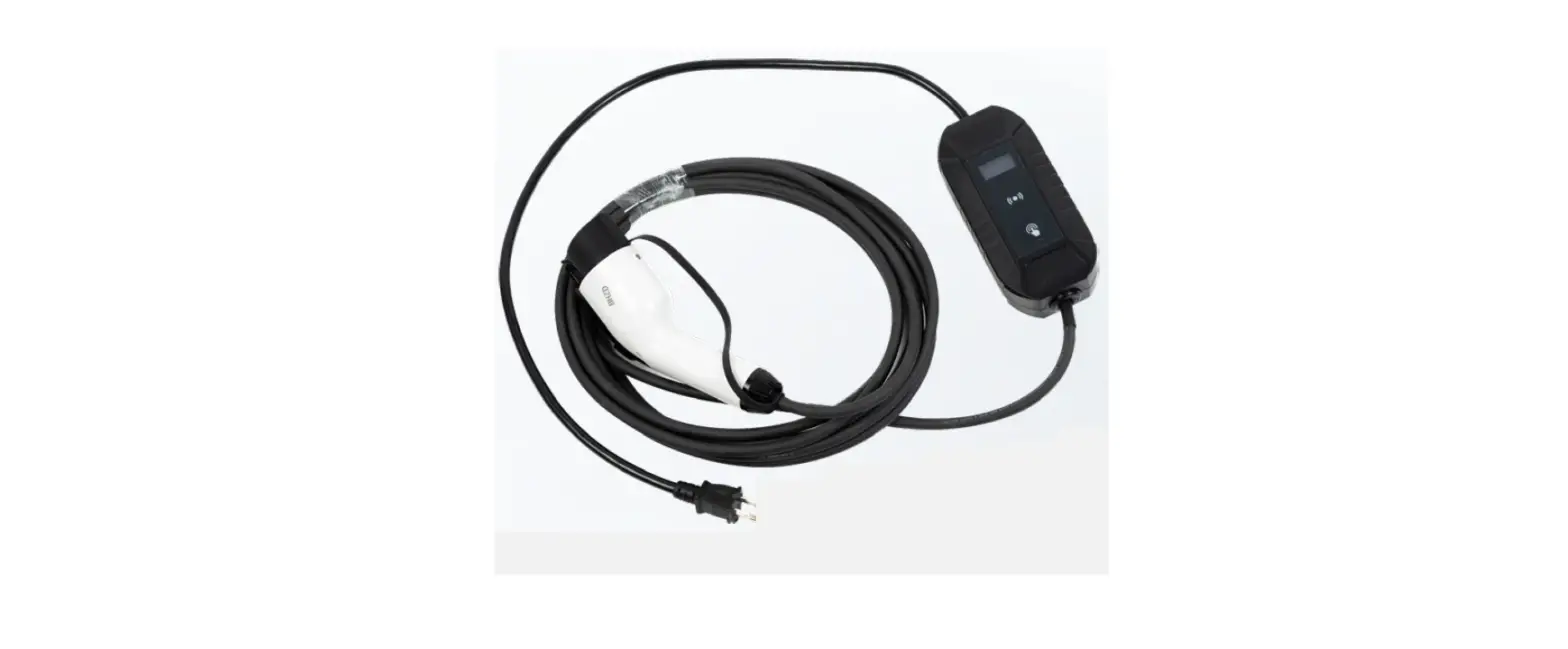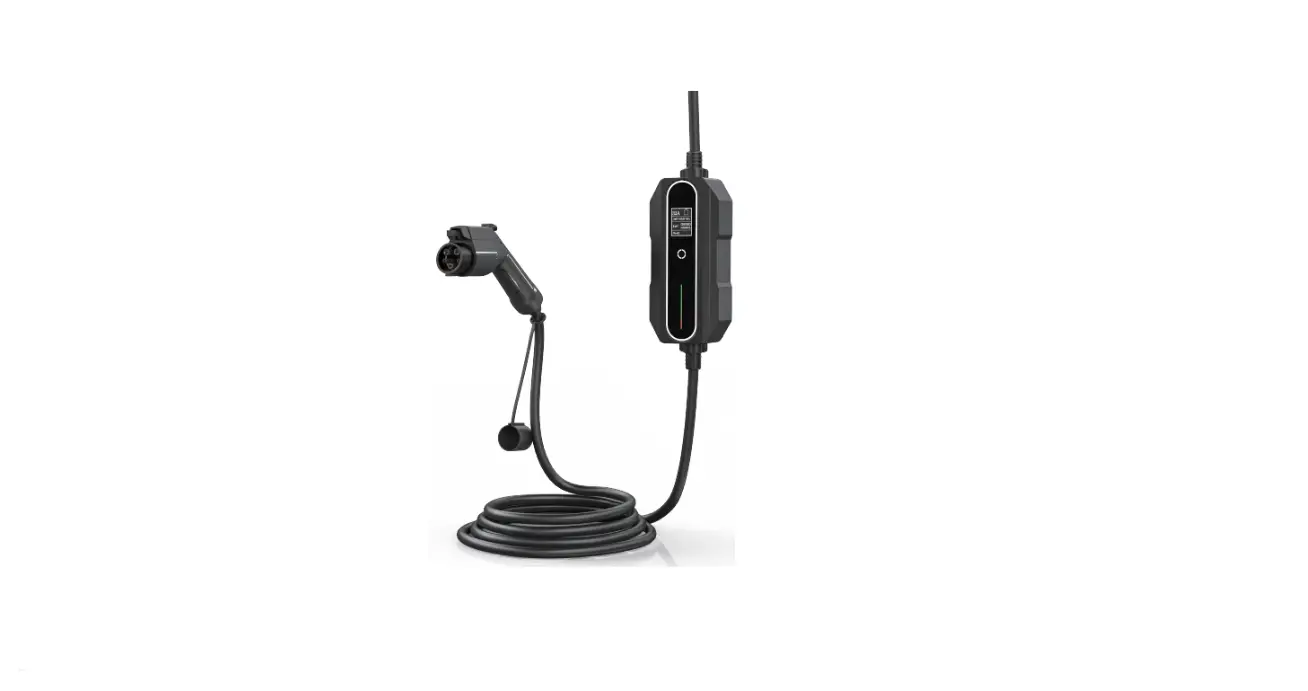
EVbee E100007 FlexCharger EV Mobile Charger
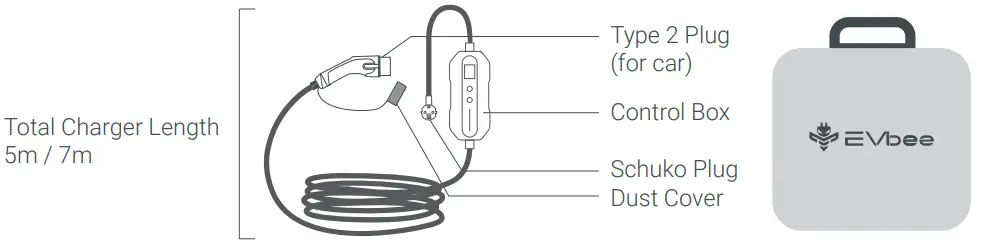
Product Overview
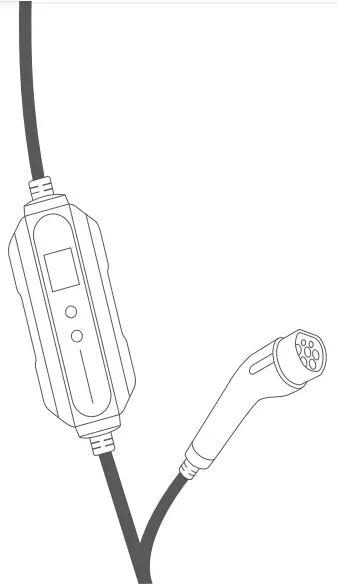
How to use
Start charging
❶ Connect the Schake plug to the wall socket.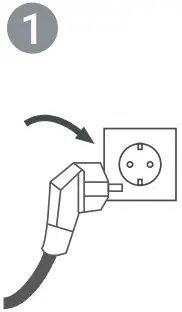
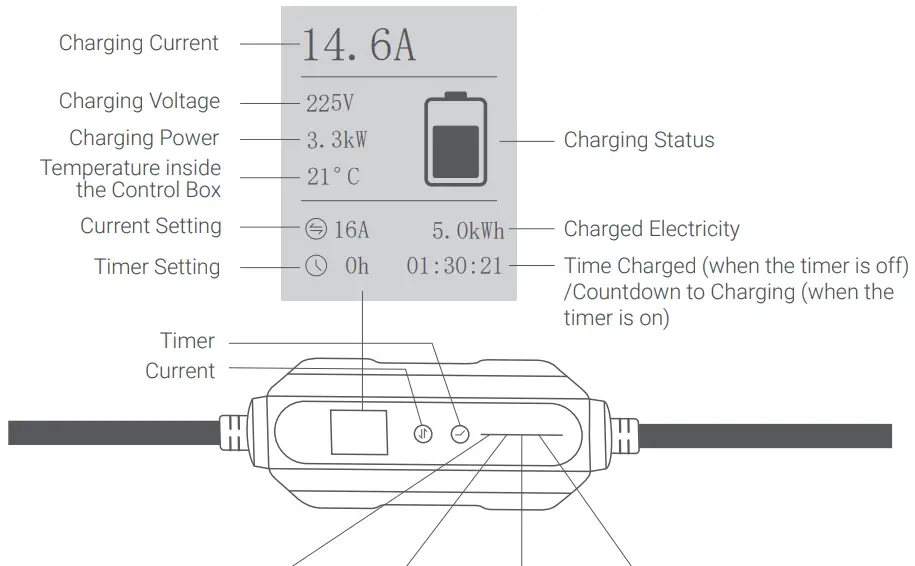
❷ Set the charging current and the timer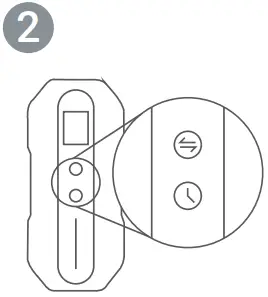
❸ Connect the car plug to the car.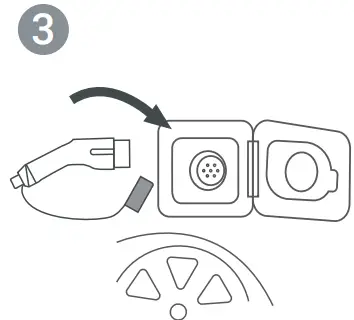
❹ Lock your car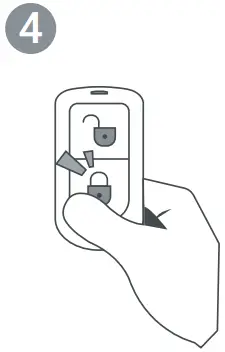
Stop charging
❺ Unlock your car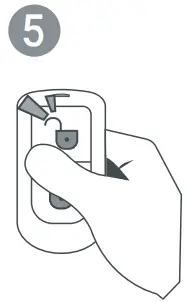
❻ Disconnect the Schake plug from the wall socket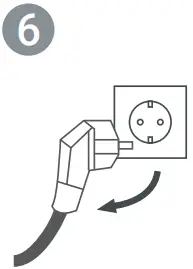
❼ Disconnect the car plug from the car.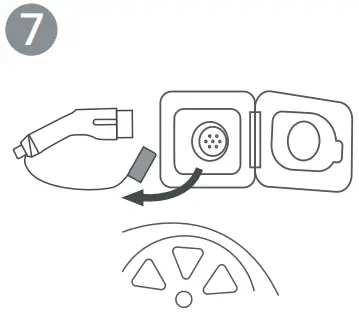
❽ Put on the dust cover for the car plug and store the charger away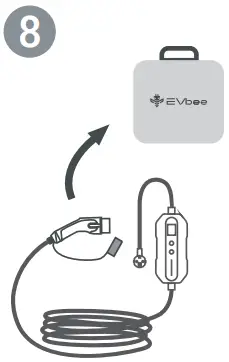
Usage tips
- Make sure to use considerable force when plugging in the charger until the pins are well connected to the socket or the car
- If the neutral wire of the wall socket is wrongly positioned, the charger might not work.
- The car needs to be unlocked and powered off to start the charging process.
- The car plug must be plugged directly into a Type 2 socket.
Warning
- Always check the charger for damage and contamination before use.
- Never use a damaged charger, damaged plugs, or any damaged electrical infrastructure.
- Never use contacts that are dirty or wet.
- Do not use the charger with an extension cable or an adapter.
- Do not disconnect the plugs during the charging process.
- If the plugs emit smoke or begin to melt, never touch the charger. If possible, stop the charging process. In any event, disconnect the power supply from the charger.
- Mind the risk of electrical shock or burn.
- The product does not contain any user-serviceable parts.
- Keep the charger out of the reach of children.
- Please refer to the user manual of the car that you want to charge with this product.
- Use the product only in protected outdoor areas.
- Protect the product from moisture, liquids and sunlight.
- Modifications or changes to the product are life-threatening and lead to the immediate exclusion of the warranty.
- Connect the product only to an error-free, properly grounded and suitable infrastructure (mains socket 16A). If in doubt, consult a specialist.
Warranty
Warranty period is 3 years. Please visit evbee.com for full details.
Display Values
Light Indicators
Status | Light 1 (Green) | light 2 (Green) | Light 3 (Green) | Light 4 (Red) |
Connected | ✓ | X | X | X |
| Charging | The three lights flash in sequence. | X | ||
Charging Completed | ✓ | X | X | X |
| Connection Error | X | X | X | 1 flash followed by 1.5 seconds pause |
Overvoltage | X | X | X | 2 flashes followed by1.5 seconds pause |
| Overcurrent | X | X | X | 3 flashes followed by1.5 seconds pause |
Under voltage | X | X | X | 4 flashes followed by1.5 seconds pause |
| Undercurrent | X | X | X | 5 flashes followed by1.5seconds pause |
Relay Failure | X | X | X | 6 flashes followed by 1.5 seconds pause |
| Overheated PCB | X | X | X | 7 flashes followed by 1.5seconds pause |
leakage Current | X | X | X | 8 flashes followed by 1.5 seconds pause |
| leakage Detection Failure | l( | X | X | 10 flashes followed by 1.5seconds pause |
Communication Failure | X | X | X | 11 flashes followed by 1.5secondspause |
| Ground Fauh | X | X | X | ✓ |
Unknown Failure | X | X | X | 1 flash followed by 4 seconds pause |
Important information for the correct disposal of the product in accordance with Directive 2012/19/EC. At the end of its useful life, the product must be taken to a collection center for special and differentiated disposal or to a distributor that provides this service.


 EVbee
EVbee