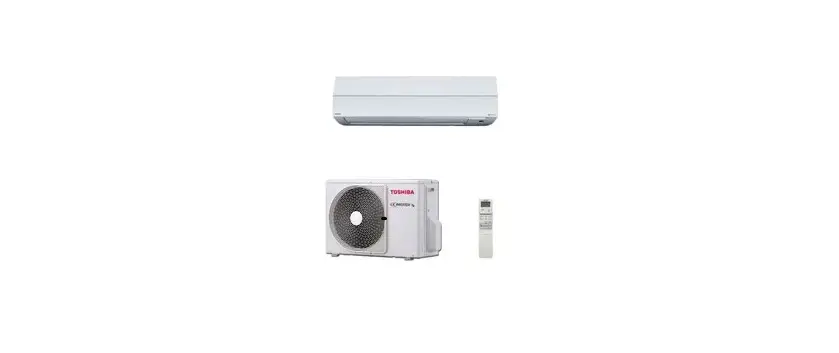
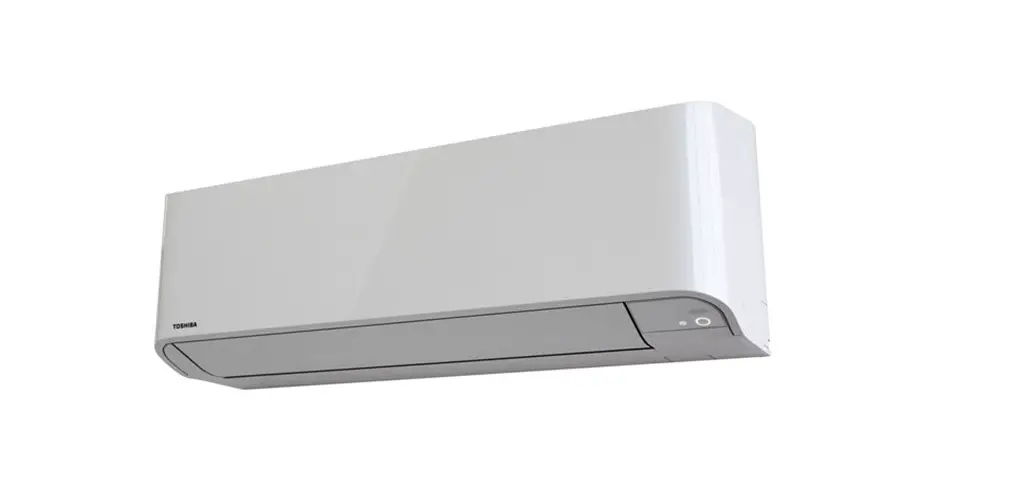
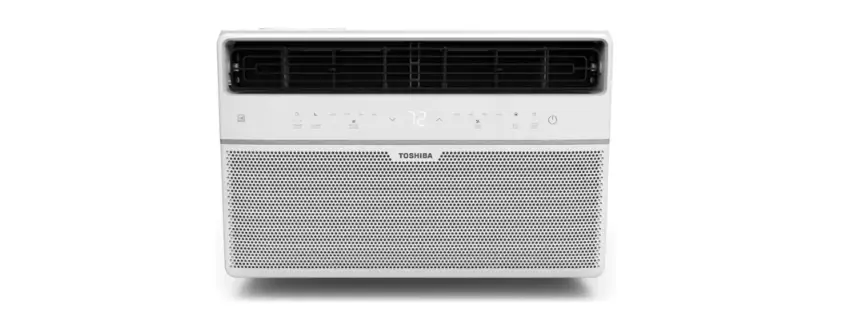
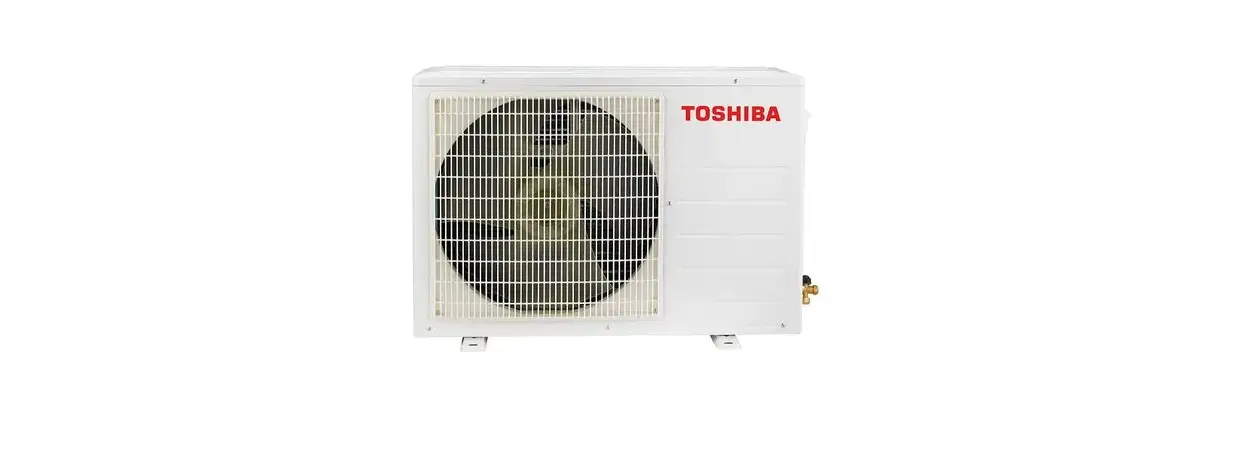
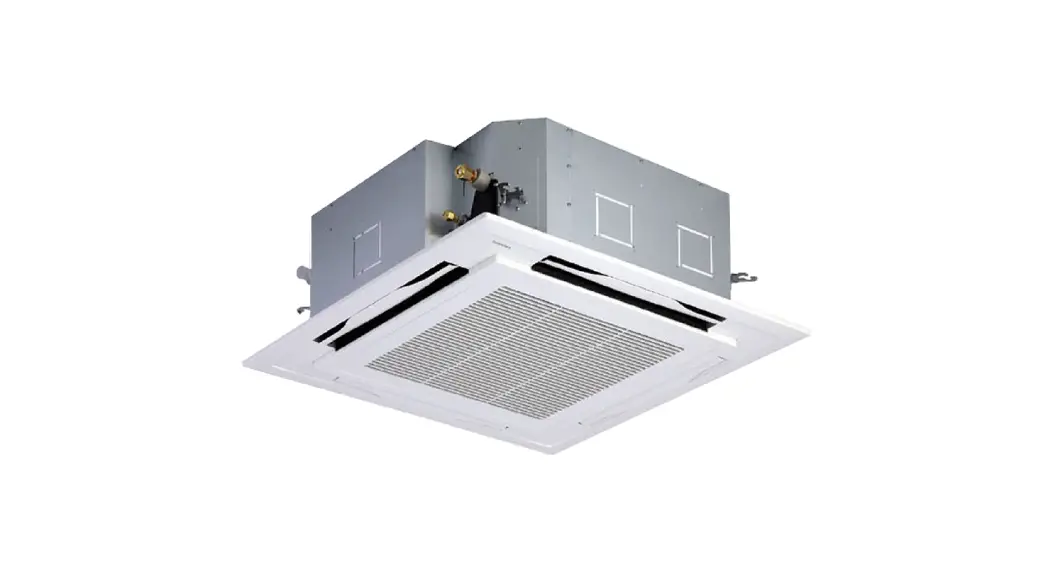
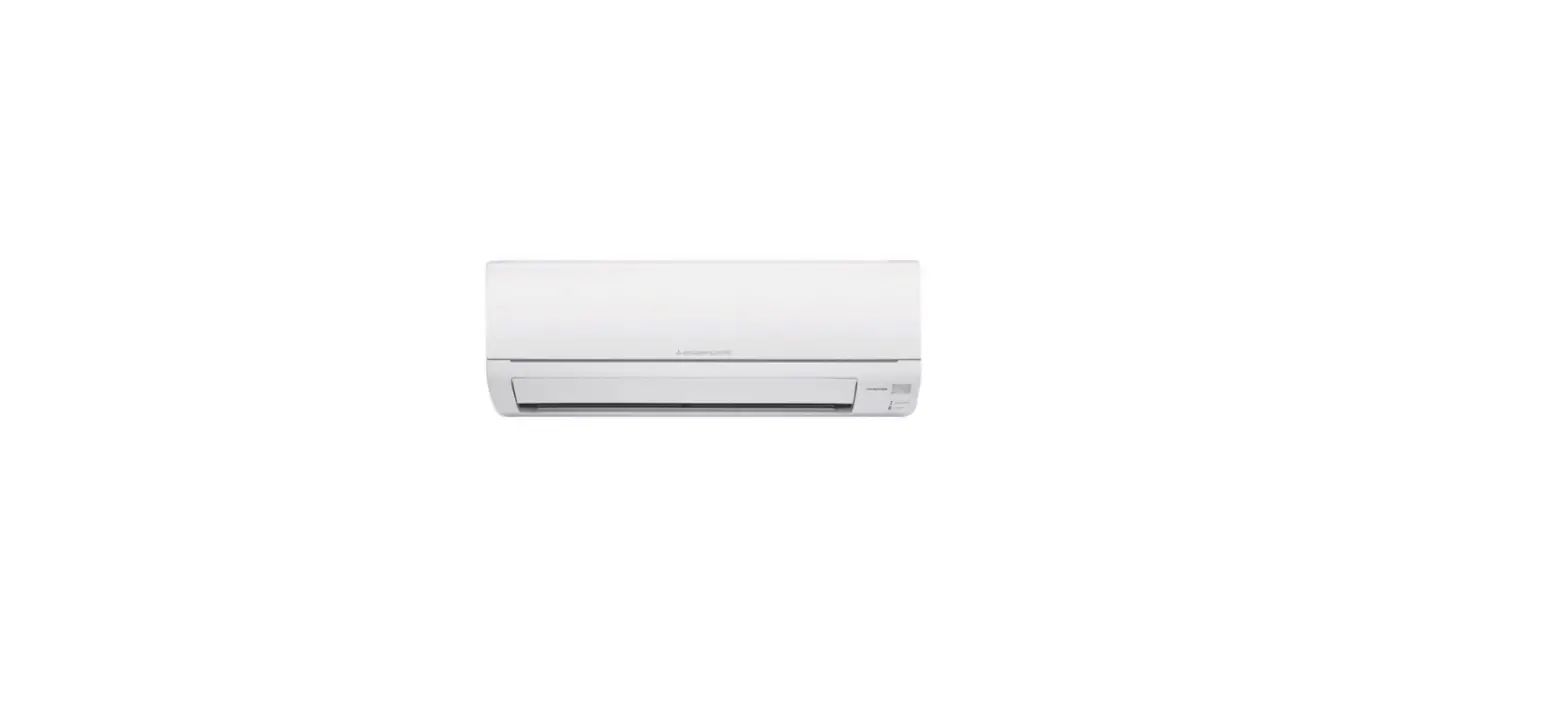
RAS-05 Air Conditioner
Product Information: R32 Air Conditioner (Split Type)
The R32 Air Conditioner (Split Type) is intended for general
public use and consists of an indoor unit RAS-05, 07, 10, 13, 16,
18, 24E2KVG-TR and an outdoor unit RAS-05, 07, 10, 13, 16, 18,
24E2AVG-TR. The appliance is filled with R32 refrigerant and is
designed for use by expert or trained users in shops, light
industry, farms, or for commercial use by lay persons.
Precautions for Safety
Before operating the unit, read the precautions in the manual
carefully. The precautions are classified as DANGER, WARNING, and
CAUTION and contain important information regarding safety. Observe
all precautions without fail.
DANGER
- Do not install, repair, open or remove the cover as it may
expose you to dangerous voltages. Ask the dealer or specialist to
do this. - Turning off the power supply will not prevent potential
electric shock. - The appliance shall be installed in accordance with national
wiring regulation. - The appliance must be stored in a room without continuously
operating ignition sources. - Do not operate the unit when harmful gases (e.g., flammable or
corrosive) are detected near the unit to avoid fire, explosion or
injury.
WARNING
- Do not expose your body directly to cool or warm air for a long
time. - Do not insert your finger or any article into the air
inlet/outlet. - When an abnormality (burning smell, etc.) occurs, stop the air
conditioner and disconnect the power supply or turn off the
breaker. - Children aged 8 years and above and persons with reduced
physical, sensory, or mental capabilities or lack of experience and
knowledge can use the appliance under supervision or instruction
concerning safe use. - Cleaning and user maintenance shall not be made by children
without supervision.
Product Usage Instructions
- Ensure that the appliance is installed, maintained, repaired,
and removed by a qualified installer or qualified service
person. - When any of these jobs are to be done, ask a qualified
installer or qualified service person to do them for you. - Do not use any refrigerant different from the one specified
(R32) for complement. - Keep this manual where the operator can easily find it.
R32
AIR CONDITIONER (SPLIT TYPE)
For general public use
Indoor unit RAS-05, 07, 10, 13, 16, 18, 24E2KVG-TR
Outdoor unit RAS-05, 07, 10, 13, 16, 18, 24E2AVG-TR
1144180210
PRECAUTIONS FOR SAFETY
Read the precautions in this manual carefully before operating the unit.
This appliance is filled with R32.
Warning indications on the air conditioner unit
Warning indication
Description
DKKAT
PATLAMA TEHLKES
Çalitirmadan önce servis valflerini açin, aksi takdirde patlama olabilir.
CAUTION
BURST HAZARD Open the service valves before the operation, otherwise there might be the burst.
Keep this manual where the operator can easily find it. Read the precautions in this manual carefully before operating the unit. This appliance is intended to be used by expert or trained users in shops, in light
industry and on farms, or for commercial use by lay persons. The precautions described herein are classified as DANGER, WARNING and
CAUTION. They both contain important information regarding safety. Be sure to observe all precautions without fail.
DANGER
Do not install, repair, open or remove the cover. It may expose you to dangerous voltages. Ask the dealer or the specialist to do this.
Turning off the power supply will not prevent potential electric shock. The appliance shall be installed in accordance with national wiring regulation. Means for disconnection from the supply having a contact separation of at least
3 mm in all poles must be incorporated in the fixed wiring. The appliance must be stored in a room without continuously operating ignition
sources (for example, open flames, an operating gas appliance or an operating electric heater). In order to avoid fire, explosion or injury, do not operate the unit when harmful gases (e.g. flammable or corrosive) are detected near the unit.
WARNING
Do not expose your body directly to cool or warm air for a long time. Do not insert your finger or any article into the air inlet/outlet. When an abnormality (burning smell, etc.) occurs, stop the air conditioner and
disconnect the power supply or turn off the breaker. This appliance can be used by children aged from 8 years and above and
persons with reduced physical, sensory or mental capabilities or lack of experience and knowledge if they have been given supervision or instruction concerning use of the appliance in a safe way and understand the hazards involved. Children shall not play with the appliance. Cleaning and user maintenance shall not be made by children without supervision.
PRECAUTIONS FOR SAFETY
This appliance is not intended for use by person (including children) with
reduced physical, sensory or mental capabilities, or lack of experience and
knowledge, unless they have been given supervision or instruction concerning
use of the appliance by a person responsible for their safety.
The air conditioner must be installed, maintained, repaired and removed by a
qualified installer or qualified service person. When any of these jobs is to be
EN
done, ask a qualified installer or qualified service person to do them for you.
Children should be supervised to ensure that they do not play with the
appliance.
Do not use any refrigerant different from the one specified (R32) for complement
or replacement. Otherwise, abnormally high pressure may be generated in the
refrigeration cycle, which may result in a failure or explosion of the product or an
injury to your body.
Do not use means to accelerate the defrosting process or to clean, other than
those recommended by the manufacturer.
The appliance shall be stored in a room without continuously operating ignition
sources (for example: open flames, an operating gas appliance or an operating
electric heater).
Be aware that refrigerants may not contain an odour.
Do not pierce or burn as the appliance is pressurized. Do not expose the
appliance to heat, flames, sparks, or other sources or ignition. Else, it may
explode and cause injury or death.
CAUTION
Do not wash the unit with water. It may cause an electric shock. Do not use this air conditioner for other purposes such as preserving food,
breeding animal, etc. Do not step or put anything on the indoor/outdoor unit. It may cause an injury or
damage the unit. Do not touch aluminium fin because it may cause an injury. Before cleaning the unit, turn off the main switch or the circuit breaker. When the unit won’t be used for a long time, turn off the main switch or the
circuit breaker. It is recommended that maintenance be performed by a specialist when the unit
has been operated for a long time. The manufacturer shall not assume any liability for the damage caused by not
observing the description of this manual.
1 INDOOR UNIT DISPLAY
1 ECO (White) 2 Wi-Fi access (White) w 3 Hi POWER (White) 4 Timer (White) 5 Operation mode (White)
Display brightness can be adjusted, follow procedure on %. w Require Wireless LAN connecting adapter which available as accessory.
2 PREPARATION BEFORE USE
Preparing Filters 1. Open the air inlet grille and remove the air filters. 2. Attach the filters. (see detail in the Installation Manual).
Loading Batteries (when use wireless operation.) 1. Remove the slide cover. 2. Insert 2 new batteries (AAA type) following the (+) and () positions.
Clock Setup
1. Push
by tip of the pencil.
If timer indication is flashing, go to the next step 2.
2. Press
or
: adjust the time.
3. Press
: Set the time.
Remote Control Reset
Push
by tip of the pencil or
1. Remove the batteries.
2. Press
.
3. Insert the batteries.
3 AIR FLOW DIRECTION
1 Press ),; : Move the louver in
the desired vertical direction.
2
Press 6:,1* : Swing the air automatically and press again to
stop.
3 For horizontal direction, adjust
manually.
Note:
Do not move the louver manually by others. The louver may automation positioning by some operation mode.
4 REMOTE CONTROL
1 Infrared signal emitter
2 Start/Stop button
3 Mode select button (MODE)
4 Temperature button (TEMP)
5 Fan speed button (FAN)
6 Swing louver button (SWING)
7 Set louver button (FIX)
$
8 8°C Operation (8°C) 9 On timer button (ON)
2
! Off timer button (OFF)
3
” Setup button (SET)
7
# Clear button (CLR)
%
$ Memory and Preset button (PRESET) (
% Silent operation button (SILENT)
8
& High power button (Hi POWER)
9
( Eco button (ECO) ) Quiet button (QUIET) ~ Comfort sleep button (COMFORT SLEEP)
~ ,
+ Filter reset button (FILTER)
, Set clock button (CLOCK)
– Check button (CHECK)
. Reset button (RESET)
1
4
6
SWING FAN
5
FIX QUIET
)
ECO Hi POWER
&
8°C
#
!
”
.
+
Note: The provided Remote Controller is a wireless type, which also can be used as a wire. Please see “How to Connect The Remote Controller for Wired Operation”, located in installation instruction, in case of wired control is required. In wire operation, remote controller will return to initial condition (PRESET, TIMER and CLOCK will return to initial condition) when user shutdown power supply of Air conditioner.
5 SILENT OPERATION
SILENT OPERATION (
)
Keep outdoor unit operating silently to ensure either yourself or neighborhood will have a tight sleep in nighttime. By this feature, the heating capacity will be optimized to deliver such silent experience. The silent operation can be selected from one of two purposes (Silent 1 and Silent 2).
There are three setting parameters: Standard level > Silent 1 > Silent 2
Silent 1:
Though operating silently, the Heating (or Cooling) capacity is still prioritized to ensure having sufficient comfort inside the room.
This setting is a perfect balance between the Heating (or Cooling) capacity and the Sound level of outdoor unit.
Silent 2:
Compromising the Heating (or Cooling) capacity to the Sound level in any circumstance where the outdoor unit’s sound level is highly prioritized.
This setting has a purpose to reduce the maximum sound level of outdoor unit by 4 dB(A).
Note:
While activating of Silent operation, inadequate heating (or cooling) capacity may occur.
Silent Operation (Outdoor Unit)
Press
SILENT#1
SILENT#2
None
6 AUTOMATIC OPERATION
To automatically select cooling, heating or fan only operation 1. Press 02′( : Select Auto A.
2. Press
3. Press MED+
: Set the desired temperature. Min. 17°C, Max. 30°C.
)$1 : Select AUTO, LOW , LOW+ , MED ,
or HIGH
.
7 COOLING / HEATING / FAN ONLY OPERATION
1. Press 02′( : Select Cool , Heat or Fan only .
2. Press
: Set the desired temperature. Min. 17°C, Max. 30°C.
Fan Only: No temperature indication
3. Press
)$1 : Select AUTO, LOW , LOW+ , MED ,
MED+
or HIGH
.
8 DRY OPERATION
For dehumidification, a moderate cooling performance is controlled automatically.
1. Press 02′( : Select Dry .
2. Press
: Set the desired temperature. Min. 17°C, Max. 30°C.
Note: Dry mode fan speed is set to Auto only.
9 Hi POWER OPERATION
To automatically control room temperature and airflow for faster cooling or heating operation (except in DRY and FAN ONLY mode)
Press +L32:(5 : Start and stop the operation.
10 ECO OPERATION
To automatically control room temperature to save energy (except in DRY and FAN ONLY mode)
Press
ECO : Start and stop the operation.
Note: Cooling operation; the set temperature will increase automatically 1 degree/hour for 2 hours (maximum 2 degrees increase). For heating operation the set temperature will decrease.
11 8°C OPERATION
1. Press 8°C button to change to 8°C set temperature heating operation.
2. Press
to adjust setting temperature from 5°C to 13°C.
Note: 8°C will operate in Heating mode only. If Air conditioner performs in cooling operation (including automatic cooling) or dry operation it will change to heating operating.
12 TEMPORARY OPERATION
In case of the misplaced or discharged remote control
Pressing the RESET button, the unit can start or stop without using the remote control.
Operation mode is set on AUTOMATIC operation, preset temperature is 24°C and fan operation is automatic speed.
OPERATION / RESET Button
13 TIMER OPERATION
Set the timer when the air conditioner is operating.
Setting the ON Timer
Setting the OFF Timer
1 Press
: Set the desired ON Press timer.
: Set the desired OFF timer.
2 Press
: Set the timer.
Press
: Set the timer.
3 Press
: Cancel the timer. Press
: Cancel the timer.
Daily timer allows the user to set both the ON & OFF timers and will be activated on a daily basis. Setting Daily Timer
1 Press
: Set the ON timer.
3 Press
.
2 Press
: Set the OFF timer.
4 Press
button during
the ( or ) mark flashing.
During the daily timer is activating, both arrows ( , ) are indicated.
Note: Keep the remote control in accessible transmission to the indoor unit; otherwise, the time lag of up to 15 minutes will occur. The setting will be saved for the next same operation.
14 DISPLAY LAMP BRIGHTNESS ADJUSTMENT
To decrease the display lamp brightness or turn it off.
1. Press and hold
)$1 for 3 seconds until brightness level ( , ,
or ) is shown on remote control LCD then release the button.
2. Press
Remote control LCD
Rise or
Decrease
to adjust brightness in 4 levels.
Operation display
Brightness
Lamp illuminates full brightness.
100%
50% Lamp illuminates 50% brightness.
50% Lamp illuminates 50% brightness and the operation lamp is turned off.
All lamps are turned off.
All turned off
In the examples of and , the lamp illuminates for 5 seconds before going off.
15 PRESET OPERATION
Set your preferred operation for future use. The setting will be memorized by the unit for future operation (except airflow direction).
1. Select your preferred operation.
2. Press and hold The P mark displays.
for 3 seconds to memorize the setting.
3. Press
: Operate the preset operation.
16 AUTO RESTART FUNCTION SETTING
This product is designed so that, after a power failure, it can restart automatically in the same operating mode as before the power failure.
Information The product is shipped with Auto Restart function in the ON position. Turn it OFF if this function is not required.
How to turn OFF the Auto Restart Function Press and hold the [OPERATION] button on the indoor unit for 3 seconds (3 beep sounds but OPERATION lamp does not blink).
How to turn ON the Auto Restart Function Press and hold the [OPERATION] button on the indoor unit for 3 seconds (3 beep sounds and OPERATION lamp blink 5 time/sec for 5 seconds).
Note: In case of ON timer or OFF timer are set, AUTO RESTART OPERATION does not activate.
EN
17 QUIET OPERATION
To operate at super low fan speed for quiet operation (except in DRY mode) Press 48,(7 : Start and stop the operation.
Note: Under certain conditions, QUIET operation may not provide adequate cooling due to low sound features.
18 COMFORT SLEEP OPERATION
For comfortable sleep, automatically control air flow and automatically turn OFF.
Press
: Select 1, 3, 5 or 9 hrs for OFF timer operation.
Note: The cooling operation, the set temperature will increase automatically 1 degree/hour for 2 hours (maximum 2 degrees increase). For heating operation, the set temperature will decrease.
19 MAINTENANCE
Firstly, turn off the circuit breaker.
Indoor Unit and Remote Control Clean the indoor unit and the remote control with a wet cloth when needed. No benzine, thinner, polishing powder or chemically-treated duster.
Air filters Clean every 2 weeks.
1. Open the air inlet grille. 2. Remove the air filters. 3. Vacuum or wash and then dry them. 4. Reinstall the air filters and close the air inlet grille.
20
SELF CLEANING OPERATION (COOL AND DRY OPERATION ONLY)
To protect bad smell caused by the humidity in the indoor unit.
1. If the
button is pressed once during “Cool” or “Dry” mode,
the fan will continue to run for other 30 minutes, then it will turn off
automatically. This will reduce the moisture in the indoor unit.
2. To stop the unit immediately, press the 30 seconds.
more 2 times within
21 MANUAL DEFROST OPERATION
To defrosting the heat exchanger of the outdoor unit during Heating operation.
Press and hold
SET : for 5 sec. then remote control display will show
[ ] as picture 1 for 2 sec.22 OPERATION AND PERFORMANCE
1. Three-minute protection feature: To prevent the unit from being activated for 3 minutes when suddenly restarted or switched to ON.
2. Preheating operation: Warm up the unit for 5 minutes before the heating operation starts.
3. Warm air control: When the room temperature reaches the set temperature, the fan speed is automatically reduced and the outdoor unit will stop.
4. Automatic defrosting: Fans will stop during defrost operation. 5. Heating capacity: Heat is absorbed from outdoors and released into
the room. When the outdoor temperature is too low, use another recommended heating apparatus in combination with the air conditioner. 6. Consideration for accumulated snow: Select the position for outdoor unit where it will not be subjected to snow drifts, accumulation of leaves or other seasonal debris. 7. Some minor cracking sound may occur when unit operating. This is normal because the cracking sound may be caused by expansion/contraction of plastic.
Note: Item 2 to 6 for Heating model
Air conditioner operating conditions
Operation
Heating Cooling Dry
Temp.
Outdoor Temperature
15°C ~ 24°C 15°C ~ 46°C 15°C ~ 46°C
Room Temperature
Less than 28°C 21°C ~ 32°C 17°C ~ 32°C
23 TROUBLESHOOTING (CHECK POINT)
The unit does not operate.
The power main switch is turned off.
The circuit breaker is activated to cut off the power supply.
Stoppage of electric current ON timer is set.
Cooling or Heating is abnormally low.
The filters are blocked with dust. The temperature has been set
improperly. The windows or doors are opened. The air inlet or outlet of the
outdoor unit is blocked. The fan speed is too low. The operation mode is FAN or DRY POWER SELECTION function is
set 75% or 50% (This function is depend on remote controller).
24 REMOTE CONTROL A-B SELECTION
To separate using of remote control for each indoor unit in case of 2 air conditioners are installed nearly. Remote Control B Setup.
1. Press RESET button on the indoor unit to turn the air conditioner ON. 2. Point the remote control at the indoor unit.
3. Push and hold
button on the Remote Control by the tip of the
pencil. “00” will be shown on the display. (Picture 1)
4. Press 02′( during pushing . “B” will show on the display and
“00” will disappear and the air conditioner will turn OFF. The Remote Control B is memorized. (Picture 2)
Note: 1. Repeat above step to reset Remote Control to be A. 2. Remote Control A has not “A” display. 3. Default setting of Remote Control from factory is A.
1
2
Klima ünitesindeki uyari göstergeleri
Uyari göstergesi
Açiklama
TR
DKKAT
DKKAT
PATLAMA TEHLKES
Çalitirmadan önce
servis valflerini açin, aksi
takdirde patlama olabilir.
PATLAMA TEHLKES Çalitirmadan önce servis valflerini açin, aksi takdirde patlama olabilir.
Bu kilavuzu operatörün kolayca bulabilecei bir yerde muhafaza edin. Üniteyi çalitirmadan önce bu kilavuzdaki uyarilari dikkatli bir ekilde okuyun. Bu cihaz maaza, hafif sanayi tesisi ve çiftlik gibi yerlerde uzman ya da
eitimli kiilerce kullanilmak üzere ya da uzman olmayan kiilerce ticari amaçli kullanilmak üzere tasarlanmitir. Burada açiklanan uyarilar TEHLKE, DKKAT ve UYARI olarak siniflandirilmitir. Onlardan ikisi güvenlik ile ilgili önemli bilgi içermektedir. Tüm uyarilara eksiksiz bir ekilde riayet etmeye dikkat edin.
TEHLKE
Kapai takmayin, tamir etmeyin, açmayin veya çikartmayin. Size tehlikeli seviyede voltaj aktarabilir. Bunu yapmasi için saticiniza veya bir uzmana danisin.
Cihazin kapatilmasi elektrik çarpma riskini ortadan kaldirmaz. Cihaz, ulusal kablolama düzenlemelerine göre monte edilecektir. Sabit kablolamada, balantiyi keserken kullanilmak üzere, her kutupta en az
3 mm lik temas aralii birakilmalidir. Cihaz sürekli çalian tututurma kaynaklarinin (örnein açik alev, çalian
gazli bir cihaz veya çalian bir elektrikli isitici gibi) olmadii bir odada muhafaza edilmelidir.
Yangin, patlama ya da yaralanmayi önlemek için, ünitenin yakininda zararli gazlar (örnein çabuk ate alan ya da aindirici) algilandiinda üniteyi kullanmayin.
UYARI
Uzun süre dorudan souk havaya maruz kalmayin. Hava giri/çiklina parmainizi veya herhangi bir nesneyi sokmayin. Anormal bir durum olduunda (yanma kokusu, vb.), klimayi durdurun ve güç
kaynai fiini çekin veya sigortayi kapatin. Bu cihaz, emniyetlerinden sorumlu bir kii tarafindan cihazin güvenli kullanimi ve
karilailabilecek tehlikeler konusunda kendilerine bilgi verilmi olmasi kouluyla yetersiz tecrübeye veya bilgiye sahip kiiler, sinirli akli, fiziki veya duyusal yetilere sahip kiiler ve 8 yaindan büyük çocuklar tarafindan kullanilabilir. Çocuklar cihazla oynamamalidir. Temizlik ve bakim ileri, gözetim altinda olmayan çocuklarca yapilmamalidir.
GÜVENLK ÖNLEMLER
Bu cihaz, düük fiziksel, algisal veya zihinsel özellikleri olan veya deneyim veya bilgi eksiklii bulunan kiiler (çocuklar dahil) tarafindan güvenliklerinden sorumlu olan kiilerce gözetim veya cihazin kullanimi ile ilgili talimat verilmedikçe kullanilmamalidir.
Klima, uzman bir tesisatçi ya da yetkili servis personeli tarafindan kurulmali bakimi yapilmali, onarilmali ya da sökülmelidir. Yukarida sayilan ilerin herhangi biri yapilacaksa, uzman bir tesisatçi ya da yetkili servis personelinden sizin için bunlari yapmasini talep edin.
Çocuklar cihazla oynamamalarini salamak için gözetim altinda tutulmalidirlar. Tamamlama veya deitirme ilemi için belirlenenden (R32) farkli bir soutucu
gaz kullanmayin. Aksi halde, soutma döngüsünde ürünün arizalanmasina veya patlamasina ya da yaralanmaniza neden olabilecek anormal ekilde yüksek basinç oluabilir. Buz çözme sürecini hizlandirmak ya da temizlemek için üreticinin tavsiye ettikleri diindaki araçlari kullanmayin. Cihaz sürekli tutuma kaynaklarinin (örnein açik atei, çalian gaz kullanan bir cihaz ya da çalian bir elektrikli isitci) bulunmadii bir odada muhafaza edilmelidir. Soutucularin koku yaymadiindan emin olun. Cihaz basinçli olduundan delmeyin veya yakmayin. Cihazi isi, alev, kivilcim veya dier kaynaklara veya tutumaya maruz birakmayin. Aksi takdirde, patlayabilir ve yaralanma veya ölüme neden olabilir.
DKKAT Cihazi suyla yikamayin. Elektrik çarpmasina neden olabilir. Bu klimayi, yiyecek saklama ve koruma, hayvan yetitirme gibi, baka amaçlar
için kullanmayin. Içldi ünite üzerine bir ey koymayin ve üzerine basmayin. Yaralanmaya veya
ünitenin zarar görmesine sebep olabilir. Alüminyum kuyrua dokunmayin, çünkü yaralanmaya neden olabilir. Ünite temizlenmeden önce, ana alteri veya sigortayi kapatin. Ünite uzun bir süre kullanilmayacaksa güvenlik için ana alteri veya sigortayi
kapatin. Ünite uzun süre kullanilmisa, bakimini bir uzmanin yapmasi tavsiye edilir. Üretici bu kilavuzdaki açiklamalarin göz ardi edilmesiyle meydana gelen
hasarlardan sorumlu tutulamaz.
“AEEE Yönetmeligine Uygundur”
1 Ç ÜNTE EKRANI
21
34
5
1 ECO (Beyaz) 2 “Wi-Fi eriimi” (Beyaz) w 3 Hi POWER (Beyaz) 4 Timer (Beyaz) 5 Operasyon mode (Beyaz)
Ekran parlaklii ayarlanabilir, % deki talimata uyun.
w Aksesuar olarak sunulan kablosuz LAN balanti adaptörü gereklidir.
2 KULLANIM ÖNCES HAZIRLIK
Filtreleri Hazirlama 1. Hava giri izgarasini açin ve hava filtrelerini çikarin.
2. Filtreleri takin (aksesuar sayfasindaki ayrintilara bakin).
Pilleri Takma (kablosuz çalitirma kullanildiinda.) 1. Pil bölmesi kapaini çikarin. 2. 2 yeni pili (AAA boyunda), (+) ve () konumlarina göre takin.
Saat Ayari
1. Kalem ucuyla
dümesini itin.
Zaman göstergesi yanip sönerse sonraki adim
2’ye gidin.
2.
veya
: dümesine basarak
saat ayarini yapin.
3.
tuuna basin : Süreyi ayarlayin.
Uzaktan Kumandanin Sifirlanmasi
Kalem ucuyla 1. Pili çikarin.
dümesini itin veya
2. 3. Pili takin.
tuuna basin.
3 HAVA AKII YÖNÜ
1
tuuna basin : Panjuru
istediiniz dikey pozisyonda ayarlayin.
2
tuuna basin : Havayi otomatik 2 olarak dolatirin ve bir defa
daha basarak durdurun.
3
Dikey yön vermek için, elinizle ayarlayin.
Not: Panjurlari elle hareket ettirmeyin. Panjurlar çalima modunda otomatik olarak ayarlanabilir.
4 UZAKTAN KUMANDA
Kizilötesi sinyal verici
Start/Stop (Balar/Durdur) dümesi
Mod seçme dümesi (MODE)
Sicaklik dümesi (TEMP)
Fan hizi dümesi (FAN)
Panjur hareket dümesi (SWING)
Panjur ayar dümesi (FIX)
$
8°C ÇALIMASI Zamanlayici Açik dümesi (ON)
2
Zamanlayici kapali dümesi (OFF)
3
Ayar dümesi (SET)
7
Temizleme dümesi (CLR)
%
Hafiza ve Preset dümesi (PRESET) (
SILENT (SESSZ) ÇALIMA
8
Yüksek güç dümesi (Hi POWER) Eco button (ECO)
Sessiz dümesi (QUIET) Konfor uyku dümesi (COMFORT SLEEP) Filtre sifirlama dümesi (FILTER)
9
~ ,
Saat ayarlama dümesi (CLOCK)
Kontrol dümesi (CHECK)
Sifirlama dümesi (RESET)
1
4
6
SWING FAN
5
FIX QUIET
)
ECO Hi POWER
&
8°C
#
!
”
.
+
Not: Ürünle birlikte verilen Uzaktan Kumanda kablosuz türündedir yani bir kablo olarak da kullanilabilir. Kablolu kumandanin gerekli olmasi durumunda, lütfen kurulum talimatlarinda bulunan “Uzaktan Kumandayi Kablolu olarak Balama” bölümüne bakin. Kablolu çalitirmada, kullanici Klimanin güç kaynaini kapattiinda uzaktan kumanda balangiç durumuna döner (PRESET, TIMER ve CLOCK balatma konumuna döner).
5 SILENT (SESSZ) ÇALIMA
SILENT (SESSZ) ÇALIMA (
)
Di ünitenin, geceleri size ve komulariniza rahatsizlik vermeyecek ekilde, sessiz bir ekilde çalimasini salayin. Bu özellik ile isitma kapasitesi bu sessiz deneyimi sunmak üzere optimize edilecektir. Sessiz çalima için iki seçenekten biri tercih edilebilir (Sessiz 1 ve Sessiz 2). Üç ayar parametresi mevcuttur: Standart seviye > Sessiz 1 > Sessiz 2
Sessiz 1:
Sessiz çalimada Isitma (veya Soutma) kapasitesine öncelik verilerek oda içinde yeterli düzeyde konfor salanir.
Bu ayar, Isitma (veya Soutma) kapasitesi ile di ünitenin Ses düzeyi arasinda kusursuz dengeyi salar.
Sessiz 2: Di ünitenin ses düzeyinin öncelikli olduu her durumda, Ses düzeyindense Isitma (veya Soutma) kapasitesinden ödün verilir.
Bu ayar, di ünitenin maksimum ses düzeyini 4 dB(A) kadar azaltma amaci taimaktadir.
Not:
Sessiz çalitirma etkin olduunda yetersiz isitma (veya soutma) kapasitesine neden olabilir.
SILENT (SESSZ) ÇALIMA (Di Ünite)
TR
tuuna basin
SESSZ#1 SESSZ#2
Yok
6 OTOMATK ÇALIMA
Soutma, isitma veya fan çalitirma ilemini otomatik olarak seçmek için.
1.
tuuna basin : Otomatik A seçeneini seçin.
2.
tuuna basin : stediiniz sicaklii ayarlayin.
Min. 17°C, Maks. 30°C
3.
tuuna basin : AUTO, LOW , LOW+ , MED ,
MED+
veya HIGH
seçeneklerinden birini seçin.
7 SOUTMA / ISITMA / FAN SADECE LEM
1.
tuuna basin : Souk , Sicak Veya sadece Fan .
2.
tuuna basin : stediiniz sicaklii ayarlayin.
Min. 17°C, Maks. 30°C
Sadece Fan: Sicaklik göstergesi yok
3.
tuuna basin : AUTO, LOW , LOW+ , MED ,
MED+
veya HIGH
seçeneklerinden birini seçin.
8 KURUTMA ÇALIMA
Nem alma için, yeterli soutma performansi otomatik olarak kontrol edilir.
1.
tuuna basin : Kuru seçeneini seçin.
2.
tuuna basin : stediiniz sicaklii ayarlayin.
Min. 17°C, Maks. 30°C
Not : KURU mod fan hizi sadece Otomatik olarak ayarlidir.
9 YÜKSEK GÜÇTE ÇALIMA (Hi POWER)
Daha hizli bir soutma ya da isitma ilemi amaciyla oda sicakliini ve hava akiini otomatik olarak kontrol etmek için (DRY (Kuru) ve FAN SADECE modu hariç)
tuuna basin : Çalimayi balatin ve durdurun.
10 ECO ÇALIMA
Enerji tasarrufu amaçli oda sicakliini otomatik bicimde kontrol etmek KURU (Dry) ve SADECECE HAVALANDIRMA (Fan Only) modlari haricinde
ECO bastirin: Çalimayi balatmak ve durdurmak için. Not : Soutma ilemi: ayarlanmi derece otomatik biçimde 2 saat
için saatte 1 derece yükselecek (maksimum 2 derece artmak üzere). Isitma ilemi için ayarlanmi derece azalacak
11 8°C ÇALIMASI
1. 8°C ayarli sicaklik isitma çalimasina geçmek için dümesine basin.
2. Sicaklii 5°C’den 13°C’ye ayarlamak için dümesine basin.
Not: 8°C sadece isitma modunda çaliir. Klima soutma modunda (otomatik soutma dahil) veya kurutma modunda çaliiyorsa, isitma moduna geçer.
12 GEÇC ÇALIMASI
Uzaktan kumada cihazinin kaybolmasi veya pilinin bitmesi halinde
RESET dümesine basildiinda, ünite uzaktan kumanda cihazi kullanilmadan da çaliip durabilir.
Çalima modu OTOMATK çalimaya getirilir, sicaklik ayari 24°C yapilir ve fan çalimasi da otomatik hiza ayarlanir.
OPERATION / RESET dümesi
13 ZAMANLAYICI ÇALIMASI (TIMER)
Zamanlayiciyi klima çaliirken ayarlayin.
ON Timer (Zamanlayiciyi AÇIK) Ayarlama
OFF Timer (Zamanlayiciyi KAPALI) Ayarlama
15 ÖNCEDEN AYARLI ÇALIMA (PRESET)
Gelecekteki kullanim için tercih ettiiniz çalimayi ayarlayin. Ayar ünite tarafindan bir sonraki çalima için ezberlenir (hava aki yönü diinda).
1. Tercih ettiiniz çalimayi seçin.
2. Ayarlari hafizaya almak için iareti belirir.
3 saniye basin ve basili tutun.
3.
tuuna basin : Önceden ayarladiiniz ilemi balatin.
16 OTOMATIK YENIDEN BALATMA LEVI AYARI
Bu ürün, elektrik kesilip tekrar gelince ayni modda otomatik olarak yeniden çaliacak ekilde tasarlanmitir.
Bilgiler Ev berhem bi karkirina AUTO RESTART/Xwe Jinûvedestpêbûn li rewa ON/ Vêxistin de tê andin. Eger ev karkirin pêwîst nîne wê OFF/Damirandin bikin.
Otomatik Yeniden Balatma levini Kapatma ç ünitedeki [OPERATION] dümesine basin ve 3 saniye basili tutun (3 bip sesi duyulur, ancak OPERATION lambasi yanip sönmez).
Otomatik Yeniden Balatma levini Açma ç ünitedeki [OPERATION] dümesine basin ve 3 saniye basili tutun (5 saniye boyunca 3 bip sesi duyulur ve OPERATION lambasi saniyede 5 kez yanip söner).
Not: Açma veya kapatma zamanlayicisi ayarlanmisa, AUTO RESTART OPERATION (otomatik yeniden çalima) etkinlemez.
1
tuuna basin : stediiniz ON
tuuna basin : stediiniz OFF
Süresini ayarlayin.
Süresini ayarlayin.
2
tuuna basin : Süreyi ayarlayin.
tuuna basin : Süreyi ayarlayin.
3
tuuna basin : Zamanlayiciyi
iptal etme.
tuuna basin : Zamanlayiciyi iptal etme.
Günlük zamanlayici kullanicinin AÇIK ve KAPALI zamanlayicilarin her ikisini de ayarlamasini salar ve günlük olarak etkinletirilir. Günlük zamanlayiciyi Ayarlama
1
3
tuuna basin : ON timer ayarlar.
tuuna basin.
Sirasinda veya iareti yanip
2
4
tuuna basin : OFF timer ayarlar.
sönerken
dümesine basin.
Günlük zamanlayici etkinletirildii sürece, her iki ok da ( , ) agörüntülenir. Not:
uzaktan kumandayi, iç ünite ile iletiim kurabilecek ekilde tutun; aksi halde, 15 dakikaya kadar zaman farki oluabilir.
Ayar ayni ilemin bir sonraki tekrari için kaydedilir.
14 EKRAN LEMP PARLAKLIK AYARI
Ekran lambasi parlakliini azaltmak veya kapatmak için.
1. Parlaklik seviyesi ( , , veya ) uzaktan kumanda LCD ekraninda
gösterilene FAN dümesini kadar 3 saniye süreyle basili tutun, sonra dümeyi serbest birakin.
dümesini
2. Parlaklil 4 seviyeden birine ayarlamak için
Arttirir veya
Azaltir
Uzaktan kumanda LCD
tuuna basin. Çalima ekrani
Parlaklik
Lamba tam parlaklii aydinlatir.
%100
Lamba 50% parlaklii aydinlatir.
%50
Lamba 50% parlaklii aydinlatir ve çalima 50% lambasi kapatilir.
%50
17 SESSZ ÇALIMA
Çok düük fan hizinda sessiz çalima için (KURU mod diinda).
tuuna basin : Çalimayi balatin ve durdurun. Not: Belirli koullar altinda QUIET (Sessiz) çalima düük ses özellikleri
nedeniyle uygun soutmayi veya isitmayi yapmaz.
18 KONFOR UYKU ÇALIMASI
Uyku modunda enerji tasarrufu salamak için hava akii otomatik olarak kontrol edilir ve otomatik olarak OFF (Kapali) konumuna geçilir.
tuuna basin : Zamanlayicinin kapanacai 1, 3, 5 veya 9 saat seçeneini seçin. Not: Soutma ileminde, ayarlanan sicaklik 2 saat boyunca saatte 1
derece artar (azami 2 derece arti). Isitma ileminde ise ayarlanan sicaklik azalacaktir.
19 BAKIM
lk olarak, sigortayi kapatin.
ç Ünite ve Uzaktan Kumanda ç üniteyi ve uzaktan kumandayi gerektiinde nemli bir bezle silin. Benzin, tiner, cila veya kimyasal temizleyiciler kullanmayin.
Hava filtreleri Haftada 2 kez temizleyin.
1. Hava giri izgarasini açin. 2. Hava filtelerini çikarin. 3. Elektrik süpürgesiyle temizleyin veya yikayin, daha sonra kurulayin. 4. Hava filtresini takin ve sonra hava giri izgarasini kapatin.
20 KENDN TEMZLEME ÇALIMASI (SADECE SOUTMA VE KURUTMA ÇALIMASINDA)
ç ünitedeki nem nedeniyle oluan kötü kokuyu engellemek için.
1. Eer
dümesine “Soutma” veya “Kurutma” modunda bir
defa basilirsa, fan 30 dakika daha çalimaya devam eder, ardindan da
otomatik olarak kapanir. Bu, iç ünitedeki nemi azaltir.
2. Cihazi derhal durdurmak için 30 saniye içinde 2 kez daha basin.
dümesine
Tüm lamba kapalidir.
Tüm kapali
Örneklerinde ve , lamba yanar kapanmadan önce 5 saniye süreyle.
21 MANUEL BUZ ÇÖZME ÇALIMASI
Isitma çalimasi sirasinda di ünite isi eanjörünün buzunu çözmek için. tuunu 5 saniye basili tutun. Uzaktan kumanda ekraninda 2 saniye
boyunca resim 1’deki gibi [ ] gösterilir.
22 ÇALIMA VE PERFORMANS
1. Üç dakikalik koruma özellii: Ünitenin bir anda yeniden çalitirilmasi veya AÇIK konuma getirilmesi onucunda 3 dakika etkin olmasini engellemek için.
2. Ön isitma ilemi: Sicak hava üflemeden önce üniteyi 5 dakika isitin. 3. Sicak hava kontrolü: Oda isisi ayarlanan isiya geldiinde, fan hizi
otomatik olarak düer ve di ünite durur. 4. Otomatik buz çözme: Buz çözme ilemi sirasinda fanlar durur. 5. Isitma kapasitesi: Isi diaridan emilir ve odanin içine verilir. Diaridaki
sicaklik çok düükse, klimayla birlikte baka bir isinma cihazi kullanilmasi önerilir. 6. Kar birikmesi ile ilgili görüler: Di üniteyi, karin birikmeyecei, yapraklarin ve mevsimlere bali maddelerin birikemeyecekleri bir yere kurun. 7. Ünite çaliirken bazi küçük çatirdama sesleri çikabilir. Plastik maddenin genlemesi/büzülmesi söz konusu olduundan, bu ses gayet normaldir.
Not: Isitma modeli için madde 2-6
Klima çalima koullari
Çalistirma
Isitma Soutma Kuru
Isi.
Diaridaki Sicaklik
15°C ~ 24°C 15°C ~ 46°C 15°C ~ 46°C
Oda Sicaklii
28°C’den az 21°C ~ 32°C 17°C ~ 32°C
23 PRATK ÇÖZÜMLER (KONTROL NOKTASI)
Ünite çalimiyor. Ana güç alteri kapali. Sigorta elektrii kesmek için
etkin durumda. Elektrik akimi kesik. ON timer ayarlanmi.
Soutma ve Isitma anormal derecede düük seviyede.
Filtreler tozla kaplanmi. Isi düzgün ayarlanmami. Pencereler ve kapilar açik. Cihazin di ünitesindeki hava giri ve
çikilari tikali. Fan hizinin ayari çok düük. Çalima modu FAN veya DRY. GÜÇ SEÇM %75 veya %50’ye
ayarlanir (Bu ilev uzaktan kumandaya balidir).
24 UZAKTAN KUMANDA A-B SEÇIMI
Yan yana iki iç ünitenin kurulu olduu durumlarda, uzaktan kumandanin üniteler üzerindeki kullanimini birbirinden ayirmak içindir.
Uzaktan Kumanda B Ayari. 1. ç ünite üzerindeki RESET dümesine basarak klima cihazini açin.
2. Uzaktan kumandayi iç üniteye dorultun.
3. Uzaktan Kumanda üzerindeki
dümesini kalem ucuyla itin ve basili
tutun. Ekrana “00” ibaresi gelir. (Resim 1)
4. 02′( dümesini iterken
tuuna basin. Ekrandaki “00” silinir,
bunun yerine “B” iareti ekranda görünür ve klima cihazi KAPALI (OFF) konumuna geçer. Uzaktan Kumanda B hafizaya alinmi olur. (Resim 2)
Not: 1. Uzaktan Kumandanin A ayarini yapmak için yukaridaki ilemi tekrarlayin. 2. Uzaktan Kumanda A ayarini yapinca ekranda “A” görünmez. 3. Uzaktan Kumandanin fabrika çikiindaki varsayilan ayari A’dir.
1
2
TR
1144180210