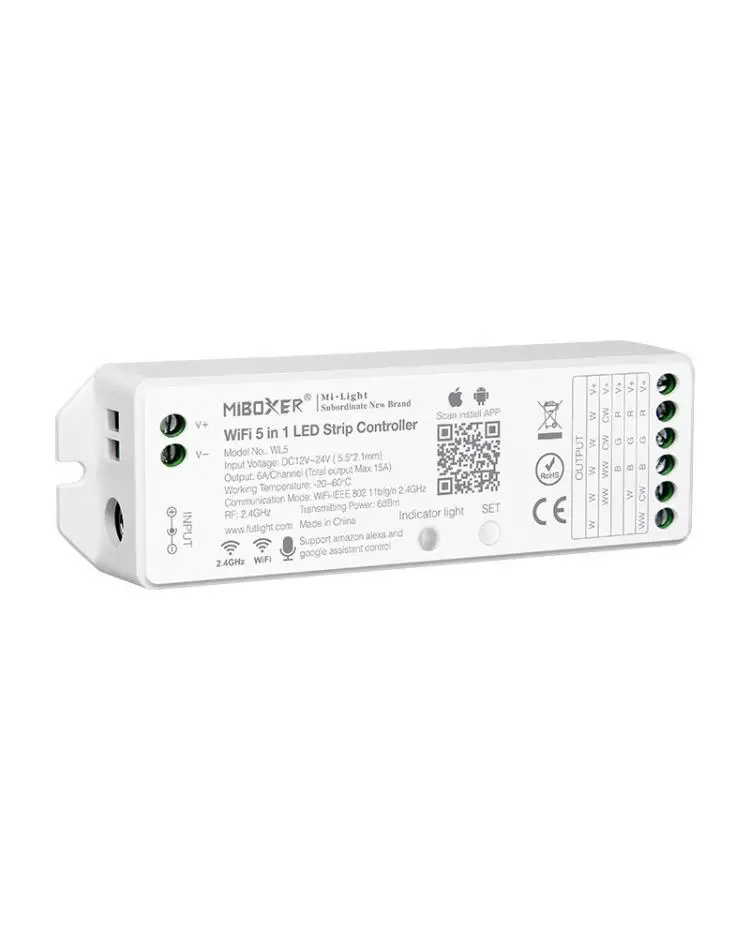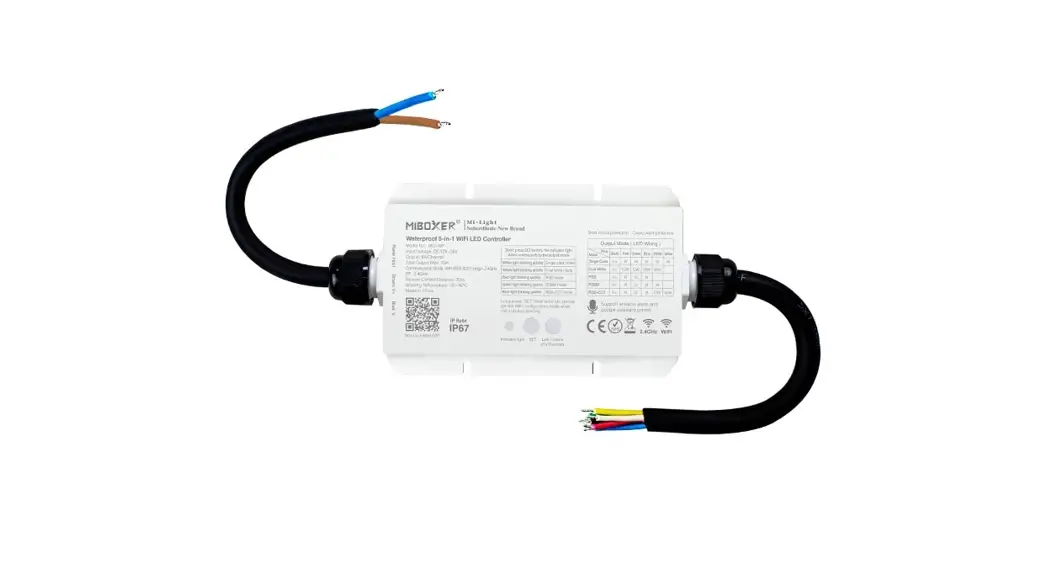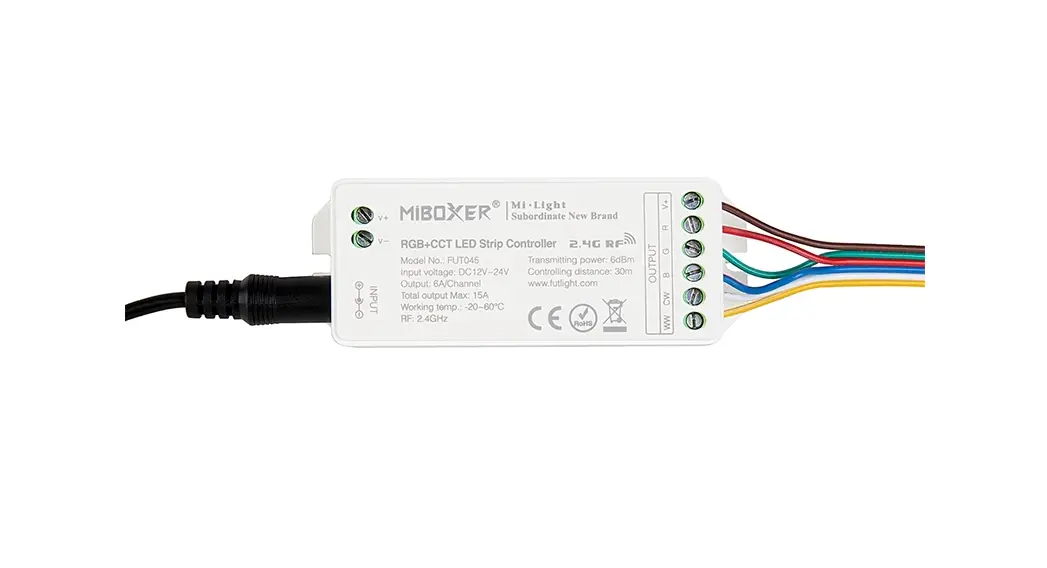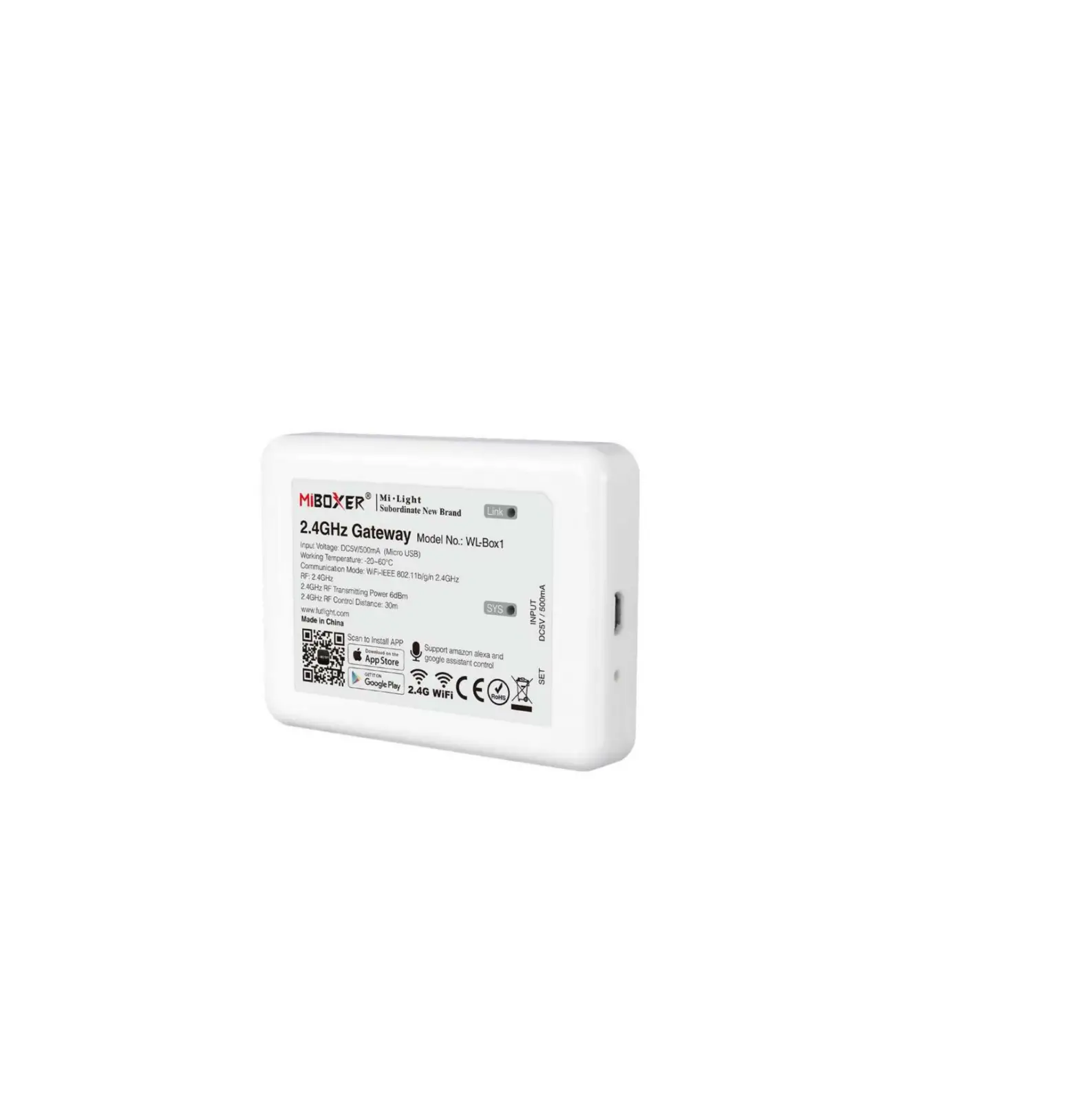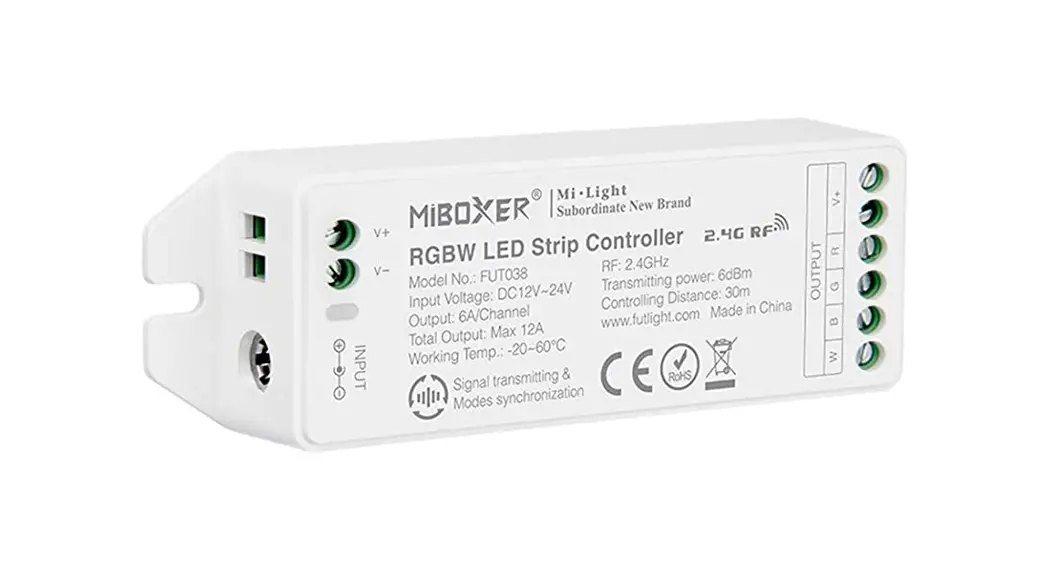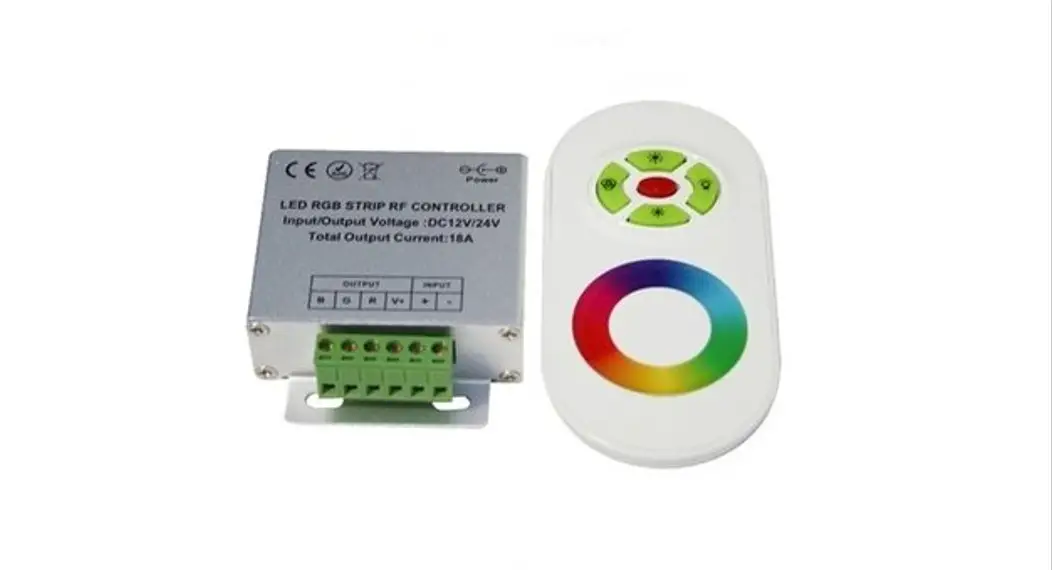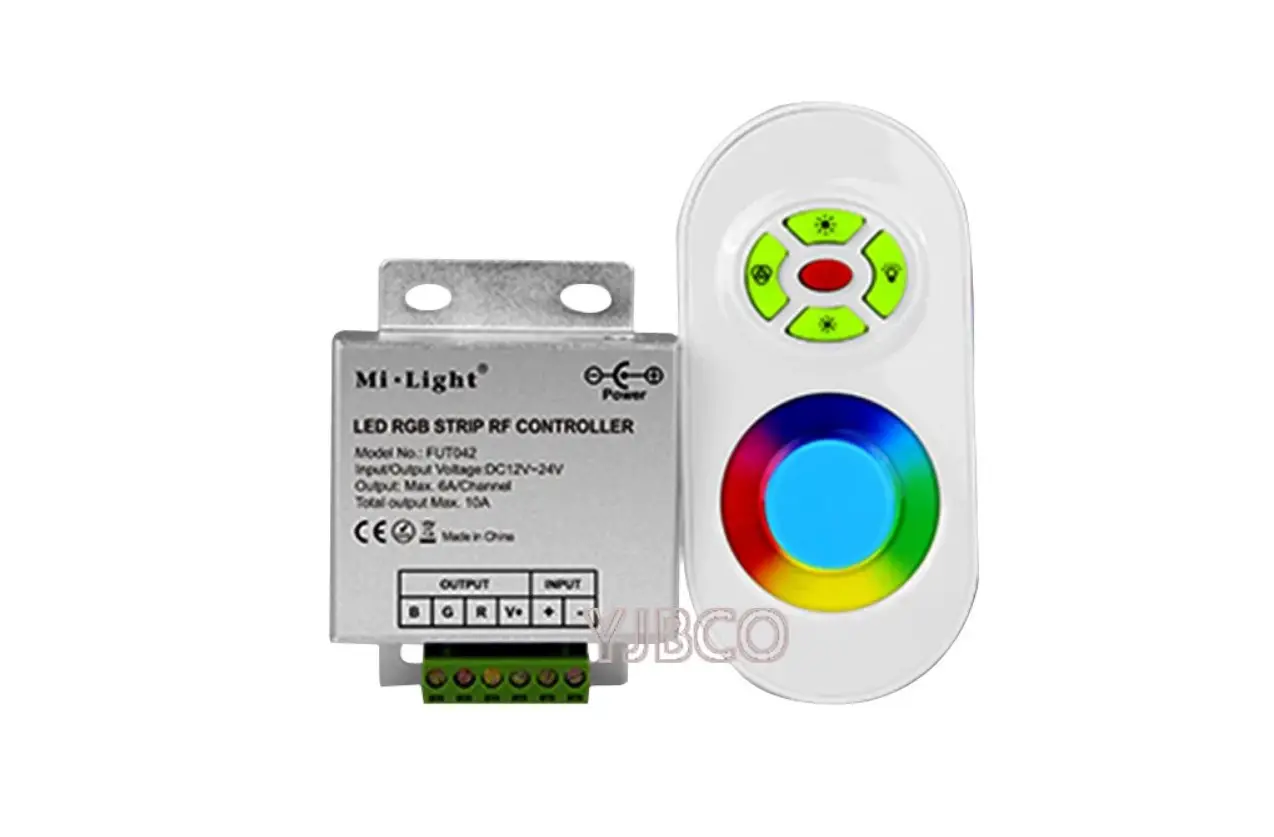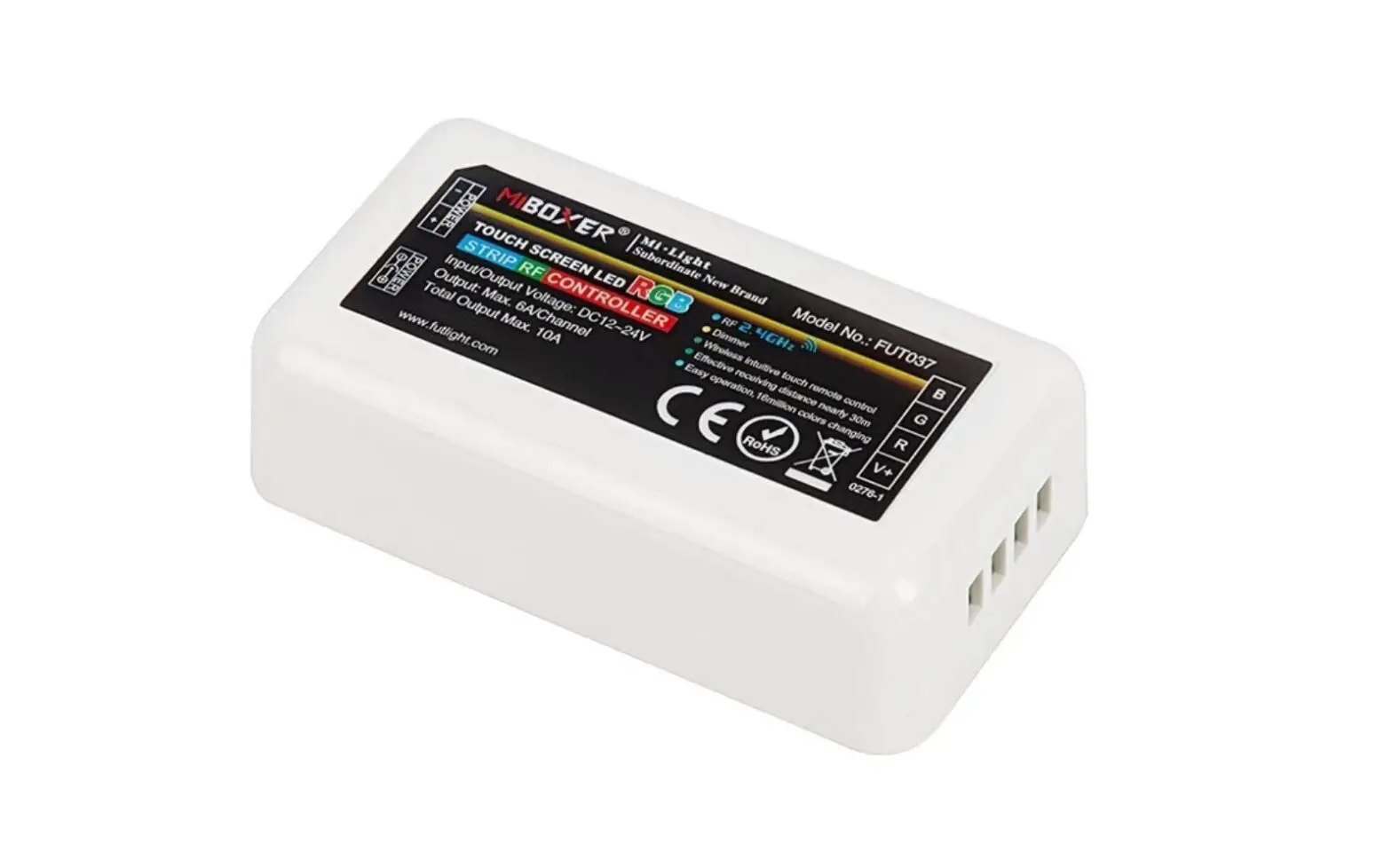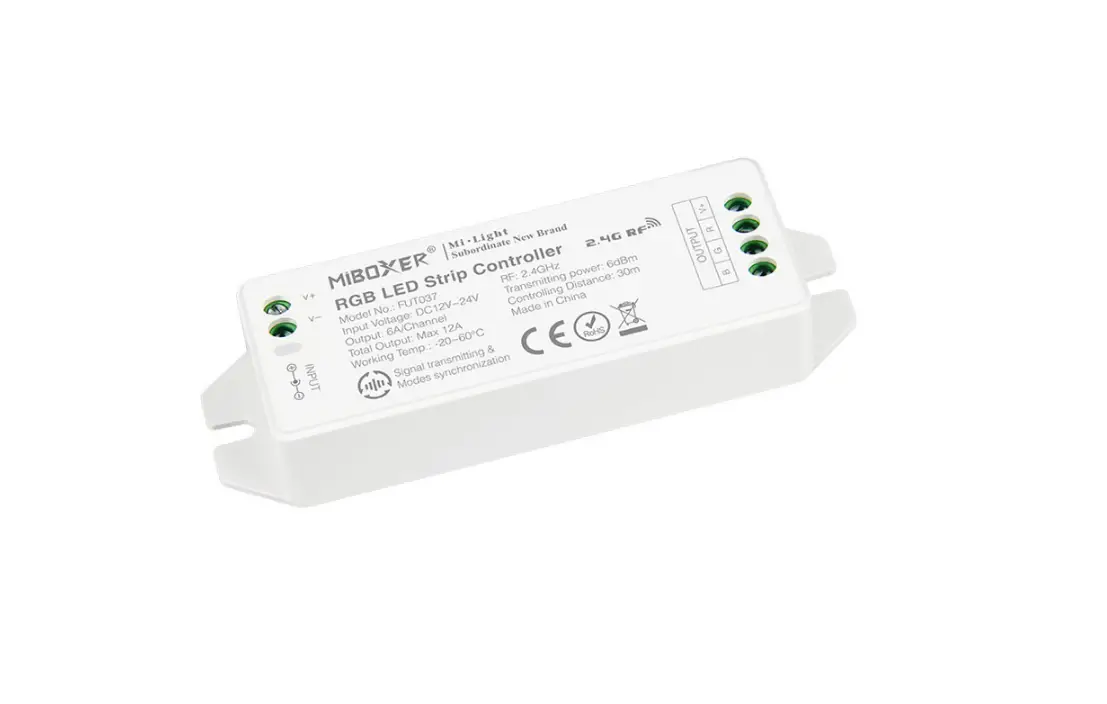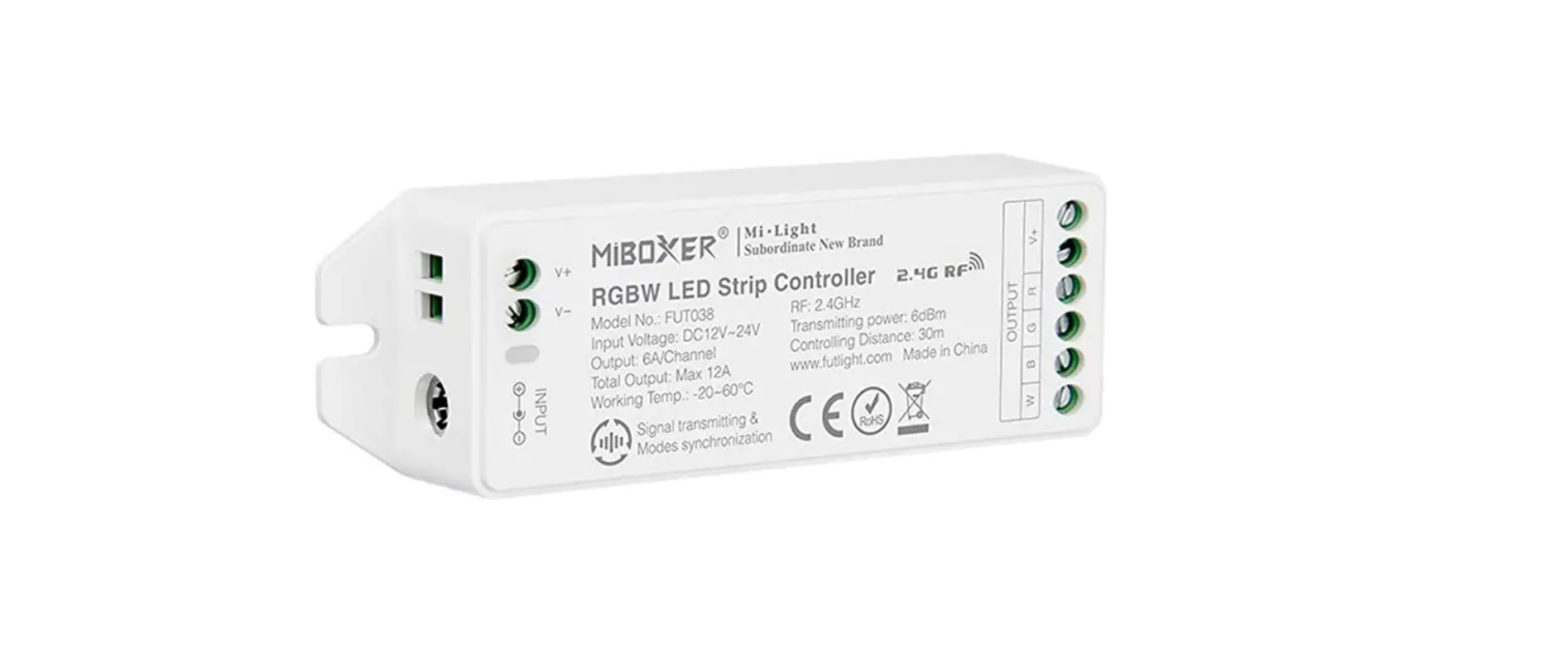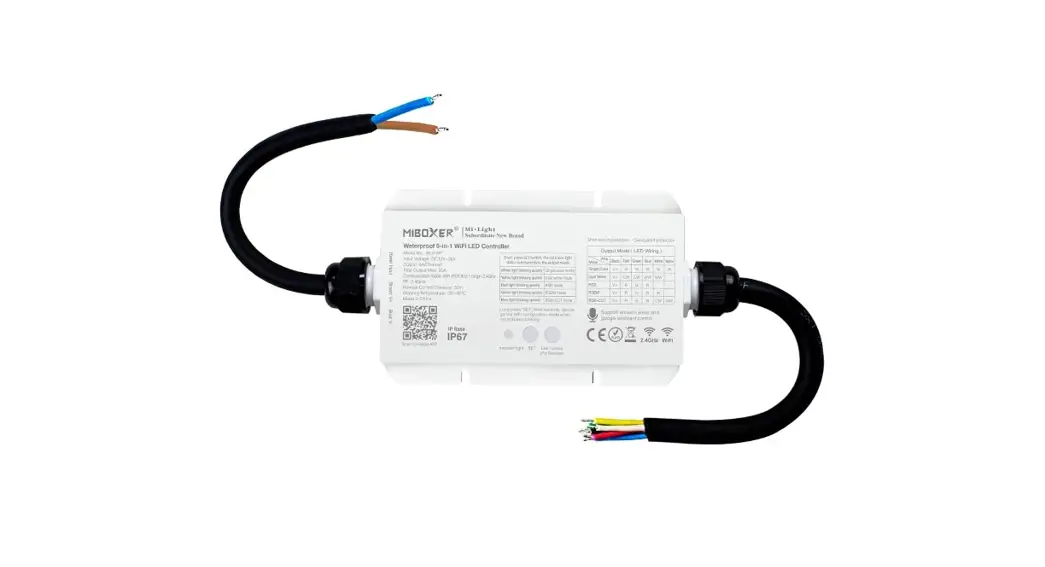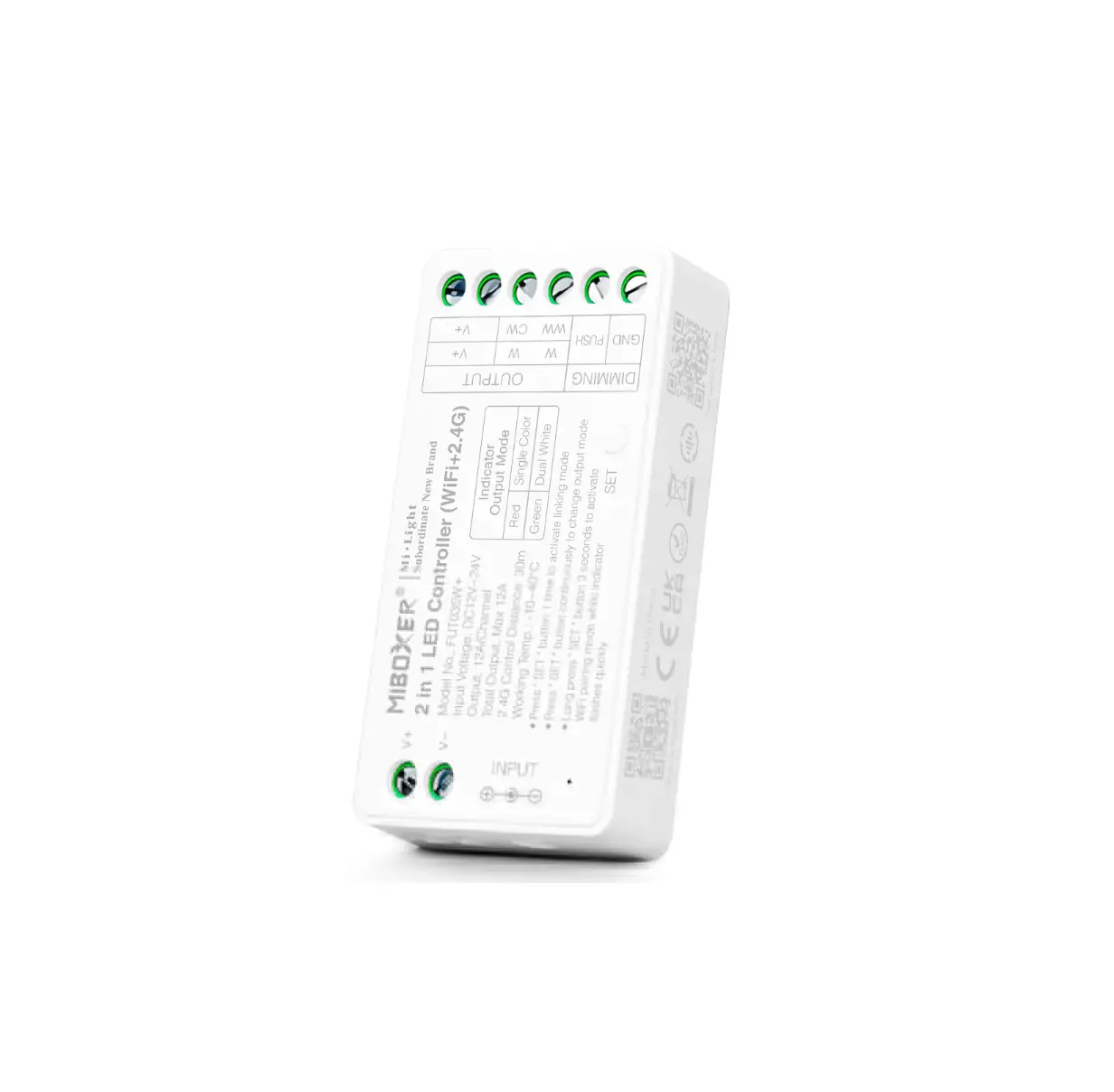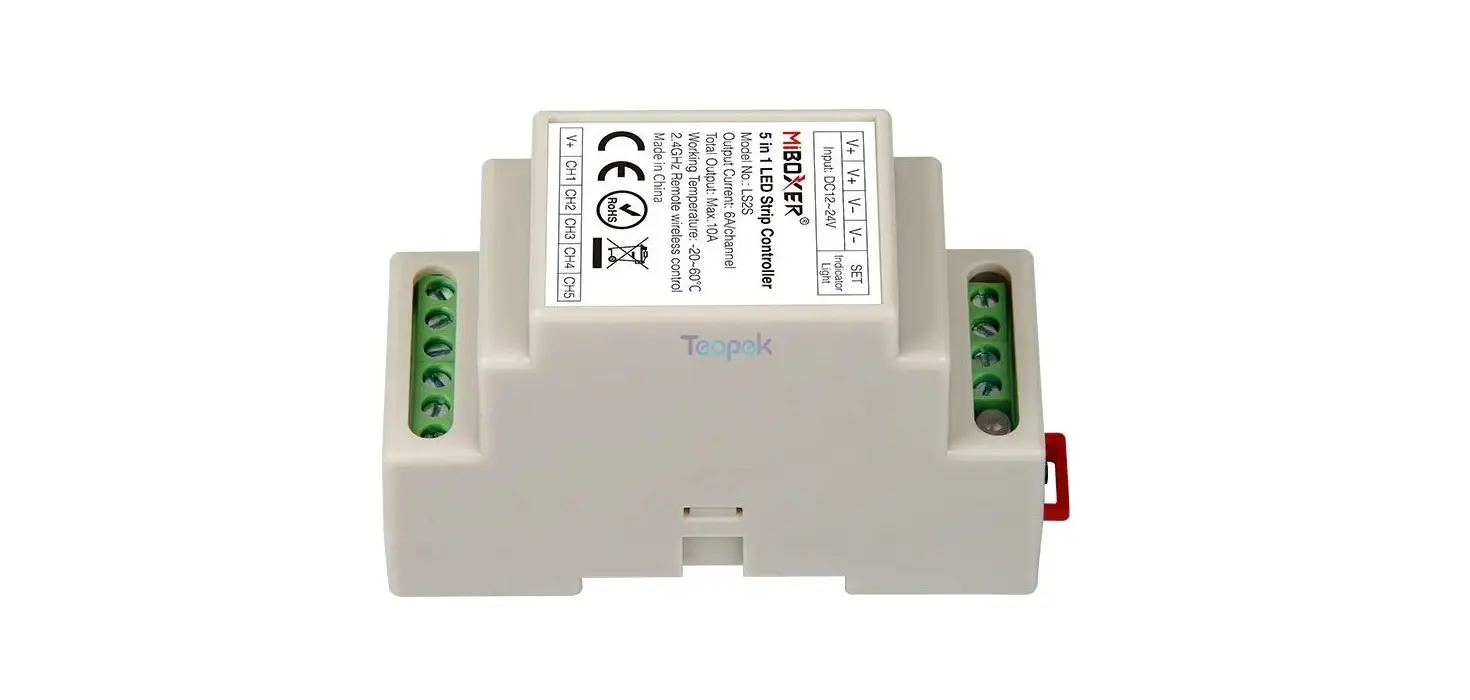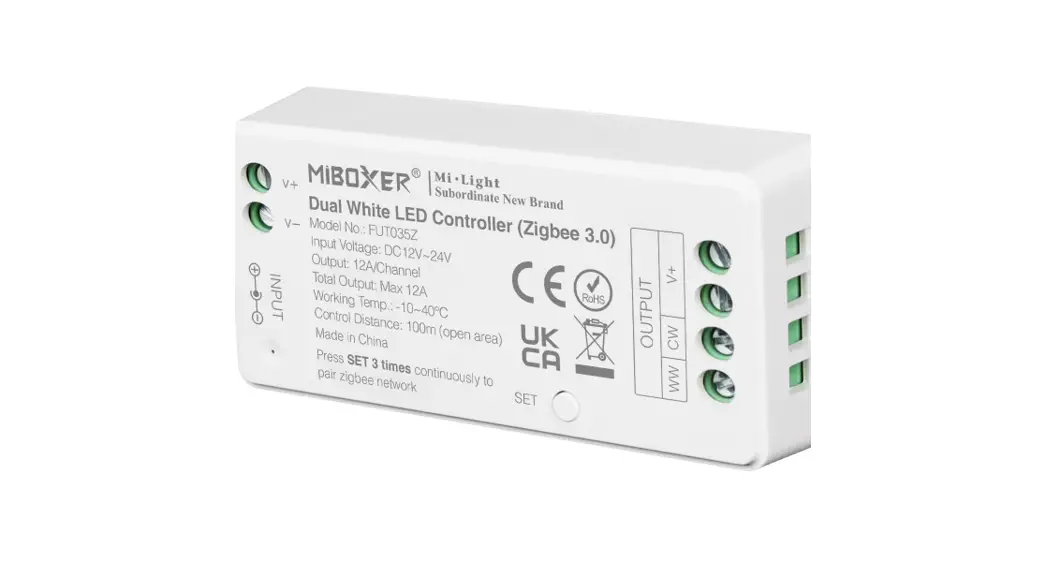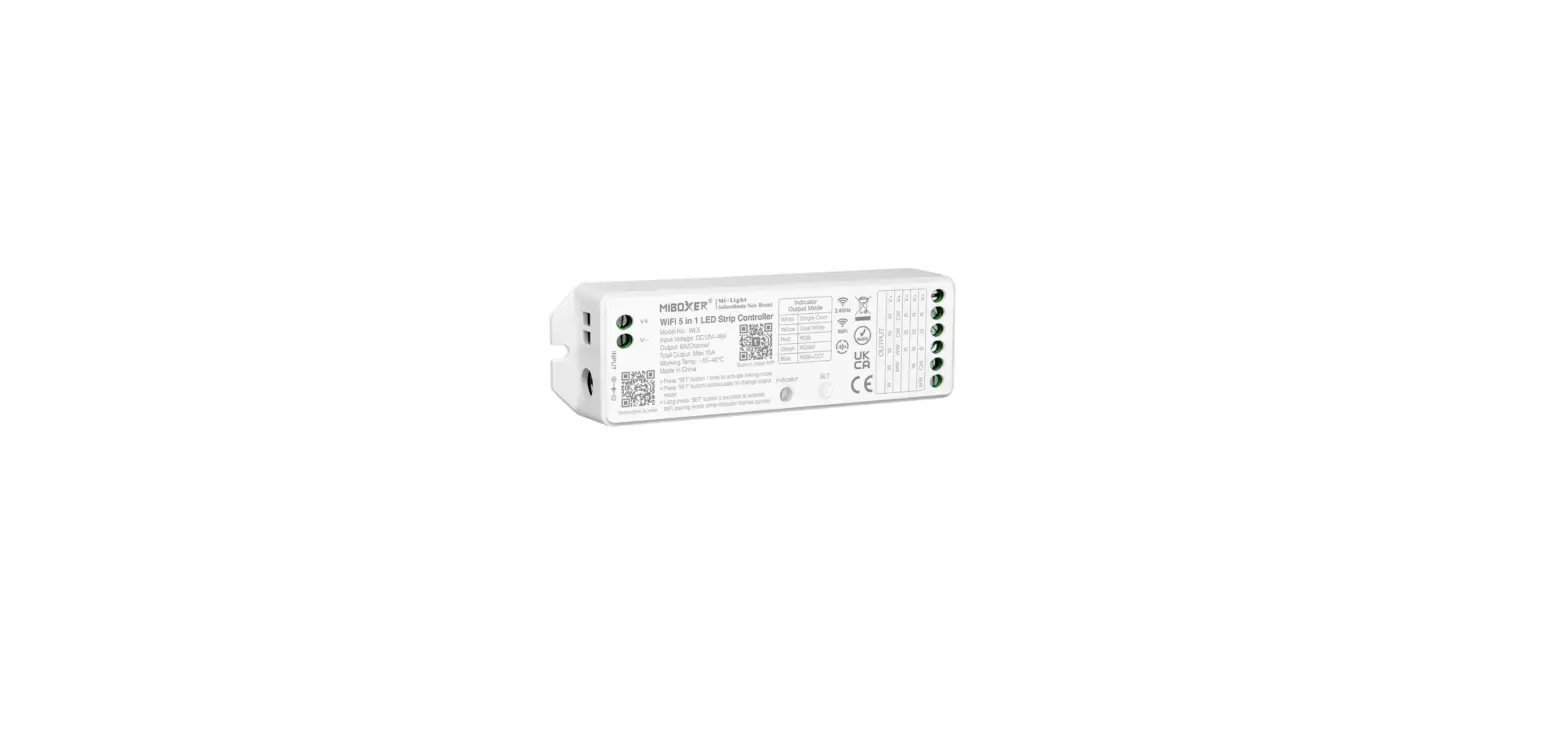

MiBOXER WL5 WiFi 5 Inch 1 LED Strip Controller
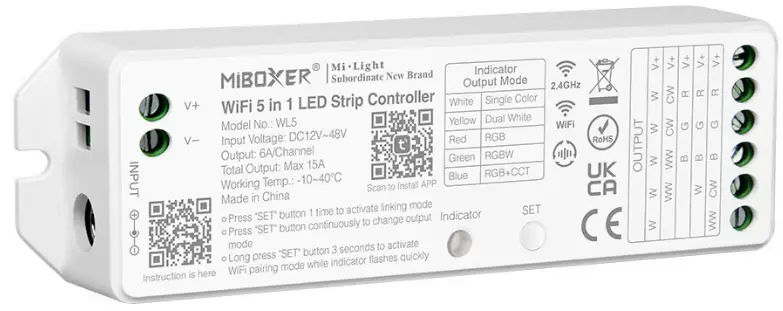
Product Information
| Model No. | WL5 |
|---|---|
| Input Voltage | DC12V~24V (5.5*2.1mm) |
| Output | 6A/Channel (Total Output Max.15A) |
| Working Temperature | -20~60°C |
| Communication Mode | WiFi-IEEE 802.11b/g/n 2.4GHz |
| RF | 2.4GHz |
| Weight | 65g |
Product Usage Instructions
- Scan the QR code on the LED Strip Controller to install the MiBoxer APP.
- Connect the LED strip controller to a power source with an input voltage of DC12V~24V using a DC adapter (5.5*2.1mm).
- Download and open the MiBoxer APP on your smartphone.
- Ensure your smartphone is connected to a 2.4GHz WiFi network.
- Follow the instructions in the MiBoxer APP to connect the LED strip controller to your WiFi network.
- Once connected, you can control the LED strip using the MiBoxer APP on your smartphone.
- You can also control the LED strip using voice commands through Amazon Alexa or Google Assistant if supported.
- Use the MiBoxer APP to choose RGB colors, adjust brightness and saturation, set color temperature (2700K~6500K), and select from 16 color changing modes.
- You can set timing for turning on/off the lights and group control multiple LED strips randomly using the MiBoxer APP.
- The LED strip controller has memory function, so the light status will remain the same as before when you turn off and on the lights.
- The LED strip controller supports auto-synchronization when multiple controllers are started at different times, controlled by the same remote, under the same dynamic mode, and with the same speed.
- The LED strip controller has a SET button that can be long-pressed for 3 seconds to reset and enter Smart Link mode.
- You can switch the output mode by short-pressing the SET button. The indicating lamp will flicker to indicate a successful mode switch. Different colors flickering correspond to different output modes.
- The LED strip controller can auto-transmit signals from the remote control to another controller within a 30m range. As long as there is a strip controller within 30m, the remote control distance can be limitless.
Please read the instructions carefully before using the controller.
Features
The controller is adopted by the most advanced PWM control technology, and has memory function(The light status will keep same as the status before you turn off the light); Wireless and 4G controlled by MiBoxer APP.
 Support amazon alexa and google assistant control
Smartphone APP control
RGB colors to choose
Color temperature 2700K~6500K
Group control randomly by APP WiFi Wireless Control
Compatible with 2.4GHz RF Remote Controller
Dim brightness/Saturation
Timing ON/OFF the lights
16 Color Changing modes
Parameters
- Model No.: WL5
- Input Voltage: DC12V~24V ( 5.5*2.1mm)

- Output: 6A/Channel ( Total Output Max.15A )
- Working Temperature: -20~60℃
- Communication Mode: WiFi-IEEE 802.11b/g/n 2.4GHz
- RF: 2.4GHz
- Weight: 65g


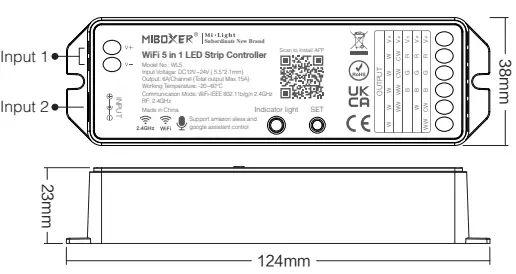
SET Button: Long press “SET” for 3 seconds; When red indicating light blink quickly, device reset and go into Smart Link mode.
Switching Output Mode: Short press “SET” button to switch the output mode; The indicating lamp flickering means switching successfully; Different colors flickering correspond to different output mode; Details see below sheet.
| White Light Flickering | Yellow Light Flickering | Red Light Flickering | Green Light Flickering | Blue Light Flickering |
| Single Color Mode | Dual White Mode | RGB Mode | RGBW Mode | RGB+CCT Mode |
Indicating light instruction:
| Red light always-on | Red light blinking | Green light always-on | Green light blinking | Yellow light blinking |
| Disconnected from network | Smart Link mode | Networking successfully | Received signal | Device malfunction |
Auto-synchronization function
Different controllers can work synchronously when they are started at different times, controlled by the same remote, under same dynamic mode and with same speed.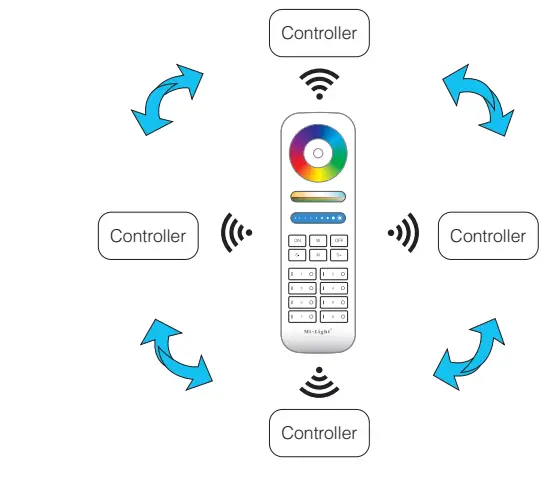
Remark:
 Indicating Auto-transmitting.
- Controller will be auto-synchronizing in the same dynamic modes and within 30m controlling distance.
 Indicating Auto-transmitting.
Auto-transmitting Diagram
One strip controller can transmit the signals from the remote control to another controller within 30m, as long as there is a strip controller within 30m, the remote control distance can be limitless.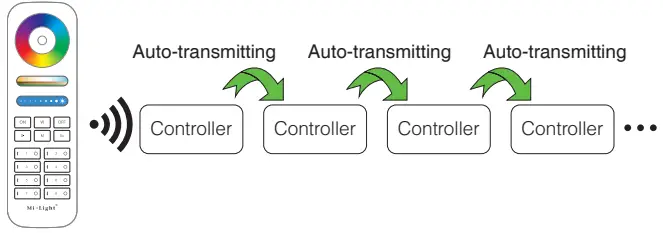
Connect to LED strip diagram
Controller input voltage must be in accordance with the required voltage of LED Strips.
Connect to Single Color LED strip diagram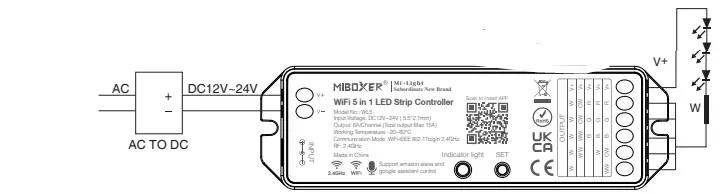
Connect to Single Color LED strip diagram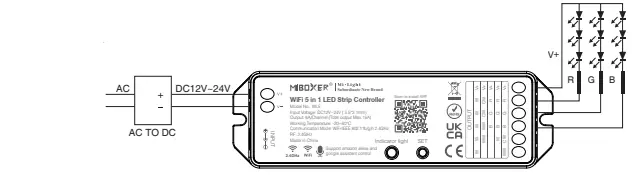
Connect to RGB LED strip diagram
Connect to RGBW LED strip diagram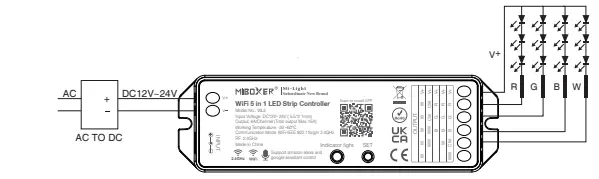
Connect to RGB+CCT LED strip diagram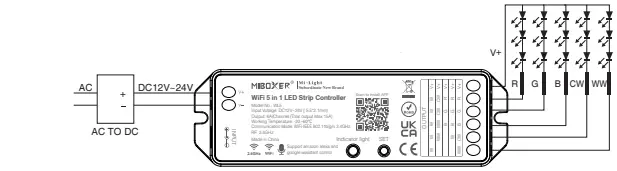
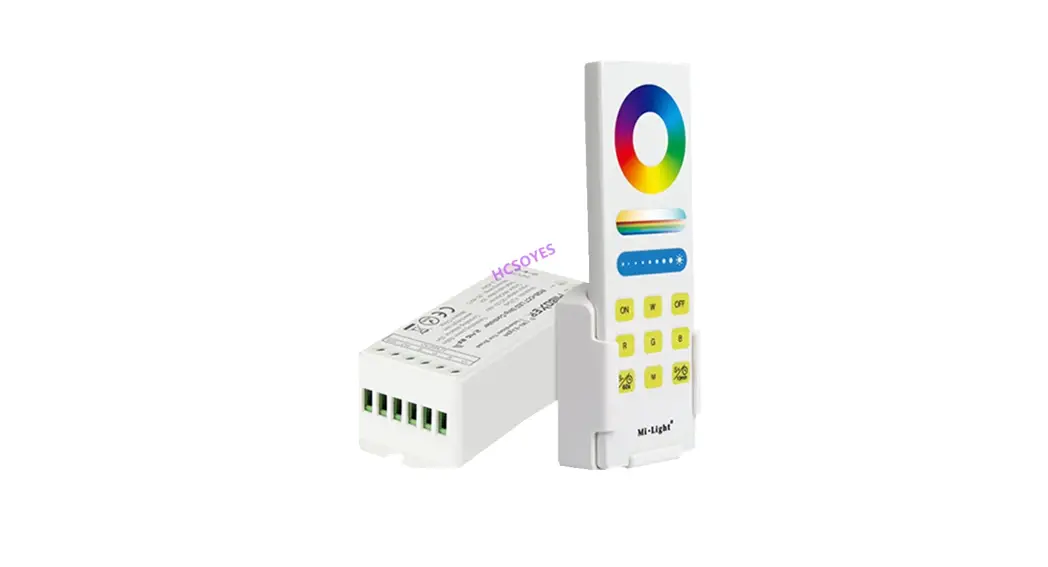
Remote Controller
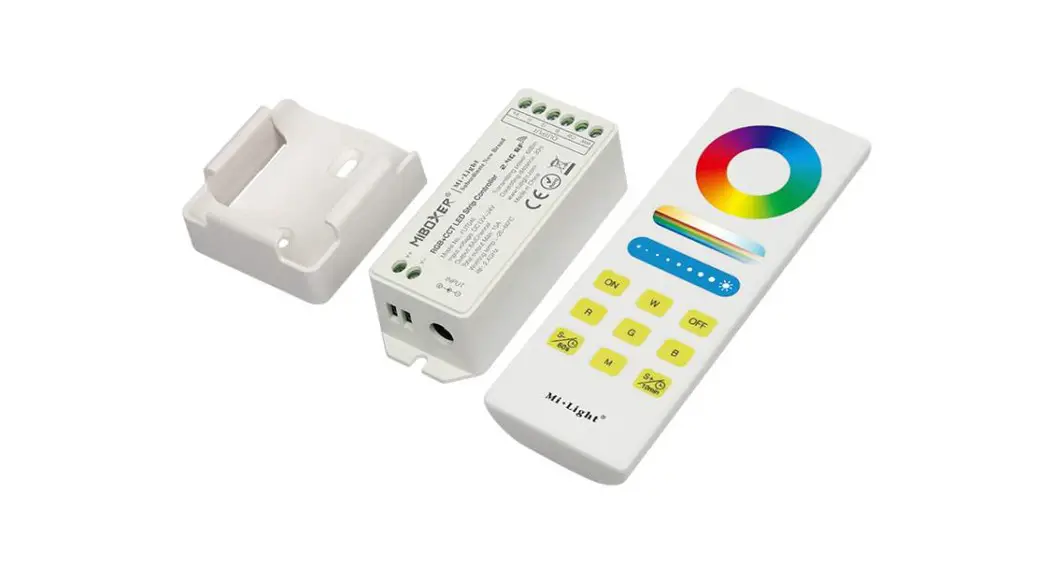
Compatible with these remote controls (Purchased separately). For more details, pls read the remote instruction.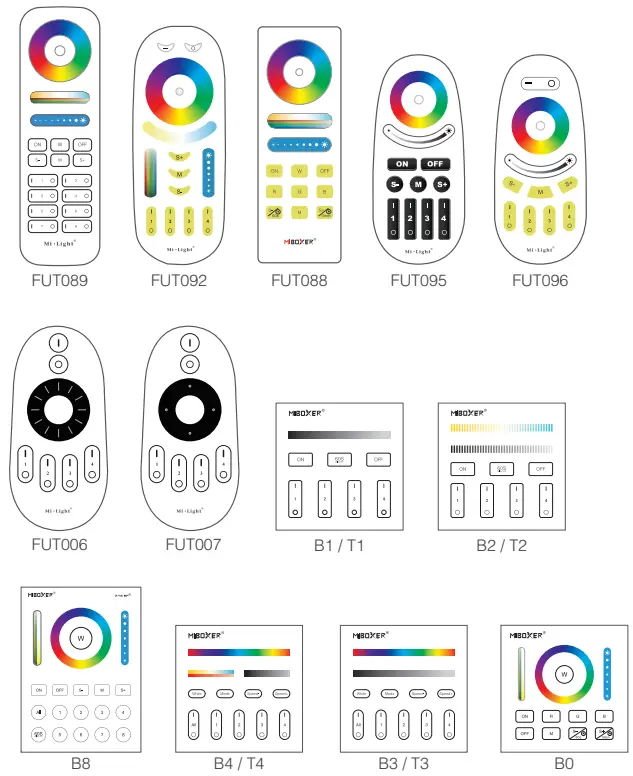
Attention
- Please check whether the input voltage of the constant voltage power supply is in accordance with the controller, and please check the connection of both the cathode and anode.
- The working Voltage is DC12~24V, the controller will be broken if the voltage is higher than 24V.
- Non-professional user cannot dismantle the controller directly, otherwise, it may cause fire and electric shock.
- The working temperature is -20~60℃; Do not use the device to direct sunlight, moist and other high temperature area.
- Please do not use controller around the mental area and high magnetic field, otherwise, it will badly affect the control distance.
Scan QR code to watch online video for WiFi pairing
MiBoxer APP User Instruction
APP Downloading
For IOS System: Pls search “MiBoxer” on APP store. (Above IOS9.0)
For Android System: search “MiBoxer” on Google Play (Above Android 5.0) or Scan below QR-code to download APP.
Register MiBoxer Account
Open APP and click Register button;Complete the register and log in.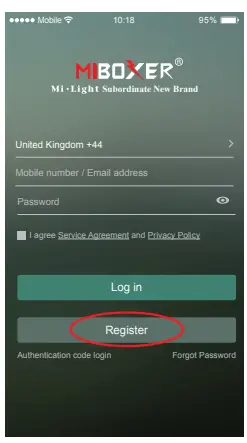
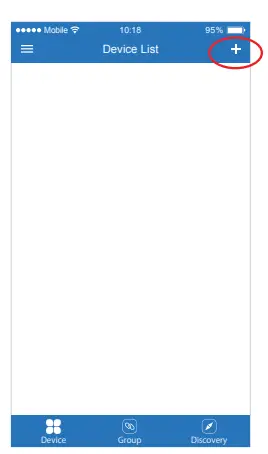
Add Device
- Click the right top “+” on the device list.
- Please select the device type you will add, then complete the adding according to the hint of APP.
- Back to device list after adding successfully, then pull down refresh in list to get the device status.

Modify device name or delete device
Slide device list to left, click ” Edit ” to modify device name; click ” Delete ” to delete device.
Note: If the device was shared to others, then the device will also be deleted on your friends’ device list.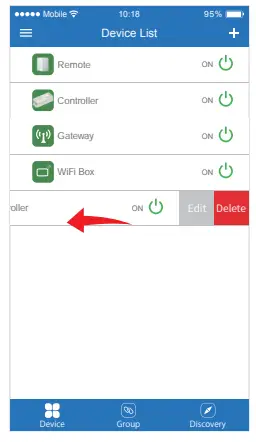
Group Control
- Click
 to switch to Group list, then click the right top icon on the Group list to create groups.
 - Slide the Group list to left to Edit / Delete groups.
Note: The group just work on APP Controlling, cannot work on Voice control. Please open third party APP for Group Voice control.
 to switch to Group list, then click the right top
 icon on the Group list to create groups.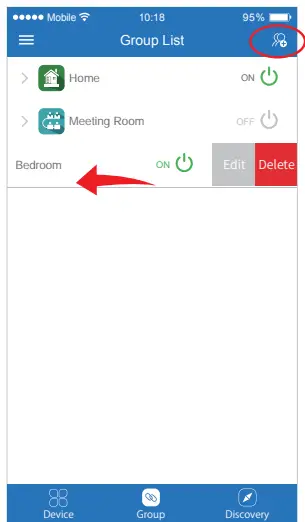
APP Control
Click the device or group that you want to dim on device list and group list into Dimming Interface.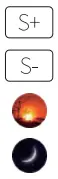 Click speed+ under dynamic mode.
Click speed- under dynamic mode.
Scan QR Code to Install APP
Sunset mode: Gradually OFF within 10 minutes.
Good night mode: Gradually OFF within 1 minute.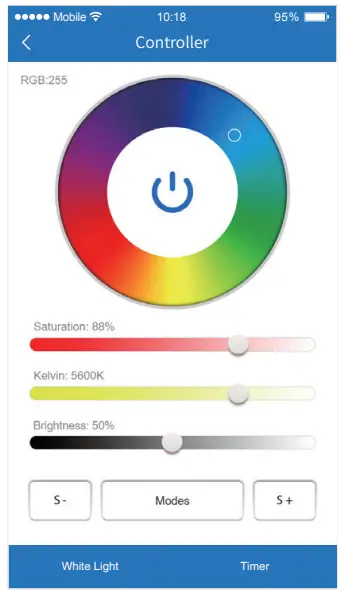
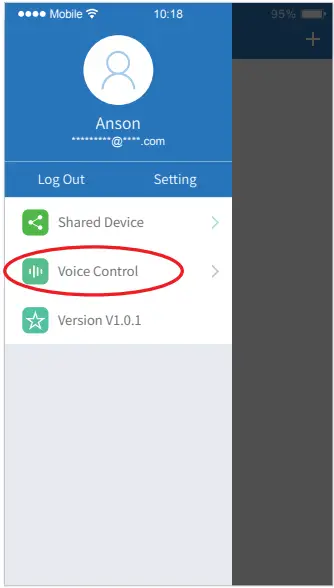
Third Party Voice Control instructions
Search “Mi-Light Smart” on third-party platform APP and set up.
Click left top “ ” icon on the home page;
Then click “ ” to check detailed instructions.
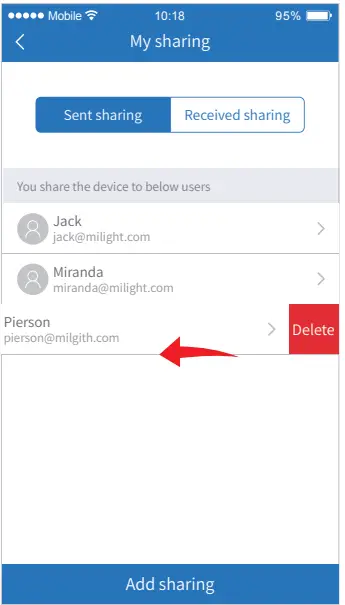
Sharing Device
Share the device to friends, Let your friends can control this device.
- Click the left top “
 ” icon on the home page.
 - Click “
 ” to My sharing, then click”Add sharing”
(Note: the receiving sharing device cannot be shared again). - Click “
 ” to edit sharing, slide to left to delete sharing.
 ” to My sharing, then click”Add sharing”
 ” to edit sharing, slide to left to delete sharing.